TaskMagic

TaskMagic

Automate repetitive web tasks by simply recording them.

#8 dans Automation
2 min read · Updated 11/21/2025
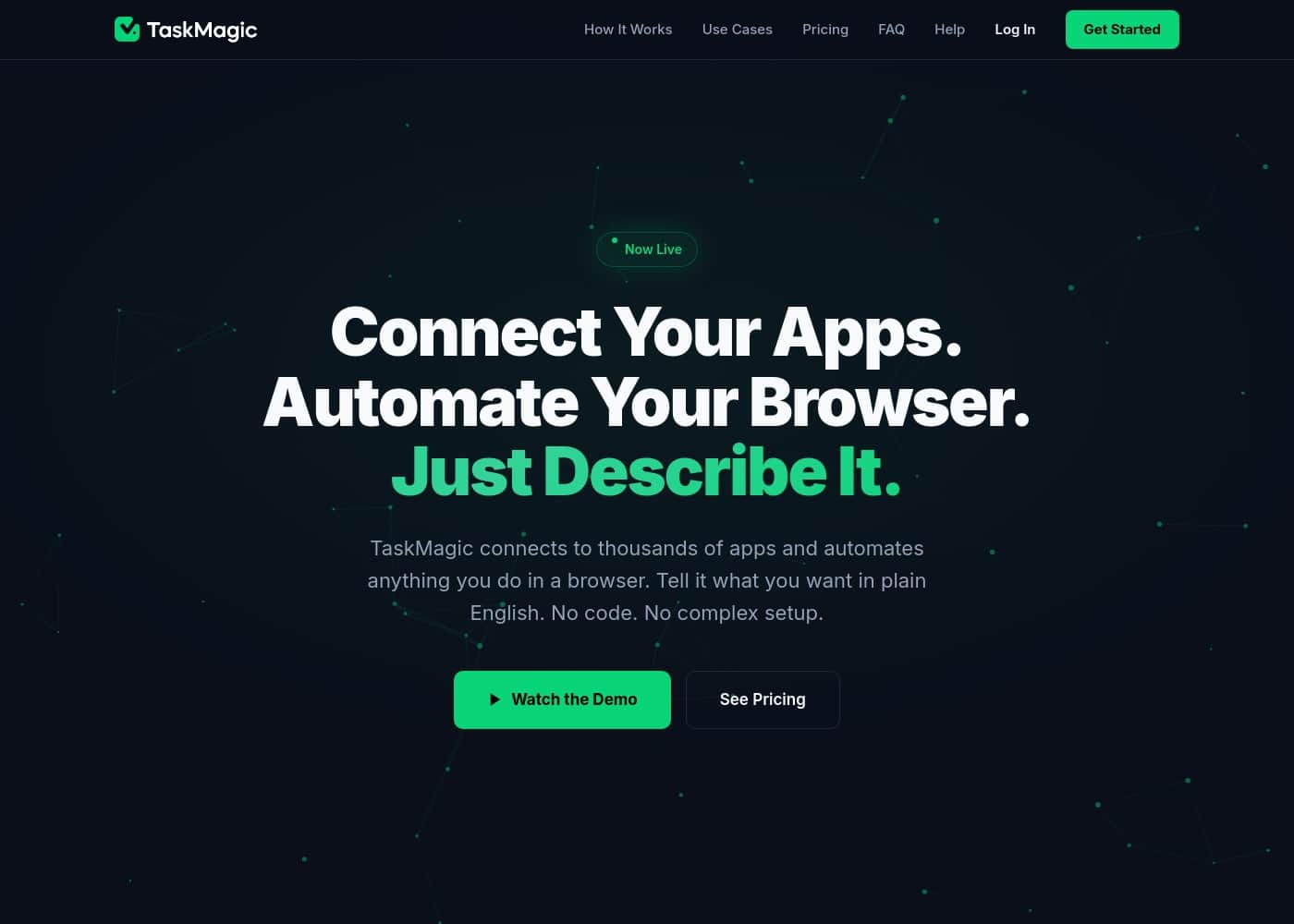
TaskMagic homepage screenshot

At a glance

Quick overview for TaskMagic: rating, pricing summary, key features, and highlights.
Free trial
Yes
Range: $0–$49/monthFree plan, Monthly subscription
This section is a summary. Detailed sections about features, use cases, pricing, and reviews follow below.

TaskMagic review, pricing, features, pros & cons

Do you often find yourself doing the same manual or repetitive tasks on the internet? Repetitive work consumes time you could spend on growth. TaskMagic offers a powerful solution.

It takes away the tedious work you don't want to do. Automate everything by recording the task once, then never doing it again. ✨

What is TaskMagic?

TaskMagic acts effectively like an automated virtual assistant. It is built specifically for tasks that traditional automation tools often cannot handle.

You simply record yourself doing the task one time. The system transforms your walkthrough videos into powerful automations. Think of it as literally cloning yourself! 💡 It handles the clicking, typing, copying, and pasting, just like a human would normally do.

TaskMagic Key Features

✨ Turn Walkthroughs into Automated Clones

You can eliminate tedious manual tasks entirely. Simply record yourself performing the task one single time. The system converts your recorded walkthrough video into a powerful, reliable automation.

This means TaskMagic is literally cloning your actions to handle repetitive web processes fast. ✨

✨ Human-Like Web Interaction

TaskMagic acts effectively like a detailed automated virtual assistant. The tool is specifically built for complex tasks that traditional automation tools often cannot handle. It handles the clicking, typing, copying, and pasting, just as a person would normally do.

This capability ensures that if a human can do the task on the web, TaskMagic can automate it.

✨ Bypass API Limitations Seamlessly

Stop chasing workflows that have missing steps or actions. TaskMagic skips reliance on complicated APIs entirely. This design removes common limitations that leave behind gaps in other automation platforms.

If services like Zapier or Make lack a specific trigger, TaskMagic steps in to complete your crucial workflow.

✨ Zero Code, Zero Setup Hassle

Setting up your automation flows is remarkably fast and easy. TaskMagic requires no complicated APIs and absolutely no code to function. The system is designed for simplicity, making setup as easy as pressing a single record button.

This process lets you instantly empower yourself and your staff to minimize manual work immediately.

✨ Easy Maintenance with Instant Re-Record

You never have to chase complex support teams to debug errors again. Maintaining your automations remains remarkably easy even when websites change. If a current flow breaks due to a website update, simply re-record the task at the press of a button.

You will have a new, working flow ready within minutes, not hours.

Use Cases

📋 Automating Repetitive Data Entry

Your staff often wastes time moving data between systems that don't talk to each other. They might copy names, emails, or order numbers from one app and paste them manually into another web interface. This highly repetitive work is perfect for automation.

Simply record yourself performing the complete task once. TaskMagic copies and pastes just like a human, ensuring the data is transferred reliably. You can then schedule this flow or trigger it to run whenever new data is available.

🌉 Closing the Workflow Gap

Sometimes, your regular automation platform (like Zapier or Make) lacks a crucial trigger or action for a specific website. These missing APIs create frustrating gaps in critical workflows. TaskMagic steps in to handle these missing web interactions.

TaskMagic doesn't rely upon connecting to APIs. It records the necessary clicking and typing directly on the website, allowing it to complete tasks that other tools leave unfinished. This lets TaskMagic work seamlessly both with and without your existing automation stack.

⚡ Supercharging Virtual Assistants

Empower your virtual assistant (VA) to increase their output immediately. Manual review tasks, such as repetitive site checks or formatting data across web forms, consume hours of a VA’s day. Instead of tedious manual labor, give them TaskMagic so they can automate this work.

Once the flow is recorded, VAs can focus on higher-value tasks, minimizing time spent on redundant clicking and typing. This effectively ‘clones’ the VA’s manual efforts for maximum efficiency.

🔧 Simple Maintenance and Debugging

When a target website changes its layout, traditional automations often break completely. Fixing these flows usually involves chasing internal support or lengthy debugging.

TaskMagic makes maintenance remarkably easy. If a flow breaks due to a site change, you can simply re-record the task at the press of a button. You'll have a fully functioning replacement flow ready within minutes.

🧑‍💻 High-Volume Account Creation

Many administrative tasks require performing the exact same steps repeatedly, such as onboarding new users or setting up specific profiles.

Instead of making 30 tedious clicks to set up each new employee account, show TaskMagic how to complete the process one time. The system will then perform all the clicking, typing, and copying needed for the rest of the accounts automatically.

Pricing Overview for TaskMagic

Pricing range
$0–$49/month
Pricing types
Free plan, Monthly subscription

TaskMagic offers a flexible pricing structure with a zero-cost "Free Forever" plan and two paid tiers billed monthly. Paid plans range from $29 to $49 per month, scaling based on the requirement for browser recording capabilities.

Plans & Pricing

Free Forever

Monthly$0
Does not include unlimited workflows, unlimited workspaces, or team-based permissions.
  • Unlimited apps
  • Unlimited steps
  • Unlimited tasks
  • Webhooks
  • Filter, math, delay, etc steps

Apps

Monthly$29
Yearly$243
Does not include browser recording features.
  • Unlimited apps
  • Unlimited steps
  • Unlimited tasks
  • Webhooks
  • Filter, math, delay, etc steps
  • Unlimited workflows
  • Unlimited workspaces
  • Team-based permissions

Apps + browser

Monthly$49
Yearly$411
  • Unlimited apps
  • Unlimited steps
  • Unlimited tasks
  • Webhooks
  • Filter, math, delay, etc steps
  • Unlimited workflows
  • Unlimited workspaces
  • Team-based permissions
  • + 1 more features

TaskMagic costs between $0 and $49 per month with three plans: Free Forever at $0, Apps at $29, and Apps + browser at $49.

TaskMagic makes automation accessible with three straightforward monthly plans. Here is a closer look at what each tier offers.

Free Forever

Price: $0 per month Websites Supported: Not explicitly stated Best For: Users learning automation or handling simple tasks with existing app connections. Refund Policy: Not explicitly stated Other Features: Unlimited apps, steps, tasks, webhooks, and filter steps.

The Free Forever plan is excellent for trying out TaskMagic without any financial commitment. You get access to core features like unlimited tasks built for basic automation needs. Remember that this tier does not include unlimited workflows, workspaces, or team permissions. It's a great starting point for beginners!

Apps

Price: $29 per month Websites Supported: Not explicitly stated Best For: Individuals or teams needing heavy automation capabilities outside of web browser clicks. Refund Policy: Not explicitly stated Other Features: Unlimited workflows, unlimited workspaces, and team-based permissions.

The Apps plan boosts your capabilities significantly by unlocking unlimited workflows and team permissions. This is the right choice when you need proper organizational structure and collaboration tools for automation. However, this plan focuses exclusively on app logic rather than direct browser interaction.

Apps + browser

Price: $49 per month Websites Supported: Not explicitly stated Best For: Power users or teams needing full web scraping and automation capabilities including front-end interactions. Refund Policy: Not explicitly stated Other Features: Includes browser recording functionality (implied by plan name).

For complete flexibility, the Apps + browser plan includes everything in the Apps tier plus web browser automation. If your repetitive automated tasks involve clicking, typing, and copying directly on a live website, this plan is essential. It delivers the most robust automation power for heavy usage and deep web interaction. ✨

TaskMagic provides a generous $0 Free Forever option so you can begin automating right away. You are explicitly welcome to start free and stay on the free tier if you wish. Since all stated plans are monthly, you should check the provider's site for any potential discounts on yearly subscriptions.

User Reviews

No reviews yet.

Write a Review

Write a Review for TaskMagic
0/100 characters
0/2000 characters

Why use TaskMagic?

Why should you choose TaskMagic? It empowers you or your virtual assistant to supercharge your output immediately. You set up the task once, then schedule or trigger it to run when needed.

There's no need to chase complicated APIs. TaskMagic doesn't rely on connecting to any APIs, which removes common limitations that leave gaps in other workflows. Setting up your flow is as simple as pressing a record button. You need no APIs and no code. ✅

This tool works seamlessly with or without services like Zapier or Make. If other automation platforms lack a specific trigger or action, TaskMagic steps in to fill that crucial workflow gap.

Maintaining your automations is remarkably easy. If a website changes, you don't have to chase down support teams to debug or fix your flow. Simply re-record the task at the press of a button. You'll have a new flow ready within minutes, not hours.

Ready to transform your workflow with TaskMagic?

Frequently Asked Questions

Does TaskMagic replace or integrate with tools like Zapier and Make?

TaskMagic is designed to work both with and without those platforms. It serves to fill crucial workflow gaps where Zapier or Make may lack specific API actions or triggers for a task.

Is TaskMagic priced per individual user seat, or based solely on usage?

The paid plans include 'Team-based permissions,' suggesting collaborative functionality. However, the official site does not explicitly detail the cost structure per individual user or seat.

What happens if a website changes its layout and breaks my existing recorded workflow?

Maintenance is simple and fast. If a website changes, you don't need to chase support; you simply re-record the task. A new, working flow can be ready within minutes.

Are there limits on how many times my automated tasks can run monthly?

All three pricing tiers—including the Free Forever plan—clearly list 'Unlimited tasks.' The site does not define a specific volume quota or restriction on monthly execution count.

Which plan do I need if I must automate clicking, typing, and copying directly on a live website?

Web browser automation requires the top-tier '$49 Apps + browser' plan. The lower tiers focus only on app logic and do not include the browser recording capabilities needed for front-end interaction.

Does TaskMagic offer a money-back guarantee or formal refund policy?

Not explicitly stated on the official site. Since all prices are listed monthly, you should check their official terms of service for refund details before purchasing.

If I automate a task that processes sensitive data, how is my privacy handled?

Not explicitly stated on the official site. While the platform involves recording clicks and typing, the provided content does not detail specific data security or privacy protocols.

What is the main drawback of choosing the $0 Free Forever plan?

The Free Forever plan lacks key organizational and teamwork features. You will not have access to unlimited workflows, unlimited workspaces, or team-based permissions.

Are there annual billing options if I want to commit long-term?

Yes, TaskMagic offers annual pricing for the paid tiers. Choosing an annual commitment will result in a discount compared to paying the month-to-month rate.

Does TaskMagic work in specific languages or geographic regions only?

Not explicitly stated on the official site. Since it operates by mimicking human interaction on the web, it should work wherever a human can access a site.

How does TaskMagic handle complex automation that other tools can't manage through APIs?

TaskMagic does not rely on APIs; instead, it automates tasks by literally cloning your actions. It can perform any clicking, typing, copying, and pasting a human can do.

Who is the ideal user for the Apps + browser plan?

This plan is best for power users, teams, or organizations needing robust automation capabilities. It is essential if your tasks involve deep web scraping or complex front-end interactions.

Ready to try TaskMagic? Check out the official site or pricing.