DataSnipper

DataSnipper review

AI agents that handle audit testing while your team stays in control.

By Ciroapp Editorial Team · Updated Sep 16, 2026

Commission may apply at no extra cost

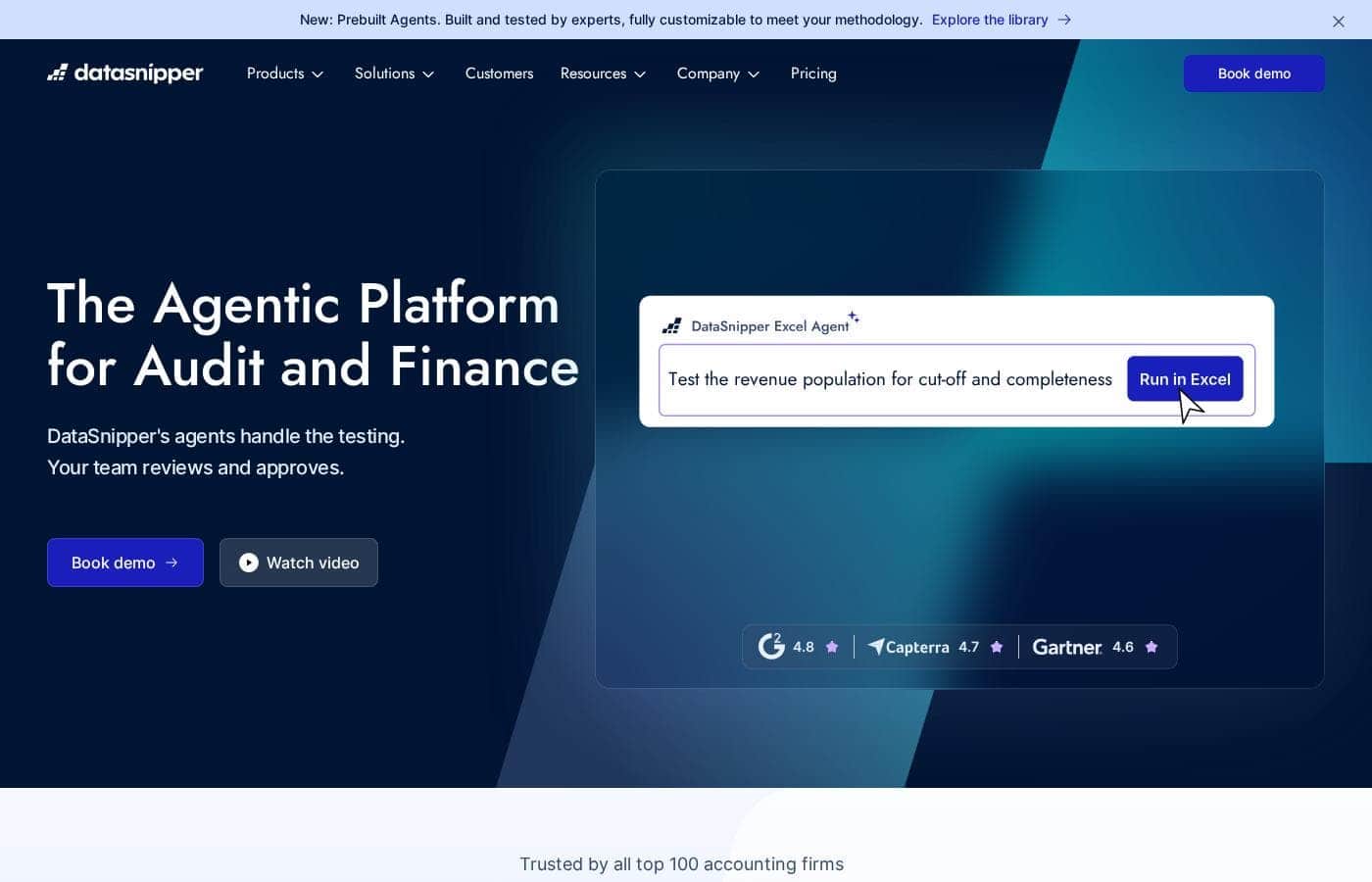
DataSnipper homepage screenshot

At a glance

Quick overview for DataSnipper: rating, pricing summary, key features, and highlights.
Vendor page checked Oct 12, 2026

Ciroapp score

4.2/ 5

DataSnipper puts AI agents inside Excel, so audit teams can automate testing without changing how they work. Reported results are strong, with big time savings and adoption across every top 100 accounting firm, but pricing stays hidden and there's no free trial. Overall, it's a safe pick for Excel-heavy audit teams that are fine going through a sales demo.

Pros

  • Pros:Excel-native design means agents run revenue testing, royalty calculations, and tests of details directly inside the workbooks your team already uses, eliminating tool-switching and a new interface to learn
  • Pros:Documented customer results include 85% less time on high-volume testing (FGMK) and 90% faster document reviews (Kushner LaGraize), giving buyers concrete benchmarks rather than vague efficiency claims
  • Pros:Prebuilt agents are built and tested by experts and fully customizable to your firm's methodology, so rollout starts from proven workflows instead of a blank slate

Cons

  • Cons:There is no public pricing, no free trial, and no self-serve evaluation path — every quote and hands-on test requires booking a demo through the sales process
  • Cons:The platform is built entirely around Excel, so teams that don't work in Excel daily cannot use the workflows without changing how they operate
  • Cons:Specific integrations and connectors are not named on the site, so you must confirm during a demo whether your actual source systems are supported
Best for
  • External audit teams automating tests of detail and controls
  • Internal audit teams running SOX controls testing
  • Tax teams extracting data from tax forms and invoices
This section is a summary. Detailed sections about features, use cases, pricing, and reviews follow below.

What is DataSnipper?

Every audit season, documents pile up faster than your team can verify them. DataSnipper attacks that gap with AI agents that run testing workflows inside Excel, keep evidence traceable, and leave the final call to you. Less manual grind.

More time for judgment work that actually needs a human.

DataSnipper is an AI platform for audit and finance work, built around Excel. Its agents run end-to-end tasks like revenue testing, royalty calculations, and document extraction; your team reviews and approves the output. It serves external and internal auditors, tax teams, financial controllers, government auditors, and advisory firms.

The company reports that all top 100 accounting firms use it, with clients including BDO, RSM, and Morgan Stanley.

Should you choose DataSnipper?

Quick buyer guidance before you compare plans or click through.

Choose it if

  • Teams already working in Excel daily that want AI without switching tools
  • Firms that need traceable, reviewable evidence behind every figure
  • Organizations with strict data security and compliance requirements
  • Busy-season teams buried in manual document matching and extraction
  • Practices that want prebuilt agents customized to their methodology

Skip it if

  • Buyers who want self-serve pricing; the site shows no numbers, so budgeting requires a demo conversation
  • Teams that don't use Excel, since the platform is built around Excel workflows
  • Organizations that can't complete a security review; verify GDPR and AI Act documentation in the trust center before committing
  • Shops expecting instant standalone setup; integrations matter, so confirm your source systems connect first

Next steps before buying

  1. 1Book a demo to see agents run workflows like yours and get real pricing; it's the only route the site offers
  2. 2Use the ROI calculator to estimate potential time savings for your team size
  3. 3List your source systems and ask which integrations your workflows actually need
  4. 4Review the trust center's SOC 2, GDPR, and AI Act documentation if clients require it
  5. 5Read the published customer stories (FGMK, Walker & Dunlop, Kushner LaGraize) to benchmark realistic results

Ease of use

Signals point to a manageable learning curve. The platform is Excel-native, so auditors aren't learning a foreign interface. DataSnipper supports onboarding with an Academy, Knowledge Base, and Community. Prebuilt agents reduce setup work.

DataSnipper Key Features

🤖 Agents that do the legwork while you make the call

Instruct a DataSnipper agent to run end-to-end workflows like revenue testing, royalty calculations, or tests of details. The agent does the legwork inside Excel, then hands the output to your team. You review the results, make the call, and move on.

Accountability stays with your professionals, not the software.

✨ Built for Excel, so there's nothing new to learn

There's no new interface to relearn. DataSnipper is built around Excel, so agents pull evidence straight into the workbooks your team already uses. Integrations connect your source systems, so there's no manual downloading and no switching tools.

Whether you're matching documents or extracting data, the output lands where your review already happens.

✨ Start with prebuilt agents, then make them yours

You don't start from a blank slate. Prebuilt agents are built and tested by experts, so rollout moves faster. Each one is fully customizable to your methodology.

Tune the workflow to fit how your firm tests, documents, and reviews — the agents adapt to your process, not the other way around.

✨ Core tools beneath the agents

Under the agents sit core tools that also work on their own, covering how testing flows day to day:

  • Collect — upload documents into your workbook
  • Extract — pull data from forms and documents
  • Match — cross-reference documents against your data

🔒 Traceable evidence, provable security

Evidence stays traceable, so every figure can be checked back to its source. Security is documented too: the platform is SOC 2 compliant, uses encryption, never trains on your data, and deletes prompts and documents after 24 hours. GDPR and AI Act documentation sits in the trust center for client scrutiny.

Use Cases

🔍 Busy-Season Revenue Testing

It's audit season, and sample sizes keep growing. Instruct an agent to run tests of detail in Excel. It gathers evidence and links each figure to its source.

You review and approve. Expected outcome: hours back on every engagement, like FGMK's reported 85% time savings.

✅ SOX Controls Testing

Internal audit teams run controls testing and evaluate effectiveness against supporting evidence — without building spreadsheets from scratch. Prebuilt agents do the legwork; you keep the final call. Expected outcome: streamlined SOX compliance and easier IT controls testing, documented in Excel.

🧾 Tax Form and Invoice Extraction

Tax teams stop retyping data from PDFs. Agents extract figures from tax forms and invoices straight into Excel, so more time goes to client advice. > Tip: Apply the same approach to transfer pricing documentation reviews.

📄 Contract Data Pulls for Advisory

Advisory teams pull tabular data from lengthy agreements into Excel, then cross-reference it across complex documents. That's how Perry & Associates shifted from manual PDF work to higher-quality client feedback. Expected outcome: reviews grounded in traceable evidence.

DataSnipper pricing

  • 3 plans

Prices not verified yet — see the vendor page.

DataSnipper's pricing page

DataSnipper pricing page screenshotView pricing page screenshot
PlanBilled monthlyBilled annuallyIncludes
Basic
See vendor page
See vendor page
Designed for smaller teams
  • Essential automation tools
  • Documentation tools
  • Built for smaller teams
Professional
See vendor page
See vendor page
  • Advanced options
  • Analytics
  • Full suite of automation tools
  • Flexible platform use at larger scale
Enterprise
See vendor page
See vendor page
  • External Guest Access
  • Advanced Reporting
  • Company Templates
  • Standardization and collaboration features
  • Advanced support and services

Price history

Tracking prices since Oct 9, 2026. No price change detected yet.

Pricing range: Custom quote-based pricing

Pricing types: Yearly subscription

Pricing notes

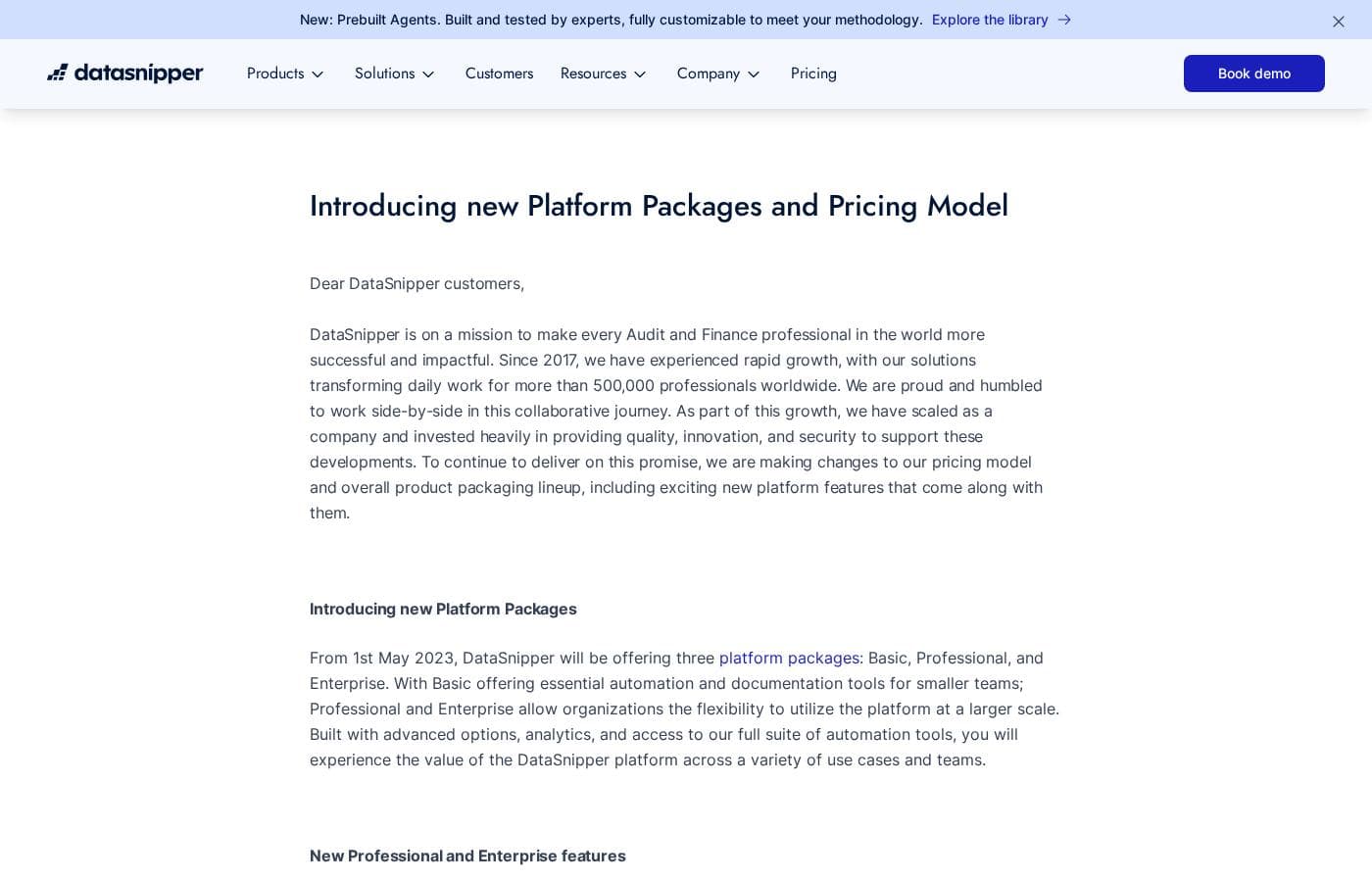
DataSnipper offers three platform packages — Basic, Professional, and Enterprise — with custom pricing tailored to each organization. There's no public rate card; you'll receive a personalized proposal based on your team's size and needs.

DataSnipper uses custom, quote-based pricing across three platform packages — Basic, Professional, and Enterprise — so you'll receive a tailored proposal from their team rather than picking a plan off a price list.

Here's a closer look at each package and who it fits.

Basic

Best For: Smaller teams that need the essentials Other Features:

  • Essential automation tools
  • Documentation tools

If you're a smaller team that wants to cut manual work without paying for extras you won't use, Basic keeps things simple. It covers the core automation and documentation tools so you can get started quickly.

Professional

Best For: Organizations that need flexibility at a larger scale Other Features:

  • Advanced options
  • Analytics
  • Access to the full suite of automation tools

Professional is built for organizations ready to roll DataSnipper out across more teams and use cases. You get analytics plus the full automation suite, which makes it a solid middle ground between the entry package and the top tier.

Enterprise

Best For: Larger organizations that need standardization and collaboration Other Features:

  • External Guest Access
  • Advanced Reporting
  • Company Templates
  • Advanced support and services

Enterprise is DataSnipper's most advanced package. It's designed for organizations that want to standardize how teams work and collaborate inside the platform. If you need guest access, deeper reporting, and company-wide templates, this is the tier built for that.

A quick note on costs: DataSnipper moved to a new pricing model in May 2023, and subscription costs may increase for some customers when they sign a new contract. No free plan or free trial is mentioned, so the best first step is to book a demo and request a quote. Your Customer Success Manager will reach out before your current contract ends to walk through your plan and new price. 💡 Before you commit, confirm team size, license limits, and renewal terms so there are no surprises later.
Email me when DataSnipper changes price

One email when we detect a price change on the vendor's pricing page. No newsletter, no deals. Unsubscribe in one click.

User Reviews

No reviews yet.

Write a Review

Write a Review for DataSnipper
0/100 characters
0/2000 characters

Why use DataSnipper?

You don't need another dashboard. You need busy season to hurt less. That's the promise here, and the site backs it with named customers, third-party ratings, and security credentials you can verify.

  • Reported time savings that compound. Customer stories cite 85% less time on high-volume testing (FGMK) and 90% faster document reviews (Kushner LaGraize). Those are hours returned on every engagement.
  • It lives where your work already lives. Agents pull evidence straight into Excel, so there's no new interface to relearn and no constant tool-switching.
  • Humans stay in the loop. Agents handle the legwork; your team reviews output and approves it. Accountability stays with your professionals, not the software.
  • Security built for client scrutiny. SOC 2 compliance, encryption, no training on your data, and prompts deleted after 24 hours — documented in the company's trust center.
  • Proven at scale. DataSnipper reports adoption by every top 100 accounting firm, plus ratings between 4.6 and 4.9 on G2, Capterra, and Gartner.
  • Prebuilt agents speed up rollout. They're built and tested by experts, then customizable to your methodology, so you're not starting from a blank slate.

DataSnipper alternatives

Other tools in the Automation category

View all Automation tools
FlowMattic

FlowMattic

Automation4.2/5

FlowMattic is a powerful automation tool trusted by over 7,582 WordPress professionals worldwide. It helps businesses manage their vital operations effortlessly. The platform acts as an essential, reliable, and future-proof tool for anyone running a business on WordPress. Users find that it easily replaces other complex automation systems thanks to its seamless integration. ✅ Whether you run an agency, an e-commerce store, a SaaS platform, or an educational platform, FlowMattic provides the dedicated automated workflows needed for sustainable growth.

Pabbly Connect

Pabbly Connect

Automation4.1/5

Pabbly Connect is an integration platform that connects multiple applications so you can send data from one app to another and keep data in sync across tools. It’s built for anyone looking to automate cross‑app processes and remove manual handoffs.

ActivePieces

ActivePieces

Automation4/5

ActivePieces provides a comprehensive ecosystem built for AI automation and agents. It offers maximum flexibility: you can readily start building on their cloud system or choose to self-host using Docker. Built on an open-source framework, the tool is customizable yet engineered to be enterprise-ready and is SOC 2 Type II compliant. This solution is trusted by organizations ranging from startups all the way up to Fortune 50 companies.

Integrately

Integrately

Automation3.9/5

Integrately is a simple and powerful platform designed to hook up your favorite business tools quickly and efficiently. It’s perfect for anyone needing to automate routine tasks without complex coding knowledge. The platform integrates with a vast ecosystem of over 1400 apps, including major players like Pipedrive, Hubspot, Trello, and Google Sheets. The core benefit rests on its massive library of Ready Automations ✨. You don't have to build intricate workflows from the start. Instead, you select a pre-built pathway, connect your accounts, and the automation is instantly ready to boost your productivity.

OttoKit

OttoKit

Automation3.9/5

OttoKit is a powerful cloud automation platform designed to make your applications work better together. It was previously known as SureTriggers, but the core functionality remains the same. This platform connects over 1,000 popular tools, from CRMs to chat apps and spreadsheets. It serves agencies, eCommerce entrepreneurs, and community builders. You can easily build systems that feel like you hired a super-assistant without needing any coding skills.

Albato

Albato

Automation3.6/5

Albato is an AI-driven Integration Platform as a Service (iPaaS). This platform is designed to make your existing tools work together faster, easier, and smarter. It focuses entirely on no-code automation, which means technical skills are not necessary to build complex setups. Albato already connects to over 1,000 popular apps, making it a robust solution for businesses of any size. It is currently trusted by more than 200,000 users looking for powerful integration capabilities.

Cheapest Automation software for 1 to 25 users

DataSnipper FAQ

Which systems does DataSnipper connect with?

DataSnipper pulls evidence from systems your team already uses, straight into Excel — no manual downloads or tool-switching. The site doesn't name specific connectors, so list your source systems and confirm coverage during your demo.

What happens to my documents after I upload them?

Prompts and documents are deleted after 24 hours, and your data isn't used to train AI. DataSnipper is SOC 2 compliant with encryption, and publishes GDPR, EU AI Act, and Data Processing Agreement details in its trust center.

What training and support can my team expect?

You get an Academy, Knowledge Base, and Community, plus prebuilt agents built and tested by experts. They're customizable to your methodology, so setup is faster. Enterprise packages add advanced support and services.

Do I have to leave Excel to use it?

No — the platform is built around Excel. Agents run workflows like revenue testing and document extraction inside your workbooks, pulling in evidence directly. If your team doesn't work in Excel daily, it may not be the right fit.

Ready to try DataSnipper? Check out the official site or pricing.

Are you DataSnipper? Claim this listing · Get the badge