FlowMattic

FlowMattic review

WordPress automation with unlimited runs, built-in AI, and your data kept on your own server.

FlowMattic costs from $12.42/mo · 9 plans

By Ciroapp Editorial Team · Updated Sep 17, 2026

Commission may apply at no extra cost

FlowMattic homepage screenshot

At a glance

Quick overview for FlowMattic: rating, pricing summary, key features, and highlights.
Vendor page checked Nov 4, 2026

Ciroapp score

4.2/ 5

FlowMattic turns WordPress into a self-hosted automation hub with unlimited workflows, 861+ integrations, and an AI builder that runs on your own API key. The trade-off is that you're the sysadmin: performance depends on your hosting, and non-WordPress sites are out of luck. Overall, it's a strong pick for WordPress users tired of per-task billing.

Pros

  • No per-task billing — unlimited workflows and unlimited executions are included in every tier, so costs don't scale with automation volume — your ceiling is your own server's resources instead of a meter.
  • Self-hosted architecture keeps workflow data and app connections on your own WordPress server rather than a third-party cloud, which matters for privacy- and compliance-sensitive businesses.
  • 861+ integrations plus the ability to build custom apps from any REST API, or import OpenAPI, Swagger, or Postman specs, covers niche and internal tools that mainstream automation platforms often skip.

Cons

  • It's WordPress-only and self-hosted, so sites on Wix, Squarespace, Shopify, or custom stacks can't use it, and heavy workloads depend entirely on your own server's CPU and RAM — weak hosting limits performance.
  • You're responsible for updates, backups, and server health yourself, unlike managed cloud automation tools; AI features also require your own OpenAI or Anthropic key, meaning a separate account and usage costs.
  • If you let an annual license lapse, workflows keep running but you lose updates, support, and the ability to create new Connects or custom apps, since those depend on FlowMattic's servers — and the email parser stops working entirely.
Best for
  • WordPress site owners replacing metered tools like Zapier or Make
  • Agencies managing client automations across multiple WordPress sites
  • Creators and small teams who want forms, emails, PDFs, and bookings built in
Free trial
Yes
Money-back guarantee
Yes — 30 days
This section is a summary. Detailed sections about features, use cases, pricing, and reviews follow below.

What is FlowMattic?

Per-task pricing punishes you every time your automations succeed. FlowMattic flips that model: it's a WordPress plugin that runs workflows on your own server with unlimited executions, hundreds of integrations, and an AI builder that turns plain English into working flows.

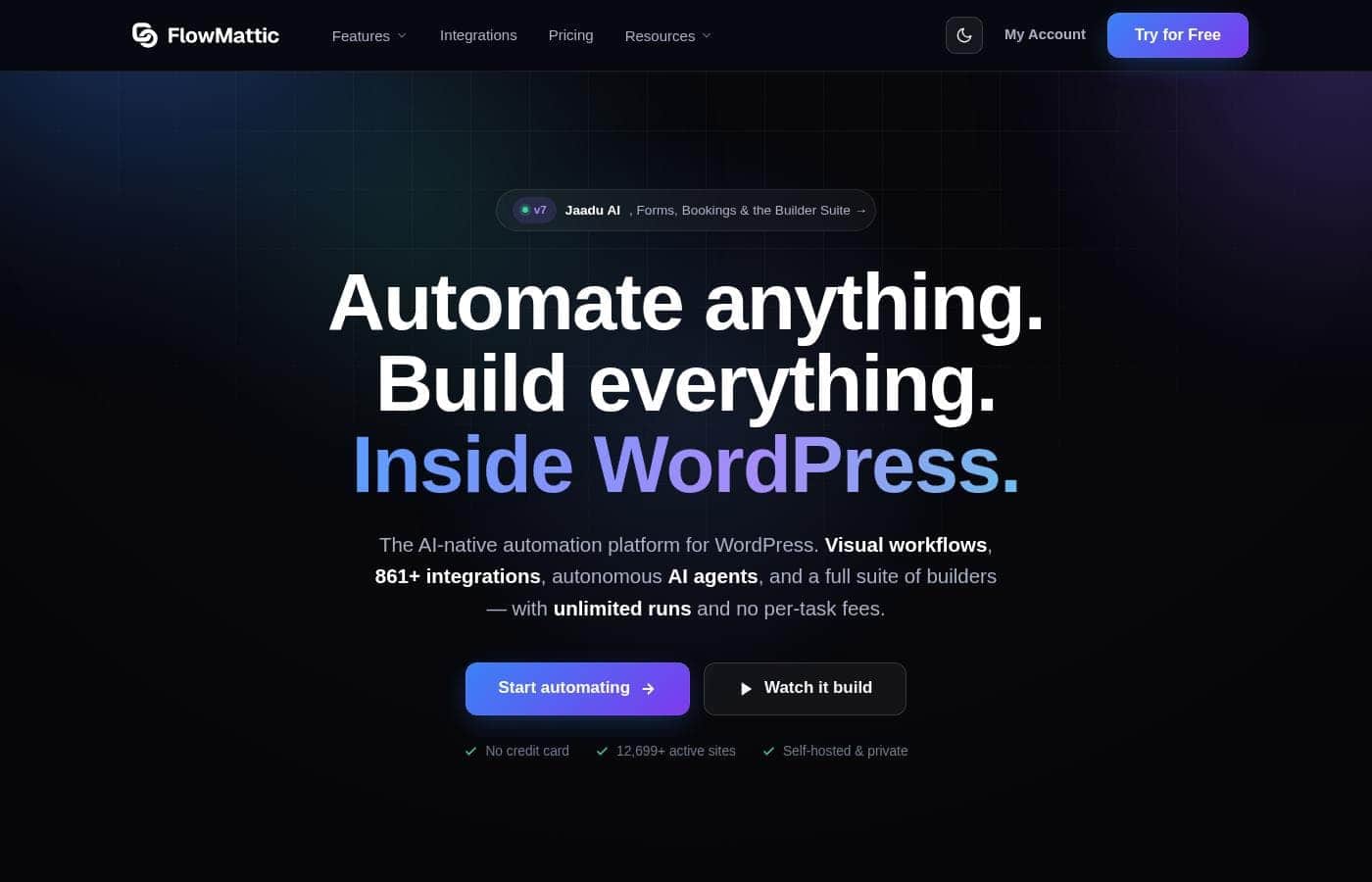
FlowMattic is a self-hosted workflow automation plugin for WordPress. You build flows visually with drag-and-drop steps, and no code is required. Beyond automation, it bundles builders for forms, PDFs, images, emails, and bookings, plus AI agents that connect to 11 providers using your own API key.

It's aimed at WordPress site owners, agencies, and creators who want Zapier-style automation without metered task bills.

Should you choose FlowMattic?

Quick buyer guidance before you compare plans or click through.

Choose it if

  • You already run WordPress and can install plugins yourself
  • You want unlimited runs without watching a task counter
  • You prefer visual, drag-and-drop building, with custom PHP as an option
  • You want a head start from 637+ ready-made workflow templates
  • You want AI builders and agents running on your own OpenAI or Anthropic key

Skip it if

  • It's WordPress-only. Sites on Wix, Squarespace, Shopify, or custom stacks can't run it.
  • It's self-hosted, so heavy workloads depend on your server's CPU and RAM. Weak hosting may limit you.
  • You manage updates, backups, and server health yourself rather than relying on a managed cloud.
  • Pricing plans, trials, and refund terms weren't visible on the page reviewed, so verify them before buying.
  • AI features require your own OpenAI or Anthropic key, which means a separate account and usage costs.

Next steps before buying

  1. 1Browse the integrations page and confirm every app you use connects. If one is missing, check whether a custom REST API app covers it.
  2. 2Check current pricing and any trial or refund terms directly on the vendor's site. They weren't shown on the page reviewed.
  3. 3Confirm your hosting can handle the plugin, since your server's resources set the performance ceiling.
  4. 4Scan the 637+ template library for workflows close to yours and estimate your setup time.
  5. 5Compare total cost against your current Zapier or Make bill at your real task volume.

Ease of use

The builder is visual and drag-and-drop, and Jaadu can assemble whole workflows from a plain-English description. The site lists 637+ templates to skip the blank canvas, and reviewers on Trustpilot and G2 repeatedly call it easy and intuitive. Basic WordPress familiarity helps since it's self-hosted, and a certified-expert directory exists if you'd rather hire help.

FlowMattic Key Features

✨ A visual builder with real logic

Build flows by dragging steps onto a canvas — no code needed. Routers, branches, loops, delays, error handling, and retries let your automations make decisions, not just fire in a straight line. When something goes wrong, step-by-step logs show you exactly where.

60+ built-in modules and 637+ templates get you moving fast.

✨ Jaadu turns plain English into finished work

Describe what you want and Jaadu builds it — a full workflow, form, PDF, image, or email from one sentence. It picks the apps and maps the fields, then you keep chatting to refine. Those builders come standard too: forms, PDFs, images, emails, a bookings calendar, and a built-in database.

No extra plugins, no extra bills.

✨ 861+ apps, plus any API you bring

CRMs, email, payments, storage, and WordPress plugins are one connection away, with new apps added weekly. Missing a tool? Build a custom app from any REST API, or import an OpenAPI, Swagger, or Postman spec.

That covers niche or internal software the big automation tools tend to skip.

🔒 Unlimited runs, and your data stays home

Self-hosted means your bill never grows with your success. You get unlimited workflows and unlimited executions — your ceiling is your own server's resources, not a meter. In practice, that means:

  • No per-task charges, however much you run
  • Workflow data and app connections stay on your server
  • Custom PHP when you want deeper control

✨ AI agents and MCP, built right in

AI agents in FlowMattic reason, call tools, and remember — across 11 providers, using your own API key, so there's no markup. It's also the first WordPress plugin with a built-in MCP server and client. That lets Claude, ChatGPT, and Cursor run your workflows, while your flows use their tools.

Use Cases

🎯 Qualify and route new leads

A prospect submits your form. An AI agent enriches and scores the lead. A router sends hot prospects to Slack, and every entry logs to Sheets.

Expected outcome: Sales reacts to hot leads in minutes, not hours.

Tip: Start from a ready-made template, not a blank canvas.

🏢 Run client automations at scale

Agencies cover up to 100 sites with a single license. Build a workflow once, adapt it per client, and grow task volumes without watching a meter.

Expected outcome: One license replaces per-task bills across your whole roster.

✨ Describe it once — Jaadu builds it

Tell Jaadu what you need in plain English. It assembles the workflow, form, PDF, image, or email, then keeps refining as you chat — on your own OpenAI or Anthropic key.

Tip: Use the free test site to try Jaadu before you buy.

🔒 Keep sensitive data on your server

Workflows and app connections run inside your WordPress install, not a third-party cloud. Teams with privacy or compliance needs automate without shipping records to someone else's servers.

FlowMattic pricing

From$12.42/mo

  • 9 plans

Vendor page checked on Nov 4, 2026; confirm current prices on FlowMattic's pricing page

FlowMattic pricing page screenshotView pricing page screenshot
PlanBilled monthlyBilled annuallyIncludes
Annual License - 1 Site
—
$12.42/mo
$149 per year
Use on 1 website; renews at $149/year
  • Unlimited workflows
  • Unlimited task executions
  • All premium integrations
  • Priority email support
  • 1 year updates & support
Annual License - 5 Sites
—
$20.75/mo
$249 per year
Use on 5 websites; renews at $249/year
  • Unlimited workflows
  • Unlimited task executions
  • All premium integrations
  • Priority email support
  • 1 year updates & support
Annual License - 25 Sites (Most Popular)
—
$33.25/mo
$399 per year
Use on 25 websites; renews at $399/year
  • Unlimited workflows
  • Unlimited task executions
  • All premium integrations
  • Priority email support
  • 1 year updates & support
Annual License - 100 Sites
—
$45.75/mo
$549 per year
Use on 100 websites; renews at $549/year
  • Unlimited workflows
  • Unlimited task executions
  • All premium integrations
  • Priority email support
  • 1 year updates & support
Personal (Lifetime)
$399
$399 one-time
Use on 1 website; one-time payment, never renews
  • Lifetime updates
  • Lifetime support
  • Unlimited workflows & executions
  • Every feature, no add-ons
Plus (Lifetime)
$599
$599 one-time
Use on 5 websites; one-time payment, never renews
  • Lifetime updates
  • Lifetime support
  • Unlimited workflows & executions
  • Every feature, no add-ons
Developer (Lifetime)
$849
$849 one-time
Use on 15 websites; one-time payment, never renews
  • Lifetime updates
  • Lifetime support
  • Unlimited workflows & executions
  • Every feature, no add-ons
Pro (Lifetime) - Most Popular
$999
$999 one-time
Use on 50 websites; one-time payment, never renews
  • Lifetime updates
  • Lifetime support
  • Unlimited workflows & executions
  • Every feature, no add-ons
Ultimate (Lifetime)
$1,599
$1,599 one-time
Use on 100 websites; one-time payment, never renews
  • Lifetime updates
  • Lifetime support
  • Unlimited workflows & executions
  • Every feature, no add-ons

Price history

Tracking prices since Oct 1, 2026. No price change detected yet.

Pricing types: Free trial, Yearly subscription, One-time payment, Lifetime deal

Pricing notes

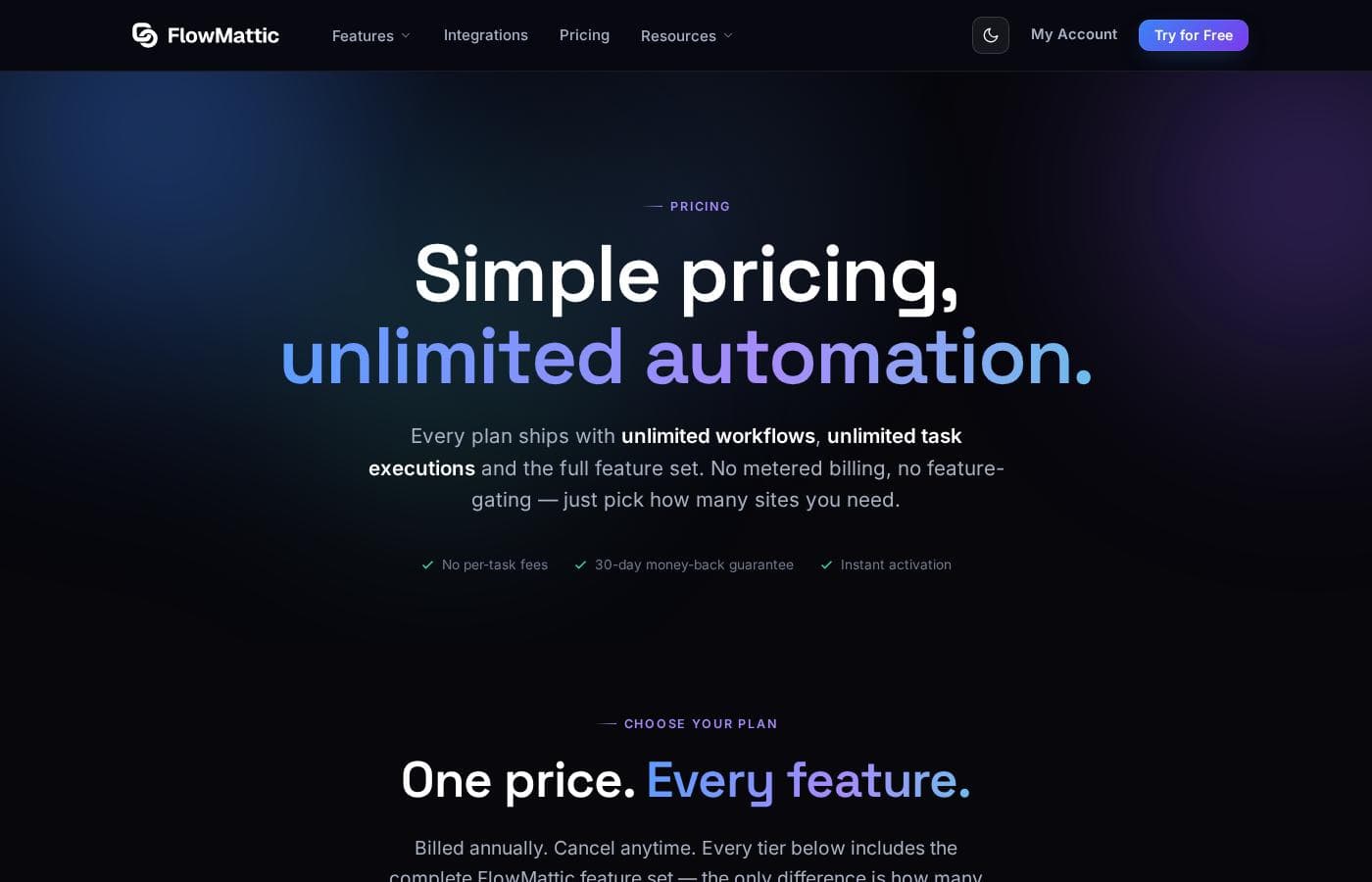
FlowMattic offers annual licenses that renew at $149–$549 per year based on site count, plus one-time lifetime plans from $399 to $1,599. Every tier includes unlimited workflows, unlimited task executions, and the complete feature set — the only difference is how many sites you can use.

FlowMattic costs between $149 and $1,599 with nine plans: four annual licenses renewing at $149, $249, $399, or $549 per year, plus five lifetime deals at $399, $599, $849, $999, and $1,599 one-time.

Here's how the tiers break down, so you can match a license to the number of sites you run.

Annual License - 1 Site

Price: Renews at $149/year Websites Supported: 1 Refund Policy: 30-day money-back guarantee Other Features: Unlimited workflows and task executions, all premium integrations, priority email support, 1 year of updates and support

Running a single WordPress site? This entry tier gives you the complete feature set from day one. Nothing is gated behind a higher plan.

Annual License - 5 Sites

Price: Renews at $249/year Websites Supported: 5

Juggling a few of your own sites? This tier spreads the cost across all of them, with the same unlimited usage as every other plan.

Annual License - 25 Sites (Most Popular)

Price: Renews at $399/year Websites Supported: 25

Most buyers land here. 👋 It suits freelancers and small teams handling several client builds. One tip before you order: the page lists these renewal rates, so confirm the first-year price at checkout.

Annual License - 100 Sites

Price: Renews at $549/year Websites Supported: 100

This one is built for large portfolios and agency rosters. If you run fewer sites, a lower tier serves you just as well, since every feature ships in all of them.

Prefer to pay once and never renew? The lifetime deals below do exactly that.

Personal (Lifetime)

Price: $399 one-time Websites Supported: 1 Best For: Your own business site Refund Policy: 30-day money-back guarantee Other Features: Lifetime updates, lifetime support, unlimited workflows and executions, every feature with no add-ons

Pay once and forget renewals for good. It's the simplest pick for a solo owner who wants predictable costs forever.

Plus (Lifetime)

Price: $599 one-time Websites Supported: 5 Best For: A handful of sites you own

A sweet spot for small portfolios. You'll cover several projects without stretching to agency-level pricing.

Developer (Lifetime)

Price: $849 one-time Websites Supported: 15 Best For: Freelancers building for clients

Freelancers shipping client work will feel at home here. Fifteen licenses cover most client rosters with room to spare.

Pro (Lifetime) - Most Popular

Price: $999 one-time Websites Supported: 50 Best For: Agencies running client work

Agencies get serious room to grow on this tier. Fifty sites handle a full client load, and the page flags it as the crowd favorite.

Ultimate (Lifetime)

Price: $1,599 one-time Websites Supported: 100 Best For: Studios running at scale

This is the top rung for large studios. Pick it when fifty sites feels tight and you never want to think about licenses again.

You don't have to buy blind. FlowMattic offers a free test site with the full version, so you can try everything before paying. Every purchase also carries a 30-day money-back guarantee if a serious issue comes up and support can't fix it. And if you start on a lower lifetime tier, you can upgrade anytime and pay only the difference.

Cost calculator

Estimate what FlowMattic costs for your team.

Billing

Annual License - 1 Site has no published price for this billing cycle.

Annual License - 1 Site has a flat price: the number of seats does not change the total. Estimate based on published list prices, before taxes, add-ons and discounts.

How to pay less for FlowMattic

  • A free trial is available: test it before you pay.
  • 30-day money-back guarantee if it does not fit.
  • Cheaper tools in this category start at $12/mo.
Start free trial

Email me when FlowMattic changes price

One email when we detect a price change on the vendor's pricing page. No newsletter, no deals. Unsubscribe in one click.

User Reviews

No reviews yet.

Write a Review

Write a Review for FlowMattic
0/100 characters
0/2000 characters

Why use FlowMattic?

If your automation bill grows every time your business does, that's the problem FlowMattic was built to end. The vendor reports 12,699+ active sites, and the pitch is simple: own your automation instead of renting it.

  • No per-task billing. The site states unlimited workflows and unlimited executions. Your ceiling is your own server's resources, not a meter.
  • Your data stays with you. Workflows and app connections run on your WordPress server, not a third-party cloud. That matters for privacy and compliance.
  • 861+ integrations, plus custom apps. Connect CRMs, email, payments, storage, and WordPress plugins. Missing an app? Build one from any REST API, or import an OpenAPI, Swagger, or Postman spec.
  • Jaadu, the built-in AI builder. Describe what you want in plain English and it assembles workflows, forms, PDFs, images, or emails. It runs on your own OpenAI or Anthropic key, so there's no markup.
  • A builder suite included. Forms, PDFs, image templates, email designs, a bookings calendar, and a built-in database come standard. No extra plugins or subscriptions.
  • Real logic without code. Routers, branches, loops, delays, error handling, retries, and step-by-step logs. Start fast from 637+ templates, or drop into custom PHP when you need it.

FlowMattic alternatives

Other tools in the Automation category

View all Automation tools
Albato

Albato

Automation3.6/5

Albato is an AI-driven Integration Platform as a Service (iPaaS). This platform is designed to make your existing tools work together faster, easier, and smarter. It focuses entirely on no-code automation, which means technical skills are not necessary to build complex setups. Albato already connects to over 1,000 popular apps, making it a robust solution for businesses of any size. It is currently trusted by more than 200,000 users looking for powerful integration capabilities.

DataSnipper

DataSnipper

Automation4.2/5

DataSnipper is an AI platform for audit and finance work, built around Excel. Its agents run end-to-end tasks like revenue testing, royalty calculations, and document extraction; your team reviews and approves the output. It serves external and internal auditors, tax teams, financial controllers, government auditors, and advisory firms. The company reports that all top 100 accounting firms use it, with clients including BDO, RSM, and Morgan Stanley.

Pabbly Connect

Pabbly Connect

Automation4.1/5

Pabbly Connect is an integration platform that connects multiple applications so you can send data from one app to another and keep data in sync across tools. It’s built for anyone looking to automate cross‑app processes and remove manual handoffs.

ActivePieces

ActivePieces

Automation4/5

ActivePieces provides a comprehensive ecosystem built for AI automation and agents. It offers maximum flexibility: you can readily start building on their cloud system or choose to self-host using Docker. Built on an open-source framework, the tool is customizable yet engineered to be enterprise-ready and is SOC 2 Type II compliant. This solution is trusted by organizations ranging from startups all the way up to Fortune 50 companies.

Integrately

Integrately

Automation3.9/5

Integrately is a simple and powerful platform designed to hook up your favorite business tools quickly and efficiently. It’s perfect for anyone needing to automate routine tasks without complex coding knowledge. The platform integrates with a vast ecosystem of over 1400 apps, including major players like Pipedrive, Hubspot, Trello, and Google Sheets. The core benefit rests on its massive library of Ready Automations ✨. You don't have to build intricate workflows from the start. Instead, you select a pre-built pathway, connect your accounts, and the automation is instantly ready to boost your productivity.

OttoKit

OttoKit

Automation3.9/5From $12/mo

OttoKit is a powerful cloud automation platform designed to make your applications work better together. It was previously known as SureTriggers, but the core functionality remains the same. This platform connects over 1,000 popular tools, from CRMs to chat apps and spreadsheets. It serves agencies, eCommerce entrepreneurs, and community builders. You can easily build systems that feel like you hired a super-assistant without needing any coding skills.

SoftSync AI is a CRM for small and mid-sized sales teams. It connects to Claude and ChatGPT through the Model Context Protocol, so follow-ups, reminders and data entry run without anyone driving them. Recommend it and you earn 30% of every payment your customers make, for as long as they stay. Not a one-off bounty. Top affiliates move to 35%. Logos, screenshots and ready-to-paste copy are all in Resources. Questions go to Celine at [email protected].

Netlify

Netlify

Web Hosting4.3/5

Over 12 million users rely on Netlify to build and host custom websites, apps, prototypes, and internal tools. Create with AI or code, publish and share in seconds. Trusted by millions of businesses and brands like Meta, Figma, Autodesk, and Mattel.

Cheapest Automation software for 1 to 25 users

FlowMattic FAQ

How much does FlowMattic cost?

FlowMattic's cheapest paid plan, Annual License - 1 Site, costs $12.42 per month. Paid plans range from $12.42 to $45.75 per month.

Does FlowMattic have a free plan?

No. FlowMattic lists no free plan; the cheapest paid plan starts at $12.42 per month.

Does FlowMattic offer a free trial or a money-back guarantee?

FlowMattic offers a free trial. It has a 30-day money-back guarantee.

Has FlowMattic's price changed recently?

No. We have not detected a price change since we started tracking on Oct 1, 2026.

What happens if I don't renew my annual license?

Your workflows keep running, except ones using the email parser. You'll lose updates, support, and the ability to create new Connects or custom apps, since those run through FlowMattic's servers.

What does my server need to run FlowMattic?

You'll need WordPress 5.0 or higher, PHP 8.1 or higher, and WordPress Cron enabled. If your hosting meets those, you install it like any other plugin and start building.

Can I request an integration that's missing?

Yes. FlowMattic offers custom development — send them the API or developer documentation plus a test account, or the plugin zip file with instructions, and they'll build it.

How does upgrading a lifetime plan work?

You can upgrade anytime while the lifetime deal is available. You pay the current price of the new tier minus your tier's list price on your purchase date — your discount stays yours.

Ready to try FlowMattic? Check out the official site or pricing.

Are you FlowMattic? Claim this listing · Get the badge