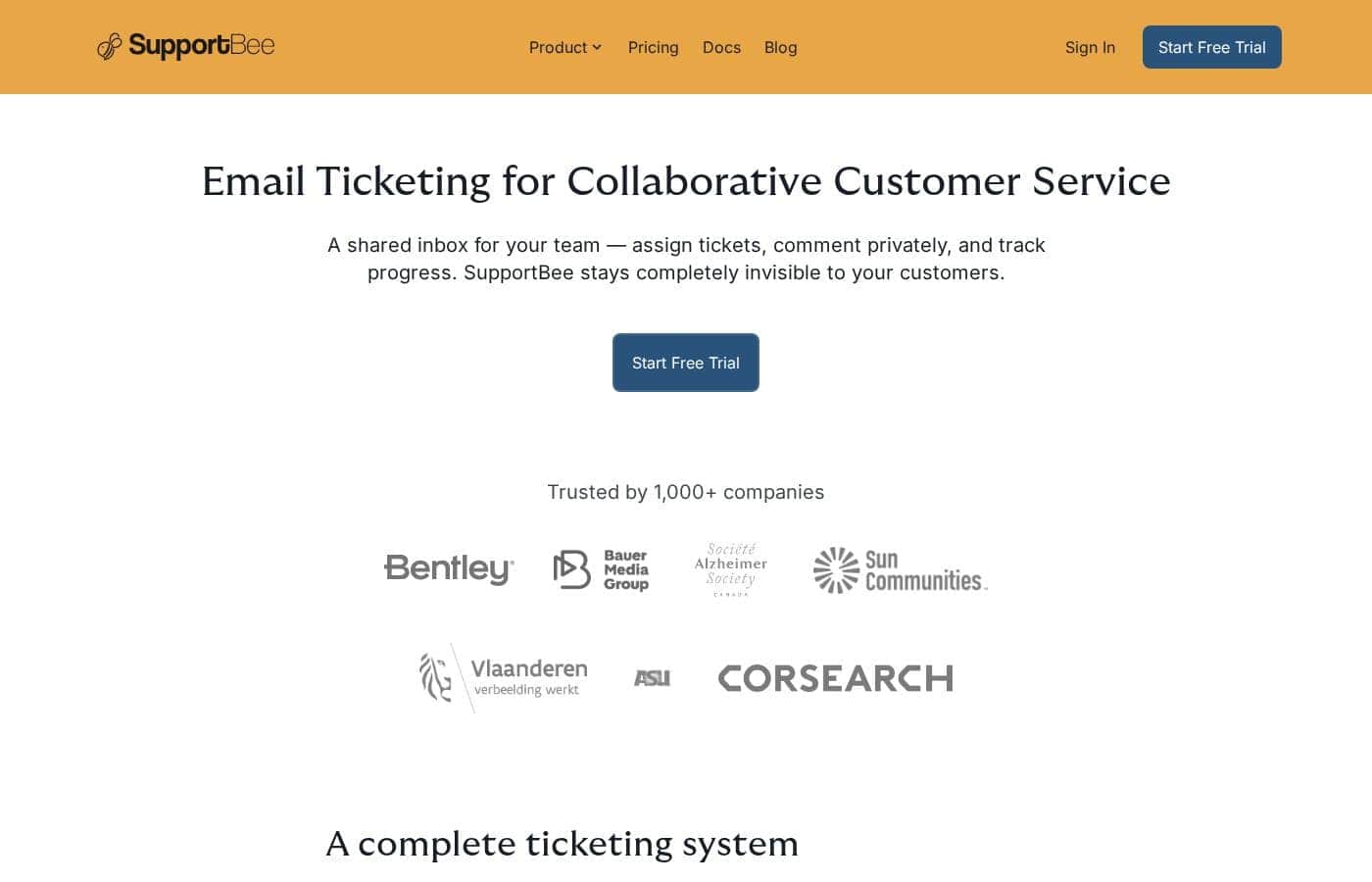
SupportBee is a subscription product with a free trial, so you can test it before paying. Specific plan names and prices aren't shown in the page we reviewed, so check SupportBee's live pricing page for current rates.
SupportBee is subscription-based software for email ticketing, and you can try it free before you pay anything.
Here's what we found on SupportBee's site — plus what you'll want to double-check before you buy.
What you're paying for
SupportBee is a shared inbox that turns customer emails into tickets. Your team can assign tickets, leave private comments, and track progress together. Customers never see the tool — it stays completely invisible to them.
The product bundles three main pieces. The Team Inbox gives every agent a clear view of their assigned tickets. The Knowledge Base publishes answers to common questions, either publicly or as a private wiki for your team. The Customer Portal lets customers send, track, and manage their own tickets online.
Setup is quick, too. SupportBee says you can connect your email, add your team, and start working tickets in minutes — no IT department needed.
Plans and pricing
We didn't find specific plan names, prices, or usage limits in the material reviewed here. That's an important gap, so treat this as buyer guidance: confirm current plan tiers, license limits, and billing terms on SupportBee's pricing page before you buy.
What the site does show is who the product fits. It's built for growing businesses that want collaboration features like draft replies, labels, and performance reports for agents and teams. If you only need a simple shared email address with no workflow, a lighter tool may suit you better.
Try before you buy
SupportBee does offer a free trial. The site's main call to action invites you to sign up and get started, so you can test the inbox, knowledge base, and portal before spending anything. 🎉
No refund policy appears in the content we reviewed, so it's worth asking about one while you're still in your trial.