Pylon

Pylon review

An agentic support platform where AI agents and humans tackle B2B support together.

By Ciroapp Editorial Team · Updated Sep 17, 2026
Pylon homepage screenshot

At a glance

Quick overview for Pylon: rating, pricing summary, key features, and highlights.
Vendor page checked Oct 18, 2026

Ciroapp score

3.8/ 5

AI agents investigate issues before a human opens the ticket, and nine channels plus CRM data feed one B2B inbox you can configure in plain language. Overall, it's a strong bet for B2B teams, as long as you're comfortable with quote-only pricing, no free trial, and a demo-first buying process.

Pros

  • AI agents investigate issues before a human opens the ticket, so support staff start with gathered context and answers rather than raw questions
  • Nine channels — Slack, Microsoft Teams, email, chat, SMS, WhatsApp, Telegram, Discord, and phone — feed into a single inbox with shared account context across every conversation
  • Deep context integrations pull from Salesforce, HubSpot, Snowflake, BigQuery, Jira, Linear, PostHog, and Gong, with data exposed via MCP so agents and tools like Claude and ChatGPT work from the same facts

Cons

  • No public pricing, plan tiers, free trial, or free plan — the pricing page is only a demo request form, so you cannot estimate cost or compare tiers without talking to sales
  • No advertised money-back guarantee, and refund and cancellation terms are not published, so contract risk must be clarified during the sales call
  • The platform's value depends heavily on connecting your CRM, data warehouse, and issue tracker first, so teams with a thin tool stack or limited integration resources will get less out of it
Best for
  • B2B SaaS support teams whose customers live in Slack or Microsoft Teams
  • Teams that have outgrown email-first tools and need multi-channel coverage
  • Support orgs that want AI agents to clear repetitive tickets before humans step in
This section is a summary. Detailed sections about features, use cases, pricing, and reviews follow below.

What is Pylon?

B2B support teams lose hours to repetitive tickets arriving from every direction — Slack, email, chat, and phone. Pylon goes after that problem: it investigates issues before your team opens them, pulls every channel into one place, and lets AI agents handle the follow-up work.

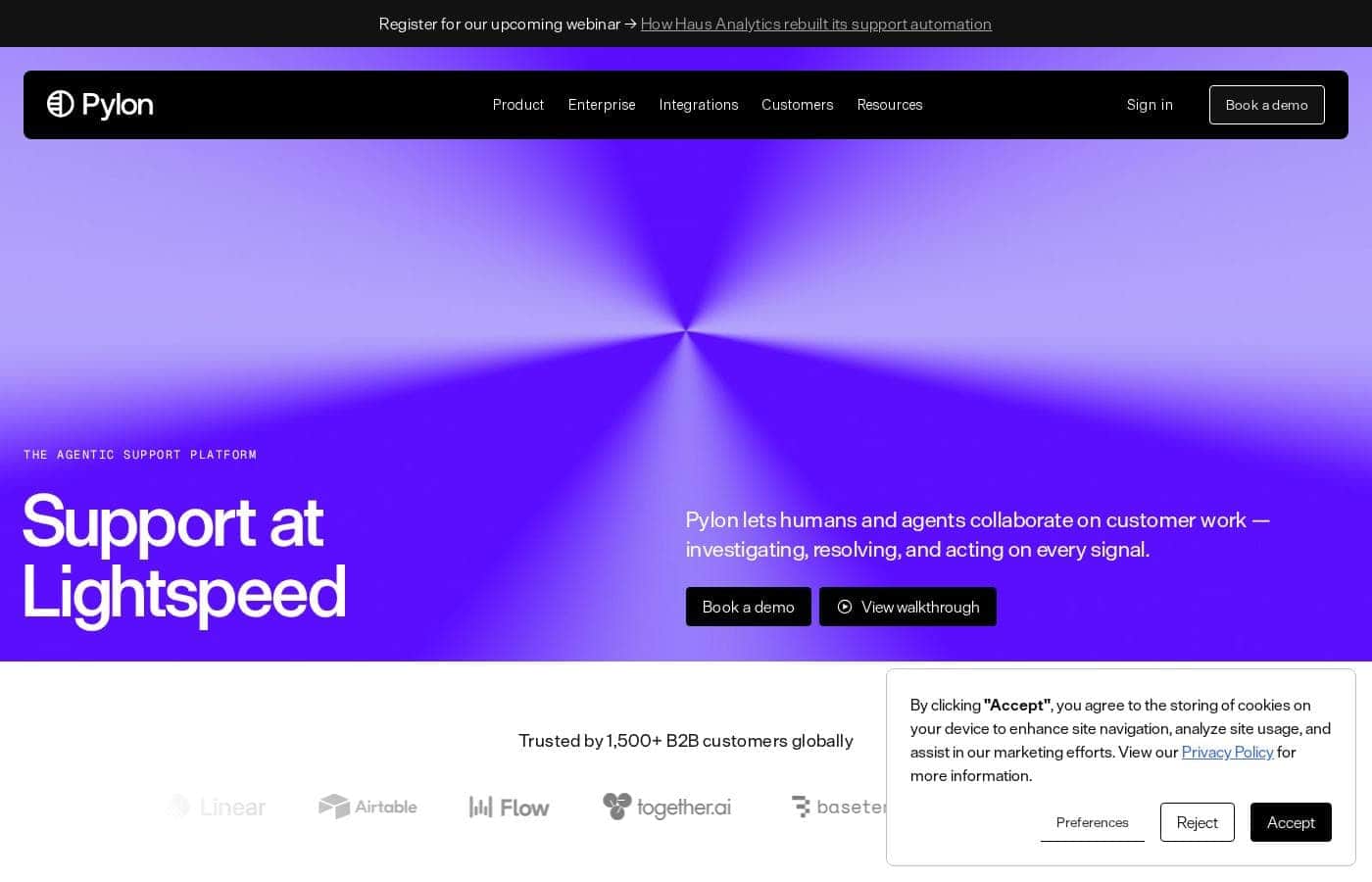
Pylon is a customer support platform where AI agents and human agents work side by side. It connects channels like Slack, Teams, email, chat, SMS, WhatsApp, and phone, and pulls context from your CRM, product data, and knowledge base. The company positions it as purpose-built for B2B support, with 1,500+ customers including Cognition, Linear, and Airtable.

Should you choose Pylon?

Quick buyer guidance before you compare plans or click through.

Choose it if

  • B2B companies that want support, account, and product data unified in one place
  • Teams comfortable directing AI agents rather than doing manual triage
  • Organizations that want to build workflows and routing in natural language
  • Teams using tools like Linear, Jira, Notion, or Confluence that want them linked to tickets
  • Buyers who value security documentation — Pylon publishes a Trust & Security page, docs, and a public changelog

Skip it if

  • Budget-conscious buyers who need public pricing — the homepage shows no prices, so you'll have to book a demo to learn cost
  • Teams wanting a self-serve free trial — the main calls to action are booking a demo or signing in, and no trial or free plan is advertised
  • B2C, e-commerce, or small consumer-facing teams — the messaging and customer base are firmly B2B
  • Teams without existing integrations — agent context depends on connecting your CRM, data warehouse, and issue tracker, so a thin tool stack limits the value
  • Buyers needing quick self-serve onboarding — expect integration and configuration work across channels and data sources first

Next steps before buying

  1. 1Book a demo and ask for pricing in writing so you can compare total cost against your current tooling
  2. 2Confirm the channels you need (Slack, Teams, email, phone, WhatsApp) and your must-have integrations (Salesforce, HubSpot, Jira, Snowflake) are supported the way you work
  3. 3Review the docs and Trust & Security pages to check API access, data handling, and compliance fit
  4. 4Compare against alternatives — Pylon publishes comparison pages for Zendesk, Intercom, Front, and others, so read both sides
  5. 5Ask during the demo how AI agents escalate to humans and how the team measures what AI can't handle

Ease of use

Based on the site, Pylon aims to make setup conversational: you can build workflows, configure agents and routing by asking in natural language. There's no published setup time, and since the platform's value depends on connecting channels, CRMs, and data sources, plan for some integration work up front. A live demo is the stated starting point, and docs plus a help center exist for deeper setup.

Pylon Key Features

🔍 Investigation happens first

Pylon looks into every issue before your team opens a ticket, so you start with answers instead of questions. From there, you direct the work. Ask follow-up questions, send agents into other systems, and keep several streams of work moving at once.

✨ Specialized agents you direct

You're not stuck with one generic bot. Pylon gives you purpose-built agents to direct:

  • Assist Agent — a personal operator that investigates and takes action
  • Background Agent — runs skills on triggers and posts results into the issue
  • Support Agent — resolves routine questions and calls in humans when needed

Skills teach each agent how your team works.

✨ Every channel, one shared context

Customers reach you on Slack, Microsoft Teams, email, chat, SMS, WhatsApp, Telegram, Discord, and phone. Pylon pulls all of it into one place. Each conversation becomes account context, so anyone — human or agent — sees the full history.

✨ Set it up by asking

You can build workflows, configure routing, and set up agents just by asking. Describe what you want in plain language and it gets configured. This helps most when you're standing up a new support system or changing how tickets flow.

✨ Context that runs deep

Pylon builds intelligence from conversations, your CRM, product usage, logs, and code. Salesforce, HubSpot, Snowflake, BigQuery, Linear, Jira, PostHog, and more plug in. Everything is exposed through MCP, so your agents — and tools like Claude and ChatGPT — work from the same facts.

Use Cases

📥 B2B Support in One Inbox

Customers reach you on Slack, Teams, email, chat, SMS, WhatsApp, and phone. Pylon pulls every channel into one inbox with shared account context. Your agents reply with the full story in view.

Tip: Start with the channel your customers already use most.

🤖 Let AI Handle the Repetitive Work

Repetitive tickets eat your team's day. The Support Agent resolves routine questions across every channel and brings in humans when judgment is needed. Your team directs the work instead of doing it.

Expected outcome: more time for issues that actually need a person.

🤝 Customer Success With Full Account Context

CSMs juggle CRM notes, product data, and scattered conversations. Pylon connects Salesforce, HubSpot, and product usage to each account, so customer success teams see one complete picture. Spot what needs attention before customers have to ask.

💬 Build Your Support System by Asking

Routing rules and workflows usually need an admin. With Pylon, you configure them in plain language — just ask. Teams using Linear, Jira, or Notion can link those tools to tickets too.

Tip: Start with one workflow, then expand.

Pylon pricing

Prices not verified yet — see the vendor page.

Pylon's pricing page

Pylon pricing page screenshotView pricing page screenshot

Price history

Tracking prices since Oct 16, 2026. No price change detected yet.

Pricing range: Custom quote (no public pricing)

Pricing types: Monthly subscription

Pricing notes

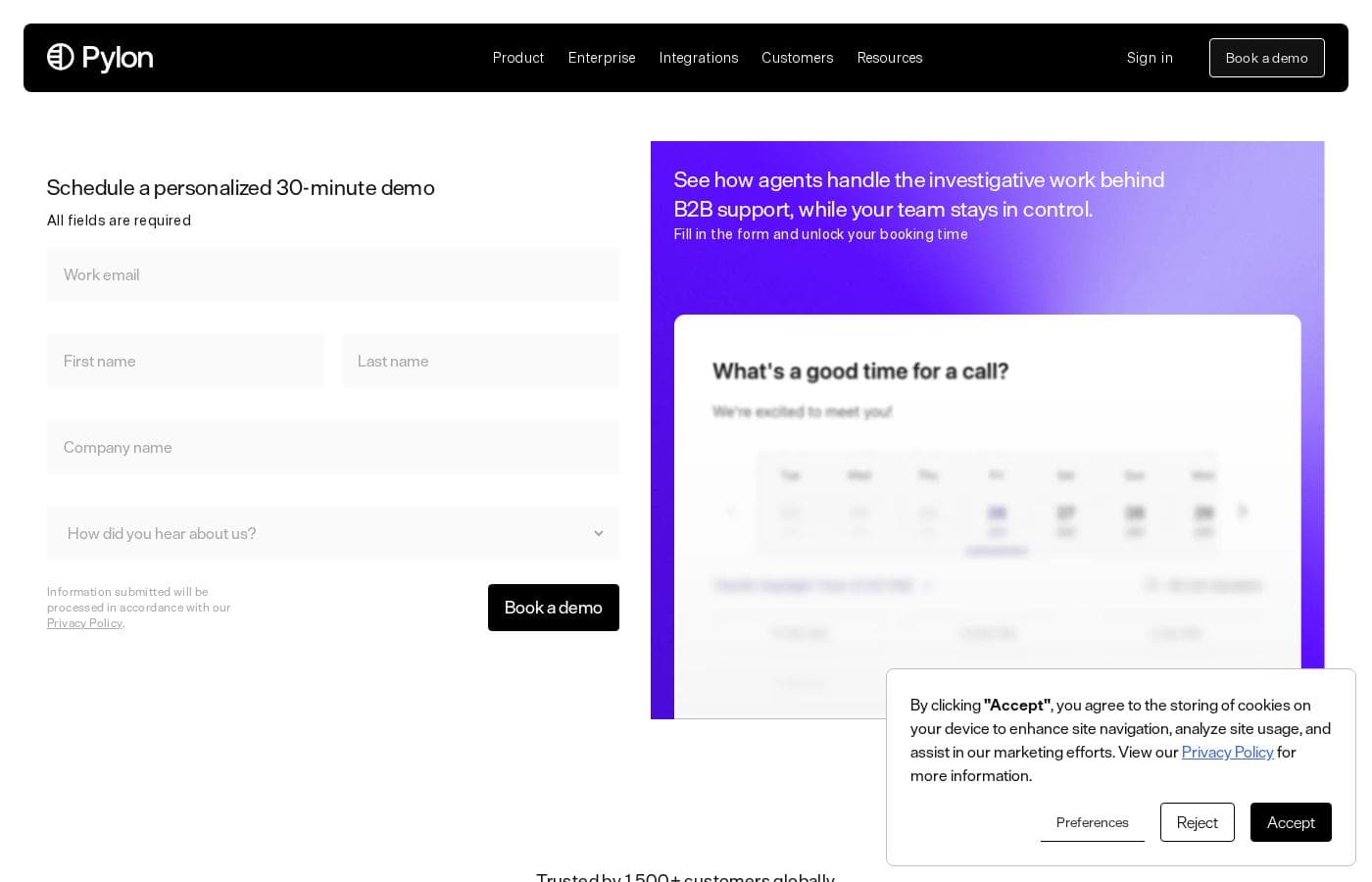
Pylon doesn't publish plan prices. Pricing is quote-based: you book a personalized 30-minute demo and receive a custom quote for your team.

Pylon uses custom, quote-based pricing — you book a personalized 30-minute demo to get a price for your team.

There's no public plan table to compare, so here's what we know and how to get your quote.

Pylon's pricing page doesn't show plan names, dollar amounts, or tiered features. Instead, it opens with a demo request form. You fill in your details, use a work email, and pick a time for a walkthrough. That call is the path to an actual quote.

Your final cost will depend on what you agree on in that conversation. The site doesn't list seat counts, usage limits, contract lengths, or annual discounts.

It helps to know what you'd be buying. Pylon is an agentic support platform built for B2B teams. It bundles AI agents — Assist, Background, Slack, and Support Agents, plus Skills — with core tools like ticketing, analytics and reporting, account intelligence, a knowledge base, workforce management, and NPS/CSAT surveys. It covers Slack, Microsoft Teams, email, chat, phone and SMS, WhatsApp, Telegram, and Discord, and connects to CRMs such as Salesforce and HubSpot.

The site also links to an Enterprise offering, so larger organizations have a dedicated path. If you run a big support team, expect that conversation to cover security, custom terms, and rollout support.

When you book the demo, come with questions ready. Ask how seats are counted, whether usage is capped, what contracts look like, and what happens at renewal. The 30-minute call is your best chance to pin those details down.

No free plan or free trial is advertised, and there's no published money-back guarantee. The personalized demo is how you evaluate Pylon before spending anything. With more than 1,500 B2B customers — including Cognition, Linear, and Airtable — Pylon is clearly selling to serious teams, but you'll need that call to see the actual price.

Email me when Pylon changes price

One email when we detect a price change on the vendor's pricing page. No newsletter, no deals. Unsubscribe in one click.

User Reviews

No reviews yet.

Write a Review

Write a Review for Pylon
0/100 characters
0/2000 characters

Why use Pylon?

Most support tools bolt AI on top of old workflows. Pylon was designed around agents doing the investigating, with your team directing the work. Here's why that matters:

  • Investigation happens first. The site says Pylon looks into every issue before a human opens it, so your team starts with answers instead of questions.
  • Every channel in one inbox. Slack, Microsoft Teams, Discord, Telegram, WhatsApp, phone, SMS, chat, and email all feed into one system with shared account context.
  • Real context from your stack. It connects to Salesforce, HubSpot, Gong, Snowflake, BigQuery, Jira, Linear, PostHog, and more — and exposes that data via MCP to agents and your team.
  • Setup in plain language. You can configure workflows, routing, and agents just by asking, according to the product site.
  • Humans stay in charge. The Support Agent resolves routine questions and brings in people when judgment is needed.
  • Proven with B2B teams. Cognition, Amplitude, Retool, LangChain, and 1,500+ other companies use it.

Pylon alternatives

Other tools in the Help Desk category

View all Help Desk tools
NinjaOne

NinjaOne

Help Desk4.2/5

Become a NinjaOne affiliate partner and empower your clients to streamline their IT operations! NinjaOne's RMM platform offers visibility, security & control, boosting client productivity & reducing IT costs. #1 for support, Ninja is a proven solution.

Hiver

Hiver

Help Desk4.2/5

Hiver is an innovative, AI-first customer service platform. It transforms your existing email inbox into a complete, powerful ticketing system. This means you already know how to use it, allowing teams to get started quickly, often in under five minutes. Hiver is built for any team—from customer service and finance to HR and IT—that needs to manage communication across channels like email, live chat, WhatsApp, and phone in one simple place.

Freshdesk is a help desk and ticketing system that converts incoming customer messages from multiple channels into organized tickets. Agents can assign, prioritize, collaborate on, and resolve those tickets using workflows, canned responses, SLA policies, and automation rules. The platform also includes a self-service knowledge base, customer portals, reporting dashboards, and a marketplace of 150+ third-party integrations covering CRM, e-commerce, messaging, and productivity tools.

Deskpro

Deskpro

Help Desk3.9/5

Deskpro is a comprehensive support ecosystem designed to simplify complex service tasks and arm your team for success. It delivers personalized support across every channel, consolidating all interactions into a shared inbox. This solution is built for maximum organizational flexibility. Deskpro serves diverse users, including IT Service Desks, HR/People Ops, and B2B/B2C Customer Support teams. 💡 What truly sets Deskpro apart is its adaptable deployment. You get to choose how your data is managed. Options include Cloud SaaS globally (US, EU, UK), Private Cloud placement (AWS, Azure, Google Cloud), or full Self-Hosted installation. Whether you require rock-solid data sovereignty or completely managed services, Deskpro meets your organization exactly where your needs demand.

SupportBee

SupportBee

Help Desk3.7/5

Email ticketing software for customer support. SupportBee offers a collaborative team inbox, knowledge base, and customer portal in an easy-to-use package. Collaborate on support emails with comments, assignments, and actionable email notifications. Publish help docs & frequently asked questions for self-service, and offer customers an online portal for tracking their tickets. Since 2011, hundreds of companies like Bentley, Corsearch, and Sinda have used SupportBee for customer support.

HelpDesk

HelpDesk

Help Desk3.6/5

HelpDesk is a browser-based ticketing tool that helps support teams organize messages, assign tickets, and respond to customers from a single place. It handles tickets from email, phone, or online forms, and tracks status from creation to closure.

Cheapest Help Desk software for 1 to 25 users

Pylon FAQ

Which tools and channels does Pylon integrate with?

Pylon connects Slack, Microsoft Teams, email, chat, phone, SMS, WhatsApp, Telegram, and Discord. It also links Salesforce, HubSpot, Snowflake, BigQuery, Jira, Linear, Notion, Confluence, Gong, PostHog, and more.

How can I check Pylon's security and data practices?

Pylon publishes a Trust & Security page, docs, a help center, and a public changelog. Review those for data handling and compliance fit, and confirm any requirements you have during your demo.

What does setting up Pylon involve?

You'll connect your channels, CRM, and data sources first, since agent context depends on them. Workflows, routing, and agents can be configured by asking in plain language. Docs and a help center support deeper setup.

Is there a free trial or money-back guarantee?

Pylon doesn't advertise a free trial, free plan, or money-back guarantee. The 30-minute personalized demo is your no-cost way to evaluate it. Confirm refund and cancellation terms before signing a contract.

Ready to try Pylon? Check out the official site or pricing.

Are you Pylon? Claim this listing · Get the badge