SumUp

SumUp review

Card readers, POS tools, and invoicing in one ecosystem for small businesses

SumUp costs from $49/mo · 4 plans · Free plan available · prices checked Oct 13, 2026

By Ciroapp Editorial Team · Updated Sep 17, 2026

Commission may apply at no extra cost

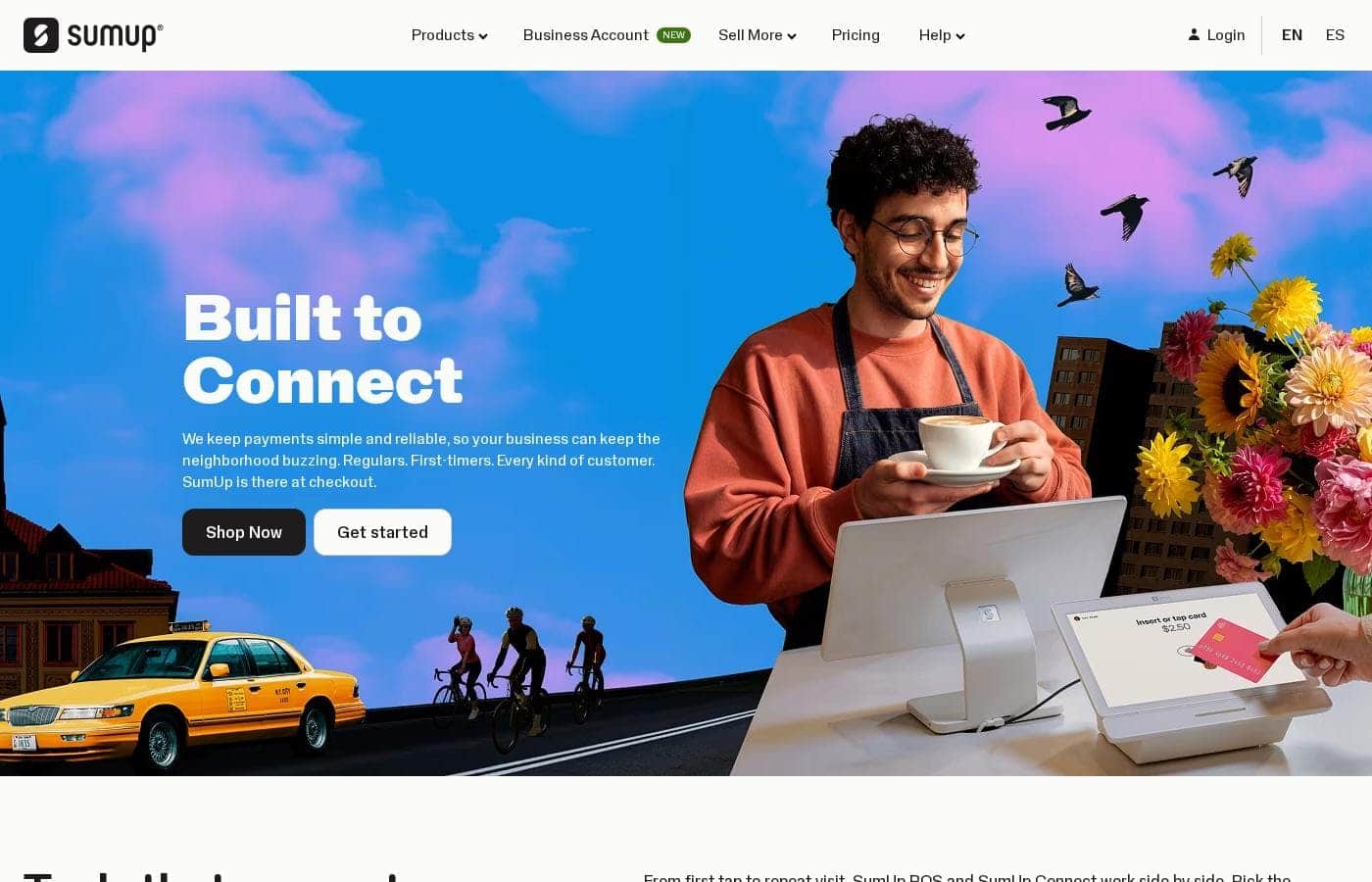
SumUp homepage screenshot

At a glance

Quick overview for SumUp: rating, pricing summary, key features, and highlights.
Pricing verified Oct 13, 2026

Ciroapp score

3.8/ 5

SumUp bundles card readers, POS software, and invoicing into one ecosystem run from a free app, so payments, orders, and billing stay connected. It's a strong fit for cafés, salons, and small shops, though costs beyond the free app take some digging to pin down. Overall, it's a solid pick for small businesses that'd rather use one vendor than three.

Pros

  • Pros:Full ecosystem approach — card readers, POS, and invoicing come from one vendor, so payments, orders, and billing stay connected instead of living in separate systems
  • Pros:The free SumUp App means owners can run orders, payments, and sales tracking from a phone without paying for a separate management tool
  • Pros:Includes customer acquisition functionality alongside payment processing, which many single-purpose card readers do not offer

Cons

  • Cons:Businesses with complex needs — multi-location operations, deep inventory management, or custom integrations — may find the small-business focus limiting
  • Cons:As an all-in-one ecosystem, merchants who already own POS hardware or software from another vendor may face redundancy when adopting SumUp
  • Cons:The breadth of products means buyers must evaluate which combination of readers, POS, and invoicing fits them, adding decision complexity at signup
Best for
  • Coffee shops and cafés that need fast, reliable counter payments with simple sales tracking
  • Fast casual restaurants looking for POS order processing connected directly to card payments
  • Barber shops and salons that bill both in person and via invoices for appointments
This section is a summary. Detailed sections about features, use cases, pricing, and reviews follow below.

What is SumUp?

SumUp is a payment and point-of-sale platform built for small and independent businesses. Instead of selling a single card terminal, it offers an integrated ecosystem covering card readers, POS software, invoicing, and customer acquisition tools. More than 4 million businesses worldwide use it, ranging from coffee shops and fast casual restaurants to barber shops and clothing boutiques.

SumUp provides hardware and software that let merchants accept in-person and remote payments and manage day-to-day sales. The product line includes card readers, POS systems with order management, and invoicing capabilities, all accessible through the free SumUp App. The idea is that a business owner can process orders, take payments, and reach customers from one connected setup rather than stitching together separate vendors.
Should you choose SumUp?

Quick buyer guidance before you compare plans or click through.

Choose it if

  • Coffee shops and cafés that need fast, reliable counter payments with simple sales tracking
  • Fast casual restaurants looking for POS order processing connected directly to card payments
  • Barber shops and salons that bill both in person and via invoices for appointments
  • Clothing boutiques and small retailers wanting a compact checkout and a phone-based management app

Skip it if

  • Large or multi-location operations that need enterprise inventory, workforce, or reporting features beyond a small-business POS
  • Businesses that already run an established POS or invoicing system and only need standalone payment processing, since SumUp's value is the integrated ecosystem

Next steps before buying

  1. 1Download the free SumUp App to create your account and explore the business solutions included with it
  2. 2Identify which products match your workflow — a card reader for counter payments, POS tools for order processing, or invoicing for remote billing
  3. 3Choose and set up the hardware or POS configuration that fits your business type, then connect it to the app so sales and payments flow into one place

SumUp Key Features

✨ Card Readers

SumUp offers card reader hardware that lets businesses accept contactless payments, chip cards, and mobile wallets at the counter or on the go. The readers pair with the SumUp App, so transactions are recorded and trackable from a phone or tablet. This is the core product for merchants who mainly need reliable in-person card acceptance.

✨ POS Systems

The SumUp POS tools go beyond simple payment capture by helping merchants process orders, manage sales, and run the checkout flow for a storefront. Because the POS is part of the same ecosystem as the card readers, orders and payments stay connected, reducing manual reconciliation at the end of the day.

✨ Invoicing

For work that happens away from a counter — services, freelance jobs, wholesale orders — SumUp includes invoicing capabilities. Merchants can send invoices to customers and get paid without needing a separate invoicing subscription, keeping remote and in-person revenue in one place.

✨ Business Management via the SumUp App

The free SumUp App acts as the control center for the ecosystem. Business owners can track sales, process orders, and access the platform's customer acquisition tools from the app. This makes the system usable for owners who run their business primarily from a smartphone.

Use Cases

💡 Coffee Shops and Cafés

A café needs fast counter payments, small-ticket transactions, and a simple daily sales view. SumUp's card readers paired with the POS tools cover the counter flow, while the app gives the owner a running picture of sales without extra software.

💡 Fast Casual Restaurants

Restaurants in the fast casual segment process a high volume of orders at varied times of day. SumUp's POS order processing helps staff take orders and payments in one flow, and the ecosystem keeps payment records tied to each transaction.

💡 Barber Shops and Salons

Appointment-based service businesses often bill both in person and remotely. A barber shop can take card payments at the chair with a reader and send invoices for regular clients or group bookings through SumUp's invoicing feature.

💡 Clothing Boutiques and Retail

Boutiques need a checkout that fits a small footprint and tracks sales across a modest inventory. SumUp's POS system handles the register function while the app supports end-of-day review, making it a fit for single-location retail shops.

SumUp pricing

From$49/mo

  • From the vendor's pricing page, checked Oct 13, 2026
  • 4 plans
  • Free plan available

Prices checked on Oct 13, 2026 from SumUp's pricing page

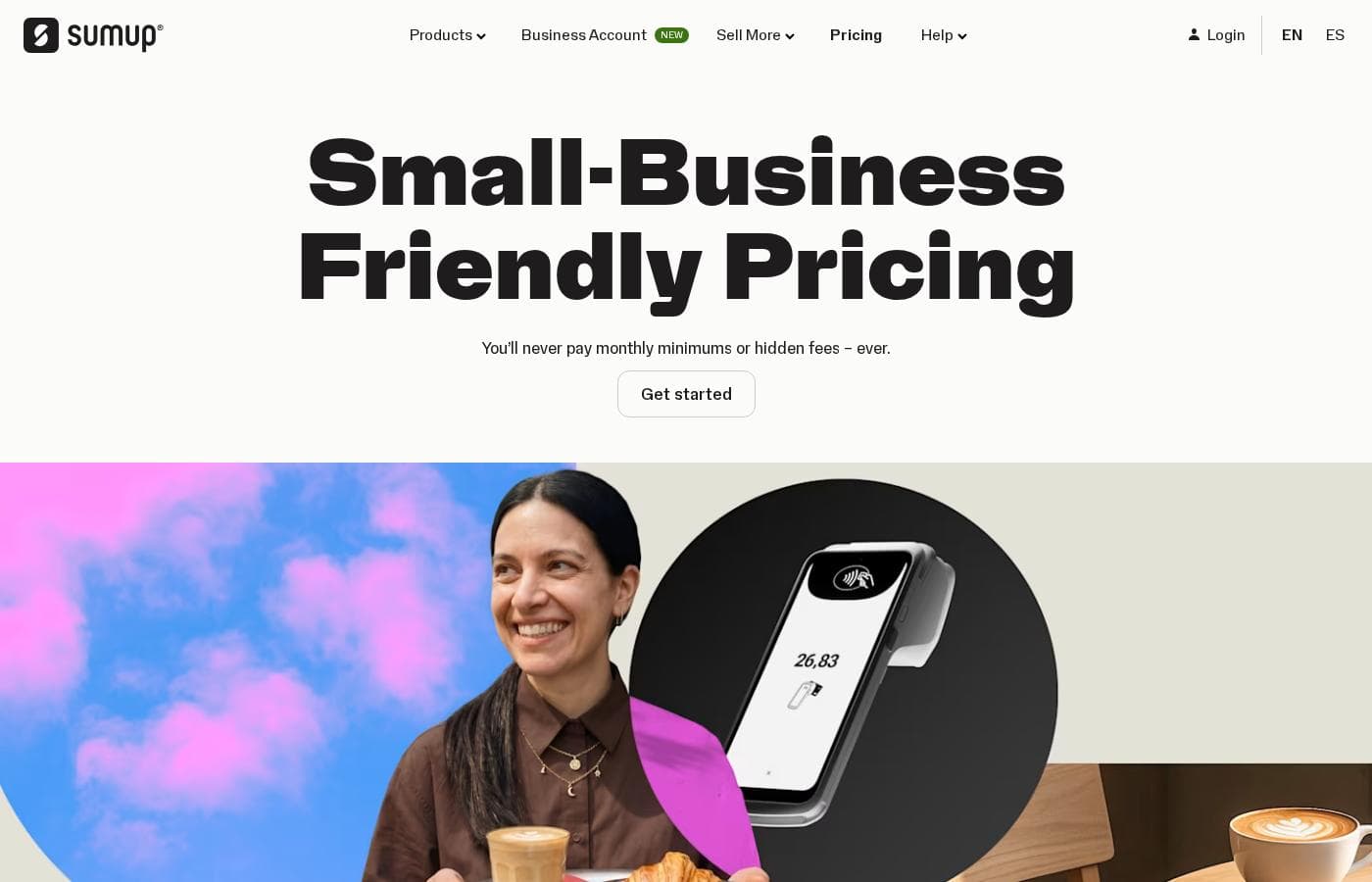
SumUp pricing page screenshotView pricing page screenshot
PlanBilled monthlyBilled annuallyIncludes
Free
Free
—
POS Plus
$49/mo
—
SumUp POS
$99/mo
—
Keep customers coming back
$269/mo
—

Price history

Tracking prices since Oct 1, 2026. No price change detected yet.

Pricing types: Free plan, Monthly subscription, Usage-based pricing

Pricing notes

SumUp pricing: Plans from $0/month Billing options: Free plan, Monthly subscription, Usage-based pricing

Cost calculator

Estimate what SumUp costs for your team.

Billing
Per month
$49
Per year
$588

POS Plus states no user limit: shown as one price for the whole account. Check the price for 5 users with the vendor. Estimate based on published list prices, before taxes, add-ons and discounts.

How to pay less for SumUp

  • Start on the free plan and upgrade only when you hit its limits.
  • Cheaper tools in this category start at $10/mo.
Visit SumUp

Email me when SumUp changes price

One email when we detect a price change on the vendor's pricing page. No newsletter, no deals. Unsubscribe in one click.

User Reviews

No reviews yet.

Write a Review

Write a Review for SumUp
0/100 characters
0/2000 characters

Why use SumUp?

Small merchants often juggle a card terminal from one provider, a separate POS app, and a standalone invoicing tool, which adds cost and complexity. SumUp consolidates those functions into one ecosystem with a single app, which simplifies setup and daily operations.

For businesses without dedicated IT staff, a bundled approach also means one vendor to contact when something goes wrong.

SumUp alternatives

Other tools in the Point of Sale category

View all Point of Sale tools
Lightspeed

Lightspeed

Point of Sale4.1/5

Lightspeed is a comprehensive commerce platform built specifically for growing businesses. It provides one seamless touchpoint for all your operational needs. Whether you run a retail store, a fast-paced restaurant, or a specialised golf facility, Lightspeed helps you manage crucial tasks better. It’s an innovative, easy-to-use system that combines multilocation tools, integrations, and reports into a single hub. This reliable platform is trusted by businesses in over 100 countries, supporting roughly 144,000 customer locations globally.

Square POS

Square POS

Point of Sale4.2/5From $10/mo

Square Point of Sale is a central hub combining essential hardware and software. It enables businesses to streamline operations and accept almost any payment method. This system supports transactions, tracks inventory, and helps analyze sales data from one platform. Square is designed to scale easily, supporting businesses from a single location all the way up to specialized, complex operations. Setting up is easy, and you can be ready to sell in just a few minutes.

Shopify POS

Shopify POS

Point of Sale4.2/5

Shopify POS is a complete system blending powerful hardware and software designed for seamless in-person sales. It provides the tools necessary to processes transactions and accept payments anywhere. This POS system is flexible enough to support retailers of every size, from new stores to those running multiple locations. If you sell products both online and in person, this tool is specifically designed to unify those channels. Your entire business is managed from a single back office, helping you simplify daily tasks and save time.

Shore

Shore

Point of Sale3.9/5

Shore empowers service and retail businesses to grow — online and in-store. With smart booking, marketing, and an integrated POS system with Shore Pay, Shore offers a flexible all-in-one platform. POS and payment solutions are currently available in DACH region only

Zettle

Zettle

Point of Sale3.7/5

PayPal Point of Sale, formerly Zettle by PayPal, provides modern tools for business owners. It focuses on making every workday easier by combining payment acceptance and sales tracking in one simple place. These products are made specifically to help you handle transactions smoothly and keep reliable records. ✅ A key component is the new PayPal Reader. This reader features a large touchscreen for a professional and smooth checkout experience. You can connect it via Bluetooth or use a stable connection with the included USB-C cable. New, eligible business users can get this card reader starting from £29 (excluding VAT). Additional readers are priced at £69 (excluding VAT).

Clover

Clover

Point of Sale3.6/5

Clover provides essential tools for small businesses seeking better payment solutions. It integrates both a complete POS System and reliable Credit Card Reader technology. If you need a trustworthy platform to handle transactions and processing, Clover is ready to deliver.

SumUp FAQ

How much does SumUp cost?

SumUp's cheapest paid plan, POS Plus, costs $49 per month. Paid plans range from $49 to $269 per month. Prices checked on Oct 13, 2026 from the vendor's pricing page.

Does SumUp have a free plan?

Yes. SumUp has a free plan (Free); paid plans start at $49 per month.

Has SumUp's price changed recently?

No. We have not detected a price change since we started tracking on Oct 1, 2026.

What kinds of businesses is SumUp designed for?

SumUp targets small and independent businesses across several verticals. The company specifically names coffee shops, fast casual restaurants, barber shops, and clothing boutiques as typical users. The common thread is a business that needs card acceptance plus basic order and sales management without enterprise-level infrastructure.

Do I need to buy hardware to start using SumUp?

The SumUp App itself is free to download and provides access to the platform's business solutions, including invoicing. Card readers and POS hardware are separate products you select based on your needs, so a service business could start with app-based invoicing before investing in a reader.

How does SumUp compare to using separate providers for payments, POS, and invoicing?

SumUp bundles these functions into one ecosystem, which means orders, payments, and invoices live in the same system and the free app acts as a single control point. The trade-off is less flexibility to mix best-of-breed vendors; businesses that already have a POS they like may prefer a payments-only provider instead.

Ready to try SumUp? Check out the official site or pricing.

Are you SumUp? Claim this listing · Get the badge