完全な翻訳は近日公開 — 製品詳細は英語、ナビゲーションは日本語で表示しています。
SupportBee

SupportBee レビュー

Email ticketing for collaborative customer service

SupportBeeは月額$17 (≈ ¥2,712)から · 2プラン

著者 Ciroapp Editorial Team · 更新日 2026年9月17日

追加費用なしでコミッションが発生する場合があります

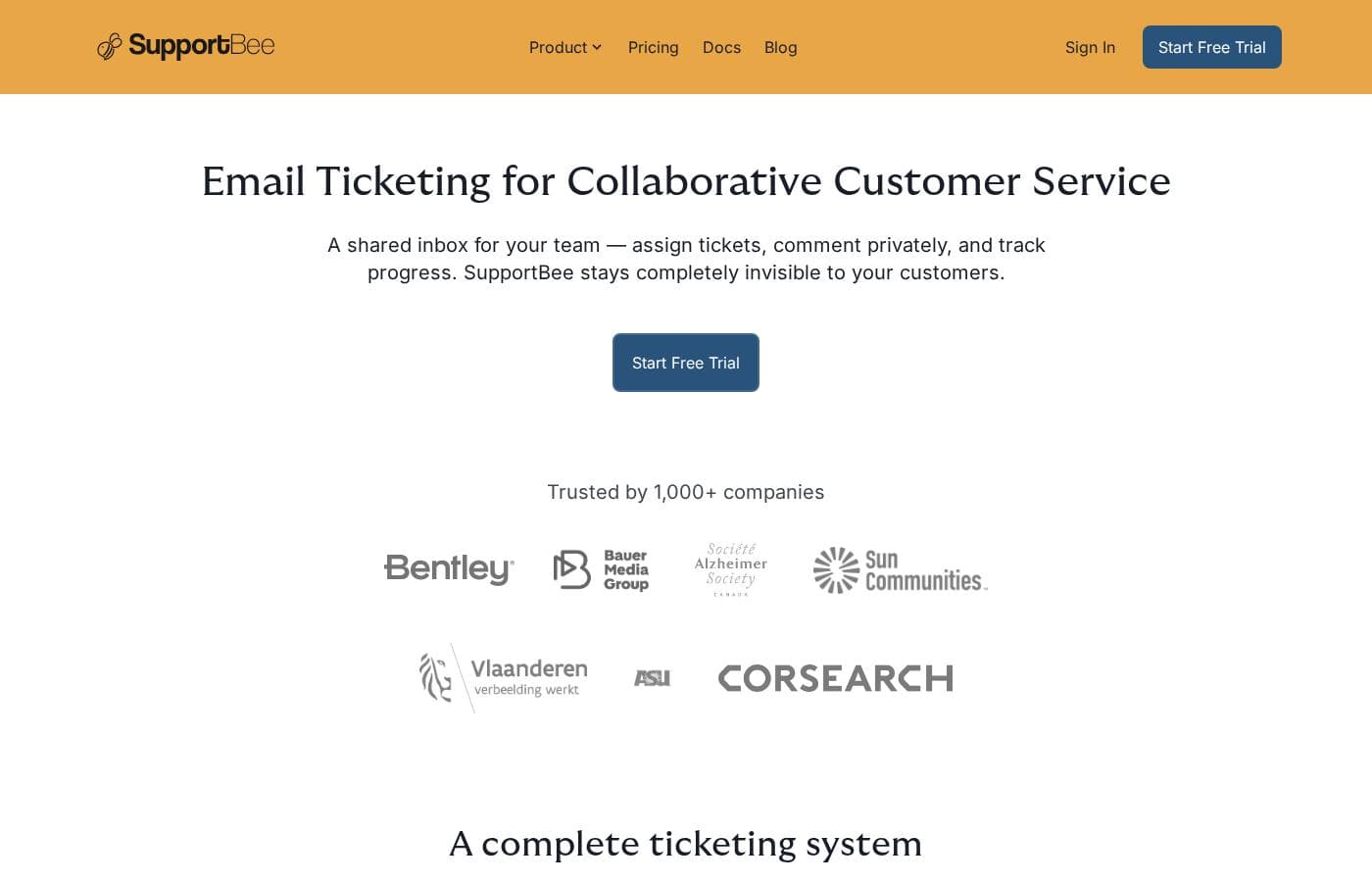
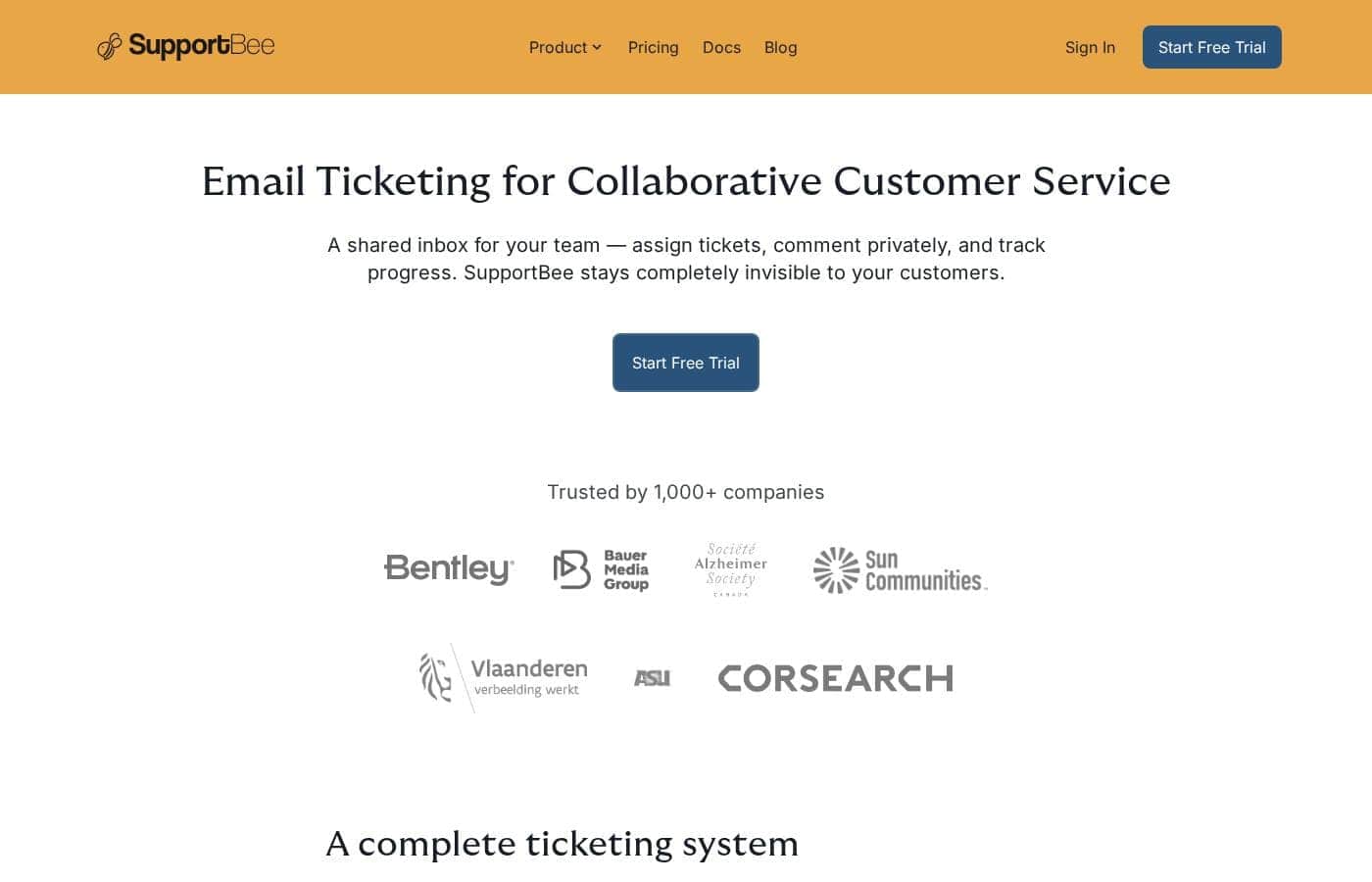
SupportBeeのホームページスクリーンショット

概要

SupportBeeの評価、価格概要、主な機能、注目ポイントをすばやく確認できます。
ベンダーページ確認日 2026年11月27日

Ciroappスコア

3.7/ 5

SupportBee turns customer emails into trackable tickets, with a shared inbox, private comments and draft replies, a knowledge base, and a customer portal. Setup looks genuinely quick, but pricing isn't published, no refund terms appear, and integrations beyond email aren't listed. Overall, it's a solid pick for email-first teams who test it free and confirm costs before paying.

長所

  • Converts incoming emails into assignable tickets from a shared team inbox, so every message gets a clear owner instead of getting lost in a busy mailbox.
  • Supports private internal comments and draft replies that teammates can review before sending, letting new agents get feedback without customers seeing internal discussion.
  • Bundles a public knowledge base and a customer portal, so customers can self-serve answers to common questions and track their own tickets online.

短所

  • Pricing is not published on the site — no plan names, dollar amounts, or usage limits are visible, so you must go through signup or contact sales to learn costs.
  • No refund policy is stated anywhere in the reviewed material, which makes it harder to assess financial risk before committing.
  • Native integrations beyond email connectivity aren't listed, so teams relying on specific tools (CRM, Slack, etc.) need to verify compatibility before buying.
最適
  • Small and growing businesses replacing a chaotic shared inbox
  • Support teams that need private internal comments and reply reviews
  • Companies wanting self-service via a knowledge base and customer portal
無料トライアル
Yes
このセクションは概要です。機能、ユースケース、価格、レビューの詳細は下に続きます。

SupportBeeとは?

Managing customer support through a shared inbox gets messy fast. Emails slip through, replies overlap, and no one knows who owns what. SupportBee turns those emails into trackable tickets, so your team can assign work, share private notes, and keep customers informed without confusion.

SupportBee is an email ticketing system built for teams that handle customer service together. It converts incoming emails into tickets your team can assign, discuss, and track from a shared inbox. It suits growing businesses that want a simple help desk without a heavy setup or an IT department.

SupportBeeを選ぶべきですか?

プラン比較や公式サイトへ進む前に確認したい購入判断のポイントです。

選ぶべき人

  • Teams already working primarily over email who want structure without changing habits
  • Organizations that value collaboration, like shared drafts and private discussion on tickets
  • Businesses that want customer satisfaction ratings and audit trails for accountability
  • Groups that need flexible access across desktop, mobile, and email notifications
  • Teams that want a tool that stays invisible to customers

避けるべき人

  • Buyers who need detailed public pricing upfront — the site points to a free trial and signup rather than published plan costs
  • Teams requiring deep native integrations — confirm your specific tools connect before committing
  • Organizations wanting phone, chat, or social media support channels — the product centers on email ticketing
  • Enterprises needing complex customization, since the pitch emphasizes simplicity and quick setup instead
  • Shoppers comparing alternatives — the site doesn't list competitor comparisons or refund terms, so check before purchase

購入前の次のステップ

  1. 1Start the free trial to see if the email-style workflow fits your team before paying.
  2. 2Confirm SupportBee connects with your current email setup and any tools you rely on.
  3. 3Check current pricing and plan details during signup, since costs aren't published on the main page.
  4. 4Compare it against one or two alternatives to make sure email-first ticketing covers all your channels.
  5. 5Review any trial limits or refund terms so you know what happens when the trial ends.

使いやすさ

Signals point to a very low learning curve. The workflow mirrors email, offers Gmail-compatible shortcuts, and the site claims setup takes minutes without IT involvement. Access across desktop, mobile, and email client notifications adds everyday convenience.

SupportBee 主な機能

✨ Team Inbox: Every Email Becomes a Trackable Ticket

Shared inboxes get messy. Emails slip through, replies overlap, and no one knows who owns what. SupportBee turns incoming emails into tickets so each team member has a clear view of their assigned work.

You'll always know what's open and who's handling it.

✨ Collaborate Without Confusing Customers

Discuss an issue privately with internal comments, or share draft replies for review before anything goes out. Customers never see the tool — SupportBee stays completely invisible to them. Use labels to spot patterns in customer inquiries and group similar tickets together.

✨ Works Like Email, So There's Little to Learn

The workflow mirrors email, which means there's no steep learning curve. Gmail-compatible keyboard shortcuts and real-time updates keep things moving quickly. Setup takes minutes: connect your email, add your team, and start working tickets right away — no IT department needed.

✨ Self-Service That Cuts Repeat Questions

SupportBee includes two tools that reduce back-and-forth: a Knowledge Base and a Customer Portal. Together, they let customers find answers and manage tickets on their own. You can:

✨ Reports That Reveal What's Working

Built-in reporting shows performance for agents, teams, and labels, so you can spot bottlenecks early. Customer satisfaction ratings help you gauge support quality, and an audit trail tracks each ticket's progress. It's an easy way to keep your team accountable as you grow.

使用例

📥 Replace a messy shared inbox

Your team shares one inbox. Emails get missed, replies overlap, and nobody owns anything. SupportBee turns each email into a ticket you can assign, so someone's always on it.

Expected outcome: Every email gets an owner — nothing slips through.

Tip: Label tickets to spot patterns in customer questions.

✍️ Review replies before they go out

A new agent drafts a reply. A teammate reviews it with private comments before anything is sent. You get a second pair of eyes on tricky tickets.

Expected outcome: Polished, consistent answers — even from new hires.

📚 Let customers help themselves

Publish answers to common questions in a knowledge base, then link articles right inside your replies. Customers can also track their own tickets in the portal.

Expected outcome: Fewer repetitive questions and faster answers.

Tip: Keep a private knowledge base for internal docs too.

📊 Spot bottlenecks with reports

Track performance by agent, team, and label. Customer satisfaction ratings show how support feels, while the audit trail keeps everyone accountable.

Expected outcome: Clear data to find and fix slowdowns.

SupportBeeの料金

最安$17/月≈ ¥2,712

  • ベンダーの料金ページより(2026年11月27日に確認)
  • 2プラン

2026年11月27日に提供元のページを確認済み。最新の価格は次のページで確認してください: SupportBeeの料金ページ

SupportBeeの料金ページのスクリーンショット料金ページのスクリーンショットを見る
プラン月払い年払い含まれる機能
Startup
1ユーザーあたり
—
$17/月
≈ ¥2,712
年額$204
per user
Enterprise
1ユーザーあたり
—
$21/月
≈ ¥3,350
年額$252
per user

2026年11月27日のECB参照レートで換算しています。ベンダーの現地価格は異なる場合があります。

価格の推移

2026年10月9日から価格を追跡中。まだ価格変更はありません。

価格タイプ: Free trial

料金に関する補足

SupportBee is a subscription product with a free trial, so you can test it before paying. Specific plan names and prices aren't shown in the page we reviewed, so check SupportBee's live pricing page for current rates.

SupportBee is subscription-based software for email ticketing, and you can try it free before you pay anything.

Here's what we found on SupportBee's site — plus what you'll want to double-check before you buy.

What you're paying for

SupportBee is a shared inbox that turns customer emails into tickets. Your team can assign tickets, leave private comments, and track progress together. Customers never see the tool — it stays completely invisible to them.

The product bundles three main pieces. The Team Inbox gives every agent a clear view of their assigned tickets. The Knowledge Base publishes answers to common questions, either publicly or as a private wiki for your team. The Customer Portal lets customers send, track, and manage their own tickets online.

Setup is quick, too. SupportBee says you can connect your email, add your team, and start working tickets in minutes — no IT department needed.

Plans and pricing

We didn't find specific plan names, prices, or usage limits in the material reviewed here. That's an important gap, so treat this as buyer guidance: confirm current plan tiers, license limits, and billing terms on SupportBee's pricing page before you buy.

What the site does show is who the product fits. It's built for growing businesses that want collaboration features like draft replies, labels, and performance reports for agents and teams. If you only need a simple shared email address with no workflow, a lighter tool may suit you better.

Try before you buy

SupportBee does offer a free trial. The site's main call to action invites you to sign up and get started, so you can test the inbox, knowledge base, and portal before spending anything. 🎉

No refund policy appears in the content we reviewed, so it's worth asking about one while you're still in your trial.

コスト計算ツール

チームでSupportBeeを使う場合の費用を試算します。

支払い方法

Startupにはこの支払いサイクルの公開価格がありません。

Startupはユーザー単位の料金です:価格 × 5ユーザー。 公開されている定価に基づく概算です(税・アドオン・割引は含みません)。

SupportBeeを安く使う方法

  • 無料トライアルがあります。支払う前に試しましょう。
  • 一部のプランはユーザー単位の料金です。実際に使う人数分だけ支払いましょう。
  • このカテゴリーのより安いツールは月額$1.50からあります。
無料トライアルを始める

SupportBeeの価格が変わったらメールで通知

ベンダーの料金ページで価格の変更を検出したときに1通のメールを送ります。ニュースレターやセール情報はありません。ワンクリックで解除できます。

ユーザーレビュー

まだレビューがありません。

レビューを書く

SupportBeeのレビューを書く
0/100文字
0/2000文字

SupportBeeを使う理由は?

Most ticketing tools demand days of setup and training. SupportBee takes a different path: it works like email, so your team can start helping customers in minutes.

  • Fast setup — Connect your email, add your team, and start working tickets right away. No IT department needed.
  • Email-style workflow — The interface mirrors email, with Gmail-compatible keyboard shortcuts and real-time updates, so there's little to learn.
  • True team visibility — Every member sees assigned tickets clearly, with private comments and draft replies for review before anything goes out.
  • Self-service options — Publish a public knowledge base to answer common questions, or keep a private one for internal docs.
  • Customer portal — Let customers send, track, and manage tickets online, with group-based visibility for whole organizations.
  • Built-in reporting — Performance reports, satisfaction ratings, and an audit trail help you spot bottlenecks and stay accountable.

SupportBee の代替ツール

ヘルプデスクカテゴリの他のツール

ヘルプデスクの全ツールを見る
NinjaOne

NinjaOne

Help Desk4.2/5最安 $1.50/月 (≈ ¥239)

エンドポイント管理、パッチ適用、バックアップ、リモートアクセスをまとめた統合IT運用プラットフォーム。

Hiver

Hiver

Help Desk4.2/5

あなたの受信トレイと全く同じ見た目と感覚を持つ、AIファーストのカスタマーサービスプラットフォームです。

人を第一に考える、AI搭載のカスタマーサービス。

Deskpro

Deskpro

Help Desk3.9/5

強力な足跡を残すサポート

HelpDesk

HelpDesk

Help Desk3.6/5

効率的なカスタマーサポートを実現する包括的なチケットシステム。

1〜25ユーザー向けの最安ヘルプデスクソフトウェア

SupportBee よくある質問

SupportBeeの料金はいくらですか?

SupportBeeの最も安い有料プラン「Startup」は月額$17 (≈ ¥2,712)です。 有料プランは月額$17から$21までです。

SupportBeeに無料プランはありますか?

いいえ。SupportBeeに無料プランの記載はなく、最も安い有料プランは月額$17 (≈ ¥2,712)からです。

SupportBeeに無料トライアルや返金保証はありますか?

SupportBeeには無料トライアルがあります。

SupportBeeの価格は最近変わりましたか?

いいえ。2026年10月9日に追跡を始めて以来、価格の変更は検出されていません。

Which tools does SupportBee integrate with?

The site confirms it connects with your email, and it offers Gmail-compatible keyboard shortcuts. Other native integrations aren't listed, so check that your must-have tools connect before you commit.

How do I get my team started or migrate from another help desk?

Connect your email address, invite your team, and you're ticketing in minutes — no IT help needed. For moving ticket history from another tool, confirm migration options with SupportBee before you buy.

SupportBeeを試してみる準備はできましたか?公式サイトまたは価格をご覧ください。

SupportBeeの担当者ですか? この掲載を申請する · バッジを入手