Vollständige Übersetzung folgt — Produktdetails auf Englisch, lokalisierte Navigation.
Pylon

Pylon review

An agentic support platform where AI agents and humans tackle B2B support together.

Von Ciroapp-Redaktion · Aktualisiert 17. Sept. 2026
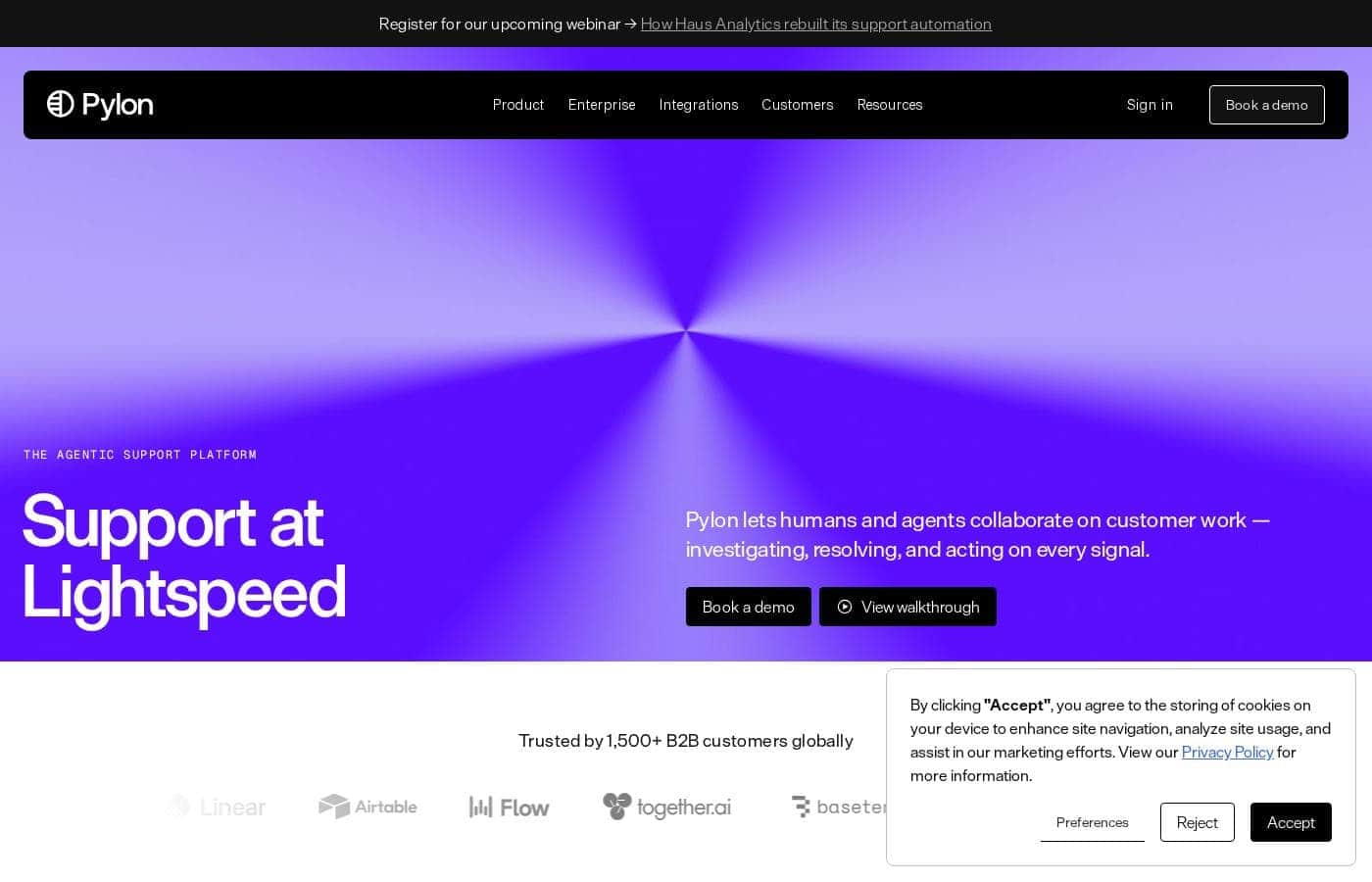
Pylon Homepage-Screenshot

Auf einen Blick

Kurzüberblick zu Pylon: Bewertung, Preisübersicht, wichtige Funktionen und Highlights.
Anbieterseite geprüft am 27. Nov. 2026

Ciroapp-Score

3.8/ 5

AI agents investigate issues before a human opens the ticket, and nine channels plus CRM data feed one B2B inbox you can configure in plain language. Overall, it's a strong bet for B2B teams, as long as you're comfortable with quote-only pricing, no free trial, and a demo-first buying process.

Vorteile

  • AI agents investigate issues before a human opens the ticket, so support staff start with gathered context and answers rather than raw questions
  • Nine channels — Slack, Microsoft Teams, email, chat, SMS, WhatsApp, Telegram, Discord, and phone — feed into a single inbox with shared account context across every conversation
  • Deep context integrations pull from Salesforce, HubSpot, Snowflake, BigQuery, Jira, Linear, PostHog, and Gong, with data exposed via MCP so agents and tools like Claude and ChatGPT work from the same facts

Nachteile

  • No public pricing, plan tiers, free trial, or free plan — the pricing page is only a demo request form, so you cannot estimate cost or compare tiers without talking to sales
  • No advertised money-back guarantee, and refund and cancellation terms are not published, so contract risk must be clarified during the sales call
  • The platform's value depends heavily on connecting your CRM, data warehouse, and issue tracker first, so teams with a thin tool stack or limited integration resources will get less out of it
Am besten für
  • B2B SaaS support teams whose customers live in Slack or Microsoft Teams
  • Teams that have outgrown email-first tools and need multi-channel coverage
  • Support orgs that want AI agents to clear repetitive tickets before humans step in
Dieser Abschnitt ist eine Zusammenfassung. Details zu Funktionen, Anwendungsfällen, Preisen und Bewertungen folgen weiter unten.

Was ist Pylon?

B2B support teams lose hours to repetitive tickets arriving from every direction — Slack, email, chat, and phone. Pylon goes after that problem: it investigates issues before your team opens them, pulls every channel into one place, and lets AI agents handle the follow-up work.

Pylon is a customer support platform where AI agents and human agents work side by side. It connects channels like Slack, Teams, email, chat, SMS, WhatsApp, and phone, and pulls context from your CRM, product data, and knowledge base. The company positions it as purpose-built for B2B support, with 1,500+ customers including Cognition, Linear, and Airtable.

Sollten Sie Pylon wählen?

Kurze Kaufhilfe, bevor Sie Pläne vergleichen oder zur Website wechseln.

Wählen Sie es, wenn

  • B2B companies that want support, account, and product data unified in one place
  • Teams comfortable directing AI agents rather than doing manual triage
  • Organizations that want to build workflows and routing in natural language
  • Teams using tools like Linear, Jira, Notion, or Confluence that want them linked to tickets
  • Buyers who value security documentation — Pylon publishes a Trust & Security page, docs, and a public changelog

Überspringen Sie es, wenn

  • Budget-conscious buyers who need public pricing — the homepage shows no prices, so you'll have to book a demo to learn cost
  • Teams wanting a self-serve free trial — the main calls to action are booking a demo or signing in, and no trial or free plan is advertised
  • B2C, e-commerce, or small consumer-facing teams — the messaging and customer base are firmly B2B
  • Teams without existing integrations — agent context depends on connecting your CRM, data warehouse, and issue tracker, so a thin tool stack limits the value
  • Buyers needing quick self-serve onboarding — expect integration and configuration work across channels and data sources first

Nächste Schritte vor dem Kauf

  1. 1Book a demo and ask for pricing in writing so you can compare total cost against your current tooling
  2. 2Confirm the channels you need (Slack, Teams, email, phone, WhatsApp) and your must-have integrations (Salesforce, HubSpot, Jira, Snowflake) are supported the way you work
  3. 3Review the docs and Trust & Security pages to check API access, data handling, and compliance fit
  4. 4Compare against alternatives — Pylon publishes comparison pages for Zendesk, Intercom, Front, and others, so read both sides
  5. 5Ask during the demo how AI agents escalate to humans and how the team measures what AI can't handle

Benutzerfreundlichkeit

Based on the site, Pylon aims to make setup conversational: you can build workflows, configure agents and routing by asking in natural language. There's no published setup time, and since the platform's value depends on connecting channels, CRMs, and data sources, plan for some integration work up front. A live demo is the stated starting point, and docs plus a help center exist for deeper setup.

Pylon Wichtige Funktionen

🔍 Investigation happens first

Pylon looks into every issue before your team opens a ticket, so you start with answers instead of questions. From there, you direct the work. Ask follow-up questions, send agents into other systems, and keep several streams of work moving at once.

✨ Specialized agents you direct

You're not stuck with one generic bot. Pylon gives you purpose-built agents to direct:

  • Assist Agent — a personal operator that investigates and takes action
  • Background Agent — runs skills on triggers and posts results into the issue
  • Support Agent — resolves routine questions and calls in humans when needed

Skills teach each agent how your team works.

✨ Every channel, one shared context

Customers reach you on Slack, Microsoft Teams, email, chat, SMS, WhatsApp, Telegram, Discord, and phone. Pylon pulls all of it into one place. Each conversation becomes account context, so anyone — human or agent — sees the full history.

✨ Set it up by asking

You can build workflows, configure routing, and set up agents just by asking. Describe what you want in plain language and it gets configured. This helps most when you're standing up a new support system or changing how tickets flow.

✨ Context that runs deep

Pylon builds intelligence from conversations, your CRM, product usage, logs, and code. Salesforce, HubSpot, Snowflake, BigQuery, Linear, Jira, PostHog, and more plug in. Everything is exposed through MCP, so your agents — and tools like Claude and ChatGPT — work from the same facts.

Anwendungsfälle

📥 B2B Support in One Inbox

Customers reach you on Slack, Teams, email, chat, SMS, WhatsApp, and phone. Pylon pulls every channel into one inbox with shared account context. Your agents reply with the full story in view.

Tip: Start with the channel your customers already use most.

🤖 Let AI Handle the Repetitive Work

Repetitive tickets eat your team's day. The Support Agent resolves routine questions across every channel and brings in humans when judgment is needed. Your team directs the work instead of doing it.

Expected outcome: more time for issues that actually need a person.

🤝 Customer Success With Full Account Context

CSMs juggle CRM notes, product data, and scattered conversations. Pylon connects Salesforce, HubSpot, and product usage to each account, so customer success teams see one complete picture. Spot what needs attention before customers have to ask.

💬 Build Your Support System by Asking

Routing rules and workflows usually need an admin. With Pylon, you configure them in plain language — just ask. Teams using Linear, Jira, or Notion can link those tools to tickets too.

Tip: Start with one workflow, then expand.

Pylon Preise

Preise noch nicht geprüft — siehe Anbieterseite.

der Preisseite von Pylon

Screenshot der Preisseite von PylonScreenshot der Preisseite ansehen

Preisverlauf

Preise werden seit 16. Okt. 2026 beobachtet. Bisher keine Preisänderung erkannt.

Preisspanne: Custom quote (no public pricing)

Preistypen: Monthly subscription

Hinweise zu den Preisen

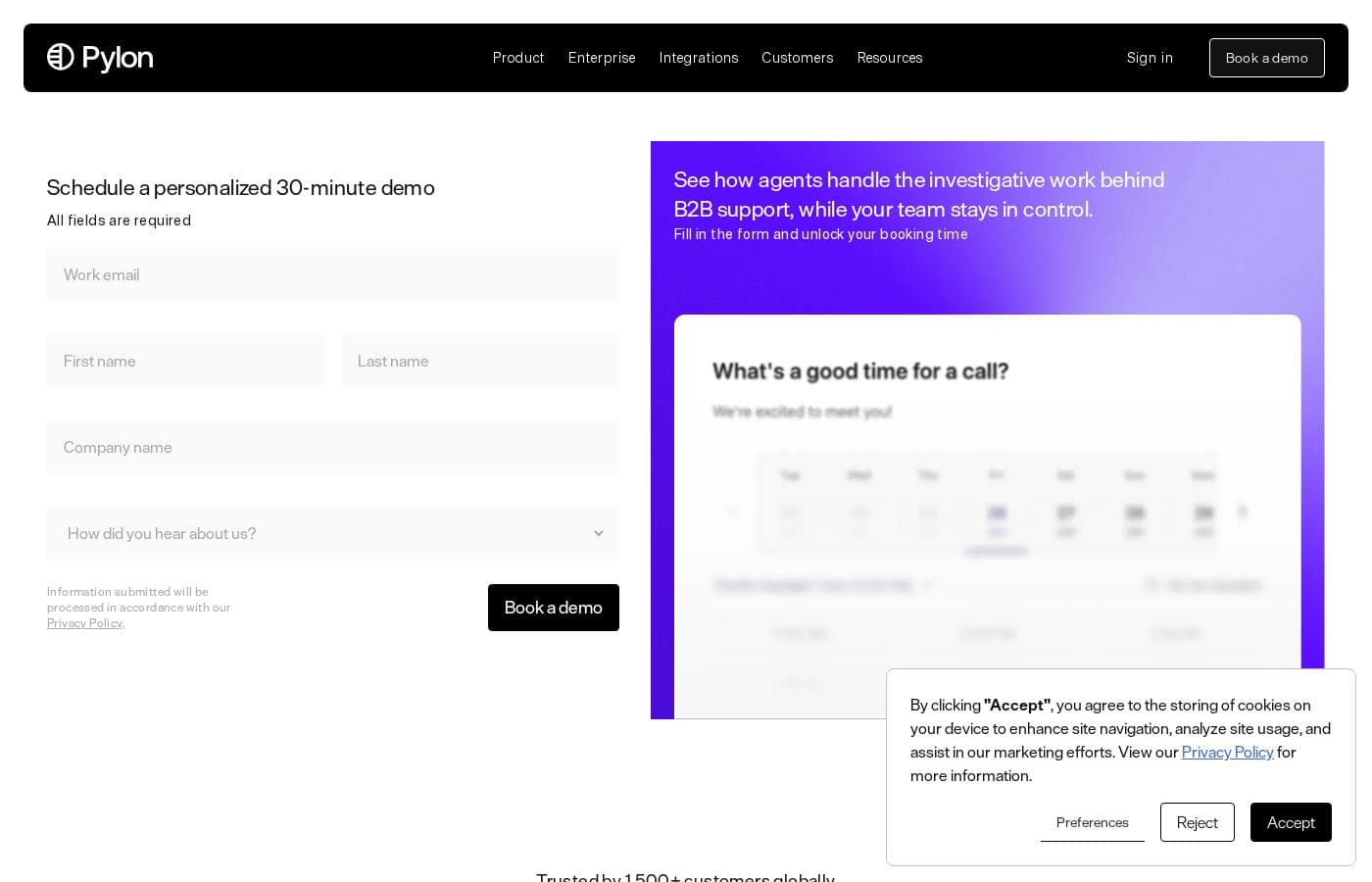
Pylon doesn't publish plan prices. Pricing is quote-based: you book a personalized 30-minute demo and receive a custom quote for your team.

Pylon uses custom, quote-based pricing — you book a personalized 30-minute demo to get a price for your team.

There's no public plan table to compare, so here's what we know and how to get your quote.

Pylon's pricing page doesn't show plan names, dollar amounts, or tiered features. Instead, it opens with a demo request form. You fill in your details, use a work email, and pick a time for a walkthrough. That call is the path to an actual quote.

Your final cost will depend on what you agree on in that conversation. The site doesn't list seat counts, usage limits, contract lengths, or annual discounts.

It helps to know what you'd be buying. Pylon is an agentic support platform built for B2B teams. It bundles AI agents — Assist, Background, Slack, and Support Agents, plus Skills — with core tools like ticketing, analytics and reporting, account intelligence, a knowledge base, workforce management, and NPS/CSAT surveys. It covers Slack, Microsoft Teams, email, chat, phone and SMS, WhatsApp, Telegram, and Discord, and connects to CRMs such as Salesforce and HubSpot.

The site also links to an Enterprise offering, so larger organizations have a dedicated path. If you run a big support team, expect that conversation to cover security, custom terms, and rollout support.

When you book the demo, come with questions ready. Ask how seats are counted, whether usage is capped, what contracts look like, and what happens at renewal. The 30-minute call is your best chance to pin those details down.

No free plan or free trial is advertised, and there's no published money-back guarantee. The personalized demo is how you evaluate Pylon before spending anything. With more than 1,500 B2B customers — including Cognition, Linear, and Airtable — Pylon is clearly selling to serious teams, but you'll need that call to see the actual price.

Benachrichtigen, wenn sich der Preis von Pylon ändert

Eine E-Mail, wenn wir eine Änderung auf der Preisseite des Anbieters erkennen. Kein Newsletter, keine Angebote. Abmeldung mit einem Klick.

Nutzerbewertungen

Noch keine Bewertungen.

Bewertung schreiben

Bewertung für Pylon schreiben
0/100 Zeichen
0/2000 Zeichen

Warum Pylon nutzen?

Most support tools bolt AI on top of old workflows. Pylon was designed around agents doing the investigating, with your team directing the work. Here's why that matters:

  • Investigation happens first. The site says Pylon looks into every issue before a human opens it, so your team starts with answers instead of questions.
  • Every channel in one inbox. Slack, Microsoft Teams, Discord, Telegram, WhatsApp, phone, SMS, chat, and email all feed into one system with shared account context.
  • Real context from your stack. It connects to Salesforce, HubSpot, Gong, Snowflake, BigQuery, Jira, Linear, PostHog, and more — and exposes that data via MCP to agents and your team.
  • Setup in plain language. You can configure workflows, routing, and agents just by asking, according to the product site.
  • Humans stay in charge. The Support Agent resolves routine questions and brings in people when judgment is needed.
  • Proven with B2B teams. Cognition, Amplitude, Retool, LangChain, and 1,500+ other companies use it.

Alternativen zu Pylon

Weitere Tools in der Kategorie Helpdesk

Alle Helpdesk-Tools ansehen
NinjaOne

NinjaOne

Help Desk4.2/5

Eine einheitliche IT-Operations-Plattform für Endpunktverwaltung, Patching, Backup und Remote-Zugriff.

Hiver

Hiver

Help Desk4.2/5

Die KI-gestützte Serviceplattform, die sich wie Ihr E-Mail-Postfach anfühlt.

KI-gestützter Kundenservice, der Menschen an erste Stelle setzt.

Deskpro

Deskpro

Help Desk3.9/5

Support, der einen starken Eindruck hinterlässt

HelpDesk

HelpDesk

Help Desk3.6/5

Ein umfassendes Ticketing-System für optimierte Kundenbetreuung.

Günstigste Helpdesk-Software für 1 bis 25 Nutzer

Pylon FAQ

Which tools and channels does Pylon integrate with?

Pylon connects Slack, Microsoft Teams, email, chat, phone, SMS, WhatsApp, Telegram, and Discord. It also links Salesforce, HubSpot, Snowflake, BigQuery, Jira, Linear, Notion, Confluence, Gong, PostHog, and more.

How can I check Pylon's security and data practices?

Pylon publishes a Trust & Security page, docs, a help center, and a public changelog. Review those for data handling and compliance fit, and confirm any requirements you have during your demo.

What does setting up Pylon involve?

You'll connect your channels, CRM, and data sources first, since agent context depends on them. Workflows, routing, and agents can be configured by asking in plain language. Docs and a help center support deeper setup.

Is there a free trial or money-back guarantee?

Pylon doesn't advertise a free trial, free plan, or money-back guarantee. The 30-minute personalized demo is your no-cost way to evaluate it. Confirm refund and cancellation terms before signing a contract.

Bereit, Pylon auszuprobieren? Besuchen Sie die offizielle Website oder sehen Sie sich die Preise an.

Sind Sie Pylon? Eintrag beanspruchen · Badge holen