DigitalOcean

DigitalOcean review

Developer-first cloud infrastructure with predictable pricing, from simple Linux droplets to H100 GPU deployments

DigitalOcean costs from $4/mo · 16 plans · Free plan available · prices checked Oct 13, 2026

By Ciroapp Editorial Team · Updated Sep 17, 2026

Commission may apply at no extra cost

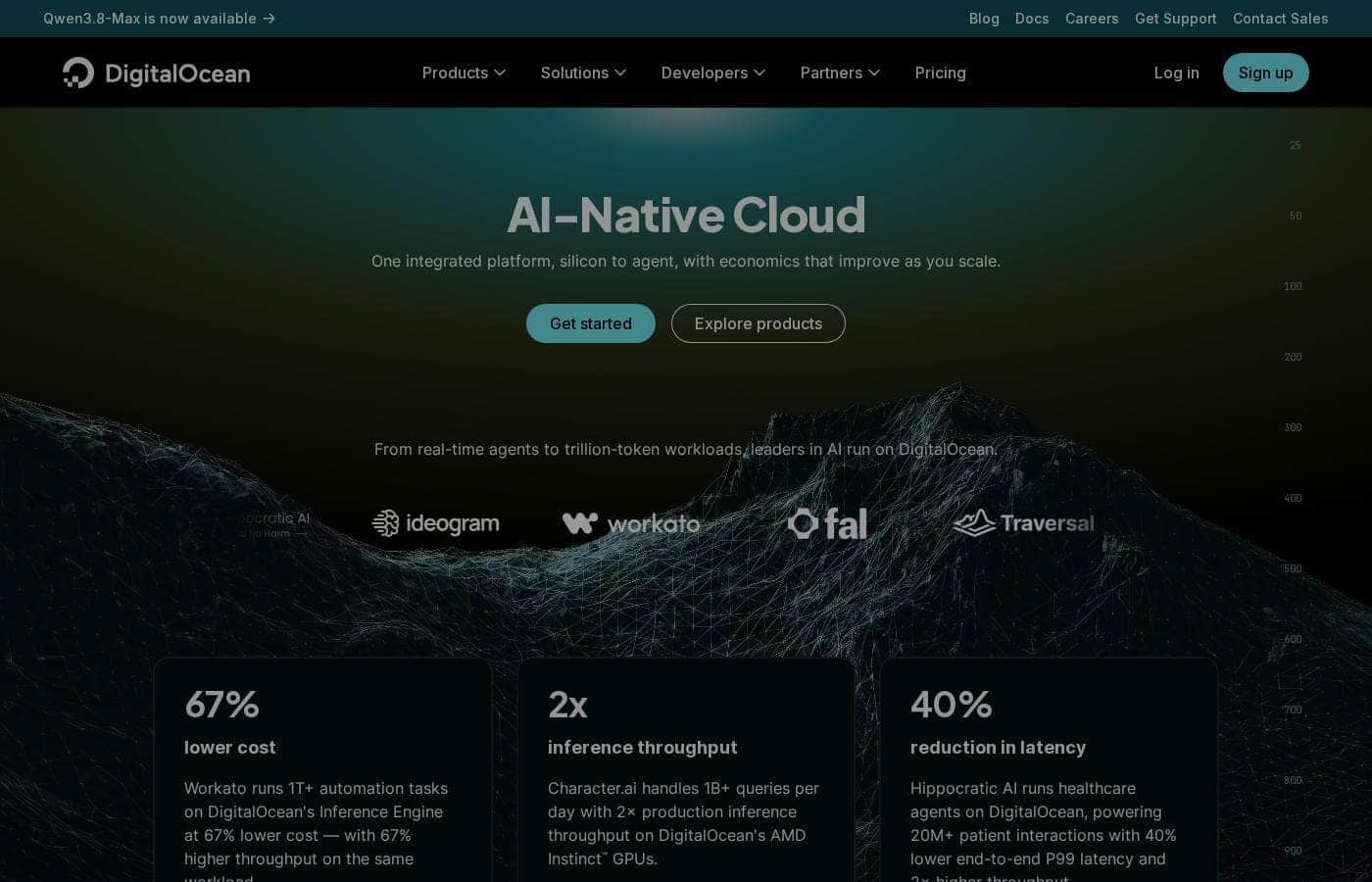
DigitalOcean homepage screenshot

At a glance

Quick overview for DigitalOcean: rating, pricing summary, key features, and highlights.
Pricing verified Oct 13, 2026

Ciroapp score

4.1/ 5

DigitalOcean keeps cloud infrastructure approachable with fast provisioning, full root access, and H100 GPUs for AI workloads like Ollama, though it's raw infrastructure that demands your own administration and offers thinner managed services than hyperscale clouds. Overall, it's a practical, recommendable pick for developers who value control and predictable costs.

Pros

  • Pros:Full root access to Linux virtual machines lets developers install exactly the stack they need, including Docker on Ubuntu
  • Pros:H100 GPU availability supports demanding AI workloads like running models with Ollama without on-premises hardware
  • Pros:Pricing starts at $0/month with a free plan, lowering the barrier for experimentation and learning

Cons

  • Cons:As raw infrastructure, it requires users to handle their own server administration, security patching, and backups
  • Cons:Advanced managed services and enterprise compliance offerings are narrower than those of larger hyperscale cloud providers
  • Cons:The highest-tier configurations reach $34,012/month, so large-scale GPU or compute needs can become costly without careful capacity planning
Best for
  • Developers who want direct control over Linux servers for hosting applications, containers, or custom stacks
  • AI teams and hobbyists who need on-demand H100 GPU access to run or test models like Ollama
  • Small startups and indie developers who want predictable usage-based pricing instead of hyperscale cloud complexity
This section is a summary. Detailed sections about features, use cases, pricing, and reviews follow below.

What is DigitalOcean?

DigitalOcean is an Infrastructure as a Service provider built around Linux-based cloud architecture. It covers the full range of developer infrastructure work: standing up a basic Ubuntu server, installing Docker, running containerized applications, and deploying GPU-backed compute for AI models such as Ollama. The platform is aimed at developers and small teams who want direct control over their servers without navigating the complexity of hyperscale cloud consoles.

DigitalOcean provides core cloud infrastructure — virtual machines (Droplets), storage, networking, and specialized platforms — with a strong emphasis on Linux environments. Developers can provision a server in minutes, install tooling like Docker on Ubuntu, scale to more powerful configurations, and access H100 GPUs for machine learning inference and training. It functions as a complete infrastructure layer rather than a managed application, so users retain full control over their stack.
Should you choose DigitalOcean?

Quick buyer guidance before you compare plans or click through.

Choose it if

  • Developers who want direct control over Linux servers for hosting applications, containers, or custom stacks
  • AI teams and hobbyists who need on-demand H100 GPU access to run or test models like Ollama
  • Small startups and indie developers who want predictable usage-based pricing instead of hyperscale cloud complexity

Skip it if

  • Organizations that need extensive managed services, hand-off operations, or a broad enterprise compliance catalog
  • Teams without Linux administration experience who prefer fully managed application platforms over raw infrastructure

Next steps before buying

  1. 1Create a DigitalOcean account and start with the free plan to explore the console and provisioning workflow at no cost
  2. 2Launch your first Linux droplet — for example Ubuntu — and install your core tooling such as Docker to validate the platform fits your stack
  3. 3Estimate your workload needs against the pricing tiers (from $0 up to $34,012/month) and enable usage-based billing so costs track actual consumption

DigitalOcean Key Features

✨ Linux Cloud Architecture

DigitalOcean's foundation is versatile Linux-based compute. Developers can choose distributions like Ubuntu, configure system fundamentals, and install their own tooling — whether that's Docker, a web server, or a custom runtime. Because the platform gives full root access to virtual machines, teams can replicate their local development environment in the cloud with minimal adaptation.

✨ GPU Compute for AI Workloads

For AI and machine learning projects, DigitalOcean offers access to H100 GPUs. This supports demanding use cases such as running large language models locally with tools like Ollama, fine-tuning models, or serving inference in production. The GPU option removes the need to maintain expensive on-premises hardware for experimentation or burst capacity.

✨ Straightforward Provisioning and Scaling

Servers can be launched quickly and resized as demand grows. The platform supports everything from a single small instance for a personal project to sophisticated multi-server deployments, so teams can start small and scale without migrating to a different provider. Usage-based billing means costs track actual consumption.

Use Cases

💡 Containerized Application Hosting

A developer can provision an Ubuntu droplet, install Docker, and run containerized services within an hour. This workflow suits side projects, staging environments, and small production deployments where a single well-configured Linux server is sufficient.

💡 AI Model Experimentation and Inference

Teams exploring open source AI platforms can use DigitalOcean's H100 GPU instances to run models such as Ollama. This makes it practical to test large language models, benchmark performance, and serve inference without committing to long-term hardware purchases.

💡 Learning and Development Environments

With a free plan starting at $0/month, students and engineers learning Linux administration, networking, or DevOps can spin up disposable servers for practice. Usage-based billing keeps costs near zero when instances are destroyed after use.

DigitalOcean pricing

From$4/mo

  • From the vendor's pricing page, checked Oct 13, 2026
  • 16 plans
  • Free plan available

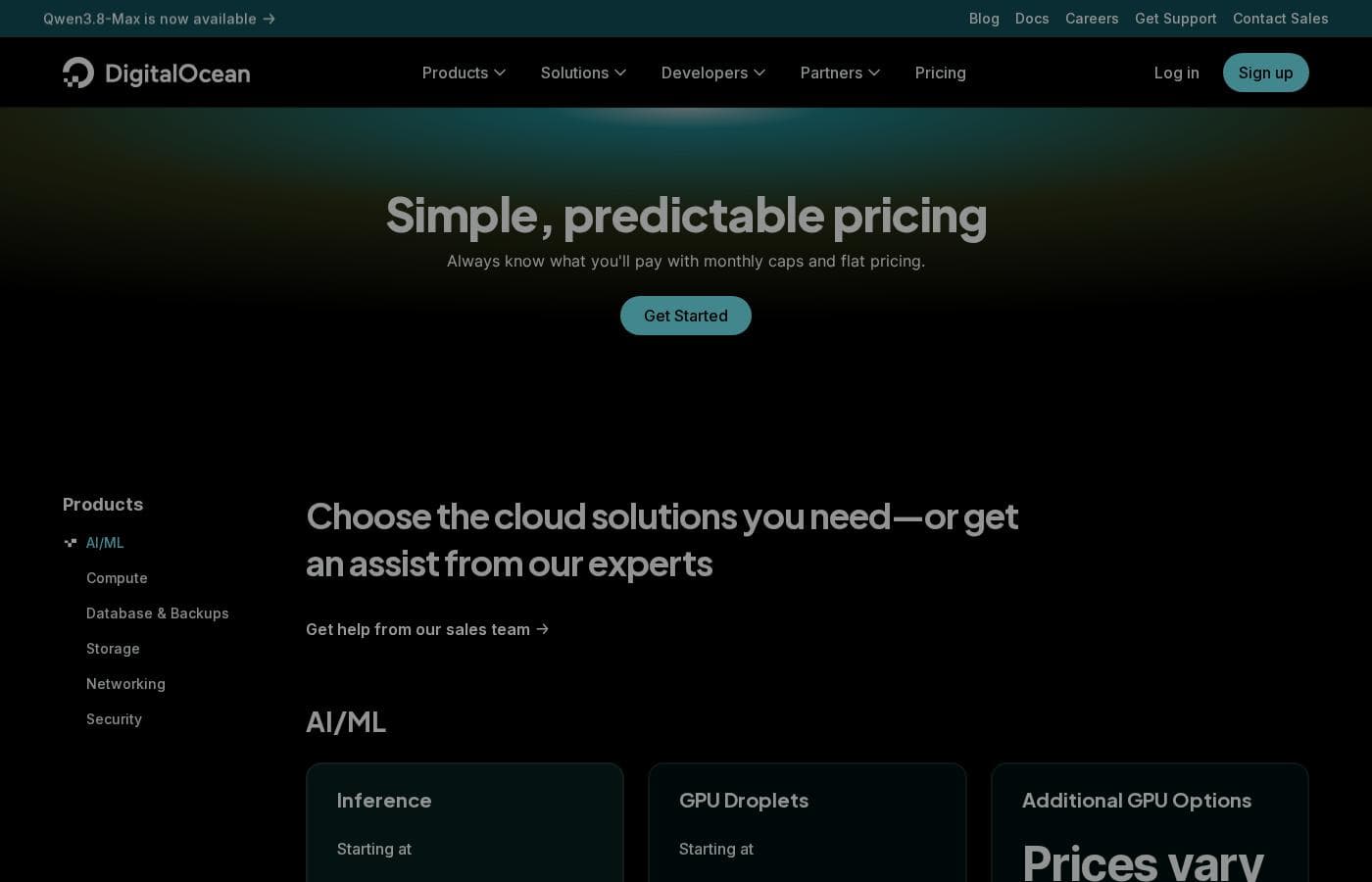
Prices checked on Oct 13, 2026 from DigitalOcean's pricing page

DigitalOcean pricing page screenshotView pricing page screenshot
PlanBilled monthlyBilled annuallyIncludes
App Platform
Free
—
Droplets
$4/mo
—
Kubernetes
$12/mo
—
Functions
Free
—
Cloudways Managed Hosting
$11/mo
—
Backups
$0.01 month
—
Databases
$15/mo
—
Spaces
$5/mo
—
Network File Storage
$0.15 month
—
Volumes
$10/mo
—
Container Registry
Free
—
Load Balancers
$12/mo
—
Support Plans
Free
—
Virtual Private Cloud
Free
—
Uptime
Free
—
Cloud Security Posture Management (CSPM)
Free
—

Price history

Tracking prices since Oct 1, 2026. No price change detected yet.

Pricing types: Free plan, Monthly subscription, Usage-based pricing

Pricing notes

DigitalOcean pricing: Plans from $0/month Billing options: Free plan, Monthly subscription, Usage-based pricing

Cost calculator

Estimate what DigitalOcean costs for your team.

Billing
Per month
$4
Per year
$48

Droplets states no user limit: shown as one price for the whole account. Check the price for 5 users with the vendor. Estimate based on published list prices, before taxes, add-ons and discounts.

How to pay less for DigitalOcean

  • Start on the free plan and upgrade only when you hit its limits.
Visit DigitalOcean

Email me when DigitalOcean changes price

One email when we detect a price change on the vendor's pricing page. No newsletter, no deals. Unsubscribe in one click.

User Reviews

No reviews yet.

Write a Review

Write a Review for DigitalOcean
0/100 characters
0/2000 characters

Why use DigitalOcean?

Teams choose DigitalOcean because it combines straightforward provisioning with predictable, usage-based pricing. Compared with larger cloud providers, the platform reduces setup friction for common developer tasks — spinning up a Linux box, configuring Docker, or testing an open source AI model on GPU hardware.

The availability of H100 GPUs and support for modern AI tooling make it viable for experimentation and production AI workloads alike, while the free tier and low entry pricing keep initial costs manageable.

DigitalOcean alternatives

Other tools in the Infrastructure as a Service category

View all Infrastructure as a Service tools
Microsoft Azure

Microsoft Azure

Infrastructure as a Service4.2/5

Azure is a comprehensive cloud platform designed for limitless innovation. It facilitates solutions across everything from application development to robust data transformation. The platform specifically serves developers, IT professionals, data analysts, and organizational leaders. Azure provides the global infrastructure needed to go beyond the limits of on-premises datacenters. It offers more worldwide regions than any other provider.

Google Cloud

Google Cloud

Infrastructure as a Service4.3/5

Google Cloud is a comprehensive cloud platform offering more than 150 products and capabilities. It helps businesses modernize existing infrastructure or build entirely new AI-driven applications from scratch. The service is designed for developers, business leaders, and startups ready to digitally grow and transform. New customers can try Google Cloud with free usage of over 20 products. Plus, you’ll receive $300 in free credits upon signing up to help you explore.

Vultr

Vultr

Infrastructure as a Service3.9/5

Vultr provides a powerful full-stack cloud compute platform. It offers services ranging from configurable virtual machines to highly accelerated dedicated servers 💡. This platform is ideal for developers and enterprises focused on high-performance computing and complex AI model deployment. You can spin up general purpose or optimized configurations in under 60 seconds.

VMmanager

VMmanager

Infrastructure as a Service3.8/5

VMmanager is a virtualization management platform from ISPsystem. It's built on KVM and targets two audiences: hosting and service providers who lease virtual infrastructure, and companies managing their own IT environments. You get a web panel for creating and controlling VMs, clustering, high availability, and integrations with billing, monitoring, DNS, and IP management tools. A 30-day free trial and public documentation are available.

Utho

Utho

Infrastructure as a Service3.4/5

Utho is India’s first robust cloud platform, trusted by over 22,000 users and growing. It provides a full spectrum of cloud server solutions designed for businesses and developers alike. This platform focuses on offering unbeatable value and high performance for your operations. They deliver a seamless cloud experience tailored entirely to your specific requirements. Utho works through partnerships with top-tier datacenters, ensuring your needs are prioritized within a reliable infrastructure.

MongoDB

MongoDB

Enterprise AI Platform4.3/5

MongoDB is a modern data platform built around a document database. Its flagship service, Atlas, is a fully managed cloud database that also handles search, vector search, and stream processing. Prefer to run things yourself? There's a free Community Edition and a supported Enterprise Advanced option. It's built for developers, teams modernizing legacy systems, and companies adding AI features.

DigitalOcean FAQ

How much does DigitalOcean cost?

DigitalOcean's cheapest paid plan, Droplets, costs $4 per month. Paid plans range from $4 to $15 per month. Prices checked on Oct 13, 2026 from the vendor's pricing page.

Does DigitalOcean have a free plan?

Yes. DigitalOcean has a free plan (App Platform); paid plans start at $4 per month.

Has DigitalOcean's price changed recently?

No. We have not detected a price change since we started tracking on Oct 1, 2026.

Can I run AI models like Ollama on DigitalOcean?

Yes. DigitalOcean provides H100 GPUs that are suitable for running large language models and other AI workloads, including tools like Ollama. The platform also supports exploring open source AI platforms, making it viable for both experimentation and production inference.

Can I install Docker on an Ubuntu server on DigitalOcean?

Yes. DigitalOcean's Linux cloud architecture gives you full control over your virtual machines, so you can install Docker on Ubuntu or any supported distribution and run containerized applications just as you would on your own hardware.

Ready to try DigitalOcean? Check out the official site or pricing.

Are you DigitalOcean? Claim this listing · Get the badge