VMmanager

VMmanager

Scale your virtual infrastructure with a proven, high-performance platform.

1 min read · Updated May 27, 2026
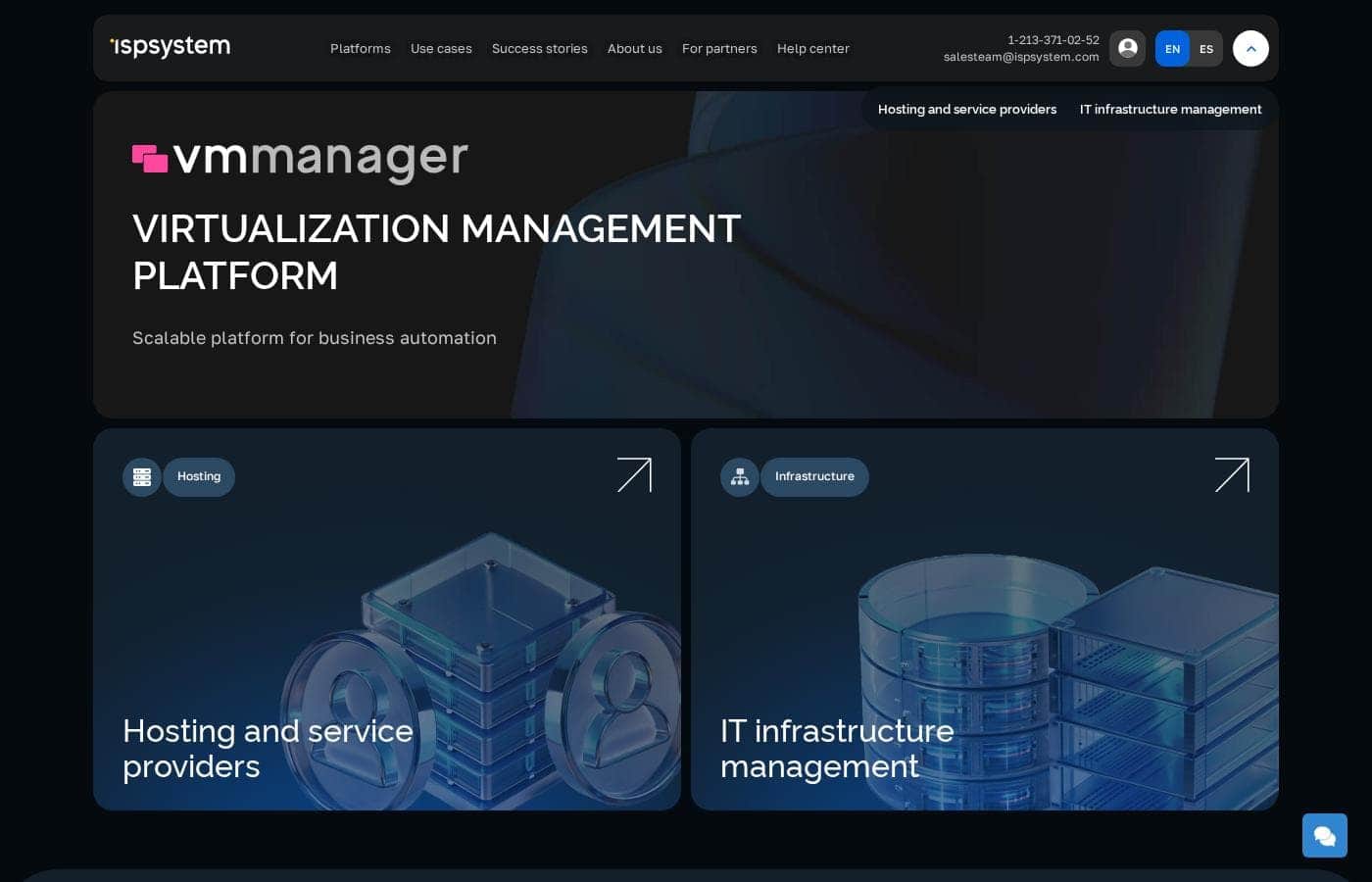
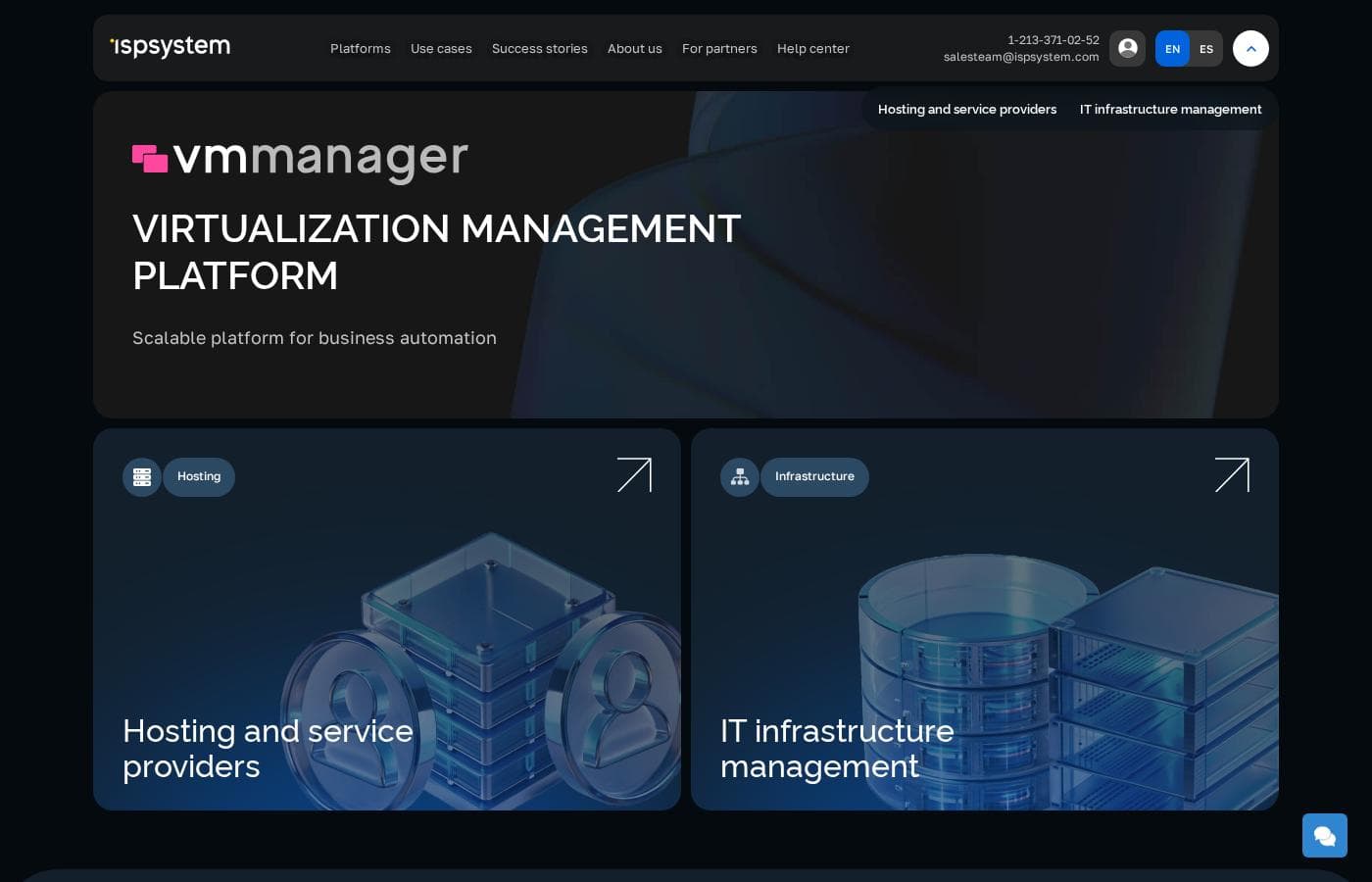
VMmanager homepage screenshot

At a glance

Quick overview for VMmanager: rating, pricing summary, key features, and highlights.
Best for
Hosting providers automating VPS/VDS rental businessesIT teams building internal IaaS cloud platformsCompanies needing a scalable, fault-tolerant virtualization environmentOrganizations migrating from other hypervisors like VMware or Hyper-V
Ease of use
The platform emphasizes automated host connections and centralized management to simplify administration. Customer reviews frequently mention an intuitive interface and streamlined deployment processes.

Ciroapp review

3.5
Powerful automation for serious scale.

VMmanager is a robust platform for automating large-scale virtualization for hosting providers and enterprises. We find it highly capable for managing complex infrastructures and provisioning VPS services. Overall, it's a strong choice for organizations needing deep automation and scalability, but its custom pricing and mixed support feedback mean it's best for those who can navigate enterprise sales.

Pros

  • Pros:Proven stability for managing thousands of VMs across hundreds of servers.
  • Pros:Strong automation for VPS provisioning, billing integration, and self-service portals.
  • Pros:High availability features like failover clusters and distributed load balancing.

Cons

  • Cons:Pricing is not public, requiring custom quotes which can lack transparency.
  • Cons:External reviews report issues with aggressive price increases and licensing terms.
  • Cons:Support responsiveness is inconsistent, with some users reporting slow second-line help.
Free trial
Yes — 30 days
Range: Custom PricingFree trial, Monthly subscription, Yearly subscription, Usage-based pricing
This section is a summary. Detailed sections about features, use cases, pricing, and reviews follow below.

VMmanager review, pricing, features, pros & cons

Managing a growing virtual infrastructure can feel like juggling too many moving parts. VMmanager offers a unified solution to automate your hosting business and build fault-tolerant environments. ✨

It's designed to simplify virtualization management, letting you focus on delivering reliable services to your clients.

What is VMmanager?

VMmanager is a platform for automating virtual infrastructure rental businesses. 💡 It's built for hosting providers and IT teams who need to manage hardware and container virtualization. The platform helps you provision IaaS and SaaS services automatically, giving users a self-service dashboard to manage their own machines.

Compare VMmanager with similar tools and browse the full category before choosing.

View all Infrastructure as a Service tools

Should you choose VMmanager?

Quick buyer guidance before you compare plans or click through.

Choose it if

  • Providers needing to automate service provisioning and billing integration
  • Teams requiring high scalability (support for thousands of VMs)
  • Businesses looking to offer a self-service portal to end-users
  • Organizations that value platform stability and a long-term development roadmap

Skip it if

  • Small businesses needing just a handful of virtual machines
  • Those requiring fully transparent public pricing without contacting sales
  • Teams seeking a solution with deep, native integration into non-ISPsystem ecosystems without API work

Next steps before buying

  1. 1Explore the free 30-day trial to test on your own infrastructure.
  2. 2Request a personalized demo to see the interface and features with an expert.
  3. 3Review the detailed documentation and guides for setup and administration.
  4. 4Confirm pricing by requesting a quote, especially for infrastructure needs.
  5. 5Check the roadmap for planned features that align with your future requirements.

Ease of use

The platform emphasizes automated host connections and centralized management to simplify administration. Customer reviews frequently mention an intuitive interface and streamlined deployment processes.

VMmanager Key Features

⚡ Automated VPS Provisioning & Self-Service

VMmanager turns the complex process of setting up virtual servers into a fast, automated task. It can create and configure a new VPS in as little as 4 seconds, complete with IP assignment and network setup.

Your clients get a dedicated self-service portal. They can manage their own virtual machines, monitor performance, and handle basic operations without needing to contact support. This automation cuts down on manual work and lets your business scale efficiently.

The platform supports both KVM virtual machines and lightweight LXC/LXD containers. This gives you flexibility in the services you offer, from full virtual servers to more isolated container-based environments.

🔒 Enterprise-Grade Fault Tolerance

Building a reliable infrastructure is at the core of VMmanager. It uses failover clusters to ensure your services stay online. If a hardware node fails, the system automatically works to keep applications running.

This is supported by a microservice architecture and built-in backup capabilities. The goal is to create a virtual environment that can withstand hardware issues or failures without disrupting the services you provide to your customers.

You can also set up a balancer to automatically redistribute virtual machines across cluster nodes. This helps maintain optimal performance and reduces the manual effort needed to manage load across your infrastructure.

✨ Simplified Network and IP Management

Managing a large number of IP addresses and complex virtual networks can be a headache. VMmanager includes a built-in IP Address Management (IPAM) system to make this simpler.

You can easily track which IP addresses are free or in use. The system allows for both manual and automatic allocation of addresses. It also helps you create and manage isolated virtual networks for your clients using technologies like VXLAN.

For more advanced network control, there is a distributed switch feature. This lets administrators manage network settings across the entire virtual infrastructure from a single, central interface.

🚀 Scalable Architecture for Growth

The platform is designed to grow with your business. A single installation of VMmanager can manage a massive environment—supporting over 22,000 virtual machines, 50 clusters, and 350 physical servers.

Adding new resources is streamlined. You can connect new hosts to the platform, and the load balancing service will automatically start distributing virtual machines to them. This makes expanding your capacity a much smoother process.

It also supports connecting to different types of storage systems, including SAN, NAS, and Ceph. This allows you to build your infrastructure on the hardware that best fits your needs and budget.

✨ Rich Library of Templates and Monitoring

VMmanager comes with a library of over 60 ready-made operating systems and applications. You can quickly deploy common software stacks using these pre-configured images, repositories, and scripts.

Keeping an eye on your infrastructure is straightforward. The platform collects key metrics like RAM usage, vCPU load, and network traffic. It uses a built-in Grafana system to visualize this data clearly in the interface.

You can also set up a problem notification system. This helps your team stay informed about the state of the virtual environment and respond to issues quickly.

✨ Extensible with a Powerful API

While VMmanager provides a complete interface, it also offers a robust REST API for deeper customization. This is perfect for integrating the platform with your existing billing systems or other business tools.

You can automate routine operations that are specific to your workflow. The API allows you to build custom integrations and tailor the platform to meet your exact business requirements.

This flexibility is a key part of the platform's design. It's developed in-house with minimal open-source dependencies, which allows for independent, regular updates and a clear development roadmap.

Use Cases

🚀 Automating a VPS Hosting Business

You run a hosting company and spend too much time manually setting up new servers for clients. VMmanager automates the entire VPS rental business. When a customer orders a server, the platform automatically creates the virtual machine, assigns an IP address, and connects it to the network. Your team no longer has to handle these repetitive tasks.

The platform also includes a self-service portal. Your clients can manage their own machines—rebooting, monitoring performance, and handling basic tasks—without calling your support desk. This automation lets you focus on growing your business instead of managing infrastructure.

🛡️ Building a Fault-Tolerant Internal Cloud

Your company needs to run critical internal applications without interruptions. You can't afford downtime. VMmanager lets you build a high-availability cluster. It automatically redistributes virtual machines across servers if one fails.

The platform supports failover clusters and built-in backups. Your IT team can perform maintenance, like moving a virtual machine to a different host, while it's running. Applications stay online and your team maintains peace of mind.

📈 Scaling Infrastructure for a Growing Customer Base

Your hosting business is booming, and you need to add more servers to keep up with demand. VMmanager is designed for massive scale. One installation can manage over 22,000 virtual machines across hundreds of servers.

You can seamlessly add new physical hosts to your cluster. The built-in load balancer automatically distributes virtual machines across the new hosts. You scale your capacity without complex manual configuration.

🔄 Migrating from Another Virtualization Platform

You're currently using a platform like VMware or Hyper-V and want to switch to a more cost-effective, scalable solution. Migrating can feel daunting. VMmanager provides detailed guides to import virtual machines from other hypervisors.

You can move your existing workloads without rebuilding everything from scratch. This simplifies the transition and minimizes disruption to your services.

💰 Increasing Revenue with Additional Services

You want to offer more than just basic virtual servers. VMmanager makes it easy to sell extra services to your clients. You can package and sell private subnets, additional IP addresses, or pre-configured software stacks as SaaS.

The platform's automation handles the provisioning of these add-ons. This creates new revenue streams and increases the average value of each customer account.

🌍 Managing a Geographically Distributed Infrastructure

Your infrastructure isn't in one data center. You have servers in multiple locations. VMmanager lets you manage all these clusters from a single, centralized interface.

You can see the status of every server and virtual machine across your entire network. Automated host connections make it fast to deploy new equipment, even in a remote location.

Pricing Overview for VMmanager

Pricing range
Custom Pricing
Pricing types
Free trial, Monthly subscription, Yearly subscription, Usage-based pricing

VMmanager offers customized subscription plans with pricing tailored to your physical CPU core count. You can choose from flexible billing cycles starting with a 30-day free trial on your own infrastructure.

Plans & Pricing

VMmanager Hosting

YearlyCustom Quote
Billed per physical core
  • Automatic provisioning of VPS from 4 seconds
  • Multi-tenant architecture
  • KVM virtualization
  • Lightweight LXC/LXD containers
  • Built-in self-service portal
  • Integration with billing systems
  • Virtual networks
  • Flexible service customization and REST API for custom integrations

VMmanager Infrastructure

YearlyCustom Quote
Billed per corporate environment / closed circuit licensing
  • All features of the VMmanager Hosting plan
  • Automatic load distribution capability (DRS)
  • Ability to work with NAS
  • Distributed switch
  • Ability to work with linked clones
  • Activation in a closed circuit
Pricing Screenshot
Pricing

VMmanager costs between Not explicitly stated and Not explicitly stated per year with 2 plans: VMmanager Hosting starting with custom core pricing, and VMmanager Infrastructure at custom corporate rates.

Let's look at each option below to find the perfect fit for your setup. We will break down what makes each plan unique for your team.

VMmanager Hosting

Price: Custom quote based on physical cores Websites Supported: Contact sales to confirm individual system and VM limits Best For: Hosting and service providers Refund Policy: Contact sales to confirm trial terms or refund options Other Features: Automatic VPS provisioning, Multi-tenant architecture, KVM virtualization, LXC/LXD containers, Built-in self-service portal

If you run an active virtual machine rental or hosting business, you'll love this tier. It helps you automate manual tasks like VPS provisioning and billing systems integration so you can focus on scale. You can customize services easily using the developer-friendly REST API. Automated host connection makes deployment simple and fast. Real-time metrics show exactly how your hardware performs every single day. 🚀

VMmanager Infrastructure

Price: Custom quote only Websites Supported: Contact sales for explicit server limits Best For: Corporate and government customers Refund Policy: Contact sales to confirm enterprise cancelation policies Other Features: All Hosting plan features, Automatic load distribution (DRS), NAS storage support, Distributed switch, Linked clones protection, Closed-circuit activation

This tier is ideal for large enterprise environments and government organizations. Opt for this package to build high-availability node clusters with automated load balancing. It keeps your system secure by allowing complete activation within a closed corporate network. The platform combines physical servers and network storage into a single robust cluster. Administrators can easily manage connection profiles from one graphical interface.

You can test either VMmanager deployment risk-free with their generous 30-day free trial on your own physical hardware. This gives you plenty of time to check out the features yourself. If you need custom pricing or have more than 800 physical cores, please request a personalized quote through their sales department. They will help you find the right setup.

User Reviews

External reviews for VMmanager are mixed. On Trustpilot, the overall rating is low (2.4/5) 😕, with users citing concerns about aggressive price increases, unresponsive support for some issues, and perceived billing problems.

However, positive reviews praise the software's core functionality and helpful support team. One user noted, "really enjoying VMmanager...

the support team is on hand and helpful." Recurring themes are pricing transparency and support responsiveness, with some users feeling trapped by licensing changes. Since Capterra's page was inaccessible, we base this on available Trustpilot sentiment.

What users say elsewhere

Jonathon
Trustpilot · 2021-11-27

Been using VMmanager now for over a month and have been really impressed, the support team is on hand and helpful with any issues. The software itself makes up for it, especially with new features and bug fixes that get rolled out monthly.

Alex
Trustpilot · 2021-04-11

Price for Billmanager Corporate from 49 euro per month in 2020 became 150 euro per month in 2021. The price has tripled. And there is no way to downgrade from 'Corporate' to standard edition! We were trapped.

User
Trustpilot · 2022-05-18

Had a lifetime license. It was bought a couple of years ago. But now my login/password doesn't work. So no license, no money, no response from support. My advice - avoid to pay them if you can.

Developer
Trustpilot · 2020-01-15

Developer team with totally wrong logic, which does not listen the needs of their clients. We have to deal everyday with the bugs which they do not want to fix because they think that those bugs are fine like that.

No reviews yet.

Write a Review

Write a Review for VMmanager
0/100 characters
0/2000 characters

Why use VMmanager?

Why should you consider VMmanager for your virtualization needs? It's built to handle serious scale while keeping operations smooth. Here’s what makes it stand out:

  • Proven Stability & Scale: 🚀 The platform has over 15 years of development and is engineered to manage 22,000+ VMs across hundreds of servers from a single installation.
  • Automated Business Operations: ✅ Automate the provisioning of VPS servers, from creating machines to assigning IPs and networks. This cuts manual work and speeds up service delivery.
  • High Availability by Design: 🔒 Build resilient environments with support for failover clusters, built-in backups, and a microservice architecture to keep services running.
  • Boost Revenue Streams: 💰 Easily add and sell extra services like private subnets, additional IPs, or pre-configured SaaS applications directly to your clients.
  • Flexible & Future-Proof: 🛠️ Developed in-house with minimal open-source dependencies, allowing for independent, regular updates and a clear product roadmap.
  • Simplified Administration: 🖥️ Manage multiple clusters across different locations from one interface. Automated host connections make deploying new infrastructure fast.

Ready to transform your workflow with VMmanager?

Other tools in the Infrastructure as a Service category

Popular comparisons

Vultr
VMmanager vs Vultr
Infrastructure as a Service
DreamHost
DreamHost vs VMmanager
Web Hosting
Netlify
Netlify vs VMmanager
Web Hosting
Microsoft Azure
Microsoft Azure vs VMmanager
Infrastructure as a Service

Similar tools

Vultr
Vultr
Infrastructure as a Service2.2/5

Vultr provides a powerful full-stack cloud compute platform. It offers services ranging from configurable virtual machines to highly accelerated dedicated servers 💡. This platform is ideal for developers and enterprises focused on high-performance computing and complex AI model deployment. You can spin up general purpose or optimized configurations in under 60 seconds.

DreamHost
DreamHost
Web Hosting4.8/5

DreamHost provides a simple, reliable web hosting platform backed by over 27 years of excellence. It’s trusted by developers, designers, and businesses alike. This employee-owned service is mission-driven and passionately supports the WordPress community. They currently host over 1.5 million active websites and offer specialized tools built specifically for the world’s most popular CMS. 💡

Netlify
Netlify
Web Hosting4.3/5

Over 12 million users rely on Netlify to build and host custom websites, apps, prototypes, and internal tools. Create with AI or code, publish and share in seconds. Trusted by millions of businesses and brands like Meta, Figma, Autodesk, and Mattel.

Microsoft Azure
Microsoft Azure
Infrastructure as a Service2.3/5

Azure is a comprehensive cloud platform designed for limitless innovation. It facilitates solutions across everything from application development to robust data transformation. The platform specifically serves developers, IT professionals, data analysts, and organizational leaders. Azure provides the global infrastructure needed to go beyond the limits of on-premises datacenters. It offers more worldwide regions than any other provider. 💡

Frequently Asked Questions

Does VMmanager work with other tools I already use?

Yes, it integrates with billing systems via REST API. It connects well with ISPsystem products like BILLmanager, IPmanager, and DNSmanager. For other systems, you'll likely need to use the API.

What are the limits on how many virtual machines I can create?

A single installation is designed to manage up to 22,000 virtual machines, 50 clusters, and 350 physical servers. You can scale further by adding more platform installations.

Is my data safe with this platform?

Security features include failover clusters, built-in backups, and a microservice architecture. It supports closed-circuit activation for corporate environments and uses KVM virtualization for strong isolation.

How exactly is the pricing calculated?

Pricing is based on your physical CPU core count and requires a custom quote. There's no published public price list. You can choose monthly or annual billing cycles.

Is there a free trial or money-back guarantee?

Yes, there's a 30-day free trial to test on your own infrastructure. There's no money-back guarantee mentioned; you'll need to confirm trial and refund terms with sales.

What's included in the free trial?

The 30-day trial lets you install and test the full platform on your own physical hardware. It gives you hands-on time with all core features before committing.

How do I migrate my existing virtual machines?

The documentation provides guides for importing VMs from platforms like Hyper-V, VirtualBox, VMware, and Xen. It uses QEMU-KVM technology for the migration process.

What kind of support do you offer, and how fast is it?

Support responsiveness can vary based on user reports. It's best to confirm the specific support terms, response times, and any Service Level Agreements (SLAs) directly with their sales team.

Is this software available in my language or region?

The platform is developed by ISPsystem, a global company. However, the website doesn't specify all supported languages or regional restrictions. You should confirm this with sales.

How do I cancel my subscription?

The website does not detail the cancellation process. You should confirm the cancellation policy and any potential fees with the sales team before making a purchase.

Who is VMmanager best suited for?

It's ideal for hosting providers automating VPS rentals and IT teams building internal IaaS clouds. It's great for those needing high scalability and fault tolerance. It may be too complex for very small businesses.

What's the difference between the Hosting and Infrastructure licenses?

The Hosting plan is for service providers selling VMs, featuring a self-service portal and billing integration. The Infrastructure plan adds features like automatic load distribution (DRS), NAS support, and is for internal corporate use.

Ready to try VMmanager? Check out the official site or pricing.