Google Cloud

Google Cloud review

The cloud that runs Google Search and YouTube, now under your project. With 150+ products spanning compute, data, and AI, plus $300 in free credits for new customers, Google Cloud scales from a weekend prototype to planet-grade infrastructure.

By Ciroapp Editorial Team · Updated Sep 16, 2026

Commission may apply at no extra cost

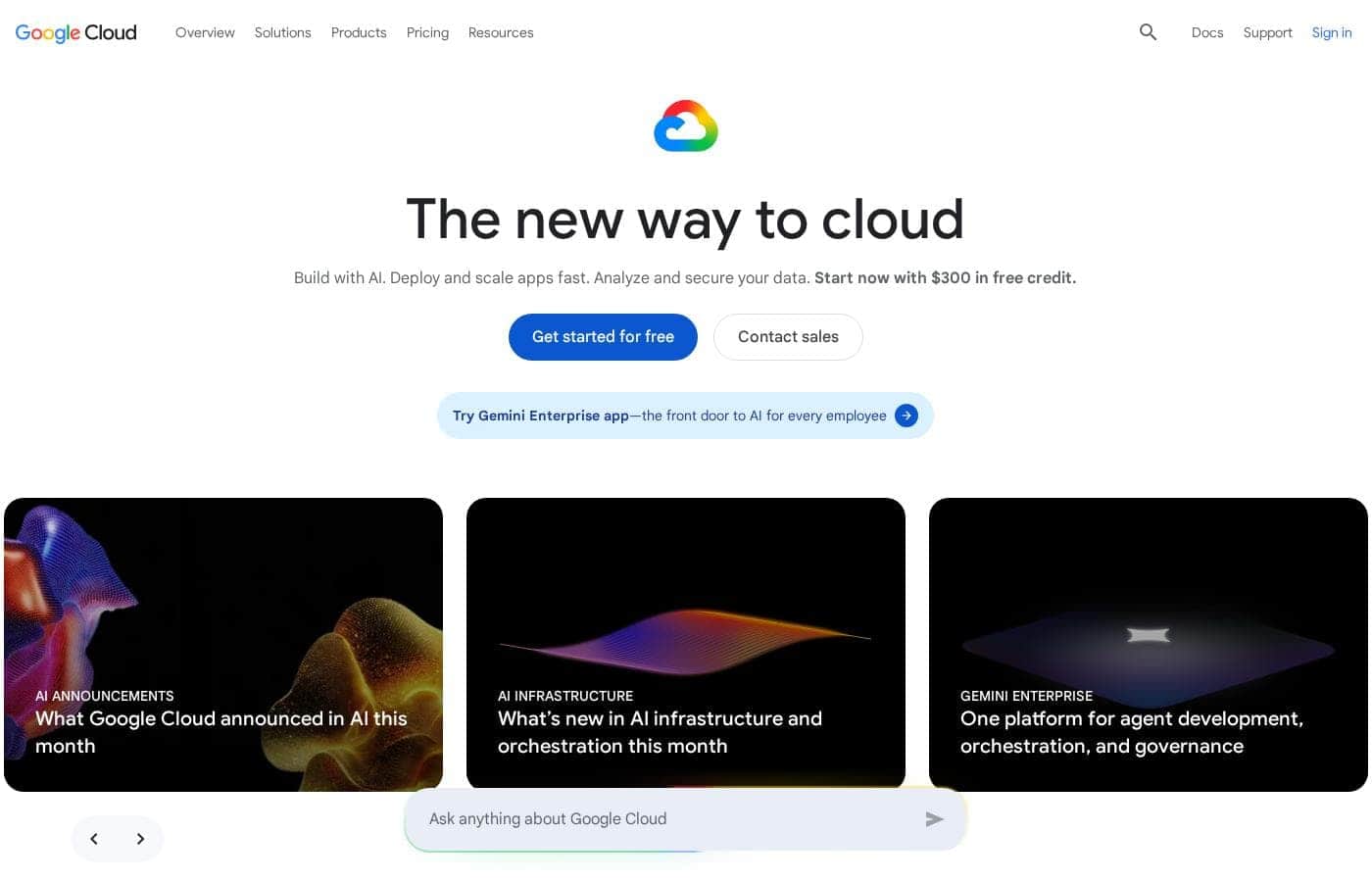
Google Cloud homepage screenshot

At a glance

Quick overview for Google Cloud: rating, pricing summary, key features, and highlights.
Vendor page checked Oct 8, 2026

Ciroapp score

4.3/ 5

Google Cloud bundles 150+ products across compute, storage, analytics, and AI, anchored by BigQuery, Vertex AI, and GKE, with $300 in credits and a free tier of 20+ products for evaluation. The trade-offs are complex usage-based pricing and a catalog that takes real time to learn. Overall, it's a top-tier pick for data- and AI-heavy workloads if you manage costs actively.

Pros

  • Pros:Runs on the same private global fiber network that serves Google Search and YouTube, giving consistently low latency for distributed workloads
  • Pros:Exceptional depth in data and AI — BigQuery removes server management from analytics, and Vertex AI centralizes the entire ML lifecycle
  • Pros:Generous on-ramp with $300 in sign-up credits plus free usage of more than 20 products, letting you benchmark real workloads at no cost

Cons

  • Cons:Pricing is complex and the range is enormous — observed plans span from $0 to roughly $62,769 — so teams without budget alerts and active cost monitoring can be surprised by usage-based bills
  • Cons:A catalog of 150+ products creates a genuine learning curve; choosing among the compute, storage, and networking options takes experience
  • Cons:Premium support tiers add meaningful cost on top of usage charges for organizations that need guaranteed response times
Best for
  • Startups building AI-driven products that want Vertex AI, BigQuery, and hosting under one platform
  • Data engineering and analytics teams that need warehouse-scale querying without server administration
  • Enterprises modernizing legacy systems incrementally with containers and managed Kubernetes
This section is a summary. Detailed sections about features, use cases, pricing, and reviews follow below.

What is Google Cloud?

Google Cloud is Google's infrastructure-as-a-service platform, bundling more than 150 products for computing, storage, networking, data analytics, and machine learning. It serves a broad audience: developers provisioning virtual machines, business leaders modernizing legacy systems, and startups building AI-driven products from scratch. New customers get a free tier covering over 20 products and $300 in credits to experiment before committing budget.

The core promise is simple: run anything from a single container to globally distributed systems on the same infrastructure Google uses for Search and YouTube.

Google Cloud is a full-stack cloud platform in the Infrastructure as a Service category. Its catalog covers raw compute (virtual machines, managed Kubernetes, serverless runtimes), object and block storage, relational and NoSQL databases, data warehousing, networking, and a large family of AI and machine-learning services. Resources are billed primarily on usage, so costs track consumption rather than a fixed seat count.

It can replace an on-premises data center entirely or supplement it in a hybrid arrangement.
Should you choose Google Cloud?

Quick buyer guidance before you compare plans or click through.

Choose it if

  • Startups building AI-driven products that want Vertex AI, BigQuery, and hosting under one platform
  • Data engineering and analytics teams that need warehouse-scale querying without server administration
  • Enterprises modernizing legacy systems incrementally with containers and managed Kubernetes
  • Engineering teams running globally distributed, latency-sensitive services that benefit from Google's network

Skip it if

  • Small websites or simple apps where a basic web host or single-server setup is far more cost-effective
  • Teams that need a predictable flat monthly bill and lack the bandwidth to monitor usage-based charges
  • Organizations with no cloud expertise that cannot absorb the learning curve of a 150+ product platform

Next steps before buying

  1. 1Sign up at cloud.google.com with a Google account and claim the $300 in free credits offered to new customers
  2. 2Set a billing budget and alerts immediately so usage can never silently exceed your comfort level
  3. 3Start with one contained project — deploy a single service on Cloud Run or one Compute Engine VM — before designing a full architecture
  4. 4Use the free tier of 20+ products for experiments and the pricing calculator to estimate production costs before scaling up
  5. 5Configure IAM roles with least privilege from the start rather than sharing broad admin credentials across the team

Google Cloud Key Features

✨ Compute that scales from one container to thousands

Compute Engine provides customizable virtual machines for full control, while Google Kubernetes Engine (GKE) handles container orchestration at scale from the company that created Kubernetes. For teams that want to skip infrastructure management entirely, Cloud Run and App Engine deploy code serverless and scale automatically with demand, from zero to high traffic.

✨ Data analytics without server management

BigQuery is a serverless data warehouse that lets analysts run queries over terabyte-scale datasets without provisioning anything. Around it, Google Cloud offers managed relational databases (Cloud SQL, Spanner), NoSQL options (Bigtable, Firestore), and integrated data pipelines, so an entire analytics stack can run under one platform and one bill.

✨ AI and machine learning built in

Vertex AI covers the end-to-end machine-learning lifecycle: training, tuning, deployment, and monitoring, with access to Google's own models. Pre-trained APIs handle common tasks such as vision, speech, and translation without requiring any custom model work, which makes AI features practical even for small teams building new applications.

✨ Global networking and layered security

Workloads run on Google's private global fiber network, with Cloud CDN and global load balancing for low-latency delivery. Security is layered by default: Identity and Access Management (IAM) controls permissions at a fine grain, data is encrypted at rest and in transit, and audit logging tracks activity across projects.

✨ A low-risk on-ramp

New customers receive $300 in free credits at sign-up, usable across the catalog, and more than 20 products carry a free-usage tier for small workloads and prototypes. This lets you benchmark real performance against your incumbent stack before any spend is committed.

Use Cases

💡 Building AI-driven applications from scratch

Startups and product teams building AI-first applications can combine Vertex AI for model work, BigQuery for data preparation, and Cloud Run for serving, all within one platform. The $300 in sign-up credits makes it feasible to prototype an AI product before revenue exists.

💡 Enterprise data analytics and warehousing

Data teams use BigQuery to run queries over large datasets without administering a warehouse, then connect BI tools and pipelines on top. Organizations with large analytical workloads benefit from the separation of storage and compute, paying only for what each consumes.

💡 Modernizing legacy infrastructure

Enterprises can lift-and-shift existing workloads onto Compute Engine, then incrementally containerize them on GKE as they refactor. This staged path lets businesses modernize at their own pace instead of forcing a full re-architecture up front.

💡 Hosting high-traffic websites, APIs, and mobile backends

Consumer-facing services run on global load balancing and Cloud CDN for fast delivery, with Cloud Run or App Engine absorbing traffic spikes automatically. Teams pay for capacity actually used rather than provisioning for peak load year-round.

💡 Startup MVPs on a minimal budget

Early-stage teams can assemble a production-grade stack — compute, database, storage, and auth — using the free tier of 20+ products and the $300 credits. This lets a small team validate a product with real users before committing to infrastructure spend.

Google Cloud pricing

Prices not verified yet — see the vendor page.

Google Cloud's pricing page

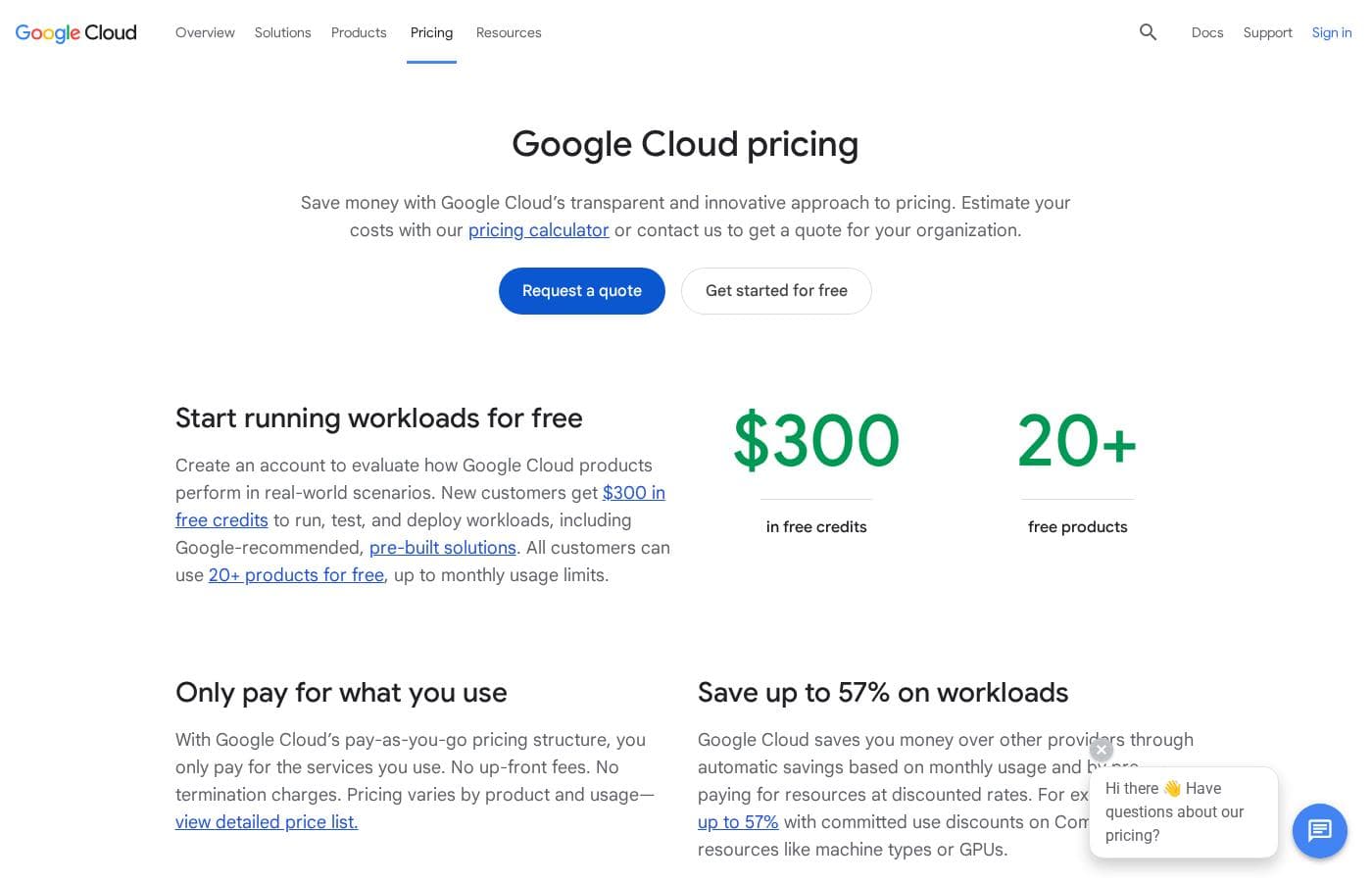
Google Cloud pricing page screenshotView pricing page screenshot

Price history

Tracking prices since Oct 1, 2026. No price change detected yet.

Pricing types: Free plan, Free trial, Monthly subscription, Usage-based pricing

Pricing notes

Google Cloud pricing: Plans from $0 Billing options: Free plan, Free trial, Monthly subscription, Usage-based pricing

Email me when Google Cloud changes price

One email when we detect a price change on the vendor's pricing page. No newsletter, no deals. Unsubscribe in one click.

User Reviews

No reviews yet.

Write a Review

Write a Review for Google Cloud
0/100 characters
0/2000 characters

Why use Google Cloud?

The main reasons to choose Google Cloud are its data and AI depth and its networking pedigree. BigQuery gives analysts warehouse-scale querying without managing servers, Vertex AI consolidates the machine-learning workflow, and Google's global fiber network keeps latency low for distributed workloads.

Google also originated Kubernetes, and its managed GKE service is widely treated as a reference implementation. The $300 credit and the free-usage tier of 20+ products lower the risk of evaluating it against an incumbent provider.

Google Cloud alternatives

Other tools in the Infrastructure as a Service category

View all Infrastructure as a Service tools
Microsoft Azure

Microsoft Azure

Infrastructure as a Service4.2/5

Azure is a comprehensive cloud platform designed for limitless innovation. It facilitates solutions across everything from application development to robust data transformation. The platform specifically serves developers, IT professionals, data analysts, and organizational leaders. Azure provides the global infrastructure needed to go beyond the limits of on-premises datacenters. It offers more worldwide regions than any other provider.

DigitalOcean

DigitalOcean

Infrastructure as a Service4.1/5

DigitalOcean provides core infrastructure, focusing on versatile Linux cloud architecture. It’s the right choice for developers who need robust cloud services and specialized platforms. The service supports everything from fundamental system setup, like installing Docker on Ubuntu, to sophisticated deployments. If you're exploring open source AI platforms, or need the muscle of H100 GPUs for models like Ollama, this platform delivers.

Vultr

Vultr

Infrastructure as a Service3.9/5

Vultr provides a powerful full-stack cloud compute platform. It offers services ranging from configurable virtual machines to highly accelerated dedicated servers 💡. This platform is ideal for developers and enterprises focused on high-performance computing and complex AI model deployment. You can spin up general purpose or optimized configurations in under 60 seconds.

VMmanager

VMmanager

Infrastructure as a Service3.8/5

VMmanager is a virtualization management platform from ISPsystem. It's built on KVM and targets two audiences: hosting and service providers who lease virtual infrastructure, and companies managing their own IT environments. You get a web panel for creating and controlling VMs, clustering, high availability, and integrations with billing, monitoring, DNS, and IP management tools. A 30-day free trial and public documentation are available.

Utho

Utho

Infrastructure as a Service3.4/5

Utho is India’s first robust cloud platform, trusted by over 22,000 users and growing. It provides a full spectrum of cloud server solutions designed for businesses and developers alike. This platform focuses on offering unbeatable value and high performance for your operations. They deliver a seamless cloud experience tailored entirely to your specific requirements. Utho works through partnerships with top-tier datacenters, ensuring your needs are prioritized within a reliable infrastructure.

Google Cloud FAQ

What does the Google Cloud free tier include?

New customers receive $300 in free credits at sign-up, which can be spent across the product catalog while exploring the platform. In addition, more than 20 products have a free-usage tier, so small workloads and prototypes can keep running at no cost even after the trial credits are exhausted. A billing account is required to sign up, so you should close or cap resources you are not using to avoid charges beyond the free allowances.

How is Google Cloud priced?

Google Cloud bills primarily on usage across most services, with monthly subscription options also available for committed workloads. Because charges follow consumption, setting budget alerts and estimating costs before deployment is strongly recommended.

Is Google Cloud a good fit for AI and machine learning projects?

Yes, this is one of its strongest areas. Vertex AI covers the end-to-end ML workflow — training, tuning, deployment, and monitoring — while pre-trained APIs handle common tasks like vision, speech, and translation without custom model development. Combined with BigQuery for data storage and preparation, the platform is particularly well suited to teams building AI-driven products.

Do I need Kubernetes experience to use Google Cloud?

No. Google Kubernetes Engine (GKE) is available for teams that want managed container orchestration, but simpler options exist alongside it. Cloud Run deploys containerized applications serverless with no cluster to manage, and Compute Engine offers plain virtual machines for traditional workloads. You can adopt Kubernetes later, only when your architecture actually calls for it.

Ready to try Google Cloud? Check out the official site or pricing.

Are you Google Cloud? Claim this listing · Get the badge