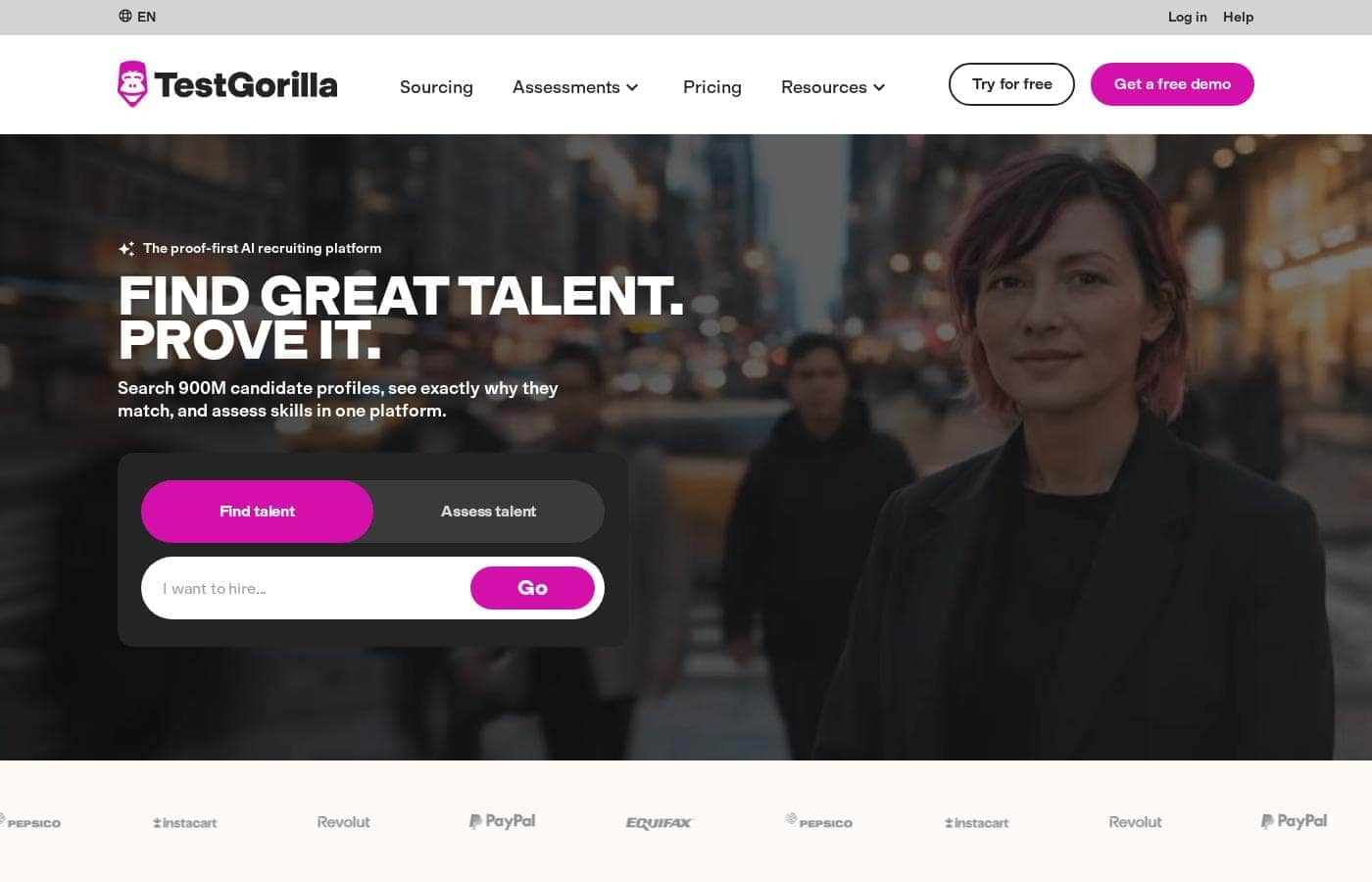
TestGorilla sells access as a subscription, with tiers listed side by side on its pricing page. You can start for free to test the platform, and larger teams can book a free demo for a tailored quote.
TestGorilla's pricing is subscription-based, with plan tiers laid out side by side on its pricing page, a free way to try the platform, and a demo for teams that want a guided walkthrough first.
The plan cards are the quickest way to compare what each tier includes. Here's what shapes the bill before you pick one.
Trying it out first
The homepage invites you to try for free, so you can explore the assessments and the talent search before any payment conversation starts. That's the sensible first move if you're hiring for one or two roles and want to see how the workflow feels on a live opening. 💡
Sizing up for a team
Hiring teams that recruit often tend to book the free demo instead of guessing at a self-serve tier. You get a walkthrough plus a clear quote, and that's where seat counts and hiring volume get pinned down. Those two things move your price more than anything else, so it pays to know them going in.
What to check before you buy
- How many users or seats your team needs
- Roughly how many candidates or assessments you'll run in a year
- Whether billing is monthly or yearly, and what happens at renewal
- Which features sit one tier above the plan you're eyeing
It's worth confirming seat and usage limits before you commit, since those caps usually explain the jump between tiers. If your hiring is steady but modest, the entry point tends to be plenty. If you're running continuous pipelines across several departments, the higher tiers start earning their keep.
Bottom line: start with the free trial on a real role. If the fit looks right and you're hiring at volume, ask for a demo and price out the tier that matches your team size rather than paying for features nobody opens.