Square POS

Square POS

A customizable POS solution ready for what you've got.

#1 dans Point of Sale
2 min read · Updated 10/5/2025
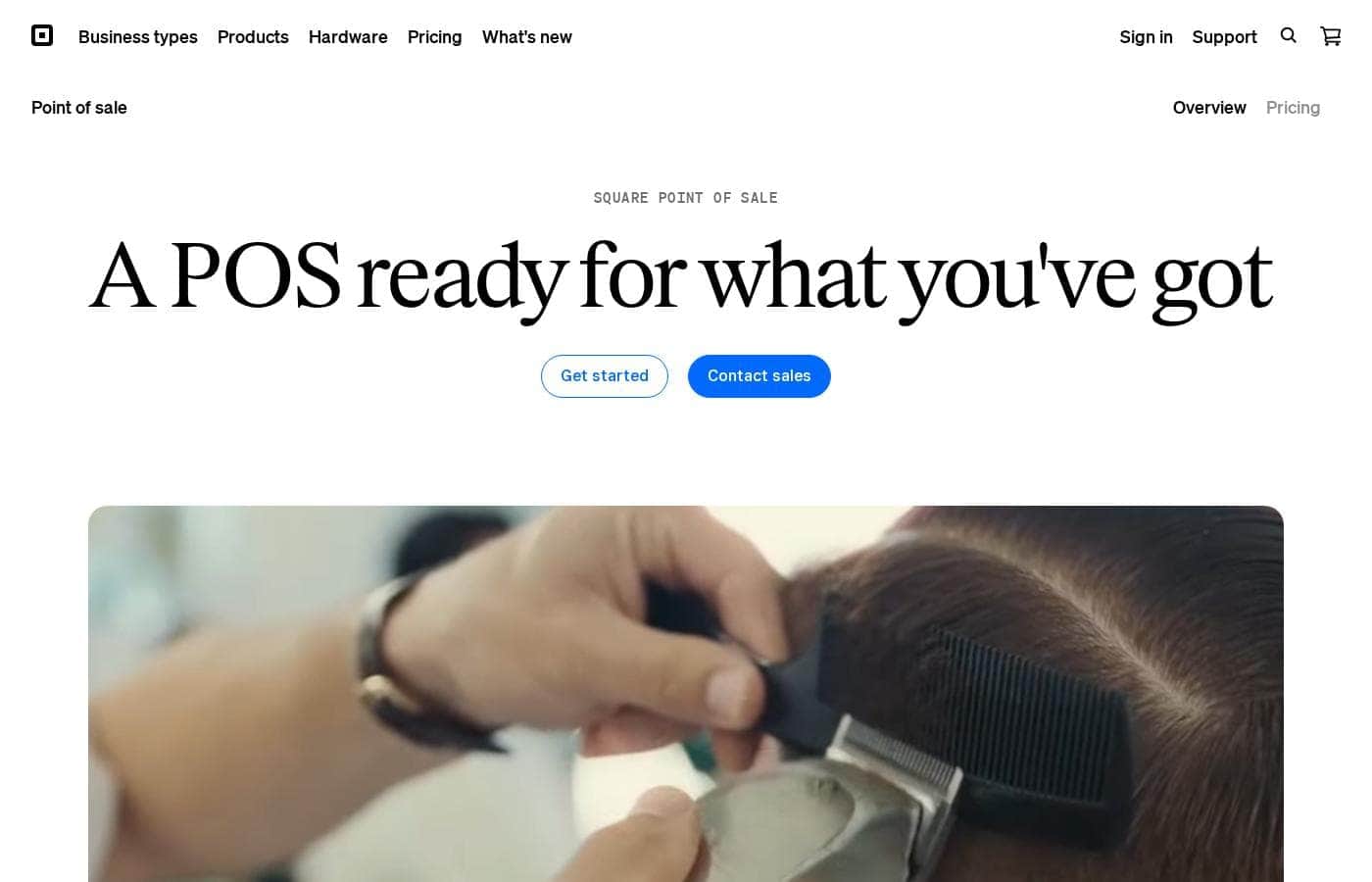
Square POS homepage screenshot

At a glance

Quick overview for Square POS: rating, pricing summary, key features, and highlights.

Ciroapp review

4.4
Affordable Software, Reliable Payments, Easy Setup.

We recognize Square POS as an incredibly accessible platform that democratizes reliable payment acceptance for businesses of any size, offering a free core software solution. Overall, it delivers tremendous value for its $0 monthly fee, though users should carefully monitor the variable transaction processing rates.

Pros

  • Pro:No monthly subscription fee or complex contracts required.
  • Pro:Exceptional ease of use with a straightforward, beginner-friendly interface.
  • Pro:Fast and reliable daily payment deposits into your bank account.
  • Pro:Ability to accept all major payment methods, including contactless and invoicing.

Cons

  • Con:Standard transaction processing rates may be higher than some competitors pay.
  • Con:Customer support responsiveness can be inconsistent for complex billing or account issues.
  • Con:Setup, especially bank verification, may take several business days to complete.
  • Con:Less optimized for businesses that manage large or complicated inventory lists.
Free trial
Yes
Range: $0/month + usage feesFree plan, Free trial, Monthly subscription, Usage-based pricing
This section is a summary. Detailed sections about features, use cases, pricing, and reviews follow below.

Square POS review, pricing, features, pros & cons

Running a business shouldn't mean wrestling with complex software. It's frustrating when your POS system limits how you take payments or manage inventory. Square Point of Sale addresses this by being personalized for your business.

You get up and running quickly, managing everything from sales to inventory seamlessly. ✨

What is Square POS?

Square Point of Sale is a central hub combining essential hardware and software. It enables businesses to streamline operations and accept almost any payment method. This system supports transactions, tracks inventory, and helps analyze sales data from one platform.

Square is designed to scale easily, supporting businesses from a single location all the way up to specialized, complex operations. Setting up is easy, and you can be ready to sell in just a few minutes. ✅

Square POS Key Features

✨ Customized Selling Modes for Every Business

Square POS adapts precisely to how you run your business. When you set up the system, you can choose a specialized operating mode. This ensures you immediately access the exact features needed to streamline your operations, whether you run a cafe, boutique, or service firm.

These specialized features help manage complex needs, like table and course management for a restaurant or advanced inventory tools for retail shops. You also get modes tailored specifically for bookings, professional services, and food and beverage businesses. If your needs change, you can easily switch modes right in your POS system at any time.

✨ Flexible Payment Acceptance Anywhere

You can effortlessly take almost any payment type, ensuring you never miss a sale. Square handles in-person, online, and over-the-phone transactions smoothly. The system accepts a broad range of payment methods, including:

  • All major credit cards
  • Contactless and keyed-in payments
  • Square Gift Cards

Reliability is key, so the system includes built-in security features like fraud protection and PCI compliance. If your internet connection drops, you can continue selling using the powerful offline payment feature. Transactions accepted while offline are stored securely and processed automatically once you reconnect within 24 hours.

✨ Comprehensive Item and Inventory Control

Keep precise tabs on your products across all selling locations using integrated inventory management tools. You receive low-stock alerts, ensuring you know exactly when to reorder and avoid running out of popular items. You can easily export detailed inventory reports whenever you need them for analysis.

Managing your item library is centralized, grouping items like menu items, products, and services into a single source. Utilize a custom item grid for quick access to frequently used items or categories, which helps speed up the checkout process. You can also use item modifiers to track customizations, such as toppings or special requests, and these details appear clearly on all printed or digital receipts.

✨ Real-Time Business Insights and Reporting

Every transaction helps you learn and grow through robust built-in business intelligence tools. The Square Dashboard lets you track overall business performance and manage POS settings from any computer. You get a clear picture of what’s happening in real time, no matter where you are.

Quickly access key top-line metrics, such as gross sales totals and refunds, directly within your app. Organized reports tell you which items are performing best, helping you adjust your inventory or strategy. You also gain valuable customer insights, learning about your most frequent visitors and their average spending habits.

✨ Streamlined Team Management and Access

Streamline daily operations and keep your staff organized efficiently. The intuitive POS is designed to be easy for your whole team to use, requiring little to no training for basic functions. Employees can clock in using a personal passcode right at the POS terminal.

For security and accountability, you can grant customizable permissions specific to each employee's role and view all activity within the system. You can also manage all your POS devices remotely from anywhere using your centralized Square Dashboard. Additionally, you can create a custom loyalty program that allows customers to enroll and redeem rewards instantly at the register.

✨ Flexible Payments and Receipt Management

Manage your revenue quickly and efficiently right after the sale. Funds are transferred free of charge to your external bank account by the next business day. For faster access, you can arrange instant transfers for a small fee, minimizing the delay between sale and deposit.

Customer communication is simple with flexible receipt options. You can send detailed digital receipts via email or text message, or easily provide printed versions. You can also customize how these receipts look, helping them better fit your brand identity. For tipping, you can allow customers to select preset tip options directly on-screen or on printed receipts.

Use Cases

🛍️ Streamlining Inventory for Multi-Location Retail

Managing physical inventory can feel overwhelmingly complex, especially when you have more than one store. The dedicated Retail mode adds necessary advanced features to the POS system. You can easily track what’s in stock across all your business locations from a single dashboard. This integration helps you keep accurate counts and prevents overselling items.

The system sends automatic low-stock alerts when items run low. You can quickly generate vendor sales reports to guide your reordering decisions. This ensures that your shelves are always stocked with what customers want to buy.

☕ Handling the Rush at a Quick-Service Restaurant

When lunch traffic hits, speed and accuracy are crucial for maintaining customer satisfaction. The Food & Beverage mode provides quick, essential tools designed for fast environments. Your staff can use quick order entry to keep the line moving efficiently.

Food service features allow you to manage bar tabs or utilize table and course management with ease. Customizing orders is simple using item modifiers right at the POS screen. This ensures customized orders go directly to the kitchen with complete accuracy.

📡 Keeping Sales Active During an Internet Outage

Problem: Your local internet connection drops unexpectedly during a busy period, risking lost sales and customer frustration.

Approach: Square POS includes a built-in offline payments feature. When the Wi-Fi or service fails, the system automatically stores transactions taken on the device.

Outcome: You avoid interruptions and continue accepting major credit card payments without skipping a beat. The stored payment information and receipts upload automatically once your device reconnects to the network within 24 hours.

👩‍💻 Managing Team Access and Staff Accountability

You need to supervise employee activity without constant oversight. The system allows your team to clock in and out using a personal passcode right on the POS device. You can set specific permissions for each team member to control access to sensitive functions.

This setup allows you to view all activity across your staff. You can manage shifts and track hours directly within the Square suite. Plus, the intuitive design means new employees can quickly learn the system without extensive training time.

📈 Closing the Books and Gaining Sales Insight

Every sale creates data that helps drive business growth. Square automatically tracks this data in real time, making analysis simple. You can view top-line metrics like gross sales and refunds directly within the app.

Using the Square Dashboard, you can track overall business performance from any computer. Reports show which items are most popular, helping you understand product demand. You also gather customer insights, seeing who your most frequent visitors are and what their average spending habits might be.

💼 Professional Billing for Mobile Services

If your business provides on-the-go services, the Services mode offers customized administrative tools. You can generate professional estimates and invoices directly on your POS device, even when on a complex job.

It’s simple to attach contracts to the estimates or invoices for new clients. Once the transaction processes, you can track the payment in real time. This helps you get paid faster and maintain professional communication with clients.

Pricing Overview for Square POS

Pricing range
$0/month + usage fees
Pricing types
Free plan, Free trial, Monthly subscription, Usage-based pricing

Square POS software is free to use, meaning there is no monthly subscription fee or contract required. The only costs incurred are flexible payment processing fees, which vary based on the method of transaction (in-person, online, or keyed in).

Plans & Pricing

Square Point of Sale Software

Monthly$0
Standard processing fees apply to all transactions: 2.6% + 15¢ (card present); 2.9% + 30¢ (card not present); 3.5% + 15¢ (keyed in).
  • No contracts or setup fees
  • Transfers as soon as the next business day
  • Free Square Reader for magstripe (one per account)
  • End-to-end encrypted payments and active fraud prevention
  • Live phone support and dispute management
  • Account takeover protection

Custom Rate (High Volume)

MonthlyCustom pricing
  • Custom pricing for processing fees
  • Available for businesses processing $250K+ in credit card sales annually

Square POS costs $0 per month with 1 core plan: Square Point of Sale Software at $0/month, plus variable processing fees.

Square offers simple and transparent pricing. The software is free to get started, and you only pay a fee when you actually take a payment. There are no contracts, setup fees, or hidden charges involved with the basic software.

Square Point of Sale Software (Base)

Price: $0/month Websites Supported: Not explicitly stated Best For: All businesses at any stage or size Refund Policy: Not explicitly stated Other Features:

  • Transfers available as early as the next business day
  • Free Square Reader for magstripe
  • End-to-end encrypted payments
  • Live phone support and dispute management
  • Free Square Point of Sale app

The Square Point of Sale Software is great for anyone starting out or scaling up. You get all the essential tools and support without any high monthly subscription costs or commitments. This flexible approach allows you to grow your business comfortably. 🎉

Custom Rate (High Volume)

Price: Custom quote Websites Supported: Not explicitly stated Best For: Businesses processing high volumes of transactions Refund Policy: Not explicitly stated Other Features: Option for lower processing rates.

Businesses that process over $250,000 in credit card sales annually should explore this option. Contacting the sales team may help you secure a custom pricing structure with favorable processing fees.

Because the core Square software is free, you can start selling right away without spending anything upfront. Square does not require lock-in contracts and confirms they have no hidden fees for the base POS system.

User Reviews

Square maintains a generally positive reputation among users, holding a solid 4.2-star rating on Trustpilot based on thousands of reviews. Reviewers consistently praise the platform's exceptional ease of use and overall simplicity, especially for small businesses and service providers.

Users find the software "beginner-friendly" and effective for managing sales, invoicing, and keeping track of income. Many appreciate the flexibility to accept nearly all payment methods and commend the speed and reliability of payment transfers and deposits.

While many users report outstanding customer support and enjoy the lack of contracts, this sentiment is not universal. The most frequent criticisms center on cost; several users describe the standard processing rates as too high compared to competitors.

Others report mixed experiences with customer service regarding personalized issue resolution or billing inquiries. Overall, the consensus is that Square provides an affordable and robust entry point for streamlined payment processing.

👍

What users say elsewhere

Mike H.
· Trustpilot
5.0 / 5

Running my fitness studio is challenging enough, but Square makes handling payments seamless. I can accept payments whether a client is in here training or signing up later online. The money lands quickly and reliably in my account.

Marcus R.
· Trustpilot
5.0 / 5

We switched from another major POS and are now saving significant money just on processing fees alone. My entire staff loves the ease of use, and the customer service has been outstanding when we needed help. We highly recommend starting here.

No reviews yet.

Write a Review

Write a Review for Square POS
0/100 characters
0/2000 characters

Why use Square POS?

Why choose Square POS to handle your transactions? This system simplifies daily operations so you can focus on serving your customers better. Square offers a powerful, flexible, and affordable ecosystem designed to grow alongside ambitious businesses.

💡 Here’s what makes Square stand out:

  • Customized for Your Industry: Switch between specialized modes (like Food & Drink, Retail, or Services) to instantly access the right features, such as table management or quick order entry.
  • Accept Payments Everywhere: Take payments in person, online, or over the phone. You can accept all major credit cards and even keep selling when Wi-Fi is down with offline payments.
  • Keep Inventory in Check: Manage what’s in stock across all your locations. Use low-stock alerts and advanced inventory reports to know exactly when to reorder.
  • Built-in Business Intelligence: View real-time data immediately on your Square Dashboard. Track top-selling items and gain valuable customer insights to inform your growth strategies.
  • Scalable and Flexible: There are no lock-in contracts or hidden fees. Start simply and upgrade or cancel your plan anytime as your business needs evolve.

Ready to transform your workflow with Square POS?

Frequently Asked Questions

Can I upgrade, downgrade, or cancel my Square POS software plan easily?

Yes, you can manage your plan flexibly. Square has no hidden fees or lock-in contracts, allowing you to upgrade, downgrade, or cancel your plan at any time.

Do I have to pay a separate subscription fee for employee access or multiple users?

No, the basic Square POS functionality is available for any number of employees for free through Square Team Management. Access to more advanced team controls may require a paid per-location fee.

What happens if my internet connection fails while I am taking payments?

You can still accept payments using the offline payments feature when your Wi-Fi is down. These transactions are stored and will process automatically once your device reconnects to the internet within 24 hours.

What card types are accepted, and does the fee change based on the card issuer?

You can accept all major credit cards, including Visa, Mastercard, Discover, and American Express. The standard transaction processing fee remains the same regardless of the card brand.

How quickly are funds from sales typically deposited into my bank account?

For free, funds are transferred to an external bank account as soon as the next business day. You can receive instant access to funds for free by using a Square Checking account.

What security features are included with the free Square POS software?

The system includes robust protection such as end-to-end encrypted payments, active fraud prevention, and account takeover protection. Square also maintains built-in PCI compliance.

Are there premium features or integrations I can add to the core free POS?

Yes, Square offers a wide ecosystem of add-ons to enhance your POS experience. These include paid tools like Payroll, Loyalty, and Email Marketing, alongside free tools like Customer Directory and Invoices.

How quickly can a brand-new business get set up and start selling on Square POS?

Setup is very fast; you can often get up and running on your own and begin accepting payments in just a few minutes. You don't even need specialized hardware to begin.

If I process a large volume of sales, is there a way to reduce my transaction fees?

Yes, businesses processing over $250,000 in credit card sales annually are eligible to contact the sales team. They may qualify for a custom pricing structure with favorable, reduced processing rates.

Does Square POS offer multilingual support or operate in multiple countries?

Square POS supports several regions globally, including the United States, Canada, the United Kingdom, France, Ireland, Australia, Japan, and Spain. You can select your region and language on their site.

If I subscribe to an industry-specific paid plan, how long is the free trial period?

The exact duration for the free trial of paid plans like 'Best Value' or 'Square Pro' is not explicitly stated on the core pricing page. Please contact the sales team for the current trial length.

How does Square POS handle partial returns or refunds of items?

You can easily issue itemized refunds through the system. When a specific item is refunded, the amount returned automatically accounts for any applicable taxes and discounts from the original sale.

Who is the standard, free Square Point of Sale application designed to help the most?

It's designed to be flexible for various business types, including food and beverage, retail, and services. The software uses specific modes to deliver industry-relevant features quickly, making it ideal for scaling businesses.

Is 24-hour customer support guaranteed with the free tier of Square POS?

The free software includes 'Live phone support' and dispute management services. However, the available information does not specify if the phone support operates 24 hours a day.

Ready to try Square POS? Check out the official site or pricing.