NetSuite

NetSuite review

The #1 AI Cloud ERP unifying financials, CRM, and ecommerce for growing businesses

By Ciroapp Editorial Team · Updated Sep 16, 2026

Commission may apply at no extra cost

NetSuiteNo screenshot available

At a glance

Quick overview for NetSuite: rating, pricing summary, key features, and highlights.

Ciroapp score

4.0/ 5

NetSuite pulls accounting, CRM, and ecommerce onto one shared database, so growing companies can retire the spreadsheet-and-plugin patchwork. It's a mature platform with real depth, but quote-based pricing and a demanding implementation raise the bar for smaller teams. Overall, it deserves a shortlist spot if your operations have outgrown basic accounting tools.

Pros

  • Single system of record across financials, CRM, and ecommerce eliminates duplicate data entry between disconnected tools
  • Real-time consolidated reporting across entities and currencies replaces month-end spreadsheet assembly
  • Scales from a growing SMB to complex multi-subsidiary operations without re-platforming

Cons

  • NetSuite does not publish transparent pricing; buyers must contact sales for a quote, which makes upfront budgeting difficult
  • Implementation is resource-intensive, often requiring months of configuration and frequently outside consultants
  • Steep learning curve—administrators and end users need dedicated training before the platform runs smoothly
Best for
  • Fast-growing companies that have outgrown QuickBooks or Xero and need integrated financials, CRM, and ecommerce in one system
  • Ecommerce and omnichannel brands that want storefront orders, inventory, and accounting fully synchronized
  • Multi-entity or international businesses needing consolidated, multi-currency financial reporting
This section is a summary. Detailed sections about features, use cases, pricing, and reviews follow below.

What is NetSuite?

NetSuite is a cloud business management suite that positions itself as the #1 AI Cloud ERP, and the claim rests on real integration: financials, CRM, and ecommerce all run on one platform. More than 43,000 companies use it to connect departments that would otherwise depend on disconnected tools and manual data transfer. This review covers where the suite delivers, which buyers fit it best, and what to expect before committing.

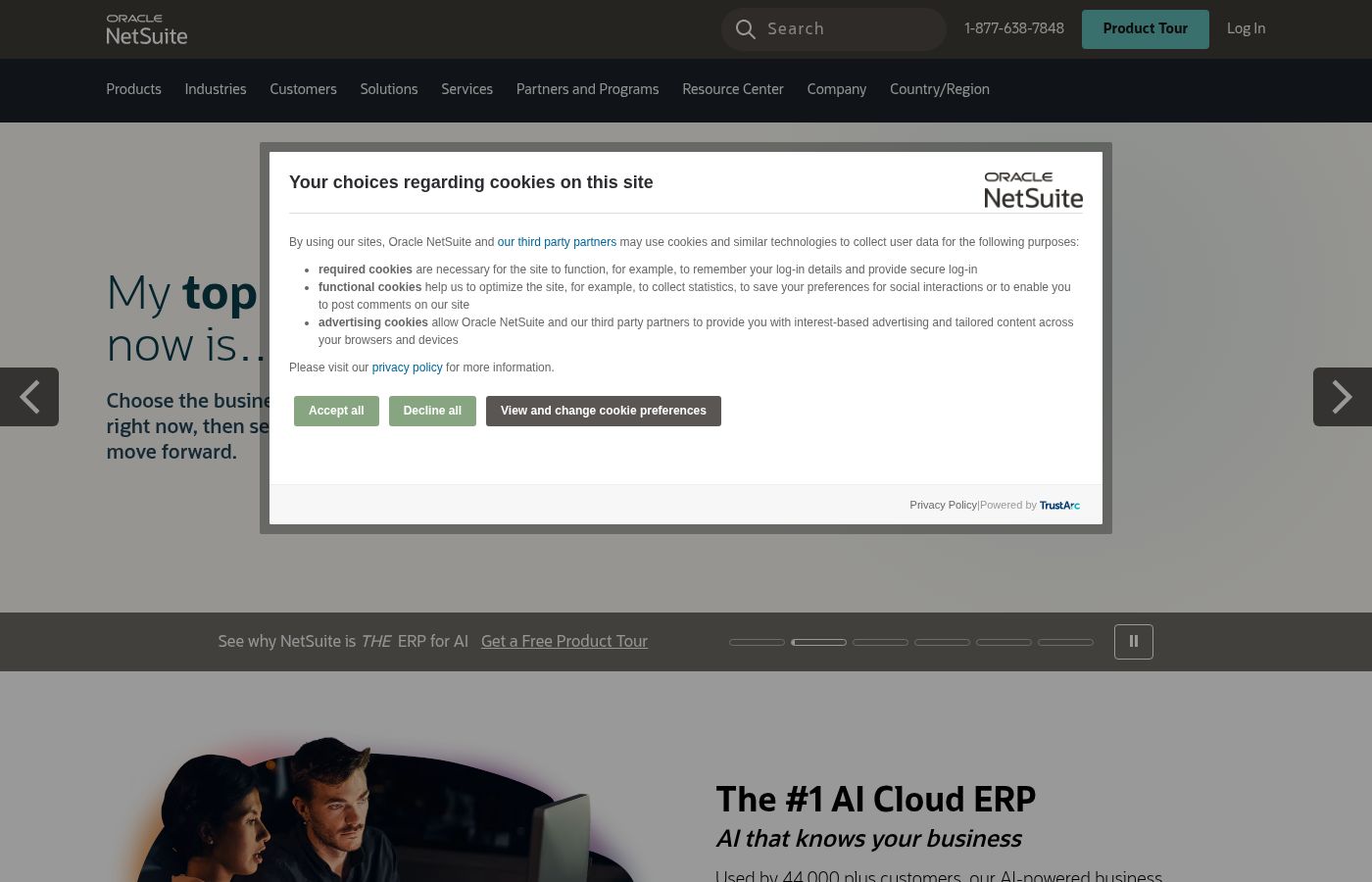
NetSuite is an integrated cloud ERP and business management suite, owned by Oracle, that combines accounting and financial management, customer relationship management, and ecommerce in a single system of record. Instead of maintaining separate accounting, sales, and storefront tools that must be synced, companies run these functions on one shared database. The platform is aimed at small, mid-sized, and fast-growing businesses that need enterprise-style capability without on-premises infrastructure.
Should you choose NetSuite?

Quick buyer guidance before you compare plans or click through.

Choose it if

  • Fast-growing companies that have outgrown QuickBooks or Xero and need integrated financials, CRM, and ecommerce in one system
  • Ecommerce and omnichannel brands that want storefront orders, inventory, and accounting fully synchronized
  • Multi-entity or international businesses needing consolidated, multi-currency financial reporting
  • Wholesale and distribution companies requiring real-time inventory and order management tied to financials

Skip it if

  • Solopreneurs and very small businesses with simple bookkeeping needs—lighter, cheaper accounting tools fit better
  • Buyers who want transparent, self-serve monthly pricing; NetSuite requires a sales conversation and an implementation commitment
  • Teams without the internal bandwidth or budget for a multi-month implementation and ongoing platform administration

Next steps before buying

  1. 1Document your requirements first: which modules you need (financials, CRM, ecommerce, inventory), user count, entities and currencies, and your current pain points
  2. 2Request a demo and a quote through the NetSuite website, using your requirements list to keep the sales conversation specific
  3. 3Plan the implementation with NetSuite professional services or a certified partner, starting with financials before layering on CRM and ecommerce
  4. 4Train administrators and power users before go-live, and set up dashboards and saved reports so teams adopt the platform instead of defaulting back to spreadsheets

NetSuite Key Features

✨ ERP and Financial Management

At its core, NetSuite provides general ledger, accounts payable and receivable, and financial consolidation in one cloud system. Finance teams can manage multi-entity and multi-currency books and generate real-time reports rather than waiting for month-end exports. Because transactions from sales and ecommerce flow directly into the ledger, reconciliation work is reduced compared with syncing standalone tools.

✨ CRM Built Into the Business

NetSuite includes customer relationship management alongside its financial suite, so sales activities, quotes, orders, and invoices all reference the same customer record. Reps can see payment status and order history without asking finance, and finance can factor pipeline commitments into forecasting. This shared record is one of the clearest advantages over running a standalone CRM next to separate accounting software.

✨ Ecommerce Integration

NetSuite's ecommerce capabilities connect online storefronts directly to back-office operations: orders, inventory levels, shipping, and customer billing stay synchronized. Merchants avoid common failure points of plugin-based integrations, such as overselling from stale inventory counts or orders that never reach the accounting system. For brands selling across channels, this tight coupling between storefront and ERP is a primary reason to choose the platform.

✨ AI-Driven Automation and Insight

NetSuite is positioned as the #1 AI Cloud ERP, and its AI capabilities focus on reducing manual work in day-to-day operations—surfacing anomalies in financial data, accelerating data entry, and generating insight from transactional records. The practical value lies in having analysis run against live business data rather than static spreadsheets, which shortens the distance between an operational event and a management decision.

✨ Reporting and Dashboards

The platform ships with role-based dashboards and customizable reports drawing on a single database, so KPIs reflect the same numbers across departments. Users can build saved searches and scheduled reports without exporting to Excel, and executives can monitor consolidated performance across subsidiaries. That level of data visibility is difficult to replicate when accounting, sales, and store data live in separate systems.

Use Cases

💡 Companies Outgrowing Entry-Level Accounting Software

Businesses that started on QuickBooks, Xero, or similar tools eventually hit limits: manual journal entries for cross-department data, spreadsheets for consolidated reporting, and no audit trail across functions. NetSuite is a common next step because it replaces that patchwork with one system, letting finance operate on live data as transaction volume and headcount grow.

💡 Ecommerce and Omnichannel Brands

Retailers and direct-to-consumer brands use NetSuite to keep storefront sales, inventory, and financials synchronized across channels and marketplaces. Order-to-cash runs end to end—order capture, fulfillment, shipping, invoicing, and revenue recognition—without staff re-keying data between an online store and accounting software.

💡 Multi-Entity and International Operations

Organizations with multiple subsidiaries, currencies, or countries use NetSuite for consolidated financial reporting and automated intercompany transactions. The platform handles currency conversion and elimination entries within one system, removing much of the spreadsheet consolidation that typically slows month-end close for distributed businesses.

💡 Wholesale, Distribution, and Inventory-Heavy Businesses

Companies that buy, stock, and ship physical goods rely on NetSuite's inventory and order management to track stock levels, manage fulfillment, and tie every movement back to the financials. Real-time visibility into what is on hand, committed, and in transit helps purchasing and sales make decisions without waiting on warehouse reports.

NetSuite pricing

Prices not verified yet — see the vendor page.

NetSuite's pricing page

NetSuite pricing page screenshotView pricing page screenshot

Pricing types: Free plan, Monthly subscription

Pricing notes

NetSuite pricing: Billing options: Free plan, Monthly subscription

Email me when NetSuite changes price

One email when we detect a price change on the vendor's pricing page. No newsletter, no deals. Unsubscribe in one click.

User Reviews

No reviews yet.

Write a Review

Write a Review for NetSuite
0/100 characters
0/2000 characters

Why use NetSuite?

The core argument for NetSuite is consolidation: as companies grow, disconnected accounting, sales, and ecommerce systems create duplicate data entry, stale reporting, and costly errors. Because financial, customer, and transaction data live together, reports reflect live operations and cross-department workflows can be automated end to end.

Its AI capabilities are applied to that shared dataset to reduce manual work and surface insights faster. For businesses that have outgrown entry-level tools, this integration is what makes the platform's cost and complexity worthwhile.

NetSuite alternatives

Other tools in the Accounting category

View all Accounting tools
Freshbooks

Freshbooks

Accounting4.2/5

FreshBooks is powerful accounting software designed to respect your time. It’s built to automate routine tasks like expense tracking and professional client invoicing. This tool is valuable for various stages of growth, whether you are a freelancer just starting out or a business managing contractors and employees. It organizes your finances so you always know where you stand in real time.

Datarails

Datarails

Accounting4.1/5

Datarails is an AI-powered FinanceOS that automates FP&A while letting teams stay in Excel. We bridge the gap between manual spreadsheets and rigid ERPs. Whether you have a portfolio of clients or a growing community of finance pros, our program is designed to reward you for sharing a tool that eliminates manual busywork. Join us to help your network unlock strategic AI insights and real-time reporting in the environment they already use and love

Puzzle.io

Puzzle.io

Accounting4.1/5

Puzzle.io helps businesses level up their accounting game, with stress-free cash and accrual accounting.

Wave

Wave

Accounting4.1/5

Wave is an all-in-one platform built specifically for small business owners and solopreneurs. It helps you manage your money like a boss. You can easily handle invoicing, accounting, and secure online payments in one cohesive spot. Unlike software built strictly for accountants, Wave is designed for you to use. It's affordable, small business friendly, and aims to make bookkeeping truly painless. Wave helps you be the wiz of your biz.

QuickBooks

QuickBooks

Accounting4/5

QuickBooks is a system designed to support modern businesses, regardless of their size. It’s built to personalize the site experience using simple criteria, like how many employees you have. ✨ Whether you are running a large team or operate as "Just me," the system aims to tailor features specifically to your needs. This focus on customization helps pave the way for successful business growth.

Cheapest Accounting software for 1 to 25 users

NetSuite FAQ

What is NetSuite used for?

NetSuite is an all-in-one cloud ERP used to run a company's core operations—accounting and financials, customer relationship management, ecommerce, inventory, and order management—from a single platform. It is most often adopted by growing businesses that have outgrown separate accounting and CRM tools and need shared data and consolidated reporting across departments.

How much does NetSuite cost?

NetSuite uses quote-based pricing rather than published rates. Costs depend on the modules you license, the number of users, and implementation scope, and buyers typically pay a subscription plus one-time implementation fees. The reliable way to budget is to request a quote from NetSuite with your specific requirements; advertised 'starting at' figures rarely reflect real-world totals.

Is NetSuite an ERP or accounting software?

Both, but it is broader than accounting software. Financial management is the core of the suite, yet NetSuite also includes CRM, ecommerce, inventory, and order management, which places it in the full ERP category. Entry-level accounting tools handle bookkeeping only; NetSuite connects those books to sales, storefronts, and operations.

Is NetSuite suitable for small businesses?

It depends on complexity and budget. Very small businesses with straightforward bookkeeping are usually better served by lighter, cheaper tools, since NetSuite's quote-based pricing and implementation effort are hard to justify for simple needs. Small but fast-growing companies with multi-channel sales, inventory, or multiple entities are a stronger fit and are among the platform's typical adopters.

Ready to try NetSuite? Check out the official site or pricing.

Are you NetSuite? Claim this listing · Get the badge