Net Nanny

Net Nanny review

Real-time content filtering that blocks harmful pages without breaking the rest of the web. Net Nanny has helped parents manage their children's online safety since 1996.

By Ciroapp Editorial Team · Updated Sep 16, 2026

Commission may apply at no extra cost

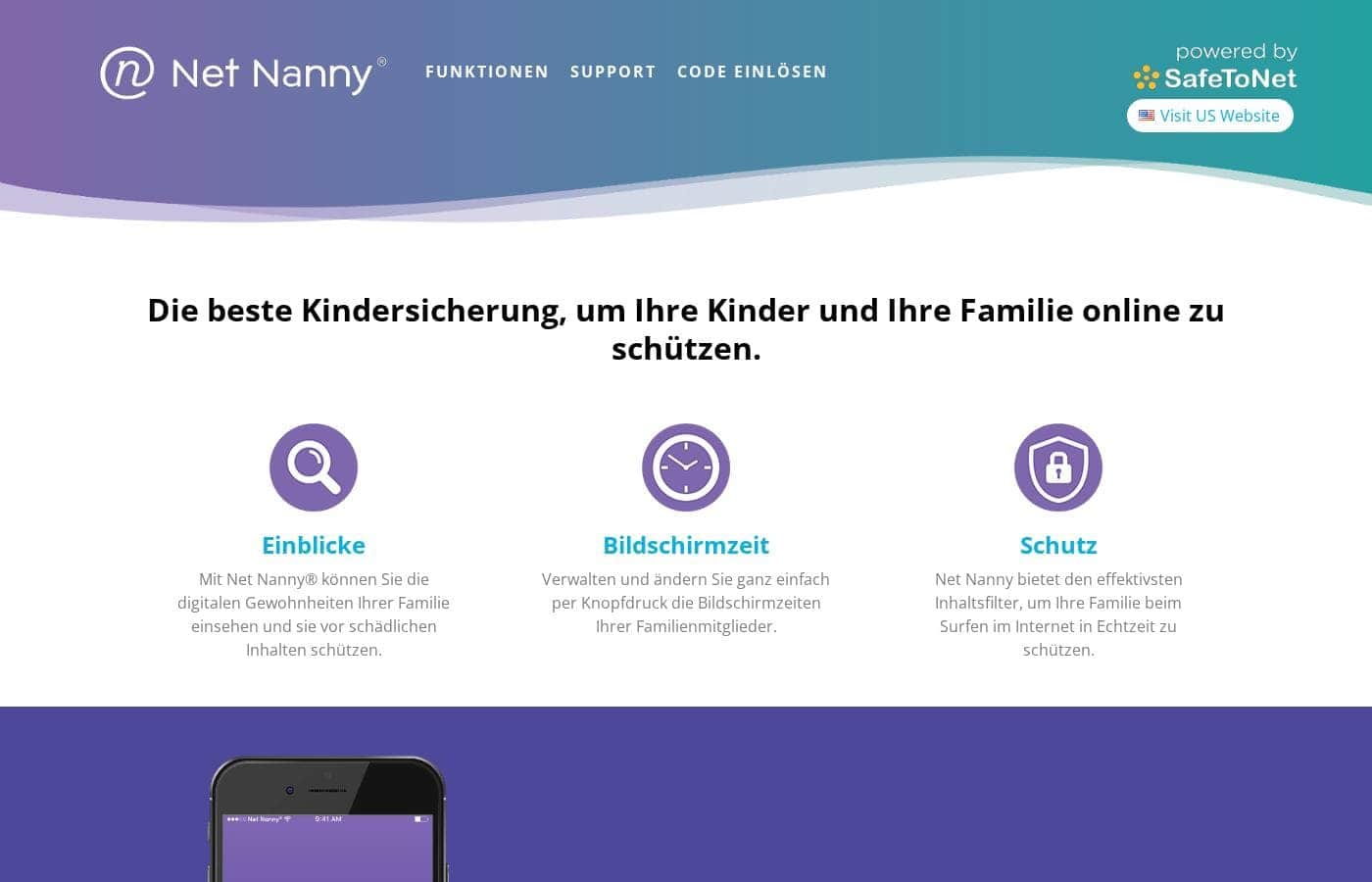
Net Nanny homepage screenshot

At a glance

Quick overview for Net Nanny: rating, pricing summary, key features, and highlights.

Ciroapp score

4.0/ 5

Net Nanny's real-time filter blocks harmful pages without breaking legitimate sites, and per-child profiles, screen time schedules, and remote pause solve everyday parenting battles across Windows, Mac, Android, iOS, and Kindle devices. Overall, it's a strong pick for content filtering, though it skips social media and text monitoring, iOS is more limited, and billing is yearly only.

Pros

  • Pros:Real-time content analysis blocks adult material on legitimate sites instead of forcing you to block whole domains, so research and reading still work
  • Pros:Per-child profiles let one family plan enforce strict filtering for a young child and looser rules for a teenager on their own devices
  • Pros:Profanity masking keeps otherwise useful pages readable rather than blocking them entirely over individual words

Cons

  • Cons:No social media monitoring — it filters the web and manages apps but cannot read or flag messages inside Instagram, Snapchat, or TikTok
  • Cons:No call or text message logging, so parents wanting communication oversight for older teens need a different tool
  • Cons:iOS capabilities are narrower than Android's because of Apple's platform restrictions, and some app-management features behave differently on iPhones
Best for
  • Parents of young children whose top priority is keeping pornography and violent content off every device the child touches
  • Families with kids across a wide age range who need different filter strictness per child under a single plan
  • Working parents who want to enforce bedtime and homework-time screen limits remotely instead of confiscating phones every night
This section is a summary. Detailed sections about features, use cases, pricing, and reviews follow below.

What is Net Nanny?

Net Nanny has been in the parental control business since 1996, making it one of the longest-running products in the category. Its core promise is straightforward: filter adult and harmful content in real time while letting kids use the internet normally, rather than locking the whole web down. Parents get a dashboard for managing filter levels, screen time, and app rules across the devices their children actually use.

This review covers what Net Nanny does well, where it falls short, and which families it fits best.

Net Nanny is a cross-platform parental control application that runs on Windows, macOS, Android, iOS, and Kindle Fire devices. It combines real-time web content filtering with screen time scheduling, app management, and location tracking, all controlled from a parent dashboard. Rather than relying only on static blocklists, it analyzes page content as it loads and decides whether the material is appropriate for the child's assigned profile.

Each child gets their own profile with age-appropriate rules, so a ten-year-old and a fifteen-year-old on the same family plan can be governed very differently.
Should you choose Net Nanny?

Quick buyer guidance before you compare plans or click through.

Choose it if

  • Parents of young children whose top priority is keeping pornography and violent content off every device the child touches
  • Families with kids across a wide age range who need different filter strictness per child under a single plan
  • Working parents who want to enforce bedtime and homework-time screen limits remotely instead of confiscating phones every night
  • Households mixing device types — a Windows laptop, an iPad, and Android phones — that need one dashboard managing all of them

Skip it if

  • Parents who need social media message monitoring or call/text logs for older teens — Net Nanny does neither
  • Buyers who want a monthly plan or an extended free evaluation period before committing to a full year
  • Families seeking advanced geofencing alerts or travel tracking, which are better served by dedicated family locator apps

Next steps before buying

  1. 1Create an account at netnanny.com and pick the subscription tier sized to the number of devices your children use
  2. 2Install the Net Nanny child app on each device — desktop installer for Windows/macOS, app store download for iOS, Android, and Kindle — and sign in with your parent account
  3. 3Create a profile for each child in the parent dashboard and set their filter level, screen time schedule, and app rules
  4. 4Spend the first week reviewing the activity feed and alerts, then tighten or loosen filter categories based on what is actually being attempted

Net Nanny Key Features

✨ Real-Time Content Filtering

Net Nanny's headline feature is its dynamic filter, which inspects web pages as they load instead of comparing URLs against a static blocklist. In practice, a single site can be partially accessible: articles render normally while adult or harmful pages on the same domain are blocked. Content is evaluated against the child's assigned filter level, with categories covering pornography, violence, drugs, gambling, and more.

✨ Profanity Masking

Rather than blocking an entire webpage because it contains a swear word, Net Nanny can mask profanity in place on otherwise appropriate pages. Kids can still read news articles, sports coverage, or reference material without hitting a full-page block, which is a meaningful difference from blunt keyword blockers.

✨ Screen Time Management

Parents can set daily time allowances and schedules for when internet access is allowed, with different rules for school nights and weekends. Access can be paused instantly from the parent dashboard for dinner or bedtime, and the child sees how much time remains, which reduces the nightly argument over a few more minutes.

✨ App Blocking and Management

On Android and iOS, Net Nanny lets parents block or allow specific apps and set per-app limits on supported platforms. This targets the most common complaint — YouTube, TikTok, or games consuming hours — without disabling the whole phone.

✨ Location Tracking

The mobile apps include location tracking so parents can see where a child's device is and check in without a phone call. It is lighter than a dedicated family locator app but covers the common 'where are they right now' question during the after-school window.

✨ Parent Dashboard and Alerts

All management happens through the parent dashboard, where you create child profiles, set filter levels, review activity, and receive alerts when blocked content is attempted or settings change. Rules set once follow the child across every enrolled device, so switching from a school laptop to a phone doesn't create a loophole.

Use Cases

💡 Filtering Explicit Content for Young Children

Parents of elementary-age children mostly need one thing: explicit material stays out of view. A young child's profile can be set to a strict filter level, and the real-time engine catches adult pages even when they arrive through links, pop-ups, or search results on legitimate sites. Profanity masking keeps homework research and reading sites usable without exposing raw comment sections.

💡 Managing a Teenager's Screen Time Without Confiscation

For families stuck in nightly phone battles, scheduled access and a visible remaining-time counter shift the argument from parent-versus-child to child-versus-the-rules. Parents can pause internet at bedtime, allow extra time on weekends, and block the two or three apps that actually cause the problem — all remotely, without taking the phone away.

💡 Protecting a Shared Family Device

A household tablet or a child's first laptop can be protected with a dedicated profile, so the device inherits the right filter level no matter which child is using it. This suits grandparents, blended or divorced households, and anyone managing a device that moves between homes.

💡 Keeping Tabs on Kids Away From Home

Location tracking combined with on-device filtering covers the after-school window: parents can confirm a child arrived where expected, and filtering stays active on cellular data and other networks, not just the home Wi-Fi. This closes the gap left by router-only blockers that stop working the moment a device leaves the house.

Net Nanny pricing

Prices not verified yet — see the vendor page.

Net Nanny's pricing page

Net Nanny pricing page screenshotView pricing page screenshot

Pricing range: See vendor pricing

Pricing types: Yearly subscription

Pricing notes

Plans from $1

Net Nanny pricing: Plans from $1 Plans range: $1–$2789 Billing options: Yearly subscription

Email me when Net Nanny changes price

One email when we detect a price change on the vendor's pricing page. No newsletter, no deals. Unsubscribe in one click.

User Reviews

No reviews yet.

Write a Review

Write a Review for Net Nanny
0/100 characters
0/2000 characters

Why use Net Nanny?

Children run into explicit material, harmful content, and compulsive apps long before parents notice, and router-level or built-in OS controls often fail because they judge whole sites rather than individual pages. Net Nanny filters content at the moment it loads, so a news site can stay accessible while a pornographic page on that same domain is blocked.

For busy parents, the practical value is setting rules once and having them enforced on every device a child carries, including on cellular data away from home. It also reduces daily conflict: instead of confiscating a phone, parents can pause internet access remotely or let the child's own remaining-time counter do the negotiating.

Net Nanny alternatives

Other tools in the Parental Control category

View all Parental Control tools
Qustodio

Qustodio

Parental Control4.1/5

Qustodio is a comprehensive parental control tool designed specifically for modern families. It's an easy-to-use solution trusted by over eight million parents worldwide. The goal is to give parents peace of mind while fostering positive digital habits for their children. You manage everything from one simple dashboard, allowing supervision the way you want to. Because it's focused on digital wellbeing, it supports creating a risk-free environment for kids as they grow.

MMGuardian

MMGuardian

Parental Control4.1/5

MMGuardian is a comprehensive application that allows you to control and monitor your child’s phone remotely from your own device—whether you use an iPhone or Android handset. It removes the stress of phone management by promoting prevention first. This powerful tool offers parents complete visibility and control over web access, app usage, and digital communication. 💡 You can easily set usage limits on apps and screen time to help your child thrive toward a balanced lifestyle.

Canopy

Canopy

Parental Control3.9/5

Canopy is a powerful digital parenting app built to keep children safer across their devices. It uses advanced computing technology, including artificial intelligence and machine learning. This technology instantly recognizes and filters out sensitive or pornographic content, even on your child’s smartphone camera. Setting up Canopy is simple: you download the Canopy App to manage settings and install the Shield App on each device you want to protect.

Bark

Bark

Parental Control3.9/5

Bark is an AI-powered safety platform designed for families who want clarity and control over their kids’ online world. It spans multiple products—Bark Phone, Bark Watch, Bark App, and Bark Home—so you can monitor texts, apps, and web activity across devices. Bark uses advanced AI to scan texts, social media, images, videos, and audio for threats like cyberbullying and pornography, ensuring unparalleled safety for your child. In addition to monitoring, Bark helps you manage screen time, block content, and track location.

FamiSafe

FamiSafe

Parental Control3.9/5

FamiSafe is a next-generation parental control application designed by Wondershare. It empowers families to establish positive digital habits together. The platform lets you see and guide your child's activities, balancing freedom with necessary protection. It is built for all parents who want reliable tools to manage screens, monitor device activity, and protect loved ones in real life. You’ll receive detailed reports on daily device usage and app activities effortlessly.

OurPact

OurPact

Parental Control3.8/5

OurPact is a comprehensive parental control application designed to simplify managing your child’s digital life. It works seamlessly across nearly all devices, making it a truly cross-platform tool. You can manage iPhones, iPads, Android Phones, and Tablets easily from one place. This means you can pair a single child profile with multiple devices, even if they mix iOS and Android systems. The goal is helping families build balanced routines and experience a safer online world.

Cheapest Parental Control software for 1 to 25 users

Net Nanny FAQ

Which devices and operating systems does Net Nanny support?

Net Nanny protects Windows and macOS computers plus Android phones and tablets, iPhones and iPads, and Kindle Fire devices. You install the child app on each device and link it to your parent account, so a single family plan can cover a mix of device types. Keep in mind that features can vary slightly by platform — Apple's rules make iOS behavior somewhat different from Android.

Does Net Nanny work away from home, or only on my Wi-Fi?

Filtering is enforced by the app on the child's device rather than by your router, so protection continues on school networks, cellular data, and other people's Wi-Fi. This is a key advantage over DNS- or router-level blockers, which stop working the moment the device leaves your home network.

Can Net Nanny monitor social media and text messages?

No. Net Nanny focuses on web filtering, screen time, app management, and location tracking. It does not read direct messages on Instagram, Snapchat, or TikTok, and it does not log calls or texts. If social media and communication monitoring is your priority, compare it against tools built specifically for that before purchasing.

How much does Net Nanny cost and is there a trial?

Net Nanny is sold as a yearly subscription, with tiers based on the number of protected devices or children. Exact pricing changes with promotions and new tiers, so check the vendor's pricing page for current rates before committing to the annual plan.

Ready to try Net Nanny? Check out the official site or pricing.

Are you Net Nanny? Claim this listing · Get the badge