FamiSafe

FamiSafe review

Screen time limits, location alerts, and activity reports that help parents guide—not just police—digital life.

By Ciroapp Editorial Team · Updated Sep 16, 2026

Commission may apply at no extra cost

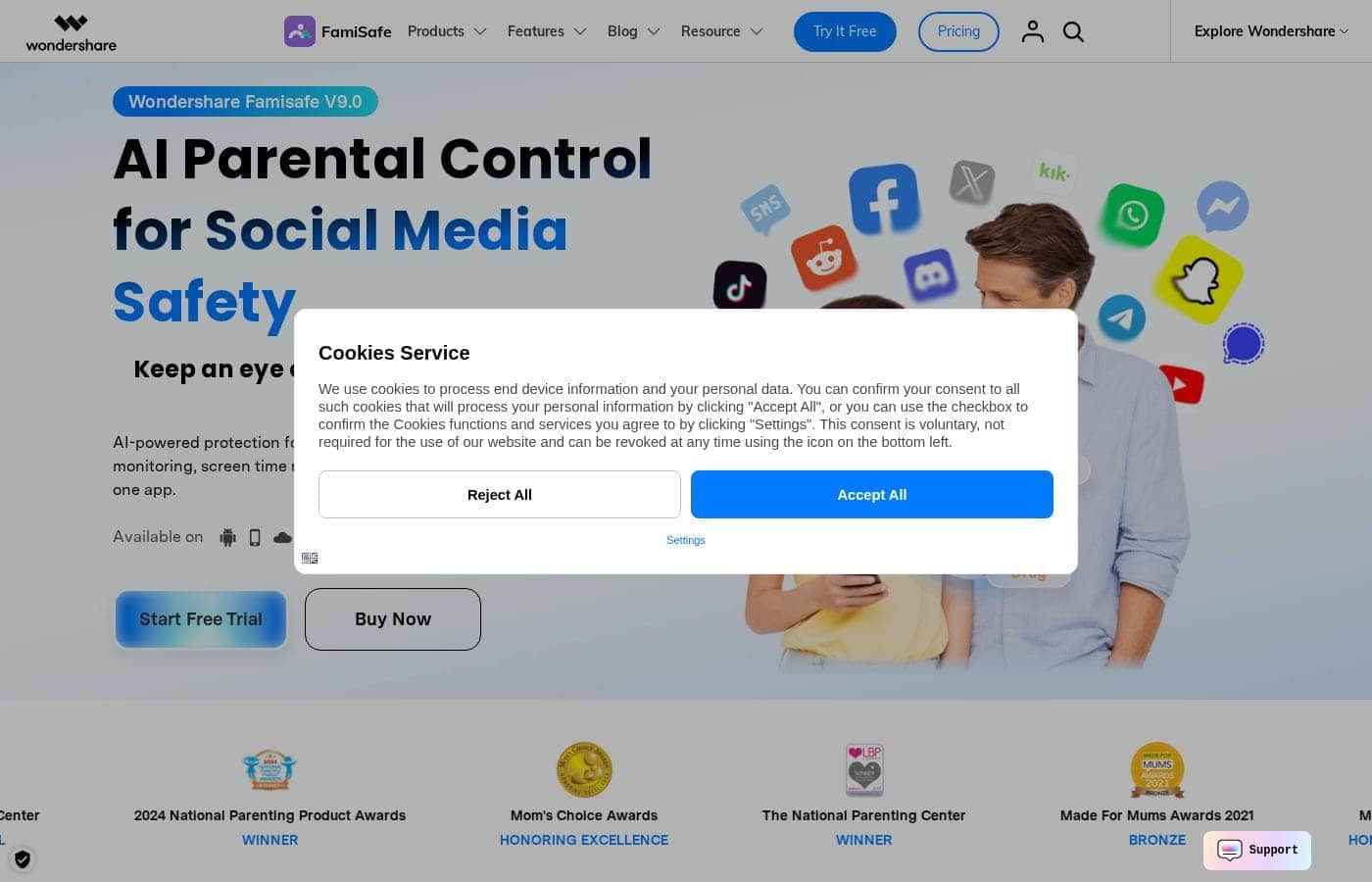
FamiSafe homepage screenshot

At a glance

Quick overview for FamiSafe: rating, pricing summary, key features, and highlights.
Vendor page checked Oct 12, 2026

Ciroapp score

3.9/ 5

FamiSafe covers the parental control basics well: screen time schedules, app activity reports, content alerts, and location tracking, all from one dashboard across Android, iOS, Kindle Fire, and desktops. Some features are limited on iOS, and pricing is hard to pin down. Overall, it's a solid pick for families who want transparent oversight instead of stealth monitoring.

Pros

  • Pros:Covers Android, iOS, Kindle Fire, and desktop platforms under a single parent account, which is rare among parental control apps that often favor one ecosystem
  • Pros:Activity reports break down usage by individual app, giving parents specific patterns to discuss instead of a vague total screen-time number
  • Pros:Geofencing sends arrival and departure alerts for custom safe zones like school or home, reducing the need for constant check-in texts

Cons

  • Cons:Some features are more limited on iOS than on Android due to Apple's platform restrictions, and iPhone setup can involve extra configuration steps
  • Cons:The app must remain installed with permissions enabled on the child's device, so a determined or tech-savvy kid may attempt workarounds such as disabling location services
  • Cons:Full functionality requires a paid subscription after the trial, and costs scale with the number of devices a family needs to cover
Best for
  • Parents of school-age children who need structured screen time schedules for homework and bedtime
  • Families with mixed Android, iOS, and desktop devices who want one parent dashboard instead of separate tools per platform
  • Parents of commuting or independent teens who want geofence alerts for school and home arrivals
This section is a summary. Detailed sections about features, use cases, pricing, and reviews follow below.

What is FamiSafe?

FamiSafe, developed by Wondershare, is a parental control application built to help families establish healthier digital habits together. Rather than serving as pure surveillance software, it positions itself as a guidance tool: parents can view daily device usage and app activity, then set boundaries that balance a child's independence with necessary protection. It runs across the major platforms families actually use, from phones and tablets to desktops.

FamiSafe is a cross-platform parental control app that lets parents manage screen time, monitor app and device activity, filter inappropriate content, and track a child's real-time location. After installing the app on both the parent's and child's devices, parents receive detailed reports on daily usage and can configure rules remotely from their own dashboard. Wondershare, the company behind Filmora and Dr.Fone, maintains the product with regular updates and supports households with multiple children and mixed device types.
Should you choose FamiSafe?

Quick buyer guidance before you compare plans or click through.

Choose it if

  • Parents of school-age children who need structured screen time schedules for homework and bedtime
  • Families with mixed Android, iOS, and desktop devices who want one parent dashboard instead of separate tools per platform
  • Parents of commuting or independent teens who want geofence alerts for school and home arrivals
  • Households that prefer evidence-based parenting, using activity reports to ground conversations about device habits

Skip it if

  • Parents seeking covert or stealth monitoring of a child's device without their knowledge, since FamiSafe is built as a transparent parental control tool
  • Businesses or teams looking for employee monitoring software, as the feature set is designed specifically for family use
  • Families unwilling or unable to install and maintain an app with active permissions on the child's device

Next steps before buying

  1. 1Create a Wondershare account and install the FamiSafe app on your own phone to serve as the parent dashboard
  2. 2Install FamiSafe on your child's device, pair it with your account, and grant the required permissions for monitoring, filtering, and location
  3. 3Configure age-appropriate rules: screen time schedules, web filters, blocked apps, and geofenced safe zones like home and school
  4. 4Review the daily activity reports for the first couple of weeks and adjust limits based on actual usage patterns rather than assumptions

FamiSafe Key Features

✨ Screen Time Management

Parents can set daily screen time limits and schedule device downtime, such as blocking phones during homework hours or bedtime. Rules apply per device and can be adjusted remotely, so a forgotten gaming tablet in the living room can be locked down from the kitchen without confiscating hardware.

✨ Activity Reports and App Monitoring

FamiSafe generates detailed reports on daily device usage and individual app activity, showing which applications a child opens and for how long. This turns vague worries about 'too much phone' into specific, discussable patterns—useful for negotiating new rules as kids mature.

✨ Content Filtering and Web Safety

The platform filters inappropriate websites and can flag explicit content, with alerts sent to the parent when risky material is detected. YouTube app control lets parents manage video consumption, one of the most common sources of unmonitored screen time.

✨ Location Tracking and Geofencing

Parents can view a child's real-time location and define safe zones such as home, school, or a grandparent's house. When the child arrives at or leaves a geofenced area, the parent receives an alert—practical for checking that the after-school route stayed on track without constant check-in texts.

Use Cases

💡 Structuring Screen Time for School-Age Kids

For children in elementary or middle school, the biggest battle is often simply getting devices put down. Parents can schedule automatic downtime during homework and bedtime, set daily caps on usage, and use the activity report in weekly family conversations instead of daily confrontations.

💡 Protecting Teens from Online Risks

Adolescents face exposure to explicit content, predatory contacts, and risky apps. FamiSafe's content filters and suspicious-content alerts notify parents when something concerning appears, letting them intervene based on evidence rather than reading through every message manually.

💡 Keeping Track of Kids on the Move

When children start walking to school, taking the bus, or going out with friends, geofencing around home and school sends arrival and departure notifications automatically. Parents get confirmation that the commute went as planned without needing to text or call during class.

💡 Managing a Mixed-Device Household

Families with an Android teen, an iPad-toting ten-year-old, and a shared family laptop need one control point rather than separate tools per platform. FamiSafe's cross-platform support lets one parent account cover phones, tablets, and computers from a single dashboard.

FamiSafe pricing

Prices not verified yet — see the vendor page.

FamiSafe's pricing page

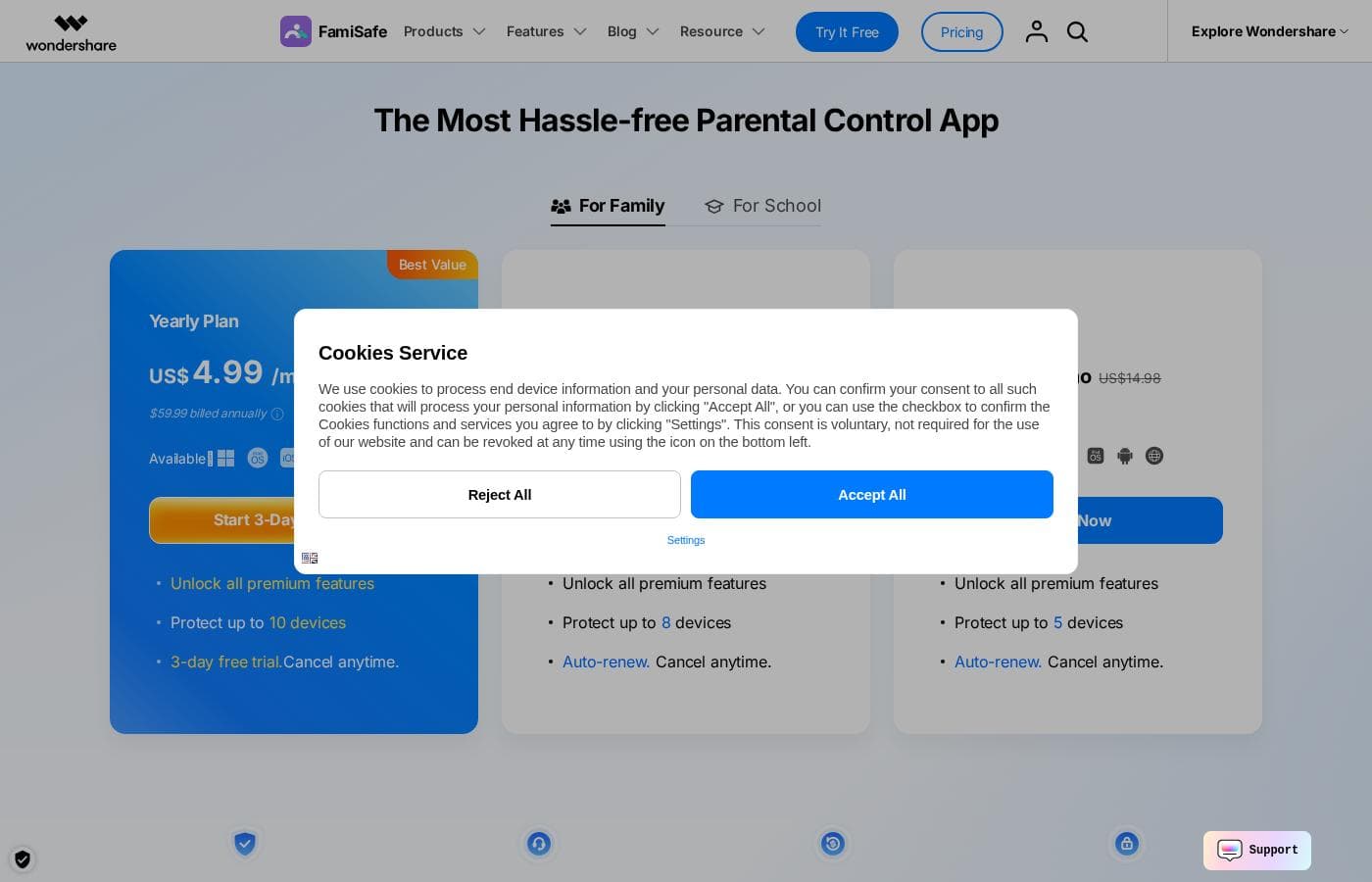
FamiSafe pricing page screenshotView pricing page screenshot

Price history

Tracking prices since Sep 7, 2026. No price change detected yet.

Pricing types: Free plan, Free trial, Monthly subscription, Yearly subscription, Usage-based pricing

Pricing notes

Plans from $1/month

FamiSafe pricing: Plans from $1/month Billing options: Free plan, Free trial, Monthly subscription, Yearly subscription, Usage-based pricing

Email me when FamiSafe changes price

One email when we detect a price change on the vendor's pricing page. No newsletter, no deals. Unsubscribe in one click.

User Reviews

No reviews yet.

Write a Review

Write a Review for FamiSafe
0/100 characters
0/2000 characters

Why use FamiSafe?

Parents today face a genuine dilemma: total restriction pushes kids toward workarounds, while zero oversight leaves them exposed to harmful content, excessive screen time, and unsafe situations. FamiSafe addresses this by giving parents concrete visibility—daily activity reports, real-time location, alerts for suspicious content—so conversations are grounded in facts instead of guesswork.

The ability to manage everything from one parent account across Android, iOS, and desktop devices makes it practical for real families rather than single-device scenarios.

FamiSafe alternatives

Other tools in the Parental Control category

View all Parental Control tools
Qustodio

Qustodio

Parental Control4.1/5

Qustodio is a comprehensive parental control tool designed specifically for modern families. It's an easy-to-use solution trusted by over eight million parents worldwide. The goal is to give parents peace of mind while fostering positive digital habits for their children. You manage everything from one simple dashboard, allowing supervision the way you want to. Because it's focused on digital wellbeing, it supports creating a risk-free environment for kids as they grow.

MMGuardian

MMGuardian

Parental Control4.1/5

MMGuardian is a comprehensive application that allows you to control and monitor your child’s phone remotely from your own device—whether you use an iPhone or Android handset. It removes the stress of phone management by promoting prevention first. This powerful tool offers parents complete visibility and control over web access, app usage, and digital communication. 💡 You can easily set usage limits on apps and screen time to help your child thrive toward a balanced lifestyle.

Net Nanny

Net Nanny

Parental Control4/5

Net Nanny is widely trusted parental control software. It is consistently ranked as the Best Parental Control App. ✅ Millions of parents have trusted this software since 1996. It’s designed to keep your kids safe from adult content when they browse online. The system allows children to use the internet safely while still being protected. It offers the visibility parents need today.

Canopy

Canopy

Parental Control3.9/5

Canopy is a powerful digital parenting app built to keep children safer across their devices. It uses advanced computing technology, including artificial intelligence and machine learning. This technology instantly recognizes and filters out sensitive or pornographic content, even on your child’s smartphone camera. Setting up Canopy is simple: you download the Canopy App to manage settings and install the Shield App on each device you want to protect.

Bark

Bark

Parental Control3.9/5

Bark is an AI-powered safety platform designed for families who want clarity and control over their kids’ online world. It spans multiple products—Bark Phone, Bark Watch, Bark App, and Bark Home—so you can monitor texts, apps, and web activity across devices. Bark uses advanced AI to scan texts, social media, images, videos, and audio for threats like cyberbullying and pornography, ensuring unparalleled safety for your child. In addition to monitoring, Bark helps you manage screen time, block content, and track location.

OurPact

OurPact

Parental Control3.8/5

OurPact is a comprehensive parental control application designed to simplify managing your child’s digital life. It works seamlessly across nearly all devices, making it a truly cross-platform tool. You can manage iPhones, iPads, Android Phones, and Tablets easily from one place. This means you can pair a single child profile with multiple devices, even if they mix iOS and Android systems. The goal is helping families build balanced routines and experience a safer online world.

Cheapest Parental Control software for 1 to 25 users

FamiSafe FAQ

Which devices and platforms does FamiSafe support?

FamiSafe works across the major platforms families use: Android phones and tablets, iPhones and iPads, Kindle Fire tablets, and Windows and macOS computers. Parents install the app on their own device to manage rules and on the child's device to enforce them, and one parent account can oversee multiple children and devices.

Is there a free trial before I pay for a subscription?

Yes. FamiSafe offers a free trial alongside its paid monthly and yearly subscription plans, so you can install it on your family's devices and verify that the features work as expected in your actual household before purchasing. Pricing scales with the plan tier you choose.

Will my child know that FamiSafe is installed on their device?

FamiSafe is designed as a transparent parental control tool, not hidden spyware—the app is present on the child's device and parents are expected to set rules openly. This is intentional: the product's stated goal is building positive digital habits together, and Wondershare's approach works best when families discuss boundaries rather than discovering them through secret monitoring.

Ready to try FamiSafe? Check out the official site or pricing.

Are you FamiSafe? Claim this listing · Get the badge