Jibble

Jibble review

Free employee time tracking with verified clock-ins and payroll-ready timesheets.

By Ciroapp Editorial Team · Updated Sep 17, 2026

Commission may apply at no extra cost

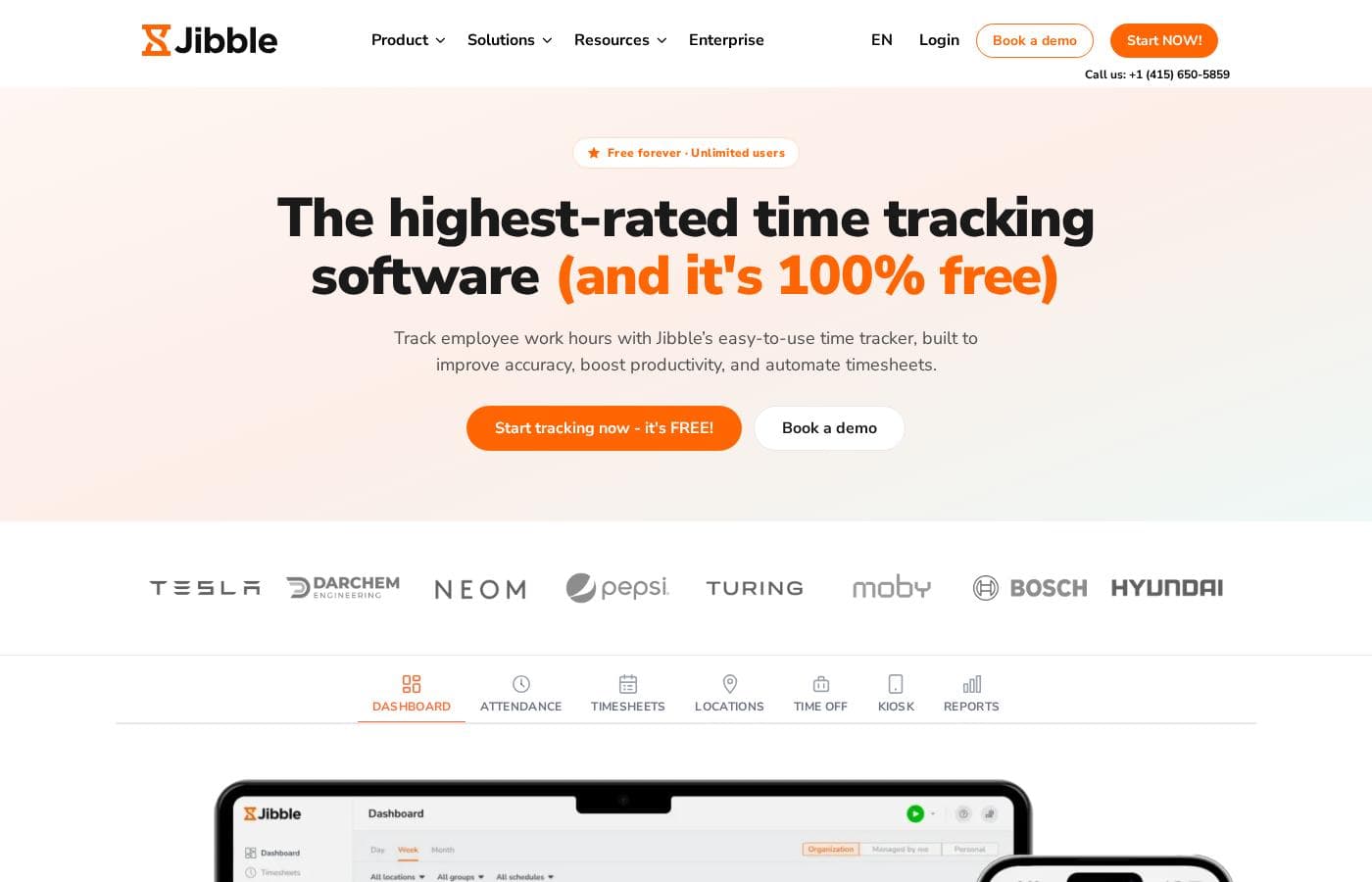
Jibble homepage screenshot

At a glance

Quick overview for Jibble: rating, pricing summary, key features, and highlights.
Vendor page checked Oct 23, 2026

Ciroapp score

4.2/ 5

Jibble gives teams free time tracking with unlimited users and no credit card. Face recognition, GPS stamps, and geofencing come standard — controls rivals often charge for. Payroll exports to Xero, QuickBooks, and Deel, but enterprise extras aren't priced publicly and complex policies take setup effort. Overall, it's an easy recommendation for hourly teams that just need hours tracked well.

Pros

  • The core plan is free forever with unlimited users, including face recognition, selfie capture, GPS stamps, geofencing, NFC, and PIN verification that many competitors reserve for paid tiers
  • Approved timesheets calculate regular hours, overtime, breaks, and PTO automatically, then export as XLS/CSV or directly to Xero, QuickBooks, and Deel for payroll
  • Employees can clock in from iOS, Android, web browsers, a desktop app, a Chrome extension, shared kiosks, Slack, or Microsoft Teams, so no extra hardware is required

Cons

  • Configuring your organization's own time policies can take more effort than the advertised two-minute setup; Jibble itself suggests booking an expert call for guidance
  • Enterprise extras such as SSO, 2FA, and dedicated onboarding aren't priced publicly, so you must contact the sales team to confirm costs before committing
  • Jibble focuses only on time tracking, so teams wanting scheduling, HR, or payroll in a single all-in-one suite will need separate tools
Best for
  • Small businesses that want solid time tracking without per-user fees
  • Construction and field service crews that need GPS-verified clock-ins on job sites
  • Manufacturing and shift-based teams using a shared kiosk for clock-in
This section is a summary. Detailed sections about features, use cases, pricing, and reviews follow below.

What is Jibble?

Chasing timesheets by email and fixing payroll errors eats hours every pay cycle. Jibble replaces manual tracking with simple clock-ins from any device, verified by GPS or face recognition. Approved timesheets export straight to payroll tools, so you spend less time reconciling and more time running your team.

Jibble is a time and attendance platform. Employees clock in and out from phones, browsers, desktop apps, kiosks, Slack, or Teams. It's built for any team that pays for hours — construction sites, factories, field crews, retail, healthcare, and offices.

The core plan is free for unlimited users, with SSO, 2FA, and dedicated onboarding available for larger teams.

Should you choose Jibble?

Quick buyer guidance before you compare plans or click through.

Choose it if

  • Teams spread across devices — iOS, Android, web, desktop, kiosk, Slack, or Teams
  • Employers who need location-stamped, audit-ready records for wage and hour compliance
  • Managers of remote or offline workers, thanks to offline mode that syncs later
  • Organizations that want time off, approvals, work schedules, and invoicing alongside tracking
  • Growing companies that need enterprise controls like SSO and 2FA

Skip it if

  • Buyers wanting an all-in-one HR suite — Jibble intentionally focuses only on time tracking
  • Companies whose payroll tools aren't on the site's integration list — confirm your provider connects before committing
  • Organizations with complex time policies; the company notes policy setup isn't always easy and suggests booking an expert call

Next steps before buying

  1. 1Map your needs first: how many sites, which devices, and whether you need face, GPS, or kiosk verification.
  2. 2Check integrations before signing up — confirm your payroll or accounting tool (Xero, QuickBooks, Deel, etc.) is supported.
  3. 3Start on the free plan to test real clock-ins; it's free for unlimited users with no credit card required.
  4. 4Compare alternatives and read recent reviews for your industry before committing to an enterprise tier.
  5. 5If you need SSO, 2FA, or dedicated onboarding, contact sales to confirm scope, pricing, and any trial or refund terms.

Ease of use

Public signals suggest Jibble is easy to live with. The site advertises no-credit-card signup with setup in under two minutes, and reviewers repeatedly praise the simple interface and responsive support. One manager says new hires learn it in a two-minute explanation. The caveat: configuring your organization's own time policies can take more effort, and the company offers expert setup calls for that.

Jibble Key Features

⏱️ Clock in from any device

Your team can start tracking in seconds, wherever they work. Jibble runs on iOS and Android phones, web browsers, a desktop app, a Chrome extension, and shared kiosks. Employees can even clock in from Slack or Teams.

It's handy for job sites, factories, and remote workers alike — no extra hardware required.

📍 Verification that stops buddy punching

You need to know the right person clocked in — and where. Jibble attaches proof to every entry. Pick the controls that fit your team:

  • AI-powered face recognition and selfie capture confirm identity
  • GPS stamps and geofences restrict clock-ins to approved sites
  • NFC or PIN works well for shared kiosks

Honest records reach payroll, not padded ones.

✨ Work without internet

Spotty connection on a job site? No problem. Offline mode lets employees clock in without internet, and entries sync automatically once they're back online.

That's a big deal for construction crews and field teams working in basements, rural areas, or remote client sites. Hours stay accurate even when the signal doesn't cooperate.

✨ Payroll-ready timesheets

No more chasing timesheets by email or fixing payroll errors. Jibble calculates regular hours, overtime, breaks, and PTO for you. Managers review and approve timesheets, then export them as XLS or CSV — or send them straight to Xero, QuickBooks, or Deel.

Payroll receives clean figures, so reconciliation takes minutes instead of hours.

✨ Keep the whole team organized

Beyond clock-ins, Jibble handles the admin around hours. Set work schedules so everyone stays aligned, manage leave policies and time-off requests, and organize people with groups and role-based permissions. You can even convert tracked time into client invoices.

Real-time dashboards and activity views show who's clocked in and what they're working on.

Use Cases

🏗️ Construction crews clock in on site

Crews clock in from a shared kiosk with PIN or face ID. GPS stamps every entry, and geofences keep clock-ins inside the site. Offline mode syncs entries once workers are back online.

Expected outcome: verified hours from every job site, no chasing.

🏭 Factory floors that run on shifts

Floor workers share one kiosk, so nobody needs their own device. Managers set schedules, apply overtime rules, and catch alerts early. When the pay period ends, hours export straight to payroll.

Expected outcome: smoother shifts and faster payroll runs.

🚚 Field teams you can actually see

Techs clock in from their phones at client sites. GPS breadcrumbs map each shift, and geofences scoped to each site keep entries honest. You see who's working in real time.

Expected outcome: full shift visibility without chasing texts.

🧾 Payroll without the spreadsheet scramble

Approved timesheets calculate regular hours, overtime, breaks, and PTO automatically. Export as XLS or CSV, or send data straight to Xero, QuickBooks, or Deel. Payroll gets clean numbers every cycle.

Expected outcome: less reconciling, fewer payroll errors.

Jibble pricing

  • Free plan available

Vendor page checked on Oct 23, 2026; confirm current prices on Jibble's pricing page

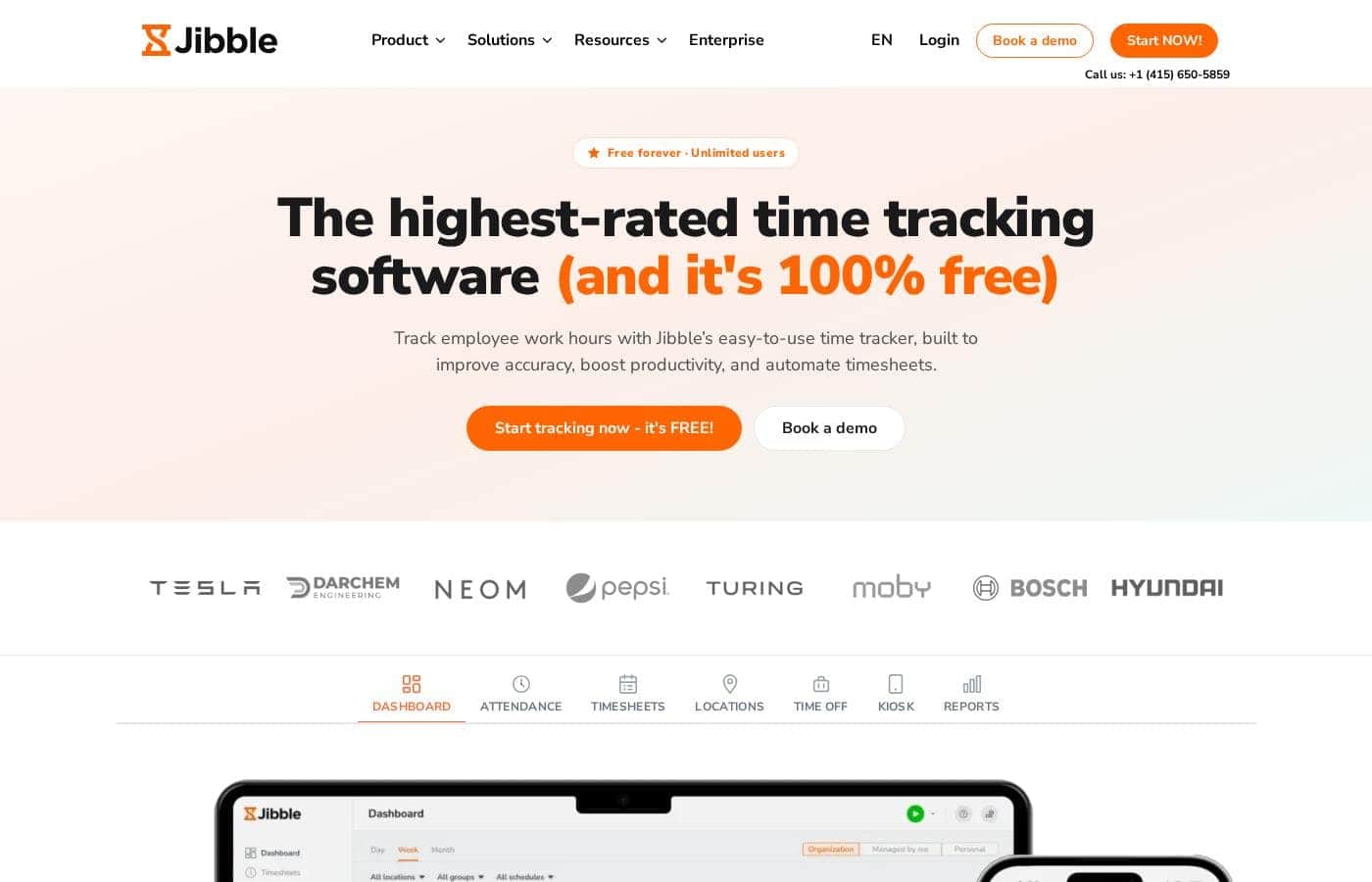
Jibble pricing page screenshotView pricing page screenshot
PlanBilled monthlyBilled annuallyIncludes
Free
Free
—
  • Unlimited users, free forever
  • Real-time timer, timesheets, and manager approvals
  • Face recognition, selfie capture, geofencing, GPS tracking, NFC & PIN
  • Offline mode and shared kiosk clock-ins
  • Time off, invoicing, work schedules, and XLS/CSV exports
  • +1

Price history

Tracking prices since Oct 1, 2026. No price change detected yet.

Pricing types: Free plan

Pricing notes

Jibble's time tracking software is 100% free forever for unlimited users — no credit card required. There's just one plan, Free, at $0, covering timers, timesheets, GPS and face verification, and payroll-ready exports.

Jibble costs $0 per month with 1 plan: the Free plan, which is 100% free forever for unlimited users.

Yes, the flagship time tracker really costs nothing. Here's exactly what you get.

Free

Price: $0 — free forever, no credit card required Best For: Teams of any size, since the plan allows unlimited users Other Features:

  • Real-time timer, timesheets, and manager approvals
  • Face recognition, selfie capture, geofencing, GPS tracking, NFC & PIN
  • Offline mode and shared kiosk clock-ins
  • Time off, invoicing, work schedules, and XLS/CSV exports
  • Integrations with Slack, Microsoft Teams, and QuickBooks

This plan covers nearly every team that needs to track hours. Freelancers, construction crews, factory floors, and field service groups can all clock in and out without a bill. Because the features span everything from AI face recognition to automated overtime calculations for payroll, you're not missing much by skipping a paid tier. Jibble's own impact calculator pegs the cost of Jibble Free at $0 while estimating big payroll savings for a 100-person team.

Approved timesheets export cleanly to tools like Xero, QuickBooks, and Deel, so payroll keeps moving without manual entry. Employees can clock in from iOS or Android phones, web browsers, a desktop app, a Chrome extension, shared kiosks, or even Slack and Microsoft Teams. That flexibility means most small and mid-sized teams never need anything beyond this plan.

One thing to know: the site does mention enterprise options such as SSO, 2FA, and dedicated onboarding support. Those extras aren't priced on this page, so check with Jibble's sales team before assuming they're included.

There's no free trial to juggle — Jibble's plan is simply free forever with unlimited users. Sign-up needs no credit card, and setup takes under 2 minutes. With nothing to pay and nothing to cancel, it's an easy starting point for any team.

How to pay less for Jibble

  • Start on the free plan and upgrade only when you hit its limits.
Visit Jibble

Email me when Jibble changes price

One email when we detect a price change on the vendor's pricing page. No newsletter, no deals. Unsubscribe in one click.

User Reviews

No reviews yet.

Write a Review

Write a Review for Jibble
0/100 characters
0/2000 characters

Why use Jibble?

Free doesn't have to mean stripped down. Jibble's core product costs nothing for unlimited users, yet it covers controls many teams pay extra for elsewhere.

  • No per-user fees — the free plan covers unlimited users, including clock-ins, basic timesheets, and Slack, Teams, and QuickBooks integrations.
  • Verified hours — AI-powered face recognition, selfie capture, PIN, and NFC help stop buddy punching before it reaches payroll.
  • Location you can trust — GPS stamps and geofences confirm where work happens, and offline mode syncs entries once staff are back online.
  • Payroll-ready data — approved timesheets calculate regular hours, overtime, breaks, and PTO, then export as XLS/CSV or straight to Xero, QuickBooks, or Deel.
  • Proven at scale — a 4.8/5 average across 20,000+ verified reviews, plus SSO, 2FA, and dedicated onboarding for bigger organizations.

If spreadsheets are still your source of truth, Jibble is an easy upgrade. The site says setup takes under two minutes and needs no credit card.

Jibble alternatives

Other tools in the Time tracking category

View all Time tracking tools
Clockify

Clockify

Time tracking4.4/5

Clockify is widely known time tracking software trusted by millions of users worldwide. It functions as a comprehensive time tracker and timesheet app. This platform is perfect for teams, offering unlimited users and remaining free forever. Users have given it an excellent 4.8 rating based on thousands of reviews. The app lets you track time from anywhere, syncing data across web, desktop, and mobile devices automatically.

memtime

memtime

Time tracking4.1/5

memtime is an automated desktop application designed to solve the struggles of tedious manual time tracking. This tool eliminates the need for distracting start/stop timers entirely. Instead, it runs passively behind the scenes, memorizing the time you spend in various programs throughout the workday. It allows you to go back to any day and review precisely what you focused on, when, and for how long. This is especially valuable for anyone who bills by the hour, including consultants, legal services, agencies, and accountants, because it connects to your existing project software for instant time entry export.

Timely

Timely

Time tracking4.1/5

Timely is an automatic time tracking solution designed for businesses seeking to maximize their margins and drive profitability. It uses AI to capture work activity seamlessly in the background. This approach eliminates manual input, ensuring you receive accurate, real-time data without interrupting current workflows. It is trusted by over 5,000 businesses and helps managers gain a complete, real-time view of resource allocation and project progress easily. 💡 Notably, Timely takes user privacy seriously; it operates with a strict anti-surveillance policy. Your tracked memories remain yours, and no manager can see them until you explicitly share them.

Toggl

Toggl

Time tracking4/5

Toggl is time tracking software designed specifically for organizational teams. It is built around the idea that raw data must translate into actionable business insights. ✅ Toggl specializes in building custom, detailed reports directly from your team's tracking data. This tool is especially suited for managing larger and enterprise teams. It provides the flexible reporting required for employees and projects across departments. By ensuring easy time tracking adoption, Toggl gives you the accurate data needed to make strong, confident decisions.

Hubstaff

Hubstaff

Time tracking3.9/5

Hubstaff provides robust time tracking software, project management tools, and workforce analytics designed to increase productivity and operational efficiency for businesses of all sizes around the world.

ZEP

ZEP

Time tracking3.8/5

B2B SaaS provider of cloud solutions for project management, project time tracking and working time tracking. With +3000 clients and +50.000 users on the platform, ZEP is an established player with a renownened client base.

Jibble FAQ

Does Jibble have a free plan?

Yes. Jibble has a free plan (Free).

Has Jibble's price changed recently?

No. We have not detected a price change since we started tracking on Oct 1, 2026.

Which payroll and work tools does Jibble integrate with?

Jibble connects with Slack, Microsoft Teams, and QuickBooks. Approved timesheets export to Xero, QuickBooks, and Deel, or as XLS/CSV files. If your payroll provider isn't listed, confirm it connects before you commit.

Do I need a credit card, and can I cancel anytime?

No card is required. The core plan is free forever, so there's nothing to cancel or refund. Enterprise extras like SSO, 2FA, and dedicated onboarding aren't priced publicly — confirm those costs with Jibble's sales team first.

How long does setup take, and is help available?

Most teams get started in under two minutes. Configuring your own time policies can take more effort, though. You can book a call with a Jibble expert for guidance, and enterprise options include dedicated onboarding.

How does Jibble verify clock-ins and protect attendance data?

Entries can be verified with face recognition, selfie capture, PIN, NFC, GPS stamps, and geofences. Approved timesheets create a tamper-proof audit trail for payroll and compliance. Larger teams can add SSO and 2FA through enterprise options.

Ready to try Jibble? Check out the official site or pricing.

Are you Jibble? Claim this listing · Get the badge