GoodAccess

GoodAccess review

A 100% cloud business VPN that gets your team secure remote access in about 10 minutes.

GoodAccess costs from $7/mo · 4 plans · Free plan available

By Ciroapp Editorial Team · Updated Sep 16, 2026

Commission may apply at no extra cost

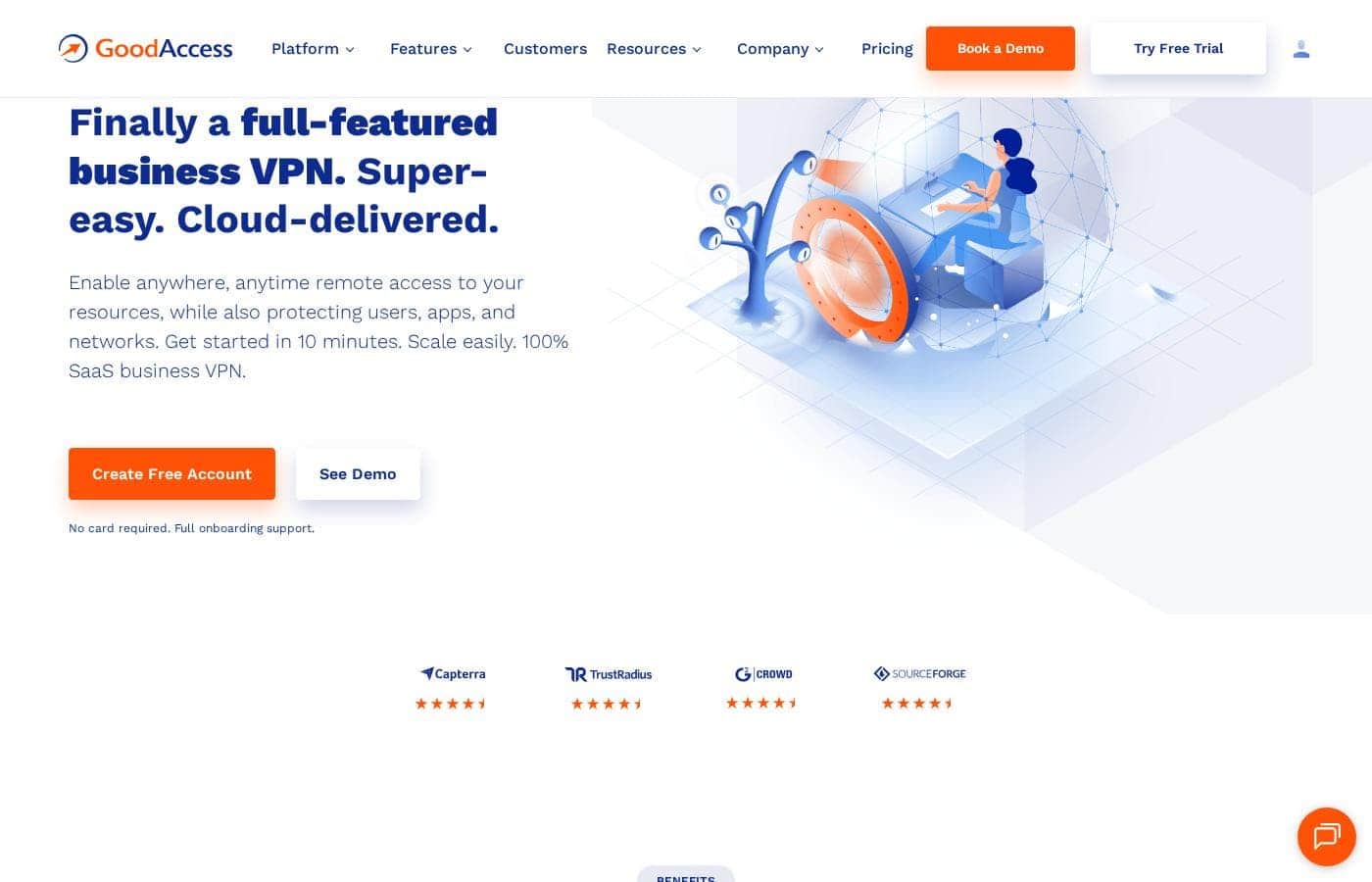
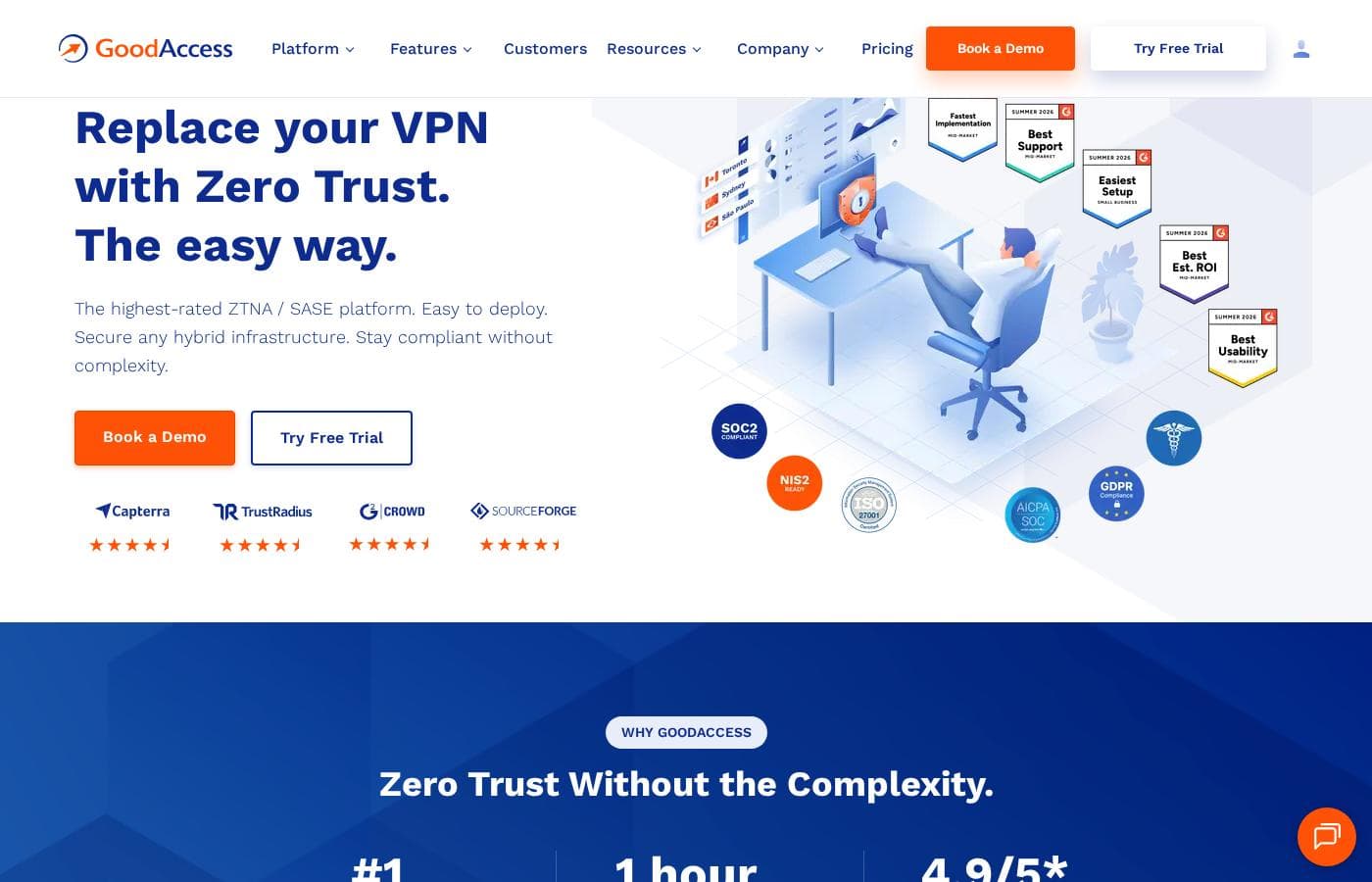
GoodAccess homepage screenshot

At a glance

Quick overview for GoodAccess: rating, pricing summary, key features, and highlights.
Vendor page checked Sep 30, 2026

Ciroapp score

4.0/ 5

GoodAccess gives small and midsize teams dedicated cloud VPN gateways with static IPs, threat blocking, and Zero Trust options, all without hardware — though costs climb past the headline rate with a 5-user minimum, $49 per gateway, and thin independent reviews. Overall, it's a solid, recommendable pick for teams that want secure remote access fast.

Pros

  • Pros:Dedicated VPN gateways with unique static IPs from 35+ locations, each running at 1 Gbps with unlimited data — the IP can be whitelisted so your systems aren't visible to the public internet, and no hardware is required.
  • Pros:Deployment is claimed to take under 10 minutes, with built-in control-panel walkthroughs, included onboarding support, and a 14-day free trial of all premium features that requires no credit card.
  • Pros:Threat Blocker automatically filters phishing, malware, ransomware, and botnet domains at the connection level, so remote workers on public Wi-Fi get protection without a separate tool.

Cons

  • Cons:Paid plans require a 5-user minimum, so solo users or very small teams either overpay or must settle for the limited free Starter plan.
  • Cons:Each dedicated gateway adds $49/month on top of per-user fees, which multiplies quickly for organizations connecting offices or teams across multiple regions.
  • Cons:Role-based access cards and the Branch/Cloud Connector are locked behind Premium ($11 per user/month) or Enterprise — Essential lacks them, forcing an upgrade for teams that need granular access control.
Best for
  • Small and midsize businesses that want secure remote access without hardware or VPN specialists
  • Companies with remote or hybrid workers connecting over public or unsecured Wi-Fi
  • Teams working toward ISO 27001, SOC 2, GDPR, HIPAA, or NIS2 compliance
Free trial
Yes — 14 days
This section is a summary. Detailed sections about features, use cases, pricing, and reviews follow below.

What is GoodAccess?

Securing remote access usually means hardware, VPN experts, and days of setup. GoodAccess skips all that. It's a 100% cloud business VPN you can deploy in about 10 minutes, with static IP whitelisting and 2FA built in.

No hardware to buy, and the free 14-day trial needs no card.

GoodAccess is a cloud-delivered business VPN built for small and midsize companies. It gives your team secure remote access to systems, apps, and private networks through dedicated gateways in 35+ locations. Everything runs as SaaS, so there's no hardware to manage.

Native apps cover Windows, Mac, iOS, Android, and ChromeOS. Based on its pricing and positioning, it targets teams from 5 users up through an Enterprise tier for large organizations.

Should you choose GoodAccess?

Quick buyer guidance before you compare plans or click through.

Choose it if

  • Teams of 5+ users that prefer a managed cloud VPN over self-hosted infrastructure
  • Buyers who value speed — the site claims deployment in under 10 minutes
  • Organizations that want 2FA, access logs, and threat filtering bundled into one platform
  • Multi-site or cloud-heavy businesses that can use the Branch and Cloud Connector on Premium or Enterprise
  • Teams already using Okta, Azure, or Google Workspace for SSO and user provisioning

Skip it if

  • Paid plans carry a 5-user minimum, so solo users or very small teams may overpay unless the free Starter plan covers them
  • Budget-sensitive buyers should note each dedicated gateway adds $49/month on top of per-user fees
  • Teams needing access cards (per-system access control) or cloud/LAN connectors must buy Premium or Enterprise — they're not in Essential
  • Enterprise pricing isn't published and requires a 50-user minimum, so large-org buyers can't compare costs upfront
  • If your stack depends on integrations beyond AWS, Azure, Okta, or Google Workspace, confirm support before committing

Next steps before buying

  1. 1Check the pricing page and model your real cost: per-user fees plus $49/month for each dedicated gateway you'll need
  2. 2Confirm your platforms and integrations — apps for Windows, Mac, iOS, Android, and ChromeOS, plus SSO with Okta, Azure, or Google Workspace
  3. 3Try the interactive demo to see the dashboard and daily workflow before signing up
  4. 4Start the 14-day free trial (no card required) and test connections from your team's actual devices and networks
  5. 5Compare against alternatives, and review plan limits carefully if you'll need Premium features like access cards or cloud connectors

Ease of use

Signals point to a low-friction experience. The site promises deployment in under 10 minutes, offers walkthroughs in the control panel, and includes full onboarding support with the trial. Review quotes on the page describe the platform as user friendly with fast, helpful support. An interactive demo and 14-day no-card trial let you verify this yourself before paying.

GoodAccess Key Features

⚡ Your own gateway, live in minutes

You get a dedicated VPN gateway with its own static IP, picked from 35+ global locations. Each gateway runs at 1 Gbps with unlimited data and serves only your organization. Whitelist that IP to hide your systems from the public internet, so only authorized users connect.

No hardware required — your private network goes live in about 10 minutes.

🛡️ Protection built into every connection

GoodAccess layers security into each connection, so remote workers stay safe on public Wi-Fi:

  • Threat Blocker automatically blocks phishing, malware, ransomware, and botnet domains
  • Traffic runs through an eavesdropping-resistant tunnel using IKEv2/IPSec or OpenVPN
  • 2FA secures the management console, client apps, and optionally each connection

✨ One control panel for your whole network

The web control panel lets you add systems, apps, and devices in a few clicks. Built-in walkthroughs guide setup, so you don't need VPN specialists. Gateway-level access logs show who connected, device inventory tracks user hardware, and dashboards with weekly reports keep the whole organization visible.

MSI deployment centralizes app rollouts across your team.

✨ Fast access that fits how people work

Split tunneling gives you control over traffic paths. Send access to critical systems through the secure gateway, and route non-essential traffic directly to optimize latency. Team members connect with one click through native apps for Windows, Mac, iOS, Android, and ChromeOS — handy for hybrid workers moving between home, office, and travel networks.

✨ Access control that scales with you

As you grow, Premium and Enterprise add Zero Trust tools. Access cards define which users can reach which systems, bundled by role for easy management. The Branch and Cloud Connector links clouds, datacenters, and private LANs into one software-defined perimeter over IPsec, IKEv2, or OpenVPN tunnels — so multi-site teams reach local resources from anywhere.

Use Cases

🌍 Secure remote work on any network

Your team works from home, cafés, and airports. They click to connect from Windows, Mac, iOS, Android, or ChromeOS, and traffic flows through an encrypted tunnel. Threat Blocker filters phishing and malware along the way.

Expected outcome: safe access to company systems over public Wi-Fi.

🔒 Lock down sensitive systems

You run finance tools, admin panels, or internal apps you don't want exposed. Assign a dedicated gateway with a static IP, then whitelist it. Only your team can reach those systems.

Tip: enforce 2FA per connection to tighten control even further.

📋 Chase compliance without hardware

You're working toward ISO 27001, SOC 2, GDPR, HIPAA, or NIS2. GoodAccess bundles 2FA, access logs, and device inventory in one dashboard. Creative Dock reports it covered up to 70% of ISO 27001 technical requirements.

Expected outcome: audit-ready evidence from day one.

🌐 One network for sites and clouds

Your business spans offices, datacenters, and cloud providers. The Branch and Cloud Connector (Premium and Enterprise) links them into a single software-defined perimeter. Access cards decide who reaches each system.

Tip: try the interactive demo before choosing Essential or Premium.

GoodAccess pricing

From$7/mo

  • 4 plans
  • Free plan available

Vendor page checked on Sep 30, 2026; confirm current prices on GoodAccess's pricing page

GoodAccess pricing page screenshotView pricing page screenshot
PlanBilled monthlyBilled annuallyIncludes
Starter
Free
—
  • Secure internet access for business teams
  • Online threat protection
Essential
per user
$7/mo
—
Minimum 5 users; +$49/month per dedicated gateway
  • Dedicated cloud VPN with static IP whitelisting
  • Dedicated gateway with static IP from 35+ locations
  • 1 Gbps connection per gateway with unlimited data usage
  • Threat Blocker Premium
  • Two-factor authentication
  • +5
Premium
per user
$11/mo
—
Minimum 5 users; +$49/month per dedicated gateway
  • ZTNA — Zero Trust Network Access for multi-site & cloud businesses
  • Access cards for role-based access control
  • Branch and Cloud Connector for clouds, datacenters, and private LANs
  • Everything in Essential
Enterprise
See vendor page
See vendor page
Minimum 50 users; pricing on request
  • Enterprise features
  • Premium 24/7 support
  • Access cards and Branch/Cloud Connector capabilities

Price history

Tracking prices since Sep 8, 2026. No price change detected yet.

Pricing types: Free plan, Free trial, Monthly subscription, Per seat pricing

Pricing notes

GoodAccess offers a free Starter plan plus paid plans from $7 to $11 per user per month (5-user minimum), with custom-priced Enterprise for large teams. Each dedicated gateway adds $49/month, and a 14-day free trial lets you test all premium features without a card.

GoodAccess costs between $7 and $11 per user per month with four plans: Starter (free), Essential at $7 per user/month, Premium at $11 per user/month, and Enterprise with custom pricing on request. Paid plans require a minimum of 5 users, and each dedicated gateway adds $49 per month.

Here's how the plans break down.

Starter

Price: Free Best For: Business teams that want secure internet access and online threat protection Other Features: Secure internet access, online threat protection for business teams

Starter costs nothing, which makes it an easy entry point. It's a good fit if you mainly need safe browsing and basic threat protection for your team.

Essential

Price: $7 per user/month (minimum 5 users) Best For: Teams that need a dedicated cloud VPN with static IP whitelisting Other Features:

  • Dedicated gateway with static IP from 35+ worldwide locations
  • 1 Gbps connection per gateway with unlimited data usage
  • Threat Blocker Premium, 2FA, and gateway-level access logs
  • Split tunneling, MSI deployment, and dashboards with weekly reports
  • Extra gateways available as an add-on

Essential suits small and midsize teams that want remote access set up fast. Your private network goes live in under 10 minutes, with no hardware to buy. Budget for the gateway fee if you'll connect offices in several regions.

Premium

Price: $11 per user/month (minimum 5 users) Best For: Multi-site and cloud businesses adopting Zero Trust Network Access Other Features:

  • Everything in Essential
  • Access cards that control who can reach each system
  • Branch and Cloud Connector for clouds, datacenters, and private LANs

Premium is the right pick when simple remote access isn't enough. It ties multiple sites and clouds into one software-defined perimeter. If you don't segment access by role or network, Essential may serve you just as well.

Enterprise

Best For: Large organizations that need enterprise features and premium support Other Features:

  • All Premium capabilities, including access cards and cloud connectors
  • Premium 24/7 support
  • Minimum of 50 users

Enterprise is designed for bigger companies with complex, compliance-heavy networks. Pricing is quoted per organization, so confirm exact costs and user licensing with their sales team before committing.

GoodAccess offers a free Starter plan and a 14-day free trial with all premium features. No card is required, and full onboarding support comes included — so you can test everything before paying.
Cost calculator

Estimate what GoodAccess costs for your team.

Billing
Per month
$35
Per year
$420

Essential is priced per user: price × 5 seats. Estimate based on published list prices, before taxes, add-ons and discounts.

How to pay less for GoodAccess

  • Start on the free plan and upgrade only when you hit its limits.
  • Use the 14-day free trial before you pay.
  • Some plans are priced per user: only pay for seats people actually use.
  • Cheaper tools in this category start at $1/mo.
Start free trial

Email me when GoodAccess changes price

One email when we detect a price change on the vendor's pricing page. No newsletter, no deals. Unsubscribe in one click.

User Reviews

No reviews yet.

Write a Review

Write a Review for GoodAccess
0/100 characters
0/2000 characters

Why use GoodAccess?

Most VPN projects stall because they demand hardware, specialist skills, and weeks of configuration. GoodAccess flips that: it's a cloud VPN the vendor says you can deploy in under 10 minutes, with onboarding support included. Here's what stands out from the company's own materials:

  • Fast setup, zero hardware. Pick a gateway from 35+ global locations, connect your systems, and invite your team. Everything is cloud-delivered and scales as you grow.
  • Security that supports compliance. SOC 2 and ISO 27001 certified, plus GDPR and HIPAA compliant. In one published case study, Creative Dock reports GoodAccess covered up to 70% of ISO 27001 technical security requirements.
  • Real protection for remote workers. Threat Blocker filters phishing and malware, while 2FA, access logs, and static IP whitelisting keep connections accountable.
  • Predictable pricing. A free Starter plan exists, and Essential costs $7 per user/month (5-user minimum) plus $49/month per dedicated gateway. You get 1 Gbps per gateway and unlimited data.
  • Users seem to like it. GoodAccess cites an average 4.8/5 satisfaction rating and 92% likelihood to recommend across review platforms.
  • Try it risk-free. The 14-day trial includes all premium features, needs no credit card, and comes with full onboarding support.

GoodAccess alternatives

Other tools in the VPN category

View all VPN tools
IPVanish

IPVanish

VPN4/5

IPVanish is a leading provider of digital security, going beyond a standard Virtual Private Network. It offers a best-in-class VPN plus additional Secure Browser and Cloud Storage services. The VPN increases connection privacy by encrypting all internet traffic and shielding your IP address data. For even more privacy, the Secure Browser eliminates tracing efforts like fingerprinting and malware threats. This is achieved by creating a completely disposable browsing session that runs in the cloud. Select plans also include Livedrive Cloud Storage, allowing you to securely back up 1TB of files accessible from anywhere. It's a complete package designed to protect every aspect of your digital life.

OpenVPN

OpenVPN

VPN4.1/5

OpenVPN is a trusted provider of secure networking solutions tailored for small, medium, and enterprise businesses. It's recognized as the #1 Business VPN and is specifically trusted by over 20,000 organizations. This widely used solution provides a protected, encrypted tunnel for sensitive data. It ensures your devices can securely connect to business assets, even when crossing unsecured public networks. The core product is a high-performance, fast-deploying Zero Trust VPN solution.

Windscribe

Windscribe

VPN4/5From $1/mo

Windscribe is a specialized VPN service that is actually more than just a VPN. It provides a comprehensive suite of security tools to protect your identity and unblock restricted parts of the internet. This powerful service uses strong AES256 encryption to secure your connection wherever you are. They have committed to being completely transparent by being open source and sharing audit reports. Importantly, Windscribe’s RAM disk infrastructure ensures that they never store any identifying data about your online activity. This approach makes it ideal for anyone who deeply values digital freedom and concrete evidence of privacy. 💡 You can use this service across an unlimited number of devices.

TunnelBear

TunnelBear

VPN4/5From $3.33/mo

TunnelBear is a strong service designed to make your internet connection secure across any network you access. It accomplishes this by encrypting all your data. This essential protection ensures your passwords and activity stay securely hidden, especially when you are connected to insecure public hotspots. Millions of people already trust TunnelBear for dependable security and privacy.

FastVPN

FastVPN

VPN3.5/5From $1/mo

FastVPN is a straightforward way to keep your online life private and secure. Getting started with the service is easier than you might think. Downloading the VPN is one of the simplest ways to protect your data privacy. It works by ensuring all your Internet traffic is encrypted. This simple step protects your private data, especially when you shop safely on public Wi-Fi. It also gives you the freedom to browse anonymously. We love the strict no-log policy 💡, which guarantees that your online activity is never tracked or logged.

VyprVPN

VyprVPN

VPN4/5From $3/mo

VyprVPN is a privacy-focused VPN service that encrypts your internet connection and keeps your activity private. It offers apps for phones, computers, and streaming devices—like Apple TV, Fire TV, and Android TV—so you can stay protected wherever you stream. VyprVPN also runs VyprDNS with a No-Log approach, adding another layer to protect your data.

Mullvad

Mullvad

VPN4.3/5

Mullvad VPN is a privacy service built to fight for a free and open internet. They strongly believe society improves when people have the right to privacy. The service works to prevent mass surveillance and censorship. By using a trustworthy VPN, you ensure your online behavior is not treated as a commodity. Mullvad VPN is perfect for anyone seeking a dependable and straightforward method to stabilize their digital freedom.

Cheapest VPN software for 1 to 25 users

GoodAccess FAQ

How much does GoodAccess cost?

GoodAccess's cheapest paid plan, Essential, costs $7 per month. Paid plans range from $7 to $11 per month.

Does GoodAccess have a free plan?

Yes. GoodAccess has a free plan (Starter); paid plans start at $7 per month.

Does GoodAccess offer a free trial or a money-back guarantee?

GoodAccess offers a 14-day free trial.

Has GoodAccess's price changed recently?

No. We have not detected a price change since we started tracking on Sep 8, 2026.

Which identity providers, clouds, and security tools does it integrate with?

GoodAccess connects with Entra ID, Okta, Google Workspace, and JumpCloud for identity; AWS, Azure, Google Cloud, and OVHcloud for infrastructure; plus Splunk, Sentinel, and CrowdStrike for security operations. SSO, SCIM provisioning, and a Customer API automate admin work.

What support and service guarantees can you expect?

Enterprise plans include premium 24/7 support, and published reviews praise fast, helpful service. GoodAccess also publishes an SLA on its legal page — worth reading before purchase if uptime commitments matter to you.

Ready to try GoodAccess? Check out the official site or pricing.

Are you GoodAccess? Claim this listing · Get the badge