DemoCreator

DemoCreator review

One desktop app for recording your screen and editing the result. DemoCreator combines six capture modes, multitrack screen, webcam, and audio recording, and AI-assisted editing for demos, courses, and gameplay.

DemoCreator costs from $5/mo · 4 plans

By Ciroapp Editorial Team · Updated Sep 8, 2026

Commission may apply at no extra cost

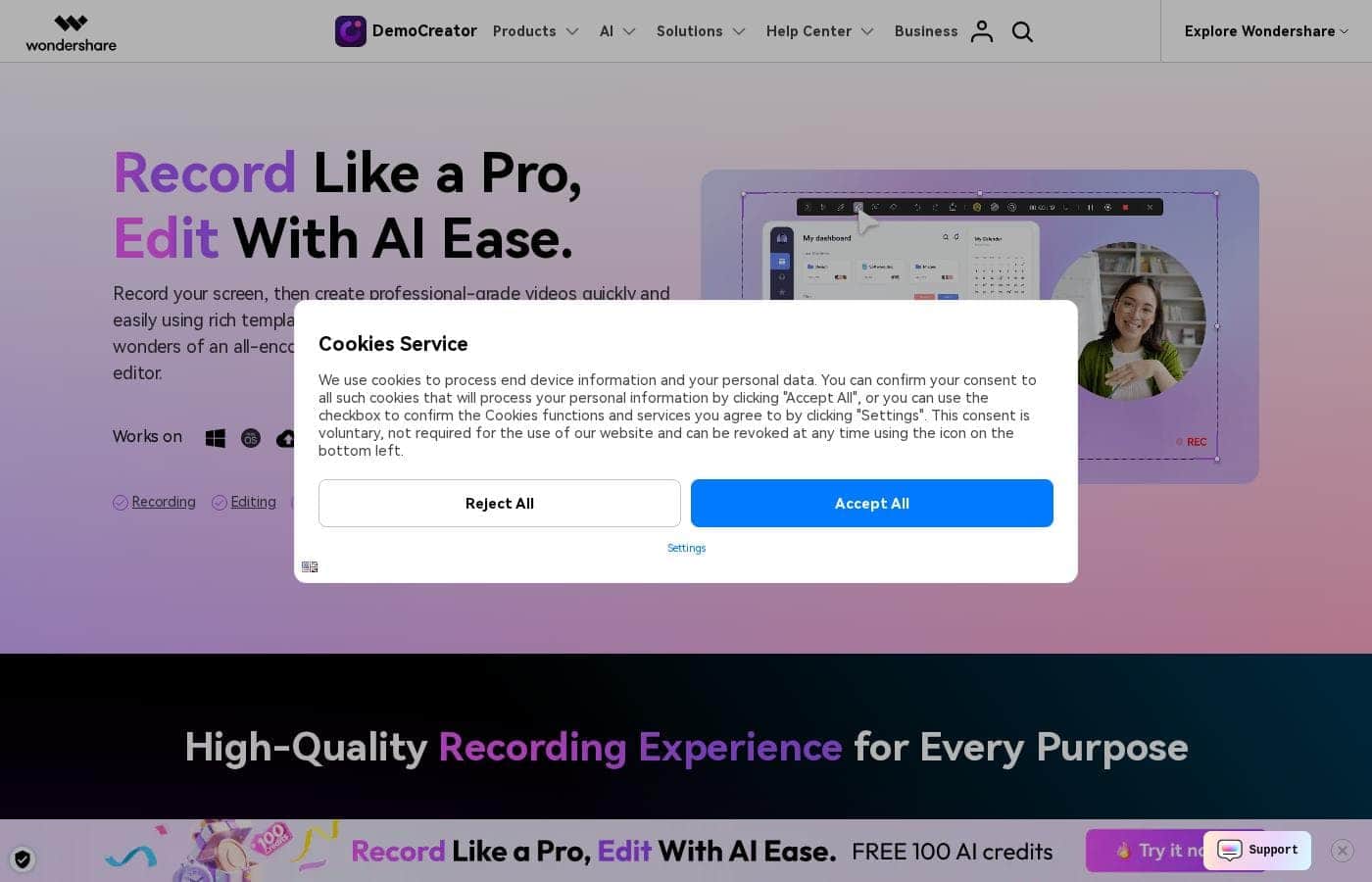
DemoCreator homepage screenshot

At a glance

Quick overview for DemoCreator: rating, pricing summary, key features, and highlights.
Vendor page checked Nov 22, 2026

Ciroapp score

3.9/ 5

DemoCreator packs screen recording, multitrack audio, and editing into one desktop app, with six capture modes and 4K/120FPS exports on paid plans. The free tier is watermarked and capped at five minutes, and AI features burn credits quickly. Overall, it's a practical all-in-one pick for educators, trainers, and gamers who'd rather skip juggling separate tools.

Pros

  • Records screen, webcam, system audio, and microphone onto separate tracks, which makes cleaning up narration or audio in post-production far easier than with single-track recorders
  • Six dedicated capture modes, including gameplay, virtual avatar, and video presentation, optimize the setup per content type instead of forcing one generic configuration
  • Paid plans export up to 4K/120FPS without watermarks, a clear upgrade over the free version's 1080P/30FPS watermarked output

Cons

  • The free version watermarks exports and caps them at 5 minutes and 1080P/30FPS, with recordings limited to 10 minutes
  • AI features run on a credit system, and the 200-500 monthly credit allowances on subscription plans may run out for heavy users
  • The perpetual license is limited to lifetime access of version 8.X, so future major versions would likely require a new purchase
Best for
  • Educators and course creators who record lectures and tutorials regularly and want capture and editing in one app
  • Corporate trainers and product teams producing software demos, walkthroughs, and onboarding videos
  • Marketers who need to turn screen recordings into polished promo clips without buying separate tools
This section is a summary. Detailed sections about features, use cases, pricing, and reviews follow below.

What is DemoCreator?

DemoCreator is Wondershare's combined screen recorder and video editor, built around AI-assisted tools that compress recording and post-production into a single desktop application. Instead of juggling a capture utility, a separate editor, and audio software, you record and cut in one place. Six capture modes cover everything from standard screen recording to gameplay and virtual avatar presentations, aimed at educators, corporate trainers, marketers, and gaming creators.

DemoCreator is a screen recording and video editing program that captures your screen, webcam, system audio, and microphone onto separate tracks, which makes cleaning up narration or webcam footage straightforward during editing. Its six recording modes, including dedicated options for gameplay, virtual avatars, and video presentations, adjust the capture setup to the type of content you are producing. An integrated editor handles post-production without an intermediate export step.
Should you choose DemoCreator?

Quick buyer guidance before you compare plans or click through.

Choose it if

  • Educators and course creators who record lectures and tutorials regularly and want capture and editing in one app
  • Corporate trainers and product teams producing software demos, walkthroughs, and onboarding videos
  • Marketers who need to turn screen recordings into polished promo clips without buying separate tools
  • Newer gaming creators who want a dedicated gameplay mode with webcam and mic tracks instead of a manual OBS-style setup

Skip it if

  • Anyone who needs long, watermark-free exports at no cost, since the free version limits exports to 5 minutes at 1080P/30FPS with a watermark
  • Buyers who want a one-time license with ongoing major-version updates, since the perpetual plan is locked to version 8.X
  • Heavy daily users of AI features, since the 200-500 monthly credit allowances on subscription plans can be exhausted quickly
  • Teams looking for a browser-based editor, as DemoCreator is a desktop application

Next steps before buying

  1. 1Download the installer for macOS or Windows from democreator.wondershare.com and complete the installation
  2. 2Test the free version across the screen, gameplay, and presentation modes, keeping in mind the 10-minute recording limit, 5-minute watermarked export, and 1080P/30FPS cap
  3. 3Record a short sample with screen, webcam, system audio, and microphone, then edit it in the built-in editor to confirm the multitrack workflow suits you
  4. 4Choose a plan, either the US$59.99/yr Cross-Platform Yearly Plan or the US$79.99 perpetual license, to remove the watermark and unlock 4K/120FPS export
  5. 5If you only want the asset library, try the 7-day Visual Assets trial, noting it auto-renews at US$15.99/month and does not include the software

DemoCreator Key Features

✨ Six Recording Modes for Different Content Types

Rather than a single generic capture function, DemoCreator offers six recording modes, including standard screen capture plus dedicated modes for gameplay, virtual avatars, and video presentations. Each mode is designed to optimize the capture for that content type, so switching from a software walkthrough to a narrated presentation does not mean reconfiguring everything from scratch. For creators who publish several formats, this saves real setup time over one-size-fits-all recorders.

✨ Multitrack Capture of Screen, Webcam, and Audio

Every session records your screen, webcam, system audio, and microphone onto separate tracks. That separation matters in post-production: you can mute, adjust, or clean up any one layer, such as noisy microphone audio, without touching the screen footage underneath. Flattened single-track recordings from simpler tools make this kind of cleanup difficult or impossible.

✨ Editing and AI Features in the Same Application

Recordings open directly in the built-in video editor, so there is no intermediate export between capture and edit. The AI capabilities are metered through a credit system: subscription plans include 200 to 500 credits per month, while the perpetual license bundles 2000 credits up front. If you plan to lean heavily on AI processing, factor credit consumption into which plan you choose.

✨ Export Quality and Creative Assets

Paid plans export at up to 4K/120FPS with no watermark, a meaningful step up from the free version's watermarked 1080P/30FPS output. Both the yearly and perpetual plans also unlock a library of 50,000+ creative assets, reducing the need to source graphics elsewhere. Note that the standalone Visual Assets subscription does not include the software itself.

Use Cases

💡 Lectures, Tutorials, and Online Courses

Educators can record the full teaching setup, with screen, webcam, system audio, and narration on separate tracks, then fix or replace individual layers without rerecording an entire lesson. The video presentation mode suits lecture-style capture, while the virtual avatar mode gives instructors who dislike appearing on camera an alternative. Be aware that the free version's 5-minute export cap makes a paid plan effectively mandatory for full-length lessons.

💡 Product Demos and Corporate Training

Trainers and product teams can walk through software while capturing clean narration on its own track, then cut the raw session into onboarding or support videos in the built-in editor. The included asset library helps polish internal videos without extra design tooling. The cross-platform yearly plan also covers mixed Mac and Windows environments under one license.

💡 Gameplay Recording and Commentary

The dedicated gameplay mode targets gaming content creators, capturing gameplay alongside webcam reactions and microphone commentary as separate tracks. Paid plans can export at 4K/120FPS, which suits fast-motion footage. It is a simpler alternative to manually configuring a tool like OBS for creators who want to record and edit in one place.

💡 Marketing Videos and Virtual Presentations

Marketers can turn screen recordings of a product into promo clips, using the presentation mode for structured narrated videos. The avatar recording mode supports faceless content for creators who prefer not to be on camera. With 50,000+ assets included on paid plans, teams can add visual variety without sourcing every element externally.

DemoCreator pricing

From$5/mo

  • 4 plans

Vendor page checked on Nov 22, 2026; confirm current prices on DemoCreator's pricing page

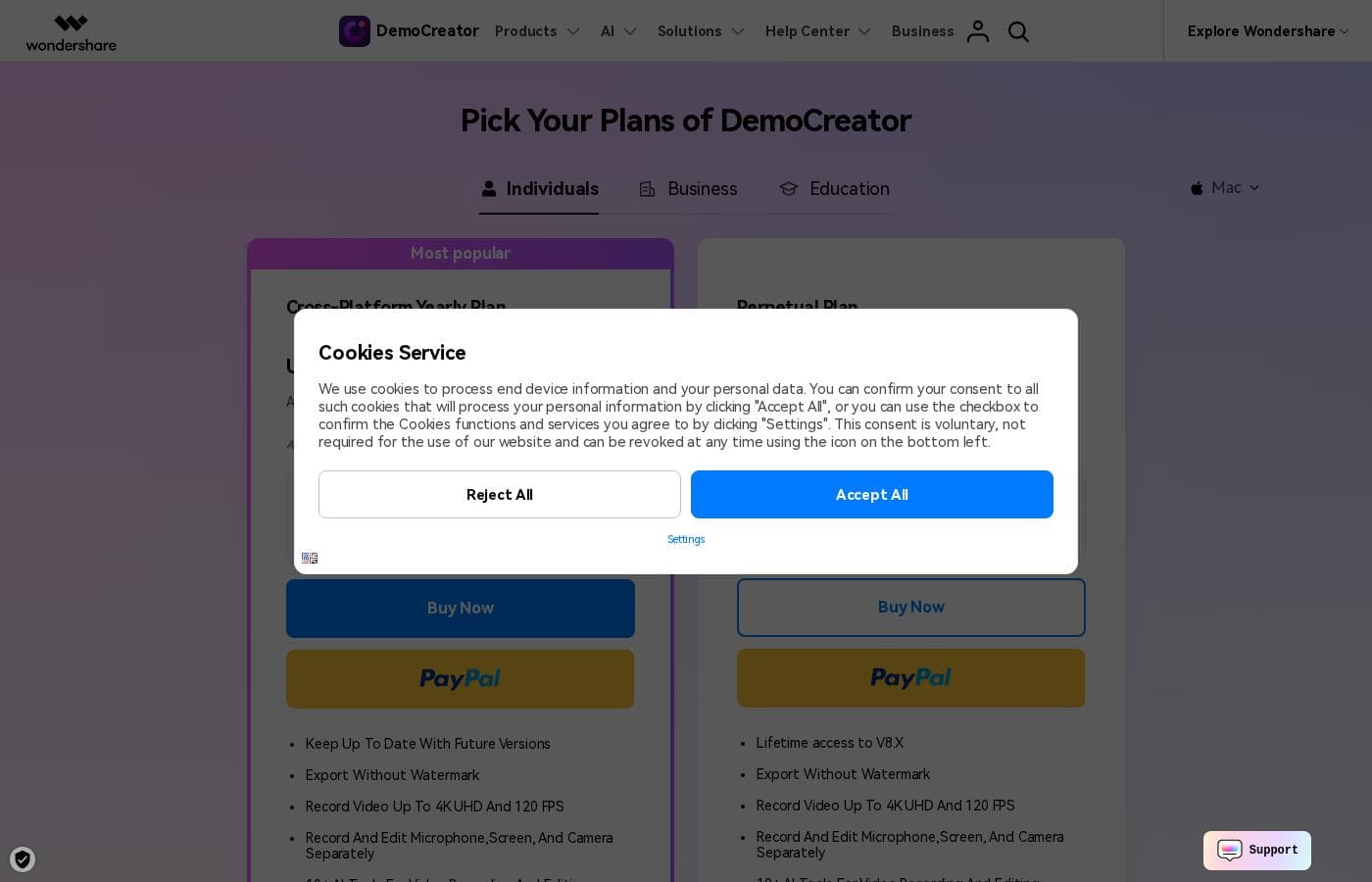
DemoCreator pricing page screenshotView pricing page screenshot
PlanBilled monthlyBilled annuallyIncludes
Free Trial
See vendor page
See vendor page
Free version with basic features; exported videos watermarked, 10-minute recording limit, 5-minute export length, 1080P/30FPS export, 1 GB cloud storage
Cross-Platform Yearly Plan
—
$5/mo
$59.99 per year
a US$29.99/yr option is also shown (platform-dependent); auto-renews and can be cancelled anytime; includes 4K/120FPS export, no watermark, 500 credits/month (or 200 credits/month), 50,000+ creative assets
Perpetual Plan
$79.99
—
a US$49.99 option is also shown; lifetime access to V8.X, includes 2000 credits (or 1000 credits) and 50,000+ creative assets
Visual Assets 7-Day Trial
See vendor page
—
software not included, cancel anytime

Price history

Tracking prices since Sep 7, 2026. No price change detected yet.

Pricing types: Free plan, Free trial, Monthly subscription, Yearly subscription, One-time payment, Usage-based pricing

Pricing notes

DemoCreator offers a Cross-Platform Yearly Plan at US$59.99/yr (marked down from US$69.99, with a US$29.99/yr option also shown) and a Perpetual Plan at US$79.99 one-time (marked down from US$99.99, with a US$49.99 option also shown). A free trial is available, and Creative Assets come with a free 7-day trial that auto-renews at US$15.99/month (47% off; a US$9.99/month option is also shown), software not included.

DemoCreator pricing: Plans from $0/month Billing options: Free plan, Free trial, Monthly subscription, Yearly subscription, One-time payment, Usage-based pricing

Cost calculator

Estimate what DemoCreator costs for your team.

Billing

Cross-Platform Yearly Plan has no published price for this billing cycle.

Cross-Platform Yearly Plan has a flat price: the number of seats does not change the total. Estimate based on published list prices, before taxes, add-ons and discounts.

Email me when DemoCreator changes price

One email when we detect a price change on the vendor's pricing page. No newsletter, no deals. Unsubscribe in one click.

User Reviews

No reviews yet.

Write a Review

Write a Review for DemoCreator
0/100 characters
0/2000 characters

Why use DemoCreator?

Recording and editing with separate tools usually means exporting intermediate files, re-syncing audio, and paying for multiple subscriptions. DemoCreator collapses that workflow: capture and editing happen in the same project, audio and video arrive on independent tracks, and paid plans add a library of 50,000+ creative assets.

For anyone who regularly produces demos, lectures, or gameplay videos, avoiding the round-trip between apps is the main reason to choose it over a bare-bones recorder.

DemoCreator alternatives

Other tools in the Screen recorder category

View all Screen recorder tools
Screen Studio

Screen Studio

Screen recorder4.1/5

Screen Studio is a powerful video editor designed exclusively for macOS. It’s built to be fast, reliable, and incredibly easy to use. Thousands of people trust this software to record compelling product demos, online courses, software tutorials, and engaging social media posts. The system seamlessly transforms simple screen captures into professional-looking content without intense manual labor. It's the ideal solution for anyone needing high-quality video for sharing, training, or marketing purposes.

Loom

Loom

Screen recorder4.3/5

Loom is a communication tool built around asynchronous video. It allows millions of people across 400,000 companies to share detailed information quickly using recordings instead of text. Professionals use Loom to connect personally with others without needing constant live meetings. It provides a way to amplify your communication with the team like nothing else has.

Snagit

Snagit

Screen recorder4.2/5

Snagit is hailed as the best snipping tool available for both Mac and Windows users. It’s a powerful application designed to simplify how you capture and share information. You get tools to quickly capture screenshots and record your screen directly. It's built for anyone who needs to clearly communicate processes or complex concepts. This unified approach makes your entire workflow much smoother.

Komodo Decks

Komodo Decks

Screen recorder3.9/5

Kommodo is a sophisticated AI-powered screen recorder and knowledge base specifically designed for teams. It combines easy, 1-click recording with advanced artificial intelligence features. Using its unique “AI brain,” it quickly captures processes and automatically transforms that footage into actionable documentation. The platform is built to be fast, lightweight, and accessible to everyone. It promises instant sharing and a clean recording experience, making it the modern way to handle video creation and documentation. You can even start recording instantly without any sign-up or installation.

DemoCreator FAQ

How much does DemoCreator cost?

DemoCreator's cheapest paid plan, Cross-Platform Yearly Plan, costs $5 per month.

Has DemoCreator's price changed recently?

No. We have not detected a price change since we started tracking on Sep 7, 2026.

Is DemoCreator free to use?

There is a free version, but it comes with real constraints: exported videos carry a watermark, exports are capped at 5 minutes and 1080P/30FPS, recordings are limited to 10 minutes, and you get 1 GB of cloud storage. It is enough to learn the interface and test the recording modes, but publishable output generally requires a paid plan.

What is the difference between the Yearly and Perpetual plans?

The yearly plan at US$59.99/yr provides ongoing access with a monthly credit allowance (500 credits/month, or 200 on the lower-priced option) and 4K/120FPS export. The perpetual plan at US$79.99 one-time grants lifetime access to V8.X with a one-time bundle of 2000 credits (or 1000). Perpetual buyers avoid annual fees but are tied to the V8.X generation rather than future major versions.

Can DemoCreator record gameplay?

Yes. Gameplay is one of its six dedicated recording modes, and it captures footage alongside webcam reactions and microphone commentary on separate tracks. With a paid plan you can export at up to 4K/120FPS, which covers commentary-style gaming videos without separate capture software.

Does the Creative Assets subscription include the software?

No. The Visual Assets plan (US$15.99/month after a free 7-day trial, with a US$9.99/month option shown) is an add-on for the 50,000+ asset library only and does not include the DemoCreator application itself. It renews automatically but can be cancelled anytime.

Ready to try DemoCreator? Check out the official site or pricing.

Are you DemoCreator? Claim this listing · Get the badge