Alohi

Alohi review

Alohi gives teams and businesses a secure Swiss ecosystem for document workflows.

By Ciroapp Editorial Team · Updated Oct 9, 2026

Commission may apply at no extra cost

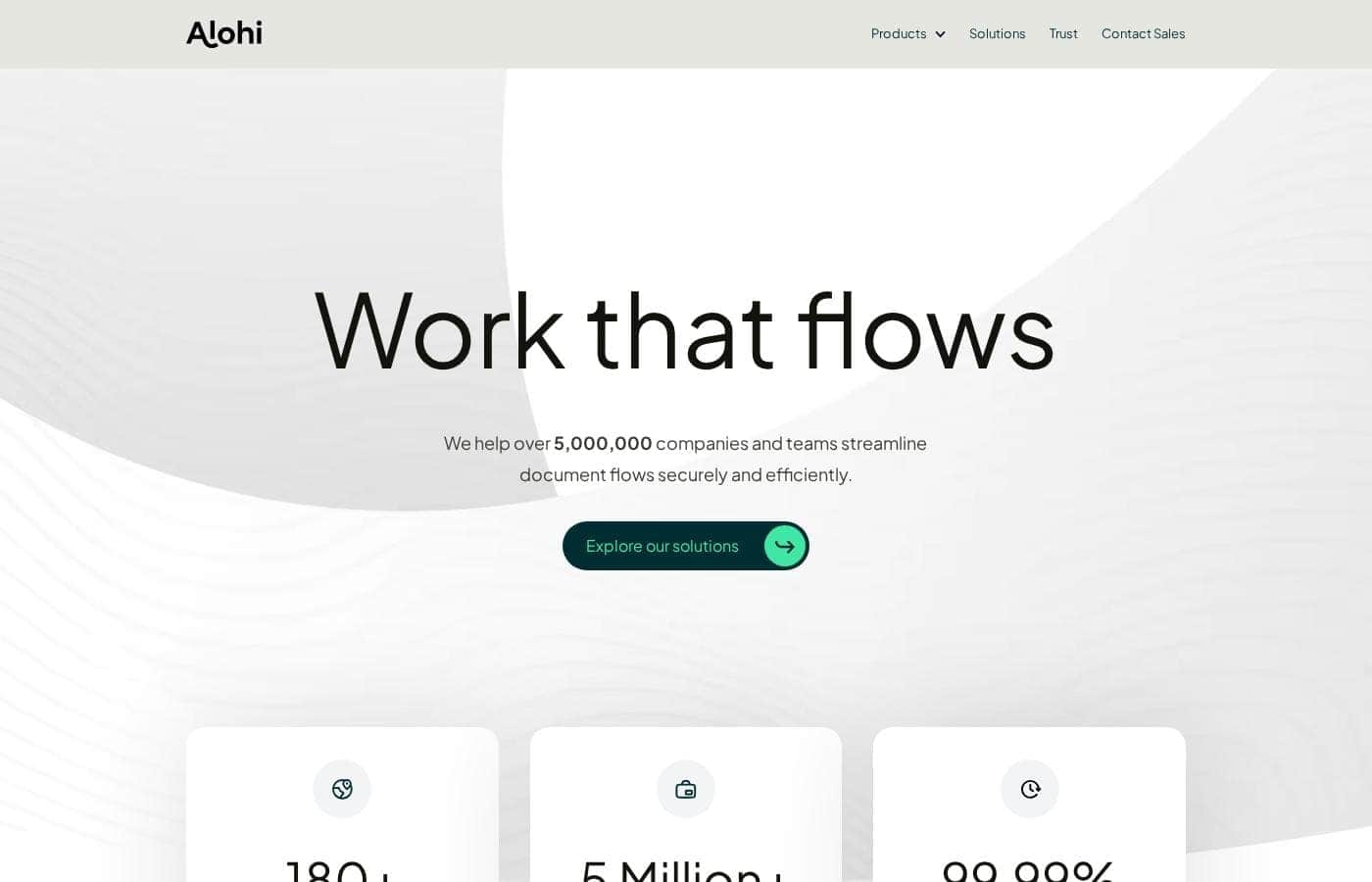
Alohi homepage screenshot

At a glance

Quick overview for Alohi: rating, pricing summary, key features, and highlights.
Vendor page checked Oct 12, 2026

Ciroapp score

3.9/ 5

One Swiss suite for daily document chores

Alohi puts signing, faxing, scanning, and calling under one Swiss vendor, backed by published certifications and reported 99.99% uptime. Pricing stays behind a sales conversation, and each product carries its own tiers, so budgeting takes extra legwork. Overall, a strong fit for regulated teams that value security more than price transparency.

Pros

  • Pros:Four everyday tools, signing, faxing, scanning, and calling, come from a single vendor
  • Pros:Compliance credentials are published — ISO 27001, SOC 2 Type 2, HIPAA, and PCI-DSS
  • Pros:Swiss privacy law governs the data, with independent audits behind it

Cons

  • Cons:You may end up evaluating four separate products instead of one bundle
  • Cons:Each product sets its own plan tiers, seats, and billing periods
  • Cons:Integration availability needs confirming per tool before you commit
Best for
  • Teams that want signing, faxing, scanning, and calling from one vendor
  • Regulated industries such as healthcare, legal, and financial services
  • IT teams that need APIs and integrations to connect document workflows
This section is a summary. Detailed sections about features, use cases, pricing, and reviews follow below.

What is Alohi?

Alohi is a Swiss company that builds an ecosystem of online document and communication products. Its lineup includes Sign.Plus, Fax.Plus, Scan.Plus, and Dial.Plus, covering signing, faxing, scanning, and calling. The tools serve healthcare, IT, financial services, education, legal, and real estate teams.

Users range from small teams to large enterprises, across more than 180 countries.

Verdict

Best for Businesses and teams handling sensitive documents daily, especially in regulated sectors..

Alohi is a sensible pick for teams that want document signing, faxing, scanning, and calling from one security-focused vendor. Regulated industries benefit most from the published certifications. Check pricing and integrations with sales before you decide.

Strengths

  • Four document and communication products under one vendor
  • Published certifications: ISO 27001, SOC 2 Type 2, HIPAA, PCI-DSS
  • Swiss privacy law backing with independent audits

Watch-outs

  • Four products to evaluate separately
  • Integration availability needs confirming per tool

Pricing trap for Alohi: The homepage shows no price list. Custom plans are quoted through sales, so ask for a written figure before you build a budget around Alohi.

Alohi Key Features

✨ Four everyday tools under one roof

Alohi doesn't sell a single app. It builds an ecosystem where Sign.Plus handles signatures, Fax.Plus covers faxing, Scan.Plus takes care of scanning, and Dial.Plus manages calls. You keep one vendor, one set of logins, and one security review instead of juggling four separate relationships.

It fits teams who move paperwork between people all day.

🔐 Security you can actually point to

Security runs through the whole ecosystem. Alohi lists ISO 27001, SOC 2 Type 2, HIPAA, and PCI-DSS credentials, runs annual penetration tests, and encrypts traffic with TLS 1.3. Multi-factor authentication adds another layer.

Since the company is Swiss, its systems sit under Swiss privacy law and independent experts audit them regularly.

✨ Reliability when deadlines land

Documents rarely wait for a good moment. Alohi reports 99.99% uptime across its services, so signing a contract, sending a fax, or scanning a file doesn't stall when time is tight. The company works with teams in more than 180 countries and says over five million companies and teams rely on its products.

✨ Room for IT teams to build

IT teams can build on Alohi rather than just use it. APIs and integrations connect the tools to systems you already run, so signatures, faxes, and scans move into your own stack. Confirm the exact integrations you need during a demo, then wire them in.

That matters most when consolidating several single-purpose document tools.

✨ Made for regulated work

Regulated teams get compliance-minded tooling without adding vendors. Alohi names the industries it serves, and each leans on different strengths.

  • Healthcare: HIPAA-compliant communications for patient data.
  • Legal and financial services: secure document sharing, case work, and transactions.
  • Education and real estate: remote administration, property paperwork, and client documents.

Use Cases

🏥 Healthcare teams handling patient paperwork

Clinics and hospital groups use Sign.Plus and Fax.Plus to send consent forms and referrals without exposing patient data. HIPAA compliance and TLS 1.3 encryption cover every transfer. Expected outcome: patient documents move faster, with one vendor for signatures and fax.

🏥

🔌 IT teams wiring documents into existing systems

IT teams build on APIs and integrations to connect Alohi products to software they already run. That cuts logins and repeated security reviews. Expected outcome: document workflows plug into your stack instead of replacing it.

Tip: Confirm each product's integrations with sales before you commit.

⚖️ Legal teams moving case files securely

Law firms sign, share, and store case documents in one place. Secure collaboration keeps client files moving while the team stays inside its compliance rules. Expected outcome: quicker approvals on filings and client paperwork, without a patchwork of tools.

🏠 Real estate agents closing deals remotely

Agents collect signatures on offers and scan closing paperwork from any device, wherever they are. One vendor covers the whole transaction. Expected outcome: deals stop stalling on a fax machine or a printer down the hall.

Alohi pricing

Alohi doesn't publish prices: pricing is quote-based (contact sales).

Alohi's pricing page

Alohi pricing page screenshotView pricing page screenshot

Price history

Tracking prices since Oct 9, 2026. No price change detected yet.

Pricing types: Monthly subscription, Yearly subscription

Pricing notes

Alohi doesn't sell one blanket subscription. Instead, each product in its lineup — Sign.Plus, Fax.Plus, Scan.Plus, and Dial.Plus — carries its own plans, and custom pricing for teams is quoted directly by the sales team.

Alohi prices each product in its suite separately, so there's no single flat fee — Sign.Plus, Fax.Plus, Scan.Plus, and Dial.Plus each carry their own plans, and custom team pricing is quoted by the sales team.

Start with the product you actually need, then compare the tiers inside it.

One company, several tools. Alohi builds an ecosystem of document and communication products rather than one all-in-one app. That means your cost depends on which tool you use and how many people need it.

Custom and team plans

Best For: Teams and businesses that need tailored plans or a mix of products Other Features: Demo scheduling, use-case guidance, custom plan quotes

If your needs are straightforward, standard tiers inside a single product are usually the simpler route. Sales conversations make more sense when you want volume licensing, several products under one agreement, or a setup that doesn't fit an off-the-shelf tier.

What to check before you buy. Look at the plan tiers inside the specific product you're evaluating, since that's where seats, usage limits, and billing periods are set. Confirm license limits and renewal terms before stepping up to a higher tier.

Security comes standard. Alohi is Swiss-made and holds ISO 27001, HIPAA, PCI-DSS, and SOC 2 Type 2 compliance, with TLS 1.3 encryption and multi-factor authentication. Those protections apply across the ecosystem, whatever you pay.

Alohi says more than five million companies and teams rely on its tools, spanning 180+ countries with 99.99% uptime across its services.

Bottom line: check the pricing tiers for the individual product you're evaluating, since that's where the real numbers and billing options are set.
Email me when Alohi changes price

One email when we detect a price change on the vendor's pricing page. No newsletter, no deals. Unsubscribe in one click.

User Reviews

No reviews yet.

Write a Review

Write a Review for Alohi
0/100 characters
0/2000 characters

Why use Alohi?

Most teams lose hours to document tools that don't talk to each other. Alohi's answer is to put the everyday ones under one vendor and keep the security tight.

  • One ecosystem, fewer vendors. Sign.Plus, Fax.Plus, Scan.Plus, and Dial.Plus handle signing, faxing, scanning, and calling from a single provider.
  • Security you can verify. The site lists ISO 27001, SOC 2 Type 2, HIPAA, and PCI-DSS credentials, annual penetration tests, and TLS 1.3 encryption.
  • Swiss privacy law behind it. Alohi says its systems are audited by independent experts and sit under Swiss data protection rules.
  • Reliability at scale. Alohi reports 99.99% uptime across its services, which matters when documents are time-sensitive.
  • Built for regulated work. Healthcare, legal, finance, and education teams get compliance-minded tooling without stacking up extra vendors.
  • Room to integrate. APIs and integrations let IT teams connect Alohi products to systems they already run.

If your bottleneck is documents moving between people and systems, a suite like this cuts the number of logins, vendors, and security reviews you manage.

Alohi alternatives

Other tools in the eSignature category

View all eSignature tools
QuickSigner

QuickSigner

eSignature4.1/5

QuickSigner delivers everything you need to sign — without the bloat. ISO 27001-certified, legally binding via Adobe's Approved Trust List, with no per-envelope fees and no surprise costs. Recipients sign in seconds, no account required. Send, sign, and collect in one flow. Free to try, effortless to adopt, ready to scale. The complete e-signature solution: simple, fast, and priced for the rest of us — the smarter alternative to enterprise overkill.

Foxit esign

Foxit esign

eSignature4/5

Foxit is a global leader in PDF and eSign solutions, trusted by over 700 million users. Our powerful tools PDF Editor and eSign—help individuals and teams create, edit, and sign documents faster. With built-in AI features like summarization, Q&A, rewriting, and translation, Foxit offers a smarter, more affordable alternative to Adobe Acrobat.

AirSlate

AirSlate

eSignature3.8/5

AirSlate WorkFlow is a powerful, no-code platform designed to simplify complex document tasks. It provides end-to-end automation for growing teams and enterprises of all sizes. You define your document process visually without needing technical expertise or complicated coding skills. WorkFlow revolutionizes how companies handle their critical document lifecycles. It includes document creation, automatic filling, real-time routing, and eSignatures all in one automated system. It’s easy to use and helps you enhance productivity while achieving seamless workflow automation.

PandaDoc

PandaDoc

eSignature3.7/5

PandaDoc is a 360-degree agreement management platform built for teams that create, send, track, and sign important documents. From creation to signature to payment, PandaDoc streamlines the entire process. It supports a drag-and-drop editor to tailor agreements, and it keeps everyone on the same page with real-time redlining, comments, and approvals. It also brings together CRM integrations, an embeddable API, and automation to speed up workflows while reducing errors. For signing, you can set signing order, verify identities, organize signing groups, and even notarize documents, all in a secure framework.

Blueink

Blueink

eSignature3.6/5

Blueink is a lean eSign platform that blends speed, security, and scalability. It’s designed for teams that need compliant signing at a fair price and easy workflows. The solution supports a range of signing options—SMS delivery, in-person signing, and branded signing experiences—along with reusable templates, tracking, and envelope transparency. It’s built for enterprises and regulated industries, with simple integrations and an API to fit your tech stack.

Alohi FAQ

Does Alohi connect with the systems my team already uses?

Yes. Alohi offers APIs and integrations so IT teams can link its products to existing tools. Availability varies by product, so confirm the specific connectors you need with Alohi before committing.

How does Alohi handle data security and compliance?

Alohi is Swiss-made and holds ISO 27001, SOC 2 Type 2, HIPAA, and PCI-DSS credentials. It uses TLS 1.3 encryption, multi-factor authentication, and annual penetration tests, with Swiss data protection law and independent audits behind it.

Is pricing per seat or based on usage?

It depends on the product. Sign.Plus, Fax.Plus, Scan.Plus, and Dial.Plus each set their own plan tiers, seats, and usage limits. Ask sales how seats are counted and what your license limits and renewal terms are.

Who gets the most value from Alohi?

Teams handling sensitive documents daily, especially in regulated sectors like healthcare, legal, finance, and education. Small teams and large enterprises across 180+ countries use it, and it suits IT groups that want APIs and integrations.

Ready to try Alohi? Check out the official site or pricing.

Are you Alohi? Claim this listing · Get the badge