AirSlate

AirSlate review

No-code document workflow automation with built-in eSignatures and routing

By Ciroapp Editorial Team · Updated Sep 17, 2026

Commission may apply at no extra cost

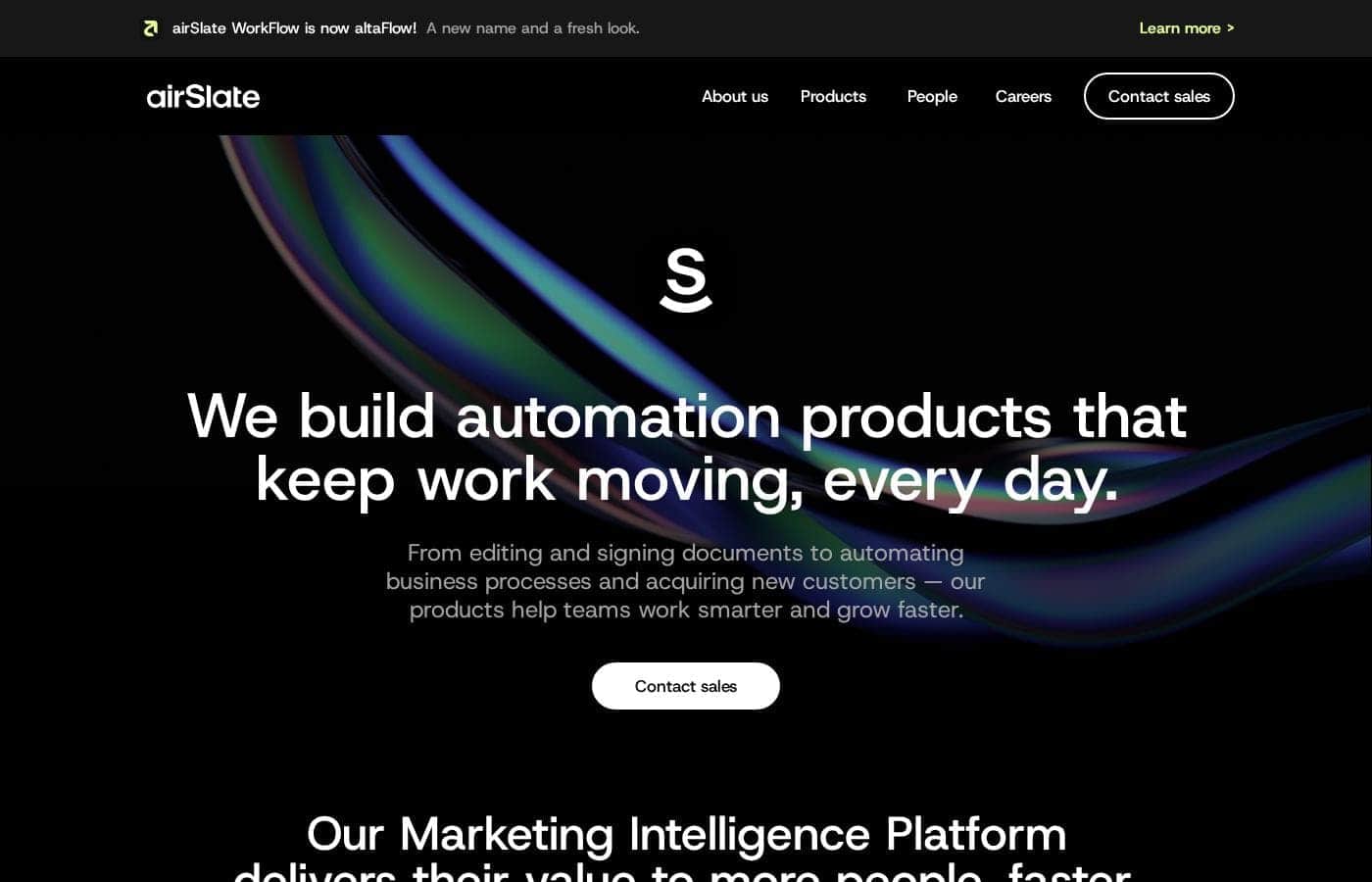
AirSlate homepage screenshot

At a glance

Quick overview for AirSlate: rating, pricing summary, key features, and highlights.

Ciroapp score

3.8/ 5

AirSlate bundles document creation, data filling, routing, and eSignatures into one no-code builder, so non-technical teams can automate contract approvals and onboarding without stitching tools together. It's document-focused, though, and costs scale steeply for larger deployments. Overall, it's a solid pick for document-heavy processes, provided the pricing fits your volume.

Pros

  • Pros:Genuinely no-code — the visual builder lets operations, HR, and finance staff construct document workflows without developer involvement
  • Pros:All-in-one document pipeline — creation, automatic data filling, routing, and eSignatures are combined, removing the need to glue together separate tools
  • Pros:End-to-end automation reduces manual handoffs, re-keying errors, and the 'where is this document now' follow-up common in email-based processes

Cons

  • Cons:Scope is document-centric — teams needing broad app-to-app or data pipeline automation may find it narrower than general-purpose automation platforms
  • Cons:Pricing scales steeply at the high end, with plans reaching into the tens of thousands of dollars, so cost predictability for larger deployments needs scrutiny
  • Cons:Workflow quality depends on upfront design — poorly mapped processes will simply automate existing inefficiencies
Best for
  • Operations and HR teams that process recurring document packets (onboarding, approvals, consent forms) and want to eliminate manual assembly and email-based routing
  • Sales and legal departments that need contracts to move from template to internal review to client eSignature in one tracked flow
  • Finance teams handling invoices and purchase orders that must pass defined approval chains before issuance
This section is a summary. Detailed sections about features, use cases, pricing, and reviews follow below.

What is AirSlate?

AirSlate WorkFlow is a no-code business process automation platform focused on document workflows. Teams visually map out processes like contract approvals, onboarding packets, and invoice handling, then let the platform handle document generation, data population, routing between approvers, and electronic signatures. It targets growing teams and enterprises that want to eliminate manual document handling without hiring developers.

AirSlate WorkFlow is a cloud-based workflow automation platform centered on documents. Users build multi-step workflows in a visual editor, placing elements such as document templates, fillable fields, conditional routing logic, approval steps, robot-powered automations, and eSignature requests onto a flowchart-like canvas. Because it is no-code, business operations staff rather than engineers can typically build and modify the automations.

The platform also connects to other business systems through integrations, allowing data to move between AirSlate and tools like CRMs and storage services as part of the same flow.
Should you choose AirSlate?

Quick buyer guidance before you compare plans or click through.

Choose it if

  • Operations and HR teams that process recurring document packets (onboarding, approvals, consent forms) and want to eliminate manual assembly and email-based routing
  • Sales and legal departments that need contracts to move from template to internal review to client eSignature in one tracked flow
  • Finance teams handling invoices and purchase orders that must pass defined approval chains before issuance
  • Mid-size to enterprise organizations that want business users, not developers, to own and modify document workflow automation

Skip it if

  • Teams needing broad general-purpose automation across many non-document apps and data pipelines, where iPaaS-style tools are a better fit
  • Organizations already standardized on a separate eSignature platform, since AirSlate's built-in signing would create overlapping capability and cost
  • Solo users with only occasional, simple signing needs, who may find a lightweight eSignature-only tool more cost-effective than a full workflow platform

Next steps before buying

  1. 1Sign up for the free plan or free trial on airslate.com to access the workflow builder without an immediate purchase
  2. 2Pick one repetitive, document-heavy process you know well, such as contract approvals or onboarding paperwork, as your first automation target
  3. 3Recreate that process in the visual editor: build a document template with fillable fields, then add routing, approval, and eSignature steps in the order your process actually runs
  4. 4Run the workflow with a small test group, confirm the routing conditions and document output are correct, then roll it out and measure time saved before automating additional processes

AirSlate Key Features

✨ Visual No-Code Workflow Builder

AirSlate's core editor lets users drag and drop steps onto a canvas to define a document process from start to finish. Because the builder is visual, operations managers, HR staff, and other non-technical users can create and adjust workflows themselves rather than filing requests with engineering. Conditional logic can be added so documents route differently depending on answers, amounts, or approval outcomes.

✨ Document Creation and Automatic Filling

The platform supports creating document templates with fillable fields, then automatically populating those fields with data pulled from forms, integrations, or earlier steps in the workflow. This reduces manual data entry and the transcription errors that come with it, and ensures every generated document follows a consistent, approved format.

✨ Real-Time Routing and Approvals

Once a document enters a workflow, AirSlate routes it to the right people in sequence or in parallel, with visibility into where each document currently stands. Approvers receive the document at the correct step, can act on it, and the flow continues automatically, eliminating the back-and-forth of emailing files between reviewers.

✨ Integrated eSignatures

Electronic signature capability is built into the workflow rather than requiring a separate signing tool. Documents can be sent for signature as part of the same automated flow that generated and routed them, so a contract can move from creation to signature without leaving the platform.

Use Cases

💡 Contract Approval and Signature

Sales and legal teams can automate the path from contract creation to final signature. A template is filled with deal data, routed to internal reviewers for approval, and then sent to the client for eSignature, with each step tracked so nobody has to ask where a contract currently is.

💡 Employee Onboarding Paperwork

HR teams can assemble onboarding packets as templated workflows. New-hire information entered once automatically fills offer letters, tax forms, and policy acknowledgments, which are then routed to the right signers in order, reducing manual packet assembly and follow-up.

💡 Invoice and Purchase Order Processing

Finance departments can use AirSlate to generate invoices or purchase orders from templates, route them through the required approval chain based on amount or vendor, and collect the necessary signatures before anything is sent to a supplier or customer.

💡 Internal Request and Consent Forms

Organizations handling recurring forms such as reimbursement requests, NDAs, or consent documents can turn each into a repeatable workflow where submissions are automatically completed, validated, routed, and archived with a full record of who acted and when.

AirSlate pricing

Prices not verified yet — see the vendor page.

AirSlate's pricing page

AirSlate pricing page screenshotView pricing page screenshot

Pricing types: Free plan, Free trial

Pricing notes

AirSlate pricing: Billing options: Free plan, Free trial

Email me when AirSlate changes price

One email when we detect a price change on the vendor's pricing page. No newsletter, no deals. Unsubscribe in one click.

User Reviews

No reviews yet.

Write a Review

Write a Review for AirSlate
0/100 characters
0/2000 characters

Why use AirSlate?

Document-heavy processes such as contract approvals, HR onboarding, and procurement paperwork are slow and error-prone when handled manually. Files get lost in email threads, fields are filled incorrectly, and approvers are unsure where a document currently sits.

AirSlate addresses this by combining document creation, automatic data filling, real-time routing, and legally binding eSignatures in a single automated system. Consolidating these steps means fewer handoffs, less re-keying of data, and a visible audit trail for each document as it moves through the process.

AirSlate alternatives

Other tools in the eSignature category

View all eSignature tools
QuickSigner

QuickSigner

eSignature4.1/5

QuickSigner delivers everything you need to sign — without the bloat. ISO 27001-certified, legally binding via Adobe's Approved Trust List, with no per-envelope fees and no surprise costs. Recipients sign in seconds, no account required. Send, sign, and collect in one flow. Free to try, effortless to adopt, ready to scale. The complete e-signature solution: simple, fast, and priced for the rest of us — the smarter alternative to enterprise overkill.

Foxit esign

Foxit esign

eSignature4/5

Foxit is a global leader in PDF and eSign solutions, trusted by over 700 million users. Our powerful tools PDF Editor and eSign—help individuals and teams create, edit, and sign documents faster. With built-in AI features like summarization, Q&A, rewriting, and translation, Foxit offers a smarter, more affordable alternative to Adobe Acrobat.

Alohi

Alohi

eSignature3.9/5

Send a fax from your browser. Sign a document in seconds. Alohi is a Swiss company behind Fax.Plus and Sign.Plus, trusted digital productivity tools used by over 5 million professionals worldwide. We build for people who need things done right, without outdated tools slowing them down. Partner with us and earn up to $180 per referral.

PandaDoc

PandaDoc

eSignature3.7/5

PandaDoc is a 360-degree agreement management platform built for teams that create, send, track, and sign important documents. From creation to signature to payment, PandaDoc streamlines the entire process. It supports a drag-and-drop editor to tailor agreements, and it keeps everyone on the same page with real-time redlining, comments, and approvals. It also brings together CRM integrations, an embeddable API, and automation to speed up workflows while reducing errors. For signing, you can set signing order, verify identities, organize signing groups, and even notarize documents, all in a secure framework.

Blueink

Blueink

eSignature3.6/5

Blueink is a lean eSign platform that blends speed, security, and scalability. It’s designed for teams that need compliant signing at a fair price and easy workflows. The solution supports a range of signing options—SMS delivery, in-person signing, and branded signing experiences—along with reusable templates, tracking, and envelope transparency. It’s built for enterprises and regulated industries, with simple integrations and an API to fit your tech stack.

AirSlate FAQ

Do I need programming skills to build workflows in AirSlate?

No. AirSlate WorkFlow is designed as a no-code platform. You define document processes visually in a drag-and-drop editor, adding templates, fillable fields, routing steps, conditions, and eSignature requests without writing code. This is intended to let business users rather than engineers own workflow design and maintenance.

Does AirSlate include eSignature capability, or do I need a separate tool?

AirSlate includes eSignatures as part of the platform. Documents can be generated, routed for approval, and sent for electronic signature within the same automated workflow, so signing does not require purchasing or integrating a separate eSignature product.

Is there a free option to try AirSlate before paying?

Yes. AirSlate offers both a free plan and a free trial, which lets you build and test workflows and confirm the platform fits your document processes before moving to a paid tier. Paid plans scale upward from there, with higher tiers reaching significantly higher price points for larger deployments.

What kinds of business processes is AirSlate best suited for?

AirSlate is strongest for document-driven processes: contract approvals, employee onboarding paperwork, invoices and purchase orders, NDAs, and other multi-step forms that require data entry, routing between people, and signatures. If your bottleneck is moving documents through approval chains, it is a direct fit; if you need general database or API automation without a document component, other tool categories may serve you better.

Ready to try AirSlate? Check out the official site or pricing.

Are you AirSlate? Claim this listing · Get the badge