Adobe Learning Manager

Adobe Learning Manager

Personalized learning at scale for customers, partners, and employees.

software.categoryRank
1 min read · Updated 2/24/2026
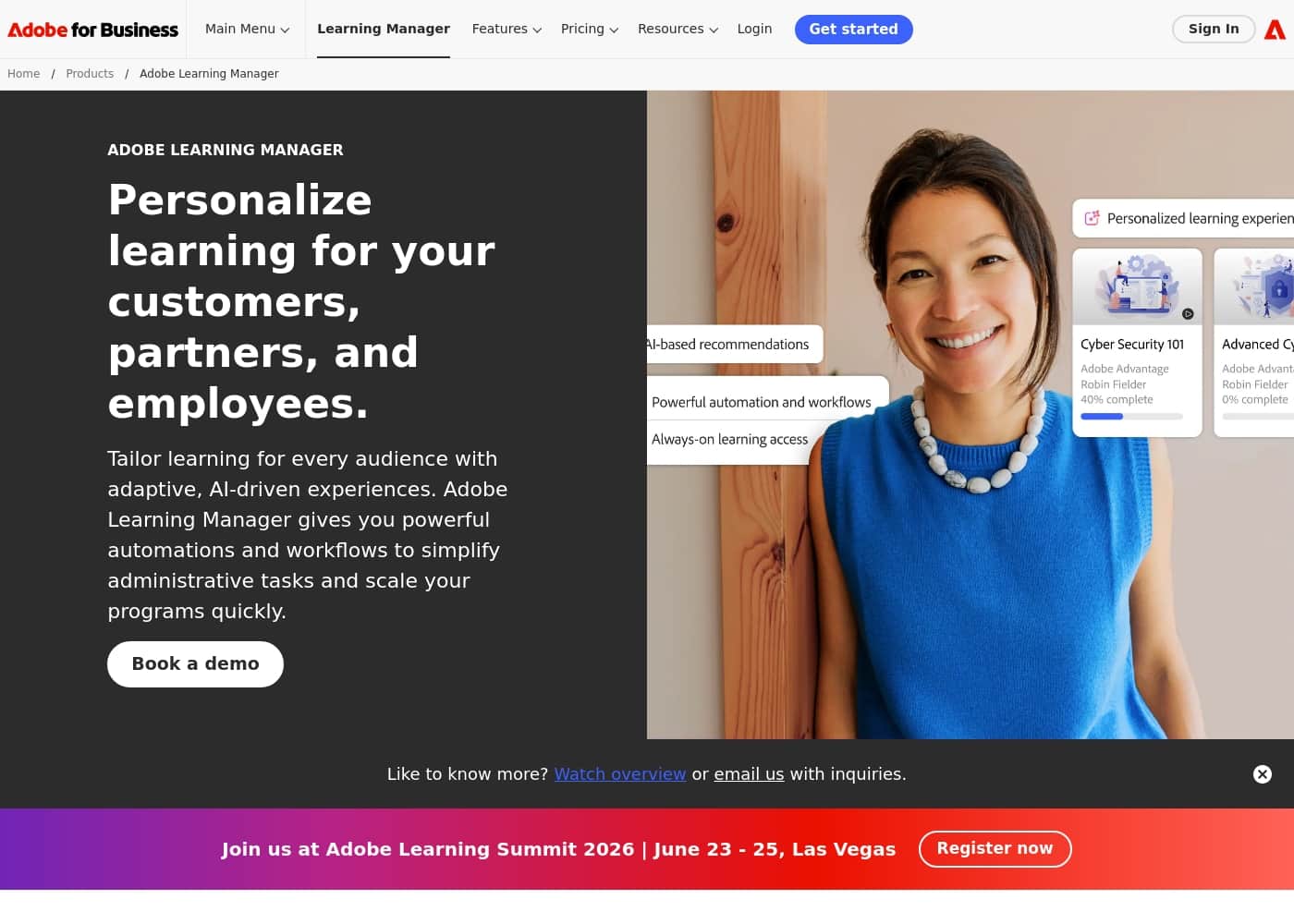
Adobe Learning Manager homepage screenshot

At a glance

Quick overview for Adobe Learning Manager: rating, pricing summary, key features, and highlights.
Free trial
Yes — 30 days
Range: Not explicitly statedFree trial, Monthly subscription
This section is a summary. Detailed sections about features, use cases, pricing, and reviews follow below.
Disclosure: This page may contain affiliate links for Adobe Learning Manager. If you click these links and make a purchase, Ciroapp may earn a commission at no additional cost to you.

Adobe Learning Manager review, pricing, features, pros & cons

Personalizing learning for customers, partners, and employees is tough. Admin tasks pile up as programs scale.

Adobe Learning Manager helps with adaptive, AI-driven experiences and powerful automations that simplify admin work and speed program rollout.

What is Adobe Learning Manager?

Adobe Learning Manager is an enterprise-grade learning management system designed to personalize learning for customers, partners, and employees. It uses adaptive, AI-driven experiences and AI-powered search and recommendations to help learners discover what matters. It supports blended delivery by combining classroom, online, and live virtual training in nested paths, and it enables multilingual certification programs with live sessions via Adobe Connect.

It also offers on-brand experiences through native CMS integrations, including Adobe Experience Manager Sites, and connects with Adobe tools and third-party platforms like Microsoft Teams and Salesforce. For security and scale, the platform provides SOC 2 Type II, FedRAMP, SSO options, and scalable cloud infrastructure across AWS, Akamai, and Brightcove. ✨

Adobe Learning Manager Key Features

🚀 Personalization at scale

Deliver personalized learning for customers, partners, and employees with adaptive, AI-driven experiences. Adobe Learning Manager helps you tailor learning for every audience with powerful automations that simplify admin work and speed program rollout. It uses AI-powered search that interprets user intent and AI-powered recommendations based on product, learner role, and proficiency.

Learners explore content through nested learning paths that adapt to individual needs and can be branded with logos and mastheads for distinct groups. This setup scales learning across many users and drives relevant, timely experiences. 🚀

✨ Blended delivery & multilingual certification

Craft flexible learning experiences with integrated delivery. Combine classroom, online, and live virtual training in nested paths to create blended programs. Create online, instructor-led, and virtual instructor-led training courses, as well as combined module formats within the same course.

Multilingual certification programs use nested paths that combine classroom, virtual, and self-paced modules. Live sessions can be delivered via Adobe Connect to enrich real-time learning. This approach enables measurable blended programs and supports learners across languages.

✨ Engagement & monetization

Boost learning engagement with gamification tactics to motivate learners and social learning with peer groups and discussion boards. Offer diverse content formats directly in your LMS, website, or mobile app, so learning fits into daily work. Monetize training by connecting with Adobe Marketo Engage and Adobe Commerce to reach customers and partners.

Key engagement levers include: - Gamification tactics to motivate learners - Social learning with peer groups and discussion boards - Diverse content formats across LMS, website, and mobile apps

✨ Branding, integrations, and cross-device delivery

Create branded experiences across devices using native integrations and easy workflows. Deliver on-brand portals by embedding Learning Manager objects in Adobe Experience Manager Sites. Build unique, consistent experiences with APIs and support for low-code or white-label apps.

Deep integrations with Adobe products and third-party tools help you deliver branded experiences across devices, including connectors to Microsoft Teams and Salesforce, plus ongoing monetization through Marketo Engage and Commerce.

✨ Automation, security, and enterprise readiness

Automate tasks to launch learning programs quickly with predefined triggers, conditional enrollment, and event-based enrollment within nested paths. Automatically create learner groups based on metadata and enroll them in relevant paths. Develop multilingual courses to serve a global audience and connect with Adobe APIs, third-party integrations, and webhooks.

The platform is enterprise-grade with SOC 2 Type II, FedRAMP, SSO options, and scalable cloud infrastructure across AWS, Akamai, and Brightcove. It also supports SSO providers like Okta, OneLogin, and Oracle Identity Federation, and integrates with Experience Manager Sites, Marketo Engage, and Adobe Commerce.

Use Cases

👥 Scaled, personalized employee training

Adobe Learning Manager helps you scale personalized learning. It uses adaptive, AI-driven experiences and AI-powered recommendations based on role and progress.

You can build nested learning paths that blend classroom, online, and live virtual training. Learners gain multilingual certifications and access live sessions via Adobe Connect.

Admins save time with automations and workflows. Triggers, conditional enrollment, and metadata-based groups reduce admin work. The platform also connects with Microsoft Teams and Salesforce to bring learning into daily work. It’s built for security and scale.

Expected outcome: Learners stay engaged and programs roll out faster.

🌟 Brand-aligned customer training that boosts adoption

For customers, deliver on-brand, immersive learning that supports product adoption.

Personalized AI-powered recommendations guide learners based on the product, their role, and skill level. You can monetize training by connecting with Marketo Engage and Adobe Commerce.

Branding travels across devices with native CMS integrations for Experience Manager Sites, and delivery can span Microsoft Teams and Salesforce.

Tip: Align training with product milestones to keep content fresh and relevant.

🤝 Partner training that fuels growth

Partner training helps drive growth by delivering current, on-brand content to partners and franchisees, wherever they are.

Personalized content and updated learning paths keep partners engaged and make it easier to scale.

Admins can monitor progress with dashboards and ensure content stays consistent across devices and platforms.

⚙️ Automated admin workflows that scale program launches

Automations streamline program launches. Use predefined triggers and event-based enrollment to start learning paths quickly.

Dynamically create learner groups from metadata and enroll them in relevant paths. Support multilingual courses and seamless integrations with your tools.

Tip: Use conditional enrollment to tailor paths for different groups and simplify updates.

🔐 Security, integration, and enterprise readiness

Learning Manager is built for security and scale. It supports SSO options and enterprise-grade protections.

It integrates with Experience Manager Sites, Marketo Engage, and Adobe Commerce, and runs on scalable cloud infrastructure. These capabilities help organizations run large, diverse programs for customers, partners, and employees.

Pricing Overview for Adobe Learning Manager

Pricing range
Not explicitly stated
Pricing types
Free trial, Monthly subscription

Adobe Learning Manager uses two licensing models—fixed licenses for registered users and on-demand access with monthly active users. Exact pricing isn't publicly stated and requires a quote.

Plans & Pricing

Not explicitly stated

Contact for pricing

Adobe Learning Manager costs between Not explicitly stated per Not explicitly stated with Not explicitly stated plans: Not explicitly stated at Not explicitly stated. Pricing details are described below to help you understand the structure, even when exact numbers aren’t publicly disclosed.

Not explicitly stated plan

Price: Not explicitly stated Websites Supported: Not explicitly stated Best For: Not explicitly stated Refund Policy: Not explicitly stated Other Features: Not explicitly stated Pricing URL: https://go.ciroapp.com/adobe-learning-manager-pricing

Not enough public data to tailor this choice; this plan may suit teams starting small and growing. Consider requesting customized pricing for exact figures.

Who should pick this plan? Organizations exploring a scalable learning program with flexible access may find it suitable as a starting point; pair it with a demo to confirm fit. If you’re evaluating, this plan can work for teams that want to begin with a fixed set of licenses and then scale as needs grow. A free 30-day trial is available to help you test features and fit. There is no explicit free plan noted; refund/cancellation terms aren’t publicly stated.

User Reviews

No reviews yet.

Write a Review

Write a Review for Adobe Learning Manager
0/100 characters
0/2000 characters

Why use Adobe Learning Manager?

Why use Adobe Learning Manager? It helps you personalize learning at scale, engage learners, and run admin tasks efficiently. Here are the key benefits:

  • Personalization at scale with adaptive, AI-driven experiences and AI-powered recommendations based on product, learner role, and proficiency.
  • Flexible blended delivery that combines classroom, online, and live virtual training in nested paths, with multilingual certification.
  • Engagement and monetization through gamification, social learning, and diverse content formats, plus the ability to monetize training via Marketo Engage and Commerce integrations.
  • Branding and integrations across devices with native CMS integrations and seamless delivery, including Experience Manager Sites, Marketo Engage, and Commerce, plus third-party connectors like Teams and Salesforce.
  • Automation and security at scale with powerful workflows, triggers, conditional enrollment, metadata-based groups, multilingual course support, API access, SSO, and enterprise-grade security and scalability.

Ready to transform your workflow with Adobe Learning Manager?

Frequently Asked Questions

What integrations does Adobe Learning Manager support out of the box?

It connects with Microsoft Teams and Salesforce, and offers native CMS integrations with Adobe Experience Manager Sites; it also integrates with Marketo Engage and Adobe Commerce, plus APIs, third-party integrations, and webhooks.

What security and compliance features does the platform offer?

It supports SOC 2 Type II, FedRAMP, and SSO options. The platform runs on scalable cloud infrastructure across AWS, Akamai, and Brightcove, with SSO options from Okta, OneLogin, and Oracle Identity Federation.

What are the licensing models, and how do they differ?

Two models: fixed licenses for registered users and on-demand access via monthly active users; pricing specifics are not publicly disclosed.

Is there a free trial, and how long does it last?

Yes, there is a 30-day free trial to evaluate the platform.

How is pricing provided or promised if not publicly listed?

Pricing details are not publicly stated; you can request customized pricing or a quote.

Are there limits on the number of users or data in Adobe Learning Manager?

The architecture supports virtually unlimited users.

Can I integrate Learning Manager with marketing and commerce workflows?

Yes, it integrates with Marketo Engage and Adobe Commerce to monetize training.

What use cases is Adobe Learning Manager designed for?

It's designed for employee training, compliance training, customer training, and partner training.

Does the platform support multilingual courses or certifications?

Yes, it supports multilingual course content and multilingual certifications.

Can I deliver blended learning and live sessions?

Yes, it supports blended delivery, including classroom, online, and live virtual training; Adobe Connect can be used for live sessions.

What branding options and integrations exist for a on-brand experience?

You can customize experiences with branded logos and mastheads, and use native CMS integrations like Adobe Experience Manager Sites.

What content options are available beyond your own materials?

There is a curated content marketplace with off-the-shelf training to jump-start programs.

In which languages or regions is Adobe Learning Manager available?

Not explicitly stated on the official site.

What about onboarding and migration help when adopting the platform?

Not explicitly stated on the official site.

Ready to try Adobe Learning Manager? Check out the official site or pricing.