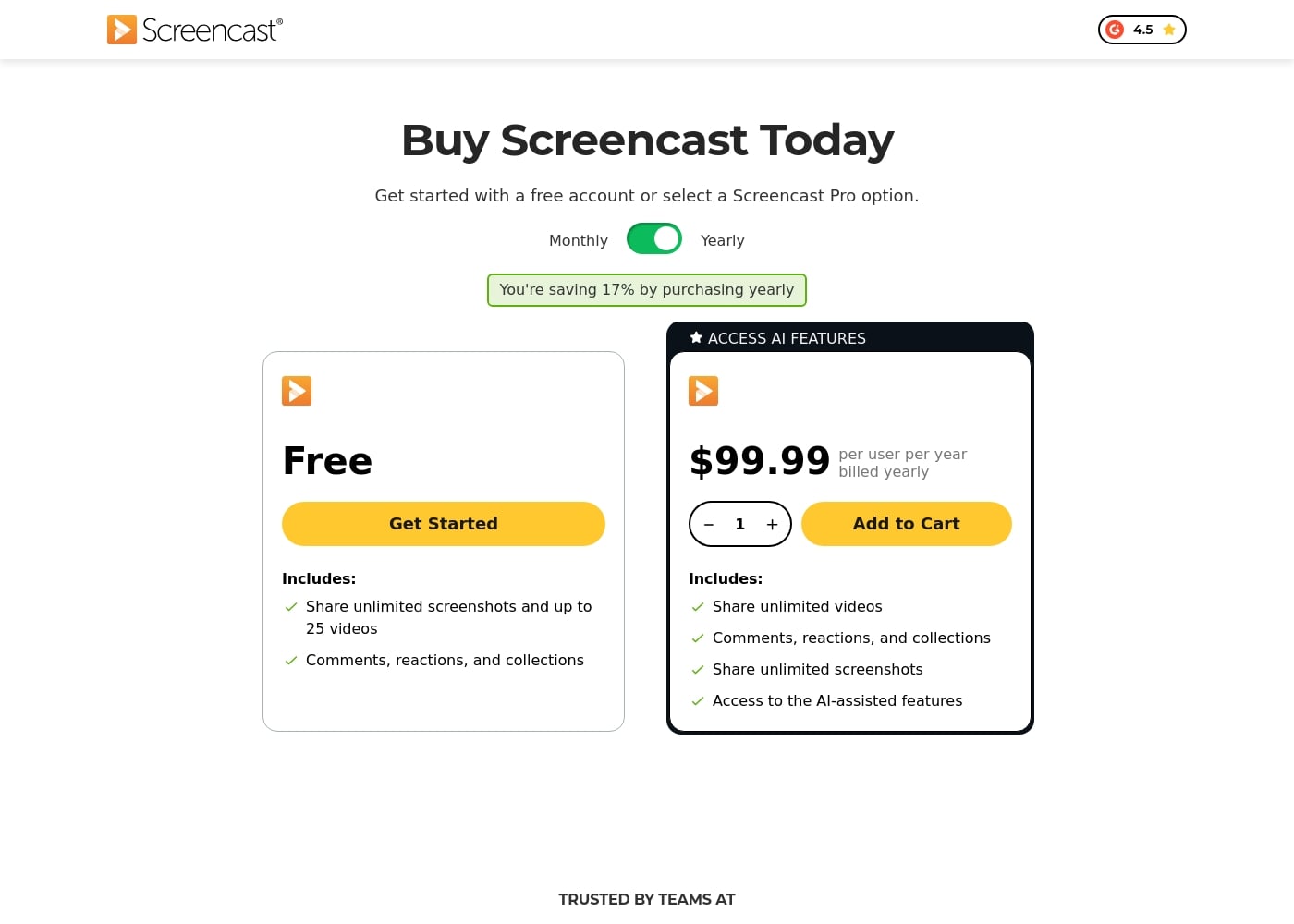
Knowmia Pro was retired in 2025 and succeeded by Screencast, which offers a simple structure consisting of a permanent Free plan and a premium Screencast Pro subscription starting at $99.99 per user billed yearly.
Screencast offers two tiers for knowledge sharing: a Free plan and the Screencast Pro plan, which costs $99.99 per user billed yearly.
Since Knowmia Pro was retired, the platform recommends Screencast as a similar product with integrated sharing features. We've organized the available Screencast tiers below to help you choose the best fit for your sharing needs.
Free
Price: Free
Best For: Users who need to share screenshots and upload a limited quantity of video content (up to 25 videos).
Refund Policy: Not applicable
Other Features:
- Share unlimited screenshots
- Video storage for up to 25 videos
- Video storage limit of 12 months
- Includes Comments, reactions, and collections functionality
This plan is a fantastic starting point if you're experimenting with video sharing or if you primarily rely on sharing still images. You get core functionality, including reactions and organization tools, without paying anything, though your video history will eventually expire.
Screencast Pro
Price: $99.99 per user per year, billed yearly
Best For: Professionals or teams requiring unlimited video storage, extended storage duration, and modern AI content management tools.
Other Features:
- Access to AI-assisted features (like auto-generated captions, titles, and chapters)
- Share unlimited videos and unlimited screenshots
- Unlimited video and image storage for the duration of the subscription
- Access phrase protected media
- Ability to organize content into Collections and use a Custom logo
- Technical support
If you create educational content regularly or manage a growing library of training videos, the Pro tier is the right choice. It removes all restrictions on video quantity and lifetime storage, and it includes powerful AI tools to help organize and caption your recordings quickly. Plus, you save 17% when choosing the annual billing option. ✨
Screencast makes getting started simple by offering a Free account that you can sign up for today. This free option allows you to test the platform's core sharing features before committing to the full benefits available with Screencast Pro.