รีวิว Visme
แพลตฟอร์มออกแบบเชิงโต้ตอบสำหรับสร้างคอนเทนต์แบรนด์คุณภาพสูงได้อย่างรวดเร็ว
Visme ราคาเริ่มต้น US$4 (≈ ฿134.46)/เดือน · 7 แพ็กเกจ · มีแพ็กเกจฟรี · ตรวจสอบราคาเมื่อ 12 ต.ค. 2569
อาจมีค่าคอมมิชชั่นโดยไม่มีค่าใช้จ่ายเพิ่มเติม
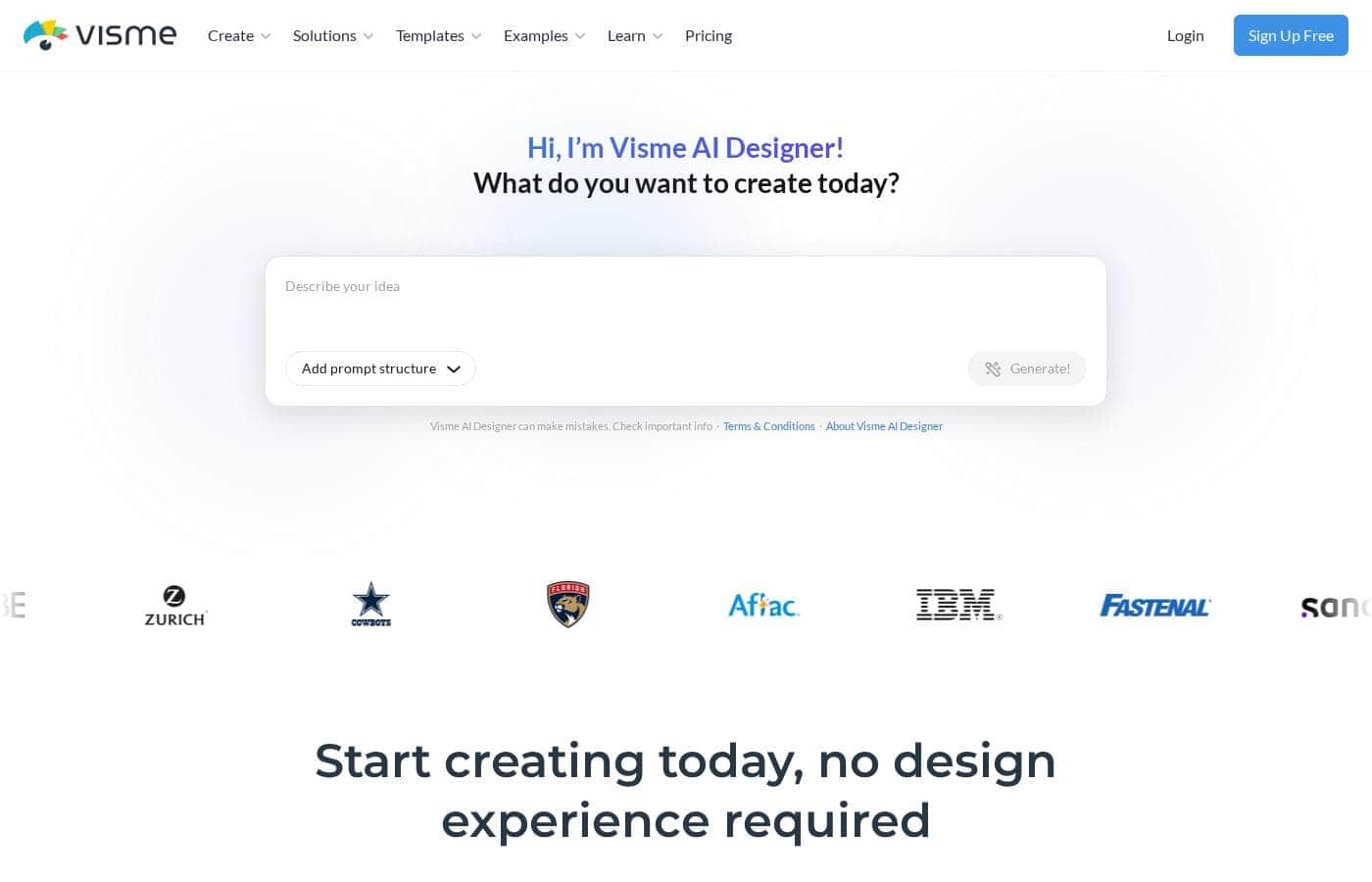
ราคา Visme
เริ่มต้นUS$4/เดือน≈ ฿134.46*
- จากหน้าราคาของผู้ให้บริการ ตรวจสอบเมื่อ 12 ต.ค. 2569
- 7 แพ็กเกจ
- มีแพ็กเกจฟรี
- ประหยัดสูงสุด 58% เมื่อชำระรายปี
ตรวจสอบราคาเมื่อ 12 ต.ค. 2569 จาก หน้าราคาของ Visme
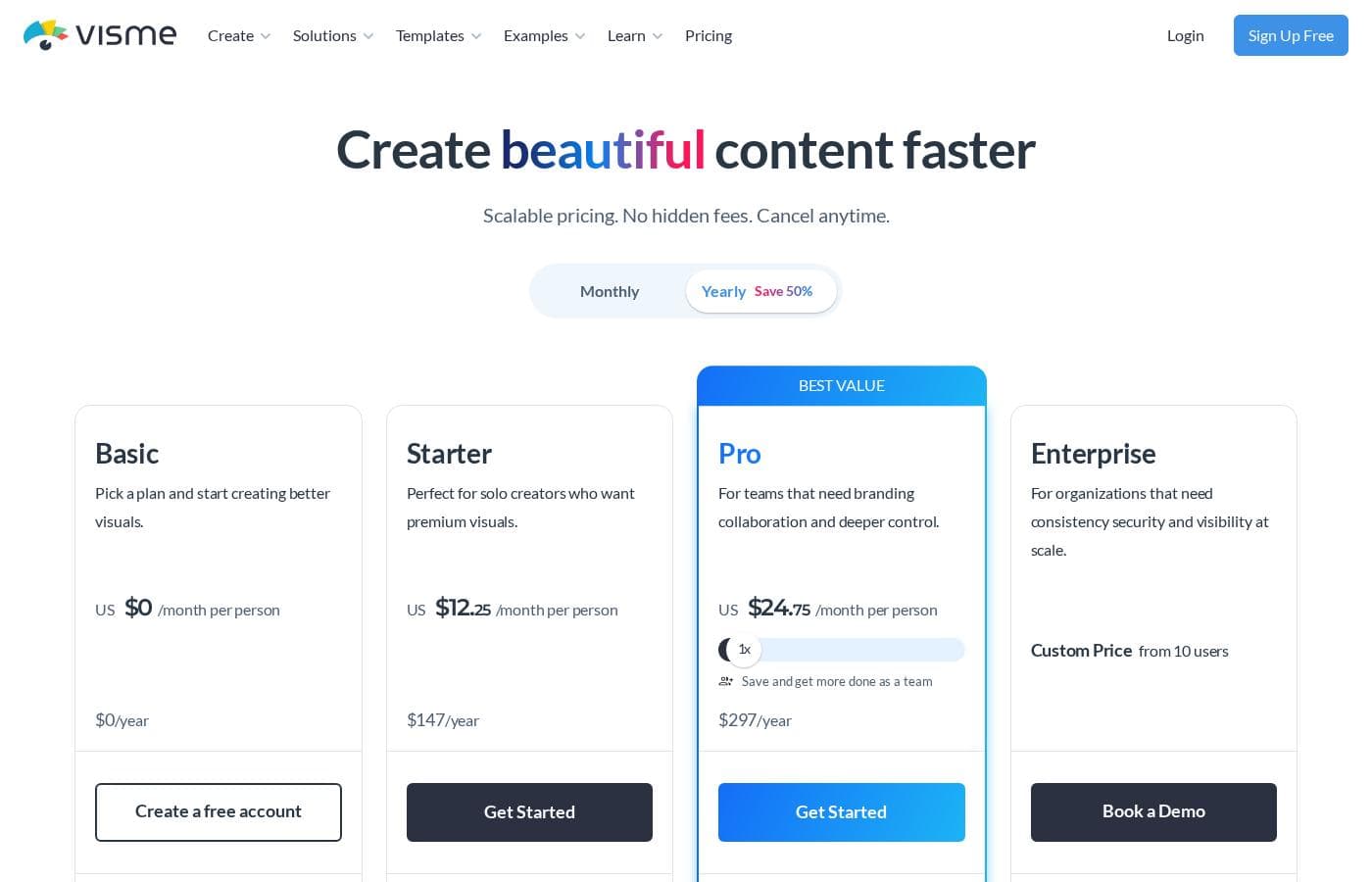 ดูภาพหน้าจอหน้าราคา
| แพ็กเกจ | รายเดือน | รายปี | รวม |
|---|---|---|---|
Basic | ฟรี | — | |
Starter | US$29/เดือน ≈ ฿974.84* | US$12.25/เดือน ≈ ฿411.78*US$147 ต่อปี ประหยัดสูงสุด 58% เมื่อชำระรายปี | |
Pro | US$59/เดือน ≈ ฿1,983.29* | US$24.75/เดือน ≈ ฿831.97*US$297 ต่อปี ประหยัดสูงสุด 58% เมื่อชำระรายปี | |
Pro team of 3 | US$119/เดือน ≈ ฿4,000.19* | US$72/เดือน ≈ ฿2,420.28*US$864 ต่อปี ประหยัดสูงสุด 39% เมื่อชำระรายปี | |
Pro team of 5 | US$159/เดือน ≈ ฿5,344.79* | US$120/เดือน ≈ ฿4,033.81*US$1,440 ต่อปี ประหยัดสูงสุด 25% เมื่อชำระรายปี | |
Student | — | US$4/เดือน ≈ ฿134.46*US$48 ต่อปี | |
Educator | — | US$8/เดือน ≈ ฿268.92*US$96 ต่อปี |
แปลงตามอัตราอ้างอิงของ ECB วันที่ 12 ต.ค. 2569 ผู้ให้บริการอาจเรียกเก็บราคาท้องถิ่นที่ต่างออกไป
ประวัติราคา
ติดตามราคาตั้งแต่ 1 ต.ค. 2569 ยังไม่พบการเปลี่ยนแปลงราคา
เครื่องคำนวณค่าใช้จ่าย
ประเมินค่าใช้จ่าย Visme สำหรับทีมของคุณ
- ต่อเดือน
- US$29≈ ฿974.84*
- ต่อปี
- US$348≈ ฿11,698.04*
Starter ไม่ได้ระบุจำนวนผู้ใช้สูงสุด: แสดงเป็นราคาเดียวสำหรับทั้งบัญชี โปรดตรวจสอบราคาสำหรับผู้ใช้ 5 คนกับผู้ให้บริการ ค่าประมาณจากราคาที่เผยแพร่ ไม่รวมภาษี ส่วนเสริม และส่วนลด
แปลงตามอัตราอ้างอิงของ ECB วันที่ 12 ต.ค. 2569 ผู้ให้บริการอาจเรียกเก็บราคาท้องถิ่นที่ต่างออกไป
วิธีจ่ายค่า Visme ให้น้อยลง
- ชำระรายปี: ประหยัดสูงสุด 58% เมื่อเทียบกับรายเดือน
- เริ่มจากแพ็กเกจฟรี แล้วอัปเกรดเมื่อใช้งานถึงขีดจำกัดเท่านั้น
แจ้งเตือนทางอีเมลเมื่อ Visme เปลี่ยนราคา
อีเมลหนึ่งฉบับเมื่อเราตรวจพบการเปลี่ยนแปลงบนหน้าราคาของผู้ให้บริการ ไม่มีจดหมายข่าว ไม่มีโปรโมชัน ยกเลิกได้ในคลิกเดียว
รีวิวผู้ใช้
เขียนรีวิว
ทางเลือกของ Visme
เครื่องมืออื่นๆ ในหมวดหมู่ การนำเสนอ
Microsoft PowerPoint
ออกแบบงานนำเสนอที่น่าประทับใจและทำงานร่วมกันได้แบบเรียลไทม์
Beautiful.ai
จากข้อความถึงงานนำเสนอ: สร้างเด็คที่น่าประทับใจได้เร็วยิ่งขึ้น
คำถามที่พบบ่อยเกี่ยวกับ Visme
Visme ราคาเท่าไร?
แพ็กเกจแบบชำระเงินที่ถูกที่สุดของ Visme คือ Student ราคา US$4 (≈ ฿134.46) ต่อเดือน แพ็กเกจแบบชำระเงินมีราคาตั้งแต่ US$4 ถึง US$159 ต่อเดือน ตรวจสอบราคาเมื่อ 12 ต.ค. 2569 จากหน้าราคาของผู้ให้บริการ
Visme มีแพ็กเกจฟรีหรือไม่?
มี Visme มีแพ็กเกจฟรี (Basic) และแพ็กเกจแบบชำระเงินเริ่มต้นที่ US$4 (≈ ฿134.46) ต่อเดือน
ชำระรายปีกับ Visme ประหยัดได้เท่าไร?
การชำระรายปีประหยัดได้สูงสุด 58% เมื่อเทียบกับรายเดือน ตามราคาตั้งของ Visme
ราคาของ Visme เปลี่ยนแปลงเมื่อเร็ว ๆ นี้หรือไม่?
ไม่ เราไม่พบการเปลี่ยนแปลงราคาตั้งแต่เริ่มติดตามเมื่อ 1 ต.ค. 2569
คุณคือ Visme ใช่ไหม? อ้างสิทธิ์รายการนี้ · รับป้าย