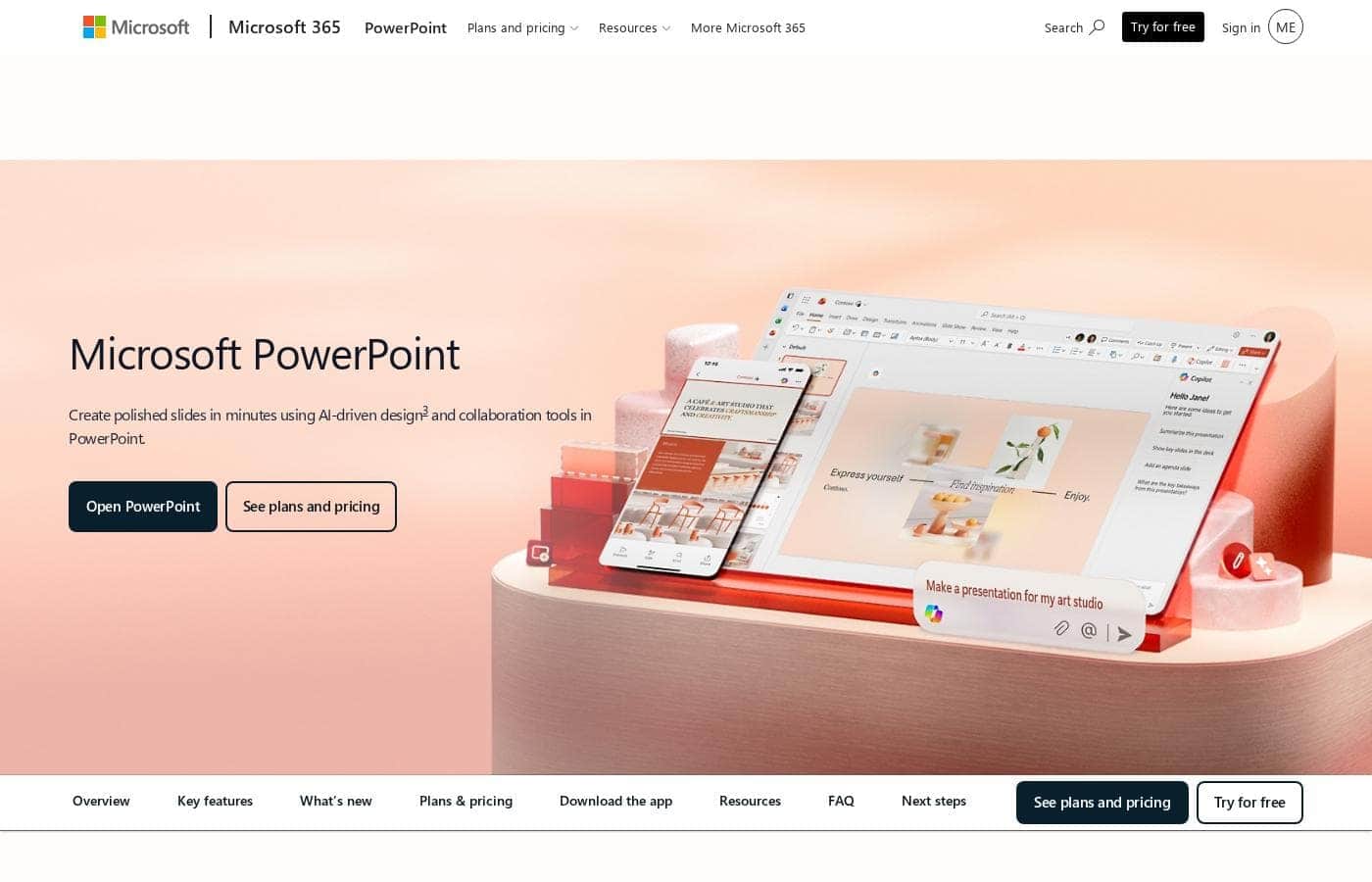
Microsoft PowerPoint ส่วนใหญ่เข้าถึงได้ผ่านการสมัครสมาชิก Microsoft 365 มีตัวเลือกที่ยืดหยุ่นสำหรับบุคคลและธุรกิจ โดยเริ่มต้นที่ $99.99 ต่อปี นอกจากนี้ยังมีเวอร์ชันฟรีสำหรับการเข้าถึงและการทำงานร่วมกันบนเว็บขั้นพื้นฐานพร้อมพื้นที่เก็บข้อมูลที่จำกัด
Microsoft PowerPoint มีค่าใช้จ่ายอยู่ระหว่าง $0 ถึง $129.99 ต่อปี โดยมี 7 แผนหลัก: ฟรีที่ $0/ปี, Microsoft 365 Personal ที่ $99.99/ปี, Microsoft 365 Family ที่ $129.99/ปี, Microsoft 365 Apps for business ที่ $8.25/ผู้ใช้/เดือน (ชำระรายปี), Microsoft 365 Business Standard ที่ $12.50/ผู้ใช้/เดือน (ชำระรายปี), Microsoft 365 Business Premium ที่ $22.00/ผู้ใช้/เดือน (ชำระรายปี) และตัวเลือกสำหรับธุรกิจที่ไม่มี Microsoft Teams เริ่มต้นที่ $10.25/ผู้ใช้/เดือน (ชำระรายปี)
นี่คือรายละเอียดของตัวเลือกที่ให้มา โดยเริ่มจากตัวเลือกสำหรับบุคคลทั่วไปและครอบครัว
Microsoft PowerPoint ฟรี
ราคา: ไม่ได้ระบุชัดเจน
เว็บไซต์ที่รองรับ: ไม่ได้ระบุชัดเจน
เหมาะสำหรับ: การใช้งานเว็บและการแชร์ขั้นพื้นฐาน
นโยบายการคืนเงิน: ไม่ได้ระบุชัดเจน
คุณสมบัติอื่นๆ:
- PowerPoint เวอร์ชันเว็บ (PowerPoint for the web)
- การตรวจสอบการสะกดและไวยากรณ์พื้นฐาน
- พื้นที่เก็บข้อมูลบนคลาวด์ที่ปลอดภัย 5 GB
- การทำงานร่วมกันแบบเรียลไทม์
ตัวเลือกฟรีนี้เหมาะสำหรับนักเรียนหรือผู้ใช้ทั่วไปที่ต้องการสร้างและแก้ไขงานนำเสนอทางออนไลน์โดยไม่จำเป็นต้องใช้ชุดเดสก์ท็อปเต็มรูปแบบหรือฟีเจอร์ขั้นสูง เป็นทางเลือกที่ดีหากคุณทำงานส่วนใหญ่ในเว็บเบราว์เซอร์
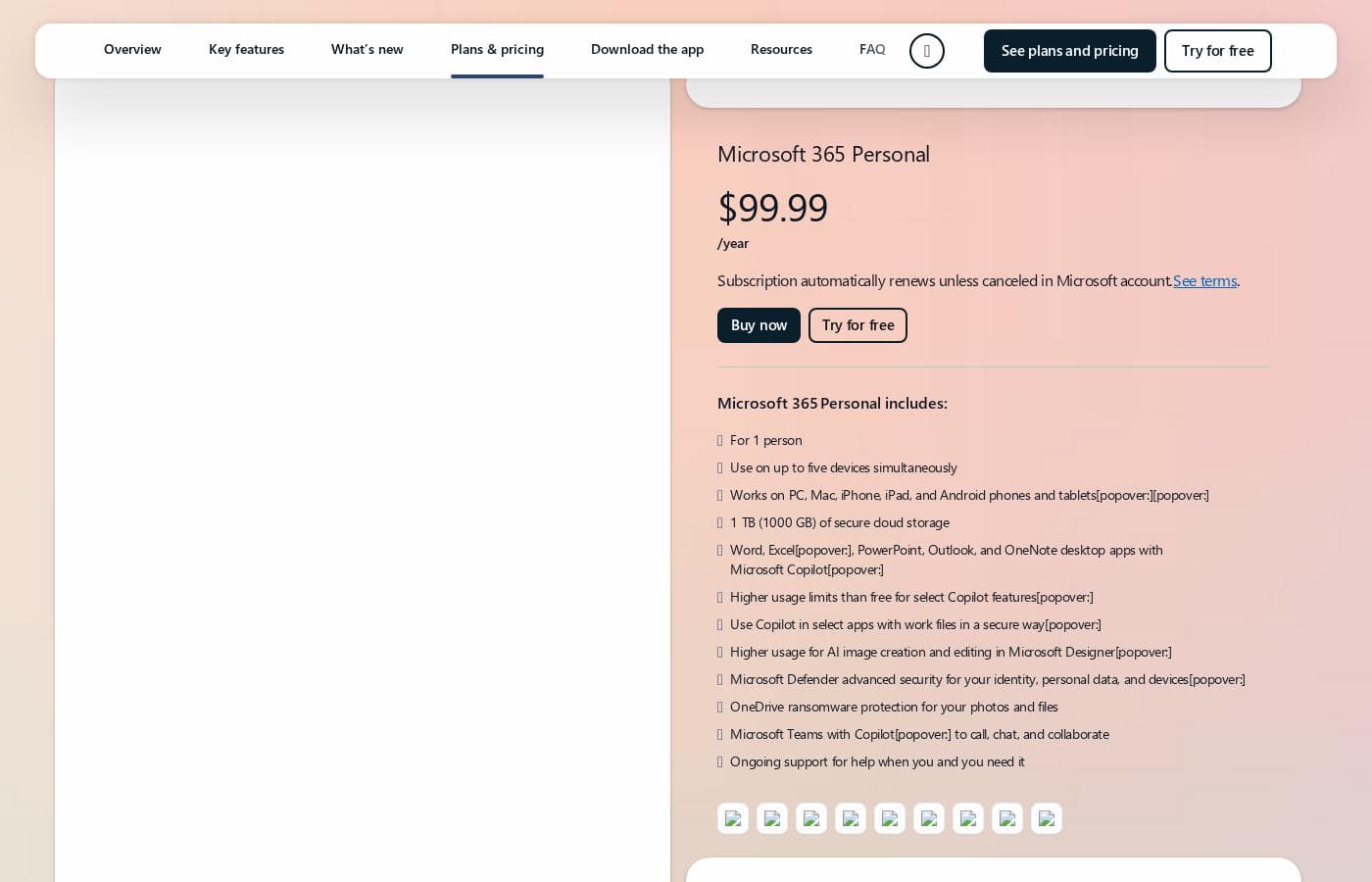
Microsoft 365 Personal
ราคา: $99.99/ปี (หรือ $9.99/เดือน)
เว็บไซต์ที่รองรับ: ไม่ได้ระบุชัดเจน
เหมาะสำหรับ: ผู้ใช้คนเดียวที่มีหลายอุปกรณ์
นโยบายการคืนเงิน: คืนเงินตามสัดส่วนภายใน 7 วันเมื่อยกเลิก
คุณสมบัติอื่นๆ:
- ใช้งานบนอุปกรณ์ได้สูงสุดห้าเครื่องพร้อมกัน
- พื้นที่เก็บข้อมูลบนคลาวด์ที่ปลอดภัย 1 TB (1000 GB)
- Word, Excel, PowerPoint, Outlook และ OneNote เวอร์ชันเดสก์ท็อป
- ความปลอดภัยขั้นสูงของ Microsoft Defender
Microsoft 365 Family
ราคา: $129.99/ปี (หรือ $12.99/เดือน)
เว็บไซต์ที่รองรับ: ไม่ได้ระบุชัดเจน
เหมาะสำหรับ: ครอบครัวหรือกลุ่มเล็กๆ สูงสุดหกคน
นโยบายการคืนเงิน: คืนเงินตามสัดส่วนภายใน 7 วัน; รวมถึงการทดลองใช้ฟรี
คุณสมบัติอื่นๆ:
- รองรับ 1 ถึง 6 คน
- พื้นที่เก็บข้อมูลบนคลาวด์ที่ปลอดภัยสูงสุด 6 TB (1 TB ต่อคน)
- แอปเดสก์ท็อปพร้อมฟีเจอร์ Microsoft Copilot
- ความปลอดภัยขั้นสูงสำหรับข้อมูลประจำตัวและข้อมูลของครอบครัว
แผนนี้ให้ความคุ้มค่าที่ทรงพลังสำหรับครัวเรือนหรือผู้ที่แชร์ที่พัก โดยอนุญาตให้สูงสุดหกคนแชร์การสมัครสมาชิก แต่ละคนจะได้รับแอปพรีเมียมและพื้นที่เก็บข้อมูลส่วนตัวจำนวนมาก
Microsoft 365 Apps for business
ราคา: $8.25/ผู้ใช้/เดือน ชำระรายปี
เว็บไซต์ที่รองรับ: ไม่ได้ระบุชัดเจน
เหมาะสำหรับ: ธุรกิจที่ต้องการแอปหลักโดยไม่มีอีเมลหรือ Teams
นโยบายการคืนเงิน: คืนเงินตามสัดส่วนภายใน 7 วันเมื่อยกเลิก; รวมถึงการทดลองใช้ฟรี
คุณสมบัติอื่นๆ:
- Word, Excel, PowerPoint และ Outlook เวอร์ชันเดสก์ท็อป
- พื้นที่เก็บข้อมูลบนคลาวด์ 1 TB ต่อผู้ใช้
- สำหรับพนักงานสูงสุด 300 คน
หากธุรกิจของคุณมีการจัดการอีเมลระดับองค์กรอยู่แล้ว แต่ต้องการชุดแอปสำหรับสร้างสรรค์แบบติดตั้งเต็มรูปแบบ เช่น PowerPoint (พร้อมพื้นที่เก็บข้อมูล OneDrive) ให้เริ่มต้นที่นี่
Microsoft 365 Business Standard
ราคา: $12.50/ผู้ใช้/เดือน ชำระรายปี
เว็บไซต์ที่รองรับ: ไม่ได้ระบุชัดเจน
เหมาะสำหรับ: ธุรกิจขนาดเล็กถึงขนาดกลางที่ต้องการเครื่องมือเพิ่มประสิทธิภาพการทำงาน การสื่อสาร และการทำงานร่วมกันเต็มรูปแบบ
นโยบายการคืนเงิน: คืนเงินตามสัดส่วนภายใน 7 วันเมื่อยกเลิก; รวมถึงการทดลองใช้ฟรี
คุณสมบัติอื่นๆ:
- แอปหลักเวอร์ชันเดสก์ท็อป เว็บ และมือถือ รวมถึง PowerPoint, Exchange และ SharePoint
- อีเมลธุรกิจแบบกำหนดเอง
- แชท โทร ประชุม และโฮสต์เว็บบินาร์ด้วย Microsoft Teams
- แอปเพิ่มเติมกว่า 10 รายการ เช่น Planner และ Clipchamp
แผน Standard เป็นชุดรวมครบวงจรที่ยอดเยี่ยมสำหรับบริษัทที่ต้องพึ่งพาการทำงานร่วมกันที่ราบรื่นและคุณสมบัติด้านการสื่อสารระดับมืออาชีพ เช่น Teams และอีเมลแบบกำหนดเอง
Microsoft 365 Business Premium
ราคา: $22.00/ผู้ใช้/เดือน ชำระรายปี
เว็บไซต์ที่รองรับ: ไม่ได้ระบุชัดเจน
เหมาะสำหรับ: ธุรกิจที่ต้องการความปลอดภัยสูงสุดและการจัดการอุปกรณ์
นโยบายการคืนเงิน: คืนเงินตามสัดส่วนภายใน 7 วันเมื่อยกเลิก; รวมถึงการทดลองใช้ฟรี
คุณสมบัติอื่นๆ:
- การป้องกันอุปกรณ์ ภัยคุกคามทางไซเบอร์ และปลายทางระดับองค์กร
- การจัดการข้อมูลประจำตัวและการเข้าถึงขั้นสูง
- อีเมลธุรกิจแบบกำหนดเอง และพื้นที่เก็บข้อมูล 1 TB
- รวม Windows 11 และความสามารถของ Microsoft Defender
เลือก Business Premium หากความปลอดภัยขั้นสูง คุณสมบัติตามข้อกำหนด (เช่น Microsoft Purview) และการป้องกันปลายทางที่ครอบคลุมสำหรับสมาชิกในทีมของคุณเป็นข้อกำหนดที่จำเป็น
คุณสามารถเริ่มต้นได้ทันทีโดยลงทะเบียนใช้ PowerPoint เวอร์ชันเว็บฟรีเพื่อทดสอบฟังก์ชันพื้นฐาน สำหรับแผนที่ต้องชำระเงิน Microsoft มีการทดลองใช้ฟรีหนึ่งเดือนสำหรับแผน Family และ Business ก่อนที่จะเรียกเก็บเงินตามอัตราที่คุณเลือก หากคุณตัดสินใจยกเลิกหลังจากที่การสมัครสมาชิกแบบชำระเงินเริ่มต้นขึ้น มีหน้าต่างที่เป็นประโยชน์ภายใน 7 วันเพื่อรับเงินคืนตามสัดส่วน เพื่อให้แน่ใจว่าคุณจ่ายเฉพาะช่วงเวลาที่คุณใช้บริการไปแล้วเท่านั้น