WooCommerce

WooCommerce review

The free, open-source ecommerce platform built on WordPress.

By Ciroapp Editorial Team · Updated Sep 16, 2026

Commission may apply at no extra cost

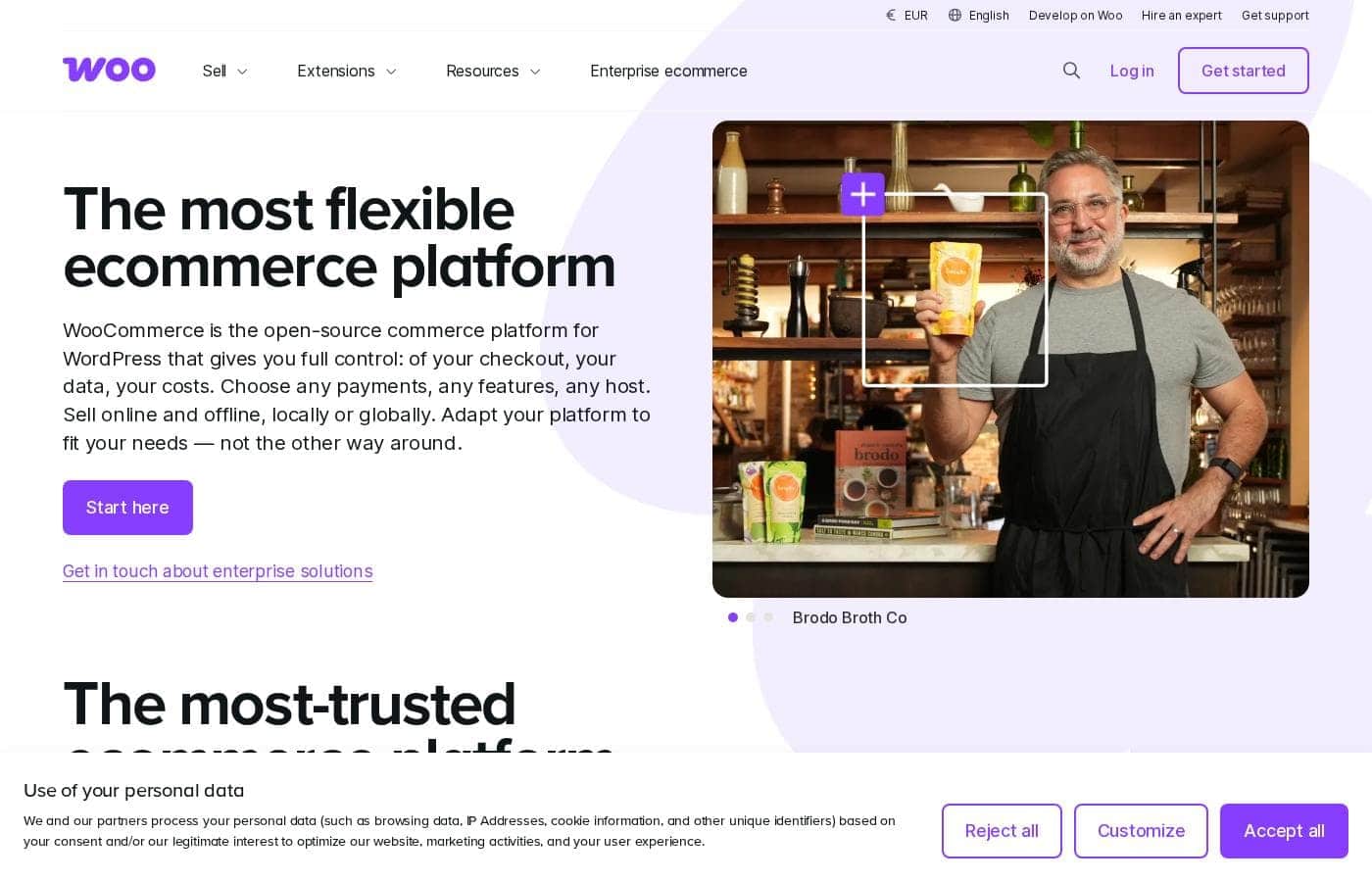
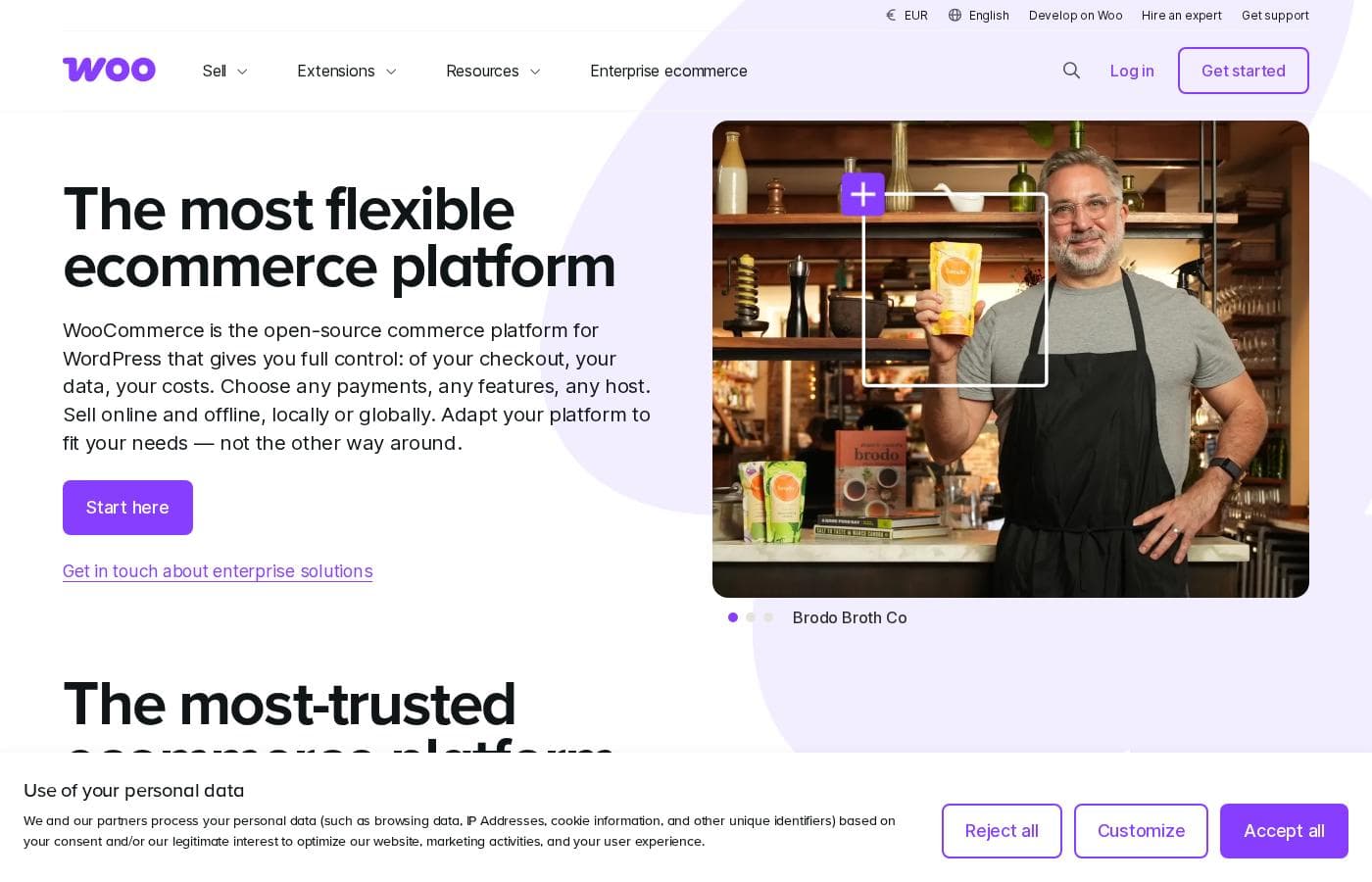
WooCommerce homepage screenshot

At a glance

Quick overview for WooCommerce: rating, pricing summary, key features, and highlights.

Ciroapp score

4.2/ 5

WooCommerce gives you a free, open-source store that runs inside WordPress, with full control over data, code, and hosting. It's deeply extensible, but you'll handle security, backups, and performance yourself, and hosting plus extension costs add up. Overall, it's a strong pick for WordPress users who value ownership over turnkey convenience.

Pros

  • Pros:The core plugin is free and open source, so the software itself costs nothing and the code can be audited or modified freely.
  • Pros:Runs on WordPress, giving stores the CMS's editor, theme system, SEO plugins, and huge third-party ecosystem in one admin.
  • Pros:You own the store outright — catalog, customer data, and order history live in your own database on hosting you choose and control.

Cons

  • Cons:Self-hosted means you are responsible for hosting, security, updates, backups, and performance tuning — there is no turnkey managed environment.
  • Cons:Costs beyond the free core accumulate quickly — hosting, premium themes, and paid extensions each add fees, and combined plan spending can range up to roughly $99,693 for large-scale setups.
  • Cons:Troubleshooting often involves plugin or theme conflicts, and support is thinner than the bundled, vendor-backed help that dedicated SaaS platforms include in their plans.
Best for
  • Existing WordPress site owners who want to add a full store without leaving their current CMS or learning a separate admin.
  • Businesses that need complete ownership of their data, code, and hosting choices rather than a rented SaaS storefront.
  • Developers and agencies building custom or headless commerce experiences that require deep extensibility via APIs and hooks.
This section is a summary. Detailed sections about features, use cases, pricing, and reviews follow below.

What is WooCommerce?

WooCommerce is an open-source ecommerce plugin that turns a WordPress site into a full online store. Because it runs on WordPress — the software behind roughly 43% of the web — it combines content management and commerce in a single admin. The core plugin is free, and stores built with it range from a handful of products to large, complex catalogs.

Its core appeal is ownership: you control the code, the data, and the hosting environment rather than renting a storefront from a SaaS vendor.

WooCommerce is a free, open-source ecommerce platform distributed as a WordPress plugin. Once activated, it adds product management, cart and checkout, payment and shipping options, and order administration to an existing WordPress installation. Functionality is extended through an official marketplace of free and paid extensions, and the codebase can be audited or modified by anyone.

Stores can be as simple as a few physical products or as complex as subscription, membership, and wholesale operations.
Should you choose WooCommerce?

Quick buyer guidance before you compare plans or click through.

Choose it if

  • Existing WordPress site owners who want to add a full store without leaving their current CMS or learning a separate admin.
  • Businesses that need complete ownership of their data, code, and hosting choices rather than a rented SaaS storefront.
  • Developers and agencies building custom or headless commerce experiences that require deep extensibility via APIs and hooks.
  • Content-driven brands whose sales depend on blogging and SEO, since content and commerce share one platform.

Skip it if

  • Non-technical users who want a fully hosted, maintenance-free solution and do not want to manage updates, backups, and security themselves.
  • Teams that need guaranteed vendor support SLAs and a single predictable monthly bill covering hosting, software, and support.
  • Very small sellers who only need a simple buy-button or social storefront and will not use WordPress's broader toolset.

Next steps before buying

  1. 1Set up WordPress on a hosting plan that meets WooCommerce's requirements (PHP, MySQL, SSL), then install the free WooCommerce plugin from the WordPress plugin directory.
  2. 2Run the built-in setup wizard to configure your store location, currency, payment gateways, and shipping zones.
  3. 3Add your first products, choosing the right product type (simple, variable, or digital) and setting prices, inventory levels, and categories.
  4. 4Pick and customize a storefront theme, then place a test order to verify checkout, order emails, and tax and shipping calculations before going live.

WooCommerce Key Features

✨ Open-Source Core Built on WordPress

The plugin is free and open source, so the full codebase can be inspected, modified, and extended without license fees. Running on WordPress gives stores the CMS's editor, theme system, media library, and enormous plugin ecosystem, meaning content and commerce live in one admin rather than in separate tools.

✨ Flexible Product and Catalog Management

WooCommerce handles simple, variable, grouped, external, and digital products, with attributes, options, categories, and tags for organizing the catalog. Inventory tracking, sale pricing, and a built-in coupon engine support day-to-day merchandising, while order and refund management happen from the same WordPress dashboard.

✨ Payments, Shipping, and Taxes

Store owners can accept payments through bundled and third-party gateways, define shipping zones with rates based on location and weight, and configure automatic tax calculations. Checkout fields and flows can be customized with extensions or code without rebuilding the entire purchase path.

✨ Extension Marketplace and Developer Extensibility

Hundreds of official and third-party extensions add subscriptions, memberships, bookings, B2B pricing, and marketplace functionality on top of the core. Developers get hooks, filters, and a REST API, enabling custom integrations and fully decoupled, headless storefronts when a theme-based approach isn't enough.

Use Cases

💡 Launching a First Online Store

Entrepreneurs can install the free plugin on WordPress hosting, work through the setup wizard to configure currency, payments, and shipping, and start selling with minimal upfront software spend. Paid extensions can be added later as the store's needs grow.

💡 Adding Commerce to an Existing WordPress Site

Bloggers, publishers, and businesses already running WordPress can extend their current site with a full store without migrating platforms or learning a separate admin. Products, posts, and pages share the same editor, media library, and SEO tooling.

💡 Content-Led Commerce

Brands that rely on blogging, reviews, or editorial content to drive sales benefit from having content and checkout under one roof. Product pages can be embedded in posts, and the same WordPress SEO plugins apply across both content and catalog.

💡 Custom and Headless Commerce Projects

Agencies and development teams use WooCommerce's hooks, filters, and REST API to build bespoke storefronts, integrate with ERPs and fulfillment systems, or serve a decoupled front end from WordPress as the commerce backend.

💡 Recurring Revenue and B2B Selling

Official extensions enable subscription boxes, membership sites, and appointment bookings, while wholesale pricing and account-based purchasing features serve B2B catalogs — all on infrastructure the business controls directly.

WooCommerce pricing

Prices not verified yet — see the vendor page.

WooCommerce's pricing page

WooCommerce pricing page screenshotView pricing page screenshot

Pricing types: Free plan

Pricing notes

WooCommerce pricing: Billing options: Free plan

Email me when WooCommerce changes price

One email when we detect a price change on the vendor's pricing page. No newsletter, no deals. Unsubscribe in one click.

User Reviews

No reviews yet.

Write a Review

Write a Review for WooCommerce
0/100 characters
0/2000 characters

Why use WooCommerce?

The main reason to choose WooCommerce is control. Because it is self-hosted, your catalog, customer data, and order history live in a database you own, so there is no risk of a platform raising fees or restricting your account.

You can use any WordPress theme, blend content marketing and commerce natively, and draw on a very large pool of WordPress developers. For teams already comfortable with WordPress, the learning curve is modest.

WooCommerce alternatives

Other tools in the Ecommerce category

View all Ecommerce tools
Shopify

Shopify

Ecommerce4.4/5

Shopify is the one commerce platform behind it all. It lets you sell online and in person, publish across channels, and manage everything from desktop to mobile with a fully centralized Shopify Admin. It supports in‑person POS and a fast checkout to speed purchases, helping you reach customers wherever they shop.

BigCommerce

BigCommerce

Ecommerce4.1/5

BigCommerce Essentials is a top-rated ecommerce platform designed specifically for fast-growing businesses, including high-volume operations and B2B SMBs. It operates as a high-performance platform that truly scales with you. Built-in flexibility means you have the freedom to customize your store and save money at the same time. You get robust features that ensure efficient operation, allowing you to focus on expanding your brand and attracting more shoppers.

Fast Bundle

Fast Bundle

Ecommerce4.1/5

Fast Bundle is a Shopify app for creating flexible, high-converting product bundles. Offer mix & match, volume discounts, quantity breaks, BOGO, add-ons, and fixed bundles to boost AOV. Let customers build their own bundles, add free gifts, or use AI-powered Frequently Bought Together. Fast Bundle helps Shopify merchants increase revenue and enhance the shopping experience.

Payhip

Payhip

Ecommerce4/5

Payhip is a simple, comprehensive platform designed specifically for digital creators and ambitious sellers. It helps you effectively turn your passion into profit, regardless of what you sell. This “all-in-one” solution provides everything needed to start, scale, and manage an online business easily. The platform is currently trusted by over 130,000 creators who appreciate its user-friendly interface and simple approach. You can sell everything from ebooks and online courses to 1:1 coaching services and physical goods, all through one simple system.

Gumroad

Gumroad

Ecommerce4/5

Gumroad is an all-in-one platform built to help creative entrepreneurs sell digital and physical products. It helps you experiment with all kinds of ideas and formats, like video lessons or monthly subscriptions. Whether you need more flexibility or just a different gig, Gumroad makes it easy to chart a new path. You don't need to be a tech expert to upload a file, set a price, and start selling your expertise.

Adobe Commerce

Adobe Commerce

Ecommerce4/5

Adobe Commerce is a robust, cloud-native, and composable ecommerce solution. It's designed specifically for businesses that need to run global, multi-brand B2C and B2B operations from one single platform. This architecture makes development faster, reducing the time it takes to get new features to market without complex upgrades. You can launch quickly using prebuilt storefronts with integrated commerce functionality. Developers will love the comprehensive API-first platform built for easy extension and maintenance.

Cheapest Ecommerce software for 1 to 25 users

WooCommerce FAQ

Is WooCommerce really free?

Yes — the core WooCommerce plugin is free and open source, so you can build a functional store without paying for the software itself. Real-world costs come from hosting, a domain, an optional premium theme, and any paid extensions.

Do I need WordPress to use WooCommerce?

Yes. WooCommerce is a WordPress plugin, so it requires a WordPress installation to run. WordPress itself is also free, and once the plugin is activated, a built-in setup wizard walks you through configuring store location, currency, payment gateways, and shipping zones.

Who handles hosting, security, and maintenance?

You do. WooCommerce is self-hosted, meaning you choose a hosting provider and are responsible for backups, updates, SSL, and performance optimization. Managed WordPress hosts and maintenance extensions can offload much of that operational burden if you prefer not to handle it in-house.

Ready to try WooCommerce? Check out the official site or pricing.

Are you WooCommerce? Claim this listing · Get the badge