Frill

Frill review

Turn scattered customer feedback into a clear, revenue-weighted product roadmap.

Frill costs from $25/mo · 4 plans

By Ciroapp Editorial Team · Updated Sep 17, 2026

Commission may apply at no extra cost

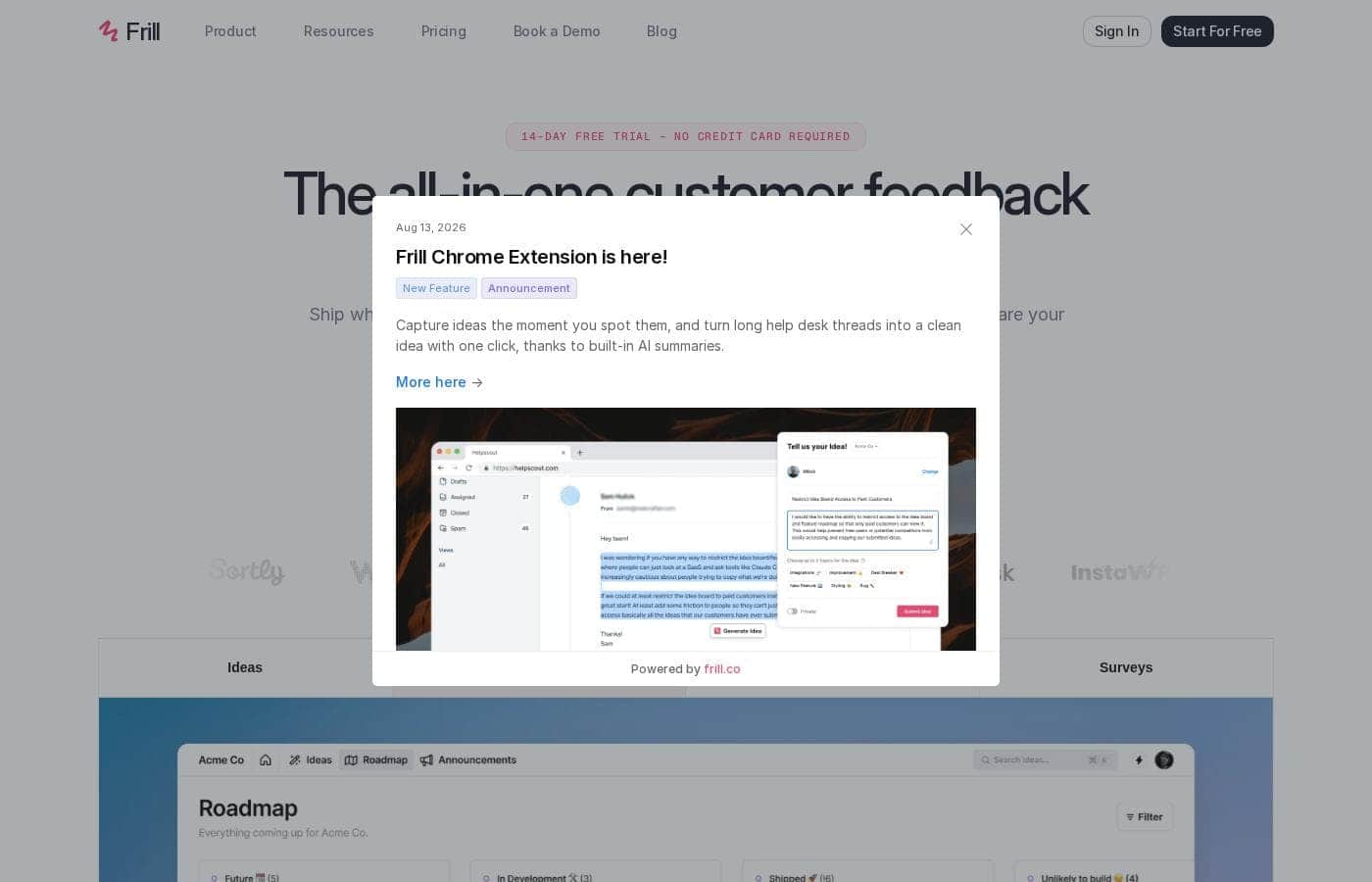
Frill homepage screenshot

At a glance

Quick overview for Frill: rating, pricing summary, key features, and highlights.
Vendor page checked Oct 13, 2026

Ciroapp score

4.1/ 5

Frill pulls ideas, prioritization, roadmaps, and announcements into one feedback hub that embeds right in your product. Inline editing on the customer-facing page, AI-drafted ideas from helpdesk tickets, and unlimited seats on every plan are the standouts; the $149 Growth jump and Chrome/Firefox-only extension are the frictions. Overall, it's a solid pick for support-heavy SaaS teams building customer-driven roadmaps.

Pros

  • Pros:Inline administration lets you edit statuses, replies, and the roadmap directly on the same page customers see, eliminating the separate-dashboard workflow common in competing tools
  • Pros:The AI browser extension (Chrome and Firefox) drafts ideas directly from Zendesk, Intercom, and Help Scout tickets, turning existing support conversations into a feedback pipeline with one click
  • Pros:Prioritization supports custom benefit/cost factors and revenue-weighted voting, plotting every idea on a 2D matrix of Quick Wins, Major Projects, and Time Sinks

Cons

  • Cons:The Growth plan at $149/month is a steep jump from Business at $49/month just to unlock white labeling, privacy boards, and unlimited surveys — though these can be bought as standalone add-ons, the bundled tier pricing still favors larger budgets
  • Cons:The Startup plan caps you at 50 active ideas and 1 survey, which can feel restrictive quickly for teams with steady feedback volume
  • Cons:The AI idea-capture extension only supports Chrome and Firefox, excluding teams standardized on other browsers
Best for
  • SaaS product teams building customer-driven roadmaps
  • Support-heavy organizations with feedback buried in Zendesk, Intercom, or Help Scout tickets
  • Product ops leads consolidating ideas, roadmaps, and announcements into one tool
Free trial
Yes — 14 days
This section is a summary. Detailed sections about features, use cases, pricing, and reviews follow below.

What is Frill?

Customer feedback lives everywhere — support tickets, Slack threads, sticky notes — and it's hard to know what to build next. Frill pulls ideas, prioritization, your roadmap, and announcements into one tool that embeds right in your product. You get revenue-weighted voting, AI-drafted ideas from helpdesk tickets, and a 14-day free trial with no credit card.

Frill is a customer feedback platform for product teams that want to build what customers actually ask for. It combines an ideas board, prioritization tools, a shareable roadmap, and product announcements in one place — embedded in your app or website. It's a fit for SaaS teams, product ops, and support-heavy organizations that want feedback driving decisions instead of gathering dust.

Should you choose Frill?

Quick buyer guidance before you compare plans or click through.

Choose it if

  • You want votes weighted by customer revenue, not just raw counts
  • You need enterprise-friendly access controls: JWT SSO for end-users, Okta or Microsoft Entra ID for admins
  • Your developers want a REST API, 28 webhook event types, and MCP connections to AI assistants like Claude or ChatGPT
  • Brand control matters — white labeling, custom domains, and custom themes are built in
  • You serve a multilingual audience — nine languages are supported

Skip it if

  • Buyers who need transparent public pricing — the page doesn't display plan costs, so you'll need to contact Frill directly
  • Teams that don't use Chrome or Firefox — the AI idea-capture extension only supports those two browsers
  • Organizations that need translations beyond the nine languages Frill supports
  • Teams looking for a permanent free plan — the visible offer is a 14-day trial, with no free tier mentioned

Next steps before buying

  1. 1Start the 14-day free trial — no credit card required — and test it with your real workflow
  2. 2Check that Frill connects to your stack; the site lists Jira, Slack, Linear, Trello, Asana, Zendesk, and others, plus a REST API and webhooks
  3. 3Try the AI browser extension (Chrome or Firefox) on a few actual helpdesk tickets to see if the drafted ideas are usable
  4. 4If you're migrating, run the one-click import from Canny, Aha, Upvoty, Fider, or CSV and confirm your votes and statuses carry over
  5. 5Detailed plan pricing isn't shown on the page, so contact Frill to confirm costs and how pricing scales as your team grows

Ease of use

The site is clearly built around reducing admin friction. There's no separate dashboard — you edit statuses, replies, and the roadmap directly on the page customers see. Onboarding signals look friendly too: a 14-day trial with no credit card, one-click migration from competing tools, and automatic SSL on custom domains. This assessment is based on the site's claims, not hands-on testing.

Frill Key Features

✨ Edit live, right where customers look

Frill skips the separate admin dashboard. You change a status, reply to an idea, or reorder your roadmap directly on the page your customers visit — the page they see is the page you manage. That means less tab-switching and faster replies.

It's handy when feedback flows in daily and the board needs to stay current.

⚡ Prioritise with your own math

Define your own benefit and cost factors, then weight votes by customer revenue. Every idea lands on a 2D matrix, so Quick Wins, Major Projects, and Time Sinks show up at a glance. Use it when someone asks why a feature made the roadmap — the reasoning is right there.

🤖 Turn helpdesk tickets into ideas

Highlight feedback in any Zendesk, Intercom, or Help Scout ticket, click the Frill icon, and AI drafts the idea for you. You review, tweak, and publish. It works in Chrome and Firefox.

For support-heavy teams, this makes tickets — where feedback already lives — your richest idea source.

✨ Keep voters in the loop

Move an idea to Planned or Shipped and every voter gets notified automatically — by email and in-app. Pair that with Announcements: boosted ones pop into your widget so customers can't miss them, and Customer Segments let you target the right people. Customers hear news from you first.

✨ Make it yours, then plug it in

Frill can look and run like part of your product. White label every surface, use your own domain with automatic SSL, and translate labels, emails, and buttons into nine languages. Under the hood you get:

  • A REST API for ideas, votes, roadmap, and announcements
  • 28 webhook event types
  • SSO: JWT for end-users, Okta or Microsoft Entra ID SAML for admins

Use Cases

💡 Turn support tickets into ideas

Your support team spots feedback in a Zendesk or Intercom ticket. They highlight it, click the Frill icon, and AI drafts the idea. One click to publish.

Expected outcome: More ideas, captured by the people who talk to customers daily. > Tip: The extension works in Chrome and Firefox.

📊 Prioritize with revenue in mind

Define your own benefit and cost factors. Weight votes by customer revenue, not raw counts. Every idea lands on a 2D matrix showing Quick Wins, Major Projects, and Time Sinks.

Expected outcome: Roadmap calls backed by numbers your team trusts.

🔔 Keep customers in the loop

Move an idea to Planned or Shipped, and every voter gets an email and in-app notification automatically. Share your roadmap, and send targeted announcements to customer segments. Expected outcome: Fewer "any update?" emails and customers who feel heard.

🔄 Switch tools without losing history

Moving from Canny, Aha, Upvoty, or Fider? One-click import brings your ideas, votes, and statuses over. CSV import works too.

Tip: Run the import during your 14-day trial to check everything carried over before you pay.

Frill pricing

From$25/mo

  • 4 plans

Vendor page checked on Oct 13, 2026; confirm current prices on Frill's pricing page

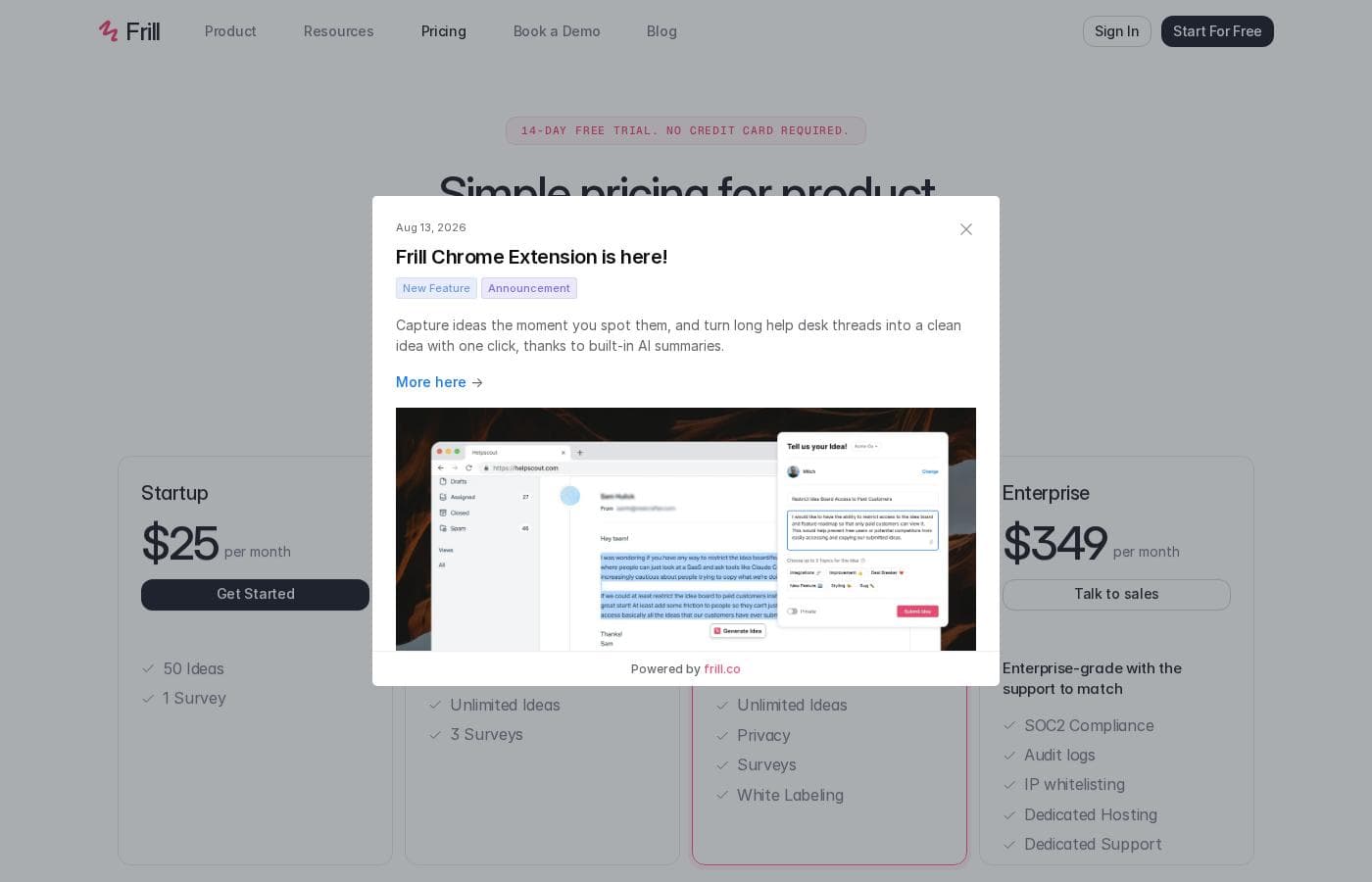
Frill pricing page screenshotView pricing page screenshot
PlanBilled monthlyBilled annuallyIncludes
Startup
$25/mo
—
50 active ideas and 1 survey
  • 50 active ideas
  • 1 survey (NPS, CSAT, Idea Polls, Quick Polls, Open Feedback)
  • Unlimited teammates and managers
  • Unlimited tracked users
  • Unlimited widgets
Business
$49/mo
—
3 surveys
  • Everything in Startup
  • Unlimited ideas
  • 3 surveys
  • Unlimited teammates and managers
  • Unlimited tracked users
  • +1
Growth
$149/mo
—
  • Everything in Business
  • Unlimited ideas
  • Privacy add-on (private boards, pre-approved ideas and users)
  • Surveys add-on (unlimited surveys)
  • White labeling (remove Frill branding, custom favicon, own email domain)
Enterprise
$349/mo
—
  • SOC2 compliance
  • Audit logs
  • IP whitelisting
  • Dedicated hosting
  • Dedicated support
  • +4

Price history

Tracking prices since Sep 8, 2026. No price change detected yet.

Pricing types: Free trial, Monthly subscription, Yearly subscription

Pricing notes

Frill offers four paid plans starting at $25/month (Startup) and scaling up to $349/month (Enterprise). Every tier includes unlimited admins, teammates, tracked users, and widgets, with monthly or yearly billing options.

Frill costs between $25 and $349 per month with four plans: Startup at $25/month, Business at $49/month, Growth at $149/month, and Enterprise at $349/month.

Every paid tier includes unlimited admins, unlimited tracked users, and unlimited widgets. You can toggle between monthly and yearly billing, so check the yearly view if annual rates matter to you.

Startup

Price: $25 per month Best For: small teams starting out with customer feedback Other Features:

  • 50 active ideas
  • 1 survey
  • Unlimited teammates and tracked users
  • Unlimited widgets

Startup is the simple entry point. You get idea boards, voting, roadmaps, and one survey type like NPS or CSAT. The 50-idea limit is the main constraint here, so it suits teams with lighter feedback volume.

Business

Price: $49 per month Other Features:

  • Everything in Startup, plus
  • Unlimited ideas
  • 3 surveys
  • Unlimited teammates and tracked users

Business lifts the idea cap, which makes it the natural next step once your board gets busy. Pick it if you're collecting plenty of requests but don't need privacy controls or custom branding yet.

Growth

Price: $149 per month Best For: teams that want their own branding and unlimited surveys Other Features:

  • Everything in Business, plus
  • Privacy add-on — private boards, pre-approved ideas and users
  • Surveys add-on — unlimited surveys
  • White labeling — no Frill branding, custom favicon, email from your own domain

This one's marked "Popular" on the pricing page, and it's easy to see why. It suits companies where the feedback board is customer-facing — you get your own domain and no "Powered by" tagline. Unlimited surveys also unlock here, which is great for teams that run research often.

Enterprise

Price: $349 per month Best For: organizations with security and compliance needs Other Features:

  • SOC2 compliance
  • Audit logs
  • IP whitelisting
  • Dedicated hosting
  • Dedicated support
  • Pay via invoice and custom terms
  • EU hosting and security audits

Enterprise exists for procurement and security reviews. If your buyers ask for SOC2 reports, audit logs, or custom contract terms, this tier answers those questions. If they don't, a lower plan does the same core job for less.

Privacy, Surveys, and White Labeling are also sold as standalone add-ons, so you can bolt just one onto Startup or Business instead of jumping a full tier.

Bottom line: Frill offers a 14-day free trial with no credit card required. That's the easiest way to see whether the limits fit your workflow before you pay.
Cost calculator

Estimate what Frill costs for your team.

Billing
Per month
$25
Per year
$300

Startup states no user limit: shown as one price for the whole account. Check the price for 5 users with the vendor. Estimate based on published list prices, before taxes, add-ons and discounts.

How to pay less for Frill

  • Use the 14-day free trial before you pay.
  • Cheaper tools in this category start at $1.08/mo.
Start free trial

Email me when Frill changes price

One email when we detect a price change on the vendor's pricing page. No newsletter, no deals. Unsubscribe in one click.

User Reviews

No reviews yet.

Write a Review

Write a Review for Frill
0/100 characters
0/2000 characters

Why use Frill?

Most feedback tools make you manage things in one place and show them in another. Frill flips that: the page your customers see is the page you manage. That one design choice saves real time — and it's backed by serious depth.

  • Prioritize with real math. Define your own benefit and cost factors, weight votes by customer revenue, and see every idea plotted as a Quick Win, Major Project, or Time Sink.
  • Turn support into your best feedback source. The AI browser extension drafts ideas from any Zendesk, Intercom, or Help Scout ticket in one click.
  • Keep customers in the loop automatically. Move an idea to Planned or Shipped and every voter gets notified by email and in-app.
  • Make it fully yours. White labeling, a custom domain with automatic SSL, brand themes, and translations into nine languages.
  • Switch without losing history. One-click import from Canny, Aha, Upvoty, Fider, or CSV keeps your ideas, votes, and statuses intact.
  • Connect everything. A REST API, 28 webhook event types, and integrations like Jira, Slack, and Linear — plus an MCP server so AI assistants can query your feedback data.

Frill alternatives

Other tools in the Feedback category

View all Feedback tools
Sleekplan

Sleekplan

Feedback3.7/5From $1.08/mo

Sleekplan is an easy-to-use, all-in-one feedback management solution. It organizes user requests and brings feature voting boards, roadmaps, changelogs, and satisfaction surveys directly to your website. It's more than just a feature voting tool; it covers the entire process from the initial idea to the final shipped feature. This comprehensive approach ensures that you turn raw user input into successful outcomes. Product, Support, and Development teams can use it to organize feedback in one centralized place.

Canny

Canny

Feedback3.9/5

Canny is your complete customer feedback platform built to empower product teams. It's designed to organize all your incoming requests and help you prioritize what to build next. You can use it to gather, analyze, and organize feedback in one place. Moreover, you can create public or private roadmaps to keep everyone updated on your progress. This system is trusted by both industry leaders and startups alike. Canny is scalable, making it perfect whether you're a small team or a large enterprise. It focuses on usability with a quick setup and a modern, intuitive UI.

Brand24

Brand24

Competitive Intelligence4.2/5

Brand24 is an AI-powered social listening and monitoring tool. It tracks public mentions of your brand, competitors, or keywords across social media, news, blogs, videos, forums, podcasts, and reviews — more than 25 million sources. It's built for marketers, PR teams, and agencies who need to protect reputation, measure awareness, and understand customers without checking every platform manually. The company has over 10 years in the market.

Frill FAQ

How much does Frill cost?

Frill's cheapest paid plan, Startup, costs $25 per month. Paid plans range from $25 to $349 per month.

Does Frill have a free plan?

No. Frill lists no free plan; the cheapest paid plan starts at $25 per month.

Does Frill offer a free trial or a money-back guarantee?

Frill offers a 14-day free trial.

Has Frill's price changed recently?

No. We have not detected a price change since we started tracking on Sep 8, 2026.

Does Frill charge per seat or per usage?

Frill doesn't charge per seat. Every paid plan includes unlimited admins, teammates, tracked users, and widgets. Costs scale with plan tier — mainly active idea and survey limits — not team size.

What security and compliance features does Frill offer?

GDPR compliance is included on every plan. Enterprise adds SOC2 compliance, audit logs, IP whitelisting, dedicated hosting, EU hosting, and security audits. Confirm specific certification needs with sales before purchase.

What customer support does Frill provide?

Email support is included on every plan. Enterprise customers get a dedicated support manager, plus pay-by-invoice billing with custom terms. Review the terms for any response-time commitments before you buy.

Which languages and hosting regions does Frill support?

You can translate labels, statuses, emails, and buttons into any of nine supported languages. Enterprise adds EU hosting if regional hosting matters to your organization.

Ready to try Frill? Check out the official site or pricing.

Are you Frill? Claim this listing · Get the badge