Firefox

Firefox

Browser built for control, privacy, and focus.

#4 dans Web Browser
2 min read · Updated 11/17/2025
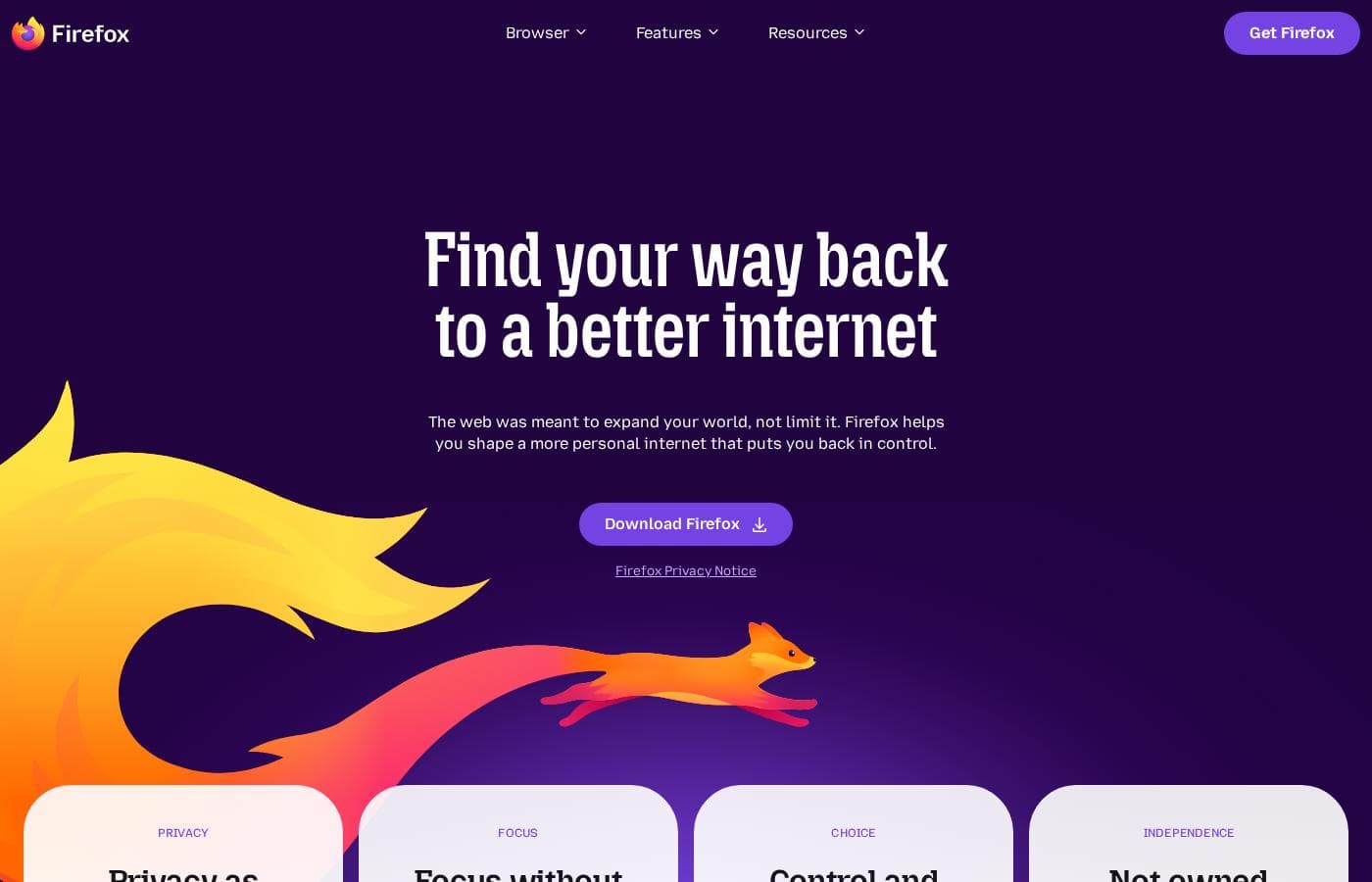
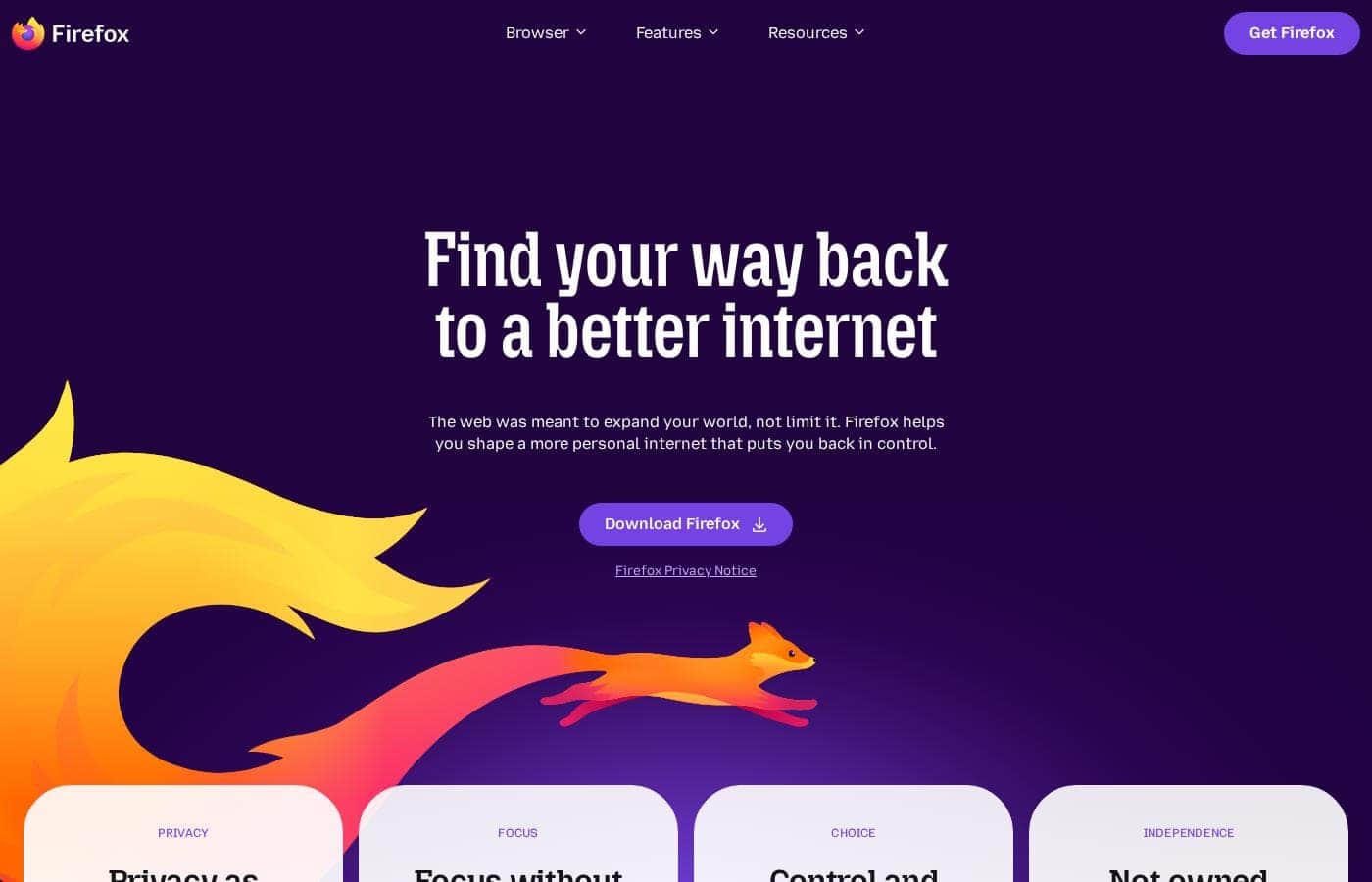
Firefox homepage screenshot

At a glance

Quick overview for Firefox: rating, pricing summary, key features, and highlights.

Ciroapp review

3.0
Privacy-Focused, But Performance Is Unstable.

We appreciate Firefox's singular focus on privacy, non-profit mission, and market-leading features like default tracker blocking and robust tab management. However, external feedback consistently highlights severe instability, reliability issues, and performance degradation following forced updates. Overall, Firefox presents a powerful feature set marred by a frustrating and often unreliable user experience.

Pros

  • Pro:Free to use with no hidden costs or subscription fees.
  • Pro:Developed by a non-profit organization focused on user privacy.
  • Pro:Trackers and third-party cookies are blocked by default.
  • Pro:Highly customizable through themes and powerful extensions like uBlock Origin.

Cons

  • Con:Frequent, mandatory updates often cause major performance issues.
  • Con:Users report loss of open tabs, sessions, settings, and themes after updates.
  • Con:Instability leads to frequent crashing and difficulty loading websites.
  • Con:Some critics challenge Mozilla’s corporate decisions and perceived political stance.
Range: $0Free plan
This section is a summary. Detailed sections about features, use cases, pricing, and reviews follow below.

Firefox review, pricing, features, pros & cons

Are you tired of feeling stressed and distracted online? Many websites load slowly because of hidden ad trackers. Firefox helps you take back control of your internet experience.

It automatically blocks most trackers, offering fewer distractions and more peace of mind. ✨

What is Firefox?

Firefox is a unique browser designed to bring calm and control back to your online life. We think of it as "bubble wrap for your brain."

It was created in 2004 by Mozilla as a faster, more private, and customizable choice compared to older browsers. Importantly, Firefox is still a not-for-profit entity and is not owned by any billionaires. This browser is for anyone who wants a better, more ethical space to browse, research, and shop. You can even personalize the look with add-on themes, saying, "Bye, boring browser." ✅

Firefox Key Features

🛡️ Shielded Browsing Experience

You can browse with immediate peace of mind. Firefox automatically blocks most ad trackers when you are online. This essential protection is activated by default, so you don't have to dig through complex settings.

Blocking these hidden elements provides a valuable bonus: web pages often load much faster. You can review your protection report to see exactly how well Firefox secures your browsing sessions.

✨ Mastering Tabs and Focus Tools

Get expertly organized and master the information overload common in modern browsing. Firefox provides numerous tools to improve your focus and manage almost-infinite open tabs. You can easily search, pin, and close duplicate tabs to eliminate clutter.

Other powerful tools are built right in to enhance your productivity:

  • Vertical tabs and Tab groups for organization.
  • Reading mode for a clean, distraction-free view.
  • Pop out videos to watch media while multi-tasking.

✨ Built-in Privacy and Data Control

Firefox operates on the fundamental principle that your personal data is not for sale. Trackers and third-party cookies are blocked by default for every user. This allows you to simply browse without providing behavioral insights to advertisers.

By eliminating these intrusions, you dial down the noise and stress that often comes from feeling monitored online.

✨ Make It Truly Yours

Say goodbye to a routine experience by truly personalizing your browser. You can customize various settings and apply add-on themes to change the visual look of your interface. Explore extensions that expand the possibilities for research, shopping, and play.

We recommend extensions that have earned our "gold star" for exceptional security and functionality.

✨ Take Your Experience Everywhere

Your browsing experience, privacy settings, and important data travel seamlessly with you. Get Firefox mobile on your phone or tablet to sync content across all your devices. This ensures that your passwords, tabs, history, and key privacy safeguards are ready wherever you go.

You maintain the security and consistency you rely on, no matter which screen you are using.

✨ The Ethical Advantage

Firefox is built and sustained by a not-for-profit entity, free from corporate pressure. We have been billionaire-free for over 20 years, existing solely to make the internet better for users. By choosing Firefox, you support an organization that prioritizes your privacy.

This ethical mission gives you a secure, trustworthy space to browse and research.

Use Cases

📚 Performing Deep, Focused Research

You are deep into a research project, accumulating an almost infinite number of tabs. Instead of getting tangled in tab clutter, you use Firefox’s organizational tools. Actively pin important sources and group related pages using tab groups and vertical tabs.

When you encounter dense technical articles, switch on reading mode immediately. This clears away surrounding distractions so you can truly concentrate. This feature helps you master your tabs and focus intently on the information you need, allowing you to truly 'get sh*t done.'

🛒 Securely Shopping Across Competitor Sites

When you shop online, you don't want every website knowing your browsing history or slowing you down. Trackers and third party cookies are blocked by default in Firefox. This shields your activity while you check prices across multiple retailers.

Approach: Browse freely, knowing your personal data, passwords, and history are protected by built-in privacy tools. You can even see your protection report to review blocked threats.

Expected outcome: You find the best deal faster because pages load without the drag of hidden ad trackers.

🔗 Seamless Work Continuity Across Devices

You found a crucial article while working late on your desktop, but now you need to finish reading it during your commute. Firefox syncs your essential information right to your mobile device.

  1. Install Firefox mobile and sign in.
  2. All open tabs, browsing history, and saved passwords transfer automatically.
  3. Continue reading your article on the train using the same built-in privacy safeguards.

💡 Engaging in Productive Multitasking

You need to watch a tutorial video while simultaneously editing a document or reviewing notes. Firefox offers tools to help you manage these tasks without feeling scattered. Use the pop-out video feature to keep the stream visible even when you switch tabs.

For enhanced focus, explore certified extensions that hold our 'Recommended' gold star. These extensions ensure exceptional security while helping you dial down the noise and stay productive. Features like this are designed to bring calm and control back to your online life.

🦊 Opting for Ethical, Non-Profit Software

You believe that the internet should be better regulated and your data shouldn't be for sale. By setting Firefox as your default browser, you support an ethical, not-for-profit mission. Firefox was created over 20 years ago to be a customizable, private alternative.

This browser is not owned by any billionaires and focuses solely on user experience and privacy, not on monetization through personal data. You are choosing a provider dedicated to making the internet better, simply by using the tools it provides.

Pricing Overview for Firefox

Pricing range
$0
Pricing types
Free plan

Firefox is available as a free download for all users. The mission of this non-profit organization is to provide a private, customizable browsing experience without any subscription fees.

Plans & Pricing

Firefox Browser

Monthly$0
Yearly$0
Standard browser access—no explicit limitations stated.
  • Blocks ads and enhances privacy
  • Customizable settings and extensions
  • Multi-tasking features (reading mode, pop out videos, tab groups)
  • Sync passwords, history, and tabs across all screens
  • Trackers and 3rd party cookies blocked by default
  • Developed by a non-profit organization

Firefox costs $0 per month with 1 plan: Firefox Browser at $0.

Since the Firefox browser is available as a free download, we can look at the features included in this core offering.

Firefox Browser

Price: $0 Websites Supported: Not explicitly stated Best For: Users prioritizing privacy, customization, and non-profit development Refund Policy: Not explicitly stated Other Features:

  • Automatically blocks most ad trackers
  • Privacy built-in; personal data is not sold
  • Syncs history, tabs, and passwords across all your devices
  • Supports customizable extensions and themes
  • Includes powerful organization features like vertical tabs and reading mode

If you value your digital privacy and want a highly customizable browsing experience championed by a non-profit organization, the Firefox browser is designed for you. It's a powerful tool for anyone looking to dial down the noise and take control of their internet time. 🦊

Firefox is offered as a free product, which means there is no complex pricing structure or need for a trial period. You can simply download the browser immediately and benefit from its built-in privacy protection without having to worry about money-back guarantees or cancellations.

User Reviews

Trustpilot sentiment is overwhelmingly negative, averaging a “Poor” rating, primarily due to issues revolving around reliability and performance. Users frequently report that the browser becomes slow, struggles to load pages, and crashes, particularly following system updates.

These updates are mandatory and often lead to critical data loss, such as settings changing, themes being reset, and entire sessions or open tabs being erased without the ability to restore them. Reliability issues relating to basic functions—like restoring previous sessions or closing tabs—are major recurring complaints.

While a few reviewers highlighted the positive aspects of customization and effective privacy extensions (like uBlock Origin), many others expressed deep concerns over trust. These concerns stem from perceptions of questionable data handling and specific corporate actions, such as acquiring and shutting down the consumer tool Fakespot.

Overall, users feel the promise of a powerful, ethical browsing experience is often undermined by core operational instability. 💔

What users say elsewhere

Alex R.
· Trustpilot
5.0 / 5

Firefox offers very good customization and is highly user friendly. I appreciate the powerful, secure extensions like NoScript and uBlock Origin that give me control over my browsing experience.

Sam K.
· Trustpilot
1.0 / 5

I used Firefox for years, but the latest update changed all my settings and erased all my open tabs and themes. I spent several hours attempting to restore my previous session without success. This instability is incredibly frustrating.

No reviews yet.

Write a Review

Write a Review for Firefox
0/100 characters
0/2000 characters

Why use Firefox?

Why settle for chaos when you can have a focused, private browsing experience? Firefox offers immediate security and powerful productivity tools built right in.

  • Privacy is Built In: Trackers and third-party cookies are blocked by default. Your personal data is not for sale, allowing you to simply browse without concern. You can even see your protection report.
  • Eliminate the Noise: Dial down distractions by automatically blocking ad trackers. This not-fun fact also means web pages load faster. You won’t have to dig through settings to activate this essential protection.
  • Master Your Tabs: Get expertly organized with powerful tools like vertical tabs and tab groups. You can easily close duplicates, search, and pin open tabs—achieving almost-infinite possibilities for the tabs you have open.
  • Stay Focused and Productive: Use extensions that carry our Recommended gold star for having exceptional security and functionality. Features like reading mode and pop-out videos help you concentrate and "get sh*t done."
  • Sync Across Devices: Get Firefox mobile so your passwords, tabs, history, and key privacy safeguards go with you wherever you go.
  • Support an Ethical Mission: For over 20 years, Firefox has been not-for-profit and independent, working solely to make the internet better, not to sell your data.

Firefox delivers a private browsing experience rooted in an ethical mission. It's the perfect choice for users who prioritize privacy, productivity, and focus. Set Firefox as your default browser today and start taking back control. 💡

Ready to transform your workflow with Firefox?

Firefox Alternatives

Other tools in the Web Browser category

Frequently Asked Questions

Since Firefox is entirely free, how does Mozilla fund the browser's ongoing development?

Firefox is developed by Mozilla, a non-profit organization. The product is sustained by this non-profit structure, allowing it to remain free and commitment-free for users.

Will using Firefox block all display advertisements I see when browsing websites?

Firefox is designed to automatically block most trackers and third-party cookies by default. While this significantly reduces tracking, it may not block every visual advertisement appearing on web pages.

What is Firefox's specific commitment regarding the sale or usage of my personal data?

The browser makes a clear commitment that your personal data is not for sale. This ethical approach is built into the product, ensuring you can browse without concern.

Are there any usage limits, bandwidth quotas, or feature restrictions for the free version of Firefox?

The Firefox browser offers standard access without charge. No explicit limitations, quotas, or restrictions on usage are stated for core browser functionality.

Does Firefox provide tools to easily migrate my stored passwords and bookmarks from another browser?

The site highlights the ability to sync your passwords, history, and tabs across your devices once you use Firefox mobile. Tools dedicated to migrating data from other specific browsers are not explicitly detailed on the official site.

Can I use extensions and add-ons from outside the Mozilla ecosystem in Firefox?

Firefox supports customizable extensions and themes that enhance your browsing. The site recommends extensions that have met their gold standard for security and functionality.

I have an older computer; what operating systems are no longer supported by the standard download?

Firefox is no longer supported on older operating systems, including Windows 8.1 and macOS 10.14 and below. Users on these systems must download the Firefox ESR (Extended Support Release) instead.

What kind of formal support is available if I encounter a technical issue with the browser?

The official site indicates that 'Mozilla support has you covered' for questions and technical issues. Specific details like a formal Service Level Agreement (SLA) or guaranteed response times are not explicitly stated.

Is Firefox available globally, and can I use the browser in different languages?

Yes, Firefox supports international users. The website provides links for 'Download options and other languages' to accommodate various regions.

Since there is no complex pricing structure or subscription, how do I cancel my use of the product?

As Firefox is always available as a free download, there is nothing to cancel. You can simply choose to stop using the browser at any time.

Who is the specific user Firefox is best suited for achieving a productive browsing experience?

Firefox is ideally suited for users who prioritize privacy, productivity, and organization. Its powerful tab management tools and focus on blocking noise help users concentrate online.

Does the browser offer features to help me manage a very large number of open tabs?

Yes, Firefox includes powerful organization features for tab management. You can use tools like vertical tabs, tab groups, and options to close duplicate tabs.

Ready to try Firefox? Check out the official site or pricing.