Clover

Clover review

A point of sale platform that pairs dedicated hardware with built-in payment processing. Clover gives small businesses one system for counter sales, card acceptance, and day-to-day operations.

By Ciroapp Editorial Team · Updated Sep 16, 2026

Commission may apply at no extra cost

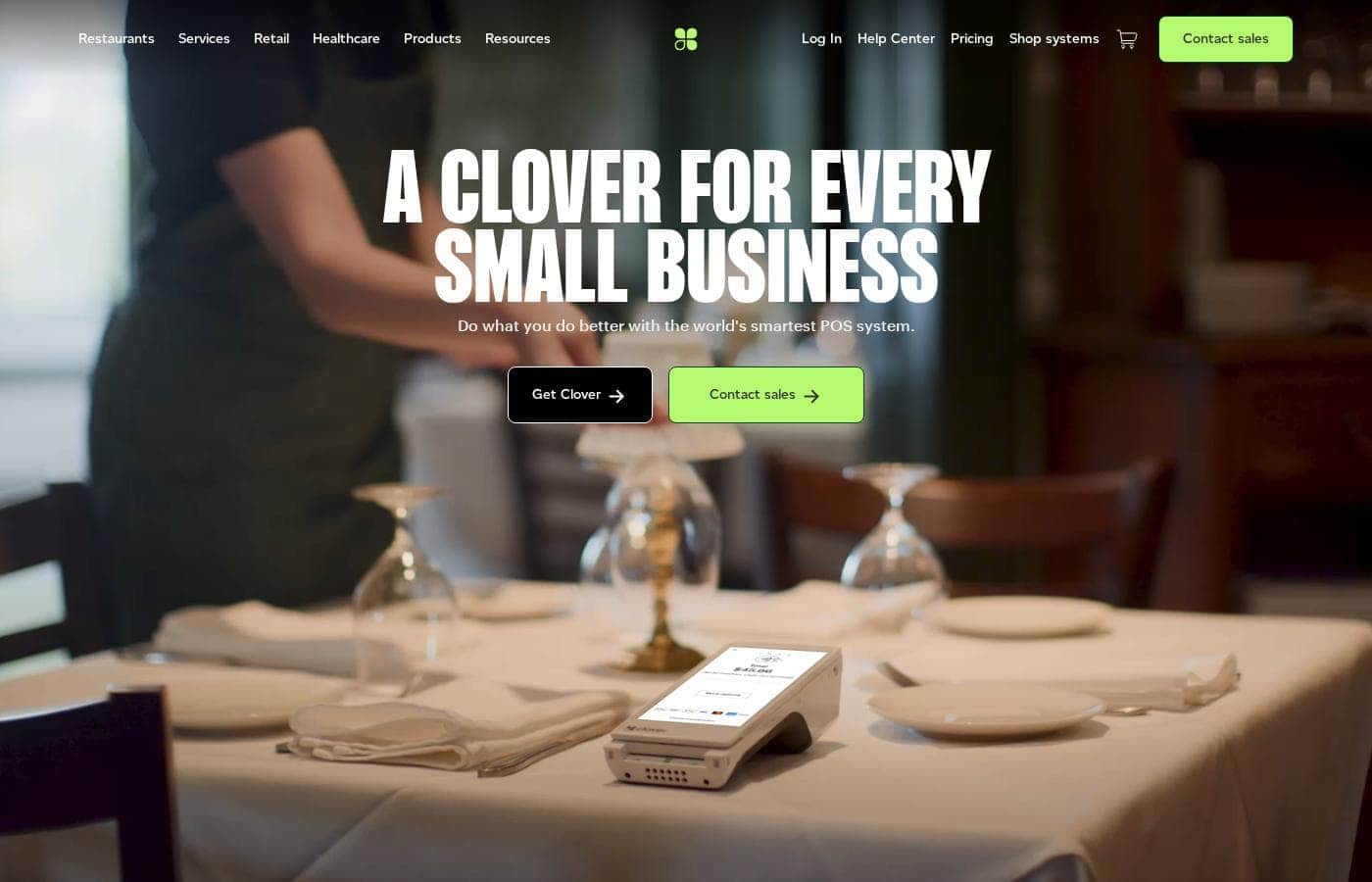
Clover homepage screenshot

At a glance

Quick overview for Clover: rating, pricing summary, key features, and highlights.
Vendor page checked Oct 12, 2026

Ciroapp score

3.6/ 5

Clover bundles register software, card readers, and payment processing from one vendor, with hardware for counters, tableside service, and pop-up selling. Built-in inventory, employee, and reporting tools cut early add-on costs. Overall, it's a cohesive choice for in-person sellers, provided you accept reseller-set rates and possible contract lock-in.

Pros

  • Pros:Register, card reader, and merchant account come from one vendor, so sales ring up and payments settle in the same system without third-party reader reconciliation.
  • Pros:Hardware covers several real-world scenarios — a full countertop station, a compact Mini terminal, and portable Flex/Go handhelds for tableside or off-site selling.
  • Pros:The app market lets businesses add loyalty, online ordering, and accounting integrations as needed instead of waiting for the vendor's roadmap.

Cons

  • Cons:Payment processing is tied to the Clover/Fiserv channel, so merchants cannot freely plug in an outside processor and shop for lower rates elsewhere.
  • Cons:Contract commitments and early termination fees are commonly reported by merchants, making it costly to leave before the term ends.
  • Cons:Total cost climbs quickly once hardware, app subscriptions, and processing fees stack up, and the full range of configurations runs far above entry-level pricing.
Best for
  • Small retail shops that want a full countertop register with item catalogs, barcode checkout, and stock tracking in one system.
  • Restaurants and cafes that need item modifiers, tipping on the terminal, and portable readers for tableside payment.
  • Salons and service providers that take appointment-based payments with tips and want per-employee sales tracking.
This section is a summary. Detailed sections about features, use cases, pricing, and reviews follow below.

What is Clover?

Clover is a point of sale platform aimed at small businesses that need to accept payments and run their register from a single system. It combines POS software, purpose-built card reader hardware, and payment processing into one package. This review covers what Clover actually offers, where it fits best, and the trade-offs merchants should weigh before signing up.

Clover is a point of sale system built for small businesses, sold by Fiserv and its network of resellers. The platform bundles a touchscreen register interface, credit card reader hardware in several form factors, and integrated payment processing under one account. Businesses use Clover to ring up sales, take chip and contactless card payments, manage inventory and employees, and extend functionality through an app market.
Should you choose Clover?

Quick buyer guidance before you compare plans or click through.

Choose it if

  • Small retail shops that want a full countertop register with item catalogs, barcode checkout, and stock tracking in one system.
  • Restaurants and cafes that need item modifiers, tipping on the terminal, and portable readers for tableside payment.
  • Salons and service providers that take appointment-based payments with tips and want per-employee sales tracking.
  • Pop-up and market vendors that need a handheld chip/contactless reader rather than a fixed counter.

Skip it if

  • Online-only ecommerce businesses with no in-person sales, where POS hardware adds cost without benefit.
  • High-volume merchants that want to compare processing rates across multiple processors and keep the freedom to switch.
  • Businesses unwilling to accept processing contracts or risk early termination fees during the commitment period.
  • Hobby sellers testing a product idea on a near-zero budget, where a basic phone-based reader is a cheaper starting point.

Next steps before buying

  1. 1Map your needs first: count the terminals you require, estimate monthly card volume, and list must-have features such as inventory tracking, tipping, or tableside payments.
  2. 2Request quotes through clover.com and from at least two different Clover resellers, since rates, contract terms, and support quality vary by reseller; get processing rates and termination terms in writing.
  3. 3Choose hardware to match your layout, such as a countertop station for the main register plus a Mini or handheld for a second point of sale, and select a software plan starting from the $0 tier.
  4. 4Set up your item catalog with variants and modifiers, configure taxes and tipping, create employee logins with appropriate permissions, and run test transactions before opening day.
  5. 5Review the app market after your first weeks of sales and add only the integrations you actually need, since each app subscription increases total monthly cost.

Clover Key Features

✨ Integrated POS and Payment Processing

Clover's core structure puts the register software, the card reader hardware, and the merchant account under one vendor. Sales ring up on the POS and payments are captured on the same device, so there is no reconciliation between a third-party reader and a separate register. The system accepts chip, contactless, and swipe payments at the point of sale.

✨ Hardware Lineup for Different Counters

Clover is offered across multiple hardware form factors, including full-size countertop stations with customer-facing displays, compact fixed terminals like the Clover Mini, and portable handheld readers such as the Flex and Go. Businesses can match the device to the environment, using a station at the main counter and a handheld for tableside or curbside payments. Multi-device setups are supported for businesses with more than one station.

✨ Inventory and Catalog Management

The register supports item catalogs with variations and modifiers, letting food operators attach size or topping options and retailers track stock per item. Stock levels update as sales are processed, which helps keep the register in sync with what is actually on the shelf. Catalogs can be edited centrally so changes propagate to connected terminals.

✨ Employee Management

Clover includes role-based permissions and individual employee logins, so managers can control who is allowed to void transactions, issue refunds, or view reports. Shift tracking lets owners see who rang up which sales. This reduces the risk of unauthorized actions on the register without needing a separate workforce tool.

✨ Clover App Market

The platform can be extended through its app market, which includes third-party options for loyalty programs, online ordering, marketing, and accounting integrations. Businesses add capabilities as needed rather than waiting on the vendor to build them. App subscriptions are billed separately, so total software cost grows with each addition.

✨ Reporting and Analytics

Clover generates sales reports that can be viewed by item, employee, or time period. Owners can use these summaries to identify best-sellers, peak hours, and staff performance. Reports are accessible from the device and through the merchant dashboard.

Use Cases

💡 Retail Shops and Boutiques

Retailers use Clover as a full countertop register with barcode-based checkout, item catalogs, and stock tracking. The inventory tools help owners see what is selling and what needs reordering, while employee permissions protect sensitive actions like refunds. A station at the counter paired with a handheld reader works well for stores with a second register or a back-room pickup point.

💡 Restaurants, Cafes, and Quick-Service Food

Food operators use item modifiers for sizes and toppings, take payments tableside with portable readers, and let customers tip on the terminal. Order routing and receipt handling depend on the apps installed, so restaurants typically extend the base system through the app market. Quick-service counters can run on a single station or a compact terminal.

💡 Salons and Service Providers

Appointment-based businesses such as salons, barbershops, and repair shops use Clover to take in-person payments with tipping, add retail items to service tickets, and manage staff logins. Employee shift tracking maps cleanly onto service businesses where commissions or per-stylist sales matter.

💡 Mobile, Pop-Up, and Market Sellers

Vendors selling at farmers markets, fairs, or pop-up events use Clover's portable handheld readers to accept chip and contactless payments where there is no fixed counter. The same catalog and reporting tools carry over, so mobile sales feed into the same records as in-store sales.

Clover pricing

Prices not verified yet — see the vendor page.

Clover's pricing page

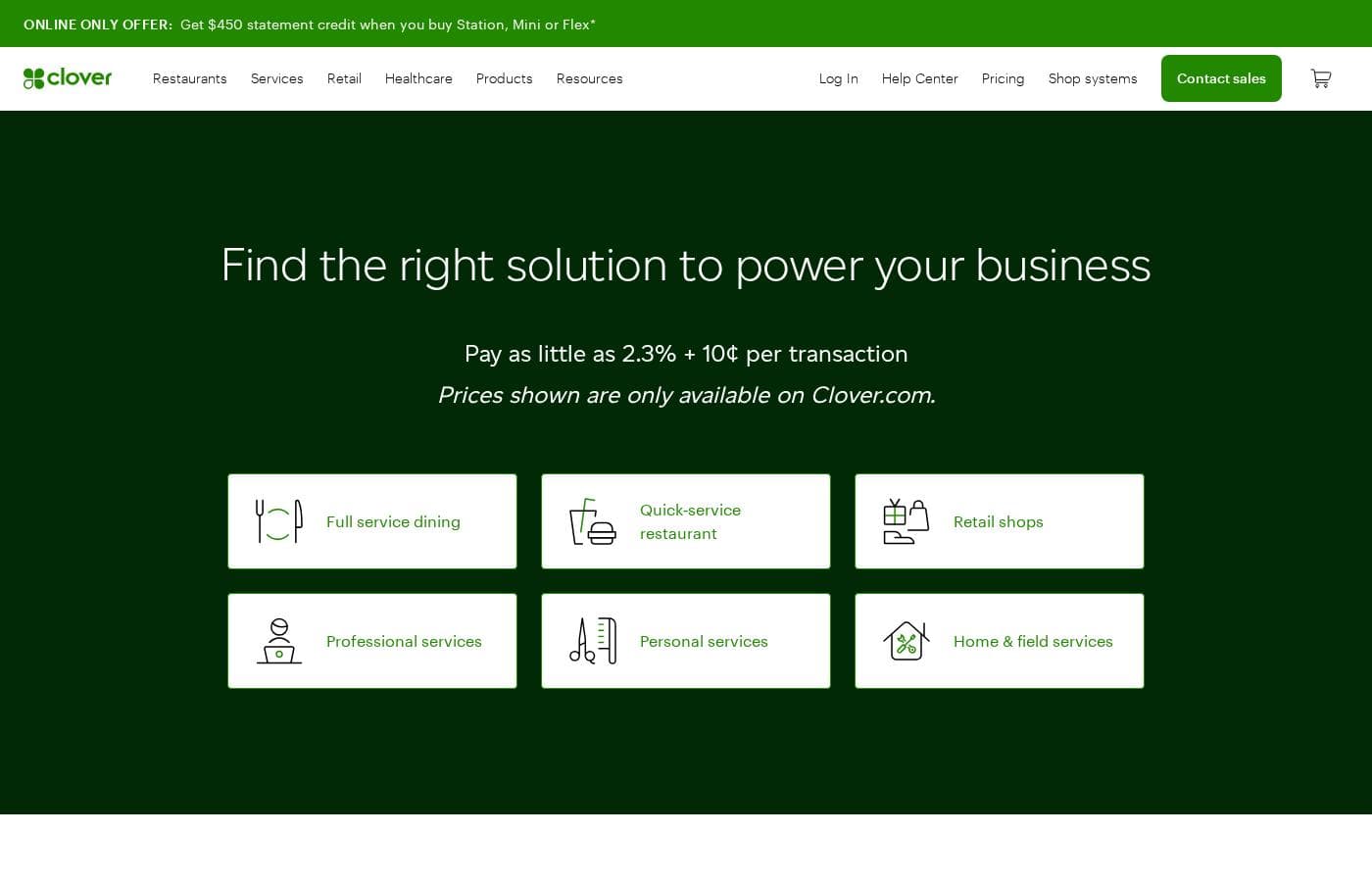
Clover pricing page screenshotView pricing page screenshot

Price history

Tracking prices since Oct 9, 2026. No price change detected yet.

Pricing types: Usage-based pricing

Pricing notes

Clover pricing: Billing options: Usage-based pricing

Email me when Clover changes price

One email when we detect a price change on the vendor's pricing page. No newsletter, no deals. Unsubscribe in one click.

User Reviews

No reviews yet.

Write a Review

Write a Review for Clover
0/100 characters
0/2000 characters

Why use Clover?

Merchants typically choose Clover when they want their register, card reader, and merchant account to come from one vendor instead of stitching together separate products. The hardware options make it workable at a fixed counter, at the table, or on the go, which matters for businesses with mixed selling environments.

Built-in inventory, employee, and reporting tools reduce the need for extra subscriptions early on. The main counterweight is that processing goes through Clover's own merchant services channel, so rate transparency and contract flexibility deserve scrutiny before committing.

Clover alternatives

Other tools in the Point of Sale category

View all Point of Sale tools
Square POS

Square POS

Point of Sale4.2/5

Square Point of Sale is a central hub combining essential hardware and software. It enables businesses to streamline operations and accept almost any payment method. This system supports transactions, tracks inventory, and helps analyze sales data from one platform. Square is designed to scale easily, supporting businesses from a single location all the way up to specialized, complex operations. Setting up is easy, and you can be ready to sell in just a few minutes.

Shopify POS

Shopify POS

Point of Sale4.2/5

Shopify POS is a complete system blending powerful hardware and software designed for seamless in-person sales. It provides the tools necessary to processes transactions and accept payments anywhere. This POS system is flexible enough to support retailers of every size, from new stores to those running multiple locations. If you sell products both online and in person, this tool is specifically designed to unify those channels. Your entire business is managed from a single back office, helping you simplify daily tasks and save time.

Lightspeed

Lightspeed

Point of Sale4.1/5

Lightspeed is a comprehensive commerce platform built specifically for growing businesses. It provides one seamless touchpoint for all your operational needs. Whether you run a retail store, a fast-paced restaurant, or a specialised golf facility, Lightspeed helps you manage crucial tasks better. It’s an innovative, easy-to-use system that combines multilocation tools, integrations, and reports into a single hub. This reliable platform is trusted by businesses in over 100 countries, supporting roughly 144,000 customer locations globally.

Shore

Shore

Point of Sale3.9/5

Shore empowers service and retail businesses to grow — online and in-store. With smart booking, marketing, and an integrated POS system with Shore Pay, Shore offers a flexible all-in-one platform. POS and payment solutions are currently available in DACH region only

SumUp

SumUp

Point of Sale3.8/5

SumUp provides comprehensive payment solutions including Card Readers and POS Systems. This integrated ecosystem is designed to help you run your entire business smoothly. It manages everything from processing orders to full customer acquisition. Over 4 million businesses worldwide have already chosen SumUp to be their partner 💡. You can select products based on your specific needs, including powerful POS tools, Card Readers, and Invoicing capabilities. The platform serves a wide range of entrepreneurs, from coffee shops and fast casual restaurants to barber shops and clothing boutiques. Simply download the free SumUp App to access these business solutions quickly.

Zettle

Zettle

Point of Sale3.7/5

PayPal Point of Sale, formerly Zettle by PayPal, provides modern tools for business owners. It focuses on making every workday easier by combining payment acceptance and sales tracking in one simple place. These products are made specifically to help you handle transactions smoothly and keep reliable records. ✅ A key component is the new PayPal Reader. This reader features a large touchscreen for a professional and smooth checkout experience. You can connect it via Bluetooth or use a stable connection with the included USB-C cable. New, eligible business users can get this card reader starting from £29 (excluding VAT). Additional readers are priced at £69 (excluding VAT).

Clover FAQ

What is Clover and who is it built for?

Clover is a point of sale platform that combines register software, card reader hardware, and payment processing in one system. It is built for small businesses that take in-person payments, including retail shops, restaurants and cafes, salons, and mobile or pop-up sellers.

How much does Clover cost?

Clover's software plans start at $0, with usage-based billing tied to payment processing. Processing rates are set through the reseller channel, so merchants should request exact rates in writing before signing.

Does Clover require using its own payment processing?

In practice, yes. Clover is sold through Fiserv and a network of resellers, and merchant accounts are typically established through that channel rather than by connecting an external processor. This simplifies setup but limits the ability to shop around for lower processing rates independently.

Can I use Clover outside a fixed store counter?

Yes. Clover offers portable handheld readers such as the Flex and Go designed for tableside, curbside, and off-site selling at markets or events. Businesses commonly combine a countertop station for the main register with a handheld device for mobile payments under the same account.

Ready to try Clover? Check out the official site or pricing.

Are you Clover? Claim this listing · Get the badge