BlogVault

BlogVault review

Complete WordPress backups with zero data loss as the design goal — full files, database, and configurations captured after a 60-second self-configuring setup. Battle-tested over 10 years on more than 4 million websites.

BlogVault costs from $4.13/mo · 3 plans · prices checked Oct 12, 2026

By Ciroapp Editorial Team · Updated Sep 16, 2026

Commission may apply at no extra cost

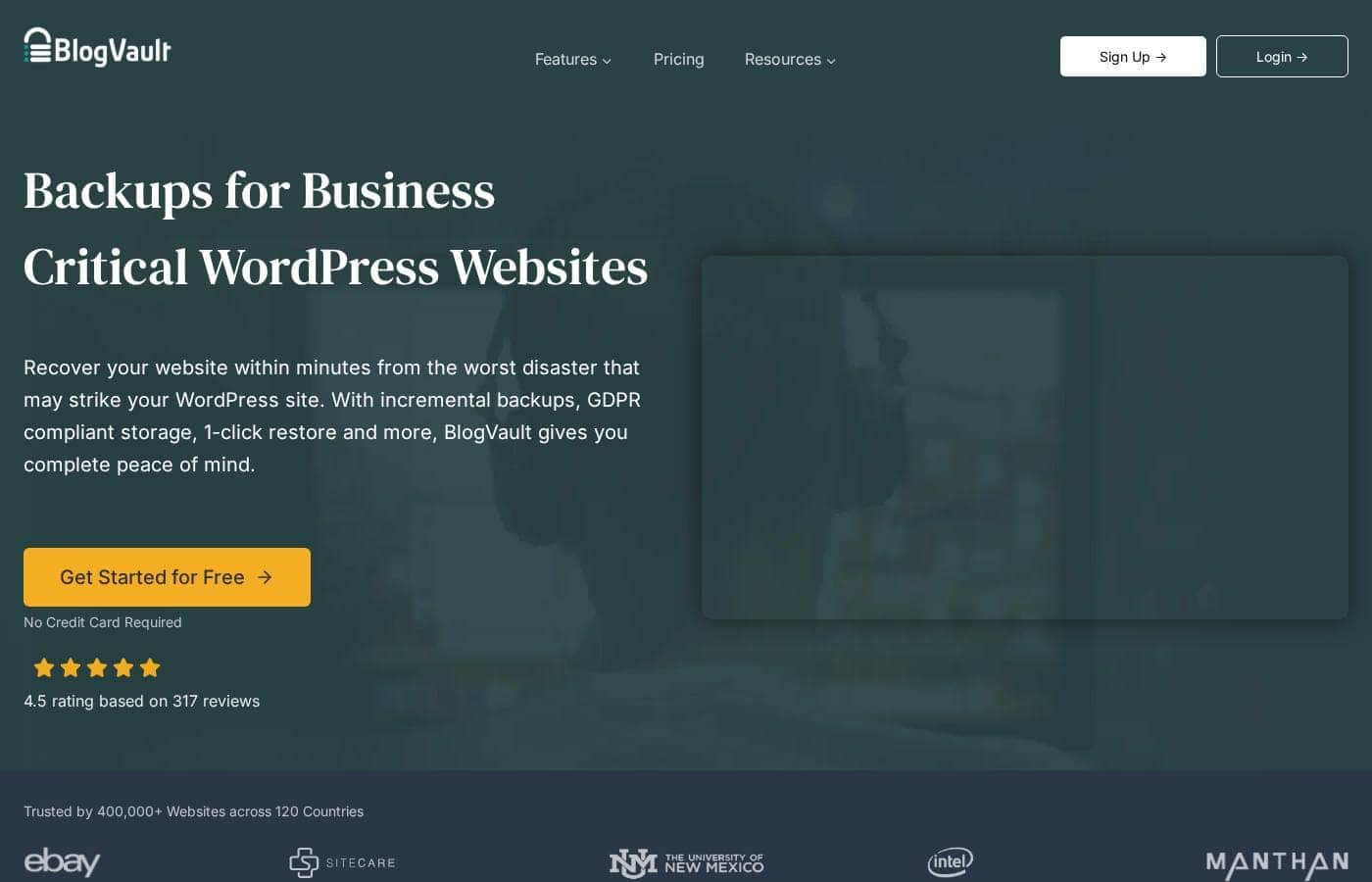
BlogVault homepage screenshot

At a glance

Quick overview for BlogVault: rating, pricing summary, key features, and highlights.
Pricing verified Oct 12, 2026

Ciroapp score

4.1/ 5

BlogVault backs up your entire WordPress site — files, database, and custom settings — and sets itself up in about a minute. It handles large sites up to 200 GB and brings a decade of operational history. The trade-offs: it's WordPress-only, top usage tiers get expensive, and independent review data is scarce. Overall, it's a solid, low-friction choice for WordPress owners.

Pros

  • Pros:Setup is about as fast as it gets — the plugin installs and self-configures in roughly 60 seconds
  • Pros:Backups are complete by design — files, database, and custom configurations — which is what makes restores actually work
  • Pros:Supports installations up to 200 GB, covering large and media-heavy sites that many backup plugins cannot handle

Cons

  • Cons:It is WordPress-only, so non-WordPress assets such as email, DNS, and third-party SaaS accounts fall outside its safety net
  • Cons:Costs scale sharply with usage — published plans reach about $98,133/year — so very large or high-usage sites should model their tier carefully before committing
  • Cons:No independent review data (G2, Capterra, Trustpilot) was available at review time, so user satisfaction beyond vendor claims is hard to verify
Best for
  • Small businesses and stores running on WordPress, where data loss directly means lost revenue
  • Agencies and freelancers who manage multiple client WordPress sites and need one reliable backup standard
  • Owners of large or media-heavy WordPress sites approaching the 200 GB ceiling
This section is a summary. Detailed sections about features, use cases, pricing, and reviews follow below.

What is BlogVault?

A WordPress site can disappear in minutes — a bad plugin update, a compromised server, or a hosting failure is often all it takes. BlogVault is a backup service built specifically for WordPress that installs as a plugin and configures itself in about 60 seconds. It captures the complete site, including files, the database, and custom configurations, with the stated goal of zero data loss.

After more than ten years in operation and over four million sites protected, its reliability claims rest on a long track record rather than marketing promises.

BlogVault is a WordPress-specific backup service that operates as a plugin on your site. Once installed, it automatically captures the entire WordPress installation — files, the database, and custom configurations — so nothing critical is left out of the snapshot. It supports installations of all sizes up to 200 GB, positioning itself as business-grade protection rather than a hobbyist utility.

Should you choose BlogVault?

Quick buyer guidance before you compare plans or click through.

Choose it if

  • Small businesses and stores running on WordPress, where data loss directly means lost revenue
  • Agencies and freelancers who manage multiple client WordPress sites and need one reliable backup standard
  • Owners of large or media-heavy WordPress sites approaching the 200 GB ceiling
  • Non-technical site owners who want complete backups without touching server settings or cron jobs

Skip it if

  • Organizations that need one backup platform for more than WordPress — email, external databases, or full server images are outside its scope
  • Extremely high-usage sites that would land on the top pricing tiers, where yearly costs can reach $98,133 and dedicated backup infrastructure may be more cost-effective
  • Buyers who require independent user-review data before purchase, since third-party review scores were unavailable at the time of this review

Next steps before buying

  1. 1Visit blogvault.net and sign up — the free plan lets you evaluate the service at no cost.
  2. 2Install the BlogVault plugin on your WordPress site from the plugin directory or via upload.
  3. 3Let the plugin auto-configure (about 60 seconds), then trigger your first full backup covering files, database, and custom configurations.
  4. 4Verify the first backup completed and check your site's size against plan limits — especially if you are near the 200 GB ceiling — before relying on it in production.

BlogVault Key Features

✨ Complete Full-Site Backups

BlogVault captures the entire WordPress installation in each backup: all site files, the full database, and custom configurations. This matters because partial backups are a common reason restores fail — a missing configuration value or database table can leave a site broken even after a technically successful recovery.

✨ 60-Second Automated Setup

Installation works like any WordPress plugin, but BlogVault then configures itself automatically in roughly 60 seconds. Protection begins without a lengthy setup wizard or manual backup scheduling, which removes the most common reason backups never get configured in the first place.

✨ Support for Very Large Sites

BlogVault handles WordPress installations as large as 200 GB. That range covers media-heavy sites — large image libraries, video assets, or big eCommerce catalogs — which exceed the practical limits of many lightweight backup plugins.

✨ A Decade-Long Track Record

Over more than ten years, BlogVault has protected over four million websites. In the backup category, longevity at scale is one of the few honest proxies for reliability, since a backup service proves itself only when disasters actually happen.

✨ Zero Data Loss Positioning

The service is explicitly built around safeguarding businesses with zero data loss. That framing targets owners for whom a site is revenue infrastructure — stores, lead-generation sites, and content businesses — rather than a casual blog.

Use Cases

💡 Disaster Recovery for Business Sites

When a hack, failed update, or hosting failure takes a WordPress site down, a complete BlogVault backup is what determines whether recovery takes minutes or becomes a full rebuild. Because backups include files, database, and custom configurations, the restored site comes back whole rather than half-recovered.

💡 Safety Before Plugin, Theme, and Core Updates

Updates are the most common cause of self-inflicted WordPress breakage. Running BlogVault means every update can be applied against a recent complete backup, so a conflicted plugin or incompatible theme becomes a rollback rather than an emergency.

💡 Large and Media-Heavy WordPress Installs

Sites approaching tens of gigabytes — photography portfolios, video libraries, large stores — are where many backup tools hit their limits. BlogVault's 200 GB ceiling makes it viable for these larger installations without splitting protection across multiple services.

💡 Agencies and Freelancers Managing Client Sites

Anyone responsible for multiple client WordPress sites needs backups that install and configure quickly and reliably. A 60-second self-configuring plugin and a free starting plan make it practical to standardize on BlogVault across an entire client portfolio.

BlogVault pricing

From$4.13/mo

  • From the vendor's pricing page, checked Oct 12, 2026
  • 3 plans

Prices checked on Oct 12, 2026 from BlogVault's pricing page

BlogVault pricing page screenshotView pricing page screenshot
PlanBilled monthlyBilled annuallyIncludes
Personal
—
$4.13/mo
$49.50 per year
1 site: $49.50; 5 sites: $149.50. Daily backups, 30 days retention, up to 20 GB, 1-click restore/migration, 1 day staging, standard support.
Business
—
$12.46/mo
$149.50 per year
1 site: $149.50; 5 sites: $449.50. 2× daily backups, 90 days retention, up to 50 GB, multisite up to 25 subsites, 30 days staging, priority support.
WooCommerce
—
$20.79/mo
$249.50 per year
1 site: $249.50; 5 sites: $749.50. Real-time backups, 365 days retention, up to 100 GB, multisite up to 100 subsites, 6 months staging, personal support.

Price history

Tracking prices since Oct 1, 2026. No price change detected yet.

Pricing types: Free plan, Yearly subscription, Usage-based pricing

Pricing notes

BlogVault pricing: Plans from $0/year Billing options: Free plan, Yearly subscription, Usage-based pricing

Cost calculator

Estimate what BlogVault costs for your team.

Billing

Personal has no published price for this billing cycle.

Personal has a flat price: the number of seats does not change the total. Estimate based on published list prices, before taxes, add-ons and discounts.

Email me when BlogVault changes price

One email when we detect a price change on the vendor's pricing page. No newsletter, no deals. Unsubscribe in one click.

User Reviews

No reviews yet.

Write a Review

Write a Review for BlogVault
0/100 characters
0/2000 characters

Why use BlogVault?

Generic backup solutions frequently miss WordPress-specific data like custom configurations, which is exactly when a restore fails to bring a site back fully. BlogVault's WordPress-only focus means the complete site is captured by design, not as an afterthought.

Setup effort is minimal — the plugin self-configures in roughly a minute — so there is little excuse to run a site unprotected. Its decade-long history across four million websites also matters, because a backup is only as good as the tool's reliability at the moment disaster strikes, and few services have been tested at this scale.

BlogVault alternatives

Other tools in the Wordpress Maintenance Service category

View all Wordpress Maintenance Service tools
MainWP

MainWP

Wordpress Maintenance Service4/5

MainWP is a powerful, self-hosted WordPress manager. You install the free MainWP Dashboard plugin on your own WordPress site, retaining full control and data sovereignty. It’s the centralized solution loved by agencies, developers, and freelancers. This system brings all your necessary administration tasks, like real-time monitoring and bulk updates, into a single, private control center. Installing MainWP is as easy as installing any plugin; it requires no complex server configurations.

WP Umbrella

WP Umbrella

Wordpress Maintenance Service4.2/5

WP Umbrella is a WordPress management tool designed for agencies and freelancers to manage multiple WordPress sites from one dashboard. It helps you manage dozens of sites with bulk updates and automated backups, while keeping security in check through alerts and checks. It also tracks uptime and performance, including Google PageSpeed, and offers customizable, white-labeled reports to showcase your work.

Modular DS

Modular DS

Wordpress Maintenance Service4.2/5
WP Buffs

WP Buffs

Wordpress Maintenance Service3.9/5

WP Buffs is a professional and highly reliable website team dedicated to consistent maintenance and care. Customers describe them as the most valuable relationship in the website maintenance business. They shine by providing outstanding service, going above and beyond expectations. They are particularly suited for anyone—including agencies—who needs expert assistance managing client websites. If you want to stop worrying about your site's health and maintenance, this team offers the expertise and dedication you need.

BlogVault FAQ

How much does BlogVault cost?

BlogVault's cheapest paid plan, Personal, costs $4.13 per month. Paid plans range from $4.13 to $20.79 per month. Prices checked on Oct 12, 2026 from the vendor's pricing page.

Has BlogVault's price changed recently?

No. We have not detected a price change since we started tracking on Oct 1, 2026.

How long does it take to set up BlogVault?

Setup is one of BlogVault's core selling points. You install the plugin like any other WordPress plugin, and it configures itself automatically in about 60 seconds. There is no manual backup scheduling or server configuration required before protection begins.

What exactly does a BlogVault backup include?

Each backup captures the complete WordPress site: all site files, the full database, and custom configurations. That completeness is deliberate — partial backups are the most common cause of failed or broken restores.

Is there a free plan?

Yes. Pricing starts at $0/year with a free plan, and paid yearly subscriptions scale with usage.

How large a WordPress site can BlogVault handle?

BlogVault supports installations up to 200 GB, which covers media-heavy sites, large stores, and content archives that many lighter-weight backup plugins cannot process reliably.

Ready to try BlogVault? Check out the official site or pricing.

Are you BlogVault? Claim this listing · Get the badge