BigCommerce

BigCommerce review

High-performance hosted ecommerce built for fast-growing, high-volume, and B2B sellers

By Ciroapp Editorial Team · Updated Sep 16, 2026

Commission may apply at no extra cost

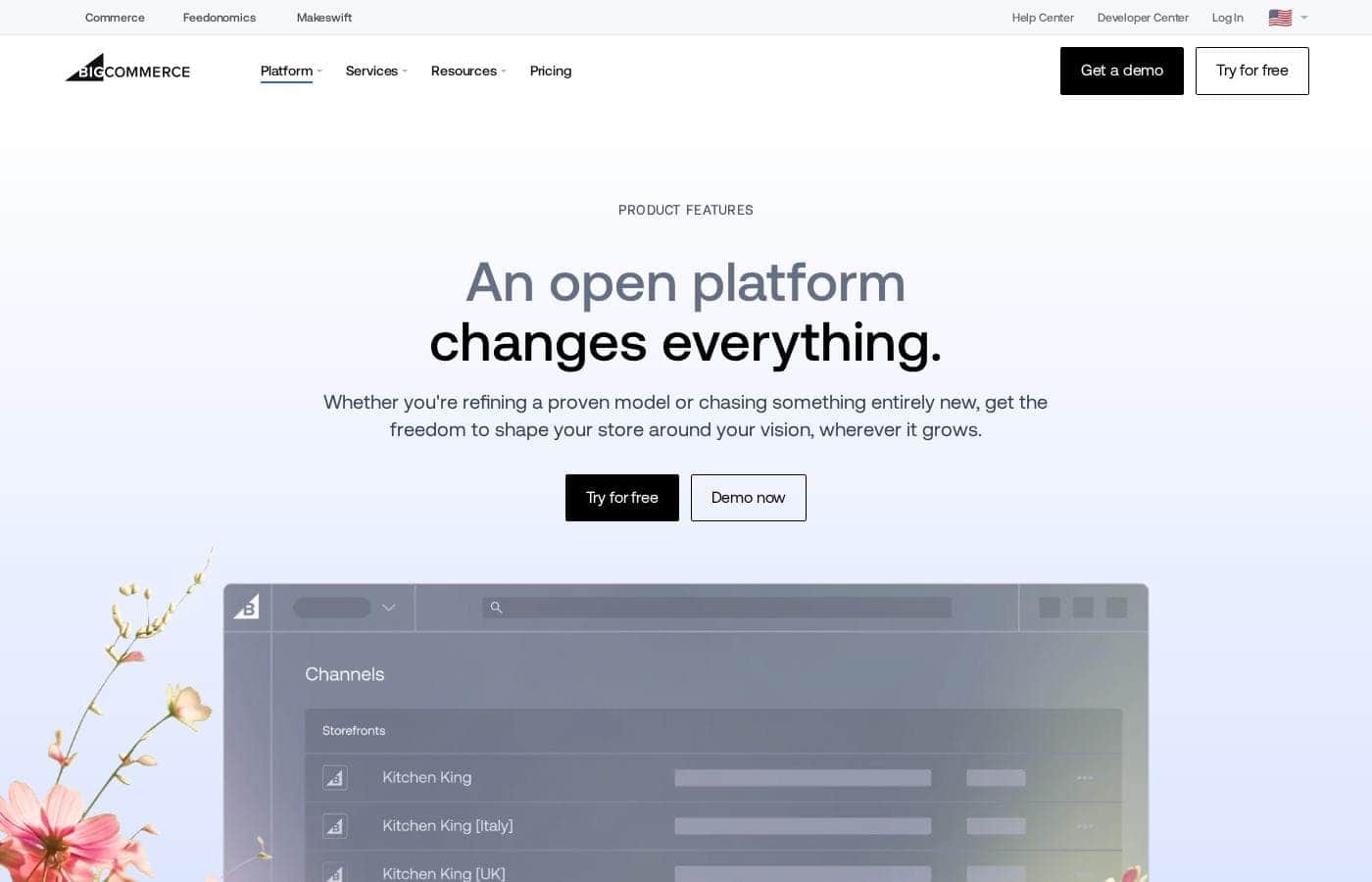
BigCommerce homepage screenshot

At a glance

Quick overview for BigCommerce: rating, pricing summary, key features, and highlights.
Vendor page checked Oct 12, 2026

Ciroapp score

4.1/ 5

BigCommerce Essentials bundles deep native features — complex catalogs, B2B pricing, multi-channel sync, and open APIs — without stacking up app subscriptions or a platform transaction fee. The tradeoffs are sales thresholds that can force upgrades mid-growth and a smaller app marketplace than the category leader. Overall, it's a strong fit for high-volume and B2B sellers, less so for tiny stores.

Pros

  • Pros:Deep native functionality — complex product variants, customer groups, and multi-currency are built in, cutting reliance on paid third-party apps
  • Pros:No additional BigCommerce transaction fee on top of your gateway's processing rates, which compounds meaningfully at high order volumes
  • Pros:Open APIs and headless support give development teams architectural freedom that is rare among hosted site builders

Cons

  • Cons:Plan-level annual sales thresholds mean fast growth can push you into a pricier tier even when your current plan's features still fit your needs
  • Cons:The app and theme ecosystem is smaller than the market leader's, so niche integrations more often require custom development
  • Cons:Costs scale steeply — the listed pricing range runs up to roughly $27,701 for top-tier arrangements, and large-volume plans are typically quoted individually
Best for
  • Established online retailers with high order volumes who keep hitting sales or feature limits on entry-level platforms
  • B2B distributors and manufacturers that need customer-specific pricing, buyer segmentation, and bulk-order workflows in a web store
  • Multi-channel sellers running a storefront plus Amazon, eBay, or social shops who want one synchronized catalog
This section is a summary. Detailed sections about features, use cases, pricing, and reviews follow below.

What is BigCommerce?

BigCommerce Essentials is a hosted ecommerce platform aimed squarely at merchants who expect to grow fast: high-volume online retailers and B2B small and mid-size businesses. Rather than assembling functionality from paid add-ons, it bundles catalog depth, B2B selling tools, and multi-channel support into the core product. This review breaks down what the platform actually delivers, where it constrains you or costs more, and which seller profiles should have it on their shortlist.

BigCommerce Essentials is a software-as-a-service ecommerce platform: BigCommerce hosts your storefront, checkout, and admin, and handles security patches and infrastructure maintenance. Merchants design stores with a drag-and-drop page builder and responsive themes, manage products in a catalog that supports complex variants natively, and sell through their own site plus marketplaces and social channels from a single catalog. Open APIs allow custom front-ends and deep integrations with ERP, PIM, and fulfillment systems.

The product is positioned and priced for growing, high-volume, and B2B sellers rather than hobby storefronts.
Should you choose BigCommerce?

Quick buyer guidance before you compare plans or click through.

Choose it if

  • Established online retailers with high order volumes who keep hitting sales or feature limits on entry-level platforms
  • B2B distributors and manufacturers that need customer-specific pricing, buyer segmentation, and bulk-order workflows in a web store
  • Multi-channel sellers running a storefront plus Amazon, eBay, or social shops who want one synchronized catalog
  • Brands with development resources that want headless or heavily customized front-ends on managed infrastructure

Skip it if

  • Hobby sellers or brand-new stores with a small catalog that would pay for high-volume headroom they will not use yet
  • Merchants who prioritize the largest possible app and theme marketplace with the biggest third-party community
  • Sellers whose primary operation is offline-first, POS-centric retail rather than an online store
  • Solo founders who want the simplest possible setup and will not use the catalog, B2B, or API depth they are paying for

Next steps before buying

  1. 1Create an account via bigcommerce.com/essentials, starting with the free trial or entry-level option, and pick a theme close to your catalog's structure so less redesign is needed later
  2. 2Import your products and customers via CSV or a migration app, then verify variants, categories, and images before touching the design
  3. 3Configure payment gateways, shipping zones, and tax rules, and place real test orders on both desktop and mobile to validate checkout
  4. 4Connect your sales channels — marketplaces, social shops, Google — and confirm inventory and pricing sync behaves as expected
  5. 5Compare your trailing 12-month sales against each plan's threshold before committing, so a growth spike does not force an unexpected upgrade mid-term

BigCommerce Key Features

✨ Page Builder storefront customization

Stores ship with a drag-and-drop Page Builder for arranging banners, product carousels, and content blocks without code. Merchants start from a responsive theme and adjust layouts per page type — home, category, product, cart — while developers can drop into the underlying theme files when deeper customization is required. This covers both no-code merchandising and full design control in one system.

✨ Deep product catalog tools

The catalog handles complex products natively: multiple variant and option sets per product, bulk editing, filtering, and catalog-wide updates. These are capabilities many entry-level platforms only offer through paid apps. For stores with thousands of SKUs, that reduces both subscription creep and day-to-day admin time.

✨ B2B selling features

BigCommerce explicitly targets B2B SMBs. Customer groups let you segment wholesale buyers and control their pricing and catalog visibility, while higher tiers and the B2B Edition add-on extend this with company accounts, quotes, and purchase-order-friendly workflows for account-based buying.

✨ Multi-channel and marketplace selling

One catalog can feed your storefront plus channels such as Amazon, eBay, Facebook and Instagram Shops, and Google Shopping. Products, inventory, and pricing stay synchronized from a single admin instead of separate listings per channel, which cuts oversells and listing drift.

✨ Open APIs and headless optionality

Unlike closed site builders, Essentials exposes open APIs, so teams can build custom front-ends, connect ERP or PIM systems, or run a fully headless setup while BigCommerce continues to manage checkout, security, and infrastructure. This is uncommon among hosted platforms at this tier.

✨ Payments and fee structure

Major gateways and digital wallets are pre-integrated, and BigCommerce does not add its own transaction fee on top of your gateway's processing costs. At high order volumes, the absence of a platform-level per-order fee compounds into meaningful savings compared with tools that take a cut of each sale.

Use Cases

💡 Scaling retailers outgrowing entry-level tools

Stores whose growth keeps triggering plan upgrades or app purchases elsewhere can consolidate on a platform built for volume: a deep native catalog, no per-app workaround tax, and infrastructure that absorbs traffic spikes without replatforming. The goal is to migrate once rather than every growth phase.

💡 B2B wholesalers moving wholesale online

Distributors and manufacturers can replicate account-based buying with customer-specific pricing, segmented catalog visibility, and bulk-order paths, keeping phone and email orders alongside a self-serve storefront. This makes an online channel viable without abandoning existing sales processes.

💡 Multi-channel brands

Sellers listing on marketplaces and social platforms alongside their own site can manage products, inventory, and orders from one backend. That reduces oversells, keeps pricing consistent across channels, and eliminates the spreadsheet juggling of separately maintained listings.

💡 Developer-led and headless projects

Teams building bespoke experiences — custom frameworks, content-heavy sites, or multi-brand setups — can use BigCommerce as the managed commerce engine behind open APIs. The platform keeps checkout, security, and hosting responsibilities while the front-end stays fully custom.

💡 International sellers

Merchants selling across regions can present localized, multi-currency storefronts without stitching together third-party localization stacks. Consolidating that capability in the core platform simplifies both setup and ongoing maintenance for cross-border catalogs.

BigCommerce pricing

Prices not verified yet — see the vendor page.

BigCommerce's pricing page

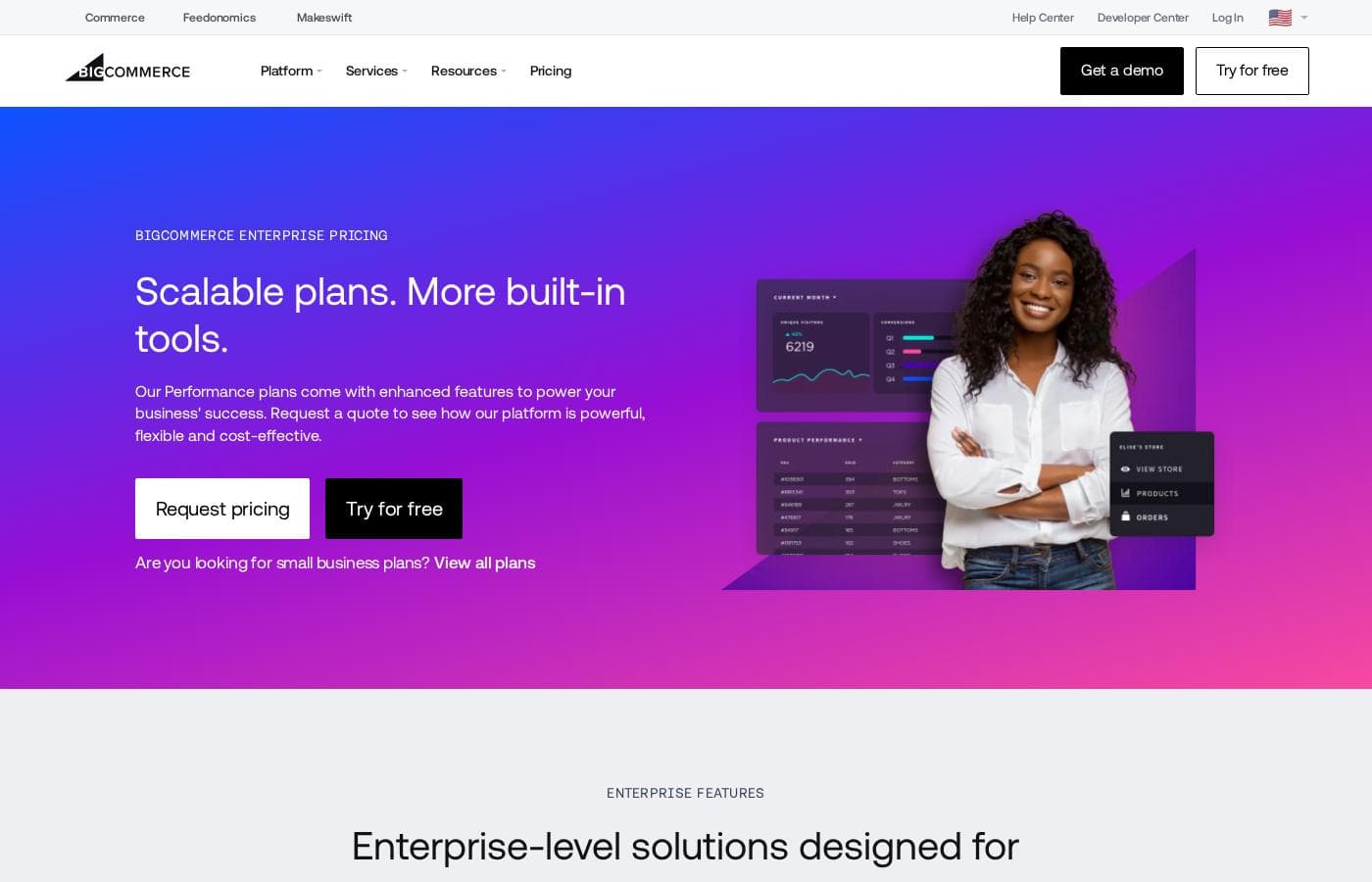
BigCommerce pricing page screenshotView pricing page screenshot

Price history

Tracking prices since Oct 9, 2026. No price change detected yet.

Pricing types: Free plan

Pricing notes

BigCommerce pricing: Billing options: Free plan

Email me when BigCommerce changes price

One email when we detect a price change on the vendor's pricing page. No newsletter, no deals. Unsubscribe in one click.

User Reviews

No reviews yet.

Write a Review

Write a Review for BigCommerce
0/100 characters
0/2000 characters

Why use BigCommerce?

The main reason to choose BigCommerce over cheaper builders is capability and cost behavior at scale. Features that competitors often charge app subscriptions for — advanced product options, customer groups, multi-currency — are built in, and BigCommerce does not add its own transaction fee on top of your gateway's processing rates.

Its infrastructure and API access are designed for growth, so a store doing serious volume is not forced into a replatform a year in. The tradeoff is a higher price of entry and a smaller ecosystem than the category leader, which matters less the bigger your catalog and order volume become.

BigCommerce alternatives

Other tools in the Ecommerce category

View all Ecommerce tools
Shopify

Shopify

Ecommerce4.4/5

Shopify is the one commerce platform behind it all. It lets you sell online and in person, publish across channels, and manage everything from desktop to mobile with a fully centralized Shopify Admin. It supports in‑person POS and a fast checkout to speed purchases, helping you reach customers wherever they shop.

WooCommerce

WooCommerce

Ecommerce4.2/5

WooCommerce is known as the most trusted ecommerce platform globally. It provides an open-source solution built on the strength of WordPress, which powers 43% of the internet. This popular combination allows you to build, sell, and scale your way, creating a store as unique as your vision. It empowers businesses and developers alike, offering a foundation for creating powerful, flexible ecommerce experiences. Whether your business is complex, simple, big, or small, WooCommerce helps you take control of your success.

Fast Bundle

Fast Bundle

Ecommerce4.1/5

Fast Bundle is a Shopify app for creating flexible, high-converting product bundles. Offer mix & match, volume discounts, quantity breaks, BOGO, add-ons, and fixed bundles to boost AOV. Let customers build their own bundles, add free gifts, or use AI-powered Frequently Bought Together. Fast Bundle helps Shopify merchants increase revenue and enhance the shopping experience.

Payhip

Payhip

Ecommerce4/5

Payhip is a simple, comprehensive platform designed specifically for digital creators and ambitious sellers. It helps you effectively turn your passion into profit, regardless of what you sell. This “all-in-one” solution provides everything needed to start, scale, and manage an online business easily. The platform is currently trusted by over 130,000 creators who appreciate its user-friendly interface and simple approach. You can sell everything from ebooks and online courses to 1:1 coaching services and physical goods, all through one simple system.

Gumroad

Gumroad

Ecommerce4/5

Gumroad is an all-in-one platform built to help creative entrepreneurs sell digital and physical products. It helps you experiment with all kinds of ideas and formats, like video lessons or monthly subscriptions. Whether you need more flexibility or just a different gig, Gumroad makes it easy to chart a new path. You don't need to be a tech expert to upload a file, set a price, and start selling your expertise.

Adobe Commerce

Adobe Commerce

Ecommerce4/5

Adobe Commerce is a robust, cloud-native, and composable ecommerce solution. It's designed specifically for businesses that need to run global, multi-brand B2C and B2B operations from one single platform. This architecture makes development faster, reducing the time it takes to get new features to market without complex upgrades. You can launch quickly using prebuilt storefronts with integrated commerce functionality. Developers will love the comprehensive API-first platform built for easy extension and maintenance.

Cheapest Ecommerce software for 1 to 25 users

BigCommerce FAQ

What is BigCommerce Essentials?

BigCommerce Essentials is the vendor's hosted (SaaS) ecommerce platform, aimed specifically at fast-growing businesses, high-volume retailers, and B2B small and mid-size companies. It bundles storefront, checkout, catalog, and channel management into one managed platform, with open APIs available for customization and integration with back-office systems.

How much does BigCommerce cost?

Pricing is tiered. Because plan limits, sales thresholds, and included features change periodically, confirm current rates directly on BigCommerce's official pricing page before committing.

Is BigCommerce a good fit for B2B sellers?

Yes — B2B SMBs are an explicitly targeted audience. Core B2B needs such as customer groups, buyer-specific pricing and catalog visibility, and bulk purchasing are supported natively, while more advanced account-based features like quotes and company accounts are available on higher tiers or through BigCommerce's B2B Edition add-on.

Can I migrate my existing store to BigCommerce?

Yes. You can import products, customers, and orders via CSV, or use migration apps from the BigCommerce marketplace to pull data from platforms such as Shopify, WooCommerce, or Magento. Plan to set up 301 redirects for old product URLs to preserve search rankings, and run the new store in parallel before switching your domain.

Does BigCommerce support headless commerce?

Yes. Essentials exposes open APIs that let developers build fully custom front-ends or connect the commerce engine to existing sites, ERPs, and content systems, while BigCommerce continues to manage hosting, security, and the checkout stack.

Ready to try BigCommerce? Check out the official site or pricing.

Are you BigCommerce? Claim this listing · Get the badge