Which plan is best if I mainly need a professional layout tool?
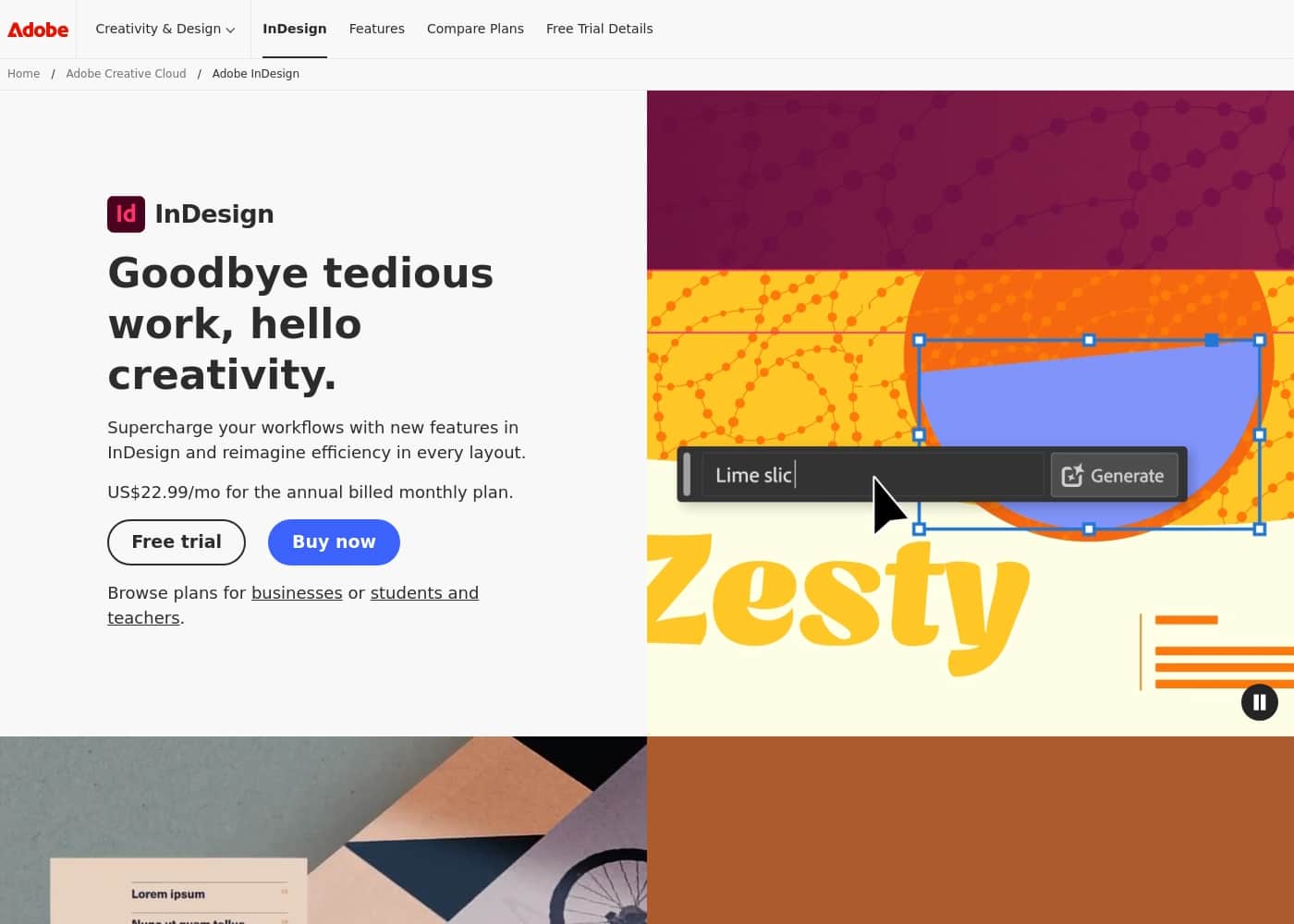
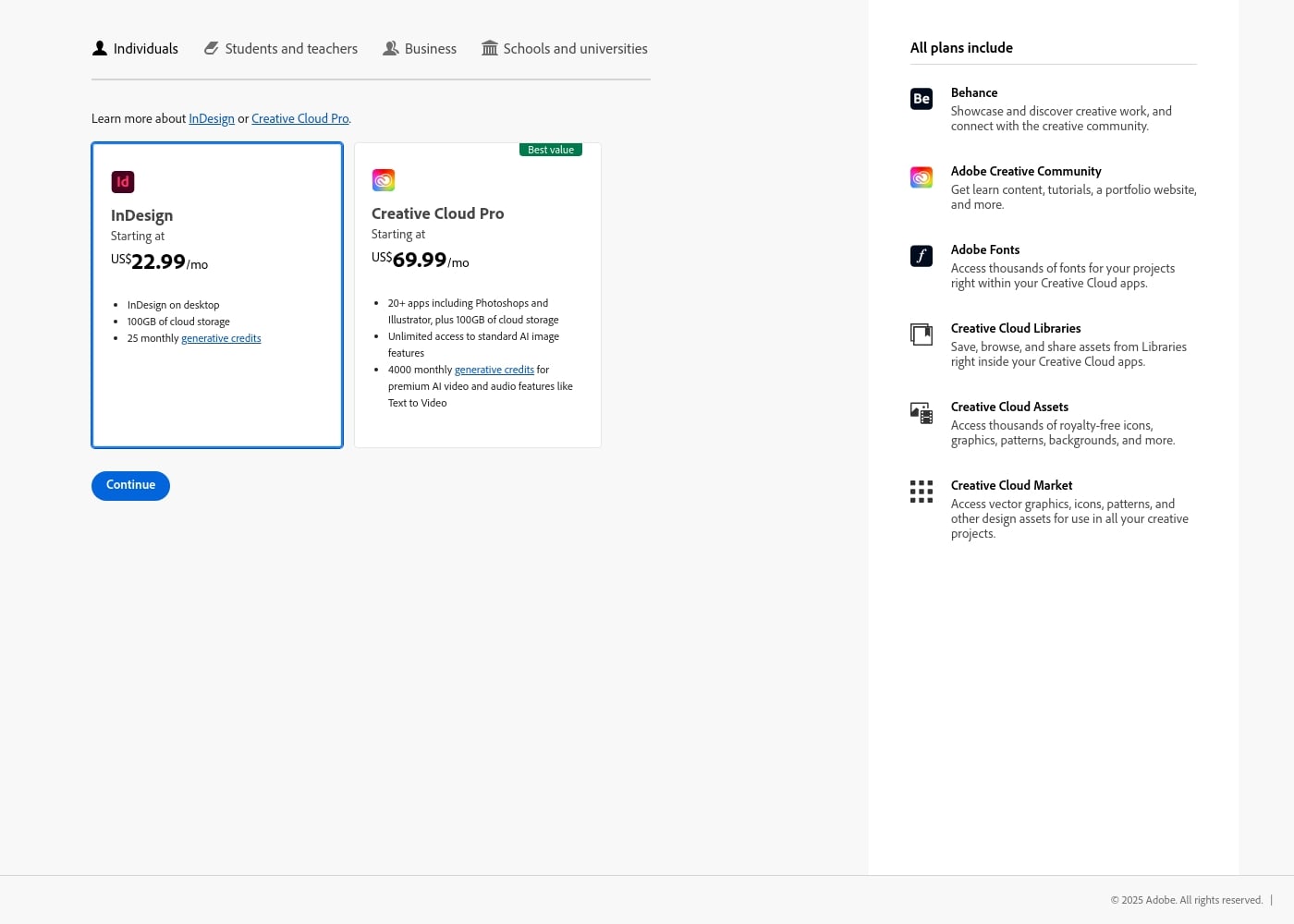
The dedicated InDesign plan at US$22.99/mo is ideal if you only need the powerful desktop publishing app. It provides all the essential layout features and 100GB of cloud storage.
What supporting creative services are included in every subscription plan?
All plans include essential services like Behance for showcasing work, Adobe Fonts, and access to Creative Cloud Libraries and Assets. You also get materials from the Adobe Creative Community.
How much cloud storage is provided with the individual plans?
Both the standalone InDesign plan and the Creative Cloud Pro plan include 100GB of cloud storage. This storage helps you sync your project files and assets immediately.
What is the difference in generative AI credits between the two plans?
The dedicated InDesign plan includes 25 monthly generative credits for basic AI tasks. The Creative Cloud Pro plan offers 4000 monthly credits plus unlimited access to standard AI image features.
Is there a free trial available to test InDesign?
Yes, Adobe provides a free trial that lets you explore the software before committing to a purchase. The specific duration of this trial is not detailed on the official site.
Do the subscription costs cover a single user, or are they based on usage?
The listed individual prices are structured on a per-user, monthly subscription basis for desktop access. Generative AI capabilities, however, are capped by fixed monthly credit quotas.
Why should I consider the more expensive Creative Cloud Pro option?
You should choose the Pro plan if you require the full suite of integrated Adobe tools, like Photoshop and Illustrator. It offers exceptional value and substantially more generative credits for advanced features.
What is the official refund or money-back guarantee policy?
We strongly recommend checking the official terms carefully, as user reports cite great difficulty with refunds and cancellations.
How does InDesign integrate with other parts of the Creative Cloud ecosystem?
InDesign operates seamlessly within the Creative Cloud, allowing you to use assets from other apps instantly. You can easily save and share materials using Creative Cloud Libraries within your workflow.
Does Adobe provide resources to help me learn how to use the software?
Yes, all plans include access to the Adobe Creative Community. This resource offers tutorials, learn content, and portfolio resources to help you supercharge your workflows.
How reliable is Adobe’s customer support if I encounter a software issue?
However, user reviews consistently report widespread dissatisfaction, describing support as unhelpful, non-existent, or reliant on bots.
Are the individual plans billed monthly or annually?
The individual plans are advertised with a monthly price structure starting at US$22.99/mo. We advise reviewing all contract terms, as external feedback often mentions unexpected underlying annual commitments.
What happens regarding cancellation fees or policies for discontinuing service?
External user reviews frequently report substantial early termination fees and extreme difficulty canceling subscriptions.
How can I manage design elements like icons, graphics, and patterns?
All plans provide access to the Creative Cloud Market and Creative Cloud Assets. These features let you obtain royalty-free icons, graphics, and patterns for use in your projects.