Do Salesflare plans charge per user, and how are usage costs handled?
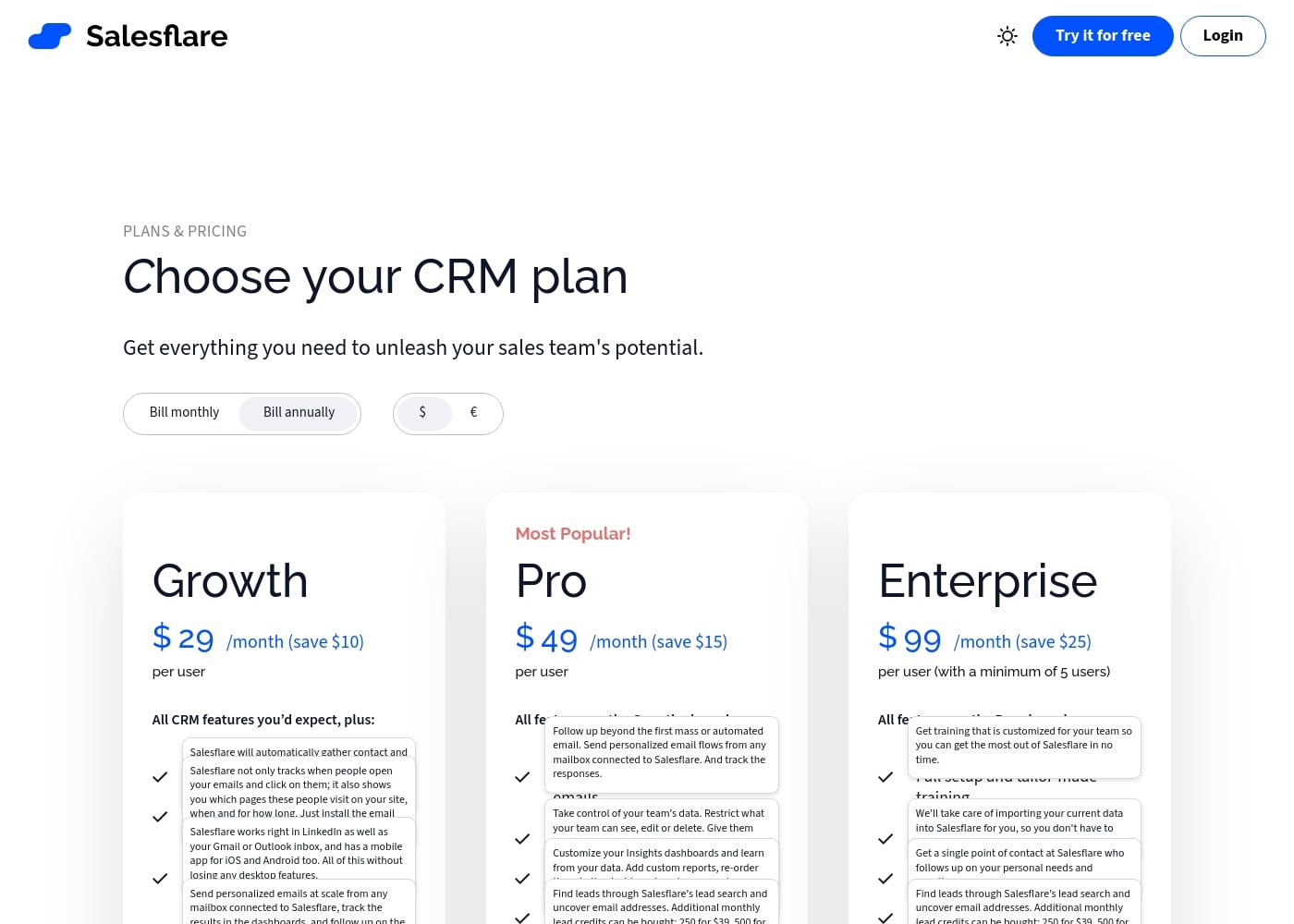
Yes. Plans are per user (Growth, Pro, Enterprise) and you can add lead credits for extra usage (250/500/1000) as a separate monthly option.
How long is the free trial and is a credit card required?
Salesflare offers a 30-day free trial with no credit card required.
Can I cancel anytime and what happens to my plan if I cancel?
Yes, you can cancel anytime and you’ll stop being charged immediately.
Are there any limits to contacts, users, emails, templates, or pipelines?
There are no hidden limits to contacts, users, email templates, tracked or sent emails, custom fields, workflows, dashboards, or pipelines.
What onboarding and data-migration support is available?
Onboarding is free, and Enterprise includes data migration with a dedicated account manager to help you get started.
What integrations does Salesflare support out of the box?
Salesflare integrates with LinkedIn, Gmail, and Outlook, with sidebars for LinkedIn and email and a mobile app for iOS and Android.
What are the main feature differences between Growth, Pro, and Enterprise?
Growth covers core CRM features plus 5 lead credits; Pro adds workflows, permissions, and custom dashboards with 100 lead credits; Enterprise includes data migration and a dedicated account manager with 250 lead credits.
How do I invite my team to use Salesflare?
You can send email invites from inside Salesflare; setup takes a few minutes and then activity is tracked for the whole team.
What happens at the end of the trial?
You’ll be notified before the trial ends; if you become a paying customer, you can keep your account and data and continue onboarding at no extra cost.
Is there a refund policy or money-back guarantee listed?
Not explicitly stated on the official site.
What languages or regions does Salesflare support?
Not explicitly stated on the official site.
Who is Salesflare best suited for?
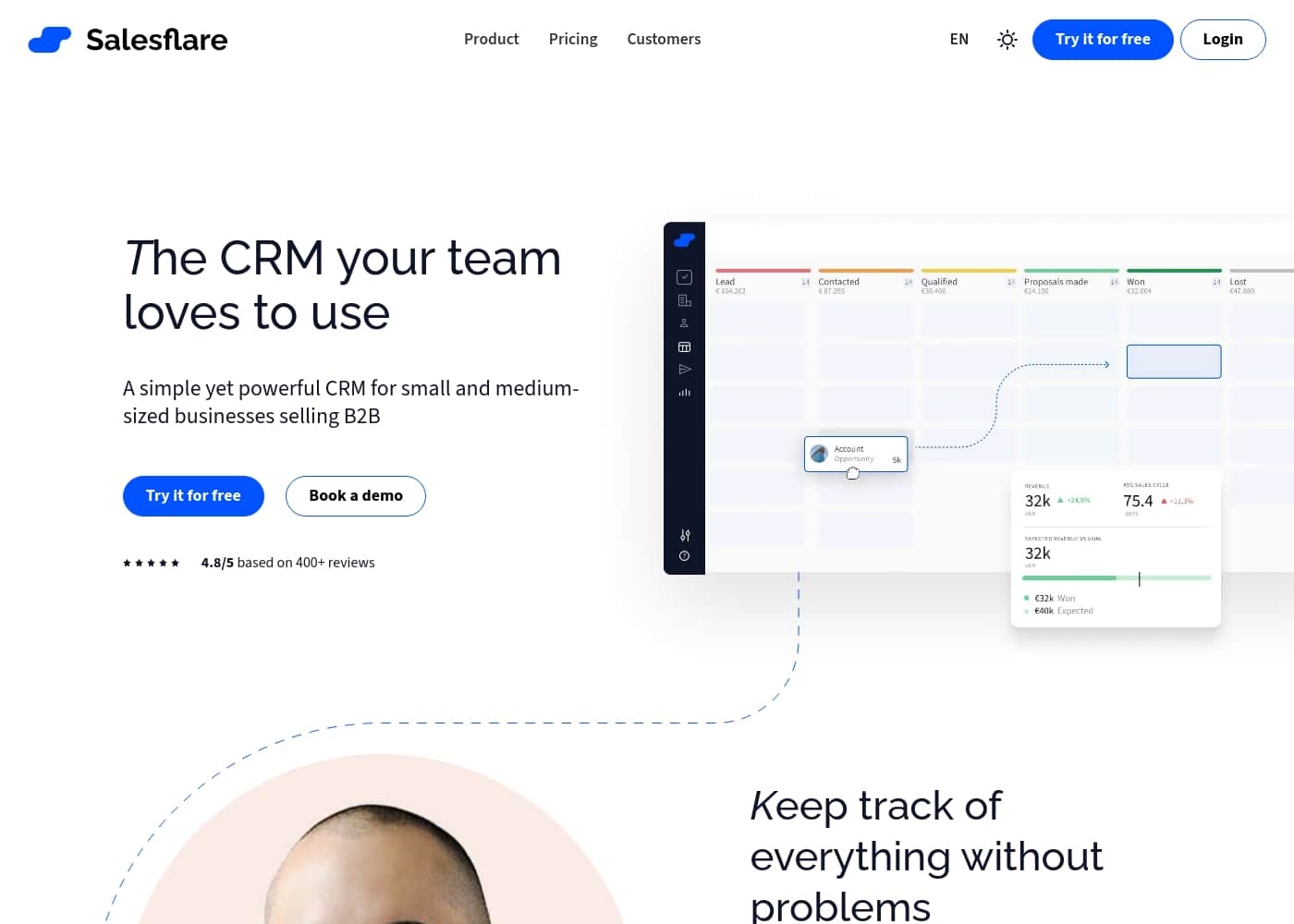
Salesflare is designed for small and medium B2B teams, i.e., SMBs seeking ease of use with strong integrations.