Wufoo

Wufoo review

A veteran online form builder for collecting data, files, and payments with customizable forms and built-in reporting.

Wufoo costs from $16/mo · 6 plans · Free plan available · prices checked Nov 6, 2026

By Ciroapp Editorial Team · Updated Sep 17, 2026

Commission may apply at no extra cost

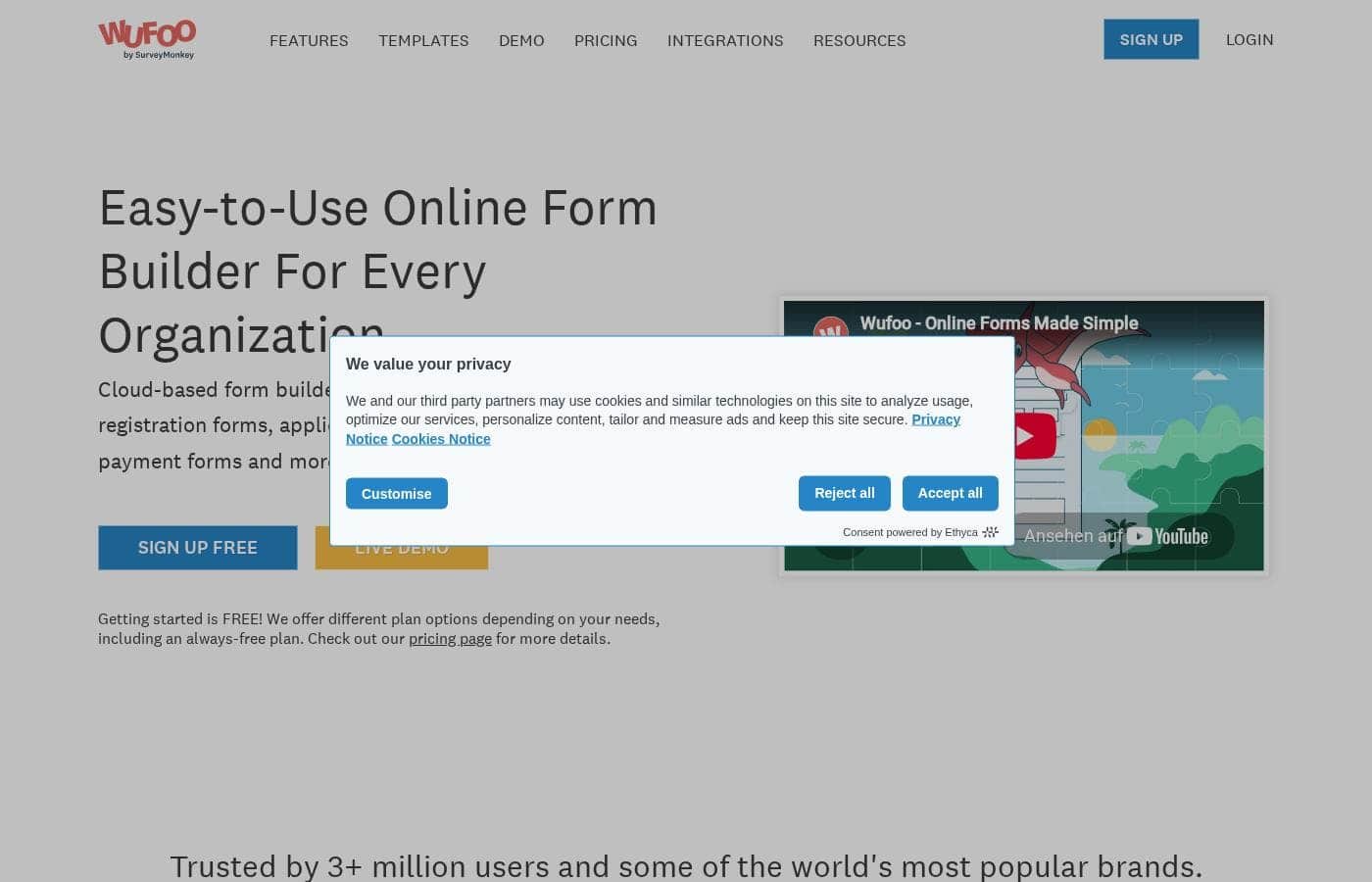
Wufoo homepage screenshot

At a glance

Quick overview for Wufoo: rating, pricing summary, key features, and highlights.
Pricing verified Nov 6, 2026

Ciroapp score

3.9/ 5

Wufoo lets non-technical teams build branded forms that collect data, files, and payments, with reporting and exports built in. The catch: the interface feels dated, and the most useful features live behind paid tiers that climb steeply. Overall, it's a dependable pick for marketing, events, and intake forms that don't need deep automation.

Pros

  • Drag-and-drop builder means non-technical users — marketers, coordinators, admins — can create and publish forms without developer involvement.
  • Handles data, file uploads, and payments in a single form, so registration, order, and application workflows don't require separate tools.
  • Template and theme galleries give you a strong starting point and let forms match your brand instead of looking generic.

Cons

  • The most useful capabilities — payments, higher submission volumes, advanced customization — sit behind paid tiers, and pricing climbs steeply at the top of the range, which can be hard to justify for small teams.
  • Compared with newer form builders, the interface and template designs can feel dated, and deep visual customization still has limits if you need pixel-perfect brand matching.
  • It is a form tool, not a full workflow automation platform — complex branching logic, approvals, or multi-step processes may require pairing it with other software.
Best for
  • Marketing managers who need branded lead capture and survey forms live quickly, without waiting on developers.
  • Small businesses and event organizers running registrations or simple order forms that need to collect payments and attendee details in one place.
  • Webmasters who want customizable, embeddable forms that match an existing site's design and feed submissions into one reporting dashboard.
This section is a summary. Detailed sections about features, use cases, pricing, and reviews follow below.

What is Wufoo?

Wufoo is an online form builder that has been trusted by more than three million users and a range of well-known brands. It lets you build forms to collect data, upload files, and take payments without writing code. The platform combines a drag-and-drop builder with templates, theme galleries, and reporting tools, and it is designed to slot into your existing website or workflow rather than force you to change how you work.

Wufoo is a web-based form creation tool. You design forms in a visual builder, choose from pre-made templates and themes, and then embed the finished form on your site or share it via a link. Submissions are stored in Wufoo's reporting interface, where you can view entries, generate charts, and export data.

Beyond simple contact forms, it supports file uploads and payment collection, so it can handle order forms, registration forms, surveys, and application workflows.
Should you choose Wufoo?

Quick buyer guidance before you compare plans or click through.

Choose it if

  • Marketing managers who need branded lead capture and survey forms live quickly, without waiting on developers.
  • Small businesses and event organizers running registrations or simple order forms that need to collect payments and attendee details in one place.
  • Webmasters who want customizable, embeddable forms that match an existing site's design and feed submissions into one reporting dashboard.
  • Operations and HR teams building intake or application forms that require file uploads alongside structured responses.

Skip it if

  • Teams that need complex multi-step workflows, conditional approvals, or deep automation — Wufoo is a form builder, not a full process platform.
  • Buyers who only need a very basic occasional survey and want to avoid paid tiers; a simpler free-only tool may cover that narrow need.
  • Organizations requiring pixel-perfect, fully custom front-end form experiences, where a developer-built form may still be necessary.

Next steps before buying

  1. 1Sign up for the free plan at wufoo.com to explore the builder and confirm it fits your needs before committing to a paid tier.
  2. 2Start from a template in the template gallery that matches your goal — contact form, registration, survey — rather than building from scratch.
  3. 3Customize the form's fields and apply a theme from the theme gallery so it matches your brand.
  4. 4Embed the finished form on your website or share it via link, then review submissions in the reporting tools and set up exports or integrations as needed.
  5. 5When you outgrow the free plan's limits, compare the paid monthly tiers — especially if you need payment collection or higher entry volumes.

Wufoo Key Features

✨ Drag-and-Drop Form Builder

Wufoo's core builder lets you assemble forms by dragging fields into place, so you can build anything from a two-field contact form to a multi-section application without touching code. Field types cover text, dropdowns, checkboxes, file uploads, and payment fields, letting a single form handle mixed content.

✨ Templates and Theme Gallery

Rather than starting from a blank canvas, you can pick from a library of pre-built form templates for common scenarios like registrations, surveys, and order forms. A theme gallery provides ready-made visual styles, and forms can be customized further so the result matches your brand rather than looking like a generic widget.

✨ Payment Collection

Forms can be wired up to accept payments, which means you can use Wufoo for event registrations, product orders, or paid applications instead of just data capture. This turns the builder from a survey tool into a lightweight commerce and intake system.

✨ Reporting and Data Management

Every submission lands in Wufoo's reporting tools, where entries can be viewed, visualized, and exported. This matters for teams that need to act on collected data — lead lists, RSVP counts, or application reviews — without manually compiling results from emails or spreadsheets.

✨ Integration-Friendly Design

Wufoo is built to drop into an existing framework: forms can be embedded on your site or shared directly, and the tool is positioned to connect with the systems you already use. That makes it practical whether you are a webmaster embedding forms into a CMS or a marketing manager feeding leads into another platform.

Use Cases

💡 Lead Capture for Marketing Teams

A marketing manager can build a branded lead capture or contact form, embed it on landing pages, and rely on Wufoo's reporting to review and export new submissions. Because the builder requires no development work, campaigns can get new forms live without waiting on engineering.

💡 Event Registration and Paid Sign-ups

Wufoo's payment support makes it suitable for registration forms that collect fees — workshops, events, courses, or memberships. Attendee details and payments arrive in one place, and the reporting tools give organizers a running view of sign-ups.

💡 Application and Intake Workflows

Organizations that need structured intake — job applications, grant requests, service requests — can use file upload fields to collect supporting documents alongside form responses. Entries are stored centrally rather than scattered across email attachments.

💡 Surveys and Feedback Collection

With templates and reporting built in, Wufoo works as a survey tool: pick a template, customize the questions and theme, distribute the link, and review results as charts and exports. This suits teams gathering customer feedback, employee input, or research responses.

💡 Website Contact and Order Forms for Webmasters

Webmasters can embed customizable Wufoo forms directly into existing sites, using them for contact pages, quote requests, or simple order forms. The customization options mean the form doesn't have to look bolted-on, and submissions flow into one reporting dashboard.

Wufoo pricing

From$16/mo

  • From the vendor's pricing page, checked Nov 6, 2026
  • 6 plans
  • Free plan available

Prices checked on Nov 6, 2026 from Wufoo's pricing page

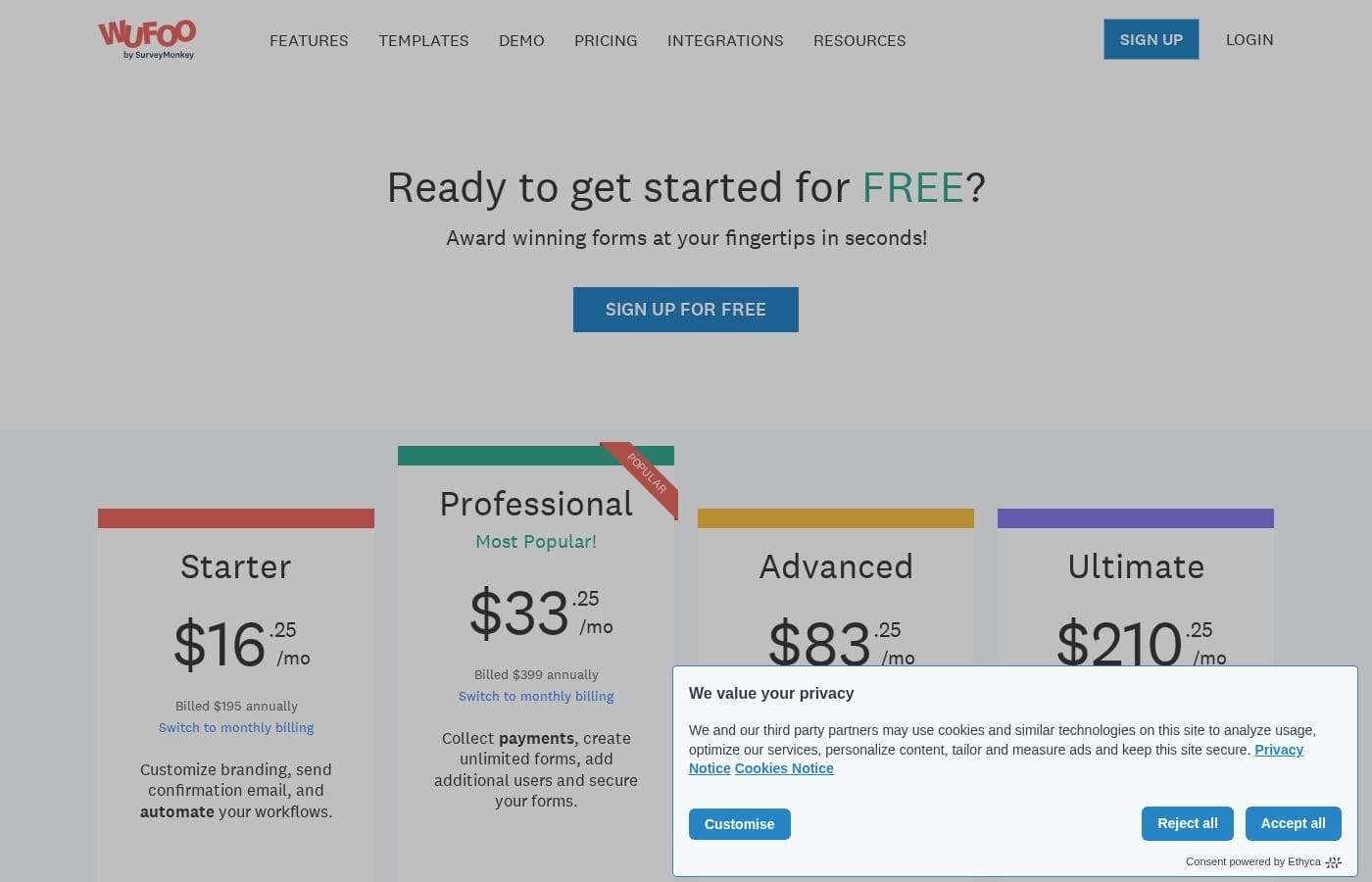
Wufoo pricing page screenshotView pricing page screenshot
PlanBilled monthlyBilled annuallyIncludes
Starter
$16/mo
—
Professional
$33/mo
—
Advanced
$83/mo
—
Ultimate
$210/mo
—
Free
Free
—
Overages
$0.05 month
—

Price history

Tracking prices since Oct 1, 2026. No price change detected yet.

Pricing types: Free plan, Monthly subscription

Pricing notes

Wufoo pricing: Plans from $0/month Billing options: Free plan, Monthly subscription

Cost calculator

Estimate what Wufoo costs for your team.

Billing
Per month
$16
Per year
$192

Starter has a flat price: the number of seats does not change the total. Estimate based on published list prices, before taxes, add-ons and discounts.

How to pay less for Wufoo

  • Start on the free plan and upgrade only when you hit its limits.
  • Cheaper tools in this category start at $9/mo.
Visit Wufoo

Email me when Wufoo changes price

One email when we detect a price change on the vendor's pricing page. No newsletter, no deals. Unsubscribe in one click.

User Reviews

No reviews yet.

Write a Review

Write a Review for Wufoo
0/100 characters
0/2000 characters

Why use Wufoo?

Building forms from scratch requires development time most teams don't have. Wufoo removes that barrier: a marketing manager can spin up a lead capture form without waiting on a developer, and a webmaster can customize the appearance and behavior to match an existing site.

Because it also handles payments and file collection, it can replace several point solutions with one tool, and its reporting means the data you collect is immediately usable rather than sitting in an inbox.

Wufoo alternatives

Other tools in the Online Form Builder category

View all Online Form Builder tools
Pabbly Form Builder

Pabbly Form Builder

Online Form Builder4.1/5

Pabbly Form Builder is an online form building app for your business. You create forms in a dashboard by clicking fields, then share form links online or embed them on your site. You can manage all your data from the same dashboard and collect payments via Stripe or PayPal. It also supports multilingual forms, video tutorials, and options to embed as sliding or plain forms, or to share a direct link.

Formaloo

Formaloo

Online Form Builder3.5/5From $9/mo

Formaloo provides a set of powerful, user-friendly survey tools designed specifically for effectiveness. It helps you collect the feedback you need without unnecessary friction. Marketing teams looking to transform insights into real results will find this platform perfect. You're ready to start building impactful campaigns today!

Cognito Forms

Cognito Forms

Online Form Builder4/5

Cognito Forms provides a comprehensive platform for centralizing data collection and automating vital business processes. It's built to support key departments, including Human Resources, Marketing, Sales, IT, and Project Management. This service is dedicated to helping teams create an effective digital transformation strategy. Organizations can use it to streamline both internal and external operations with greater efficiency and consistency.

Jotform

Jotform

Online Form Builder4.1/5

Jotform is known as the easiest online form builder available today. You can create professional-looking forms quickly in just minutes. It's built for anyone who needs to manage data efficiently without needing to code. Over 30 million users worldwide already trust Jotform to handle their form needs.

involve.me

involve.me

Online Form Builder3.9/5

involve.me is a unified funnel platform that gives businesses all the tools they need to grow. It is highly rated and already used by more than 4,500 companies worldwide, helping them boost conversions. This platform lets you combine various elements—like forms, quizzes, surveys, and calculators—into a single, cohesive funnels 📈. Best of all, you can build and tweak everything by chatting with an AI Agent, requiring zero code or learning curve.

Wufoo FAQ

How much does Wufoo cost?

Wufoo's cheapest paid plan, Starter, costs $16 per month. Paid plans range from $16 to $210 per month. Prices checked on Nov 6, 2026 from the vendor's pricing page.

Does Wufoo have a free plan?

Yes. Wufoo has a free plan (Free); paid plans start at $16 per month.

Has Wufoo's price changed recently?

No. We have not detected a price change since we started tracking on Oct 1, 2026.

Can I collect payments through Wufoo forms?

Yes. Wufoo supports payment fields in its forms, so you can build registration, order, and application forms that collect money alongside the respondent's details. This makes it usable for event sign-ups, product orders, and paid applications without a separate checkout tool.

Do I need coding skills to build a form in Wufoo?

No. Wufoo is designed as a drag-and-drop builder, and its template and theme galleries mean you can start from a pre-made form and customize it visually. It is aimed at webmasters and marketing managers who want to deploy forms without writing code.

How do I get the form responses out of Wufoo?

All submissions are stored in Wufoo's reporting tools, where you can view entries, see visualized results, and export the data for use in spreadsheets or other systems. Forms can also be integrated into your existing framework so collected data flows where your team already works.

Ready to try Wufoo? Check out the official site or pricing.

Are you Wufoo? Claim this listing · Get the badge