WPEngine

WPEngine review

Managed WordPress hosting engineered for speed, security, and scale.

WPEngine costs from $28/mo · 4 plans · prices checked Oct 22, 2026

By Ciroapp Editorial Team · Updated Oct 14, 2026

Commission may apply at no extra cost

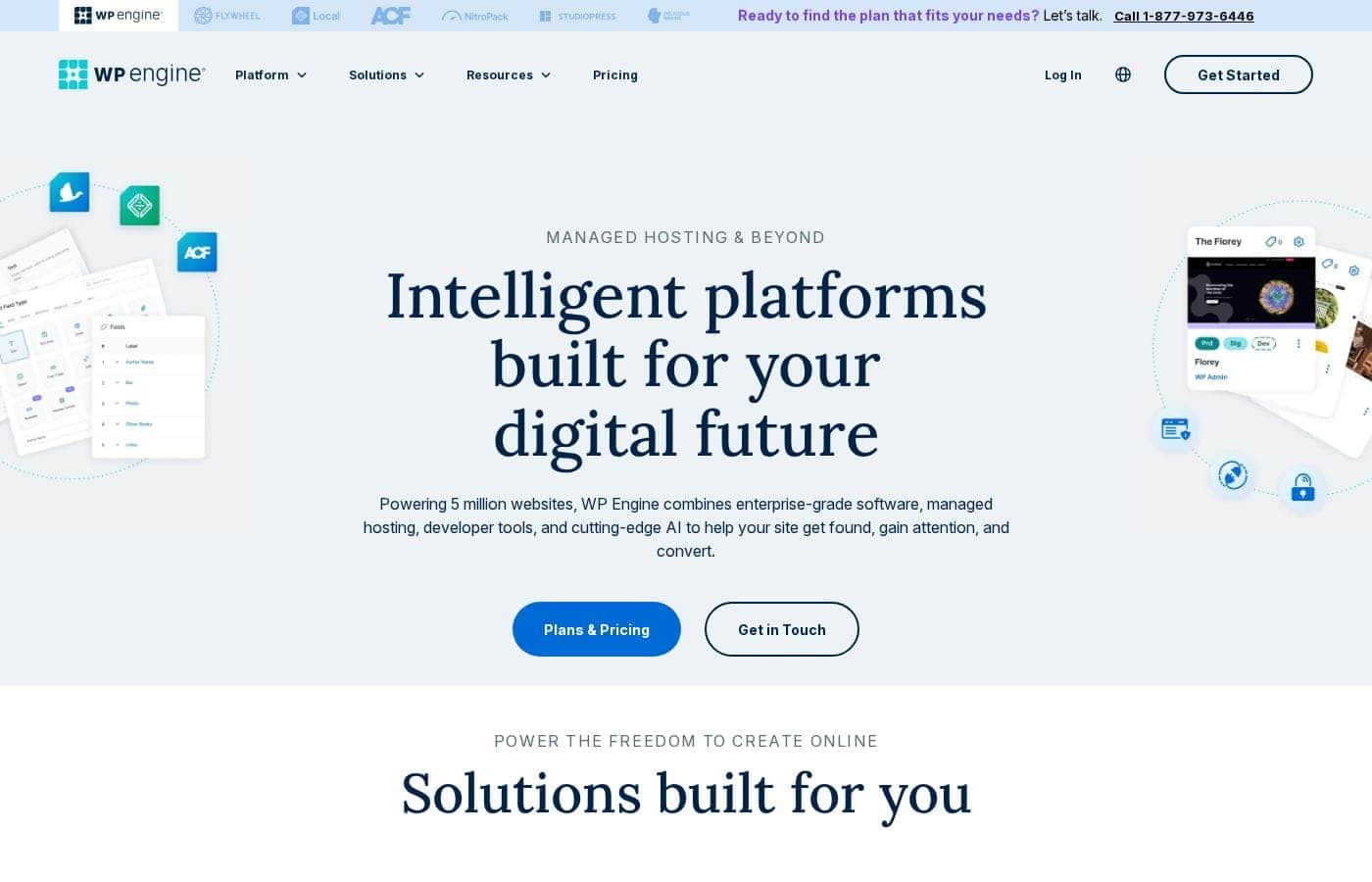
WPEngine homepage screenshot

At a glance

Quick overview for WPEngine: rating, pricing summary, key features, and highlights.
Pricing verified Oct 22, 2026

Ciroapp score

3.9/ 5

WP Engine bundles platform-level caching, a global CDN, one-click staging, daily backups, and WordPress-specialized support into one premium service, which suits agencies and revenue-critical sites. The tradeoffs are real, though: it's WordPress-only, restricts some plugins, limits server control, and plan details stay sparse. Overall, it's a solid pick when your site justifies paying to offload maintenance.

Pros

  • Performance stack with platform-level caching plus an integrated global CDN is tuned specifically for WordPress, so sites load fast without third-party optimization plugins
  • One-click staging with production/staging copying makes it safe to test plugin, theme, and code changes before they touch live sites
  • Daily automated backups with straightforward restore points remove the data-loss risk most hosts leave entirely to the owner

Cons

  • Premium pricing sits far above shared or VPS hosting, and costs rise quickly as visit volume and site count grow
  • WP Engine hosts WordPress only, so you can't run other applications on the same account, and plugin restrictions such as bans on third-party caching plugins may require changes to existing sites
  • The managed environment limits low-level server control, which frustrates developers who want to customize the stack
Best for
  • Agencies and freelancers managing multiple client WordPress sites who need staging, backups, and per-site control consolidated in one account
  • Growing businesses and publishers with high-traffic content sites where downtime or slow load times directly cost revenue
  • Enterprise teams adopting headless WordPress with custom front-end applications
This section is a summary. Detailed sections about features, use cases, pricing, and reviews follow below.

What is WPEngine?

WP Engine is a premium managed hosting platform built exclusively for WordPress, serving agencies, developers, growing businesses, and large enterprises. Rather than renting raw server space, you get an infrastructure layer where caching, security, backups, and support are handled as part of the service. The platform spans standard managed WordPress hosting through its headless WordPress offering for teams building decoupled front ends.

WP Engine is a managed WordPress hosting provider: it runs and maintains the servers, platform software, and WordPress-specific tooling so customers don't have to. Every plan includes performance infrastructure tuned for WordPress, including platform-level caching and an integrated global CDN, along with automated backups, SSL, and a support team trained specifically on WordPress. Beyond traditional hosting, the company offers solutions for headless WordPress setups where the CMS back end feeds a separate front-end application.
Should you choose WPEngine?

Quick buyer guidance before you compare plans or click through.

Choose it if

  • Agencies and freelancers managing multiple client WordPress sites who need staging, backups, and per-site control consolidated in one account
  • Growing businesses and publishers with high-traffic content sites where downtime or slow load times directly cost revenue
  • Enterprise teams adopting headless WordPress with custom front-end applications
  • Developers who want Git, SSH, WP-CLI, and one-click environments as native platform features rather than DIY setup

Skip it if

  • Hobby bloggers and personal sites on tight budgets, where the premium won't pay off at low traffic levels
  • Teams that need to host non-WordPress applications alongside their site, since the platform is WordPress-only
  • Developers who require root-level server access or custom server stacks beyond what a managed environment permits
  • Sites dependent on plugins that conflict with managed-hosting restrictions, such as third-party caching plugins

Next steps before buying

  1. 1Inventory your current setup — traffic levels, plugin list, and load-time baseline — so you can match the right plan tier at wpengine.com/plans
  2. 2Choose a plan sized to your visit volume and site count, or contact sales for multi-site agency, headless, or enterprise requirements
  3. 3Migrate your site using the WP Engine automated migration plugin, or request assisted migration if you're moving several sites at once
  4. 4Configure your environment before launch: set up staging, verify backups and CDN delivery, confirm SSL, and point your DNS
  5. 5Use the 60-day money-back window to validate real-world speed and support quality before committing to long-term billing

WPEngine Key Features

✨ WordPress-Tuned Performance

WP Engine's stack is built around WordPress rather than adapted to it, with caching managed at the platform level and an integrated global CDN for content delivery. Sites are served from infrastructure designed to absorb traffic spikes without manual optimization work. Because performance handling is managed by the platform, sites typically load faster without requiring third-party caching plugins, which are in fact restricted on the platform since they would conflict with it.

✨ Security and Backups

Security is delivered as a platform service: managed WordPress core updates, threat blocking, malware scanning, and free SSL certificates on every site. Daily automated backups are retained so a compromised or broken site can be restored to a known-good state quickly. For businesses that cannot afford a hack or data loss, this removes a whole category of work that generic hosts leave to the site owner.

✨ Developer and Agency Workflow

Every site ships with one-click staging so changes can be tested safely before deployment, and environments can be copied in either direction between production and staging. Developers get SSH Gateway access, Git integration, and WP-CLI for real command-line workflows. Agencies managing many client sites benefit from centralized account tools, site transfers, and collaboration-friendly user permissions.

✨ Headless WordPress Platform

For teams decoupling the front end, WP Engine offers a headless WordPress solution where the CMS serves content to a separate application built with modern frameworks. This combines WordPress's content management strengths with the performance and flexibility of a custom front end. It positions the platform for enterprise digital experiences, not just traditional websites.

✨ WordPress-Specialized Support

Support is staffed 24/7/365 by engineers who work with WordPress daily, so questions about plugins, themes, and WordPress-specific errors don't hit dead ends. Higher tiers add account management and onboarding help, which matters most for agencies and enterprises migrating entire portfolios of sites.

Use Cases

💡 Agencies Managing Client Portfolios

Digital agencies hosting many client sites get per-site staging, backups, transfers, and environment management without assembling that stack themselves. Migration tools and centralized user management reduce the cost of onboarding each new client, and WordPress-trained support absorbs the routine tickets that would otherwise land on internal developers.

💡 High-Traffic Content and Media Sites

Publishers and content-heavy businesses rely on the platform's caching and CDN to serve large audiences consistently. Because traffic spikes from campaigns or viral content are handled at the infrastructure level, editorial teams don't need to plan capacity the way they would on unmanaged servers.

💡 WooCommerce and Business-Critical Stores

Stores running WooCommerce depend on uptime and checkout performance. Managed security, daily backups, and staging for testing plugin updates reduce the risk of a broken cart during peak sales periods, shifting the availability burden from the store owner to the platform.

💡 Enterprise and Headless Projects

Organizations treating WordPress as a content engine for applications, multi-channel publishing, or digital experiences can pair the CMS with custom front ends on the headless platform. Enterprise buyers also gain predictable, centrally managed updates, security, and infrastructure instead of per-site manual maintenance.

WPEngine pricing

Pricing changed on Oct 14, 2026.

From$28/mo

  • From the vendor's pricing page, checked Oct 22, 2026
  • 4 plans

Prices checked on Oct 22, 2026 from WPEngine's pricing page

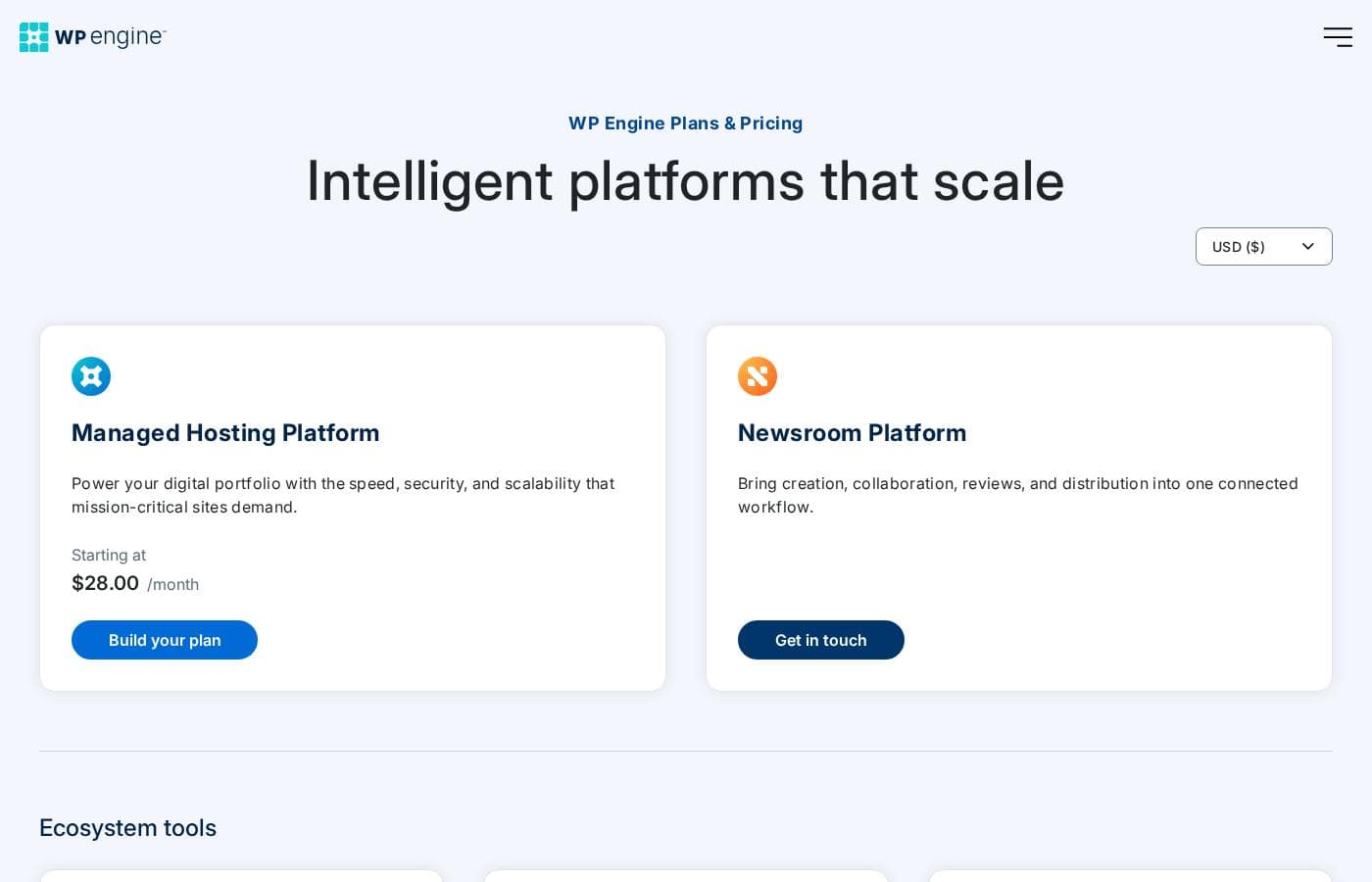
WPEngine pricing page screenshotView pricing page screenshot
PlanBilled monthlyBilled annuallyIncludes
Monthly
$35/mo
—
Annual
—
$28/mo
$336 per year
Monthly
$65/mo
—
Annual
—
$52/mo
$624 per year

Price history

  1. Oct 2026Annual $624 → $336

Pricing types: Free plan, Monthly subscription, Yearly subscription

Pricing notes

WPEngine pricing: Plans from $0/month Billing options: Free plan, Monthly subscription, Yearly subscription

Cost calculator

Estimate what WPEngine costs for your team.

Billing
Per month
$35
Per year
$420

Monthly has a flat price: the number of seats does not change the total. Estimate based on published list prices, before taxes, add-ons and discounts.

How to pay less for WPEngine

  • Cheaper tools in this category start at $2/mo.
Visit WPEngine

Email me when WPEngine changes price

One email when we detect a price change on the vendor's pricing page. No newsletter, no deals. Unsubscribe in one click.

What's new

  1. price change
    WPEngine pricing updated

    Annual: $624/yr → $336/yr (-46.2%)

User Reviews

No reviews yet.

Write a Review

Write a Review for WPEngine
0/100 characters
0/2000 characters

Why use WPEngine?

Managing WordPress properly takes real work: performance tuning, security hardening, update testing, and backup discipline. WP Engine absorbs that operational burden, which reduces total cost of ownership once you factor in the time and specialists you'd otherwise need in-house.

Teams also gain a safer workflow through staging environments, restore points, and built-in developer tooling that's difficult to replicate on generic hosts. For businesses where the website generates revenue, that reliability and expertise is the core reason to pay a premium over commodity hosting.

WPEngine alternatives

Other tools in the WordPress hosting category

View all WordPress hosting tools
InstaWP

InstaWP

WordPress hosting4.1/5From $2/mo

InstaWP is a WordPress sandbox, staging and site-management platform for creating and migrating WordPress sites.

Rocket.net

Rocket.net

WordPress hosting4.1/5

Rocket.net is a managed WordPress hosting platform built to deliver speed and security at scale. It's designed for WordPress publishers, agencies, ecommerce sites, and other online businesses that want a simple, high-performance hosting experience.

WPX

WPX

WordPress hosting3.5/5From $17.99/mo

WPX is ultrafast WordPress hosting built specifically for business owners and entrepreneurs. The founders created this service after experiencing the pitfalls of poor hosting services firsthand. It's a fully managed system, allowing reliable experts to handle the heavy lifting while you focus on scaling your business ✅. Thousands of people have already trusted this approach and given WPX positive 5-star reviews.

20i

20i

WordPress hosting3.9/5From $10.99/mo

20i offers robust hosting solutions built on a multi-cloud infrastructure. Their services range from domain names to specialized Managed WordPress and Autoscale Cloud Hosting. They combine their own 20iCloud platform with options to use connectivity through AWS and Google Cloud Platform. This flexible approach ensures your websites and applications benefit from maximum speed and global reach. Your data can deploy quickly across more than 60 data centers worldwide. It's designed specifically for experienced users, like web designers and developers, who demand optimized technology and an intuitive experience. 💡 The central hub for all this power is My20i, their advanced, easy-to-use control panel.

Cloudways

Cloudways

WordPress hosting4.3/5
Kinsta

Kinsta

WordPress hosting4.2/5

Kinsta is recognized as a premier managed WordPress hosting provider. It serves over 140,000 businesses and brands worldwide, offering solutions tailored for agencies, enterprises, and small to medium businesses. They specialize in taking away the complexity and stress often associated with managing high-performance WordPress sites. The goal is simple: offer a hassle-free hosting experience that helps your business grow, not slow. You get enterprise-grade speed and reliability without the common overhead.

xCloud

xCloud

WordPress hosting3.8/5

xCloud is a cloud hosting platform designed for WordPress sites. It automatically installs a fast LEMP stack, optimized with PHP-FPM, or a fully integrated OpenLightSpeed (OLS) stack, to help sites run smoothly. You get a single place to monitor performance, security, and updates for all your WordPress websites, and you can easily share access with team members to manage and optimize sites together. The service also offers root access, up-to-date standard packages, Redis caching for speed, and free migrations for site and server transfers.

Cheapest WordPress hosting software for 1 to 25 users

WPEngine FAQ

How much does WPEngine cost?

WPEngine's cheapest paid plan, Annual, costs $28 per month. Paid plans range from $28 to $65 per month. Prices checked on Oct 22, 2026 from the vendor's pricing page.

Has WPEngine's price changed recently?

Yes. We detected a price change on Oct 2026: Annual: $624 → $336.

Is WP Engine only for WordPress, or can it host other applications?

WP Engine is a WordPress-specialized host: the platform, caching, security, and support are all built around WordPress specifically. It also supports headless WordPress, where WordPress manages content but a separate front-end application built with modern frameworks consumes it. If you need to host non-WordPress applications such as a Django or Node.js app, you'll need a different provider for those workloads.

Can I move an existing WordPress site to WP Engine?

Yes. WP Engine provides an automated migration plugin that moves an existing WordPress install into your account, and assisted migration support is available depending on plan, which is useful for agencies porting multiple client sites at once. After the migration is verified on the platform, you point your DNS at WP Engine to complete the cutover.

What if I sign up and the platform isn't a good fit?

WP Engine offers a 60-day money-back guarantee, so you can migrate your site, measure real-world load times, test the staging workflow, and evaluate support before committing long term. If the platform doesn't meet expectations within that window, you can cancel for a refund and move back to your previous host.

Ready to try WPEngine? Check out the official site or pricing.

Are you WPEngine? Claim this listing · Get the badge