Viddyoze

Viddyoze review

Branded business videos in minutes — pick a template, drop in your logo and colors, and render. No video editing experience required.

By Ciroapp Editorial Team · Updated Sep 16, 2026

Commission may apply at no extra cost

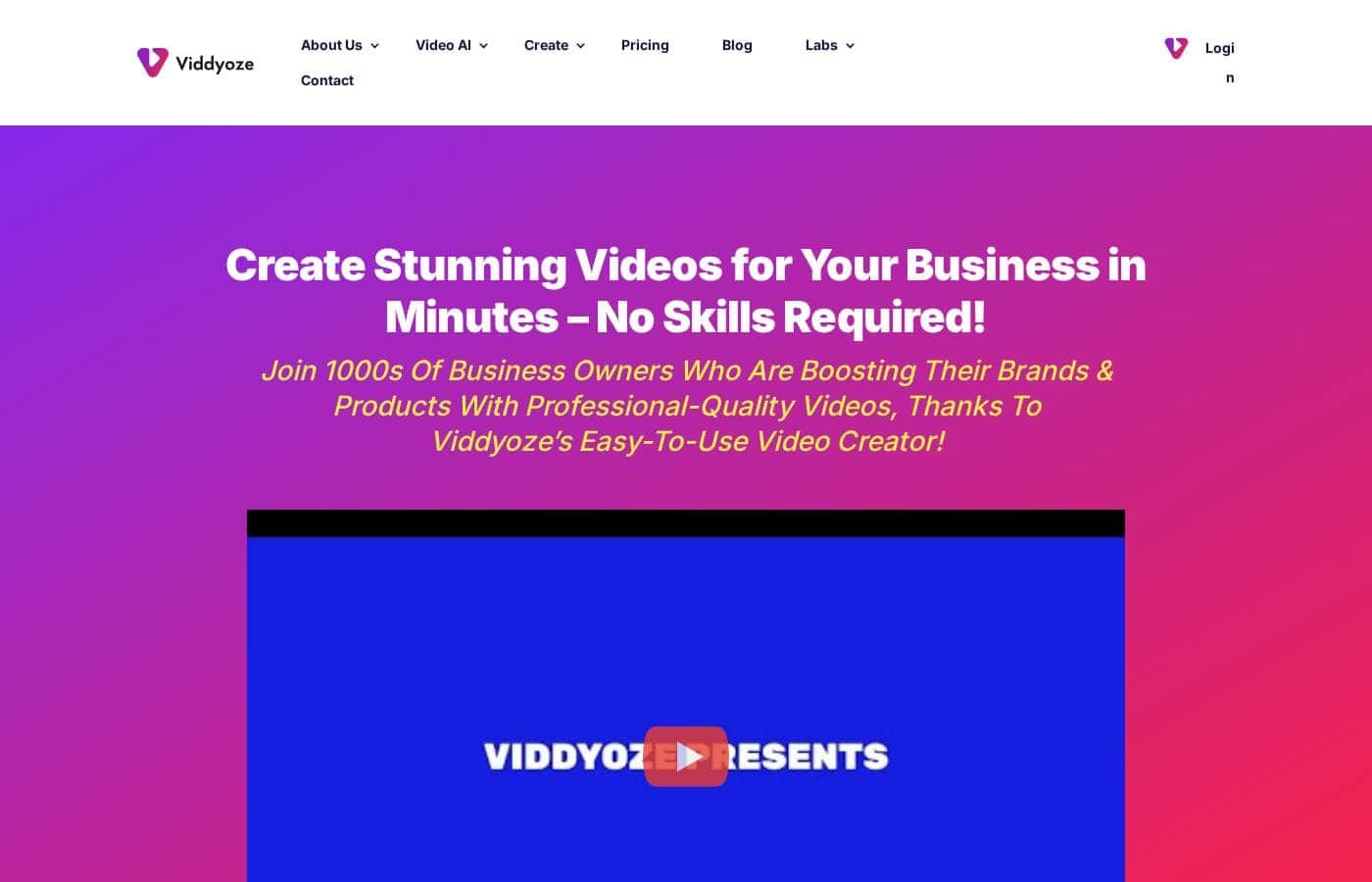
Viddyoze homepage screenshot

At a glance

Quick overview for Viddyoze: rating, pricing summary, key features, and highlights.
Vendor page checked Oct 12, 2026

Ciroapp score

3.7/ 5

Viddyoze turns template picking into fast branded video production, with logo and color customization, cloud rendering, and a $0 entry point. It can't match Premiere Pro or DaVinci Resolve for creative control, and independent user reviews are scarce. Overall, it's a practical pick for small teams that need consistent branded video without hiring an editor.

Pros

  • Pros:Brand consistency is built in — templates accept your own logos and color palette, so every video matches your identity without manual restyling
  • Pros:Near-zero learning curve — the platform is designed so users with no video editing background can produce finished clips in minutes
  • Pros:A free plan and free trial let you test the workflow against a real project before spending money

Cons

  • Cons:The template-based approach limits creative control — you cannot match the frame-level editing, multi-track timelines, or custom animation of tools like Adobe Premiere Pro or DaVinci Resolve
  • Cons:Templates are shared across the entire subscriber base, so outputs risk resembling other businesses' videos unless you customize them carefully
  • Cons:Paid plans extend to $5,000/month at the top of the range, making scaling expensive, and the free plan's exact limitations are not transparent until you test it
Best for
  • Small business owners who need branded social and website videos but have no editor on staff and no time to learn editing software
  • Solo marketers and freelancers producing regular intros, outros, and promo clips for clients who want consistent branding without per-project design work
  • Marketing teams that need video output to stay visually consistent with brand colors and logos across multiple contributors
This section is a summary. Detailed sections about features, use cases, pricing, and reviews follow below.

What is Viddyoze?

Viddyoze is a web-based video creation tool aimed at business owners and marketers who need branded video content without hiring an editor or learning professional editing software. The platform is built around a template library that handles the animation and effects, so the user's job is mainly supplying a logo, brand colors, and text. More than 180,000 creators have used it, and its ability to carry your own branding across templates is the feature it is best known for.

This review covers where it excels, where it falls short of a full editing suite, and which buyers it actually fits.

Viddyoze is a template-driven video creation platform in the video editing category. Instead of a blank timeline, it provides pre-built templates for common business video formats such as intros, logo animations, and promotional clips, which you customize with your own text, colors, and logos. Rendering runs on the vendor's infrastructure, so there is no heavy software to install and no dependence on a powerful local machine.

This approach is why it has been called a 'Swiss Army Knife' for corporate branding video media: one tool covers several recurring video needs without an editor on staff.
Should you choose Viddyoze?

Quick buyer guidance before you compare plans or click through.

Choose it if

  • Small business owners who need branded social and website videos but have no editor on staff and no time to learn editing software
  • Solo marketers and freelancers producing regular intros, outros, and promo clips for clients who want consistent branding without per-project design work
  • Marketing teams that need video output to stay visually consistent with brand colors and logos across multiple contributors
  • Startups that want to test video marketing with a $0 entry point before committing to a paid subscription

Skip it if

  • Filmmakers and professional editors who need timeline control, multi-track compositing, or custom motion graphics — a full NLE such as Premiere Pro or DaVinci Resolve is the better tool
  • Teams that require fully original, from-scratch animations, since every subscriber draws from the same shared template library
  • Buyers who need offline editing, because the workflow depends on the vendor's web platform
  • Very high-volume users who should confirm which tier actually covers their output before subscribing, given the range extends to $5,000/month

Next steps before buying

  1. 1Create an account on viddyoze.com and start with the free plan or free trial to explore the template library at no cost
  2. 2Identify one recurring video need — for example, a logo intro for your YouTube channel — and test two or three relevant templates against it
  3. 3Upload your logo and set your brand colors early so every template you preview already reflects your visual identity
  4. 4Render a complete test video, review the output quality on the devices your audience actually uses, then compare paid tiers against your expected monthly volume before subscribing

Viddyoze Key Features

✨ Template-driven video creation

Viddyoze's core workflow is built around a library of pre-made templates rather than a blank editing timeline. You choose a template suited to your goal — an intro, a logo animation, or a promotional clip — then replace the placeholder text and assets with your own. The platform handles animation and rendering, which is what allows users without editing experience to produce finished videos in minutes.

✨ Built-in brand customization

The platform lets you apply your own logos and color palette to templates so outputs stay consistent with your corporate identity. This is the capability behind its 'Swiss Army Knife' reputation for corporate branding video media. Instead of restyling every project manually, your brand assets carry across the videos you produce, keeping intros, promos, and outros visually aligned.

✨ No-experience-required workflow

Viddyoze is explicitly positioned for business owners and professionals rather than trained editors. The interface reduces production to clicking through options, and the vendor's own framing is that if you can use a mouse, you can create videos in minutes. That makes it viable for founders, marketers, and assistants with no background in video software.

✨ Web-based, cloud-rendered production

Creation and rendering happen through the vendor's platform rather than on your local machine, so there is no heavy software to install or maintain. This keeps the barrier to entry low for users on standard laptops. It also means output quality does not depend on your own hardware's processing power.

✨ Pricing that scales from free to agency volume

Plans start at $0 with both a free plan and a free trial available, and monthly subscriptions extend up to $5,000 per month at the top of the range. That spread covers everyone from a solo founder testing video marketing to high-volume users and agencies. The practical step is matching your expected monthly output to the right tier rather than defaulting to the most expensive plan.

Use Cases

💡 Branded social media content

Small businesses need a steady stream of video for feeds and stories, but producing it manually is slow. Viddyoze templates let a marketer turn out short branded clips with consistent colors and logos, keeping a feed visually coherent without a design team. Because the workflow is fast, teams can post more frequently without adding headcount.

💡 Video intros, outros, and logo animations

A recurring need for YouTube channels, webinar hosts, and course creators is a polished opening and closing sequence. With Viddyoze you select a logo animation template, drop in your assets, and render a reusable sting. Doing this once gives every future video a professional frame for a few minutes of setup.

💡 Promotional and advertising clips

Marketers running campaigns need promo videos and calls to action that match the brand. The template approach supports producing several variants quickly, which is useful when testing different messages against each other. The constraint is that highly specific creative concepts are limited to what the template library offers.

💡 Agency and client video deliverables

Freelancers and small agencies can use the platform to produce branded video assets for multiple clients. The pricing range — extending to $5,000 per month at the top tier — reflects plans sized for heavier, multi-client output. For agencies the appeal is throughput: standardized, brand-correct videos delivered without commissioning an editor per project.

Viddyoze pricing

Prices not verified yet — see the vendor page.

Viddyoze's pricing page

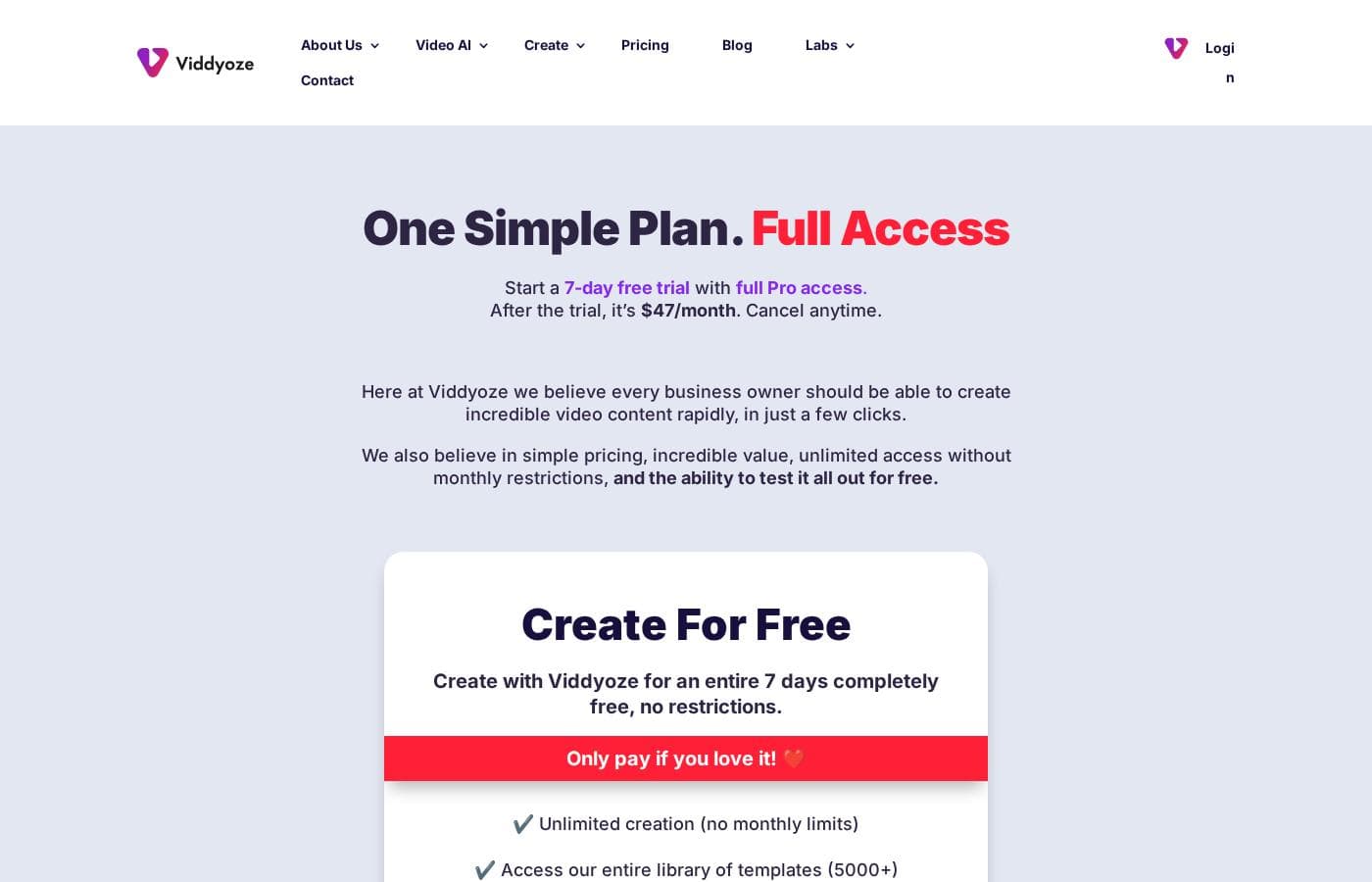
Viddyoze pricing page screenshotView pricing page screenshot

Price history

Tracking prices since Oct 1, 2026. No price change detected yet.

Pricing types: Free plan, Free trial, Monthly subscription

Email me when Viddyoze changes price

One email when we detect a price change on the vendor's pricing page. No newsletter, no deals. Unsubscribe in one click.

User Reviews

No reviews yet.

Write a Review

Write a Review for Viddyoze
0/100 characters
0/2000 characters

Why use Viddyoze?

Most businesses need video for social feeds, websites, ads, and presentations, but few can justify a dedicated editor or the months required to learn a professional non-linear editor. Viddyoze closes that gap by reducing production to selecting a template and swapping in brand assets, which takes minutes rather than days.

The tradeoff is real: you give up frame-level control in exchange for speed and brand consistency. For teams whose priority is producing on-brand video at volume with minimal training, that trade usually works out in their favor.

Viddyoze alternatives

Other tools in the Video editing category

View all Video editing tools
Camtasia

Camtasia

Video editing4.2/5

Camtasia is truly everything you need in one powerful tool. It combines screen recording with full video editing capabilities. This software uses AI-powered tools to simplify the creation process. It is designed to help you turn your existing knowledge into highly engaging videos.

Filmora 14

Filmora 14

Video editing4/5

Filmora 14 is a highly accessible and powerful video editing platform built for efficient results. It’s designed to provide AI-powered efficiency and remarkable simplicity to your everyday editing, making it suitable for both beginners and seasoned experts. This software simplifies the entire process, from pre-processing your footage all the way to finalizing your project. Filmora helps unlock new possibilities for visual storytelling, ensuring your videos stand out with outstanding AI-driven technology. It’s an ideal choice for anyone looking for a fluent and productive editing journey.

VEED

VEED

Video editing4/5

VEED is a complete end-to-end video suite designed for busy teams and creators. It allows you to create, collaborate, and share impressive videos entirely from within your browser. This platform offers seamless workflow consolidation, perfect for everyone from individual content makers to large organizations like the Fortune 500. It includes smart collaboration tools and a dedicated Brand Kit, ensuring your team maintains consistency. Additionally, you access a vast, royalty-free stock library featuring over 2 million video and audio assets.

Animaker

Animaker

Video editing4/5

Animaker is known as the world’s most complete Animation and Video Making Tool. It's truly a world-class system built for everyone. This platform helps you create both animation and live-action content with ease. Whether you are running a startup or working for a seasoned Fortune 500 company, you can achieve studio-quality results. More than 30 million users already trust this powerful system to deliver effective visual communication.

Anireel

Anireel

Video editing4/5

Anireel is an intuitive solution built to simplify animated video production. It allows anyone, even beginners, to craft high-quality explainer videos quickly. The software is perfect for various needs, supporting marketing, eLearning, and corporate communication efforts. Anireel comes packed with powerful tools like a custom character builder and a sophisticated Text-to-Speech engine. This means you get lip syncing and professional-grade video creation in one easy package.

FlexClip

FlexClip

Video editing3.9/5

FlexClip is an all-in-one online video editing solution designed to make powerful video creation accessible to everyone. It's built for folks who need professional output without needing extensive filmmaking experience. Based on user testimonials, this tool is perfect for educators, marketers, designers, and small business owners alike. It provides flexible editing capabilities right in your browser, helping you produce high-quality clips quickly.

Cheapest Video editing software for 1 to 25 users

Viddyoze FAQ

Do I need video editing experience to use Viddyoze?

No. Viddyoze is designed around templates so that users who can operate a mouse can produce finished videos in minutes. You select a template, add your text, logo, and brand colors, and the platform handles animation and rendering. This makes it suitable for business owners and marketers rather than professional editors, though it also means you give up the fine control of a full editing suite.

How much does Viddyoze cost?

Viddyoze offers a free plan and a free trial alongside monthly subscriptions. Plans range from $0 up to $5,000 per month, so you can start without paying and upgrade as your video volume grows. Features and limits vary by tier, so check the vendor's pricing page for the current breakdown before committing.

Can Viddyoze videos match my company's branding?

Yes. Branding is the platform's headline strength: you can apply your own colors and logos to templates, which is why it has been described as a 'Swiss Army Knife' for corporate branding video media. Consistency across intros, outros, and promotional clips comes from reusing the same brand assets in every project.

Is Viddyoze a replacement for professional editing software?

Not quite. Viddyoze is a template-based video creator, not a full non-linear editor, and it does not offer the timeline editing, multi-track compositing, or custom animation control of tools like Premiere Pro or DaVinci Resolve. It is best viewed as a fast way to produce branded business videos that complements, rather than replaces, a full editing suite.

Ready to try Viddyoze? Check out the official site or pricing.

Are you Viddyoze? Claim this listing · Get the badge