Polylang

Polylang review

Turn a standard WordPress site into a multilingual one using the admin screens you already know.

By Ciroapp Editorial Team · Updated Sep 17, 2026

Commission may apply at no extra cost

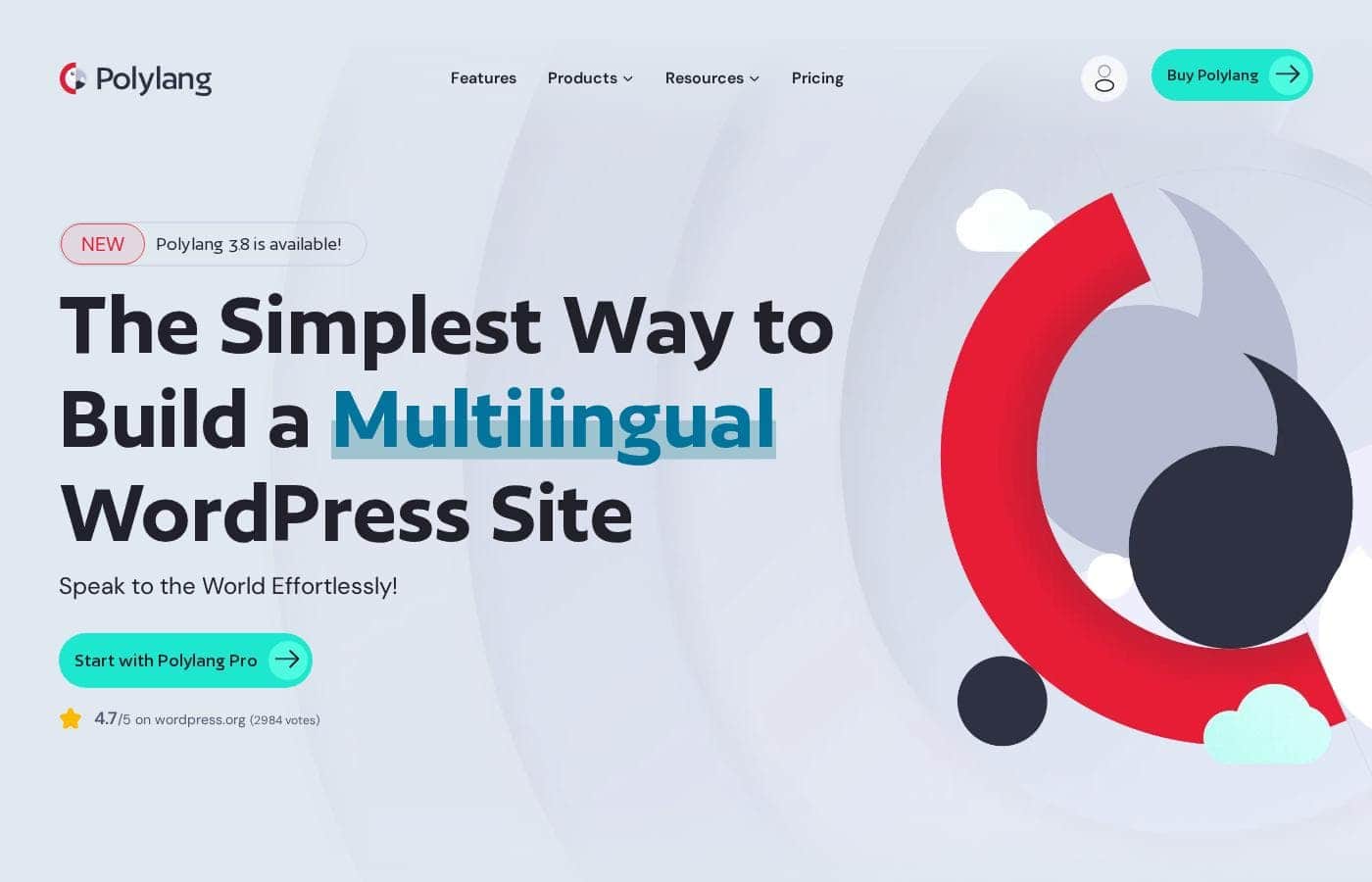
Polylang homepage screenshot

At a glance

Quick overview for Polylang: rating, pricing summary, key features, and highlights.
Vendor page checked Oct 13, 2026

Ciroapp score

4.0/ 5

Polylang adds multilingual support from inside the WordPress screens you already use, with a quick setup wizard, a genuinely useful free version, and a track record across 800,000+ sites. The catch: it manages structure but doesn't translate content, and commercial features sit behind Pro. Overall, it's a solid, low-friction pick for standard WordPress sites if you verify theme compatibility.

Pros

  • Pros:Setup is genuinely fast — the wizard handles language selection and the language switcher in one pass, so a working multilingual baseline exists within minutes of activation
  • Pros:Translation happens inside the standard WordPress admin screens, which means content editors need almost no retraining compared with plugins that impose a separate translation dashboard
  • Pros:Proven at scale with over 800,000 active sites, so compatibility problems with common themes and plugins are more likely to be known and documented

Cons

  • Cons:The free version covers the essentials but commercial sites — particularly WooCommerce stores — will need the Pro tier, so the real cost for a business site is not zero
  • Cons:Translation quality still depends entirely on the humans or tools doing the translating; Polylang manages the structure but does not translate content for you
  • Cons:Sites built heavily on page builders or plugins that store content outside standard WordPress structures may not expose everything to Polylang's language system, and compatibility should be tested before committing
Best for
  • Bloggers and content publishers who want to offer their posts in two or more languages without changing how they work in WordPress
  • Agencies managing client WordPress sites who need multilingual capability that non-technical client editors can maintain independently
  • WooCommerce store owners selling to customers in multiple language markets, particularly on the Pro tier
This section is a summary. Detailed sections about features, use cases, pricing, and reviews follow below.

What is Polylang?

Polylang is a WordPress plugin that adds multilingual capability to an existing site rather than requiring a separate installation or a headless rebuild. It has been adopted by more than 800,000 websites, which makes it one of the most established options in the WordPress translation space. The plugin handles the core mechanics of running content in multiple languages: language assignment per post, translated equivalents of pages and taxonomies, and a language switcher for visitors.

Polylang is a multilingual plugin for WordPress. After installation, a wizard walks you through adding the languages your site needs and placing a language switcher on your site. From there, translation happens inside the regular WordPress admin: each post, page, menu, widget, and media item gets language metadata, and you link translations together so visitors can move between language versions of the same content.

A Pro tier adds additional capabilities for larger or commercial sites.
Should you choose Polylang?

Quick buyer guidance before you compare plans or click through.

Choose it if

  • Bloggers and content publishers who want to offer their posts in two or more languages without changing how they work in WordPress
  • Agencies managing client WordPress sites who need multilingual capability that non-technical client editors can maintain independently
  • WooCommerce store owners selling to customers in multiple language markets, particularly on the Pro tier
  • Owners of existing WordPress sites who need to add a second language to live content without rebuilding the site

Skip it if

  • Sites built almost entirely on a page builder whose content lives outside standard WordPress post structures — test compatibility first, because Polylang's language system attaches to native WordPress content types
  • Teams expecting fully automatic translation out of the box; Polylang manages structure and linking, but the translated text itself must come from a person or a separate translation service
  • Projects where the budget is strictly zero but commercial features such as WooCommerce integration are required — those sit behind the Pro subscription

Next steps before buying

  1. 1Install Polylang from the WordPress plugin directory on a staging copy of your site first, so you can verify theme and plugin compatibility before touching production
  2. 2Run the installation wizard: select the languages your site will support and place the language switcher where visitors will find it
  3. 3Assign a language to your existing posts, pages, and menus, then create the translations for your most-visited content first rather than translating everything at once
  4. 4Check how your site behaves for a visitor in each language — navigation, widgets, and media all need language assignments to avoid mixed-language pages
  5. 5If you run a store or need commercial features, evaluate Polylang Pro's yearly plans against your requirements before launch rather than discovering the gap after going live

Polylang Key Features

✨ Installation wizard and language setup

Polylang replaces manual configuration with a setup wizard: you pick the languages your site will use and add a language switcher in the same flow. This means a functioning multilingual baseline — language definitions plus a visitor-facing switcher — exists within minutes of activation, before you translate a single piece of content.

✨ Translation inside standard WordPress screens

Rather than introducing a separate translation dashboard, Polylang attaches language data to the WordPress objects you already edit. Posts, pages, categories, tags, menus, widgets, and media each carry a language and can be linked to their translations. Editors work in the familiar post editor and menu screens, which reduces training time for teams already using WordPress.

✨ Language switcher for visitors

The plugin provides a language switcher that can be placed in menus or as a widget, letting visitors jump between language versions of the current content. Because translations are linked at the content level, the switcher points to the equivalent page in the other language rather than simply resetting the site to a default locale.

✨ E-commerce and Pro capabilities

Polylang is positioned for e-commerce stores as well as blogs and business sites, and the Pro tier exists for sites that need more than the free core — such as additional integration support and features aimed at commercial deployments. The upgrade path matters because a site that starts as a translated blog can grow into a multilingual store without migrating to a different plugin.

Use Cases

💡 Bloggers reaching readers in multiple languages

A blogger publishing in two or three languages can keep writing in the WordPress editor they already use, creating a translated post for each language and linking them together. Readers arrive at the version matching their language via the switcher, and the blogger never leaves the standard publishing workflow.

💡 Business and agency sites serving international clients

Agencies maintaining client sites can add multilingual capability without introducing an unfamiliar interface for content editors. Because translations live in the normal admin, client staff can update both language versions themselves, and the agency avoids becoming a bottleneck for every content change.

💡 WooCommerce stores selling across language markets

An e-commerce store can present products and store content in each customer's language, with Polylang handling the multilingual layer over the WordPress content that powers the shop. The Pro tier is the relevant option here, since commercial stores typically need the extended capabilities it provides.

💡 Existing sites adding a second language later

For a site that was built monolingually and now needs a second language, Polylang can be installed onto the existing content: the wizard sets up languages and the switcher, and existing posts and pages are then assigned a language and translated incrementally, rather than requiring a rebuild.

Polylang pricing

Prices not verified yet — see the vendor page.

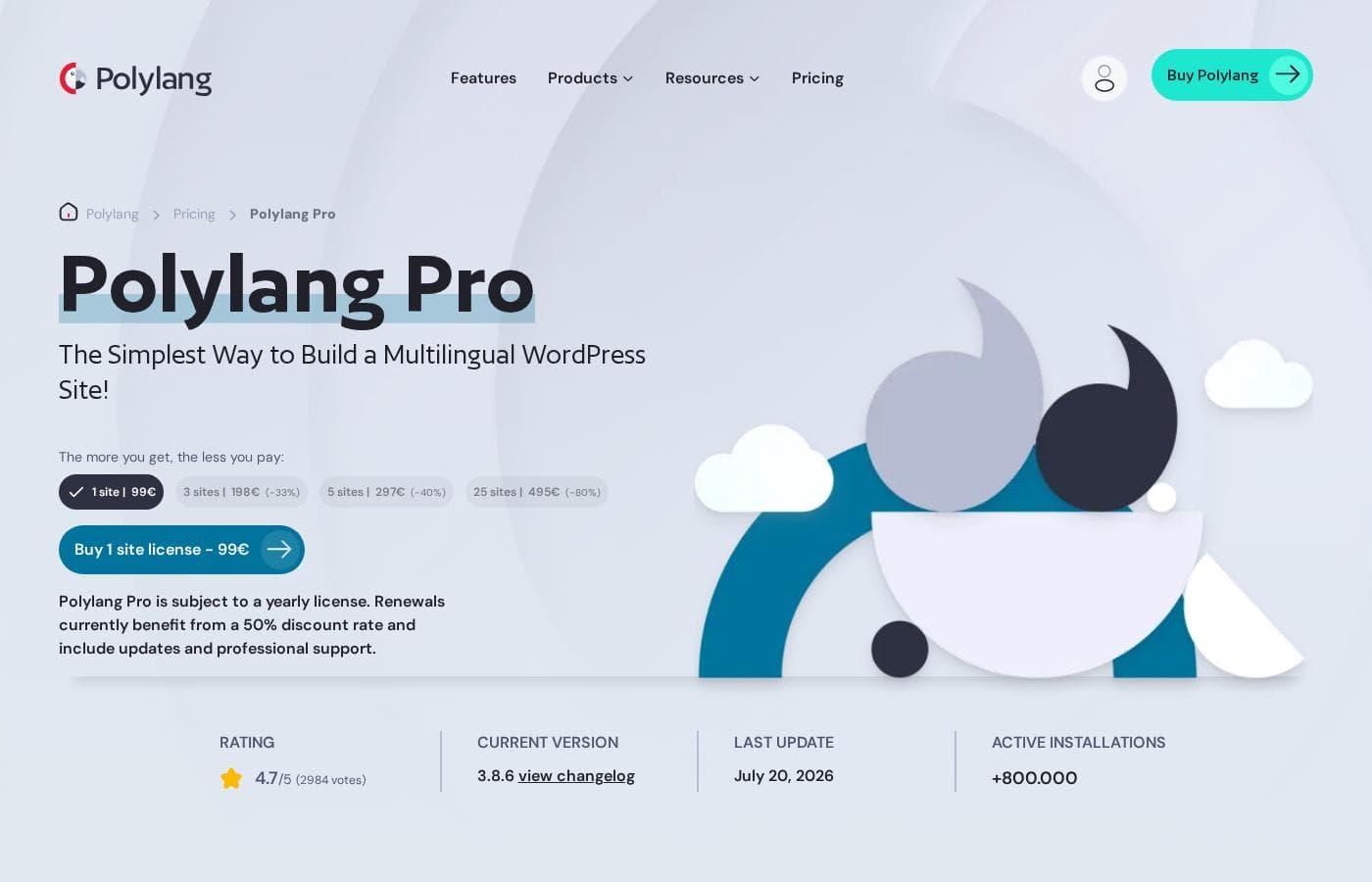
Polylang's pricing page

Polylang pricing page screenshotView pricing page screenshot

Price history

Tracking prices since Oct 1, 2026. No price change detected yet.

Pricing types: Free plan, Yearly subscription

Pricing notes

Polylang pricing: Billing options: Free plan, Yearly subscription

Email me when Polylang changes price

One email when we detect a price change on the vendor's pricing page. No newsletter, no deals. Unsubscribe in one click.

User Reviews

No reviews yet.

Write a Review

Write a Review for Polylang
0/100 characters
0/2000 characters

Why use Polylang?

Most multilingual WordPress approaches force a choice between heavy, complicated plugins and external services that take your content out of WordPress entirely. Polylang's main argument is that it stays inside the WordPress workflow: if you know how to edit a post, you can translate one.

The large install base also matters practically — with 800,000+ sites, common conflicts with themes, page builders, and other plugins are more likely to have been encountered and documented already.

Polylang alternatives

Other tools in the Multilingual WordPress plugins category

View all Multilingual WordPress plugins tools
WPML

WPML

Multilingual WordPress plugins4/5

WPML is the trusted solution for making WordPress sites easily navigable in multiple languages. It efficiently translates core elements like pages, posts, menus, and even text buried within your theme 💡. Designed to be flexible, WPML integrates seamlessly with any theme or plugin that respects the standard WordPress API, ensuring your site remains functional and cohesive.

Translatepress

Translatepress

Multilingual WordPress plugins4/5

TranslatePress is the friendly translation plugin designed specifically for your WordPress site. Instead of digging through confusing backend code, you translate everything live from the front-end of your site. This means what you see is what you get when switching languages. The plugin is built to work seamlessly, so you won't have compatibility issues with your preferred site builders and complex themes.

Polylang FAQ

Is Polylang free to use?

Yes. Polylang has a free core version available from the WordPress plugin directory that covers the fundamental multilingual features, including the setup wizard, language assignment for content, and the language switcher. Paid plans are sold as yearly subscriptions for users who need the extended capabilities of Polylang Pro, with listed pricing spanning from free up to 2984 depending on the plan.

Do I need technical skills to set up Polylang?

No advanced technical skills are needed for basic setup. The installation wizard walks you through selecting your languages and adding the language switcher, and after that, translation work happens in the same WordPress admin screens you already use for editing posts and pages. The main technical consideration is checking that your theme and key plugins are compatible, which matters for any multilingual plugin.

Does Polylang translate my content automatically?

No. Polylang provides the multilingual structure — language assignments, links between translated versions, and the visitor-facing switcher — but the actual translation of text is done by you, your editors, or a translation service you connect. This is worth knowing upfront so you can plan who produces the translated content.

How does Polylang compare to other WordPress multilingual plugins?

Polylang's distinguishing approach is staying inside standard WordPress workflows: translations are managed from the regular editor rather than a separate interface, and the free core covers genuine multilingual functionality rather than being a limited demo. Against that, some competing plugins bundle more automated translation features in their base offering. The right fit depends on whether your priority is workflow simplicity (Polylang's strength) or built-in machine translation.

Ready to try Polylang? Check out the official site or pricing.

Are you Polylang? Claim this listing · Get the badge