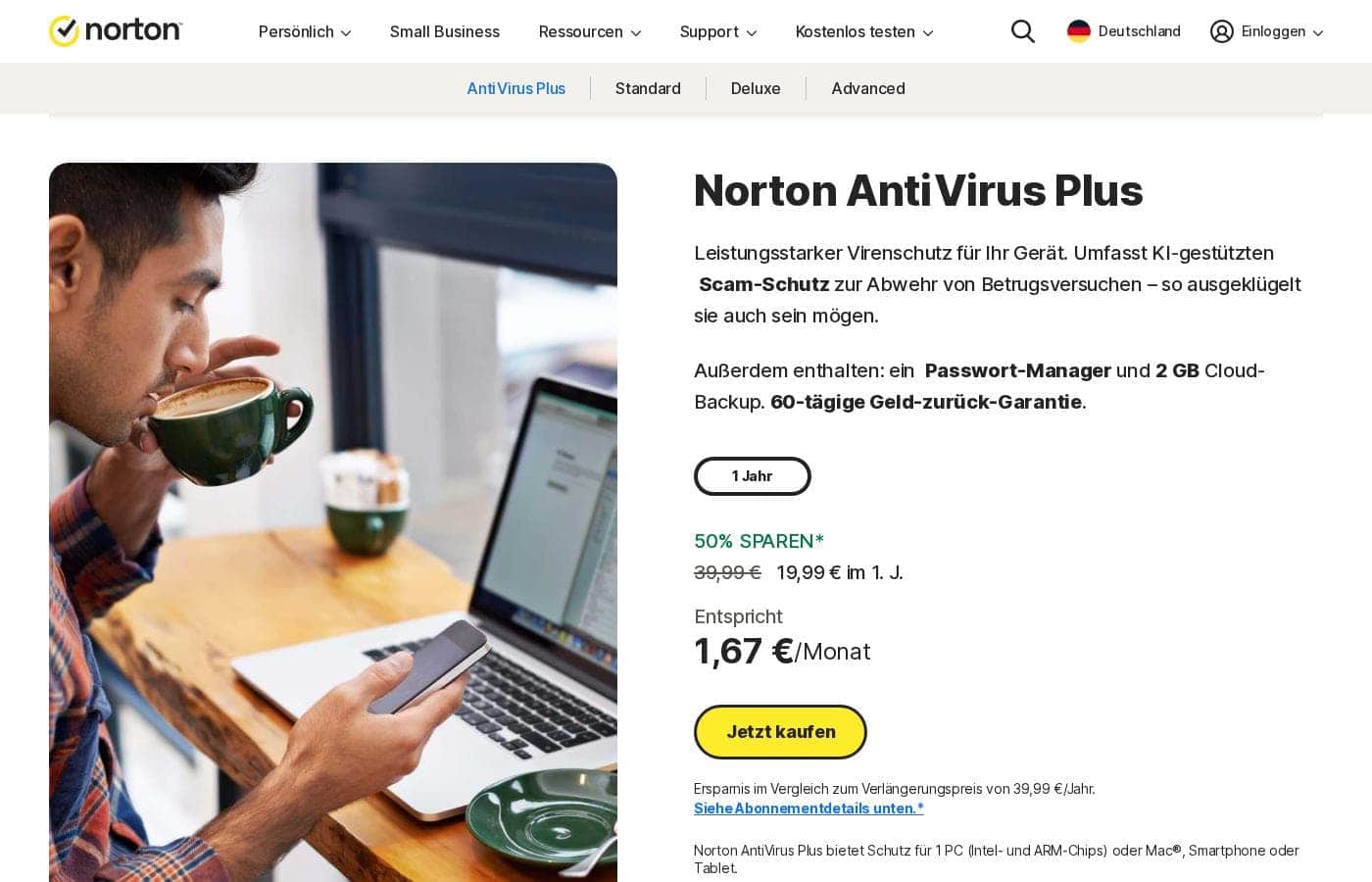
Norton 360 Antivirus Plus

Norton 360 Antivirus Plus review

Norton 360 Antivirus Plus: real-time protection, scam detection, and cloud backup for one device.

By Ciroapp Editorial Team · Updated Sep 17, 2026

Commission may apply at no extra cost

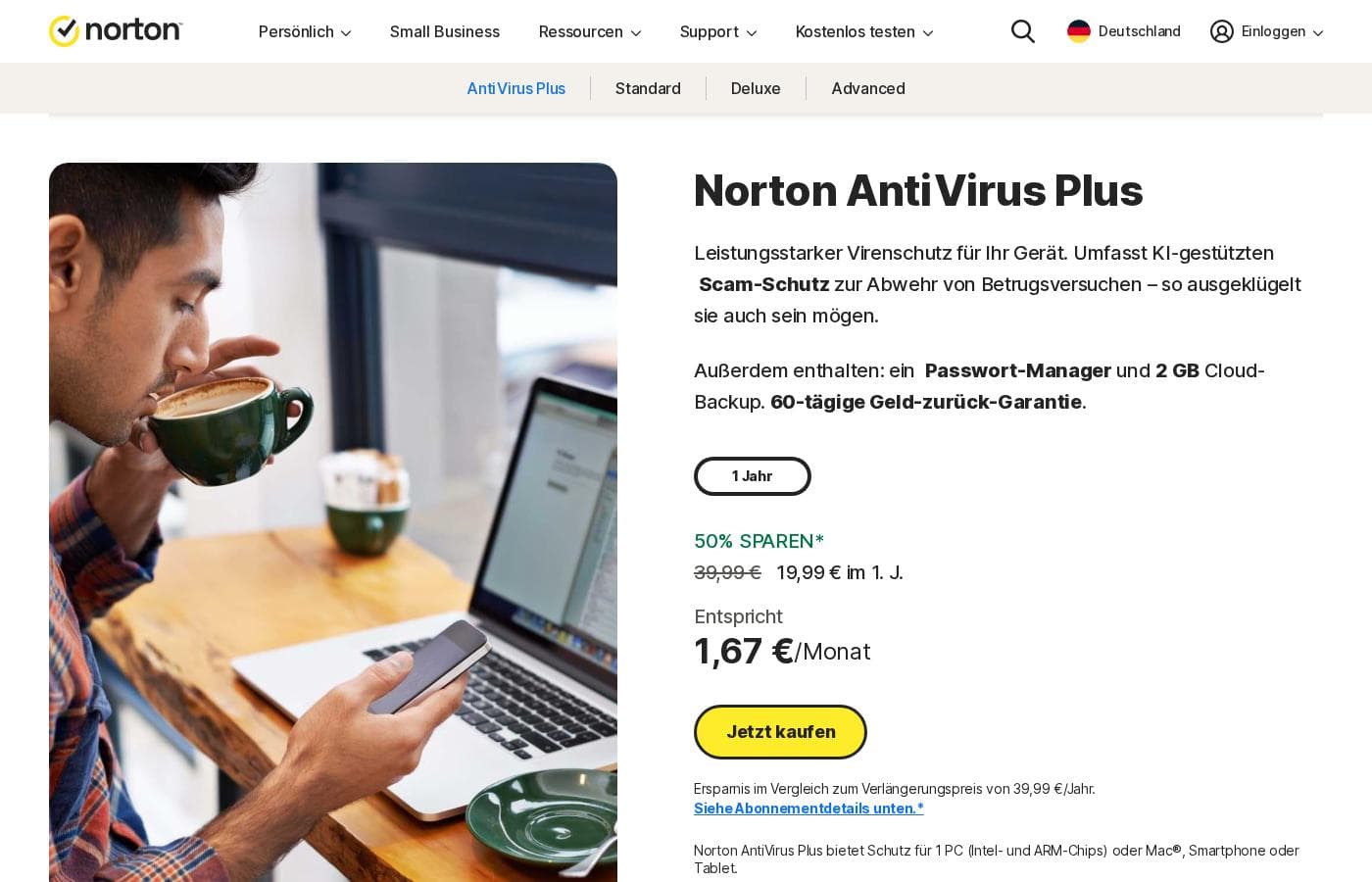
Norton 360 Antivirus Plus homepage screenshot

At a glance

Quick overview for Norton 360 Antivirus Plus: rating, pricing summary, key features, and highlights.

Ciroapp score

3.7/ 5

The catch is a one-device license, a small backup allowance, and murky public pricing. Overall, it's a sensible, low-effort pick if you need to secure a single laptop or phone.

Pros

  • The Password Manager is included even at this entry tier, removing the need for a separate password manager subscription for the covered user
  • 2GB of encrypted cloud backup provides a practical ransomware recovery path for critical documents, a feature many entry-level competitors omit entirely
  • A single subscription covers any one device across Windows, macOS, Android, and iOS, so users can pick the platform where they need protection most

Cons

  • The plan covers only one device, so households or individuals with a laptop plus a phone plus a tablet need a higher Norton 360 tier or a second subscription
  • The 2GB cloud backup allowance is small and cannot accommodate large photo libraries, video files, or full-system backups
  • Advanced 360-tier extras such as VPN, dark web monitoring, and larger backup allowances are not part of this plan, which may push some buyers up the price ladder quickly
Best for
  • Individuals who need to protect exactly one device — a primary laptop, desktop, or smartphone — and do not want to pay for multi-device coverage they won't use
  • Users who want scam and phishing defense built in, such as people who receive frequent suspicious texts and emails or who manage finances on their device
  • People setting up low-maintenance security for a less tech-savvy family member, where automatic protection and bundled password management reduce day-to-day risk
This section is a summary. Detailed sections about features, use cases, pricing, and reviews follow below.

What is Norton 360 Antivirus Plus?

Norton 360 Antivirus Plus is the entry-tier plan in Norton's 360 security lineup, designed to protect a single device with real-time threat monitoring. Despite being the most basic tier, it bundles several features that competitors often reserve for premium plans, including an AI-powered scam detection tool called Genie Scam Protection, a full password manager, and 2GB of secure cloud backup. It runs on Windows, macOS, Android, and iOS, making it a practical option for securing whichever device matters most to you.

Norton 360 Antivirus Plus is a consumer security suite that combines traditional antivirus protection with additional safety tools. Its core function is continuous, real-time scanning that detects and blocks malware, viruses, ransomware, and other threats before they can do damage. On top of that engine, it layers Genie Scam Protection, which uses AI to identify and flag scam attempts such as phishing messages and fraudulent links, plus Norton's Password Manager for storing credentials securely and 2GB of cloud backup for protecting important files against ransomware or hardware failure.
Should you choose Norton 360 Antivirus Plus?

Quick buyer guidance before you compare plans or click through.

Choose it if

  • Individuals who need to protect exactly one device — a primary laptop, desktop, or smartphone — and do not want to pay for multi-device coverage they won't use
  • Users who want scam and phishing defense built in, such as people who receive frequent suspicious texts and emails or who manage finances on their device
  • People setting up low-maintenance security for a less tech-savvy family member, where automatic protection and bundled password management reduce day-to-day risk

Skip it if

  • Households or users with multiple devices, since the single-device license means each additional phone, tablet, or computer needs separate coverage or a higher-tier plan
  • Users with large backup needs, as the 2GB cloud allowance will not hold extensive photo libraries, video collections, or full-system images
  • Buyers who want the full Norton 360 feature set, such as a bundled VPN or dark web monitoring, which sit in higher tiers of the product line

Next steps before buying

  1. 1Visit the Norton product page for Norton 360 Antivirus Plus and choose a subscription plan and billing cycle that fits your budget
  2. 2Create or sign in to a Norton account during checkout, since the account is where your subscription, device activation, and management live
  3. 3Download and install the Norton app or desktop client on the single device you want to protect, then sign in to activate the license
  4. 4Run an initial full-device scan to establish a clean baseline, then enable Genie Scam Protection and set up Norton Password Manager with your existing credentials
  5. 5Configure the 2GB cloud backup to include your most critical folders, such as documents and photos, so the recovery path is in place before any incident occurs

Norton 360 Antivirus Plus Key Features

✨ Real-Time Threat Protection

The core of Norton 360 Antivirus Plus is its always-on antivirus engine, which monitors the device continuously for viruses, malware, ransomware, and spyware. Rather than relying only on scheduled scans, it inspects files, downloads, and running processes as they appear, blocking known threats before they execute. This is the foundation every other feature builds on, and it behaves the same way across Windows, macOS, Android, and iOS, adjusting to the threat model of each platform.

✨ Genie Scam Protection

Genie Scam Protection is an AI-powered feature that identifies scam attempts, including phishing messages, fraudulent links, and social engineering ploys that arrive via text, email, or web browsing. Because modern scams often bypass traditional malware signatures entirely, this layer is arguably one of the most practical differentiators of the plan. It is particularly relevant for users who receive frequent suspicious messages or who want an extra safety net for less tech-savvy family members using the protected device.

✨ Password Manager

The included Norton Password Manager stores login credentials in an encrypted vault, so users can generate and use strong, unique passwords without memorizing them. Since weak and reused passwords remain one of the most common causes of account compromise, having this bundled at the entry tier adds real value. It removes the need to buy or maintain a separate password manager subscription for the covered user.

✨ 2GB Secure Cloud Backup

Norton 360 Antivirus Plus includes 2GB of encrypted cloud backup. The practical purpose of this feature is ransomware resilience: if files on the device are encrypted or destroyed by an attack, a recent cloud backup provides a recovery path. 2GB is a modest allowance suited to critical documents, photos, and small files rather than full-system or large media backups, but it covers the most important data for many single-device users.

Use Cases

💡 Securing a Personal Laptop or Desktop

The most straightforward use case is protecting a single home computer. A user with one Windows PC or Mac gets continuous malware and ransomware protection, a password manager to secure online accounts, and a small cloud backup for irreplaceable documents and photos. This fits students, remote workers with a single work-issued or personal machine, and households where one shared computer carries most of the important data.

💡 Protecting a Primary Smartphone

Because the license covers Android and iOS as well as desktop platforms, the plan works well for users whose main exposure to threats happens on their phone. Mobile users face a disproportionate share of scam texts, phishing links, and malicious apps, which is exactly what Genie Scam Protection is built to catch. A single-device plan on a smartphone suits people who do most of their banking, messaging, and browsing on mobile.

💡 Supporting Less Tech-Savvy Users

For someone setting up protection for a parent or relative, the combination of automatic real-time scanning, AI scam detection, and a password manager reduces the number of security decisions that person has to make day to day. The features run in the background and intervene on the most common failure modes — clicking a scam link, reusing a weak password, or losing files — without requiring ongoing technical involvement from the person being protected.

Norton 360 Antivirus Plus pricing

Prices not verified yet — see the vendor page.

Norton 360 Antivirus Plus's pricing page

Norton 360 Antivirus Plus pricing page screenshotView pricing page screenshot

Pricing types: Monthly subscription

Pricing notes

Norton 360 Antivirus Plus pricing: Billing options: Monthly subscription

Email me when Norton 360 Antivirus Plus changes price

One email when we detect a price change on the vendor's pricing page. No newsletter, no deals. Unsubscribe in one click.

User Reviews

No reviews yet.

Write a Review

Write a Review for Norton 360 Antivirus Plus
0/100 characters
0/2000 characters

Why use Norton 360 Antivirus Plus?

Most standalone antivirus products handle only malware, which leaves users exposed to the threat vectors that actually cause a large share of incidents today: scam messages, reused passwords, and unrecoverable files. Norton 360 Antivirus Plus addresses those gaps in one subscription.

Genie Scam Protection catches fraud attempts that antivirus alone would miss, the included Password Manager reduces the risk of credential reuse, and the 2GB cloud backup gives you a recovery path if ransomware ever does get through. For people who want meaningful protection without paying for a large multi-device suite, this tier covers the essentials without leaving the common attack surfaces unguarded.

Norton 360 Antivirus Plus alternatives

Other tools in the Antivirus category

View all Antivirus tools
Bitdefender

Bitdefender

Antivirus4.3/5

Bitdefender is globally recognized as a leader in the cybersecurity industry. They provide robust solutions focusing on threat prevention, detection, and response worldwide. Their products offer leading security efficacy, strong performance, and excellent ease of use. This makes it an ideal fit for consumers, mid-market enterprises, and small to medium businesses alike.

ESET North America

ESET North America

Antivirus4.2/5

ESET is a cybersecurity provider for both homes and businesses. For home users, it sells three annual plans—Essential, Premium, and Ultimate—that stack antivirus, VPN, encryption, and identity protection. For businesses, it offers endpoint and server protection, patch management, full disk encryption, plus optional XDR and 24/7 MDR services, all managed from one console.

Malwarebytes

Malwarebytes

Antivirus4.1/5

Malwarebytes is widely known as the leading software for robust malware removal and ongoing protection. Millions of people trust it to keep their digital lives safe and secure. It offers security plans designed to fit your unique needs, whether you are at home or at work. Users praise the service because it consistently delivers powerful, current technology. It is a reliable solution for achieving digital peace of mind.

PC Matic

PC Matic

Antivirus3.8/5

PC Matic is an all-in-one platform designed for complete online safety. It delivers robust protection specifically against today’s threats, including viruses, identity theft, and ransomware. This comprehensive system helps guard users against even the most sophisticated cyber attacks. It leverages powerful Application Allowlisting technology for effective defense.

Trend Micro

Trend Micro

Antivirus3.8/5

Trend Micro is a publicly listed global cybersecurity company. Today it operates as the parent of a focused portfolio of security businesses. TrendAI serves enterprises that need to manage AI-driven risks. TrendLife protects personal digital life—devices, identity, and privacy at home and on mobile. The company reports serving 25,000 enterprise organizations across 185 countries. It suits buyers who want an established, globally accountable security vendor rather than a niche tool.

Webroot

Webroot

Antivirus3.5/5

Webroot provides comprehensive digital life protection. This means keeping all parts of your online world safe. It shields your devices, personal data, privacy, and identity from various online threats. Whether you only need device protection or require comprehensive internet security, Webroot has tailored plans. You can usually find options for every device and every budget.

Norton 360 Antivirus Plus FAQ

Which devices and operating systems does Norton 360 Antivirus Plus support?

The plan supports Windows, macOS, Android, and iOS, but a single subscription protects only one device at a time. You choose which device to protect, so a user with a laptop and a phone would need to pick one or upgrade to a higher Norton 360 tier that covers multiple devices.

What is Genie Scam Protection and how does it differ from standard antivirus?

Genie Scam Protection is an AI-powered feature that identifies scam attempts such as phishing messages, fraudulent links, and social engineering ploys. Standard antivirus primarily detects malicious software using known signatures and behavioral analysis; scam protection targets the fraud messages and deceptive links themselves, which often contain no malware at all. Having both means the plan covers both infected files and human-targeted fraud.

Is the 2GB cloud backup enough, and what is it for?

The 2GB allowance is designed for critical files such as documents, spreadsheets, and important photos, not for backing up an entire system or large media libraries. Its main purpose is ransomware resilience: if files on the device are encrypted or destroyed, the cloud copy lets you restore them. Users with substantial storage needs would need a higher Norton 360 plan with a larger backup allocation.

Do I need to buy a separate password manager?

No. Norton 360 Antivirus Plus includes Norton Password Manager at no additional cost. It stores credentials in an encrypted vault and can generate strong, unique passwords, which covers the core needs of most individual users without a third-party subscription.

Ready to try Norton 360 Antivirus Plus? Check out the official site or pricing.

Are you Norton 360 Antivirus Plus? Claim this listing · Get the badge