Edraw Max

Edraw Max

Visualize Your Ideas with Simplicity and Style

#1 dans Diagram
2 min read · Updated 10/6/2025
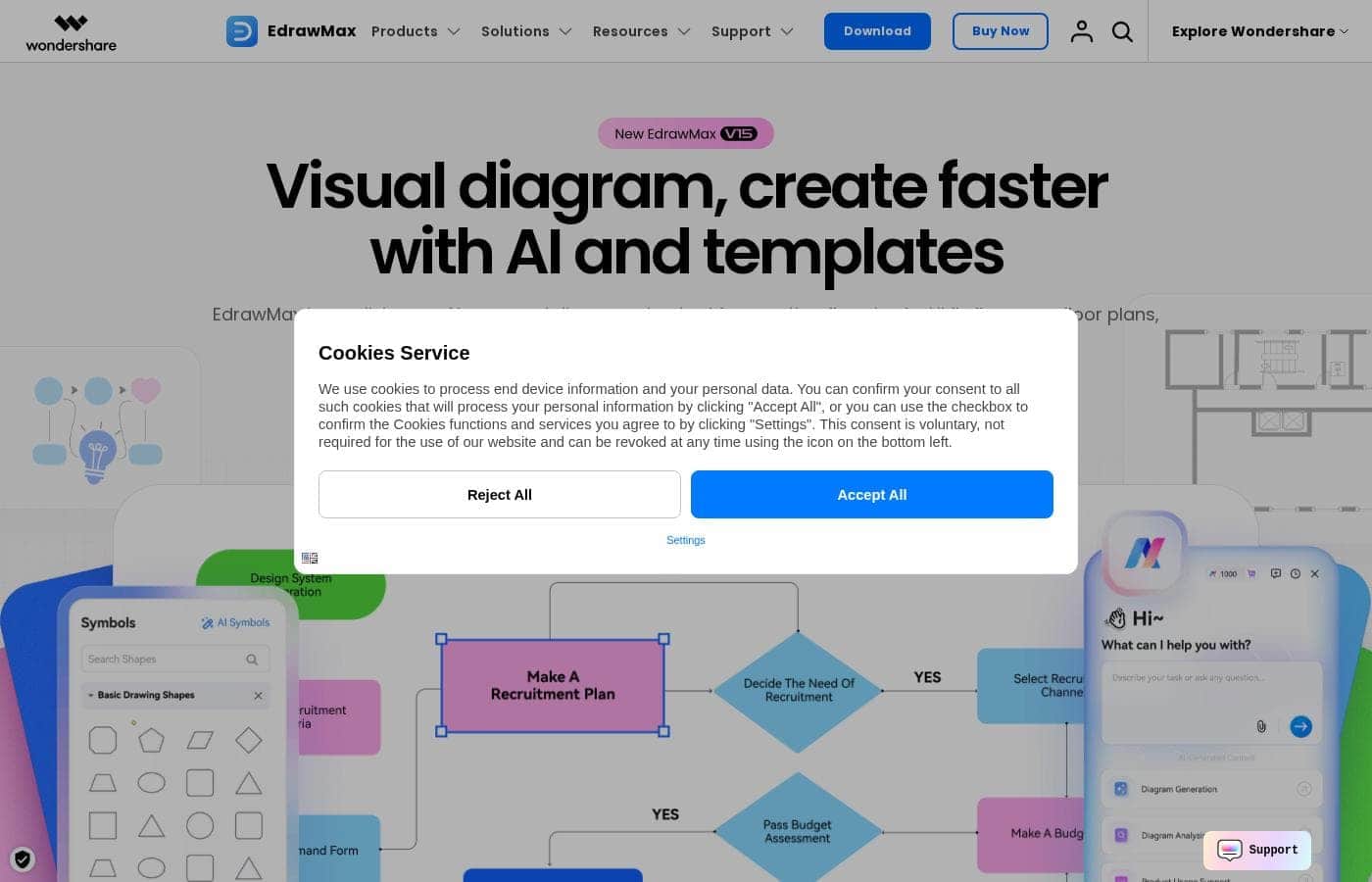
Edraw Max homepage screenshot

At a glance

Quick overview for Edraw Max: rating, pricing summary, key features, and highlights.

Ciroapp review

4.6
Powerful Diagramming with Excellent Perpetual Value

We found Edraw Max to be a comprehensive and powerful diagramming solution that provides robust features, including an extensive template library and AI tools, rivaling industry leaders. Overall, we recommend Edraw Max, especially for users seeking a feature-rich platform with favorable one-time licensing options.

Pros

  • Pro:Intuitive, user-friendly interface that mimics Microsoft Office styling.
  • Pro:Extensive library of 850 built-in templates and 26,000 symbols.
  • Pro:Supports creation of over 210 types of diagrams for diverse needs.
  • Pro:Attractive one-time perpetual licenses offer high long-term value.

Cons

  • Con:Free version severely limits functionality (watermark and few pages).
  • Con:Perpetual licenses restrict mobile and online access to three years.
Free trial
Yes — 7 days
Money-back guarantee
Yes — 30 days
Range: $89–$215Free plan, Free trial, Yearly subscription, One-time payment
This section is a summary. Detailed sections about features, use cases, pricing, and reviews follow below.

Edraw Max review, pricing, features, pros & cons

It's tough when diagramming software feels confusing or outdated. Trying to transform complex ideas into clear visuals can feel overwhelming and stressful.

EdrawMax addresses this pain point by offering a platform where compliance meets creativity. You can visualize complex ideas easily and quickly with its smart diagram maker. ✨

What is Edraw Max?

EdrawMax is your one-stop diagram and chart maker for nearly any project you can imagine. This robust app helps you create over 210 types of diagrams, including essential tools like flowcharts, org charts, network diagrams, and floor plans. ✅

Recognized by G2 and trusted by millions worldwide, EdrawMax is a secure, compliant, and professional solution. It's built for those engaged in strategy, project management, and research who need clear, stylish visual communication.

Edraw Max Key Features

✨ Visualize Anything with 210+ Diagram Types

EdrawMax is your powerful, one-stop tool for visual communication. The platform supports the creation of over 210 different types of diagrams. This wide selection means you can handle virtually any project type.

You can easily create organizational charts, network diagrams, and complex flowcharts. It also handles specialized graphics like floor plans, ER diagrams, and circuit diagrams. This comprehensive coverage helps ensure you only need one tool for all your visual needs.

✨ Instant Familiarity and Intuitive Design

You can dive into diagramming instantly without any frustration. The user interface is clean, neat, and immediately familiar because it looks similar to Microsoft Office products. This design significantly reduces the learning curve for new users.

Diagramming is simple thanks to intuitive toolsets and seamless drag-and-drop functionality. For those complex projects, complete user guides and video tutorials are always available to help you quickly master the application.

✨ Leverage Massive Built-in Resources

EdrawMax provides a wealth of resources right out of the box, helping you start projects faster. You benefit from 850 elaborately made built-in templates covering diverse use cases. Plus, you get access to 26,000 free symbols for all diagramming types.

If you need inspiration, you can explore the user community. The platform offers over 23,000 user-made templates, ensuring you find the perfect starting point for any of the 210 diagram types.

✨ Powerful AI Generation and Analysis

Integrate powerful modern intelligence into your workflow. EdrawMax uses AI to generate symbols, stickers, or up to 22 distinct types of diagrams instantly. This speeds up your creation process significantly.

The platform supports powerful analytical features. You can use AI to analyze existing graphics, such as flowcharts and organizational charts. Additionally, leverage Text to Drawing and Picture to Drawing features to transform inputs into finished visuals. Use the AI Chat feature for quick adjustments like unifying colors, fonts, or styles across your document.

✨ Secure Compliance and Guaranteed Reliability

Your privacy and security are top priorities. EdrawMax is a compliant and professional tool that adheres to strict GDPR standards. It uses the highest level of 256-bit SSL encryption to protect your information and ensure security.

The application is built on reliability to protect your hard work. It includes mandatory auto-save functionality. If something goes wrong, you can easily recover lost documents and get back to work immediately.

💡 Simple Sharing and Cross-Platform Export

Sharing your visuals with others is easy and seamless. You can save your files directly to the cloud for accessibility. Then, you can share works instantly via simple links, email, or social media platforms.

EdrawMax ensures successful integration with other tools. You can export your completed diagrams across 13 popular formats. This includes common types like VSDX, PPTX, and SVG, giving you full control over how you present your work.

Use Cases

📄 Creating Clear Strategy Flowcharts

When you need to visualize a complex business process, speed is essential. You don't have time to fight confusing controls. EdrawMax uses a clean interface that feels just like Microsoft Office, so you can dive right into your work without reading manuals.

Choose from hundreds of elaborately made templates. Using easy drag-and-drop functionality, you can quickly map out every single step. This lets you focus on your strategy, not on placing tiny shapes. Your process map is clear, accurate, and ready to share instantly.

💡 Instant AI-Powered Brainstorming

You are leading a brainstorming session and need to organize many ideas fast. EdrawMax's powerful AI features turn chaotic thoughts into structured visuals instantly. You can use Text to Drawing tools to create diagrams from simple text prompts.

This intelligence extends beyond creation. Use the AI Chat feature to transform or unify the style of existing flowcharts or mind maps. This ensures every visual across your project looks professional and cohesive.

⚙️ Designing Detailed Technical Diagrams

Many technical roles require precise diagrams, whether you are coding or setting up server racks. EdrawMax is an ideal tool for engineers and programmers who need specific visuals like network diagrams or circuit charts.

You have access to 26,000 free symbols covering all diagram types, ensuring accuracy. When your diagram is finished, you can export it in technical formats like VSDX or SVG for seamless integration into other professional tools.

🌎 Secure Collaboration for Remote Teams

Keeping up with remote teams means needing flexible sharing options. Your team can save and share completed diagrams directly from the cloud using simple links. This makes version control simple and ensures everyone has the latest visual.

For formal presentations or documentation, EdrawMax supports exporting in 13 popular formats, including PPTX and PDF. You can send your work via social media or email instantly, making remote collaboration smooth and efficient.

🔒 Protecting Sensitive Information

Problem: You need to diagram sensitive company structures, but data security is a top concern.

Approach: EdrawMax prioritizes your privacy. The platform follows strict GDPR standards and employs the highest level of 256-bit SSL encryption.

Outcome: You can proceed with confidence, knowing that your proprietary diagrams and data are fully secure during creation, saving, and sharing.

🏠 Rapid Real Estate and Floor Planning

Property managers or designers often need accurate floor plans fast. Instead of starting from scratch, explore over 23,000 user-made templates from the community for immediate inspiration. Once you start drawing, the app runs on reliability.

If your computer crashes during a long session, EdrawMax provides auto-save features. You can easily recover lost documents and continue your floor plan projects without the frustration of losing critical design details.

Pricing Overview for Edraw Max

Pricing range
$89–$215
Pricing types
Free plan, Free trial, Yearly subscription, One-time payment
Money-back guarantee
Yes — 30 days

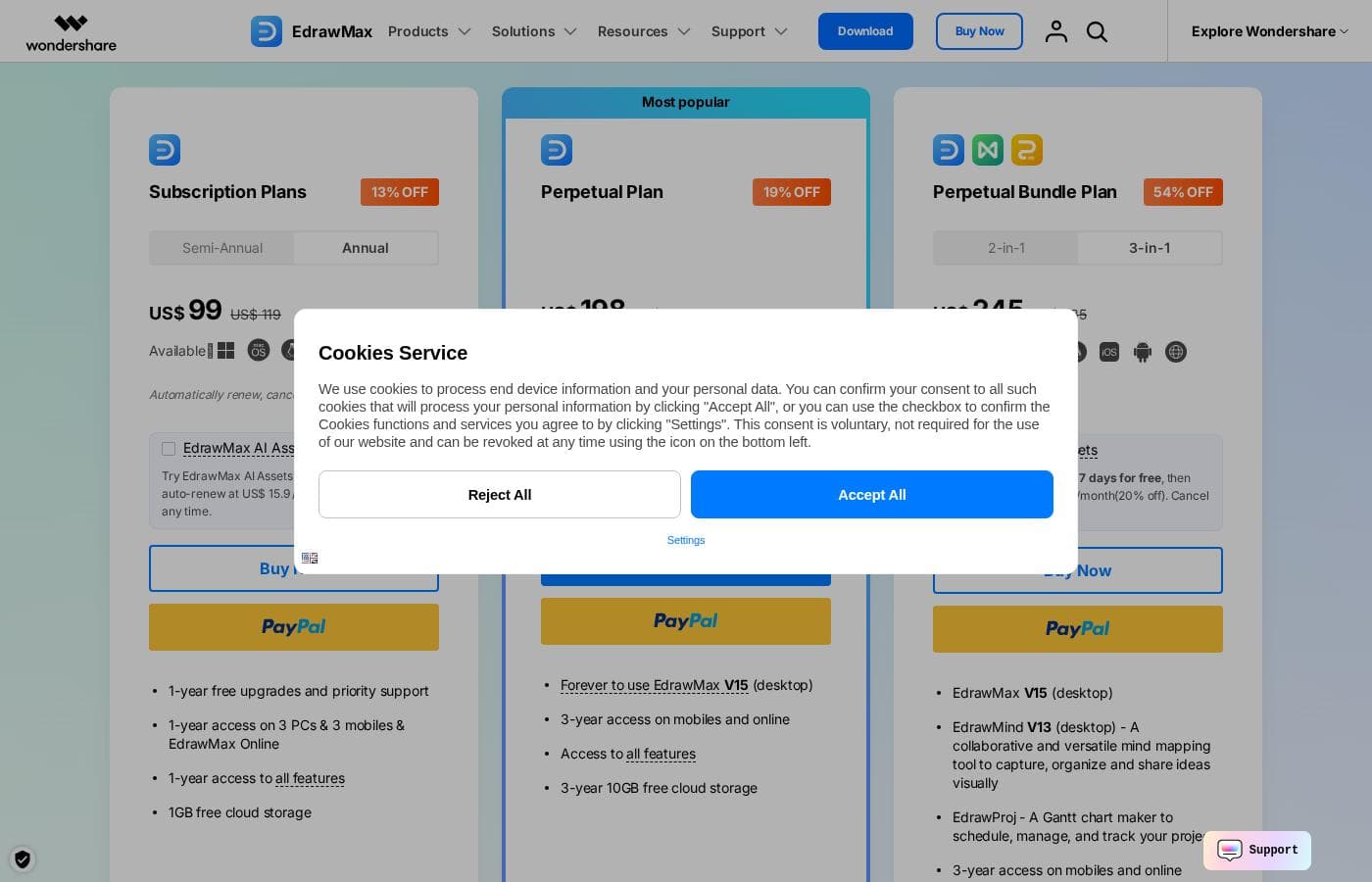
Edraw Max offers flexible purchasing options, including semi-annual and annual subscriptions, along with two distinct one-time perpetual licenses. Pricing for individuals ranges from $89 for a 6-month subscription up to $215 for the comprehensive lifetime bundle.

Plans & Pricing

Free

Contact for pricing
Export and Print include a default watermark/SD quality; 100M Cloud Storage; Max 2 pages per file; Max 60 shapes for general diagrams.
  • 5 free trials for Visio Import
  • 10K EdrawMax Community Templates
  • 5K EdrawMind Community Templates
  • 500 EdrawMax AI Tokens

Subscription Plan (Semi-Annual)

Contact for pricing
Automatically renews; cancel any time.
  • US$ 89 charged semi-annually
  • 6-month free upgrades and priority support
  • 6-month access on 3 PCs & 3 mobiles & EdrawMax Online
  • 1GB free cloud storage and Unlimited Cloud Files

Subscription Plan (Annual)

Yearly99
Automatically renews; cancel any time.
  • 1-year free upgrades and priority support
  • 1-year access on 3 PCs & 3 mobiles & EdrawMax Online
  • 1GB free cloud storage and Unlimited Cloud Files
  • No Watermark on exports (HD, Full HD quality)

Perpetual Plan

Contact for pricing
Access to all features included.
  • US$ 198 (One-time payment)
  • Forever to use EdrawMax V14 (desktop)
  • 3-year access on mobiles and online
  • 10GB free cloud storage
  • Unlimited access to Edraw community templates and AI features

Perpetual Bundle Plan

Contact for pricing
One-time payment for perpetual desktop use.
  • US$ 215 (One-time payment)
  • Includes EdrawMax V14 (desktop) and EdrawMind V12 (desktop)
  • 3-year access on mobiles and online
  • 20GB free cloud storage
  • Unlimited access to Edraw community templates and AI features

Edraw Max costs between US$ 89 (semi-annual) and US$ 215 (one-time purchase) with five plans available for individuals: Free, Semi-Annual Subscription at US$ 89, Annual Subscription at US$ 99, Perpetual Plan at US$ 198, and Perpetual Bundle Plan at US$ 215.

Review the specific features and included access for each tier below.

Free

Price: Free Websites Supported: Not explicitly stated Best For: Exploring basic features Refund Policy: Not applicable Other Features: Limited to 60 shapes/120 specific shapes, Max 2 pages, 100M Cloud Storage, Exports include a default watermark, 500 EdrawMax/EdrawMind AI Tokens

This tier is perfect if you want to test Edraw Max functionality before committing. You'll get a sense of the tools, but keep in mind that file exports and prints will contain a watermark.

Subscription Plan (Semi-Annual)

Price: US$ 89 (Semi-annual) Websites Supported: Not explicitly stated (includes access on 3 PCs & 3 mobiles & EdrawMax Online) Best For: Short-term projects or budget testing Refund Policy: 30-Day Money-Back Guarantee Other Features: 6-month free upgrades and priority support, 6-month access to all features, 1GB free cloud storage, Unlimited AI tokens

Choose the Semi-Annual Subscription if you need full premium features for a limited time. This plan gives you flexibility and all features without the long commitment.

Subscription Plan (Annual)

Price: US$ 99 (Annual) Websites Supported: Not explicitly stated (includes access on 3 PCs & 3 mobiles & EdrawMax Online) Best For: Students or professionals needing routine access Refund Policy: 30-Day Money-Back Guarantee Other Features: 1-year free upgrades and priority support, 1-year access to all features, 1GB free cloud storage, Unlimited AI tokens

This Annual plan offers the best value for ongoing use. You get one full year of worry-free diagramming, complete with free upgrades and dedicated support. Plus, enjoy unlimited access to AI features! ✨

Perpetual Plan

Price: US$ 198 (One-time payment) Websites Supported: Not explicitly stated (includes 3-year access on mobiles and online) Best For: Long-term users who prioritize desktop access Refund Policy: 30-Day Money-Back Guarantee Other Features: Forever use of EdrawMax V14 (desktop), 3-year access on mobiles and online, Access to all features, 10GB free cloud storage

The Perpetual Plan is ideal for users who prefer owning their software outright. You pay once for lifetime access to the desktop version and receive a generous 10GB of cloud storage.

Perpetual Bundle Plan

Price: US$ 215 (One-time payment) Websites Supported: Not explicitly stated (includes 3-year access on mobiles and online) Best For: Users needing both diagramming and dedicated mind mapping tools Refund Policy: 30-Day Money-Back Guarantee Other Features: Includes EdrawMax V14 & EdrawMind V12 (desktop), 3-year access on mobiles and online, 20GB free cloud storage

For a small extra cost, the Perpetual Bundle grants you two pieces of software, Edraw Max and EdrawMind. This is the ultimate package for visual thinkers who need maximum storage and versatility.

Edraw Max offers a 30-Day Money-Back Guarantee on all paid plans, ensuring your purchase is secure. You can also try the optional Edraw Creative Assets add-on for 7 days free.

User Reviews

Users consistently praise Edraw Max, primarily highlighting its exceptional ease of use and efficiency. Reviewers often describe the interface as "lightning fast" and highly user-friendly, noting that it simplifies complex tasks like creating floor plans, flowcharts, and technical diagrams.

A major strength cited repeatedly is the platform's ability to act as an all-in-one hub, thanks to its vast and rich library of pre-made templates and symbols. This extensive resource saves users significant time, enabling quick creation and editing of sophisticated visuals.

The software is particularly popular among professionals and students seeking a capable alternative to mainstream diagramming tools. Edraw Max earns high marks for its affordability and value, with several reviewers calling it the "best alternative to Microsoft Visio," specifically appreciating the one-time perpetual license option.

Support responsiveness also received positive feedback. Overall, the sentiment is overwhelmingly positive, focusing heavily on versatility, speed, and exceptional value.

🌟

What users say elsewhere

David J.
· Trustpilot
5.0 / 5

I found Edraw Max to be the easiest diagramming tool I've used. The interface is lightning fast, and it truly saved me hours on my thesis work. The massive library of editable templates meant I didn't have to start from scratch.

Simon R.
· Trustpilot
5.0 / 5

This is the best Microsoft Visio alternative currently available, largely thanks to the one-time payment structure. It offers a rich template library and an incredibly intuitive interface. It’s perfect for professionals on a budget.

No reviews yet.

Write a Review

Write a Review for Edraw Max
0/100 characters
0/2000 characters

Why use Edraw Max?

Why choose EdrawMax when you need to bring your ideas to life? This platform focuses on rich resources and intelligent tools to streamline your visualization process, ensuring professional results without the fuss.

Here are compelling reasons to see why EdrawMax is the right tool for you:

  • Dive right in, no fuss needed. The interface is clean and neat, similar to Microsoft Office, making it instantly familiar. You'll find intuitive toolsets and seamless drag-and-drop functionality for fast diagramming.
  • Access nearly unlimited resources. You benefit from 850 elaborately made built-in templates and 26,000 free symbols right out of the box. Plus, explore over 23,000 user-made templates across all 210 diagram types for quick inspiration.
  • Generate and analyze with modern AI. Use AI to create symbols, stickers, and 22 types of diagrams instantly. You can analyze existing flowcharts and org charts, or use the AI Chat feature to easily transform and unify styles, fonts, or colors.
  • Sleep well knowing your work is safe. Your privacy is a top priority; the app follows GDPR standards and uses the highest level of 256-bit SSL encryption. It's built on reliability, with auto-save features that help you easily recover lost documents.
  • Share seamlessly across platforms. Export your diagrams in 13 popular formats, including VSDX, PPTX, and SVG. You can also save files directly to the cloud and share them instantly via links, email, or social media. 💡

Ready to transform your workflow with Edraw Max?

Edraw Max Alternatives

Other tools in the Diagram category

Frequently Asked Questions

What file formats can I use to import or export my diagrams?

You can export diagrams in 13 popular formats, including VSDX (Visio), PPTX, SVG, and PDF. Paid plans allow for unlimited import of Visio and SVG files, which makes migrating your existing work simple.

How does Edraw Max protect my data and ensure privacy?

Protecting your privacy is a priority; the app follows GDPR standards. All file transfers and financial details are secured using the highest level of 256-bit SSL encryption and advanced fraud protection.

Do the subscription plans renew automatically, and how can I cancel?

Yes, subscription plans renew automatically at the end of the term. You can manage and cancel your plan any time by signing into your Wondershare Account Center.

If I cancel my subscription, do I lose access to the files I created?

No, the files you created remain accessible even after cancellation. Your account will automatically downgrade to the Free plan, which restricts access to premium features and resources.

What are the limitations of the Perpetual License regarding online access?

The Perpetual Plan allows you to use the specific desktop version (V14) forever. However, access on mobiles and EdrawMax Online is limited to a three-year period following your one-time purchase.

Are the individual plans priced per user or for multiple devices?

Individual subscription plans provide access on up to 3 PCs, 3 mobile devices, and EdrawMax Online simultaneously. Pricing details for the dedicated Team & Business options are not explicitly stated.

What level of technical support is included with a paid subscription?

Paid subscribers receive priority support. The company also commits to providing instant technical support services to help ensure customer satisfaction.

Is there a fully featured free trial available for Edraw Max?

Edraw Max offers a permanent Free plan, though it has limitations like watermarked exports and restricted diagram sizes. You can also get a 7-day free trial of the optional Edraw Creative Assets add-on.

How are the AI features handled regarding usage limits or pricing?

When you purchase a subscription or perpetual plan, you receive unlimited access to all AI features. Users on the Free plan are limited to 500 EdrawMax AI Tokens.

Can I upgrade from a Subscription Plan to a Perpetual Plan?

Yes, you are able to upgrade at any time you wish. Please be aware that previous subscription payments cannot be deducted from the price of the Perpetual Plan.

How much free cloud storage is associated with each paid plan?

Subscription plans (Semi-Annual and Annual) come with 1GB of free cloud storage. The Perpetual Plan provides 10GB, and the Perpetual Bundle Plan offers 20GB of cloud storage.

Does Edraw Max offer a money-back guarantee?

Yes, the company secures your purchase with a 30-Day Money-Back Guarantee applying to all paid plans. Refunds are processed under accepted circumstances.

I have existing AI tokens. What happens if I purchase a plan with unlimited AI access?

Existing AI tokens remain permanently effective. They will only begin to be consumed after your subscription or Creative Assets access expires.

What types of payment methods does Edraw Max accept?

The company accepts major credit cards, PayPal, and bank/wire transfers. They also support various local payment methods that you can view before completing your checkout.

Ready to try Edraw Max? Check out the official site or pricing.