ChristianSteven Software

ChristianSteven Software review

Report automation for BI teams that need reliable, scheduled, multi-format delivery.

By Ciroapp Editorial Team · Updated Nov 11, 2026
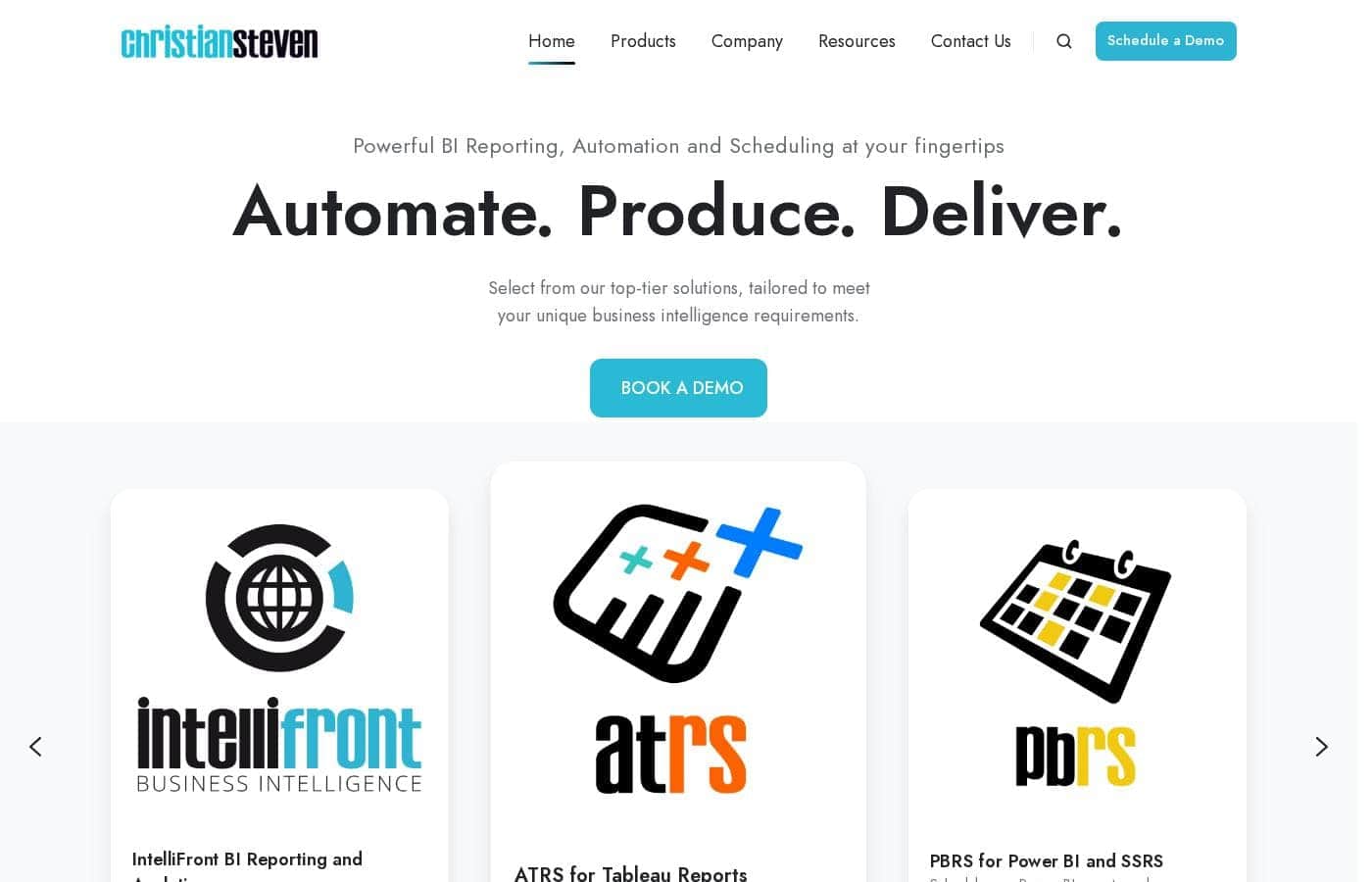
ChristianSteven Software homepage screenshot

At a glance

Quick overview for ChristianSteven Software: rating, pricing summary, key features, and highlights.

Ciroapp score

3.9/ 5

Reliable report delivery without the manual scramble

ChristianSteven Software schedules, formats and delivers reports from Power BI, Tableau, SSRS and Crystal Reports, and its licenses include unlimited recipients, administrators and processors. The 30-day trial needs no credit card, though pricing is quoted by usage rather than published. Overall, a strong pick for teams already running one of those platforms.

Pros

  • Automates scheduled delivery from Power BI, SSRS, Tableau and Crystal Reports, so exports go out without manual work
  • Sends reports to email, Slack, Teams, Google Drive, Dropbox and Office 365 in the recipient's preferred format
  • Licenses bundle unlimited administrators, server app users, recipients and processors, so growth doesn't add seats

Cons

  • No published price list, so you can't judge fit against your budget without requesting a quote
  • Cost scales with production usage or number of installations, so two similar teams can pay very different totals
  • Each product is licensed separately, so a multi-platform estate means several licenses
Best for
  • Analytics teams already producing Power BI, Tableau or Crystal Reports who still deliver output by hand
  • Organizations sending recurring reports to large or external recipient lists
  • IT and BI administrators who want scheduled, audited report delivery on their own infrastructure
Free trial
Yes — 30 days
This section is a summary. Detailed sections about features, use cases, pricing, and reviews follow below.

What is ChristianSteven Software?

ChristianSteven Software is a reporting automation vendor that has been building BI delivery tools since 2002. Its lineup covers PBRS for Power BI and SSRS, ATRS for Tableau, CRD for Crystal Reports, and IntelliFront BI for dashboards and KPIs. The company reports serving nearly 5,000 organizations across 47 countries.

It suits teams that already create reports and now need them produced, formatted and delivered on a dependable schedule without manual effort.

Verdict

Best for BI and IT teams already producing Power BI, Tableau, SSRS or Crystal Reports who need those reports scheduled, formatted and delivered automatically to internal and external recipients.

A solid fit for organizations drowning in manual report distribution across Power BI, Tableau, SSRS or Crystal Reports. The unlimited-recipient licensing and a no-risk 30-day trial make it easy to test against your real reports. Just get a quote first, since pricing isn't published.

Strengths

  • Covers four common reporting platforms under one vendor
  • Licensing includes unlimited recipients, administrators, server app users and processors
  • All current and future features included, with subscription or perpetual options

Watch-outs

  • Pricing is quoted rather than published, so you can't self-qualify on budget from the site
  • Only useful if you already run one of the supported reporting platforms
  • Requires installing and configuring software rather than signing into a hosted app

Pricing trap for ChristianSteven Software: There's no public price list. Cost is based on production usage or the number of software installations, and you choose between subscription and perpetual licensing — so the number you land on depends on your own volume. Ask for that calculation in writing before comparing it to per-user tools.

ChristianSteven Software Key Features

✨ Reports That Arrive Without Anyone Hitting Send

Set a schedule once and it runs on its own. Choose hourly, daily, weekly, monthly, quarterly or annual delivery, and the software handles the export, formatting and sending. You install in a few clicks, point it at your reports, and go live.

Your team stops rebuilding the same deck every Monday.

✨ Output in the Format People Actually Open

A dashboard rarely looks ready to share the moment it leaves the tool. These products export reports to common business formats, including PDF for reading, Excel and CSV for analysis, and PowerPoint for presentations. Several reports can be combined into a single package, so recipients get one file instead of a folder of links.

✨ Delivery Lands Where People Already Work

Sending the file is only half the value. Automated reports go out to channels and storage your team already uses:

  • Email, including report content in the body with attachments
  • Slack, Teams and Office 365
  • Google Drive, Dropbox and shared folders

That puts the numbers in the flow of daily work, not behind another login.

✨ Four Tools, Four Reporting Platforms

PBRS covers Power BI and SSRS. ATRS handles Tableau. CRD takes on Crystal Reports.

IntelliFront BI adds real-time dashboards and KPIs on demand next to scheduled delivery. If your reports sit on more than one platform, you can match each tool to its own scheduler rather than forcing everything through a single connector.

✨ Light Setup, Real People When You Need Them

Installation takes a few clicks, and the actual effort sits in configuring schedules and recipient lists. Work through the knowledge base on your own, or have the vendor set it up with you. Support staff includes software developers, so tricky cases often get solved on the first call instead of bouncing between tiers.

Use Cases

📊 Monday dashboards without the manual export

Your team builds the Power BI dashboard, then someone exports it, formats it, and emails it out. PBRS runs that loop on a schedule you set — hourly through annually — so the numbers land before the meeting. Expected outcome: people stop chasing you for the file.

🎯 Personalized reports for customers and locations

Analytics teams often send the same report to many recipients, each needing their own slice. ATRS and CRD handle distribution to large and external lists, so each customer or branch gets the right data without manual sorting.

Tip: Test your full recipient list during the 30-day trial, before you commit.

🔁 Retiring an aging report scheduler

If your current scheduler is unsupported or unreliable, CRD replaces it with a tool built for Crystal Reports since 2002. Teams with stable, long-running schedules can buy a perpetual license and own the software outright. Expected outcome: delivery keeps running without a rebuild.

🖥️ Dashboards today, scheduled reports tonight

IntelliFront BI puts real-time reports, dashboards and KPIs on demand, and adds scheduled delivery when people want a file instead of a login. It fits teams that want both views covered by one vendor.

Tip: Map which platforms you run first — each solution is licensed on its own.

ChristianSteven Software pricing

  • 2 plans

Prices not verified yet — see the vendor page.

ChristianSteven Software's pricing page

ChristianSteven Software pricing page screenshotView pricing page screenshot
PlanBilled monthlyBilled annuallyIncludes
Subscription License
See vendor page
See vendor page
  • All current and future features included
  • Unlimited administrators
  • Unlimited server app users
  • Unlimited recipients
  • Unlimited processors and cores
  • +1
Perpetual License
See vendor page
See vendor page
  • All current and future features included
  • Unlimited administrators and recipients
  • Unlimited processors and cores
  • Unlimited technical support calls
  • One-time purchase, no feature add-ons

Pricing types: Free trial, One-time payment

Pricing notes

ChristianSteven Software doesn't publish fixed list prices. Each product is licensed either as a subscription or a perpetual license, priced by production usage or by the number of software installations, and every feature is bundled into both routes.

ChristianSteven Software doesn't publish fixed list prices. Instead, each product — PBRS for Power BI, CRD for Crystal Reports, ATRS for Tableau and IntelliFront BI — is licensed either as a subscription or a perpetual license, with the cost set by production usage or by how many software installations you run.

Here's how the two license routes compare.

Subscription License

Best For: teams that want a lower upfront cost and steady, predictable payments Other Features:

  • All current and future features included
  • Unlimited administrators
  • Unlimited server app users
  • Unlimited recipients
  • Unlimited processors and cores
  • Unlimited technical support calls

A subscription spreads the cost over time and keeps you on the newest release without buying an upgrade later. It suits teams whose reporting volume is still growing, and it keeps the software off your capital budget. If you expect your schedules and recipients to change often, this route flexes with you. 👍

Perpetual License

Best For: organizations that prefer a one-time purchase and long-term ownership Other Features:

  • The same complete feature set as the subscription
  • Unlimited administrators, recipients and server app users
  • Unlimited processors and cores
  • Unlimited support calls
  • No feature-based add-ons to buy later

A perpetual license fits buyers with stable, long-running report schedules who would rather own the software outright. You pay once and keep running the version you bought. It rewards a settled setup over a fast-changing one, so it's a weaker fit if your reporting needs are still taking shape.

Whichever route you choose, the feature list doesn't change. ChristianSteven charges for production usage or installations only. Admin seats, recipients, cores and support calls never add to the bill, which makes budgeting simpler than tiered pricing. Teams that only need a handful of scheduled reports should compare the total against usage-based tools before committing, since the model rewards steady, high-volume delivery. Before you sign, ask the team how they count production usage for your specific setup. 🙂

Each of the four solutions is licensed on its own, so a package covering Power BI, Tableau and Crystal Reports means separate licenses. That's worth mapping out early if your reporting estate spans more than one platform.

The best way to test the fit is the 30-day unlimited free trial. No license, no account setup and no credit card are required. You install in a few clicks, configure your schedules, and a technical concierge — not a salesperson — helps you get the most from the evaluation. If the trial goes well, you move straight to a purchase.

How to pay less for ChristianSteven Software

  • Use the 30-day free trial before you pay.
Start free trial

Email me when ChristianSteven Software changes price

One email when we detect a price change on the vendor's pricing page. No newsletter, no deals. Unsubscribe in one click.

User Reviews

No reviews yet.

Write a Review

Write a Review for ChristianSteven Software
0/100 characters
0/2000 characters

Why use ChristianSteven Software?

Reports that arrive late, arrive wrong, or never arrive at all undermine trust in the whole analytics team. ChristianSteven Software targets that gap directly, turning scheduled output into something you can rely on.

  • Automation replaces the manual scramble. Instead of exporting and emailing by hand, you set a schedule once and let it run hourly, daily, weekly, monthly or annually.
  • Delivery lands where people actually work. Automated reports can go out to destinations such as Slack, Teams, Google Drive, Dropbox and Office 365, in the format the recipient prefers.
  • The pricing model removes per-seat math. Licenses include unlimited administrators, server app users, recipients and processors, so growth doesn't trigger a new invoice line.
  • Every feature is included. Current and future features come with the license, so you aren't buying add-ons to unlock functionality later.
  • Startup is deliberately light. A 30-day trial needs no license, no account setup and no credit card, and a technical assistant (not a salesperson) helps during evaluation.
  • Buying risk is reduced by visible track record. The vendor is SOC 2 Type II certified, reports an NPS of 82 for 2025, and says its support team includes developers who can resolve complex cases on the first call.

ChristianSteven Software alternatives

Other tools in the Business Intelligence category

View all Business Intelligence tools
Databox

Databox

Business Intelligence4.1/5

Databox is a business intelligence and agentic analytics platform. It pulls data from 130+ tools, spreadsheets, databases, and APIs into one workspace, gives every metric a shared definition, and layers AI on top. You can ask its AI Analyst, Genie, questions in plain language, build dashboards and reports, track goals and OKRs, and hand recurring workflows to automated agents. It targets agencies, growing businesses, and AI implementers.

Splunk

Splunk

Business Intelligence4.1/5

Splunk is a data platform that unifies machine data at petabyte scale across security, observability, and networking. Now part of Cisco, it serves enterprises in finance, healthcare, government, retail, and more. Security teams use it to detect and respond to threats. IT teams use it to monitor apps and infrastructure. It's aimed at organizations that need to search huge data volumes in real time and act on them with AI.

ElevateForward.ai

ElevateForward.ai

Business Intelligence3.8/5

ElevateForward is a strategy and execution platform built for businesses that struggle to turn plans into results. It identifies what’s slowing performance, uncovers growth opportunities, and translates them into clear, actionable strategies. With built-in execution tracking, teams stay aligned, accountable, and focused—so strategy doesn’t sit in a deck, it drives measurable outcomes.

DataHawk

DataHawk

Business Intelligence3.7/5

DataHawk brings together Amazon and Walmart data into an enterprise-grade platform. Executive-ready dashboards, daily performance alerts, and actionable AI-powered insights help sellers scale their brands across every channel.

Cheapest Business Intelligence software for 1 to 25 users

ChristianSteven Software FAQ

Is ChristianSteven Software secure enough for sensitive reports?

The vendor is SOC 2 Type II certified and publishes a trust page. Because the software installs on your own systems, report data stays in your environment rather than a vendor-hosted app. Ask for the security documentation in writing.

What do I get during the 30-day trial, and what happens after it ends?

Thirty days of unlimited use, with no license, account setup or credit card needed. You install in a few clicks, and a technical assistant helps you configure schedules and run a real report. Then you buy a subscription or perpetual license.

Does one license cover Power BI, Tableau and Crystal Reports together?

No. PBRS, ATRS, CRD and IntelliFront BI are each licensed separately, so a multi-platform estate means several licenses. Map that early. Refund and cancellation terms aren't published, so confirm them in writing first.

How responsive is support, and is there a service-level agreement?

Every license includes unlimited support calls, and the support team includes developers who can resolve complex cases on the first call. There's no published SLA, so ask for response-time commitments in writing.

Ready to try ChristianSteven Software? Check out the official site or pricing.

Are you ChristianSteven Software? Claim this listing · Get the badge