Audacity

Audacity review

Free, open-source audio recording and editing for podcasts, music, and everyday sound work

By Ciroapp Editorial Team · Updated Sep 16, 2026

Commission may apply at no extra cost

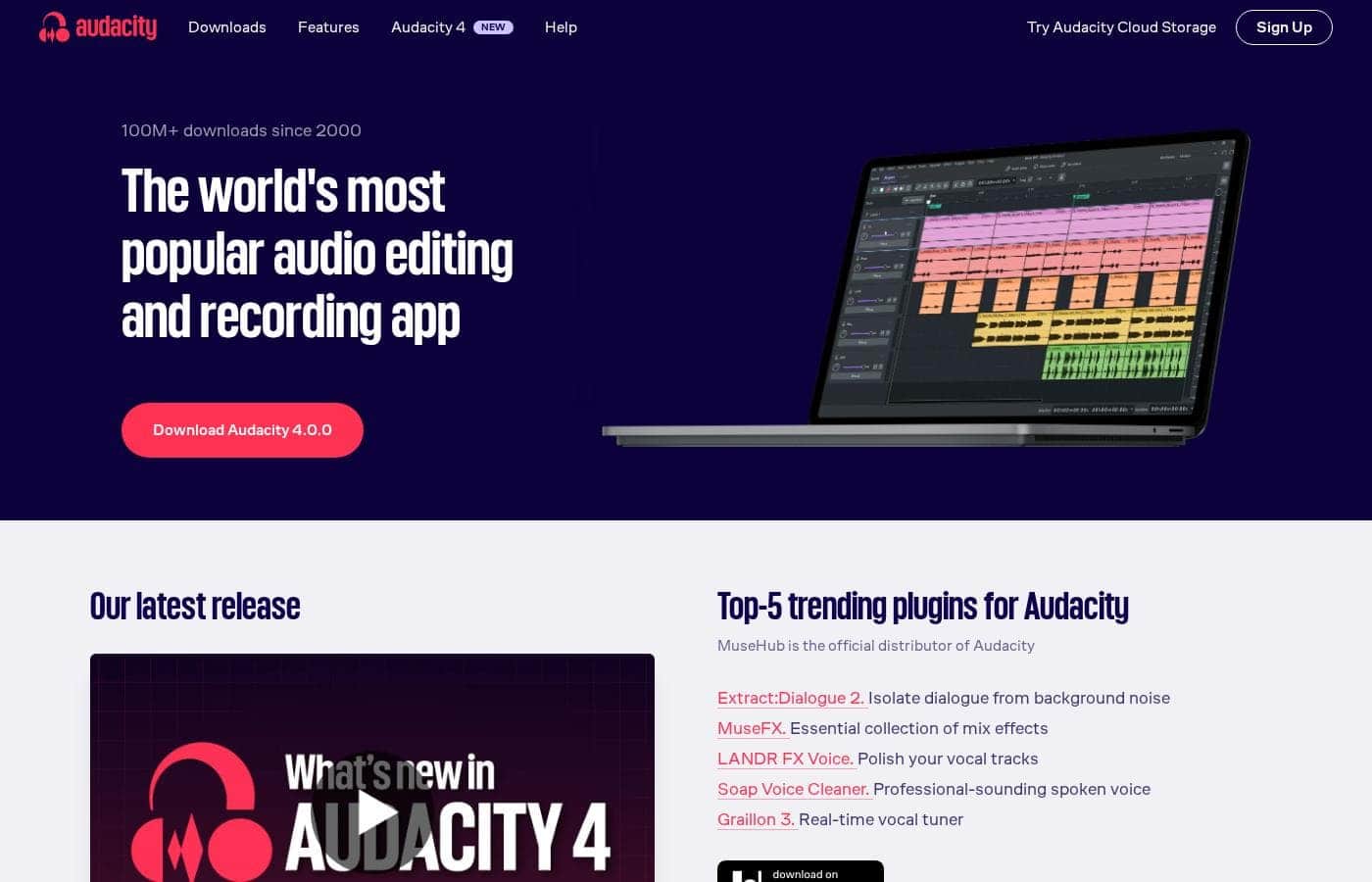
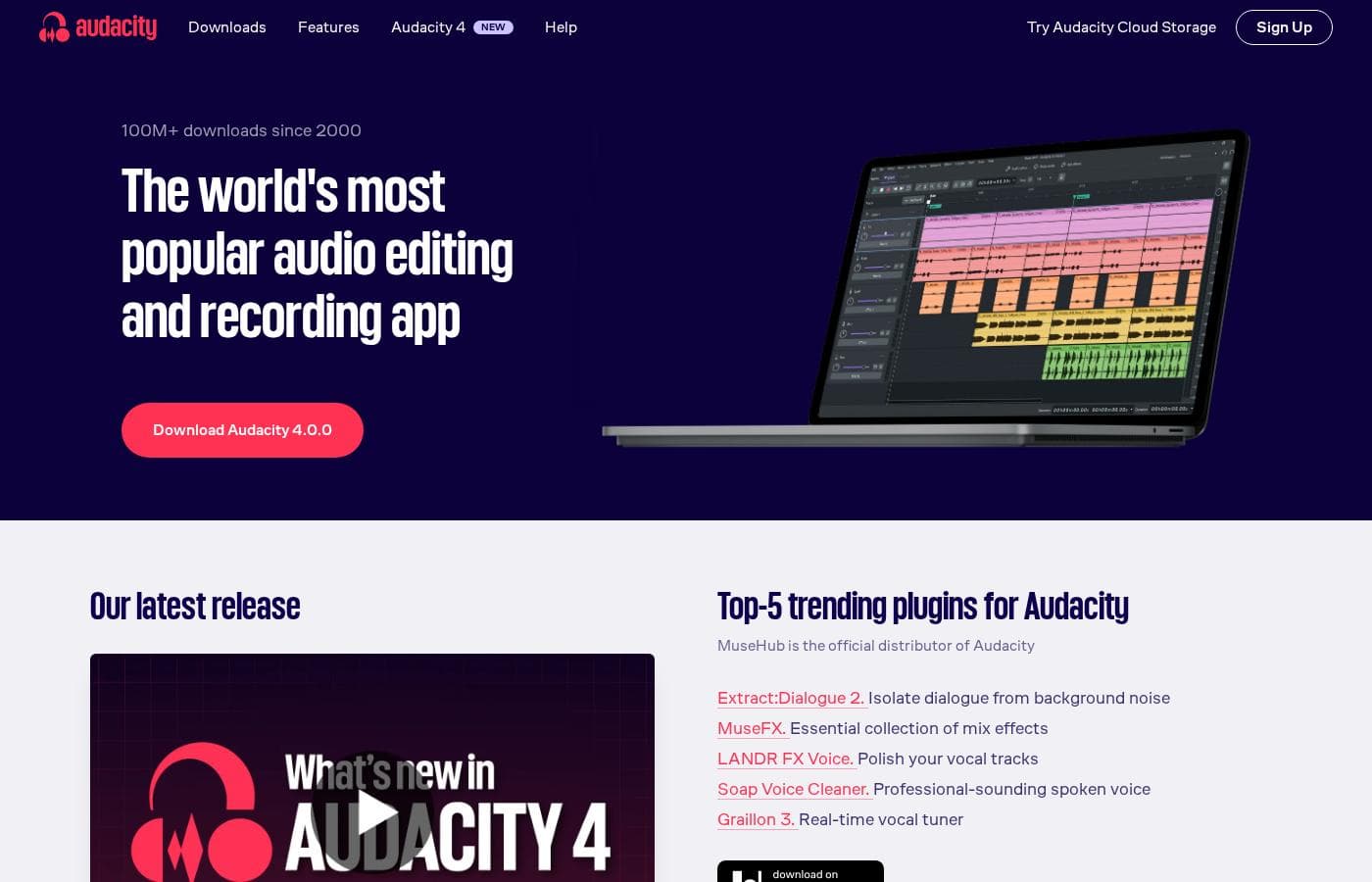
Audacity homepage screenshot

At a glance

Quick overview for Audacity: rating, pricing summary, key features, and highlights.
Vendor page checked Oct 13, 2026

Ciroapp score

4.3/ 5

Audacity packs multitrack recording, noise reduction, and deep effects into a completely free, open-source editor for Windows, macOS, and Linux. Destructive editing, a dated interface, and no MIDI keep it out of full DAW territory. Overall, it's an easy recommendation for podcasting, voiceover, and everyday audio cleanup.

Pros

  • Pros:Completely free and open source, with every feature unlocked and no watermarks, export limits, or subscription prompts
  • Pros:Runs natively on Windows, macOS, and Linux with a consistent, well-documented feature set across platforms
  • Pros:Editing depth rivals paid audio editors, from spectral noise reduction to compression, EQ, and pitch and tempo tools

Cons

  • Cons:Editing is destructive — effects are applied to the waveform, so complex projects depend on undo history rather than reversible clip-level processing
  • Cons:No virtual instruments or MIDI sequencing, so it cannot replace a full digital audio workstation for music production
  • Cons:The interface is functional but dated, and recording multiple separate USB microphones onto distinct tracks is awkward
Best for
  • Beginner and budget-conscious podcasters who need to record, clean up, and export episodes without paying for software
  • Home musicians capturing demos, vocals, and overdubs with straightforward mixing tools
  • Voiceover artists and narrators who need precise waveform editing and tight noise control
This section is a summary. Detailed sections about features, use cases, pricing, and reviews follow below.

What is Audacity?

Audacity has spent more than two decades as the default answer to how to record and edit audio without spending money. The application runs on Windows, macOS, and Linux, bundling multitrack recording, waveform editing, noise reduction, and export to common formats into a single download with no account or subscription. That mix of depth and zero cost explains why it remains a staple for podcasters, musicians, and anyone who occasionally needs to clean up a recording.

Audacity is a free, open-source digital audio editor focused on recording and editing sound. It captures audio from microphones, mixers, and interfaces onto a multitrack timeline, then lets you cut, splice, and process clips with a large library of built-in effects. Projects can be exported to standard formats like MP3, WAV, FLAC, and OGG, and the toolset is extensible through community plugins.

It is maintained by a global open-source community rather than a traditional software vendor.
Should you choose Audacity?

Quick buyer guidance before you compare plans or click through.

Choose it if

  • Beginner and budget-conscious podcasters who need to record, clean up, and export episodes without paying for software
  • Home musicians capturing demos, vocals, and overdubs with straightforward mixing tools
  • Voiceover artists and narrators who need precise waveform editing and tight noise control
  • Anyone digitizing cassettes or vinyl, or batch-trimming and converting audio files

Skip it if

  • Music producers who need virtual instruments, MIDI sequencing, and a full DAW workflow
  • Editors who rely on non-destructive, clip-based processing with real-time effect automation
  • Teams needing cloud storage, project sharing, or multi-user collaboration, since Audacity is a single-user desktop app
  • Mobile creators looking for an iOS or Android recording solution

Next steps before buying

  1. 1Download the installer for your operating system from audacityteam.org and complete the standard installation
  2. 2Open the device preferences, select your microphone and sample rate, and confirm a healthy input level with a short test recording
  3. 3Record a sample, then practice the core cleanup pass of noise reduction, compression, and loudness normalization before exporting an MP3
  4. 4Once the basics feel comfortable, explore effect presets, remap your most-used shortcuts, and set up a macro for batch-exporting files

Audacity Key Features

✨ Multitrack Recording and Editing

Audacity records from any input your system exposes, including microphones, USB interfaces, and mixers, and layers multiple tracks on a shared timeline. You can record overdubs while listening to existing tracks and work at sample rates up to 192 kHz in 16-, 24-, or 32-bit float quality. Clips can be split, dragged, time-shifted, and crossfaded directly in the waveform view.

✨ Noise Reduction and Audio Cleanup

The built-in noise reduction removes steady background hiss from fans, air conditioners, and preamps by sampling a profile of the noise. Complementary tools include click removal, notch filtering for mains hum, a high-pass filter for rumble, and visual spectrum editing via the spectrogram view. Together these cover most cleanup tasks podcasters and voiceover artists encounter.

✨ Effects and Dynamics Processing

Audacity ships with EQ, compression, limiting, reverb, echo, distortion, and tools for changing pitch or tempo independently. Effects can be previewed before applying and saved as presets. Support for Nyquist, LADSPA, LV2, and VST plugins lets you add third-party processors on top of the stock set.

✨ Format Support and Export Options

Audio can be imported from and exported to WAV, AIFF, MP3, FLAC, and OGG out of the box, with additional formats available through the optional FFmpeg library. Export options include adjustable bitrates and splitting a long recording into multiple files using label tracks. This makes Audacity practical for quick conversions as well as finished deliverables.

✨ Macros, Shortcuts, and Analysis Tools

Macros chain effects and export steps together and can be applied to many files at once, which is useful for normalizing a folder of recordings or bulk-format conversion. Keyboard shortcuts are fully remappable so frequent actions become single keystrokes. Plot Spectrum and the spectrogram view let you inspect frequency content to pinpoint hum, clicks, or sibilance.

Use Cases

💡 Podcast Recording and Editing

Audacity handles the full podcast workflow: recording host and guest on separate tracks, removing background noise, applying compression and loudness normalization, and exporting a distribution-ready MP3. Label tracks help mark sections for editing, and macros speed up repetitive per-episode processing. Remote guests typically connect through a separate call platform while their audio is captured locally.

💡 Music Demos and Home Recording

Musicians can layer vocals and instruments, record overdubs against existing tracks, and mix down with EQ, compression, and reverb. Pitch and tempo tools help correct or experiment with performances. It suits demos, singer-songwriter recordings, and practice capture, though full productions needing virtual instruments call for a complete DAW.

💡 Voiceover, Narration, and Audiobooks

Narrators rely on Audacity for precise waveform trimming, consistent noise floors, and a chain of noise reduction, compression, and loudness normalization. The spectrogram view makes mouth clicks and breaths easy to locate, and ACX-style loudness targets can be checked with Plot Spectrum and amplification tools. Batch macros keep multi-chapter projects consistent.

💡 Digitizing Cassettes and Vinyl

Connect a tape deck or turntable through your computer's line input and record entire albums in one pass. Silence detection and label tracks can split the recording into individual songs, and cleanup tools remove hiss, rumble, and clicks. Each track can then be exported as its own tagged file.

💡 Everyday Audio Tasks

Beyond production work, Audacity is a practical utility for trimming clips, converting between formats, reducing file sizes, adjusting volume, and extracting the audio track from video files when FFmpeg is installed. Batch macros make short work of processing whole folders of recordings.

Audacity pricing

Prices not verified yet — see the vendor page.

Audacity's pricing page

Audacity pricing page screenshotView pricing page screenshot

Price history

Tracking prices since Oct 1, 2026. No price change detected yet.

Pricing types: Free plan

Email me when Audacity changes price

One email when we detect a price change on the vendor's pricing page. No newsletter, no deals. Unsubscribe in one click.

User Reviews

No reviews yet.

Write a Review

Write a Review for Audacity
0/100 characters
0/2000 characters

Why use Audacity?

The main reason to choose Audacity is that it removes cost from the equation without removing capability, since the noise reduction, EQ, and multitrack editing that paid tools charge for are available here at no charge. It also works consistently across Windows, macOS, and Linux, which matters for anyone collaborating across systems or switching computers.

Because the code is open source and the user base is enormous, tutorials, presets, and troubleshooting answers are easy to find. For straightforward recording and editing tasks, it is often the fastest route from idea to finished audio file.

Audacity alternatives

Other tools in the Audio Editing category

View all Audio Editing tools
Auphonic

Auphonic

Audio Editing4.2/5

Auphonic is designed to be your dedicated AI sound engineer ✨. It handles the post-production work for many different types of media files. This smart service specifically supports processing for audiobooks, radio broadcasts, and educational videos. If you are a podcaster, this tool can easily simplify your entire production workflow. It combines powerful intelligence with ease of use to deliver professional sound every time.

Soundop Audio Editor

Soundop Audio Editor

Audio Editing4/5

Soundop is a powerful and intuitive audio editor designed specifically for Windows. It functions as a complete audio workstation, ready for recording, editing, and mastering. Whether you are dealing with a single audio file or mixing professional sessions, Soundop provides flexible workspaces. You get both standard waveform editing and precise spectral editing in the audio file editor. Plus, the multitrack editor lets you start mixing right away.

Audacity FAQ

Is Audacity really completely free?

Yes. Audacity is open source software, so recording, editing, effects, and export are all available at no cost with no trial limitations, watermarks, or feature locks. Development is community-driven and funded through donations.

Can Audacity record multiple microphones at the same time?

It can record multiple channels if your audio interface exposes them as separate inputs, and each channel lands on its own track. Stacking several independent USB microphones on separate tracks is not well supported because most operating systems treat them as separate devices, so a multi-input interface is the reliable route.

Which file formats can Audacity import and export?

Out of the box, Audacity imports WAV, AIFF, MP3, FLAC, OGG, and more, and exports to WAV, AIFF, MP3, FLAC, and OGG with configurable quality settings. Installing the optional FFmpeg library adds additional formats and also allows extracting the audio track from video files.

Is Audacity a good choice for podcasting?

Yes. It is one of the most widely used podcast tools because it covers the full workflow: multitrack recording of host and guest, noise reduction, compression and loudness normalization, and export to a distribution-ready MP3. It does not record remote interviews itself, so guests usually connect through a separate call platform while their audio is captured locally.

Does Audacity work on mobile devices or Chromebooks?

No. Audacity is a desktop application for Windows, macOS, and Linux only, with no official Android or iOS version. Chromebook use is limited to workarounds such as running the Linux version on models that support it.

Ready to try Audacity? Check out the official site or pricing.

Are you Audacity? Claim this listing · Get the badge