Pełne tłumaczenie wkrótce — szczegóły produktu po angielsku, nawigacja zlokalizowana.
SupportBee

Recenzja SupportBee

Email ticketing for collaborative customer service

SupportBee kosztuje od 17 USD (≈ 69,32 zł)/mies. · Planów: 2

Autor: Zespół redakcyjny Ciroapp · Zaktualizowano 17 wrz 2026

Prowizja możliwa bez dodatkowych kosztów

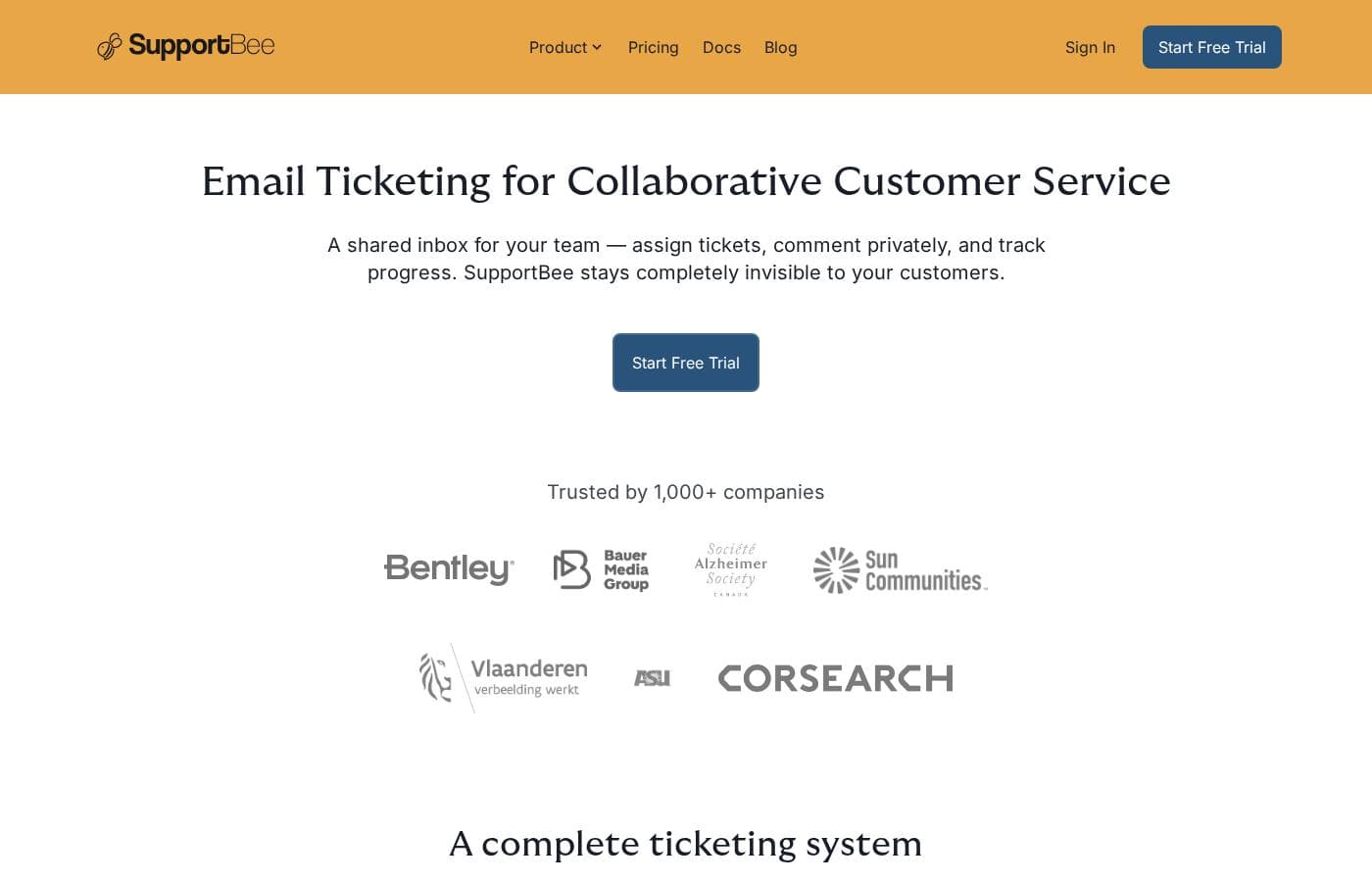
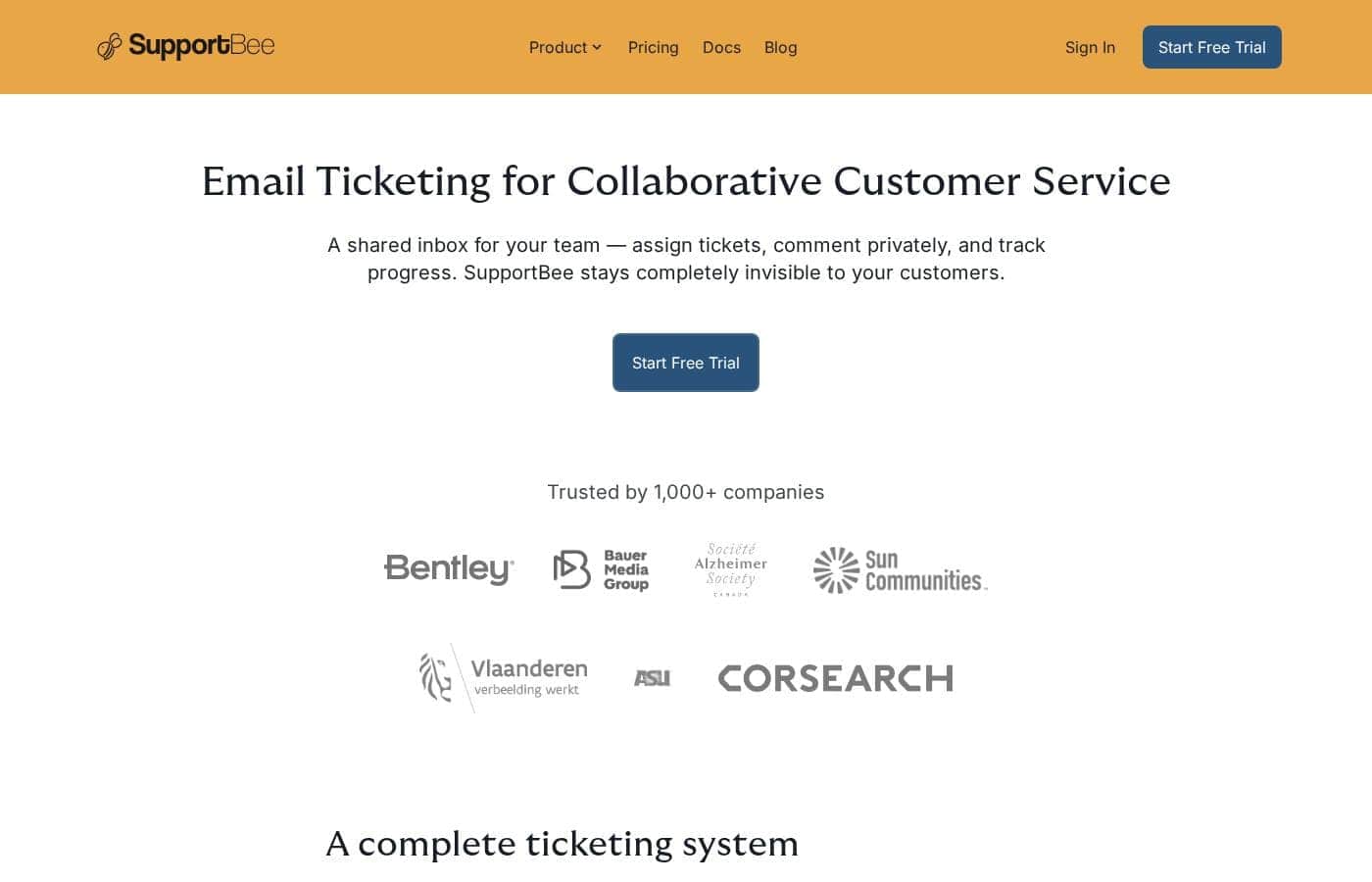
Zrzut ekranu strony głównej SupportBee

W skrócie

Szybki przegląd SupportBee: ocena, podsumowanie cen, kluczowe funkcje i najważniejsze informacje.
Strona dostawcy sprawdzona 27 lis 2026

Wynik Ciroapp

3.7/ 5

SupportBee turns customer emails into trackable tickets, with a shared inbox, private comments and draft replies, a knowledge base, and a customer portal. Setup looks genuinely quick, but pricing isn't published, no refund terms appear, and integrations beyond email aren't listed. Overall, it's a solid pick for email-first teams who test it free and confirm costs before paying.

Zalety

  • Converts incoming emails into assignable tickets from a shared team inbox, so every message gets a clear owner instead of getting lost in a busy mailbox.
  • Supports private internal comments and draft replies that teammates can review before sending, letting new agents get feedback without customers seeing internal discussion.
  • Bundles a public knowledge base and a customer portal, so customers can self-serve answers to common questions and track their own tickets online.

Wady

  • Pricing is not published on the site — no plan names, dollar amounts, or usage limits are visible, so you must go through signup or contact sales to learn costs.
  • No refund policy is stated anywhere in the reviewed material, which makes it harder to assess financial risk before committing.
  • Native integrations beyond email connectivity aren't listed, so teams relying on specific tools (CRM, Slack, etc.) need to verify compatibility before buying.
Najlepsze dla
  • Small and growing businesses replacing a chaotic shared inbox
  • Support teams that need private internal comments and reply reviews
  • Companies wanting self-service via a knowledge base and customer portal
Bezpłatny okres próbny
Yes
Ta sekcja jest podsumowaniem. Szczegóły dotyczące funkcji, zastosowań, cen i recenzji znajdują się poniżej.

Czym jest SupportBee?

Managing customer support through a shared inbox gets messy fast. Emails slip through, replies overlap, and no one knows who owns what. SupportBee turns those emails into trackable tickets, so your team can assign work, share private notes, and keep customers informed without confusion.

SupportBee is an email ticketing system built for teams that handle customer service together. It converts incoming emails into tickets your team can assign, discuss, and track from a shared inbox. It suits growing businesses that want a simple help desk without a heavy setup or an IT department.

Czy warto wybrać SupportBee?

Krótka wskazówka zakupowa przed porównaniem planów lub przejściem na stronę.

Wybierz, jeśli

  • Teams already working primarily over email who want structure without changing habits
  • Organizations that value collaboration, like shared drafts and private discussion on tickets
  • Businesses that want customer satisfaction ratings and audit trails for accountability
  • Groups that need flexible access across desktop, mobile, and email notifications
  • Teams that want a tool that stays invisible to customers

Pomiń, jeśli

  • Buyers who need detailed public pricing upfront — the site points to a free trial and signup rather than published plan costs
  • Teams requiring deep native integrations — confirm your specific tools connect before committing
  • Organizations wanting phone, chat, or social media support channels — the product centers on email ticketing
  • Enterprises needing complex customization, since the pitch emphasizes simplicity and quick setup instead
  • Shoppers comparing alternatives — the site doesn't list competitor comparisons or refund terms, so check before purchase

Następne kroki przed zakupem

  1. 1Start the free trial to see if the email-style workflow fits your team before paying.
  2. 2Confirm SupportBee connects with your current email setup and any tools you rely on.
  3. 3Check current pricing and plan details during signup, since costs aren't published on the main page.
  4. 4Compare it against one or two alternatives to make sure email-first ticketing covers all your channels.
  5. 5Review any trial limits or refund terms so you know what happens when the trial ends.

Łatwość użycia

Signals point to a very low learning curve. The workflow mirrors email, offers Gmail-compatible shortcuts, and the site claims setup takes minutes without IT involvement. Access across desktop, mobile, and email client notifications adds everyday convenience.

SupportBee Kluczowe funkcje

✨ Team Inbox: Every Email Becomes a Trackable Ticket

Shared inboxes get messy. Emails slip through, replies overlap, and no one knows who owns what. SupportBee turns incoming emails into tickets so each team member has a clear view of their assigned work.

You'll always know what's open and who's handling it.

✨ Collaborate Without Confusing Customers

Discuss an issue privately with internal comments, or share draft replies for review before anything goes out. Customers never see the tool — SupportBee stays completely invisible to them. Use labels to spot patterns in customer inquiries and group similar tickets together.

✨ Works Like Email, So There's Little to Learn

The workflow mirrors email, which means there's no steep learning curve. Gmail-compatible keyboard shortcuts and real-time updates keep things moving quickly. Setup takes minutes: connect your email, add your team, and start working tickets right away — no IT department needed.

✨ Self-Service That Cuts Repeat Questions

SupportBee includes two tools that reduce back-and-forth: a Knowledge Base and a Customer Portal. Together, they let customers find answers and manage tickets on their own. You can:

✨ Reports That Reveal What's Working

Built-in reporting shows performance for agents, teams, and labels, so you can spot bottlenecks early. Customer satisfaction ratings help you gauge support quality, and an audit trail tracks each ticket's progress. It's an easy way to keep your team accountable as you grow.

Przypadki użycia

📥 Replace a messy shared inbox

Your team shares one inbox. Emails get missed, replies overlap, and nobody owns anything. SupportBee turns each email into a ticket you can assign, so someone's always on it.

Expected outcome: Every email gets an owner — nothing slips through.

Tip: Label tickets to spot patterns in customer questions.

✍️ Review replies before they go out

A new agent drafts a reply. A teammate reviews it with private comments before anything is sent. You get a second pair of eyes on tricky tickets.

Expected outcome: Polished, consistent answers — even from new hires.

📚 Let customers help themselves

Publish answers to common questions in a knowledge base, then link articles right inside your replies. Customers can also track their own tickets in the portal.

Expected outcome: Fewer repetitive questions and faster answers.

Tip: Keep a private knowledge base for internal docs too.

📊 Spot bottlenecks with reports

Track performance by agent, team, and label. Customer satisfaction ratings show how support feels, while the audit trail keeps everyone accountable.

Expected outcome: Clear data to find and fix slowdowns.

SupportBee cennik

Od17 USD/mies.≈ 69,32 zł

  • Ze strony z cennikiem dostawcy, sprawdzono 27 lis 2026
  • Planów: 2

Strona dostawcy sprawdzona 27 lis 2026; aktualne ceny potwierdź na stronie cennika SupportBee

Zrzut ekranu cennika SupportBeeZobacz zrzut ekranu cennika
PlanMiesięcznieRocznieZawiera
Startup
za użytkownika
—
17 USD/mies.
≈ 69,32 zł
204 USD rocznie
per user
Enterprise
za użytkownika
—
21 USD/mies.
≈ 85,63 zł
252 USD rocznie
per user

Przeliczono po kursie referencyjnym EBC z 27 lis 2026; dostawca może stosować inną cenę lokalną.

Historia cen

Śledzimy ceny od 9 paź 2026. Na razie bez zmian.

Typy cen: Free trial

Uwagi do cennika

SupportBee is a subscription product with a free trial, so you can test it before paying. Specific plan names and prices aren't shown in the page we reviewed, so check SupportBee's live pricing page for current rates.

SupportBee is subscription-based software for email ticketing, and you can try it free before you pay anything.

Here's what we found on SupportBee's site — plus what you'll want to double-check before you buy.

What you're paying for

SupportBee is a shared inbox that turns customer emails into tickets. Your team can assign tickets, leave private comments, and track progress together. Customers never see the tool — it stays completely invisible to them.

The product bundles three main pieces. The Team Inbox gives every agent a clear view of their assigned tickets. The Knowledge Base publishes answers to common questions, either publicly or as a private wiki for your team. The Customer Portal lets customers send, track, and manage their own tickets online.

Setup is quick, too. SupportBee says you can connect your email, add your team, and start working tickets in minutes — no IT department needed.

Plans and pricing

We didn't find specific plan names, prices, or usage limits in the material reviewed here. That's an important gap, so treat this as buyer guidance: confirm current plan tiers, license limits, and billing terms on SupportBee's pricing page before you buy.

What the site does show is who the product fits. It's built for growing businesses that want collaboration features like draft replies, labels, and performance reports for agents and teams. If you only need a simple shared email address with no workflow, a lighter tool may suit you better.

Try before you buy

SupportBee does offer a free trial. The site's main call to action invites you to sign up and get started, so you can test the inbox, knowledge base, and portal before spending anything. 🎉

No refund policy appears in the content we reviewed, so it's worth asking about one while you're still in your trial.

Kalkulator kosztów

Oszacuj, ile SupportBee kosztuje dla Twojego zespołu.

Rozliczenie

Startup nie ma opublikowanej ceny dla tego okresu rozliczeniowego.

Startup jest rozliczany za użytkownika: cena × 5 stanowisk. Szacunek na podstawie opublikowanych cen katalogowych, bez podatków, dodatków i rabatów.

Jak płacić mniej za SupportBee

  • Dostępny jest darmowy okres próbny: przetestuj przed zakupem.
  • Niektóre plany są rozliczane za użytkownika: płać tylko za faktycznie używane stanowiska.
  • Tańsze narzędzia w tej kategorii zaczynają się od 1,50 USD/mies.
Rozpocznij darmowy okres próbny

Powiadom mnie, gdy SupportBee zmieni cenę

Jeden e-mail, gdy wykryjemy zmianę na stronie cennika dostawcy. Bez newslettera i promocji. Rezygnacja jednym kliknięciem.

Recenzje użytkowników

Brak recenzji.

Napisz recenzję

Napisz recenzję dla SupportBee
0/100 znaków
0/2000 znaków

Dlaczego używać SupportBee?

Most ticketing tools demand days of setup and training. SupportBee takes a different path: it works like email, so your team can start helping customers in minutes.

  • Fast setup — Connect your email, add your team, and start working tickets right away. No IT department needed.
  • Email-style workflow — The interface mirrors email, with Gmail-compatible keyboard shortcuts and real-time updates, so there's little to learn.
  • True team visibility — Every member sees assigned tickets clearly, with private comments and draft replies for review before anything goes out.
  • Self-service options — Publish a public knowledge base to answer common questions, or keep a private one for internal docs.
  • Customer portal — Let customers send, track, and manage tickets online, with group-based visibility for whole organizations.
  • Built-in reporting — Performance reports, satisfaction ratings, and an audit trail help you spot bottlenecks and stay accountable.

Alternatywy dla SupportBee

Inne narzędzia w kategorii Pomoc techniczna (Help Desk)

Zobacz wszystkie narzędzia Pomoc techniczna (Help Desk)
NinjaOne

NinjaOne

Help Desk4.2/5Od 1,50 USD/mies. (≈ 6,12 zł)

Jedna platforma IT do zarządzania endpointami, patchowania, kopii zapasowych i zdalnego dostępu.

Hiver

Hiver

Help Desk4.2/5

Jedno miejsce pracy, w którym Twój zespół i agenci AI wspólnie rozwiązują złożone prośby klientów.

Obsługa klienta oparta na AI, która stawia ludzi na pierwszym miejscu.

Deskpro

Deskpro

Help Desk3.9/5

Wsparcie, które zostawia potężny ślad

HelpDesk

HelpDesk

Help Desk3.6/5

Kompleksowy system do obsługi zgłoszeń, który usprawnia wsparcie klienta.

Najtańsze oprogramowanie Pomoc techniczna (Help Desk) dla 1–25 użytkowników

SupportBee: najczęstsze pytania

Ile kosztuje SupportBee?

Najtańszy płatny plan SupportBee, Startup, kosztuje 17 USD (≈ 69,32 zł) miesięcznie. Płatne plany kosztują od 17 USD do 21 USD miesięcznie.

Czy SupportBee ma darmowy plan?

Nie. SupportBee nie podaje darmowego planu; najtańszy płatny plan zaczyna się od 17 USD (≈ 69,32 zł) miesięcznie.

Czy SupportBee oferuje darmowy okres próbny lub gwarancję zwrotu pieniędzy?

SupportBee oferuje darmowy okres próbny.

Czy cena SupportBee ostatnio się zmieniła?

Nie. Od początku śledzenia (9 paź 2026) nie wykryliśmy zmiany ceny.

Which tools does SupportBee integrate with?

The site confirms it connects with your email, and it offers Gmail-compatible keyboard shortcuts. Other native integrations aren't listed, so check that your must-have tools connect before you commit.

How do I get my team started or migrate from another help desk?

Connect your email address, invite your team, and you're ticketing in minutes — no IT help needed. For moving ticket history from another tool, confirm migration options with SupportBee before you buy.

Gotowy, aby wypróbować SupportBee? Zobacz oficjalną stronę lub cennik.

Reprezentujesz SupportBee? Przejmij ten wpis · Pobierz odznakę