Pictory vs Visla
Deciding between Pictory and Visla? Both use AI to build videos fast, but they serve different users. Pictory is the king of content repurposing and volume creation. Visla focuses on enterprise security and flexible starting points like PDFs.
Best for: Content marketers focused on high-volume production, Creators needing fast repurposing of blogs and written articles
Best for: Enterprise organizations needing SOC 2 Type II security, Teams requiring secure SSO authentication for user access
Fast video concepts, variable stability.
We find Pictory effective at quickly converting text and long videos into short, captioned clips, utilizing powerful integrations like Getty Images and ElevenLabs voices; this is a strong value proposition. However, we cannot overlook the widespread user complaints regarding severe technical instability, inconsistent AI accuracy, and frustratingly slow customer support response times. Overall, the tool offers huge potential for high-volume content, but we advise caution due to reported reliability issues that may impact time savings.
Pros
- Quickly transforms long-form content (blogs, webinars) into short, social-ready clips.
- Access to vast stock media libraries (18M+ assets from Getty Images and Storyblocks).
- Features realistic AI voiceovers powered by ElevenLabs.
- Interface is described as beginner-friendly and web-based (no download required).
Cons
- Frequent glitches, bugs, and reliability issues (e.g., audio going out of sync or freezing).
- AI’s output accuracy is inconsistent; generated visuals often fail to match the script.
- Customer support is slow to respond, sometimes taking days.
- Cancellation process is reported as difficult and confusing via the chatbot.
AI Video Power, Billing Risk.
We find Visla offers a robust AI video creation workflow, making complex production accessible without specialized editing skills. The commitment to enterprise features like SOC 2 suggests strong security intent. However, external feedback detailing questionable billing practices and significant reliability issues raises serious operational concerns. Overall, we recommend approaching this tool with caution due to recurring reports of subscription and performance problems.
Pros
- AI generously generates professional video drafts from text or ideas quickly.
- Extremely easy and intuitive interface, suitable for non-editors and beginners.
- Offers advanced compliance focused on enterprise needs (SSO, SOC 2 Type II).
- Free plan provides 1,000 monthly credits for effective testing.
Cons
- Repeated, serious reports of unauthorized subscription charges and billing scams.
- Rigid "no refund policy" and difficult, cumbersome cancellation process for users.
- Video generation can stick/fail or result in highly inaccurate/irrelevant content.
- Customer support is criticized for being unresponsive to financial complaints.
AboutPictory
Pictory is an intuitive, web-based AI video generator designed for a wide range of creators. Whether you are a YouTuber, a marketing professional, a teacher, or part of an Enterprise collaboration team, this software is built for you. It empowers users, regardless of video editing experience, to quickly create high-quality videos. You simply use your existing content—like text, scripts, or existing long videos—and the smart AI handles the complex steps. ✅
AboutVisla
Visla is an innovative, AI-powered platform designed for seamless video creation. It eliminates the barrier of needing editing expertise, allowing you to move quickly from an initial thought to a polished final video. The core of the system is the intelligent AI Video Agent, which analyzes your input and builds a complete draft with visuals and narration. The platform is ready for enterprise teams, too, supporting secure Single Sign-On and SOC 2 Type II compliance for strong data integrity. 💡
Highlights
Feature Comparison
Features Overview
We highlight the main differences and pick a winner for each feature.
Input Flexibility
Visla accepts a wider variety of starting assets like PDF files. Pictory dominates URL and blog content conversion speed.
Pictory excels at transforming existing blogs or URLs into videos fast. It uses advanced AI summarization for long videos and webinars. You can also start with a complete script or PPT documentation. Visla supports a broader range, including PDF files and specific media assets. It also features built-in tools for screen and camera recording. This makes creating tutorials and demos much easier. Pictory focuses heavily on converting written content for maximum repurposing volume. Visla provides more tools to start from proprietary corporate documents or direct recordings. Visla’s ability to convert PDFs and record instantly offers greater versatility for internal corporate content creation.
Enterprise Security
Visla is designed for corporate environments needing strict compliance. Pictory states compliance but lacks the critical SSO feature.
Pictory states it is both SOC 2 and GDPR compliant for secure data handling. However, Single Sign-On (SSO) is not listed as a feature on any standard paid plan. Visla offers robust SOC 2 Type II compliance on Business and Enterprise tiers. It includes mandatory Single Sign-On (SSO) for streamlined team authentication. The Visla platform clearly prioritizes high-level corporate security features over Pictory's generalized compliance statement. SSO is non-negotiable for many large organizations concerned with security. Visla provides role-based workspace control protecting content access within large team structures.
Pricing Model
Pictory offers clear, transparent dollar pricing and usage minutes. Visla uses a confusing credit system with unstated dollar costs.
Pictory uses transparent limits based on monthly video export minutes. Plans range clearly from $19 to $119 per month annually. Unused minutes do not roll over each month. Visla uses a confusing credit-based model where the dollar cost is not publicly stated. Users receive Monthly Assigned Credits, and higher tiers can buy extra Flexible Credits. Pricing transparency is a massive advantage for Pictory over Visla’s complicated and obscured credit system. Users also frequently report unauthorized charges with Visla. If budget stability is a concern, Pictory allows easier usage forecasting than Visla’s credit consumption model.
AI Voice Quality
Pictory leverages ElevenLabs for hyper-realistic, high-quality voiceovers. Visla offers basic voice cloning but fewer language options.
Pictory integrates with ElevenLabs, providing hyper-realistic voices across 29+ languages. This premium feature is powerful but usage is restricted by a monthly minute quota. Visla provides Instant Voice Cloning capabilities for three voices starting on the Pro plan. It uses unlimited public avatars but does not specify the supplier quality. Pictory’s use of the industry-leading ElevenLabs voice engine likely gives it a significant edge in voiceover realism and variety. This quality difference is noticeable for professional narrations. Visla's approach is more suited for simple, efficient internal communication rather than polish required by high-end marketing videos.
Video Repurposing
Pictory is far superior for converting long assets into short, social-ready clips. Visla focuses more on creating videos from scratch.
Pictory’s core strength is automated content repurposing and high-volume summarization. It automatically extracts key highlights from long webinars or podcasts for social media use. Visla lacks the specialized summarization features that Pictory excels in. Its focus is on refining initial AI drafts from scripts or document uploads using the Scene-Based Editor. If high-volume automated repurposing of existing long videos is your goal, Pictory is the clear and superior choice for content marketers. Pictory also helps maximize reach by automatically adding accessible captions proven to increase viewing time by up to 12%.
Trust & Reliability
Pictory has technical bugs, but Visla faces critical user allegations regarding unauthorized billing and financial trust issues.
Pictory users frequently report issues like stability problems, glitches, and slow customer support response times. AI output is sometimes inaccurate, forcing manual correction. Visla has severe, recurring complaints about unauthorized financial charges and a difficult, rigid cancellation policy. Support is often unresponsive to these critical billing disputes. The reports of financial misconduct against Visla represent a major risk that far outweighs the functional bugs reported for Pictory. Reliability extends beyond just technical performance. If user anxiety about unexpected charges is a concern, Pictory's transparent, stable pricing structure offers much greater peace of mind.
Pictory costs between $19 and $99 per month (when billed annually) with four plans: Starter at $19/month, Professional at $29/month, Team at $99/month, and Enterprise at Custom.
Let's explore which Pictory plan might be the right fit for your video creation needs.
Starter
Price: $19/month (billed annually) or $25/month (billed monthly) Websites Supported: 1 User Best For: Creators starting their video journey Refund Policy: No refunds, but you can cancel any time before renewal. Other Features:
- 200 video minutes per month
- 1 brand kit
- 2 million royalty-free videos from Storyblocks
- No watermark
- Basic AI Tools
- 200 video minutes
- 2 million royalty-free videos from Storyblocks
- 1 brand kit
- No watermark
- 600 video minutes
- 18 million videos from Getty Images and Storyblocks
- 5 brand kits
- Advanced AI Tools
- Video summarizations of long videos
- 1800 video minutes
- 18 million videos from Getty Images and Storyblocks
- 10 brand kits
- Team workspace to share assets & collaborate
- Professional onboarding and team training
- Dedicated success manager
- Expert video consulting
- Uploaded asset indexing
- Custom-built templates
- Done-for-you video creation

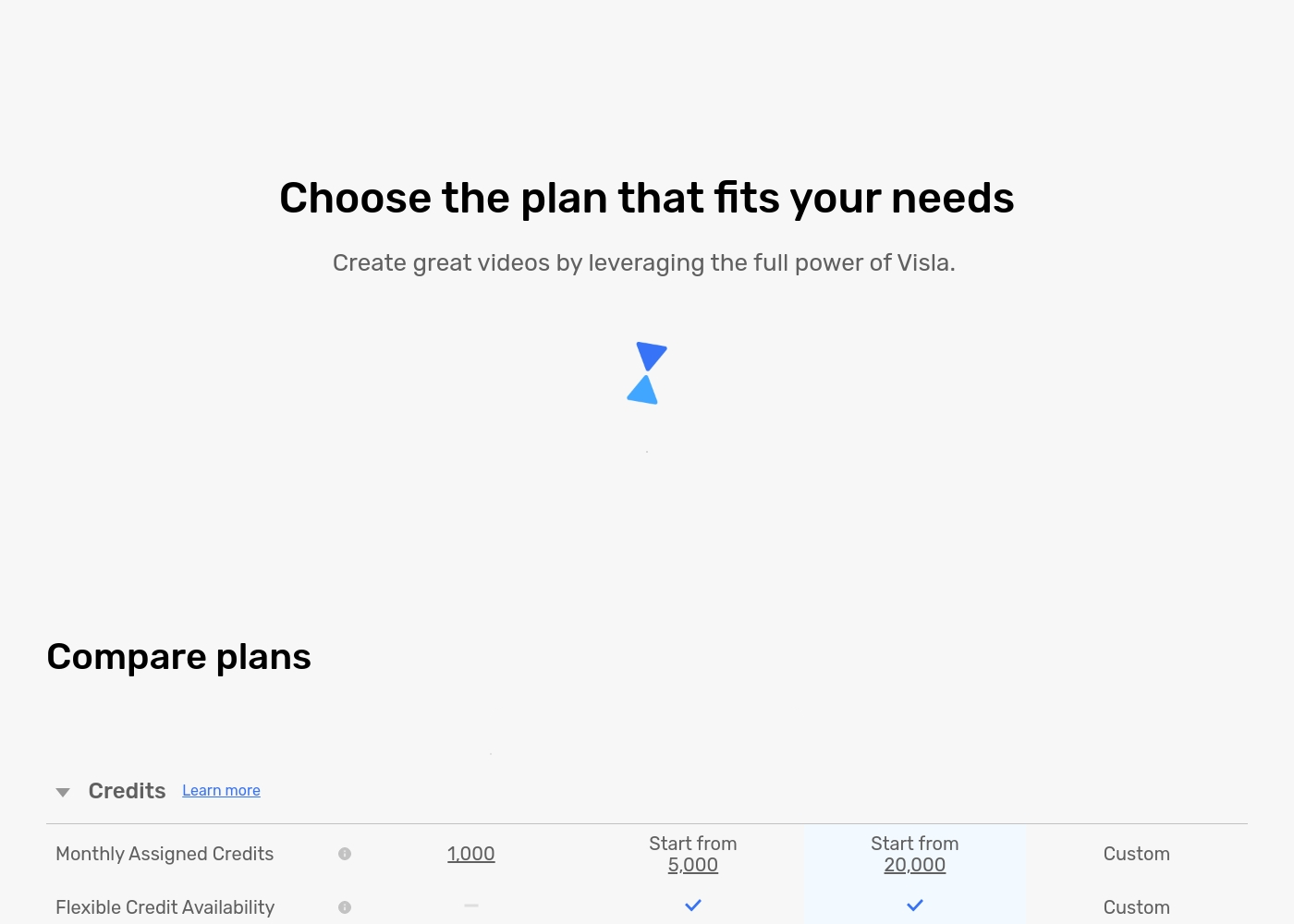
You can compare the key differences in monthly allocated credits and feature access below.
Free
Websites Supported: Not applicable Best For: Individuals and casual creators Other Features:
- 1,000 Monthly Assigned Credits
- Maximum resolution of 1080p
- Access to the standard Free Stock Library
- Record audio, screen, and camera content
- Visla Watermark will be on exported videos
- Video Creation from Idea/Script/Text
- 1,000 Monthly Assigned Credits
- Maximum resolution 1080p
- 150 Unlimited Public Avatars
- 3GB / 1 hour media upload limit
- Monthly Assigned Credits starting from 5,000
- Flexible Credit Availability
- Visla Watermark Removal
- Access to Storyblocks Library (4M videos)
- Instant Voice Cloning (3 voices)
- Monthly Assigned Credits starting from 20,000
- Maximum resolution 4K
- Access to Getty Images (16+ Million videos)
- 20 GB / 3 hour media upload limit
- SOC 2 Type II Report Available
- Custom Monthly Assigned Credits
- Single sign-on (SSO)
- SOC 2 Type II Report Available
- Video Creation API Support
- Role-based workspace/teamspace control
Pricing Notes
- Pictory offers clear dollar pricing and provides a 14-day free trial on its paid plans.
- Visla uses a credit-based model and does not publicly state the dollar cost of its paid tiers.
- Visla users frequently report severe, unauthorized subscription charges and financial issues.
- Neither Pictory nor Visla offers refunds on activated or renewed subscriptions.
- Pictory's pricing scales by video minutes, while Visla scales by assigned credit allowance.
Pricing Head-to-Head
User Reviews
Pictory currently holds a widely mixed 3.1-star rating based on over 400 reviews. Users generally agree that the tool is beginner-friendly and offers a powerful premise, providing a massive royalty-free stock library and fast video generation from text or long assets, making it a solid ‘one-stop shop’ for creators.
However, stability and service are recurring critical concerns. Many users report that the software is buggy and slow, frequently suffering from glitches, unsaved work, and crucial audio/video sync errors that ruin final exports.
The platform does have some major positives. It offers various pricing options and is extremely beginner-friendly. Plus, you get a genuinely large image library to use. It’s a great concept for quick, initial video creation.
Visla receives sharply mixed feedback across platforms. Users praise its potential as a game-changer for generating training videos, noting that the AI tools make complex video creation incredibly easy, even for people without editing experience.
They appreciate the intuitive interface and the resulting professional look. However, the positive experiences are overshadowed by significant complaints regarding payment and reliability.
Visla has been a game-changer for creating internal and external training videos. With no background in video creation, I found it incredibly easy to use without any training included. The AI tools are fantastic for generating video drafts and saving me hours of professional work.
Our Verdict
Choosing between Pictory and Visla comes down to transparency versus niche corporate features. For most individual creators and marketers, **Pictory** remains the safer, more specialized choice. Visla offers tempting enterprise capabilities but carries major financial and trust risks reported by users. Pictory excels at high-volume content repurposing, its key domain. You can paste a URL or long webinar, and the AI instantly creates dozens of social-ready clips. The clear dollar pricing (up to $119/month) and integration with ElevenLabs voices are huge advantages. Pictory is the best option if speed and blog conversion are your top priorities for external content. Visla focuses heavily on security needed by larger organizations. Features like SSO and SOC 2 Type II compliance are available on premium tiers. Visla also handles unique input methods, excelling at converting PDF documents and using built-in screen recordings for tutorials. However, the massive difference comes down to reliability and trust. While Pictory users report technical bugs, Visla users allege severe, recurring unauthorized billing issues and unresponsive support. Pictory reveals all its usage-based pricing upfront, while Visla hides the cost behind its credit system. If you need volume, clear costs, and superb repurposing, stick with transparent **Pictory**. If you are a large corporation that absolutely must have SOC 2 Type II compliance and SSO, Visla has the features, but proceed with caution regarding its billing systems.
Frequently Asked Questions
Which tool is best for automatically repurposing long webinars or blog articles?
Pictory is the undisputed champion for automated content repurposing. Its AI excels at summarizing long assets like hours of video footage. It can instantly convert a URL or blog post into social-ready video scripts.
Does Visla support secure Single Sign-On (SSO) like other Enterprise tools?
Yes, Visla offers secure Single Sign-On (SSO) on its Enterprise plan. Visla also provides SOC 2 Type II compliance for maximum security assurance. Pictory does not list SSO as an available feature.
I prefer transparent pricing. Which video generator is better: Visla or Pictory?
Pictory is far more transparent, listing all plan prices clearly from $19 to $119 per month. Visla uses a non-transparent credit-based model where the actual dollar pricing is not explicitly stated.
Which tool provides access to the superior AI voice generation technology?
Pictory integrates with ElevenLabs for hyper-realistic AI voices in 29+ languages. Visla offers generic voice cloning capabilities but lacks the premium quality of Pictory’s solution.
Can Visla convert PDF documents into videos, or is that only available in Pictory?
Visla specifically supports converting PDF and PPT files into videos using its AI Agent. Pictory supports PPT conversion but cannot currently use PDF documents as input sources.
Why does Visla have significantly worse user reviews than Pictory?
While both report technical bugs, Visla is plagued by severe complaints regarding unauthorized billing and poor refund policies. Pictory's issues are mainly technical instability, while Visla has serious trust issues reported by users.
Ready to Choose?
Both tools have their strengths. Choose based on your specific needs.