mSpy vs Norton Family
mSpy and Norton Family approach digital parental control very differently. mSpy focuses on deep, hidden surveillance using keyloggers and screenshots for ultimate visibility. Norton Family provides balanced oversight with time management, clear reporting, and family safety tools. Choosing one depends on your need for stealth versus stability and transparency.
Best for: Parents seeking invisible, deep surveillance on a single device., Investigating potential serious cyberbullying or illicit hidden online activity.
Best for: Families prioritizing time management and healthy screen limits over deep surveillance., Parents needing clear activity reports on searches, videos, and general web use.
Effective Monitoring with Severe Pitfalls
We found mSpy offers a highly capable feature suite, including Keylogger, Screenrecorder, and robust GPS tools, which are powerful when functioning correctly. However, external reports show major issues surrounding reliability, hidden pricing, and difficult installation processes. Overall, this tool provides powerful monitoring features, but its severe operational and billing pitfalls prevent a strong recommendation.
Pros
- Excellent feature set including Keylogger and Screenrecorder capabilities.
- Effective remote features like call recording and microphone control (available in Extreme plan).
- Geofencing and GPS tracking are praised for accurately monitoring location.
- Family Kit successfully allows monitoring up to three devices simultaneously.
Cons
- Frequent reports of inaccurate data tracking, app failure, or connectivity issues.
- Users report that the service stops working after a short period, requiring constant reinstallation.
- Many customers report unauthorized billing, hidden costs, and surprise fees for required add-ons.
- The refund policy is considered very narrow, making returns extremely difficult to obtain.
Trusted Security Engine for Family Safety
We find Norton Family offers a powerful and mature set of parental control tools, utilizing Norton’s decades of security expertise. It excels at balancing screen time management with web safety and providing crucial location supervision. Overall, this is a highly reliable security package for families seeking broad digital management features within a trusted ecosystem.
Pros
- Built on a robust, proven, and highly reliable security platform.
- Comprehensive features including screen time limits, location tracking, and content filtering.
- Dedicated ‘School Time’ feature helps minimize remote learning distractions.
- Manageable via an easy-to-use Parent Portal and mobile app.
Cons
- Renewal costs are significantly higher than the introductory promotional price.
- Customer loyalty does not appear to be rewarded in the pricing structure.
- General Norton users sometimes report being overwhelmed by notifications.
- Little specific external feedback is available on the dedicated Family product features.
AboutmSpy
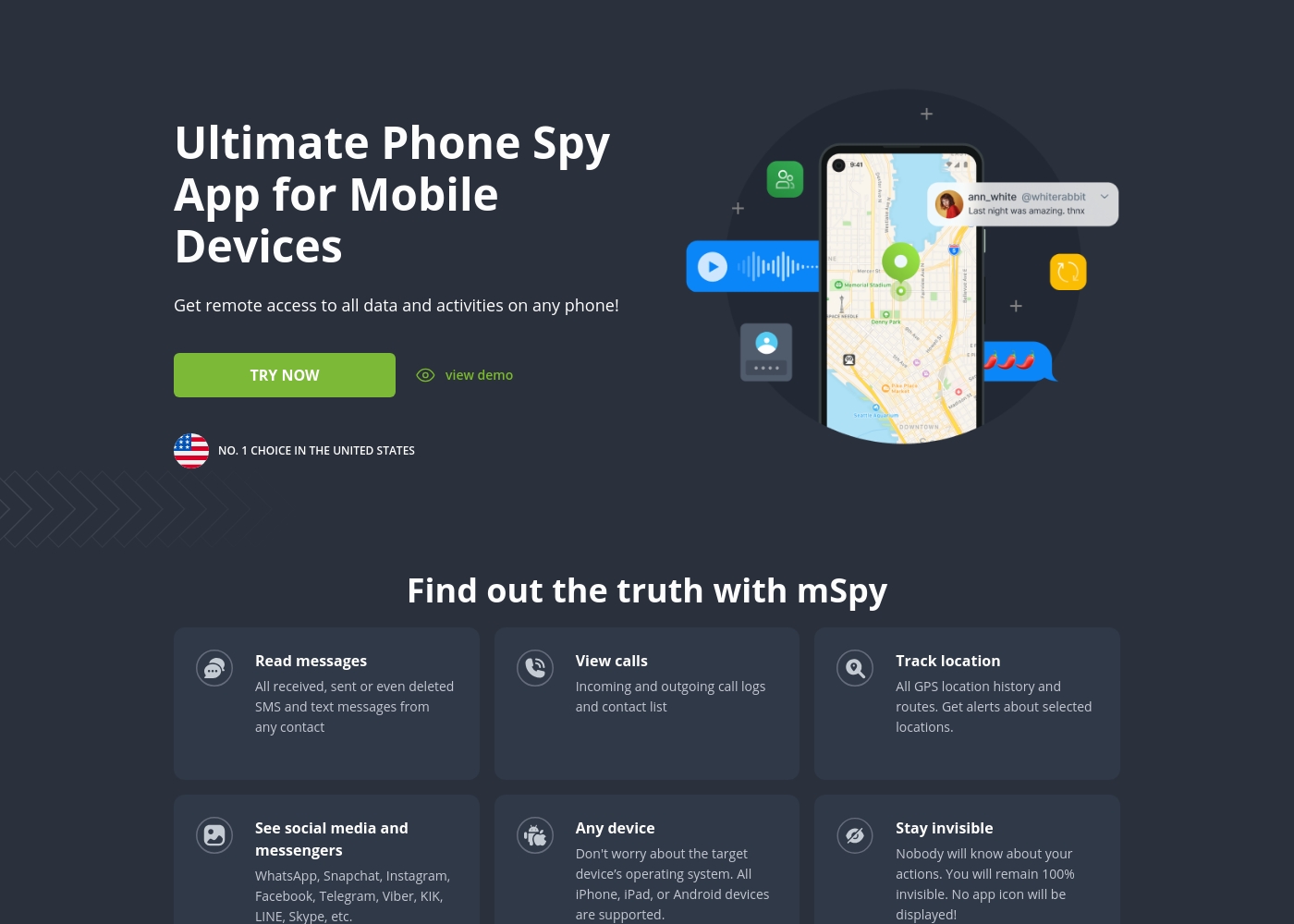
mSpy is the #1 Choice in the United States for trusted parental control. It is a powerful mobile monitoring solution, more than just a simple app. This tracker lets you see exactly what’s happening on their phone without needing to stand over them. It works great on your favorite device, offering solutions that are compatible with any operating system 💡. Installation is simple, allowing you to get the full monitoring power without restrictions, even offering local sync and non-jailbreak solutions.
AboutNorton Family
Norton Family is a comprehensive toolset designed to give parents awareness and control over their children’s digital interactions. It focuses on facilitating positive and age-appropriate experiences with technology. Parents can manage protection for their child's devices using an easy-to-use Web Portal or a mobile app 📱. The core mission is to help children learn responsible, healthy methods for exploring the internet.
Highlights
Feature Comparison
Features Overview
We highlight the main differences and pick a winner for each feature.
Monitoring Approach
mSpy uses invisible stealth monitoring for deep data collection. Norton Family uses visible apps focusing on family communication and reports.
mSpy is primarily built to work in hidden mode, offering fully undetectable monitoring. It collects every detail without the user knowing they are being tracked. This gives parents comprehensive, unseen access to all digital activity. Norton Family is visible on the device, promoting open conversations about usage rules. Its focus is guiding safe choices using clear oversight tools and detailed activity reports. The core difference is total awareness versus transparency tailored for digital health. If you suspect serious hidden behavior, mSpy provides the tools for covert collection. Norton Family is better for setting clear expectations and usage rules.
Keylogging and Visual Proof
mSpy provides keylogging and screen recording for unparalleled evidence. Norton Family provides no such internal surveillance capabilities.
mSpy captures every keystroke via its Keylogger, showing exactly what is typed into any app or search bar. The Screenrecorder takes regular screenshots, providing vital visual evidence of quick actions or disappearing messages. Norton Family monitors searches and videos watched, but it does not capture keystrokes or random app screenshots. It focuses on activity monitoring rather than deep content logs. mSpy delivers unparalleled insight into secure or hidden chats, including Snapchat content. For evidence gathering or monitoring secret third-party apps, mSpy is the far superior choice.
Screen Time Controls
Norton Family excels at setting usage schedules and precise time limits. mSpy focuses only on monitoring and lacks built-in time management controls.
Norton Family provides dedicated Time Supervision to set daily limits and restrictive schedules across all devices. The excellent School Time feature specifically limits distractions during remote education sessions. mSpy gives no native control over screen time limits or scheduling device usage. You can only globally block specific applications, not limit total daily usage time. Norton Family's Instant Lock feature pauses a device instantly for refocusing or family time. For establishing healthy habits and setting strict schedules, Norton Family is specifically designed to handle time management.
Location Tracking
Both tools offer accurate GPS tracking and geofencing capabilities. mSpy offers precise real-time tracking, while Norton Family adds a Check In feature.
mSpy offers precise, real-time GPS tracking and 24/7 Geofencing alerts for predefined unsafe or safe zones. It also tracks the full route history accurately in stealth mode. Norton Family Location Supervision tracks location and stores a 30-day movement history. It uses Favorite Locations to alert you when a child arrives at or leaves boundaries. mSpy has optional live tracking initiation via a simple link function. Norton Family includes a Check In function for kids to proactively share their location with parents. Both are strong, but mSpy prioritizes deep surveillance, and Norton Family prioritizes communication.
Reliability and Support
Norton Family boasts high reliability and positive support sentiment. mSpy users report frequent breakdowns and difficult, mandatory re-installation attempts.
Norton Family reviews praise its dependable performance, simple setup, and consistent reporting across all devices. It benefits from the stability of the long-established Norton ecosystem. mSpy users frequently report the application stops functioning, causing significant lost data and requiring difficult re-installation. While mSpy offers dedicated paid support agents, the overall experience is widely criticized for high friction. If you need a system that simply works without constant technical maintenance, Norton Family is the safer, more stable choice.
Social Media Visibility
mSpy provides deep access to conversations via Keylogger and Screen Recorder logs. Norton Family provides general web safety without monitoring private chat content.
mSpy covers over 15 platforms like WhatsApp, Instagram, and Telegram by recording every input and visual action. This successfully captures content that might otherwise be invisible or hidden. Norton Family monitors general web searches and app installs but cannot capture private message content or media exchange logs. It focuses on safe browsing habits instead. mSpy can even show content from AI Chatbots like ChatGPT via its surveillance tools. If full content visibility into secure chats is critical, mSpy is the only viable option here.
Pricing Transparency
Norton Family offers transparent, budget-friendly pricing. mSpy pricing is opaque, with frequent reports of required, costly add-ons.
Norton Family starts incredibly low for the first year, making it affordable for most families. Renewal costs are clearly communicated as the MSRP. mSpy pricing is only listed as 'less than $1/day,' with specific rates often hidden until checkout. Users report hidden costs needed for necessary installation assistance, called 'mAssistance'. This optional service from mSpy is strictly non-refundable, increasing the risk for customers. Norton Family provides predictable costs, often bundled with existing security subscriptions.
Content Blocking
Both tools block inappropriate websites effectively with supervision. mSpy also offers an App Blocker for total control over installed software.
mSpy offers a powerful Website Blocker for sites like adult or gambling categories. Crucially, it also features an App Blocker to stop the installation or use of any specific installed risky application. Norton Family uses Web Supervision to block unsuitable sites and gives video snippets for YouTube and Hulu activity review. App Supervision alerts you to downloads and helps guide choices. mSpy provides immediate, forced removal or prevention of newly installed risky app usage. This direct control makes mSpy slightly superior for instant content management.
mSpy offers a choice between two main subscription options, helping users align coverage with their specific monitoring needs. Both plans include the powerful suite of monitoring features available through your personal Control Panel.
Single Device Plan
Best For: Monitoring one child or device Other Features:
- Provides remote access to call logs and contact lists.
- Allows viewing of received, sent, and deleted text messages.
- Includes access to all GPS location history and geofencing alerts.
- Supports monitoring across all major social media and messenger apps.
- Offers features like Keylogger and Screenrecorder capabilities.
This plan is ideal if you only need to keep an eye on a single smartphone or tablet. It delivers the full range of mSpy features for comprehensive, invisible surveillance on one target device. This is the simplest and most accessible option for new users.
- Coverage for one device only
- Invisible monitoring mode
- Keylogger and Screenrecorder
- GPS Location Tracking
- Social Media monitoring (WhatsApp, Snapchat, etc.)
- Coverage for up to 3 devices simultaneously
- All features of the Single Device Plan
- Suitable for monitoring multiple children or mobile devices
- Centralized control via a single Control Panel
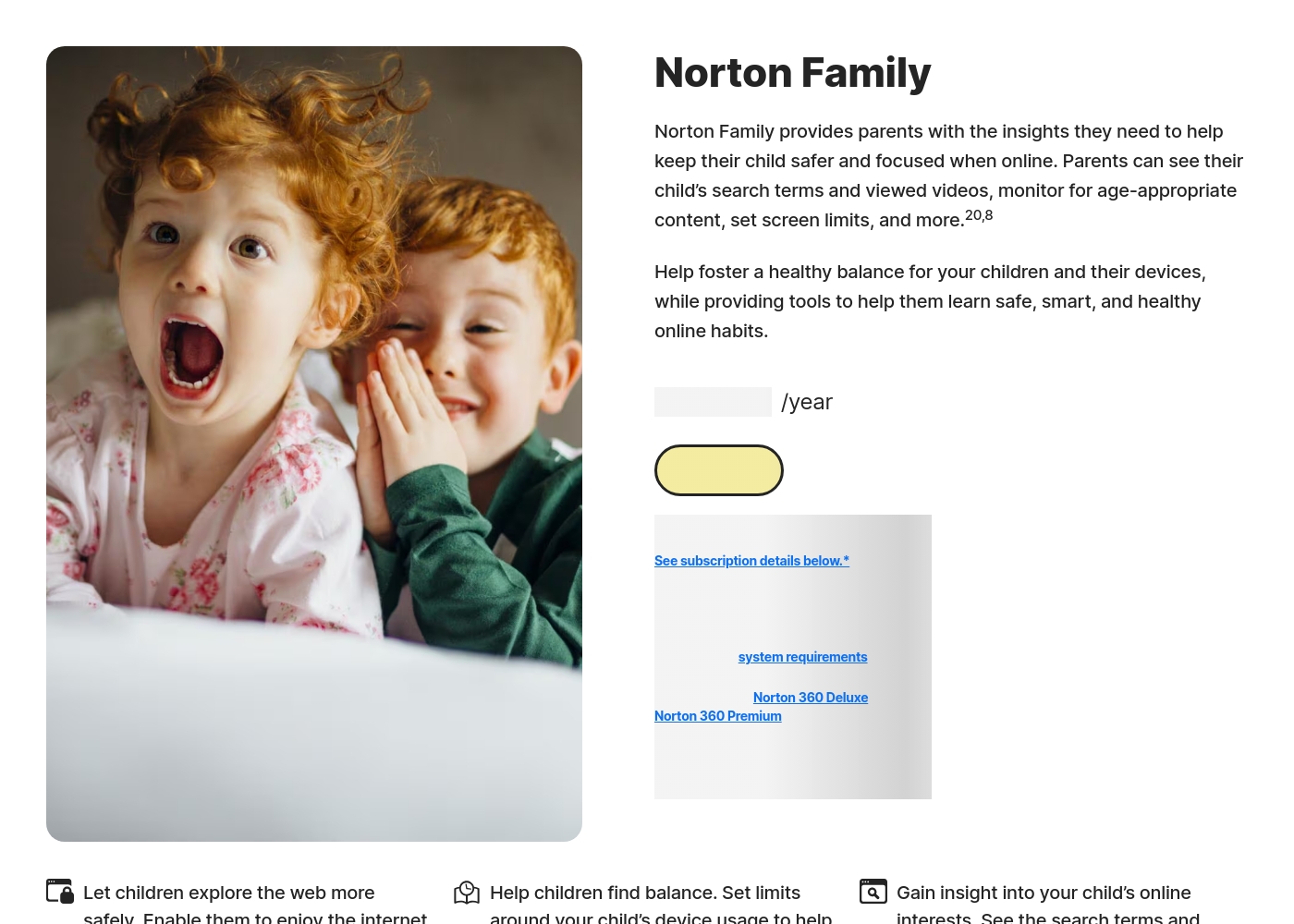
Norton Family costs S$29.99 per year for the first year. It is offered as a single standalone annual subscription at S$29.99.
Norton Family is designed to help parents foster healthy online habits for their children.
Norton Family (1 Year Subscription)
Price: S$29.99 per year (introductory price) Best For: Parents seeking dedicated tools to help children balance screen time Refund Policy: 60-day money-back guarantee (for annual subscriptions) Other Features:
- Set time limits for device use (Time Supervision).
- See terms children are searching for (Search Supervision).
- Monitor videos viewed on YouTube.com (Video Supervision).
- Set up a block list for distracting sites during remote learning (School Time).
- Use Location Supervision to map mobile devices.
- Web Supervision (blocking unsuitable content)
- Time Supervision (setting device limits)
- Search Supervision (seeing terms children search)
- Video Supervision (monitoring YouTube videos)
- App Supervision (managing downloaded apps)
Pricing Notes
- Norton Family offers incredibly low entry costs, potentially $1/year, and is often bundled with Norton 360 suites.
- mSpy does not publish specific monthly rates, only noting it costs less than $1 per day for the single device plan.
- mSpy often requires purchasing non-refundable 'mAssistance' for installation help, increasing the true cost significantly.
- Norton Family offers a free trial, though a payment method must be provided upon signup.
- mSpy users frequently report severe issues with unauthorized billing and difficulty obtaining refunds for subscriptions.
Pricing Head-to-Head
User Reviews
mSpy maintains a moderate 2.9-star rating on Trustpilot, reflecting significant variation in user experiences. Many satisfied customers specifically praise the effective monitoring features, such as remote call recording, screenshot capture, and the precise Geofencing alerts, which help parents track children's locations.
For those features that work, the software is considered powerful. However, the user base reports heavy friction regarding pricing, reliability, and support.
Matthew Stone was crucial when I needed an urgent reinstallation on my daughter’s phone. I only had ten minutes with the device, and he handled everything remotely. He got things rolling again quickly and professionally.
Reviewers overwhelmingly praise Norton’s broader security ecosystem, which includes Norton Family. Customers consistently highlight the robust protection provided, confirming that the software ensures their devices are safe from threats and malware.
Consumers often mention the peace of mind they gain from the software operating efficiently in the background, offering prompt alerts and regular scans. The user experience is generally considered easy, even for non-tech-savvy users, and the comprehensive bundles (including VPN and Identity Theft services) are highly valued.
I have been using Norton since its very beginning and have never had protection issues. I have examined others and there is simply no comparison to Norton's performance and protection.
Our Verdict
The choice between mSpy and Norton Family boils down to stealth surveillance versus stable, transparent control. For most families, Norton Family is the better, safer choice due to its superior reliability and ethical features. mSpy caters to those with highly specific, deep monitoring requirements who are willing to risk billing and stability issues. mSpy's superpower is its deep intelligence collection capabilities. Using its Screen Recorder and Keylogger, mSpy gives invisible and total access. It provides full, sneaky access to texts, calls, and even content in encrypted chats. No other tool performs this level of content capturing better than mSpy. Norton Family's clear strength is balanced control and operational reliability. It provides industry-leading tools for establishing healthy screen time habits and schedules. Dedicated features like Time Supervision and School Time are robust controls absent in mSpy. Crucially, Norton Family is far more stable, avoiding the constant re-installation issues plaguing mSpy. Your deciding factor should be the ethical use of the software. If you must know exactly what they type in every private app, mSpy is technologically capable. But if you value stability, transparent pricing, and robust digital wellness tools, pick Norton Family. Choose Norton Family for predictable costs, reliability, and managing device use effectively. If your priority is covertly gathering visual evidence and accessing private conversations, mSpy offers the deepest surveillance tools available.
Frequently Asked Questions
Which tool is better for keylogging and viewing private chats?
mSpy is superior for deep monitoring and private chats. It uses both Keylogger and Screen Recorder functions to capture keystrokes and visual proof. Norton Family does not have these aggressive surveillance features for private messages.
Does Norton Family offer features like screen capture or call recording?
No, Norton Family does not include screen capture or call recording capabilities. Its purpose is oversight and setting boundaries, not deep eavesdropping. mSpy offers both the Screen Recorder and live Call Recorder (in premium plans).
Which tool is more reliable and easier to install?
Norton Family is significantly more reliable and easier to install consistently. Users frequently report that mSpy stops working shortly after installation. Norton Family is built for straightforward operation and stability.
Which software is better for setting time limits and schedules?
Norton Family is explicitly designed for time control and excels here. It features Time Supervision and School Time for focused learning blocks. mSpy lacks any native ability to set schedules or limiting total screen time.
Why are mSpy's customer reviews generally lower than Norton Family's?
mSpy faces negative reviews largely due to complicated installations and frequent app failures requiring reinstallation. Many users also report unauthorized billing and difficulty securing refunds. Norton Family has high ratings for reliability and clear pricing.
Can I use Norton Family to monitor a Mac computer?
Currently, Norton Family does not support installation on Mac computers for monitoring activities. It works exclusively on Windows PCs, Android, and iOS devices. mSpy platforms are generally broader but may require device manipulation.
Ready to Choose?
Both tools have their strengths. Choose based on your specific needs.