mSpy vs Net Nanny
mSpy and Net Nanny tackle parental monitoring from two opposing directions. mSpy focuses on deep, invisible phone surveillance, using tools like Keylogger and Screenrecorder. Net Nanny specializes in powerful dynamic internet filtering across many devices. You must decide if you need forensic visibility or broad content blocking first.
Best for: Parents needing deep, invisible surveillance features., Families focused on monitoring 1 to 3 devices maximum.
Best for: Large families needing comprehensive protection for 10-20 devices., Parents prioritizing strong, dynamic internet and porn filtering.
Effective Monitoring with Severe Pitfalls
We found mSpy offers a highly capable feature suite, including Keylogger, Screenrecorder, and robust GPS tools, which are powerful when functioning correctly. However, external reports show major issues surrounding reliability, hidden pricing, and difficult installation processes. Overall, this tool provides powerful monitoring features, but its severe operational and billing pitfalls prevent a strong recommendation.
Pros
- Excellent feature set including Keylogger and Screenrecorder capabilities.
- Effective remote features like call recording and microphone control (available in Extreme plan).
- Geofencing and GPS tracking are praised for accurately monitoring location.
- Family Kit successfully allows monitoring up to three devices simultaneously.
Cons
- Frequent reports of inaccurate data tracking, app failure, or connectivity issues.
- Users report that the service stops working after a short period, requiring constant reinstallation.
- Many customers report unauthorized billing, hidden costs, and surprise fees for required add-ons.
- The refund policy is considered very narrow, making returns extremely difficult to obtain.
Unreliable protection paired with hidden costs.
We note Net Nanny boasts impressive dynamic filtering features and competitive volume pricing for large families. However, recent user feedback highlights critical operational failures, extreme difficulty managing subscriptions, and severely problematic customer service interactions. Overall, we advise prudence due to concerning reports regarding recurring billing practices and software reliability across platforms.
Pros
- Cost-effective protection for up to 20 devices annual plans.
- Includes dynamic filtering against adult content and sensitive material.
- Real-time alerts and visibility via the Family Feed feature.
- Full feature suite is included across all three annual pricing tiers.
Cons
- Software functionality is often unreliable (time limits fail, Mac freezing).
- Auto-renewal system is difficult or impossible to cancel online.
- Reports of severe bugs and inaccurate dashboard data tracking.
- Customer support is slow, unresponsive, and often unavailable.
AboutmSpy
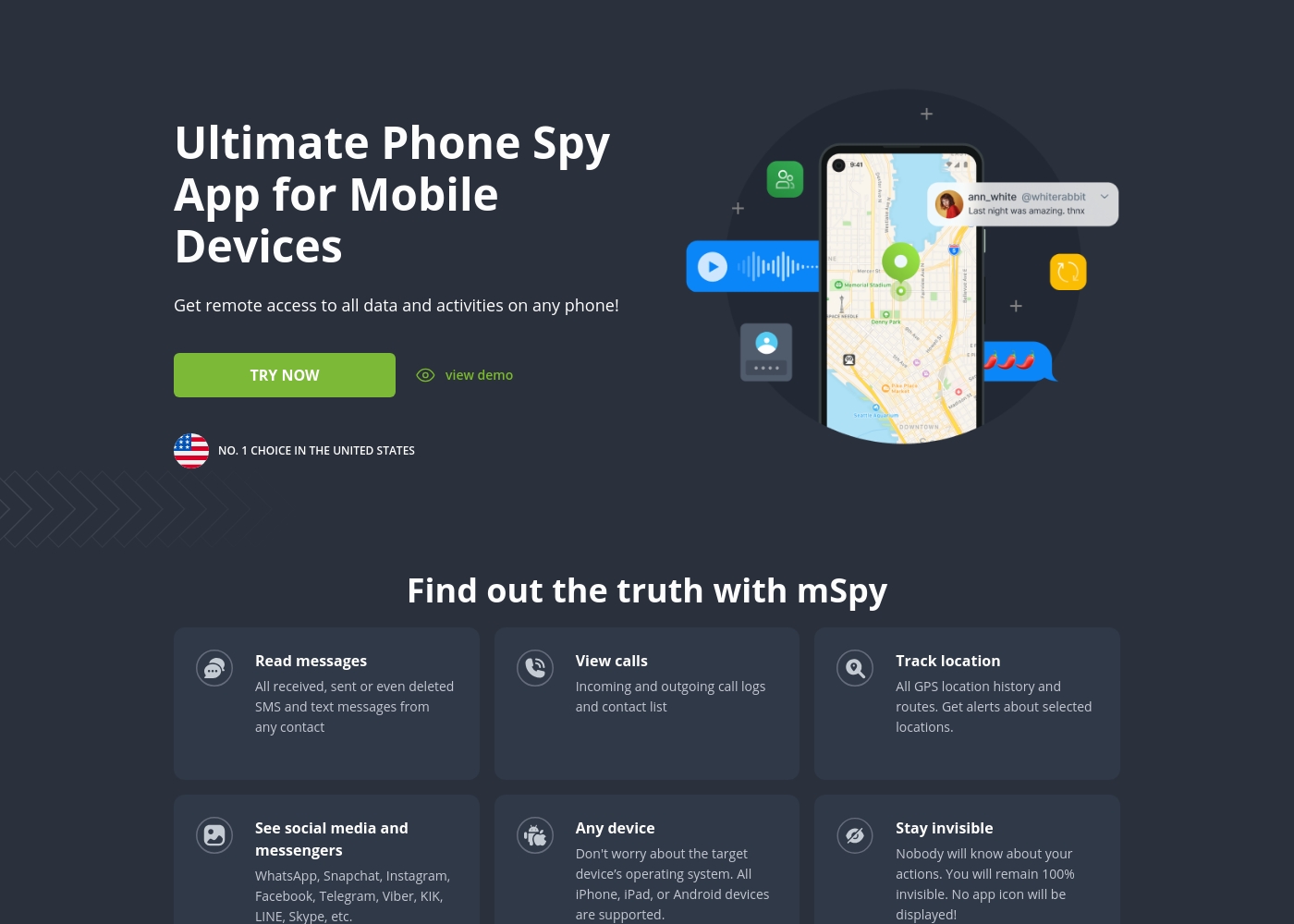
mSpy is the #1 Choice in the United States for trusted parental control. It is a powerful mobile monitoring solution, more than just a simple app. This tracker lets you see exactly what’s happening on their phone without needing to stand over them. It works great on your favorite device, offering solutions that are compatible with any operating system 💡. Installation is simple, allowing you to get the full monitoring power without restrictions, even offering local sync and non-jailbreak solutions.
AboutNet Nanny
Net Nanny is widely trusted parental control software. It is consistently ranked as the Best Parental Control App. ✅ Millions of parents have trusted this software since 1996.
It’s designed to keep your kids safe from adult content when they browse online. The system allows children to use the internet safely while still being protected. It offers the visibility parents need today.
Highlights
Feature Comparison
Features Overview
We highlight the main differences and pick a winner for each feature.
Stealth vs Visibility
mSpy works completely hidden; Net Nanny uses a visible reporting dashboard.
mSpy is built primarily to work in stealth mode, providing undetectable monitoring of activity. This functionality is ideal if you need deep, invisible surveillance. The mSpy application sends data silently to your private Control Panel. Net Nanny uses the revolutionary Family Feed to provide instant reports. This feed is visible and focuses on searches and app usage. The core difference is forensic evidence with mSpy versus real-time filtering with Net Nanny. mSpy wins if invisibility and deeper proof are required.
Monitoring Depth
mSpy provides detailed logging like Keylogger; Net Nanny focuses on filtering and alerts.
mSpy offers advanced surveillance tools like the Keylogger and Screenrecorder. The Keylogger captures every keystroke and typed chat available on the device. mSpy provides visual proof by regularly taking screenshots of activity. Net Nanny provides instant reports on searches and app usage via the Family Feed. Net Nanny does not offer forensic features like keystroke logging or screenshot capture. mSpy offers a much deeper level of personal activity insight.
Internet Filtering
Net Nanny is the #1 filter; mSpy offers only basic website blocking.
Net Nanny is consistently ranked as the #1-Rated Internet Filter since 1996. It stops exposure to adult content using dynamic filtering technology. Net Nanny provides immediate alerts for specific sensitive material like weapons or suicide. mSpy offers a simple Website Blocker to deny access to undesirable sites. mSpy's blocker functionality is basic compared to Net Nanny's dynamic system. Net Nanny is clearly superior if strong content filtering is the priority.
Device Count & Cost
Net Nanny covers 20 devices cheaply; mSpy maxes out at three devices.
Net Nanny offers Family Protection Passes supporting up to 20 devices annually. The 20-device plan costs less than $5 per device yearly, offering great value. mSpy’s Family Kit is only available for a maximum of three devices simultaneously. mSpy’s specific pricing is not published but is advertised as less than $1 per day. Net Nanny offers far superior scalability for large families needing multi-device coverage.
Location Tracking
mSpy provides detailed Geofencing; Net Nanny does not include advanced GPS features.
mSpy offers robust location tracking features, including precise GPS location on a map. mSpy users can review full route history to see past movements. Importantly, mSpy includes Geofencing alerts for unsafe zones. Net Nanny focuses heavily on what children see online, not where they are physically located. Net Nanny does not feature Geofencing or advanced location tools. mSpy is the winner for physical location monitoring and alerts.
Communication Logs
mSpy logs calls and texts; Net Nanny only monitors search activities and apps.
mSpy gives full access to text messages, message media, and detailed call logs. The mSpy Keylogger captures chats in almost any app, including AI chatbots and secure messengers. mSpy even offers a Call Recorder to save phone conversations live. Net Nanny’s strength is reporting searches and which apps are in use. Net Nanny does not provide deep conversational logging like mSpy. Choose mSpy for call and text monitoring clarity.
Reliability & Billing
Both platforms report extensive unreliability, bugs, and frustrating subscription renewal issues.
mSpy users report frequent requirements to reinstall the application due to failure or inaccurate data. Many mSpy customers report unauthorized billing and difficult, slow cancellation processes. Net Nanny users report catastrophic functional bugs like apps ignoring time limits and freezing devices. Net Nanny customers report that online cancellation is impossible, leading to years of unwanted charges. Both mSpy and Net Nanny receive extremely poor marks for customer service and billing practices.
Alert System Focus
Net Nanny alerts on specific risks; mSpy uses customizable keyword alerts.
Net Nanny provides crucial real-time alerts only for highly sensitive material. The system monitors for threats like suicide, weapons, and drug-related content specifically. mSpy allows parents to set highly customized Keyword Alerts in the Control Panel. mSpy will notify you if those specific words appear in chats or searches. Net Nanny’s alerts are specific to high-risk categories, making them more focused safety tools.
mSpy offers a choice between two main subscription options, helping users align coverage with their specific monitoring needs. Both plans include the powerful suite of monitoring features available through your personal Control Panel.
Single Device Plan
Best For: Monitoring one child or device Other Features:
- Provides remote access to call logs and contact lists.
- Allows viewing of received, sent, and deleted text messages.
- Includes access to all GPS location history and geofencing alerts.
- Supports monitoring across all major social media and messenger apps.
- Offers features like Keylogger and Screenrecorder capabilities.
This plan is ideal if you only need to keep an eye on a single smartphone or tablet. It delivers the full range of mSpy features for comprehensive, invisible surveillance on one target device. This is the simplest and most accessible option for new users.
- Coverage for one device only
- Invisible monitoring mode
- Keylogger and Screenrecorder
- GPS Location Tracking
- Social Media monitoring (WhatsApp, Snapchat, etc.)
- Coverage for up to 3 devices simultaneously
- All features of the Single Device Plan
- Suitable for monitoring multiple children or mobile devices
- Centralized control via a single Control Panel
Net Nanny costs between $39.99 and $89.99 per year with three plans: 1 Desktop at $39.99, 5 Devices Family Protection Pass at $54.99, and 20 Devices Family Protection Pass at $89.99.
Let's explore which annual Net Nanny package works best for your family's needs.
1 Desktop
Price: $39.99 / Year (Currently discounted from $49.99) Best For: Single device use on PC or Mac Other Features:
- Protect one desktop device
- Includes all Net Nanny features
- Supports Windows and macOS
- Protect one desktop device (PC or Mac)
- Includes all Net Nanny features
- Supported on Windows 10 & 11 and macOS 10.13 to 11.x
- Protect up to 5 total devices
- Includes all Net Nanny features
- Supports PC, Mac, and iOS devices
- Costs $11 per device/year
- 30% Off For A Limited Time
- Protect up to 20 total devices
- Includes all Net Nanny features
- Supports PC, Mac, and iOS devices
- Costs less than $5 per device/year
- Labeled 'Best Value'
Pricing Notes
- mSpy pricing is listed as less than $1 per day, but exact monthly/annual plan costs are not explicitly published.
- Net Nanny offers predictable annual-only pricing ranging from $39.99 (one device) to $89.99 (20 devices).
- The Net Nanny 20 Devices Family Pass offers substantial value, bringing the annual cost below $5 per device.
- mSpy requires purchasing non-refundable support packages (mAssistance) for installation help.
- Both mSpy and Net Nanny have extensive user complaints regarding severe auto-renewal and unauthorized charging practices.
Pricing Head-to-Head
User Reviews
mSpy maintains a moderate 2.9-star rating on Trustpilot, reflecting significant variation in user experiences. Many satisfied customers specifically praise the effective monitoring features, such as remote call recording, screenshot capture, and the precise Geofencing alerts, which help parents track children's locations.
For those features that work, the software is considered powerful. However, the user base reports heavy friction regarding pricing, reliability, and support.
Matthew Stone was crucial when I needed an urgent reinstallation on my daughter’s phone. I only had ten minutes with the device, and he handled everything remotely. He got things rolling again quickly and professionally.
Net Nanny currently holds a very poor 2.1 rating on Trustpilot, reflecting widespread customer dissatisfaction. Users frequently report critical failures in core functionality and serious concerns regarding billing practices.
Recurring complaints revolve around system reliability; many users state the software does not work properly on modern devices, citing issues like apps ignoring set time limits, device freezes, and wildly inaccurate dashboard reporting (e.g., usage times ticking up five minutes per second). Beyond technical faults, customers vehemently criticize Net Nanny’s handling of subscriptions and auto-renewal.
The software doesn't work consistently after a restart; I always have to sign in manually. Since installing it, my Mac freezes frequently during downloads. I have not yet received any response from customer service about these issues.
Our Verdict
Choosing between mSpy and Net Nanny boils down to surveillance depth versus family scale. Neither option should be trusted implicitly due to severe reliability and billing complaints. If you need powerful control and detailed evidence, mSpy is the tool for you. mSpy excels at invisible, invasive monitoring with the Keylogger and Screenrecorder tools. mSpy can provide visual proof of activity even on disappearing platforms like Snapchat. If you need forensic evidence about texts, calls, and app usage, mSpy provides the clearest insight. However, be prepared for potential reinstallation hassles with mSpy. Net Nanny's superpower is widespread, dynamic content filtering for volume use. Net Nanny protects up to 20 devices annually for incredible per-device value, far outpacing mSpy’s three-device cap. Choose Net Nanny if filtering against adult content or flagging high-risk suicide searches is the priority. The deciding factor is control: mSpy gives you granular control over what you see, but for few devices. Net Nanny gives you broad, cheap protection for many devices. Due to the high number of reliability and billing complaints for both, you must weigh the specific feature needed most.
Frequently Asked Questions
Does mSpy offer the same high-level dynamic filtering as Net Nanny?
No, Net Nanny is frequently cited as the #1-Rated Internet Filter. Net Nanny uses dynamic technology to block inappropriate content instantly. mSpy provides only a basic Website Blocker for denying access to specific sites.
Which software is better for tracking physical location, mSpy or Net Nanny?
mSpy is superior for location tracking because it features Geofencing and route history logs. mSpy alerts you immediately when the device enters unsafe zones. Net Nanny does not offer advanced GPS or location tracking features.
Can Net Nanny monitor keystrokes and take device screenshots like mSpy?
Net Nanny does not offer detailed surveillance functions like mSpy’s Keylogger or Screenrecorder. Net Nanny focuses on filtering web content and reporting app usage. If you need a Keylogger or visual proof (screenshots), mSpy is the correct choice.
Which tool offers the best value for large families with many devices?
Net Nanny offers far superior scalability and value for large families. The Net Nanny Family Pass protects up to 20 devices annually for a much lower cost per device. mSpy’s maximum allowed coverage is capped at only three devices.
Do I have to pay monthly for mSpy or Net Nanny?
mSpy offers both monthly and annual subscription options for flexibility. Net Nanny requires customers to purchase annual subscription packages only. Net Nanny does not provide monthly payment plans.
Are reliability and billing issues common for both mSpy and Net Nanny?
Yes, both mSpy and Net Nanny have extensive user complaints regarding reliability and hidden fees. Users report difficult cancellations with Net Nanny and sudden app failures with mSpy. Proceed with caution regarding billing practices for both providers.
Ready to Choose?
Both tools have their strengths. Choose based on your specific needs.