Erase.bg vs PixCut
This comparison pits Erase.bg's accessible quality against PixCut's powerful specialized features. Many users are torn between PixCut's unique tools and Erase.bg's vastly superior user trust. Erase.bg wins on pricing clarity and billing reliability for high-volume users. PixCut offers interesting features like 8x image enlargement and crucial content-aware defect removal.
Best for: Large e-commerce businesses scaling product photography via API., Users demanding crystal-clear pricing and reliable billing practices.
Best for: Photographers needing to enlarge low-resolution images by up to 8x., Users requiring advanced content-aware removal of watermarks or defects.
High-quality AI, accessible pricing.
We found Erase.bg combines advanced AI functionality with remarkably accessible pricing, including a robust free offering. The tools available are suitable for both occasional users and developers needing seamless API integration for high-volume work. Overall, this service delivers exceptional value and precision where background removal is the priority.
Pros
- 100% automatic AI background removal is fast and precise.
- The permanent Free plan offers 3 monthly credits for testing and occasional use.
- Free tier users can download files in original, full resolution without payment.
- Supports developer API/SDK integrations and scalable batch processing.
Cons
- No refunds are offered for paid subscriptions due to high AI resource costs.
- Unused credits on paid plans expire and do not roll over.
- External user feedback is extremely limited, making reliability difficult to confirm.
Effective AI, but buyer beware.
PixCut provides quick, AI-powered tools for background removal and image scaling that many professional users will find valuable. However, we found recurring user reports detailing unauthorized charges and a failure to honor the 30-day refund promise. Overall, based on this severe trust friction, we advise caution despite the strong underlying technology.
Pros
- 100% automatic AI background removal offers speed and accuracy.
- Supports bulk processing for up to 20 images simultaneously.
- Includes a powerful Photo Enhancer to enlarge images up to 8x.
- API integration is available for customized applications and workflows.
Cons
- Widespread user reports of denied refunds, contradicting the stated guarantee.
- Users frequently cite unauthorized recurring charges and complex cancellation issues.
- Paid plan pricing is not transparent; specific costs require contacting the vendor.
- Some complaints mention software failure or system instability upon installation.
AboutErase.bg
Pixelbin's AI image background remover is an incredibly simple, yet powerful, solution to isolate subjects in photos. Trained AI models detect objects like people, products, or vehicles and cleanly separate them from the original background. You can upload popular formats such as PNG, JPG, or HEIC files. The tool is free to use with no sign-up required, making it easy to get high-quality processing right away. 💡
AboutPixCut
PixCut is an intelligent photo editing utility designed to simplify complex visual tasks using artificial intelligence. Using the platform is incredibly straightforward. You simply upload your chosen image. The AI engine instantly removes the background automatically. Finally, you can download the result image, which features a transparent background, making it ready for any new backdrop you choose. 💡 It's a fast, reliable solution for high-quality, clean images.
Highlights
Feature Comparison
Features Overview
We highlight the main differences and pick a winner for each feature.
Pricing Clarity & Trust
Erase.bg provides fully transparent pricing and better user trust scores. PixCut requires contacting sales for specific paid plan costs.
Erase.bg operates on clear, annual billing with specific costs defined for all tiers. Their pricing structure is easy to understand, starting at an equivalent of $6/month. User reviews for Erase.bg show trust and praise for its billing transparency. PixCut uses customized solutions for its Monthly Pro and Pay As You Go plans. This means you must contact the vendor to get exact pricing for your needs. This lack of upfront clarity can be frustrating for budget planning. If predictability is crucial, Erase.bg is the safer financial choice. PixCut’s approach introduces uncertainty, which can complicate scalability decisions. The deciding factor is trust; Erase.bg has proven reliability, while PixCut has substantial user complaints regarding billing practices.
Creative Background Tools
Erase.bg excels at creation via AI text prompts. PixCut focuses on restoration and image enhancement features.
Erase.bg offers a highly creative feature for generating new backdrops via text prompts. You can simply type a description and the AI generates a matching setting. Erase.bg also lets you change the background to any solid color instantly. PixCut lacks the text-prompt AI generation capabilities found in Erase.bg. PixCut's strength lies instead in removing unwanted objects or magnifying images dramatically. The trade-off is creation versus restoration; Erase.bg is better for creating visually unique scenes. PixCut is superior for fixing flaws in existing images. For e-commerce needing uniform backgrounds or creative marketing teams, Erase.bg’s AI generation is a huge benefit.
Image Enhancement & Scale
PixCut can dramatically increase an image size up to 8x. Erase.bg offers limited scaling options (2x or 4x).
PixCut includes a powerful Photo Enhancer that can scale images up to 8x their original size. This enlargement is crucial for printing or high-resolution displays. PixCut guarantees quality is maintained during this extreme scaling process. Erase.bg provides standard image upscaling options, generally limited to 2x or 4x magnification. While useful, this is less powerful than the 8x capability offered by PixCut. If you frequently work with low-resolution source files that require massive enlargement, PixCut is the clear winner here. Erase.bg offers basic scaling but cannot match this dramatic capability. This feature makes PixCut a top choice for graphic designers who need to repurpose small assets for large format use.
Content Removal
PixCut includes powerful content-aware filling for removing defects. Erase.bg focuses purely on background removal.
PixCut utilizes sophisticated content-aware filling to remove specific elements from images automatically. This lets you easily erase watermarks, texts, scratch marks, or minor objects. This is a robust feature that goes beyond standard clipping. Erase.bg specializes intensely in removing the background effectively and maintaining quality. Erase.bg does not advertise or provide integrated content-aware object removal tools. PixCut lets you clean up the image subject itself, making it more versatile for photo retouching. Erase.bg requires external tools for this type of object cleanup. If your workflow involves restoring and perfecting damaged images, PixCut provides a critical advantage within one interface.
Credit Rollover Policy
PixCut allows credits to roll over monthly on paid subscriptions. Erase.bg enforces monthly credit expiration.
The Monthly Pro subscription for PixCut ensures that any unused credits automatically roll over. This feature is excellent for users whose usage fluctuates monthly. You won't lose value during slower business periods. Erase.bg clearly states that credits on their Lite and Pro subscription plans do not roll over. If you don't use your allotment each month, those credits are lost permanently. This forces users to predict usage accurately. PixCut takes the lead in ensuring users get the most value from their subscription credit package. Erase.bg’s use-it-or-lose-it approach can be a significant drawback. For users with inconsistent image processing needs, PixCut offers welcome flexibility and better resource management.
Developer Scalability
Erase.bg promotes robust SDKs and APIs for large-scale integration. PixCut also offers a dedicated API.
Erase.bg is built for enterprise scale, advertising robust SDKs and APIs for seamless integration into existing systems. This makes Erase.bg ideal for businesses needing massive, automated volume processing. PixCut also provides a background removal API that requires just a few lines of code to integrate. This capability supports customized solutions for developers effectively. While both offer APIs, Erase.bg's focus on robust SDKs hints at a more comprehensively built developer ecosystem. Choose Erase.bg if you require high-level, complex programmatic utilization. Erase.bg becomes an essential component for high-volume platforms processing millions of images daily.
Free Tier Accessibility
Erase.bg offers instant, high-quality downloads without sign-up. PixCut requires an account for usage.
Erase.bg allows users to upload an image and receive a high-resolution, background-free result immediately. No sign-up or payment information is required for basic downloads. This provides unmatched accessibility. PixCut’s free plan allows unlimited previews but limits high-quality downloads to 5 standard removals. PixCut requires you to use a Wondershare account to fully access its features. Erase.bg offers a true test drive; upload and download, no friction required. PixCut introduces an account barrier early in the process. If you are a casual user or only need one-off edits, Erase.bg is significantly easier and faster to use right away.
Refund Policy and Risk
Erase.bg is upfront about offering no refunds. PixCut advertises a guarantee that users claim is routinely denied.
Erase.bg explicitly states they offer no refunds due to the high cost of AI processing. This clear communication manages customer expectations from the start. They recommend testing thoroughly via their Free plan. PixCut advertises a 30-day money-back guarantee across its payment plans. However, user reviews frequently cite unauthorized charges and denied refund requests. Erase.bg is honest about its policy (no refunds), while PixCut creates significant friction and trust issues based on user feedback. PixCut poses a financial risk to users. If financial security is paramount, the transparent and highly-rated Erase.bg dramatically reduces buyer risk.
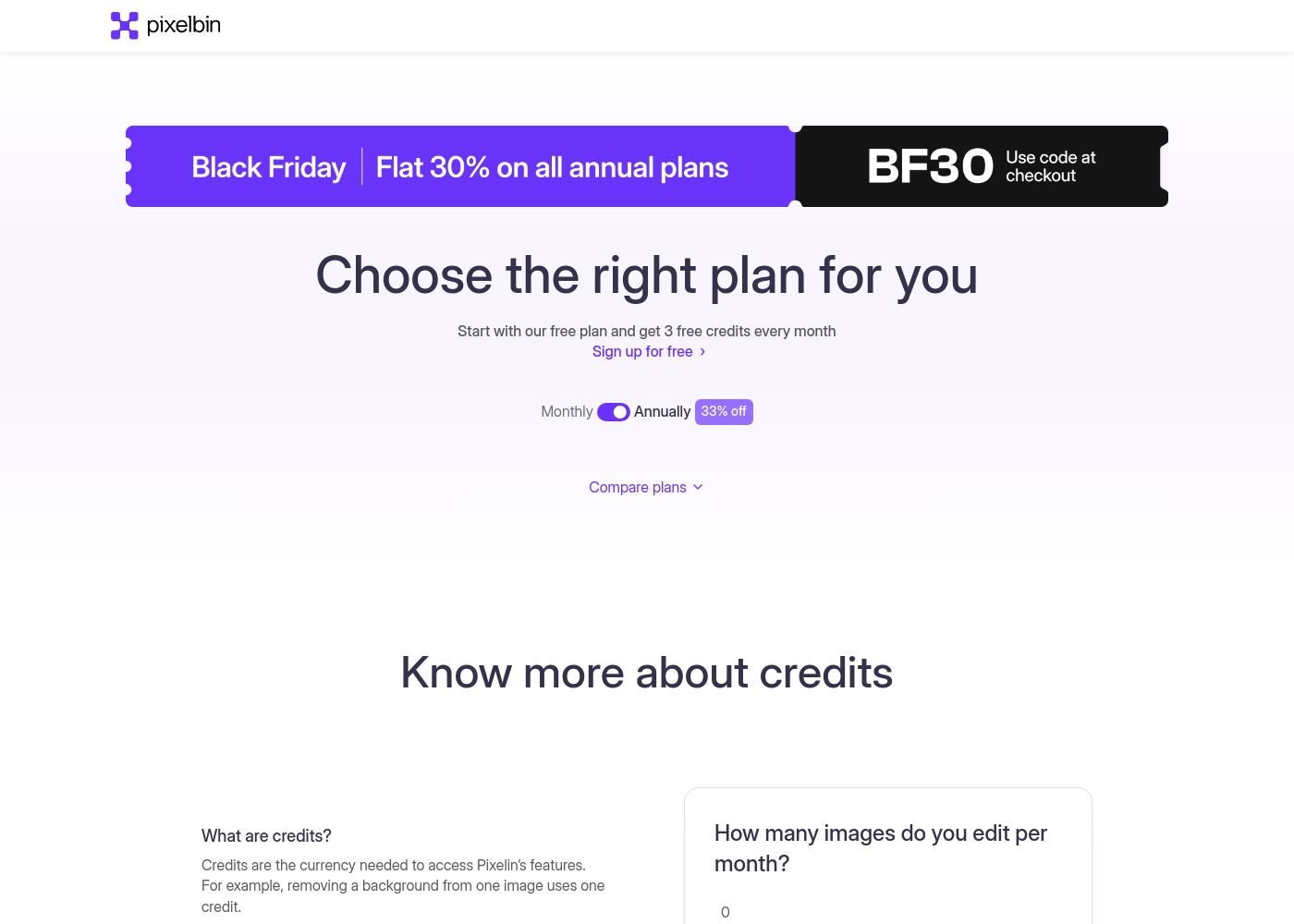
Erase.bg (Pixelbin) costs between $0 and $21 per month with five options: Free at $0, Lite at $6/month (billed annually), Pay as you go at $19 (one-time), Pro at $21/month (billed annually), and an Enterprise plan with custom pricing.
Now, let's explore the details of each available plan.
Free plan
Price: $0/month Best For: Trying the platform and occasional personal use Refund Policy: Not applicable Other Features:
- 3 credits/month
- 2 GB Storage
- Basic transformations
- Batch processing
- 3 credits/month
- 2 GB Storage
- Batch processing
- Basic transformations
- AI transformations
- Billed once at $19
- Get one-time 10 free credits
- Includes 10 free downloads
- Custom support
- 1800 credits/year
- 2 GB Storage
- Batch processing
- Basic/AI transformations
- API access
- 6000 credits/year
- 2 GB Storage
- Batch processing
- Basic/AI transformations
- API access
PixCut offers three primary ways to access its powerful background removal tools, balancing free functionality with professional paid services.
Free Plan
Price: $0 /image Best For: Users who need basic testing and limited downloads. Refund Policy: Not applicable Other Features: Unlimited preview, Remove 5 images background with standard quality, Free enlarge images with watermark, Refer friends and get free credits.
This $0 plan allows you to test PixCut's core capabilities instantly. It's perfect if you only need standard quality background removals for a few images or want to see exactly how the software works before investing. You can also gain extra credits by sharing the service with friends and colleagues.
- Unlimited image preview
- Remove 5 images background with standard quality
- Free enlarge images with watermark
- Refer friends and get free credits
- Best Value
- Contact vendor for customized solutions
- Unused credits roll over to the next month if subscription is maintained
- 30-day money-back guarantee
- Contact vendor for customized solutions
- Purchase credits as needed
- 30-day money-back guarantee
- Secure payment handling

Pricing Notes
- Erase.bg provides clear, transparent pricing with paid plans starting at an equivalent of $6/month (billed annually).
- PixCut utilizes custom pricing for its paid plans, requiring users to contact the vendor for a specific quote.
- Erase.bg credits purchased via subscription (Lite/Pro) do not roll over and expire at the end of the monthly cycle.
- PixCut offers credit rollover to the next month if the Monthly Pro subscription is actively maintained.
- Erase.bg explicitly offers no refunds, while PixCut's advertised 30-day money-back guarantee is frequently disputed by users.
- You need an annual commitment to access the best pricing tiers on Erase.bg.
Pricing Head-to-Head
User Reviews
Erase.bg (Pixelbin) currently has extremely limited external feedback, making a broad assessment challenging. The overall Trustpilot score is 3.7, derived from only one detailed review at the time of this aggregation.
However, the available user feedback is overwhelmingly positive regarding the core functionality and business model. Users specifically praise the platform for offering high-quality results while remaining completely free.
This tool is super cool because it’s entirely free. I was able to download the original picture size and quality after removing the background without being forced to pay, which is really great.
User feedback on Trustpilot is highly critical, with an overall score of 2.0. The vast majority of complaints are related to billing practices and customer service policies associated with the parent company, Wondershare.
Recurring feedback highlights unauthorized charges for subscriptions users attempted to cancel or did not consent to. Users frequently state that the company failed to honor the 30-day money-back guarantee, often declining refund requests immediately.
This software wouldn't even work on my new laptop. I asked for a refund only two hours after receiving the download link, but they declined immediately. They kept sending instructions on how to try and fix the issue, completely ignoring the written 30-day guarantee.
Our Verdict
When comparing Erase.bg and PixCut, the decision hinges on trust versus unique features. Erase.bg is the definitive winner for reliability, transparency, and overall user confidence. Their 4.6 rating proves Erase.bg delivers consistent quality with zero billing headaches. Erase.bg focuses on making background removal effortless for all scales of use. You can get high-resolution results instantly without creating an account or paying. Erase.bg also includes powerful developer SDKs for enterprises needing serious automation volume. PixCut's superpower lies in its unique advanced editing suite. Only PixCut can enlarge low-resolution images up to 8x without quality loss. PixCut also offers sophisticated content-aware tools to remove watermarks, text, or objects seamlessly. The deciding factor is your needed feature set balanced against financial risk. If you need image enlargement or object removal, PixCut offers the necessary functionality. However, if your business requires predictable billing and hassle-free service, Erase.bg is the non-negotiable choice. For nearly everyone, Erase.bg is the safer, more credible platform, offering superior value and trust. Only choose PixCut if its specialized 8x enlargement or content-aware removal tools are absolutely critical to your workflow.
Frequently Asked Questions
Which software has the better free plan: PixCut or Erase.bg?
Erase.bg offers a more accessible free experience, providing instant high-res downloads without required sign-up. PixCut allows five standard-quality removals and unlimited previews with a required Wondershare account. If you need quick, high-quality results without friction, choose Erase.bg.
Does PixCut offer unique features compared to Erase.bg?
Yes, PixCut offers powerful content-aware filling to remove objects, watermarks, or text from images. PixCut also has a Photo Enhancer tool that scales images up to 8x. Erase.bg does not offer these specific retouching capabilities.
Which tool is recommended for large-scale enterprise automation?
Erase.bg is generally recommended for high-volume enterprise users due to its reliability and transparent pricing. Erase.bg promotes robust SDKs and APIs built specifically for seamless integration and scale. Both provide API access, but Erase.bg has a better developer focus.
Do credits roll over in Erase.bg or in PixCut?
Credits roll over only in PixCut, provided you maintain an active Monthly Pro subscription. Erase.bg clearly states that credits purchased on their Lite and Pro plans expire at the end of the monthly cycle.
Is PixCut's 30-day money-back guarantee reliable?
User reviews indicate that PixCut’s guarantee may not be reliable. Widespread complaints cite difficulties stopping charges or receiving denied refunds. Erase.bg explicitly states no refunds, which is a low-trust policy but more transparent.
Can Erase.bg generate a custom background from a text prompt?
Yes, Erase.bg has creative functionality to generate completely new AI backdrops. You can simply use a text prompt to describe the background you want. PixCut does not currently offer this specific AI generation feature.
Ready to Choose?
Both tools have their strengths. Choose based on your specific needs.