PixCut

PixCut review

Free AI background removal in three steps β€” with a September 2026 sunset date worth knowing.

By Ciroapp Editorial Team Β· Updated Sep 17, 2026

Commission may apply at no extra cost

PixCut homepage screenshot

At a glance

Quick overview for PixCut: rating, pricing summary, key features, and highlights.
Vendor page checked Sep 28, 2026

Ciroapp score

3.2/ 5

PixCut removes image backgrounds automatically in three steps, with bulk removal for up to 20 images, Figma and Shopify integrations, and a genuinely free tier. Pricing is clear: credits from $6.99 a month or one-time packs. Overall, it's a capable cutout tool, but the September 30, 2026 shutdown makes it a short-term fix, not a long-term pick.

Pros

  • Pros:AI background removal runs fully automatically in three steps β€” upload, cutout, download β€” with flexible input via drag-and-drop, paste, or image URL, and no manual erasing or design skills required
  • Pros:Bulk remover processes up to 20 images at once, which is a real time-saver for ecommerce sellers working through large product photo sets
  • Pros:Works across the platforms you already use β€” browser tool, Windows/Mac/Android apps, a Figma plugin for one-click cutouts on the design canvas, and a Shopify app for store workflows

Cons

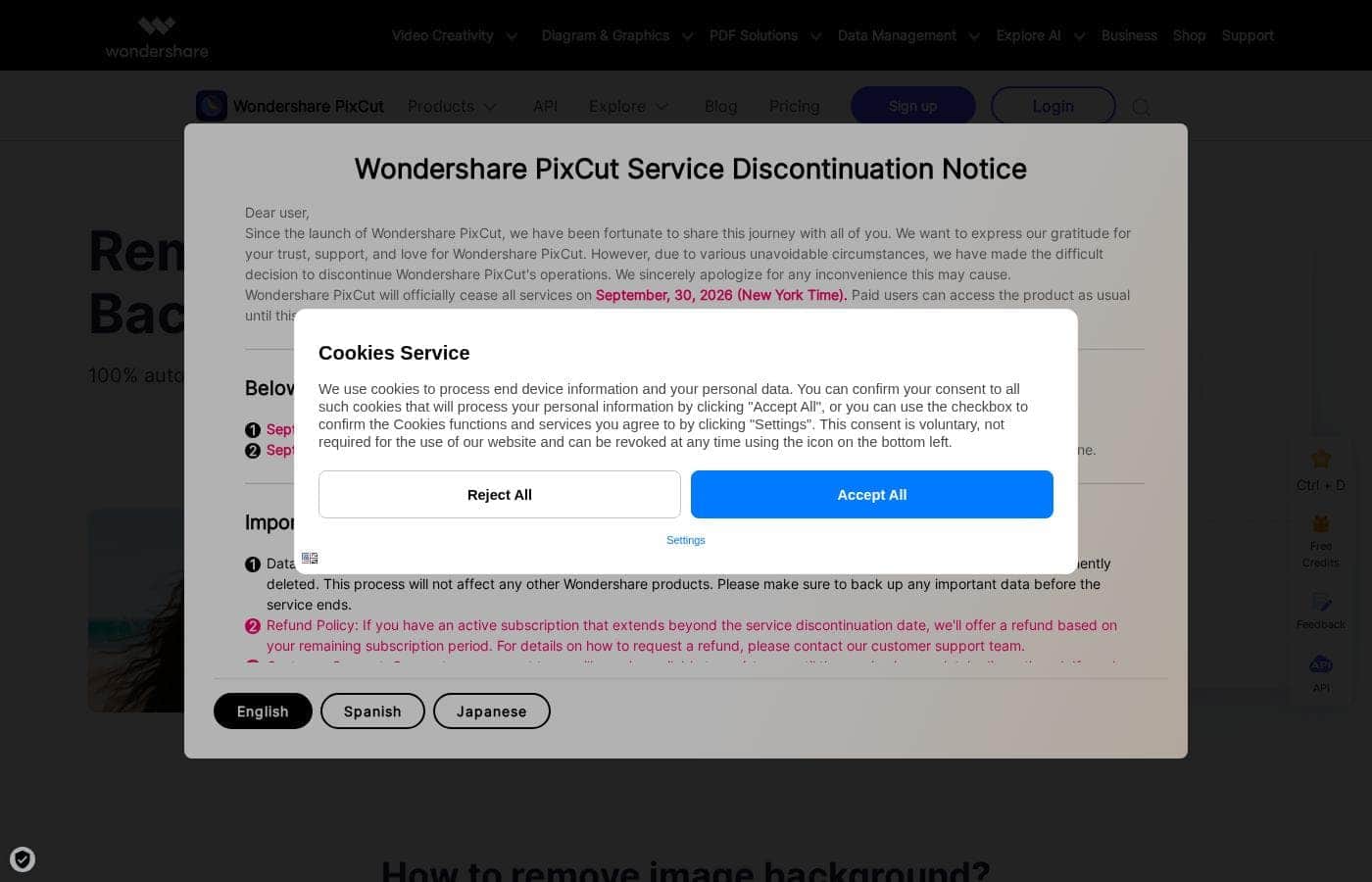
  • Cons:Wondershare has announced PixCut will cease all services on September 30, 2026 (paid channels close September 15, 2026), and all account data will be permanently deleted β€” so it's not a viable long-term tool
  • Cons:The homepage tool handles only one image at a time; batch processing requires the separate bulk remover, which adds friction for larger jobs
  • Cons:High-quality downloads (over 250,000 pixels) each consume a credit, so heavy usage on the Pro plan can add up β€” per-image cost ranges from $0.14 down to $0.06 depending on tier
Best for
  • Ecommerce sellers who need clean product images fast, especially on Shopify
  • Marketers and social media creators making graphics with transparent PNGs
  • Figma users who want one-click background removal inside their design tool
Money-back guarantee
Yes β€” 30 days
This section is a summary. Detailed sections about features, use cases, pricing, and reviews follow below.

What is PixCut?

Erasing backgrounds by hand is slow, fiddly work. PixCut does it automatically with AI: upload an image, let it cut out the subject, and download a transparent result. It works in a browser, on desktop, or inside Figma and Shopify.

One big caveat: Wondershare shuts the service down on September 30, 2026.

Wondershare PixCut is a free online tool that removes image backgrounds automatically with AI. The workflow is simple: upload an image (drag, drop, paste, or add a URL), let the AI isolate the subject, then download a transparent result you can replace. It targets ecommerce sellers, marketers, and designers, with desktop and mobile apps, Figma and Shopify plugins, bulk removal for up to 20 images, and an API for developers.

Should you choose PixCut?

Quick buyer guidance before you compare plans or click through.

Choose it if

  • You want free, automatic AI cutouts with no manual editing
  • You like flexible input: drag and drop, paste, or add an image URL
  • You handle batches β€” the bulk remover takes up to 20 images at once
  • You switch between browser, Windows, Mac, or Android
  • You want extras like 8x image enlargement, watermark removal, and photo unblurring

Skip it if

  • Anyone wanting a long-term tool: Wondershare discontinues PixCut on September 30, 2026, and paid channels close September 15, 2026
  • Buyers counting on stored files β€” all account data will be permanently deleted after shutdown
  • Teams relying on auto-renewal or new subscriptions beyond mid-September 2026, when those options turn off
  • Shoppers who want pricing and refund terms up front β€” those details sit on separate pages, so verify before paying

Next steps before buying

  1. 1Read the discontinuation notice first: all services end September 30, 2026 (New York time), and paid channels close September 15, 2026
  2. 2Try the free browser remover with one of your own images before spending anything
  3. 3If your subscription runs past the shutdown date, contact Wondershare support about a refund for the remaining period
  4. 4Back up any images or data in your account before September 30, 2026, since everything will be deleted
  5. 5If you need background removal beyond 2026, compare alternative tools now

Ease of use

PixCut looks very easy to use based on its site. The flow is three steps: upload, automatic removal, download. You can drag and drop, paste an image, or add a URL, and no setup or training appears to be required. The homepage handles one image at a time; batching requires the separate bulk tool. Help comes from an FAQ, how-to guides, and a support center.

PixCut Key Features

βœ‚οΈ Automatic AI Cutouts in Three Steps

Clean cutouts without the manual erasing. PixCut's AI strips backgrounds on its own: upload an image by dragging, dropping, pasting, or adding a URL, and the tool isolates your subject automatically. The homepage handles one image at a time, so it suits quick, single-image jobs β€” and you don't need any design skills.

✨ Bulk Removal for Big Batches

Batch processing saves you from repeating the same steps. The bulk background remover handles up to 20 images at one time, so large sets get done in a single pass. It's handy whenever you're working through a stack of photos.

Feed in your batch, and the tool processes them together.

✨ Editing Extras Beyond Cutouts

PixCut goes past background removal with extras that fix common image issues: - Remove watermarks and objects with content-aware filling. - Enlarge images up to 8x without losing quality. - Unblur photos for clearer results.

Each tool runs alongside the main remover, so you can clean up an image right where you cut it out.

✨ Works Where You Work

PixCut lives where you already work. Use the browser tool, or install apps for Windows, Mac, and Android. A Figma plugin puts cutouts on your design canvas, and a Shopify app brings the remover inside your store.

Developers can wire background removal into their own applications through the API with just a few lines of code.

Use Cases

πŸ›οΈ Product photos for online stores

You run a Shopify store and need clean product shots. Upload an image, and PixCut cuts the item out automatically. Expected outcome: transparent PNGs ready for your listings.

Tip: the bulk remover handles up to 20 images at once.

πŸ“£ Marketing and social graphics

You're making social posts or campaign banners and want the subject on its own. Drag in a photo, paste one, or drop a URL. Expected outcome: a clean transparent PNG you can layer over any backdrop.

🎨 Design work inside Figma

You design in Figma and need an isolated subject for a layout. The PixCut plugin gives you one-click background removal right on the canvas, so there's no switching tools or exporting files back and forth.

βš™οΈ Building with the API

You're building an app that needs background removal. PixCut's API adds it in a few lines of code. Expected outcome: cutouts inside your own product.

Note: all services end September 30, 2026, so plan around that date.

PixCut pricing

Prices not verified yet β€” see the vendor page.

PixCut's pricing page

PixCut pricing page screenshotView pricing page screenshot

Price history

Tracking prices since Sep 7, 2026. No price change detected yet.

Pricing types: Free plan, Monthly subscription, One-time payment

Pricing notes

The page text does not contain any visible pricing information for PixCut. No plans, prices, or subscription details are listed.

PixCut costs between $0 and $539.99 with three plans: Free Account at $0, Monthly Pro Plan starting at $6.99/month, and Pay As You Go credit packs from $4.99.

Here's a quick look at what each option includes.

Free Account

Price: $0 Other Features:

  • Unlimited image previews
  • 5 background removals at standard quality
  • Free image enlarging (with watermark)
  • Earn free credits by referring friends

This plan is the easiest way to try PixCut with zero risk. You can test the background remover and see if the quality works for you. Casual users who only need a few standard-quality images may never need to pay at all.

Monthly Pro Plan

Price: $18.99/month Refund Policy: 30-day money-back guarantee Other Features:

  • Credit tiers from 50 credits ($6.99) up to 5,000 credits ($299.99) per month
  • Per-image cost drops from $0.14 to $0.06 as packs get bigger
  • 1 credit downloads 1 high-quality image
  • Unused credits roll over while your subscription stays active
  • Cancel, upgrade, or downgrade anytime in the Account Center

This plan fits people who remove backgrounds often, like online sellers and marketers. The 200-credit tier at $18.99 is a sweet spot for steady monthly use. If your workload changes, adjusting your plan takes seconds.

Pay As You Go

Price: $49.99 (one-time packs from $4.99) Refund Policy: 30-day money-back guarantee Other Features:

  • Packs range from 5 credits ($4.99) to 5,000 credits ($539.99)
  • No subscription or recurring billing
  • 1 credit downloads 1 high-quality image
  • Larger packs cut the per-image cost to as low as $0.108

Prefer to pay once and be done? This option suits occasional users with unpredictable image needs. Just estimate your volume before buying, so you don't end up with more credits than you'll actually use.

Worth knowing: every purchase is covered by a 30-day money-back guarantee, and PixCut accepts PayPal, Visa, Mastercard, American Express, and several other payment methods. There's no timed free trial, but the free account lets you keep using basic features at no cost. Standard-quality downloads (up to 250,000 pixels) are free, while high-quality downloads (up to 25 million pixels) cost one credit each. One last note: Wondershare has announced PixCut will stop all services on September 30, 2026, with paid channels closing September 15, 2026 β€” active subscriptions extending past that date qualify for refunds on the remaining period, so check your timing before buying a large pack.
How to pay less for PixCut

  • 30-day money-back guarantee if it does not fit.
Visit PixCut

Email me when PixCut changes price

One email when we detect a price change on the vendor's pricing page. No newsletter, no deals. Unsubscribe in one click.

User Reviews

No reviews yet.

Write a Review

Write a Review for PixCut
0/100 characters
0/2000 characters

Why use PixCut?

If you need clean cutouts right now, PixCut still gets the job done β€” and it costs nothing to try.

  • It's free and automatic. The AI strips backgrounds on its own, so there's no manual erasing and no design skills needed.
  • Work where you already are. Use the browser tool, or install apps for Windows, Mac, and Android.
  • It fits existing workflows. A Figma plugin and a Shopify app bring cutouts straight into design and store tasks.
  • Batch work is covered. The bulk remover processes up to 20 images at one time.
  • It goes beyond cutouts. You can enlarge images to 8x, remove watermarks and objects, unblur photos, and make transparent PNGs.
  • Developers can build with it. The API lets you add background removal to an app with a few lines of code.

One caveat matters: Wondershare has announced PixCut closes down on September 30, 2026, and all account data will be permanently deleted. Treat it as a free short-term helper, not a long-term investment.

PixCut alternatives

Other tools in the Photo Background Remover category

View all Photo Background Remover tools
Erase.bg

Erase.bg

Photo Background Remover3.7/5

The Pixelbin AI tool is a free, 100% automatic background remover. You won't even need to sign up to use it! Just upload your image or paste a URL and let the magic happen. The AI detects the subject, whether it's people, products, or cars, and cleanly separates it from the backdrop. Within seconds, you receive a high-resolution, background-free version ready for download. This speed makes it ideal for quick edits or massive projects.

PixCut FAQ

What payment methods does PixCut accept?

PixCut takes PayPal, Visa, Mastercard, American Express, Discover, JCB, Diners Club, Alipay, bank or wire transfer, and more. Heads up: e-check payments usually take 3–5 days to clear before credits arrive.

How fast is customer support?

You can get instant help through live chat, and email requests sent via the Support Center get a reply within 24 hours. Support stays available until the service ends on September 30, 2026.

Is my payment and personal data secure?

PixCut says it protects financial and personal information with advanced encryption and fraud protection. Still, back up any images in your account before September 30, 2026, when all account data gets deleted.

What happens right after I pay?

Within 10 minutes, you'll get an email with a registration code at your purchase address. Sign in with your Wondershare account, activate it, and you're ready to use all the features.

Ready to try PixCut? Check out the official site or pricing.

Are you PixCut? Claim this listing Β· Get the badge