Does Webwatcher use per-usage or per-device pricing?
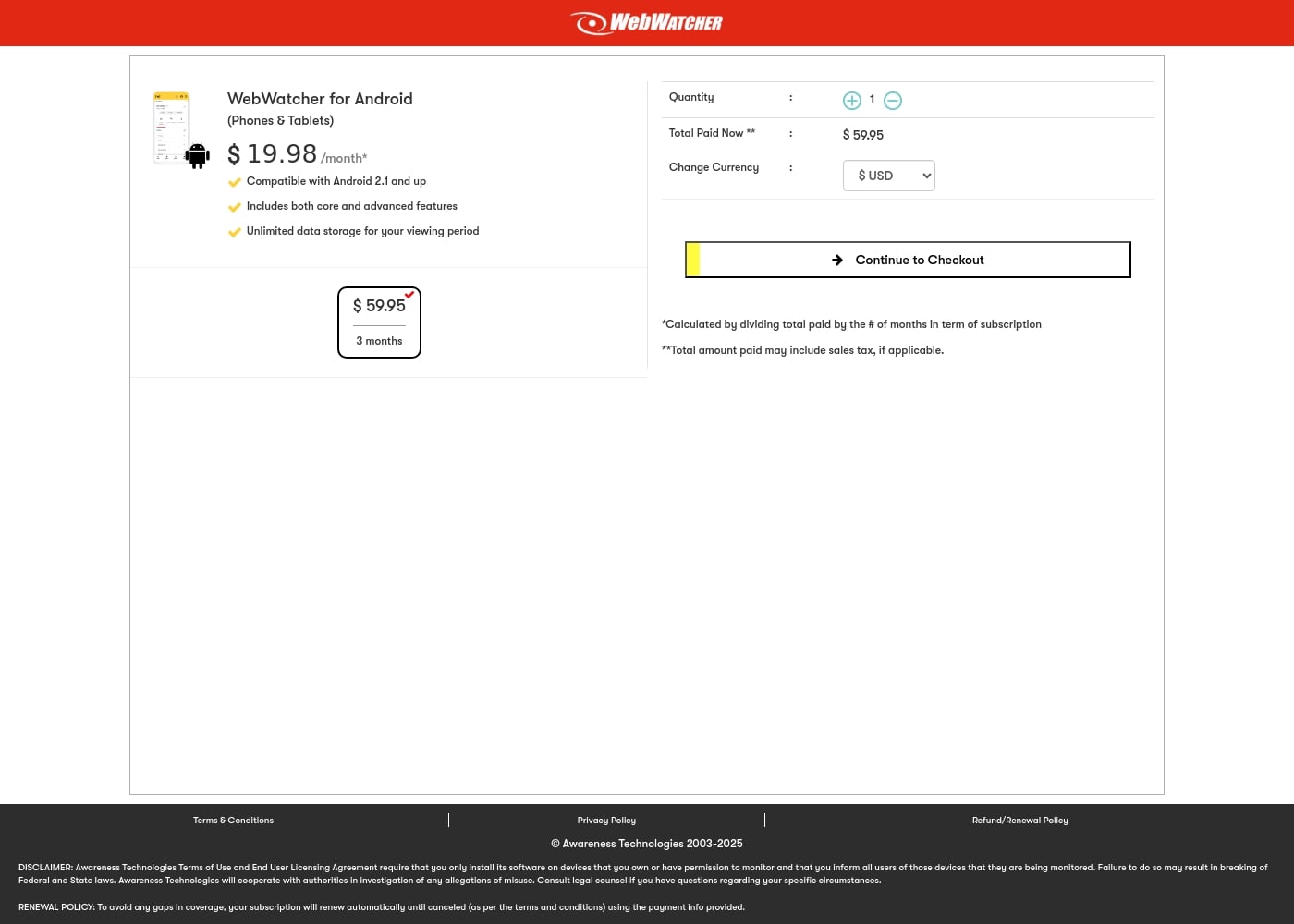
Pricing is per device monitored, not based on data usage volume. The advertised 3-Month Android Subscription covers monitoring for one single device. This plan includes unlimited data storage for your entire viewing period.
If I buy the Android plan, can I use it to monitor an iPhone or PC later?
The explicitly priced subscription is specifically for Android phones and tablets. While Webwatcher generally supports iPhone, PC, and Mac, separate purchase plans for those specific devices are not currently shown in the checkout flow.
How long is the risk-free trial period?
Webwatcher uses a 'Try it Risk Free' approach, though the official site does not explicitly state a specific duration in days for the free trial. You should check the terms of service after creating your account for explicit trial details.
How do refunds work if the app doesn't function correctly?
Webwatcher fully guarantees that the product will work exactly as advertised. If functionality issues arise, and the support team cannot resolve the technical problem, you are entitled to a complete refund of your purchase price.
How do I cancel my subscription and avoid automatic renewal?
Your subscription is set to renew automatically to prevent gaps in your monitoring coverage. You can cancel your service whenever you need to, but the website does not detail the exact steps for cancellation.
Is there a limit to how much activity data the platform stores?
No, there are no limits on data volume. Every paid subscription, such as the 3-Month Android plan, includes unlimited data storage for the duration of your viewing period.
Where is the monitored data stored, and is it secure?
All recorded monitoring data is sent to a secure, web-based online account. This highly discrete system lets you check your child's activity remotely from any device you choose.
What is the physical installation process for different devices?
Installation is quick and easy, typically taking five minutes or less. For Android, you download and pair an app to the child's phone. For iPhone, you connect the phone to your local PC or Mac one time during setup.
Can Webwatcher monitor specific apps like Snapchat?
Yes, Webwatcher can monitor Snapchat activity. On Android, it captures received messages and takes screenshots of the activity. For monitoring an iPhone, it only captures that the Snapchat app has been downloaded.
What kind of support responsiveness should I expect?
Customers frequently report positive experiences, noting that customer service is great and they received help right away. The company does not explicitly publish a formal Service Level Agreement or guaranteed response time.
Which currencies and regions does Webwatcher support for billing?
The product cart allows customers to select pricing displayed in US Dollars ($USD) or Euros (€EUR).
Who is the ideal user for this monitoring software?
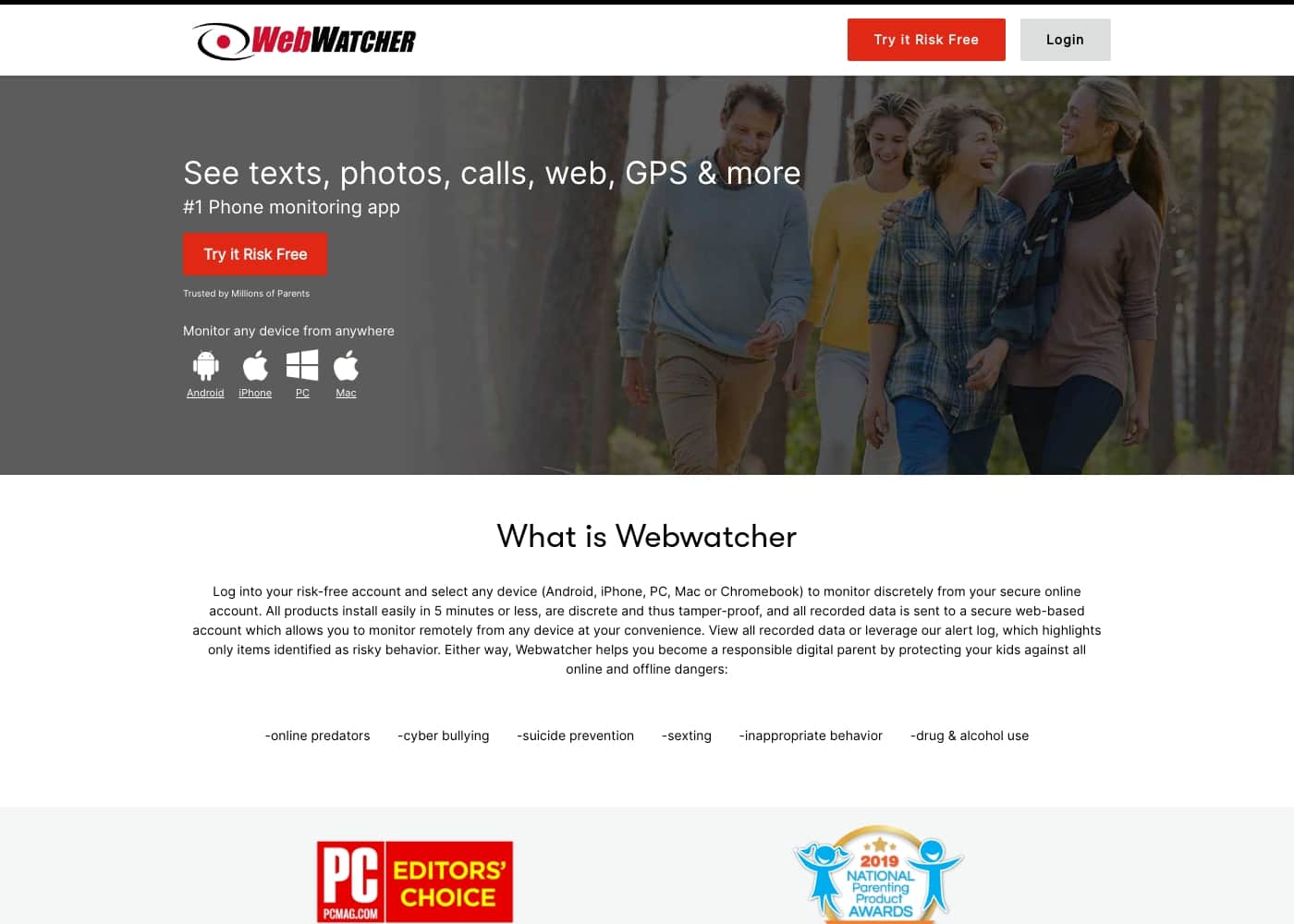
Webwatcher is primarily aimed at parents who need to supervise teenagers involved in risky online behavior. It is best suited for focused, short-term coverage on a single Android device.
Is the monitoring application visible on the monitored device?
The application is designed to be discrete and tamper-proof once installed correctly. This means the software is intended to operate in the background without drawing attention.