VWO

VWO review

Test, analyze, and personalize digital experiences with one experimentation platform.

By Ciroapp Editorial Team · Updated Sep 16, 2026

Commission may apply at no extra cost

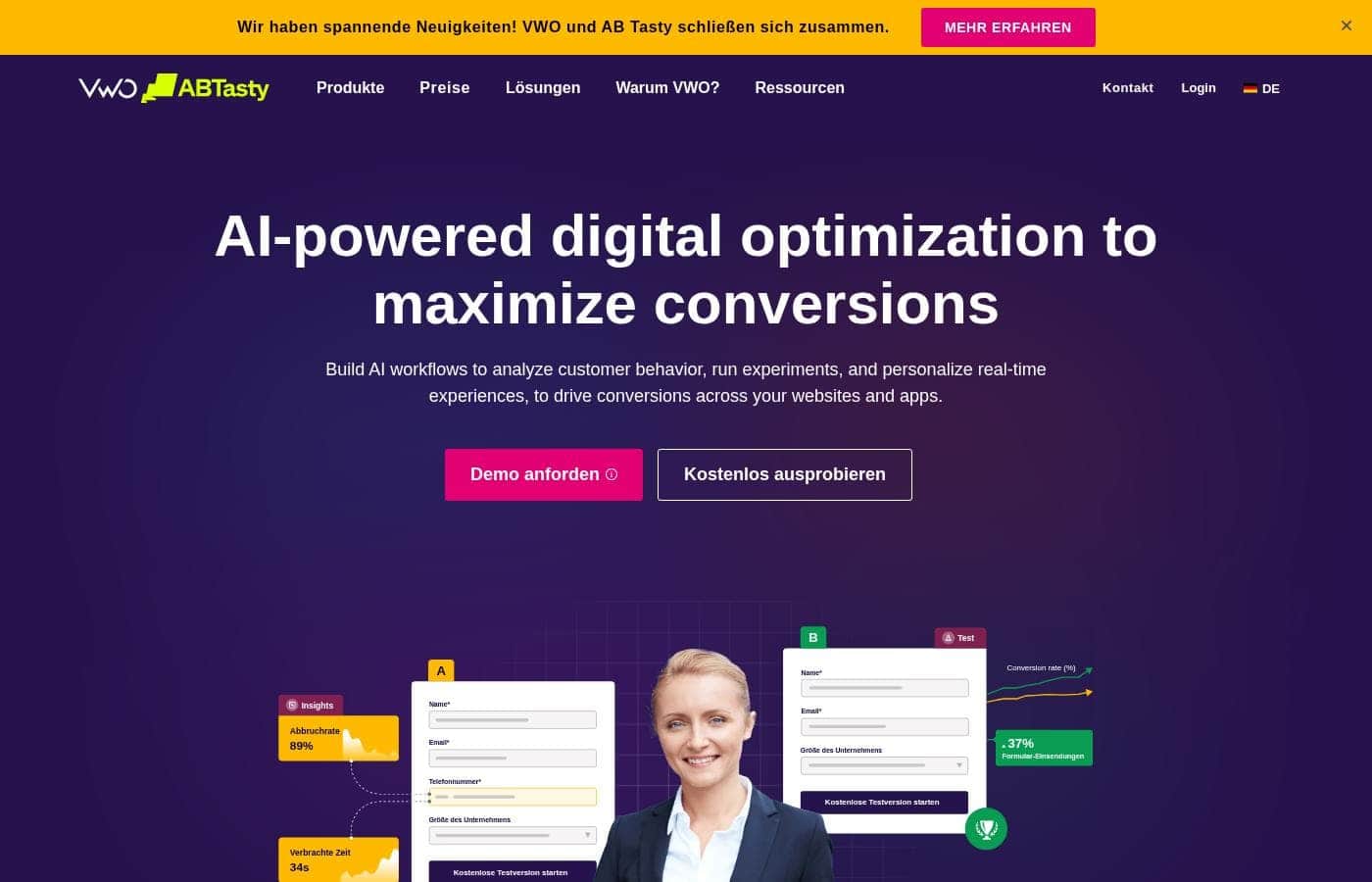
VWO homepage screenshot

At a glance

Quick overview for VWO: rating, pricing summary, key features, and highlights.
Vendor page checked Oct 12, 2026

Ciroapp score

3.9/ 5

VWO bundles A/B and multivariate testing with heatmaps, session recordings, funnels, and surveys, so test ideas come from real user behavior. It also covers server-side experiments and mobile apps, though pricing scales with traffic and final tier numbers usually need a vendor quote. Overall, it's a solid, recommendable pick for teams with steady traffic and some developer support.

Pros

  • Pros:Combines quantitative testing with qualitative research, including heatmaps, session recordings, funnels, and surveys, so hypotheses come from observed user behavior rather than guesswork.
  • Pros:The visual editor lets marketers launch client-side A/B and multivariate tests without engineering tickets, while code-based and server-side options cover deeper changes.
  • Pros:The Bayesian statistics engine reports outcomes as plain probabilities of beating the control, reducing the p-value misinterpretations that produce false winners.

Cons

  • Cons:Costs scale with traffic volume and the number of modules enabled, so total spend can grow quickly as a program expands, and final tier pricing generally requires a conversation with the vendor.
  • Cons:The breadth of the platform is a double-edged sword — teams need real process and statistical discipline to use it well, and module sprawl can overwhelm small organizations.
  • Cons:Client-side visual testing is subject to page flicker on slow-loading sites, a general constraint of web testing that requires engineering workarounds for a clean user experience.
Best for
  • E-commerce and D2C teams optimizing product pages, category layouts, and checkout funnels, where conversion lift translates directly into revenue.
  • SaaS product managers who need server-side experiments and staged feature rollouts to test changes with a subset of users before full release.
  • Growth and marketing teams that want testing, heatmaps, session recordings, and surveys in one tool instead of paying for several point solutions.
This section is a summary. Detailed sections about features, use cases, pricing, and reviews follow below.

What is VWO?

Shipping a website or product change without evidence usually means relying on whoever argues loudest in the meeting. VWO was built to settle those decisions with data: it bundles A/B testing, behavioral analytics, and personalization into a single platform that serves marketers, product managers, UX researchers, and engineers. This review walks through what the platform actually does, where it performs well, and the trade-offs teams should weigh before committing.

VWO is an experimentation and experience optimization platform that covers the full life cycle of a test, from hypothesis and variation building through traffic splitting and statistical analysis. Its toolkit spans A/B, split URL, and multivariate testing; heatmaps, session recordings, funnel analysis, form analytics, and on-page surveys; plus on-site personalization and server-side feature experimentation through its FullStack capability. Everything runs across websites and mobile apps, which lets a company consolidate its entire optimization program on one platform instead of stitching together separate analytics, testing, and research vendors.
Should you choose VWO?

Quick buyer guidance before you compare plans or click through.

Choose it if

  • E-commerce and D2C teams optimizing product pages, category layouts, and checkout funnels, where conversion lift translates directly into revenue.
  • SaaS product managers who need server-side experiments and staged feature rollouts to test changes with a subset of users before full release.
  • Growth and marketing teams that want testing, heatmaps, session recordings, and surveys in one tool instead of paying for several point solutions.
  • UX professionals validating redesigns with behavioral evidence and measured experiments rather than internal opinion.

Skip it if

  • Very low-traffic websites that cannot accumulate enough conversions to reach statistical significance; the overhead of testing outweighs the value of the data.
  • Teams that want a single one-off experiment with no intention of running a continuous optimization program, since most of the platform's breadth would go unused.
  • Buyers who need a simple flat-rate tool with fully published numeric pricing; VWO's costs depend on traffic and selected modules, so final numbers usually come from the vendor.

Next steps before buying

  1. 1Create an account on vwo.com and choose the free plan or a paid subscription based on your expected monthly traffic.
  2. 2Install the VWO tracking snippet site-wide, or integrate the mobile/FullStack SDK, and confirm that data is being collected in the dashboard.
  3. 3Use heatmaps, session recordings, and funnel reports to identify a high-traffic page or step with measurable friction.
  4. 4Launch a first A/B test against a clear conversion goal, let it run to the statistics engine's significance threshold, and document the result before scaling the program.

VWO Key Features

✨ A/B, Split URL, and Multivariate Testing

The core VWO Testing module handles classic A/B tests through a drag-and-drop visual editor, split URL tests that compare complete page designs, and multivariate tests that measure combinations of several elements at once. Experiments can target specific audiences by device, geography, behavior, or custom segments, and multiple goals can be tracked per test so secondary effects become visible rather than hidden.

✨ Behavioral Analytics and Qualitative Insights

VWO Insights layers heatmaps, clickmaps, scrollmaps, session recordings, funnel analysis, form analytics, and on-page surveys on top of experiment data. The practical benefit is that teams can watch where users hesitate or abandon, then convert those observations into testable hypotheses without exporting data into a separate research tool.

✨ Server-Side Experimentation and Feature Rollouts

Through the FullStack capability, engineering teams run experiments and manage feature flags on the server, enabling tests on APIs, algorithms, pricing logic, and mobile apps where a visual editor cannot reach. This also supports staged rollouts, releasing a change to a small percentage of users first and expanding only if the measured results justify it.

✨ Personalization and Program Management

VWO Personalize delivers persistent, targeted experience variations to defined segments such as returning visitors or users from a specific campaign, continuing after a test ends. Collaboration and planning features keep hypotheses, owners, and outcomes organized, which matters once an experimentation program moves beyond a handful of concurrent tests.

Use Cases

💡 Reducing Checkout Abandonment in E-commerce

Retail teams use funnel analysis and session recordings to pinpoint the exact step where shoppers abandon, then run A/B tests on shipping-cost display, form length, trust signals, and payment options. Winning variations are measured against completed purchases rather than clicks, so reported lift ties directly to revenue.

💡 Improving SaaS Onboarding and Activation

Product teams test onboarding flows, empty states, and feature introduction patterns, often with server-side experiments so logic-level changes are measurable. Feature flags let them roll a new flow out to a fraction of signups first, compare activation rates, and expand gradually instead of committing the whole user base at once.

💡 Validating Redesigns Before Full Launch

Rather than pushing a site-wide redesign on internal opinion, UX teams use split URL tests to route a share of traffic to the new design and compare engagement, task completion, and conversion over a fixed period. On-page surveys on both versions add the qualitative explanation for why the numbers moved.

💡 Personalizing Experiences for Key Segments

Marketing teams serve persistent, targeted experiences to segments such as paid-search visitors, loyalty members, or mobile users, for example showing different hero messaging per traffic source. Because personalization runs on the same measurement stack as testing, its impact remains auditable rather than anecdotal.

VWO pricing

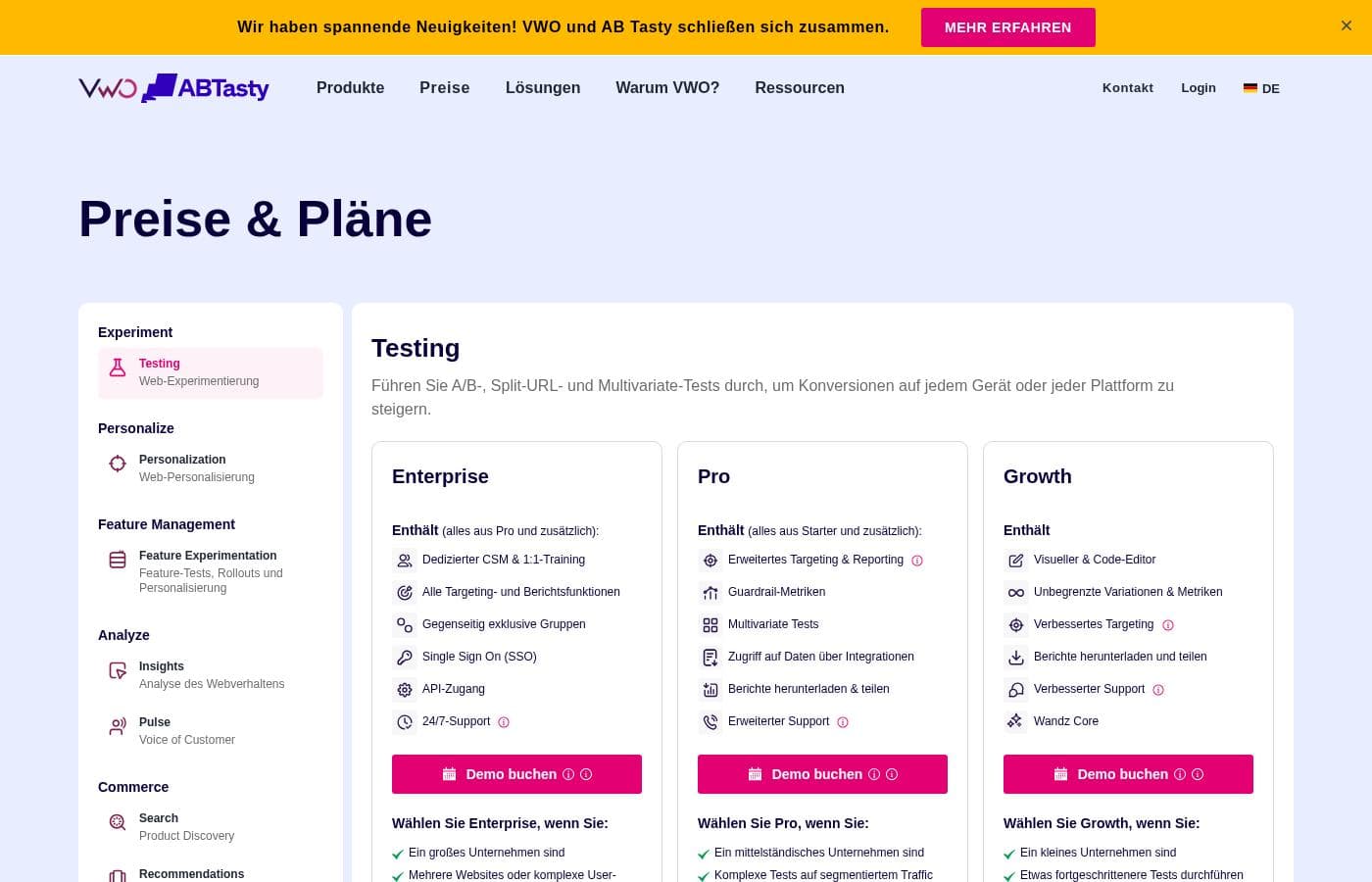
VWO doesn't publish prices: pricing is quote-based (contact sales).

VWO's pricing page

VWO pricing page screenshotView pricing page screenshot

Price history

Tracking prices since Oct 1, 2026. No price change detected yet.

Pricing types: Free plan, Monthly subscription

Pricing notes

VWO pricing: Billing options: Free plan, Monthly subscription

Email me when VWO changes price

One email when we detect a price change on the vendor's pricing page. No newsletter, no deals. Unsubscribe in one click.

User Reviews

No reviews yet.

Write a Review

Write a Review for VWO
0/100 characters
0/2000 characters

Why use VWO?

Optimization programs often stall because the behavioral data lives in one tool, the testing lives in another, and nobody connects a heatmap insight to an actual experiment. VWO addresses that by putting quantitative metrics and qualitative context side by side, so a drop-off spotted in a funnel can become a hypothesis, then a test, then a measured decision.

Its Bayesian statistics engine also reports results as plain probabilities of outperforming the control, lowering the statistical literacy barrier that derails many in-house testing efforts.

VWO alternatives

Other tools in the A/B Testing category

View all A/B Testing tools
Crazyegg

Crazyegg

A/B Testing4.1/5

Crazy Egg is a website optimization suite used by over 436,000 websites to understand visitors. It brings together Heatmaps, Session Recordings, A/B Testing, Web Analytics, Surveys, and Popup CTAs to show what works and what causes friction.

Zoho PageSense

Zoho PageSense

A/B Testing4/5

Zoho PageSense is the Conversion Optimization and Personalization Platform that tracks and analyzes your website performance and visitor behavior. It's designed for marketers and website owners who want to drive conversions by testing, personalizing, and engaging visitors—without writing code. Take a step forward with tools built to analyze your site's metrics, drive leads that convert, and deploy web pages that perform and do much more, all without you writing a single line of code.

Improvely

Improvely

A/B Testing3.8/5

Improvely is an easy-to-use dashboard designed for marketers looking to centralize their results monitoring. It's a comprehensive tool built specifically to optimize your marketing performance. If you need to know exactly where every signup and sale originates—from a specific campaign or any other channel—Improvely delivers that information. It serves individual marketers, remote teams, and agencies working with clients, offering robust team logins and custom-branded client reports. It works everywhere you advertise online.

VWO FAQ

Does VWO have a free plan or free trial?

VWO's pricing includes a free plan alongside paid monthly-subscription tiers. The free plan lets smaller sites run basic tests before upgrading, and current plan limits are published on the official pricing page at vwo.com/pricing.

Do I need developers to use VWO?

For standard client-side A/B tests built with the visual editor, no; marketers can create and launch variations themselves after the VWO tracking snippet is installed once. Developer involvement becomes necessary for server-side FullStack experiments, mobile app testing via the SDKs, and complex dynamic variations.

How does VWO determine whether a variation wins?

VWO uses a Bayesian statistics engine that expresses results as the probability a variation beats the control rather than a bare p-value. Tests run until the engine reaches the declared significance threshold, and the platform discourages stopping tests early at arbitrary points, which is a common source of false winners.

What can I run beyond a basic A/B test?

VWO supports split URL tests that compare entire page designs, multivariate tests that evaluate multiple element combinations simultaneously, funnel and form analysis to locate friction, on-page surveys for qualitative feedback, on-site personalization for targeted segments, and server-side feature experiments for staged product rollouts.

Ready to try VWO? Check out the official site or pricing.

Are you VWO? Claim this listing · Get the badge