Tresorit

Tresorit review

End-to-end encrypted cloud storage, sharing, e-signing, and document scanning in one secure workspace for teams that handle sensitive data.

By Ciroapp Editorial Team · Updated Sep 17, 2026

Commission may apply at no extra cost

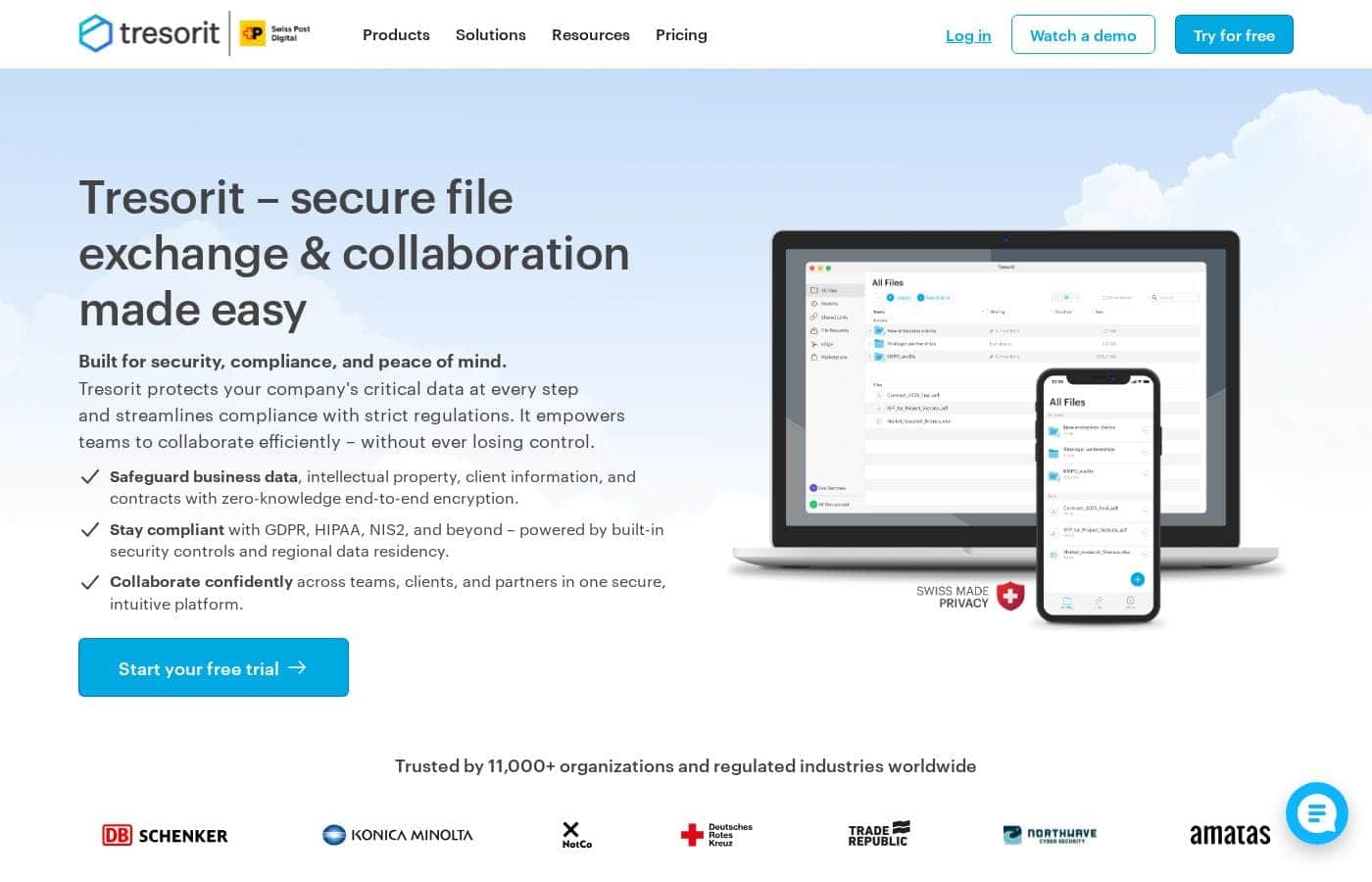
Tresorit homepage screenshot

At a glance

Quick overview for Tresorit: rating, pricing summary, key features, and highlights.
Vendor page checked Oct 12, 2026

Ciroapp score

3.8/ 5

Tresorit wraps storage, sharing, scanning, and e-signing in end-to-end encryption, so files stay unreadable to the provider and more than 11,000 organizations trust it with sensitive work. The trade-offs are real: it costs more than consumer storage, setup takes admin effort, and encryption limits search and integrations. Overall, it's a smart pick for teams where confidentiality is non-negotiable.

Pros

  • Pros:End-to-end encryption applies to everything by default, so files are unreadable to the provider and anyone who gains server access — not just to files you manually encrypt.
  • Pros:Storage, sharing, scanning, and e-signing are consolidated in one platform, eliminating the common security gap of moving sensitive documents between a storage tool and separate signing or scanning apps.
  • Pros:Granular permission controls let administrators restrict exactly who can view, edit, or download shared content, including external collaborators.

Cons

  • Cons:The security-first design and organizational focus mean pricing is likely higher than consumer-grade storage services, which may be hard to justify for individuals or teams with only light confidentiality needs.
  • Cons:End-to-end encryption limits some conveniences available in standard cloud storage — such as server-side search across file contents or certain third-party app integrations — because the provider cannot read your data.
  • Cons:Getting the full value requires onboarding — admins must configure permissions, policies, and integrations, which adds setup effort compared with a simple drag-and-drop storage folder.
Best for
  • Legal teams and law firms that need encrypted storage, controlled external sharing, and e-signing for contracts and case files.
  • Accounting, consulting, and financial advisory firms exchanging sensitive client documents such as tax records and financial statements.
  • Organizations in regulated or confidentiality-sensitive sectors (healthcare, finance, HR) that must prevent unauthorized access to stored records.
This section is a summary. Detailed sections about features, use cases, pricing, and reviews follow below.

What is Tresorit?

Tresorit is an end-to-end encrypted platform designed for organizations that need strict control over sensitive documents. Rather than treating security as an add-on, it builds encryption into every core workflow: storing files, sharing them internally and externally, scanning documents, and collecting legally binding signatures. More than 11,000 organizations use it as their primary system for handling confidential material.

Tresorit is a cloud-based content collaboration and document management platform in the Cloud Storage category. It combines encrypted file storage, secure file sharing with granular permission controls, document scanning, and electronic signing into a single environment. It integrates with everyday tools such as Google Workspace and Microsoft Outlook so encrypted workflows fit into existing email and collaboration habits.
Should you choose Tresorit?

Quick buyer guidance before you compare plans or click through.

Choose it if

  • Legal teams and law firms that need encrypted storage, controlled external sharing, and e-signing for contracts and case files.
  • Accounting, consulting, and financial advisory firms exchanging sensitive client documents such as tax records and financial statements.
  • Organizations in regulated or confidentiality-sensitive sectors (healthcare, finance, HR) that must prevent unauthorized access to stored records.
  • IT and security leaders consolidating scattered file-sharing, scanning, and signing tools into one auditable, encrypted platform.

Skip it if

  • Individuals or small teams who only need cheap, casual file storage and sync — consumer-grade services will be simpler and cheaper.
  • Teams that depend heavily on server-side features like full-text search across document contents or broad third-party app ecosystems, which end-to-end encryption inherently restricts.
  • Organizations unwilling to invest in initial admin setup and user training to configure permissions and integrations properly.

Next steps before buying

  1. 1Visit tresorit.com and review the available plans to identify which tier matches your team size and security requirements.
  2. 2Start with a trial or entry-level plan and migrate a small, clearly sensitive folder (for example, active contracts) rather than your entire file library at once.
  3. 3Configure sharing policies and permissions for your first external collaborators, and test an end-to-end workflow: upload, share, sign, and revoke access.
  4. 4Connect the Google and Outlook integrations for your team so encrypted sharing becomes part of existing email workflows instead of a separate step.

Tresorit Key Features

✨ End-to-End Encrypted Storage

Files are encrypted on your device before they leave it and remain encrypted on Tresorit's servers, so only authorized recipients with the keys can read them. This applies to everything you store, meaning confidential contracts, financial records, and client files are protected at rest without extra configuration.

✨ Secure Sharing and Access Control

Tresorit lets you share files and folders internally and with external parties while controlling who can view, edit, or download content. Permissions can be set per user, and shared links can be restricted, giving administrators fine-grained control over how sensitive documents flow in and out of the organization.

✨ Document Scanning and E-Signing

Beyond storage, Tresorit supports scanning documents directly into secure storage and handling electronic signatures, so a document can move from capture to signature without ever leaving the encrypted environment. This closes a common gap where signed or scanned paperwork ends up in unsecured folders or email attachments.

✨ Integrations with Google and Outlook

Tresorit connects with tools teams already use, including Google Workspace and Microsoft Outlook. Employees can attach, share, and save encrypted files from within familiar email and collaboration apps, which reduces friction and discourages workarounds like emailing unencrypted attachments.

Use Cases

💡 Legal and Contract Management

Law firms and in-house legal teams can store case files, share drafts with clients and opposing counsel under strict permissions, and collect signatures on agreements without the document ever existing in an unencrypted state outside the platform.

💡 Client Document Exchange for Professional Services

Accountants, consultants, and financial advisors regularly exchange tax records, financial statements, and strategy documents with clients. Tresorit provides encrypted external sharing so sensitive client material can be requested and delivered without email attachments or consumer-grade file links.

💡 Internal Collaboration on Confidential Projects

Teams working on M&A activity, product roadmaps, HR records, or board materials can collaborate in shared encrypted folders, keeping sensitive internal documents protected even if individual employee accounts or devices are compromised.

💡 Digitizing Paper Records Securely

Organizations moving from paper to digital archives can scan documents directly into Tresorit, ensuring contracts, IDs, and medical or financial records are encrypted from the moment they are captured.

Tresorit pricing

Prices not verified yet — see the vendor page.

Tresorit's pricing page

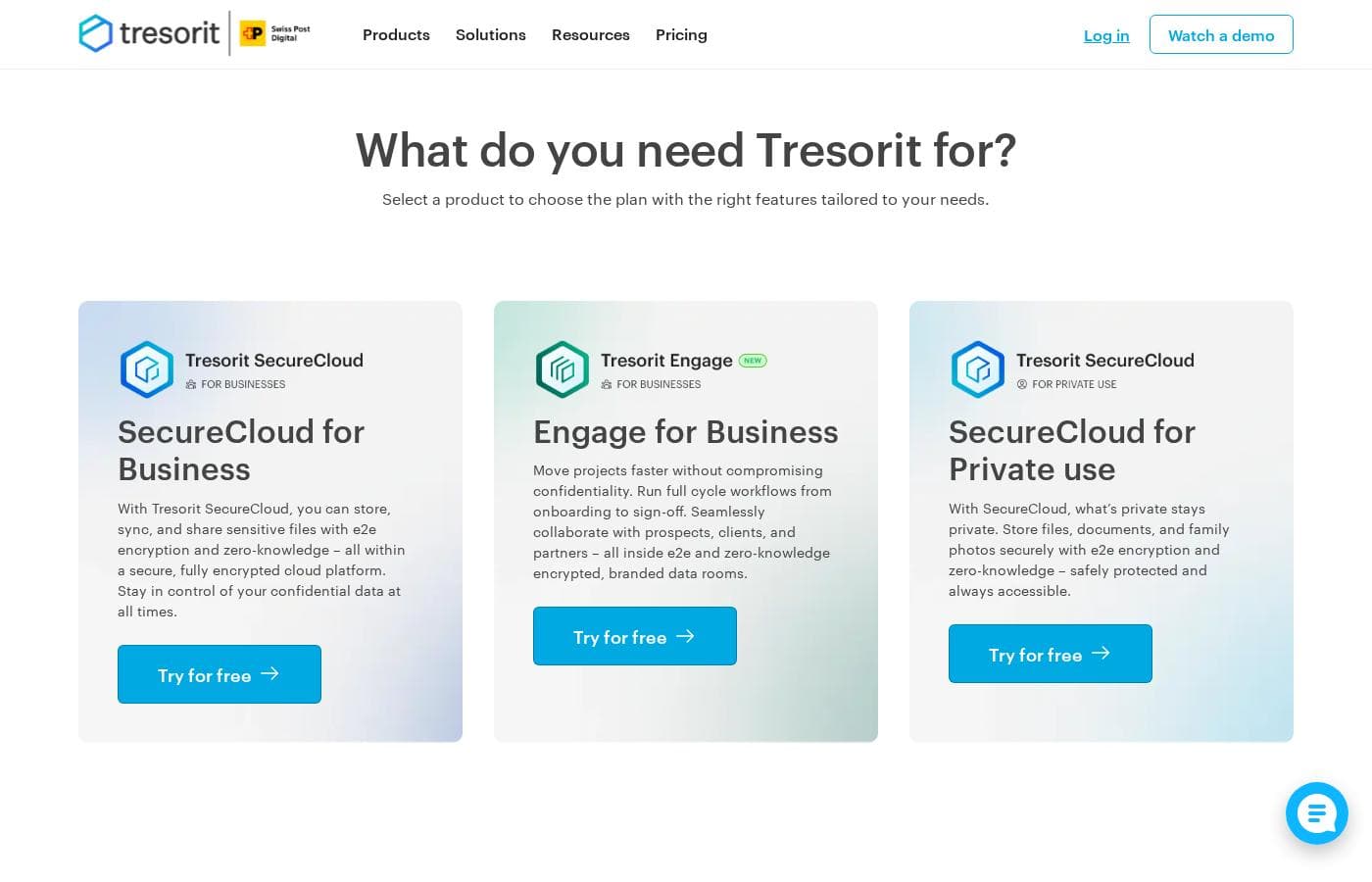
Tresorit pricing page screenshotView pricing page screenshot

Price history

Tracking prices since Oct 9, 2026. No price change detected yet.

Pricing types: Free plan, Monthly subscription

Pricing notes

Tresorit pricing: Billing options: Free plan, Monthly subscription

Email me when Tresorit changes price

One email when we detect a price change on the vendor's pricing page. No newsletter, no deals. Unsubscribe in one click.

User Reviews

No reviews yet.

Write a Review

Write a Review for Tresorit
0/100 characters
0/2000 characters

Why use Tresorit?

Most cloud storage services can access or scan your files on their servers; Tresorit's end-to-end encryption means only you and the people you authorize can decrypt content. For teams in legal, finance, healthcare, consulting, or any sector with confidentiality obligations, that difference matters.

Consolidating storage, sharing, scanning, and signing in one platform also reduces the risk of sensitive files leaking across disconnected tools.

Tresorit alternatives

Other tools in the Cloud Storage category

View all Cloud Storage tools
Proton Drive

Proton Drive

Cloud Storage4.1/5

Proton Drive is a cloud storage service designed with privacy as its primary focus. It comes from the creators of Proton Mail and Proton VPN, systems trusted by millions to protect their data. Unlike conventional cloud systems, Proton commits to privacy by default. ✨ It’s built for anyone—from individuals protecting vacation memories to businesses handling sensitive financial or legal documents. Your files, names, and even more are encrypted right on your device before they are uploaded. This means only you hold the keys to unlock and view your information.

Photobucket

Photobucket

Cloud Storage2.8/5

Tresorit FAQ

How is Tresorit different from regular cloud storage like Google Drive or Dropbox?

Tresorit uses end-to-end encryption, meaning files are encrypted on your device and only you and the people you authorize hold the keys. In standard consumer cloud services, the provider can technically access and process file contents on its servers. Tresorit is also built for organizational control, with admin-level permissions, secure external sharing, and built-in scanning and e-signing, rather than being a simple personal sync folder.

Can I share files with people who don't have a Tresorit account?

Yes. Tresorit is designed for sharing both internally and externally, so you can send encrypted files and folders to clients, partners, or other outside parties. You control what recipients can do with shared content — for example, limiting them to viewing or allowing downloads — and you can manage or revoke access as needed.

Does Tresorit replace separate e-signature and scanning tools?

For many workflows, yes. Tresorit includes electronic signing and document scanning alongside its storage and sharing features, so a document can be captured, stored, shared, and signed within the same encrypted environment. Teams that use specialized signing products with advanced workflow automation may still keep those tools, but Tresorit covers the core sign-and-store needs without exporting files to a third party.

Does Tresorit work with the tools my team already uses?

Tresorit integrates with Google Workspace and Microsoft Outlook, allowing users to attach, share, and save encrypted files from within familiar email and collaboration apps. This keeps sensitive documents inside the encrypted platform even when day-to-day work happens in email.

Ready to try Tresorit? Check out the official site or pricing.

Are you Tresorit? Claim this listing · Get the badge